Changelog
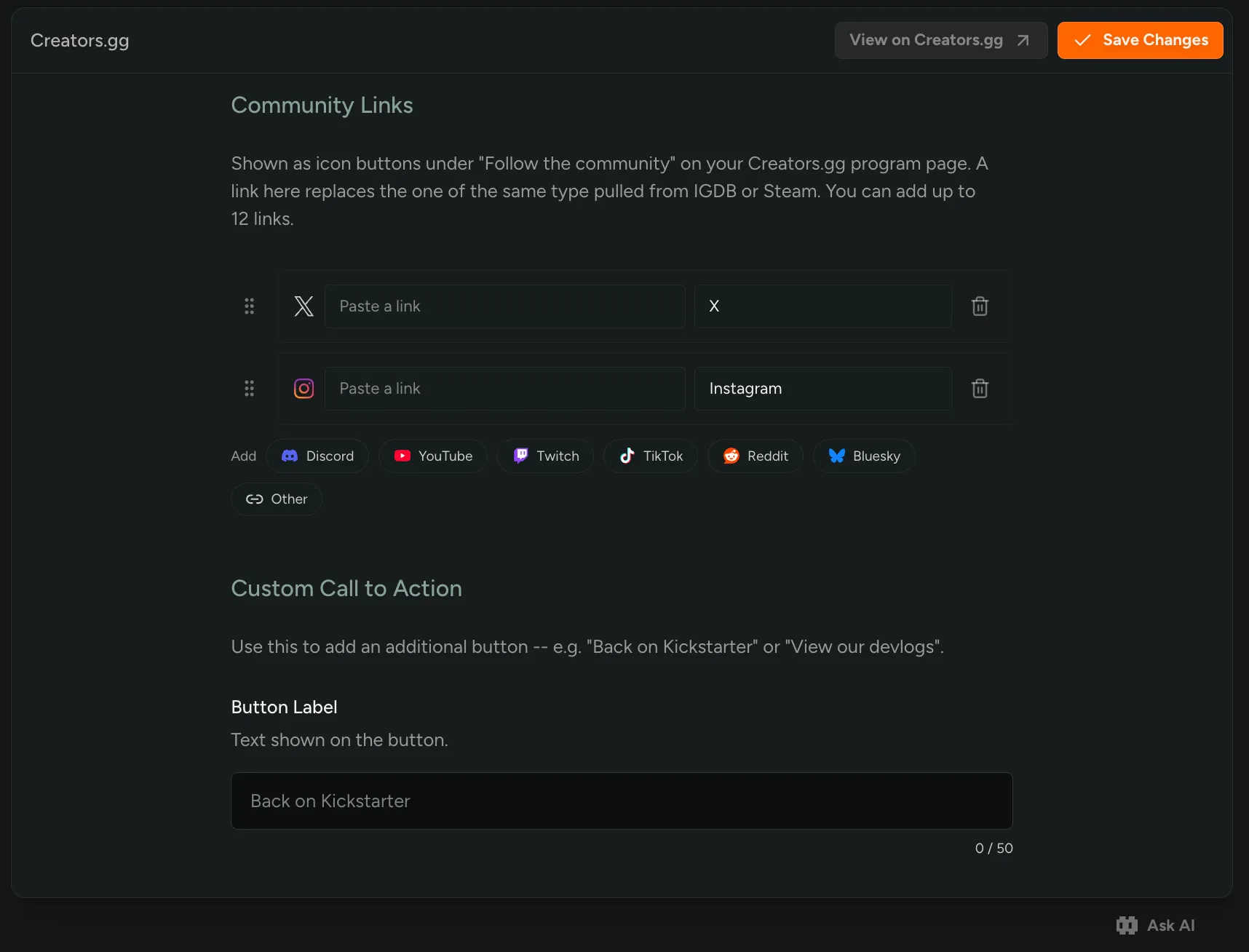
Add Social Links on Creators.gg
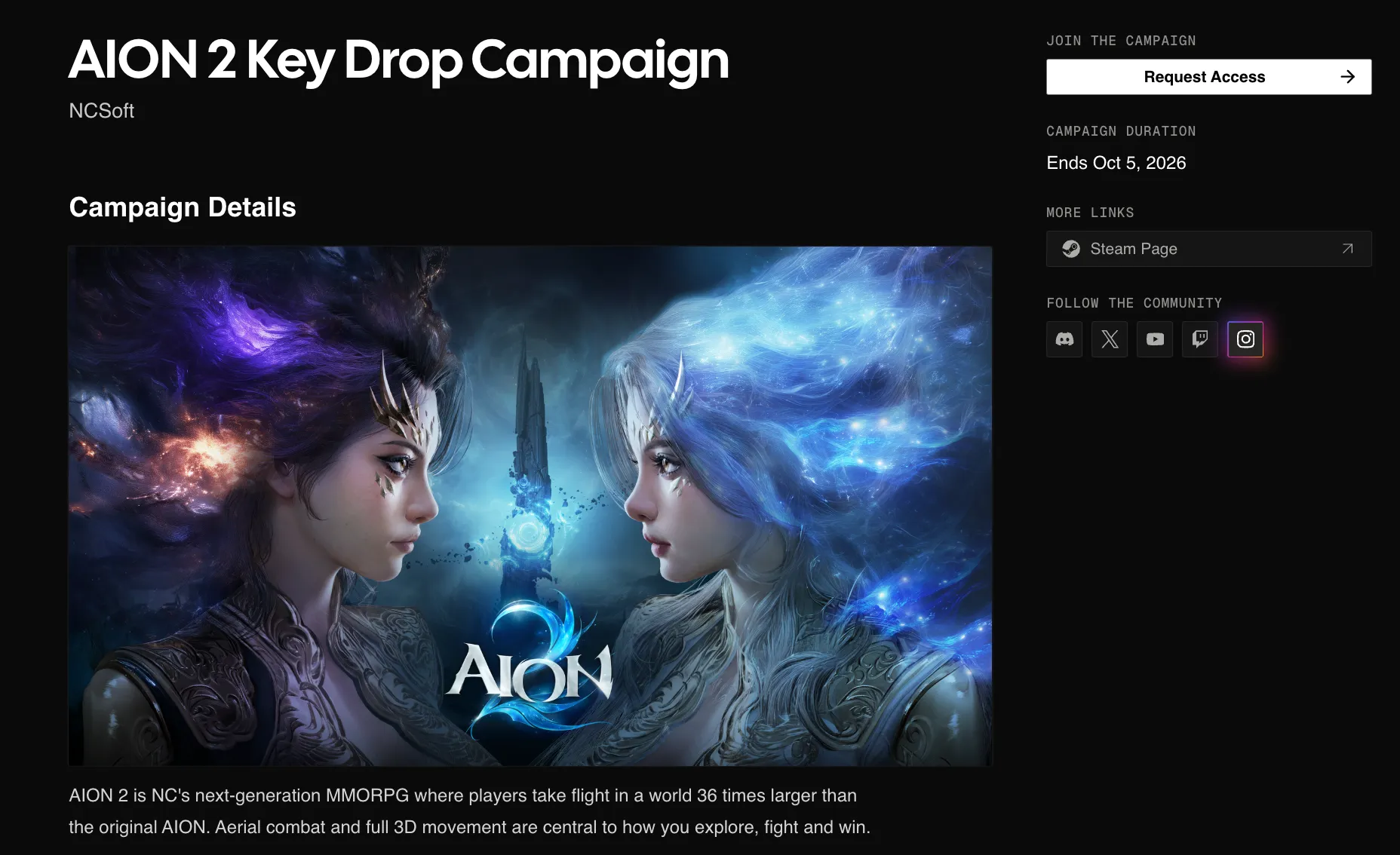
You can now add social links to your Creators.gg pages! Add Discord, YouTube, Twitch, Instagram, X, and more in your Creators.gg settings, and they show up under More Links on your creator program and campaigns.
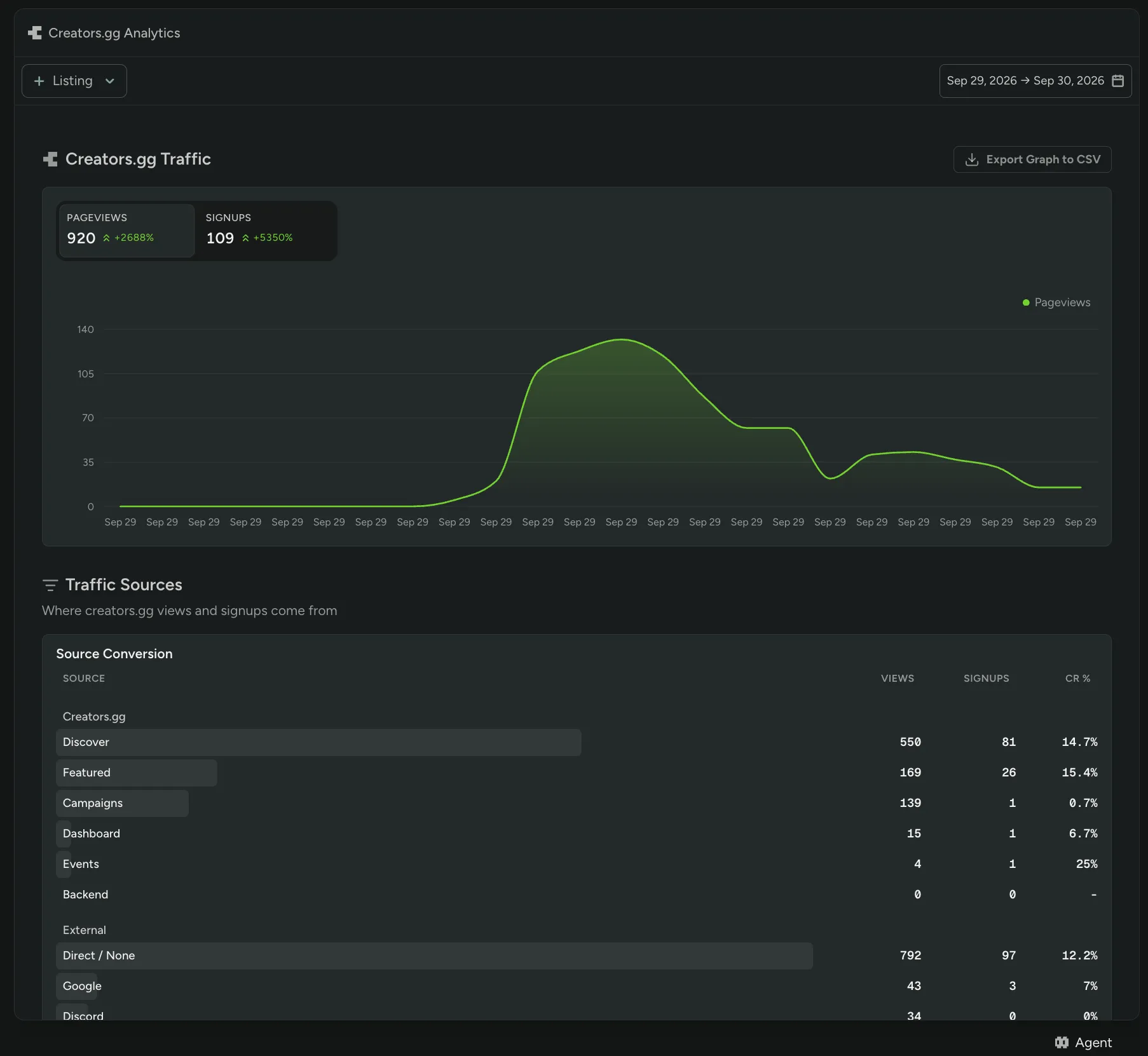
Creators.gg Analytics
Studios can now see how their Creators.gg listings perform! A new Creators.gg tab under Analytics shows listing views, joins, and view-to-join conversion. Filter to a single campaign or program to compare it against the rest, and break joins down by where creators came from.
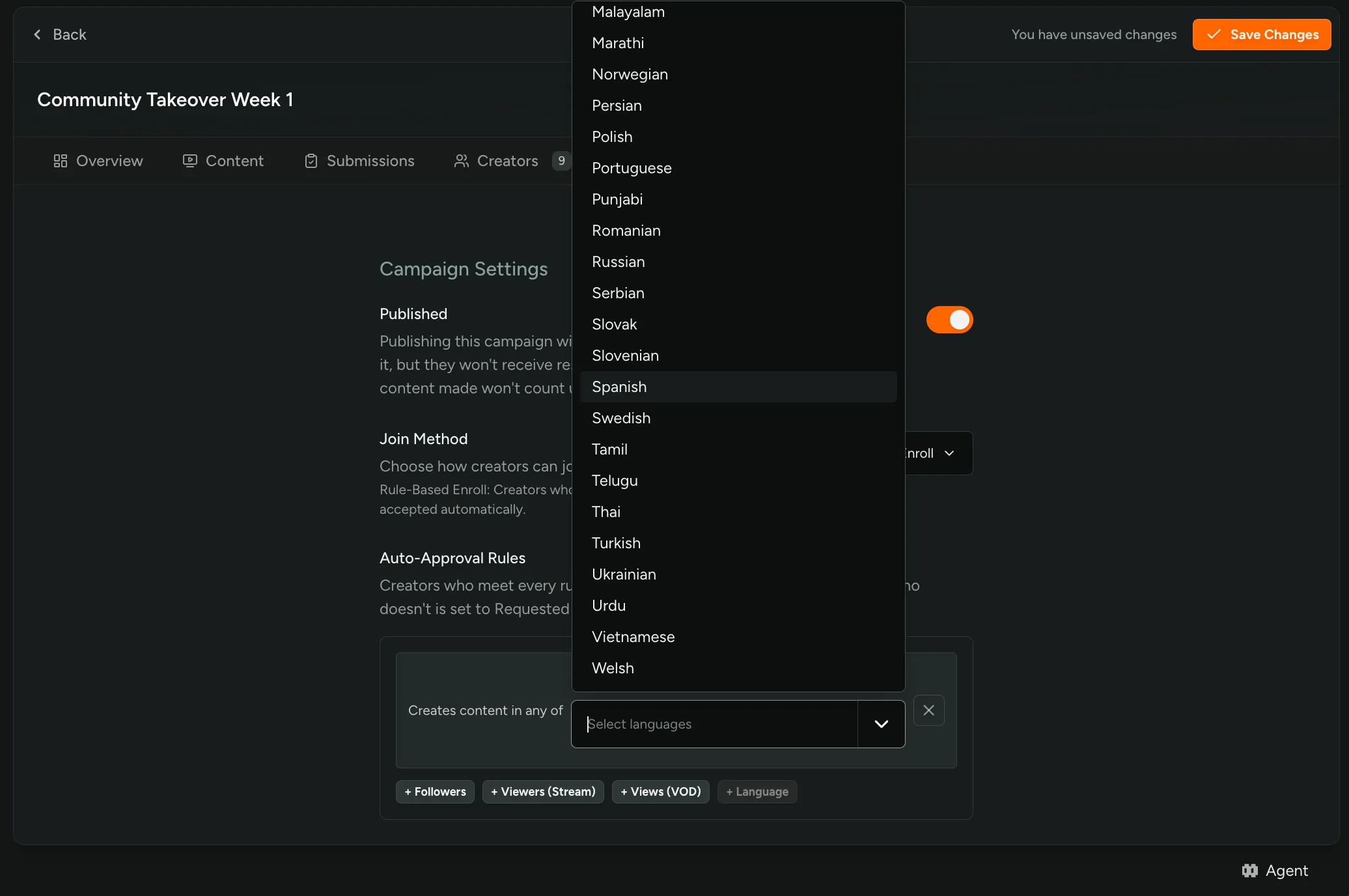
Language Rules and Filters for Creators
You can now auto-approve creators by the language they create in. Add a Language rule to Rule-Based Enroll, pick one or more languages, and creators who make content in any of them are accepted instantly.
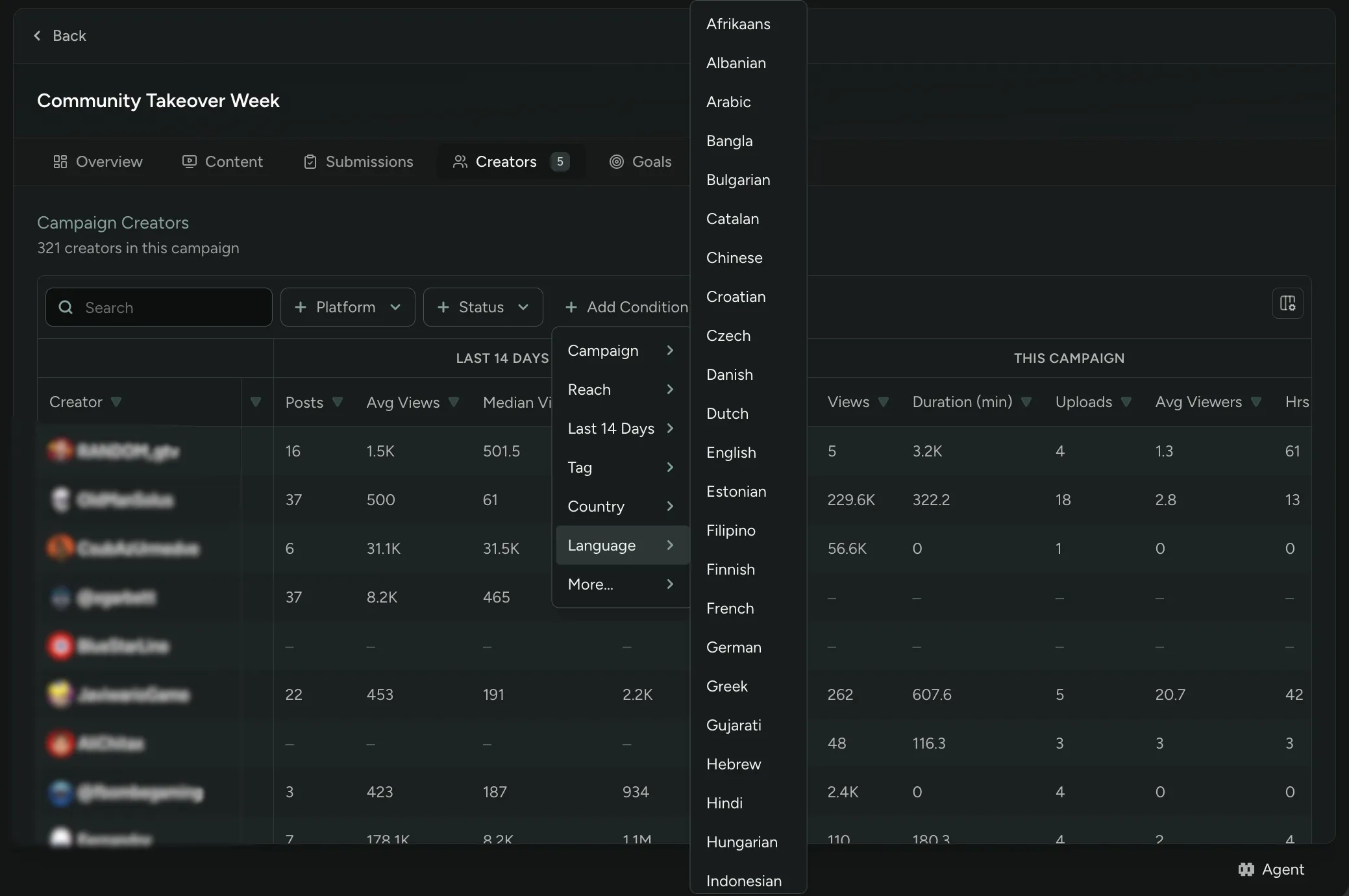
Language and Country are also new filters on Creator Profiles and a campaign’s Creators tab, so you can zero in on the creators you want.
Provide Campaign Resources Early
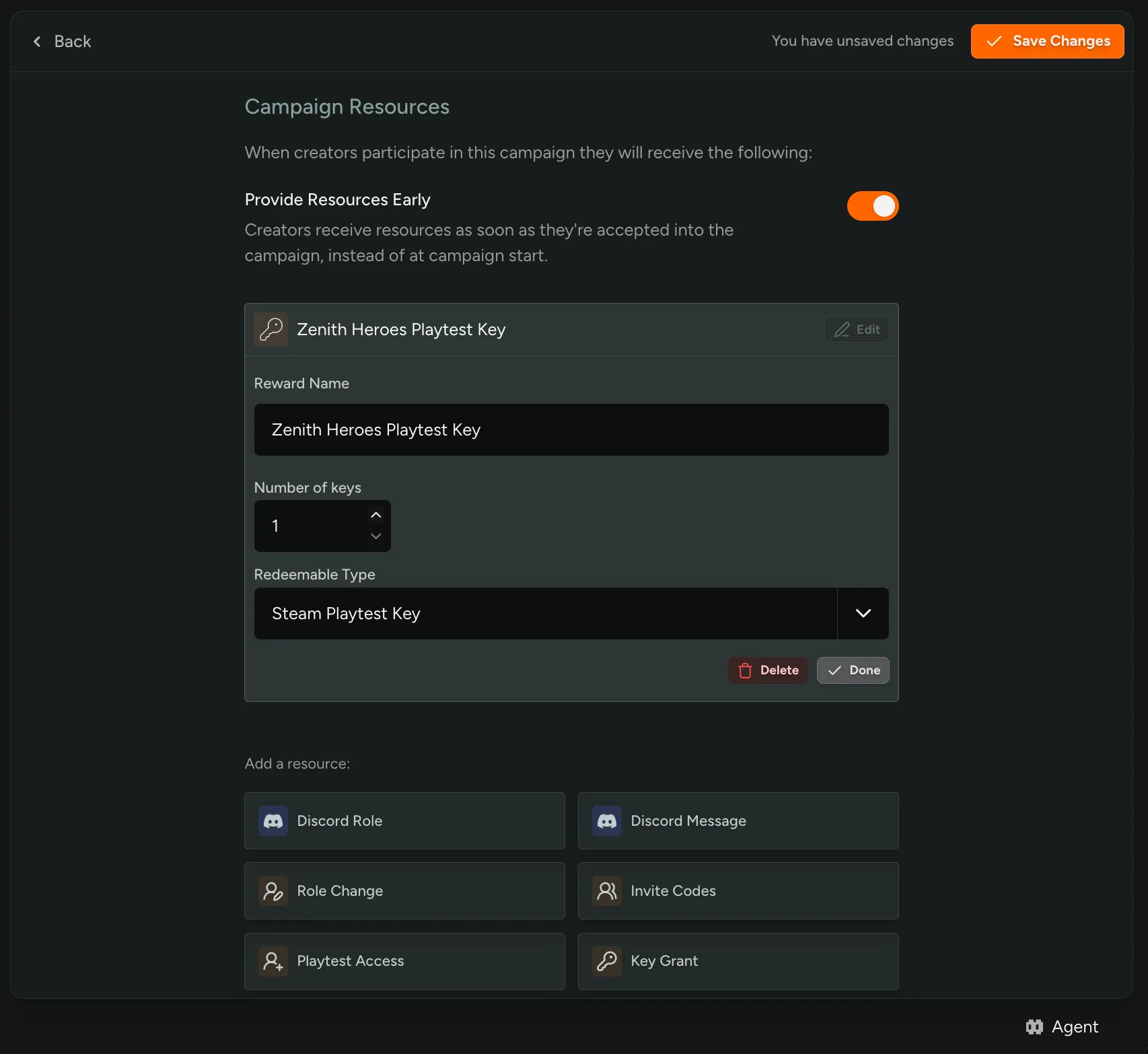
Studios can now give creators their campaign resources as soon as they’re accepted. Turn on “Provide Resources Early” under a campaign’s starting resources and accepted creators get their keys, codes, or points right away, instead of at the campaign start date.
Segment Insights
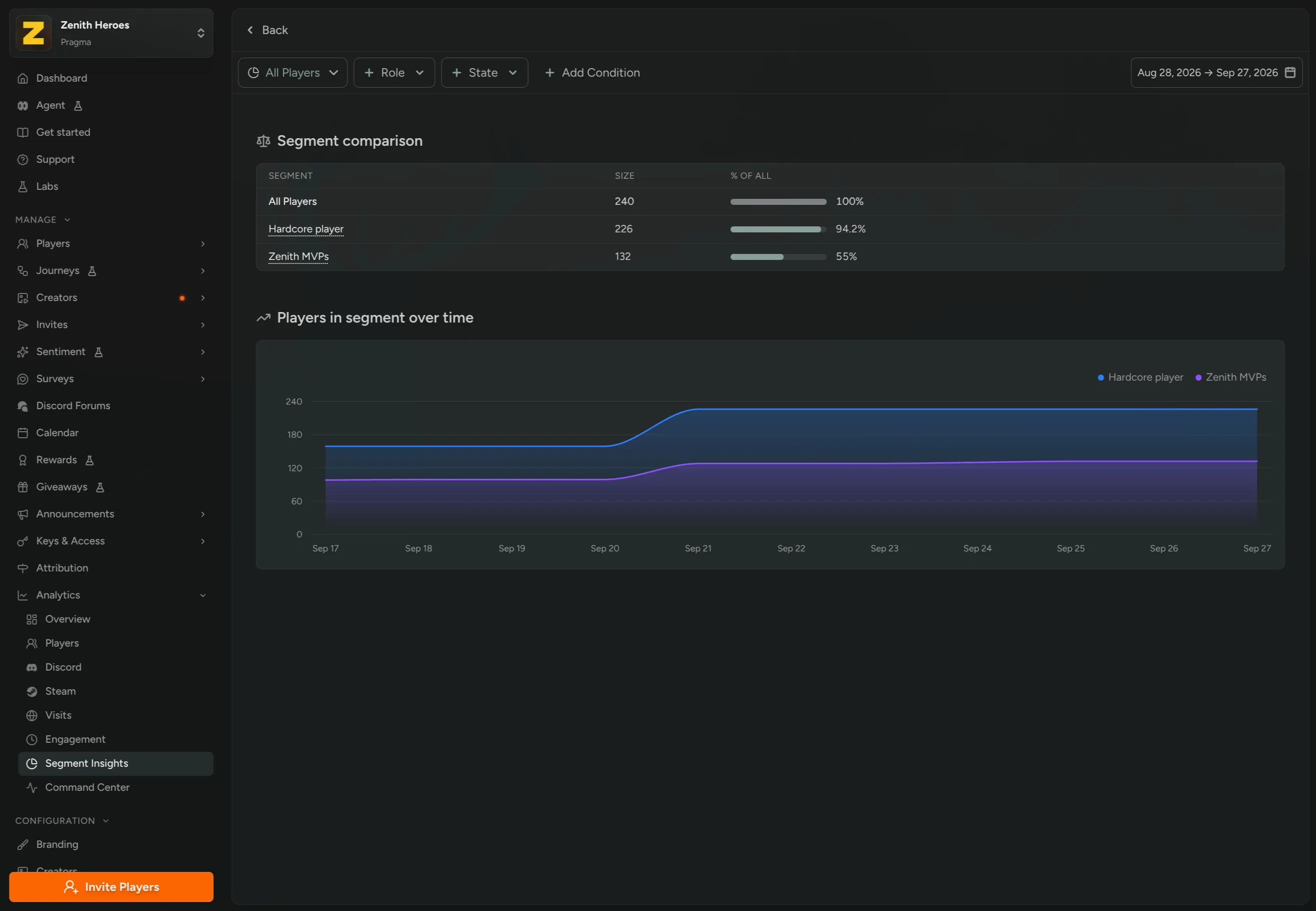
A new page called Segment Insights is now available under Analytics. It gives admins a way to compare Segments side by side and see how player populations shift over time.
Segment Insights also tracks movement, showing how many players entered and exited each Segment over a given time range. That makes it easy to spot a Segment that’s growing, one that’s leaking players, or the effect of a recent change to its filter conditions.
Available on all Core plans.
New Steam Quests
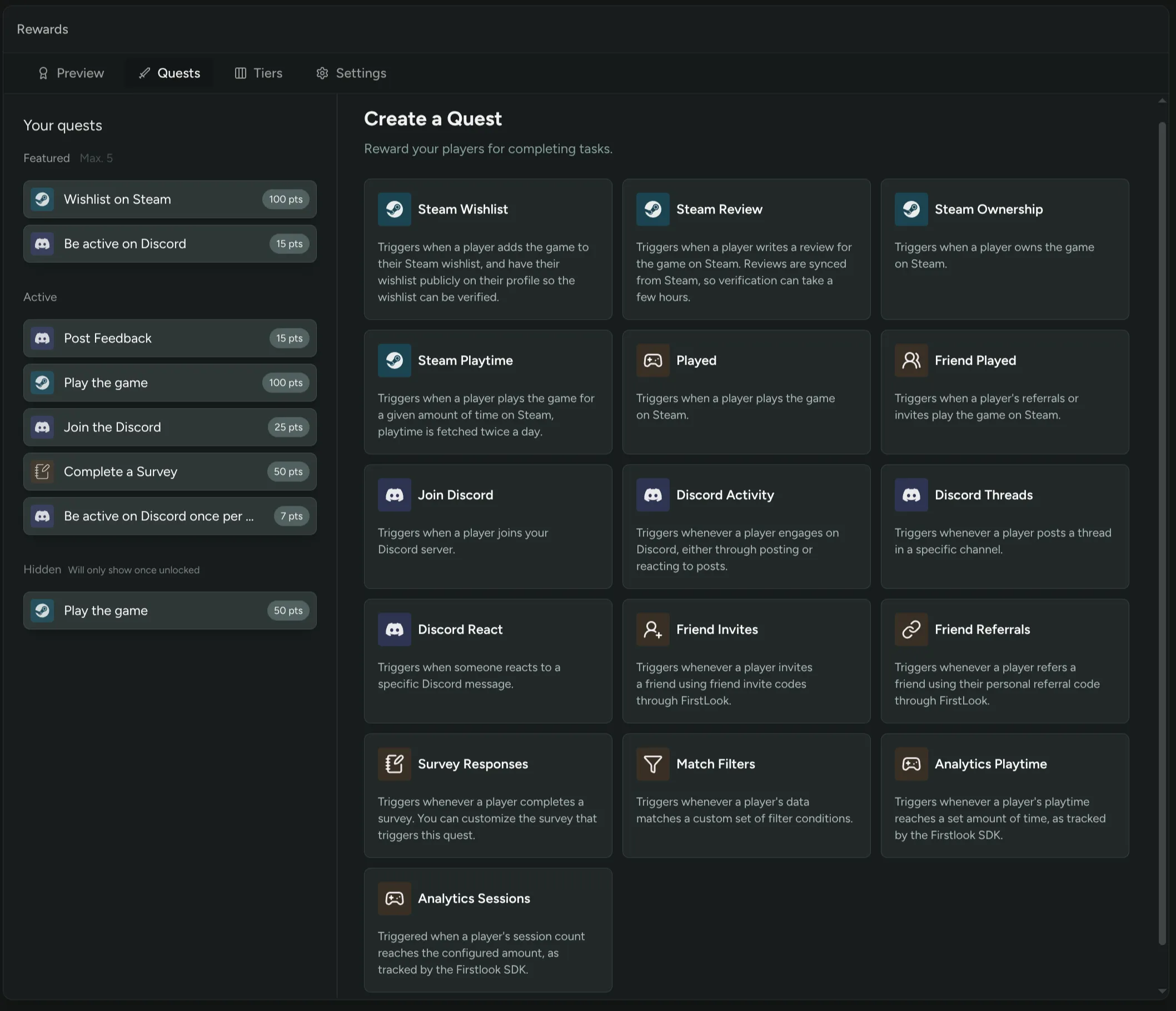
Two new quest types are available in Rewards: Steam Ownership and Steam Review.
Steam Ownership awards points to players who own one of your Steam apps. It’s a handy way to reward players as part of onboarding.
Steam Review awards points to players who leave a review for your game on Steam. Any review counts, positive or negative, so you’re rewarding the effort and not the opinion.
Both quests work off the player’s linked Steam account, and each one is set up for a single Steam app. They sit alongside the other quests in the quest library.
Haven’t tried Rewards yet? Enable it in FirstLook Labs!
Agent on every page in the admin dashboard
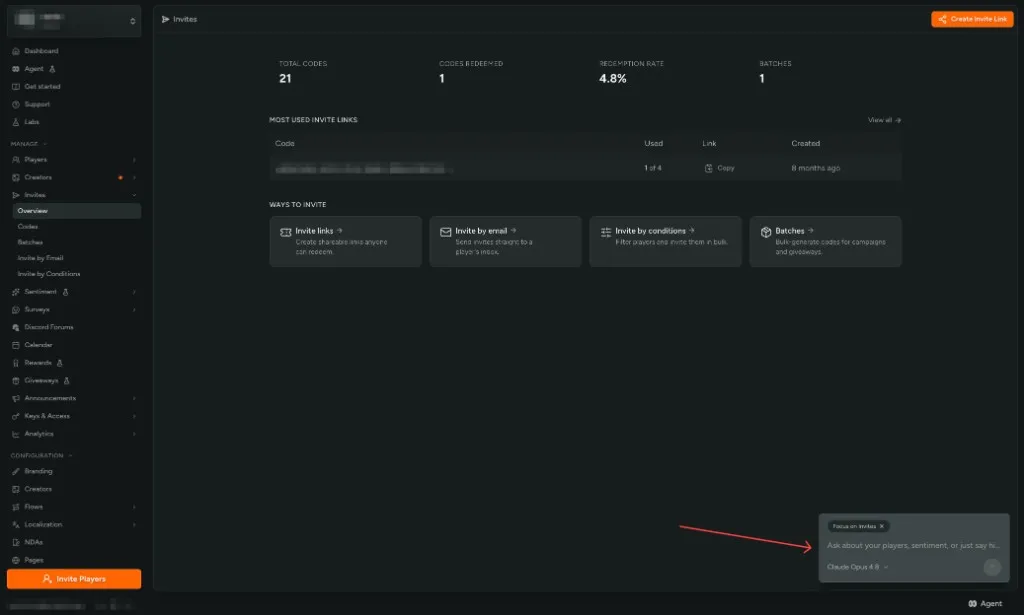
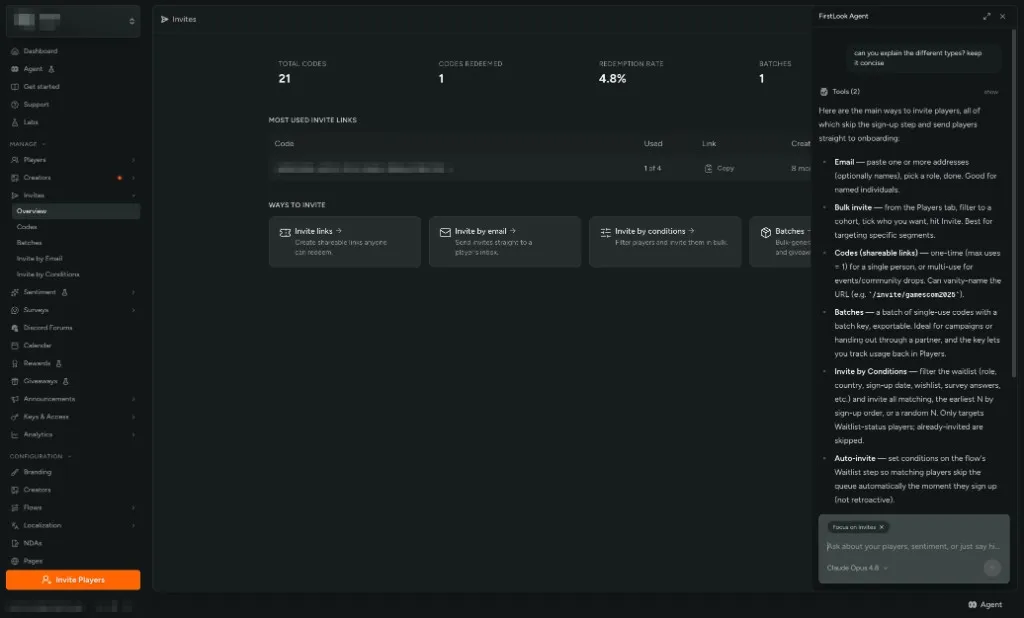
FirstLook Agent is now one click away on most pages in the admin dashboard. Use the Agent control at the bottom of the layout to open a chat panel over the screen you are already on — Players, Sentiment, Invites, flows, and the rest.
The Agent tags the page you came from with Focus on … so you can ask contextual questions: what a column means, how to interpret a spike, or what to do next on that screen.
The panel uses the same player data, confirmations, and actions as the full Agent page in the admin sidebar. Expand it for more room, or open the full page for chat history, skills, and New chat. You can still launch Agent with Cmd + K / Ctrl + K and /ask.
Read about the in-dashboard Agent for entry points and confirmations.
Smart Tags is Now Segments
Smart Tags has a new name and a new home: Segments! If you’ve used a CRM before, the concept will feel familiar - define a set of filter conditions once, and FirstLook keeps a live-updating group of matching players in sync for you.
Segments now live on their own page under Configuration, instead of tucked inside Tags settings. The functionality hasn’t changed — creating, editing, and removing them works just like it always has.
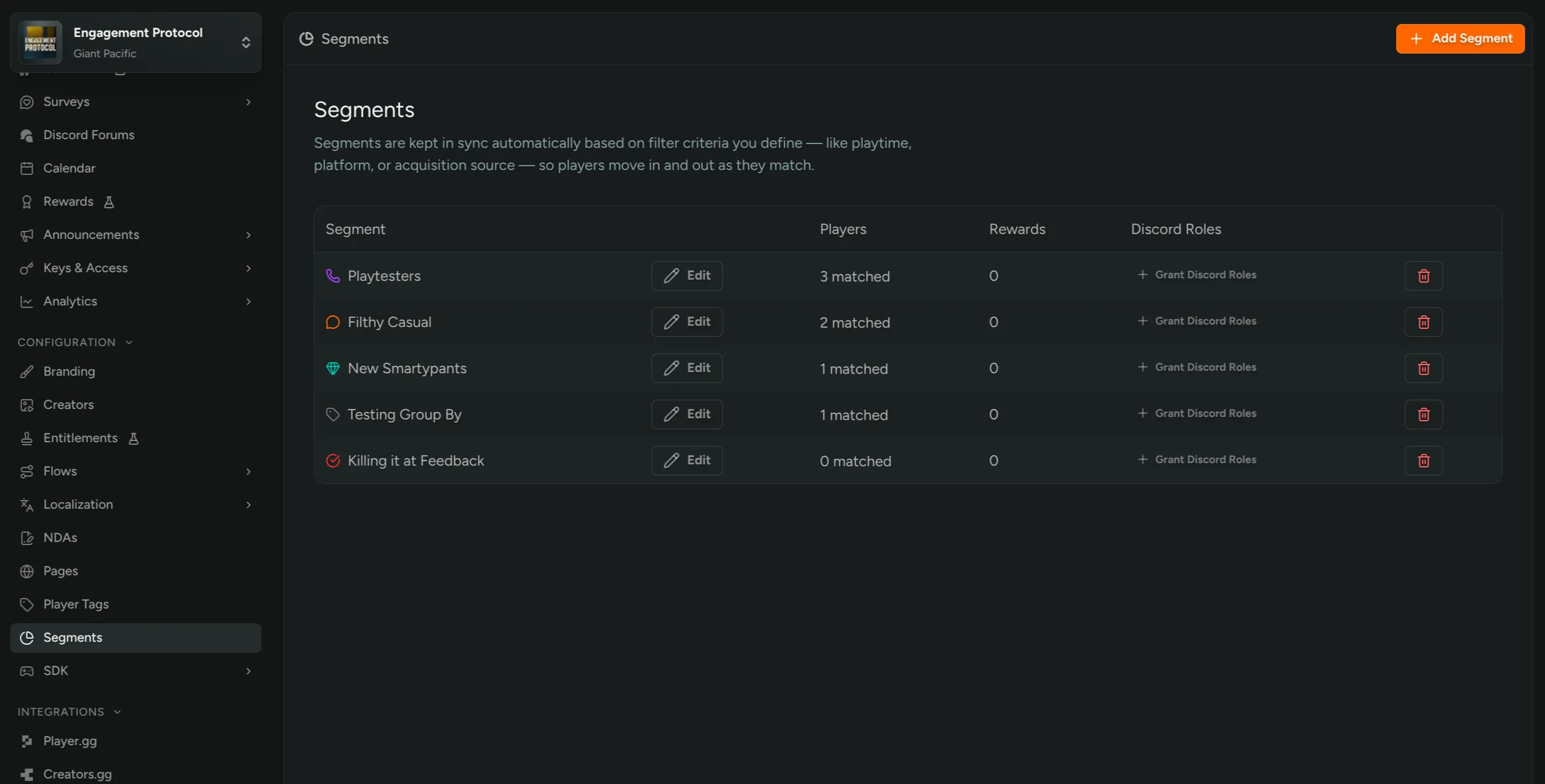
Read more in the Segments documentation.
Auto-Invite Conditions
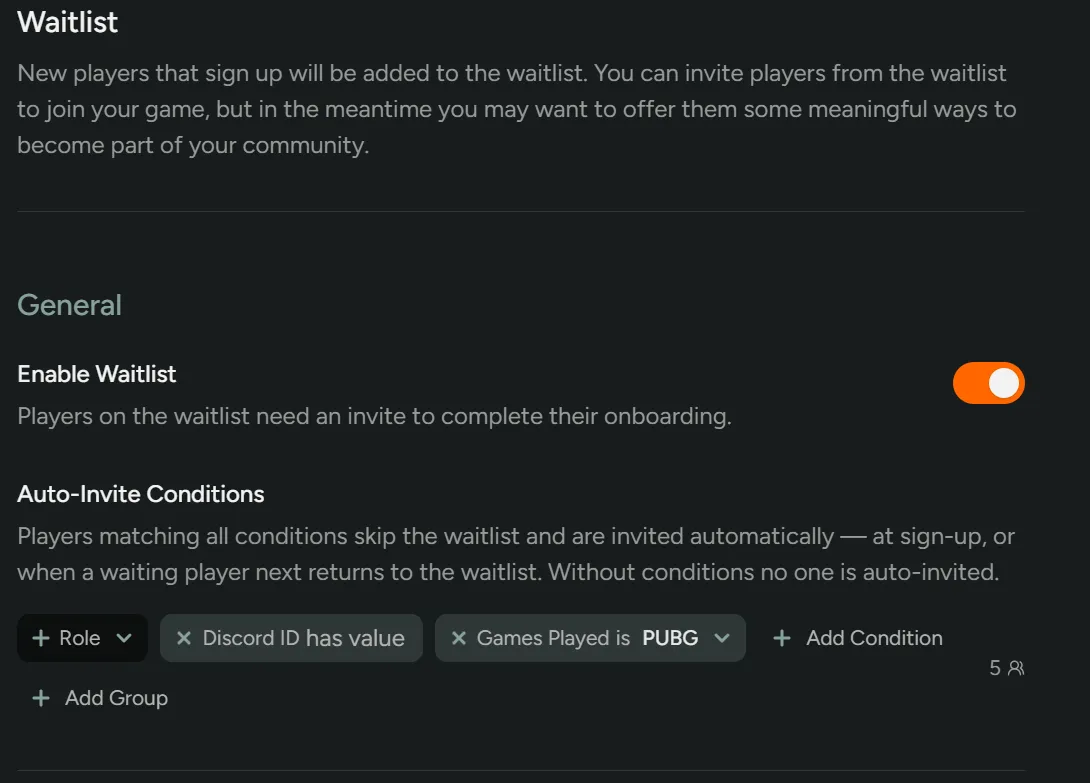
You can now let the right players skip your waitlist entirely. On a flow’s Waitlist stage, define Auto-Invite Conditions based on sign-up questions, language, region, or any other player filter. Players matching all conditions are invited the moment they sign up, landing straight on your invite screen and into onboarding instead of the waitlist.
For example:
- Language is Japanese and Platform is PC (a sign-up question) fast-tracks a localized playtest cohort.
- Discord Connected is true and Survey Completed is true rewards players who did the extra work.
Changing conditions never invites anyone retroactively. After saving, you’ll see how many currently waitlisted players match, with a one-click handoff to Bulk Invite by Conditions so inviting them stays your call.
Available on Playtesting Pro plans and above.
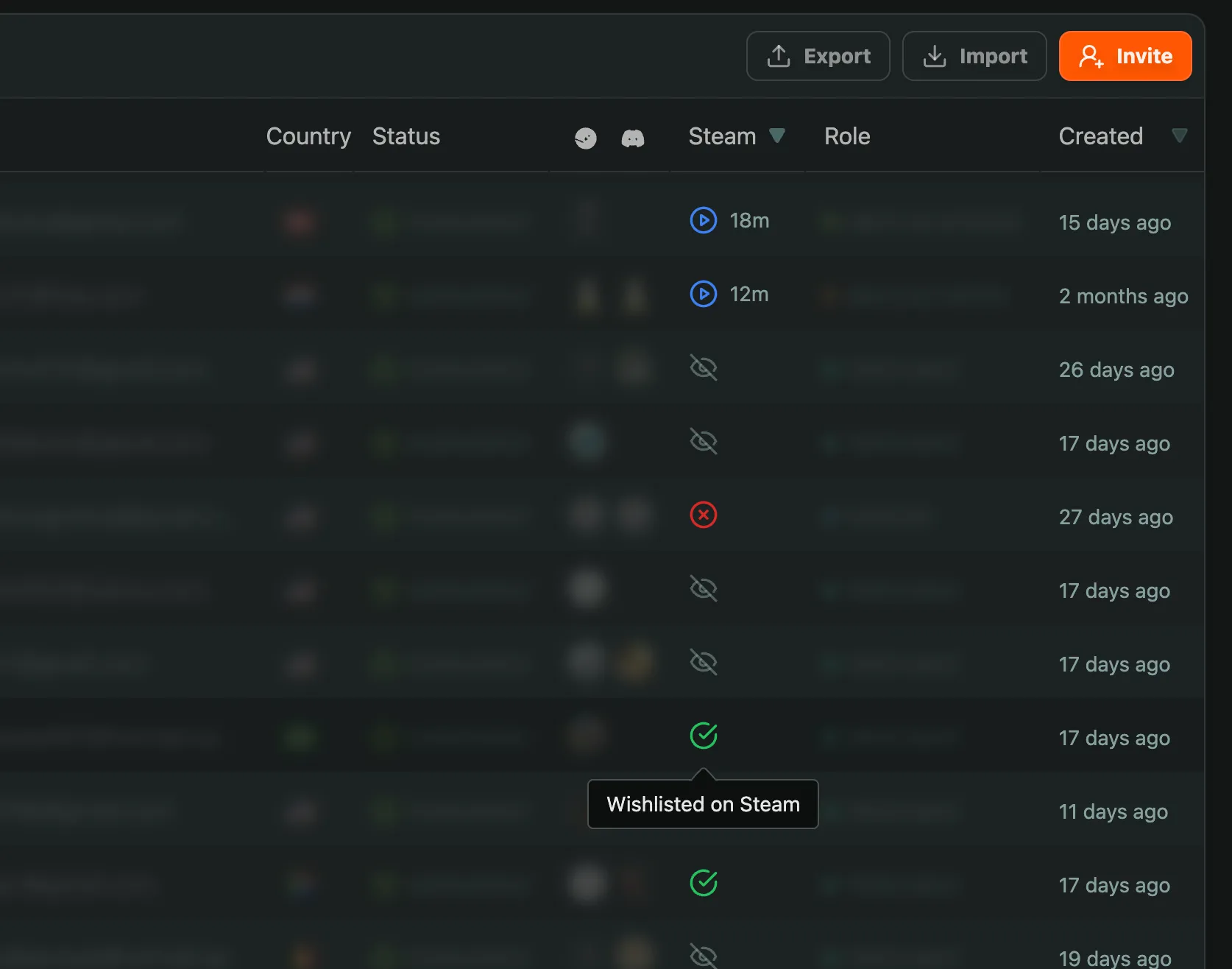
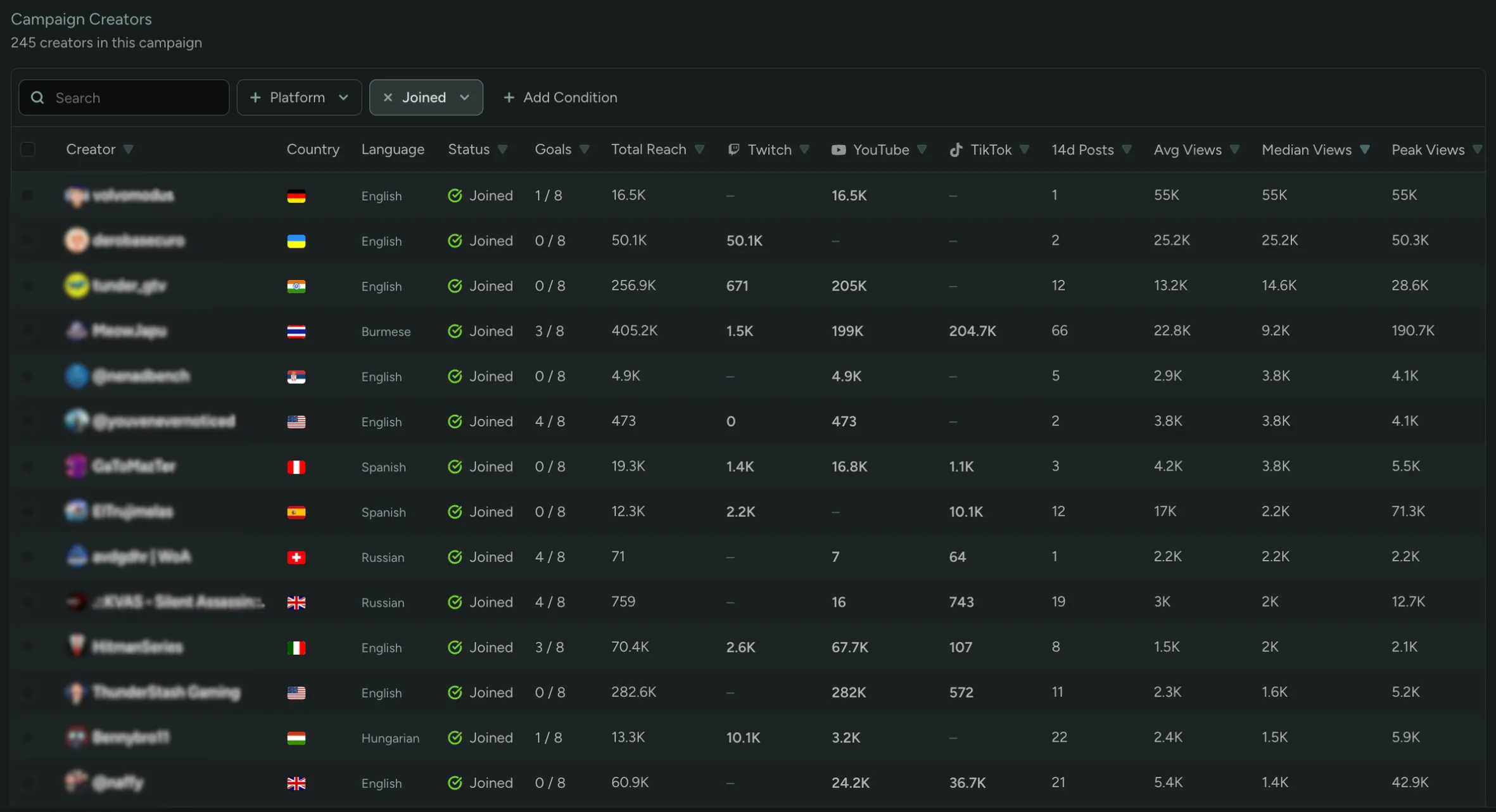
New Creator Columns: Median Viewers, Peak Viewers, Language
Creator listings now surface three new columns to help you better recruit creators: Median Viewers, Peak Viewers, and Language. Median and Peak are measured across all of a creator’s content from the last 14 days, and Language is pulled from the languages set on the creator’s content.
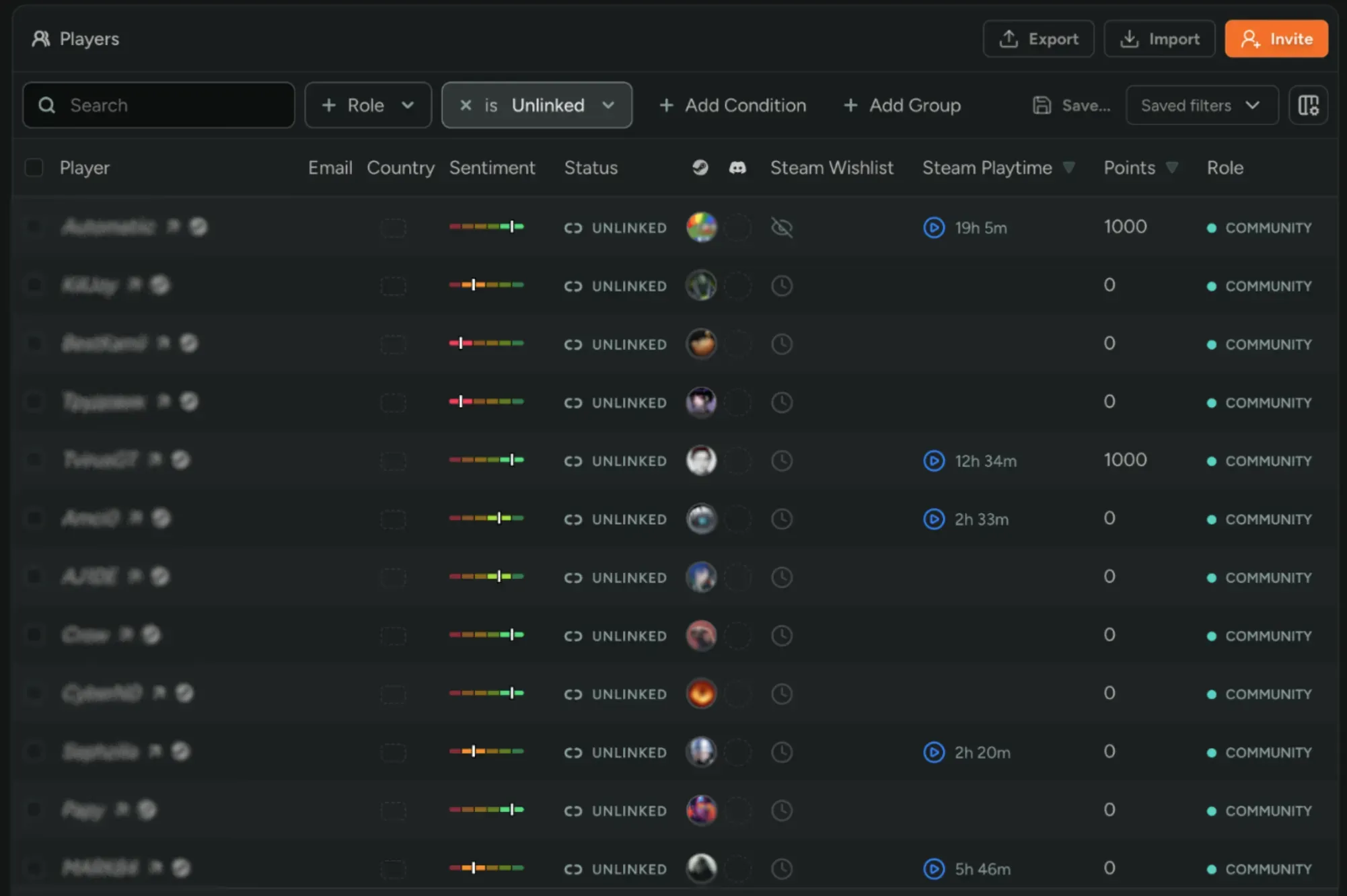
Introducing Unlinked Players
You now have access to sentiment and playtime analytics from players who haven’t signed up yet! FirstLook creates unlinked player records automatically for anyone active in your Discord server, posting Steam reviews or discussions, or playing your game when using the FirstLook SDK. This gives you a far richer read on how your whole community feels about your game, plus real activity data from the people actually playing it.
Learn more about unlinked players
Manual Campaign Goal Ordering
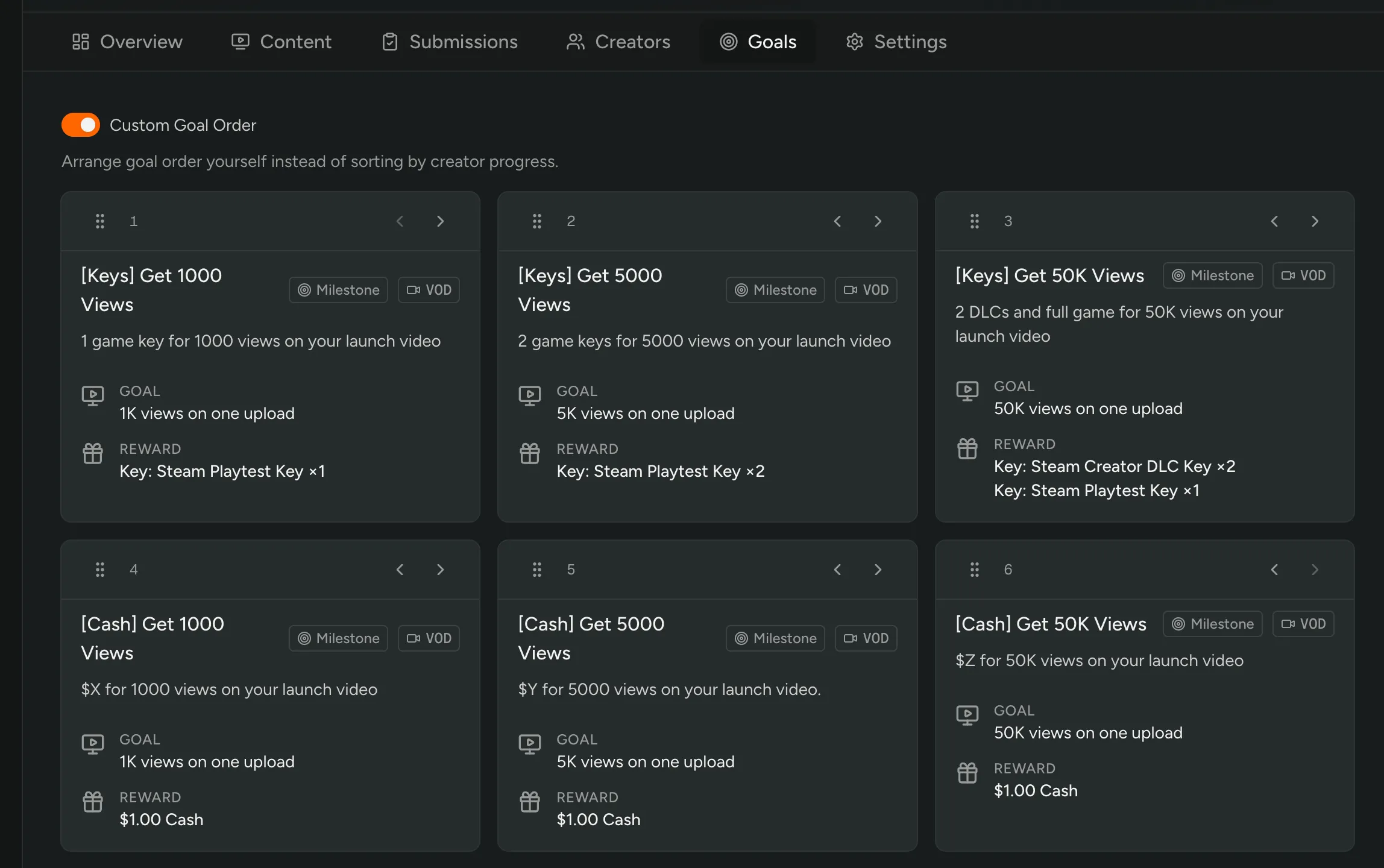
You can now put your campaign goals in the order you want them! Turn on manual ordering in a campaign’s Goals tab and drag them into place, instead of the default sort by each creator’s progress.
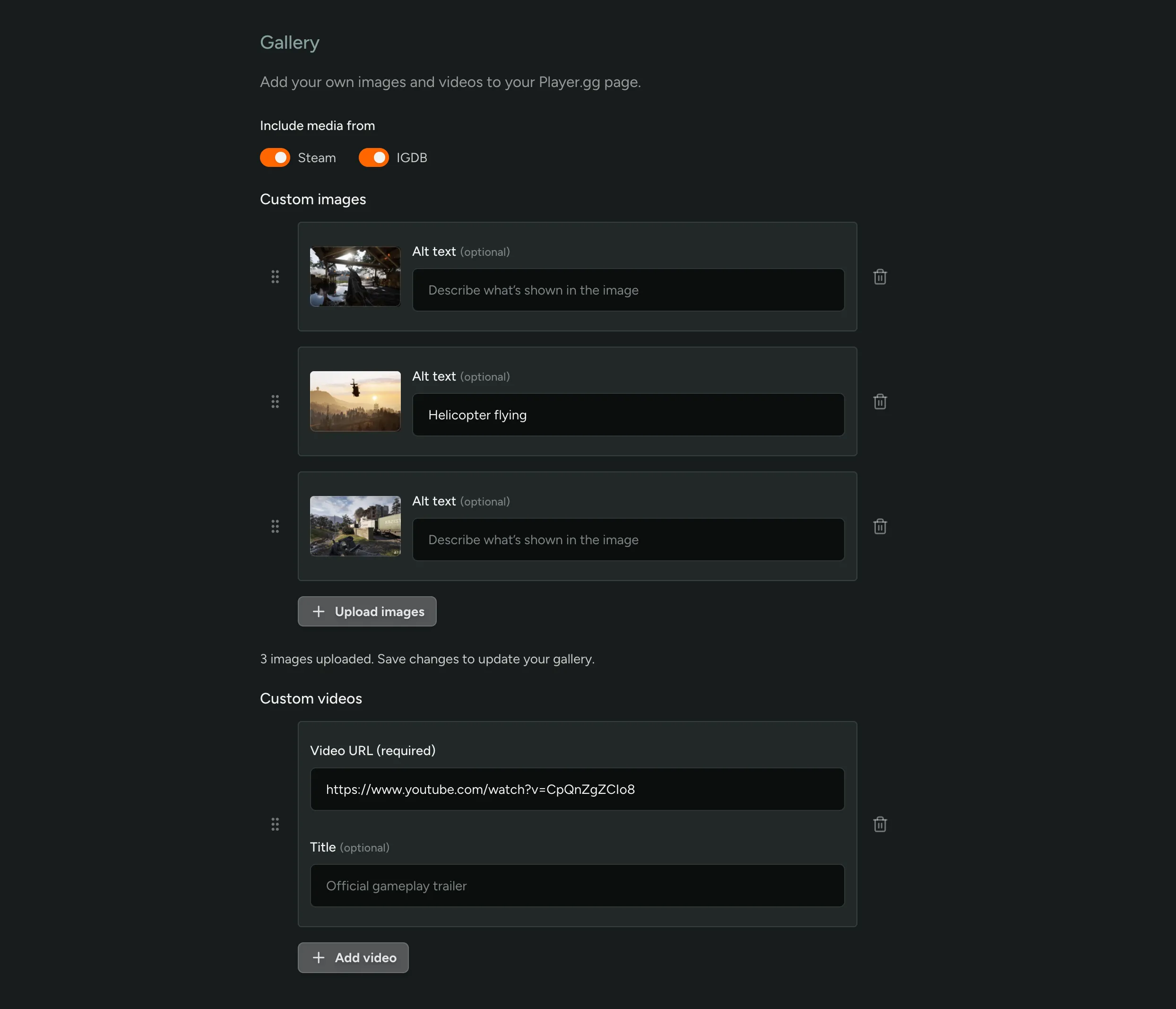
Customize the player.gg media gallery
You can now upload your own images and add videos to your game listing. Choose whether to include images and trailers synced from Steam or IGDB, or turn them off to showcase only your custom media.
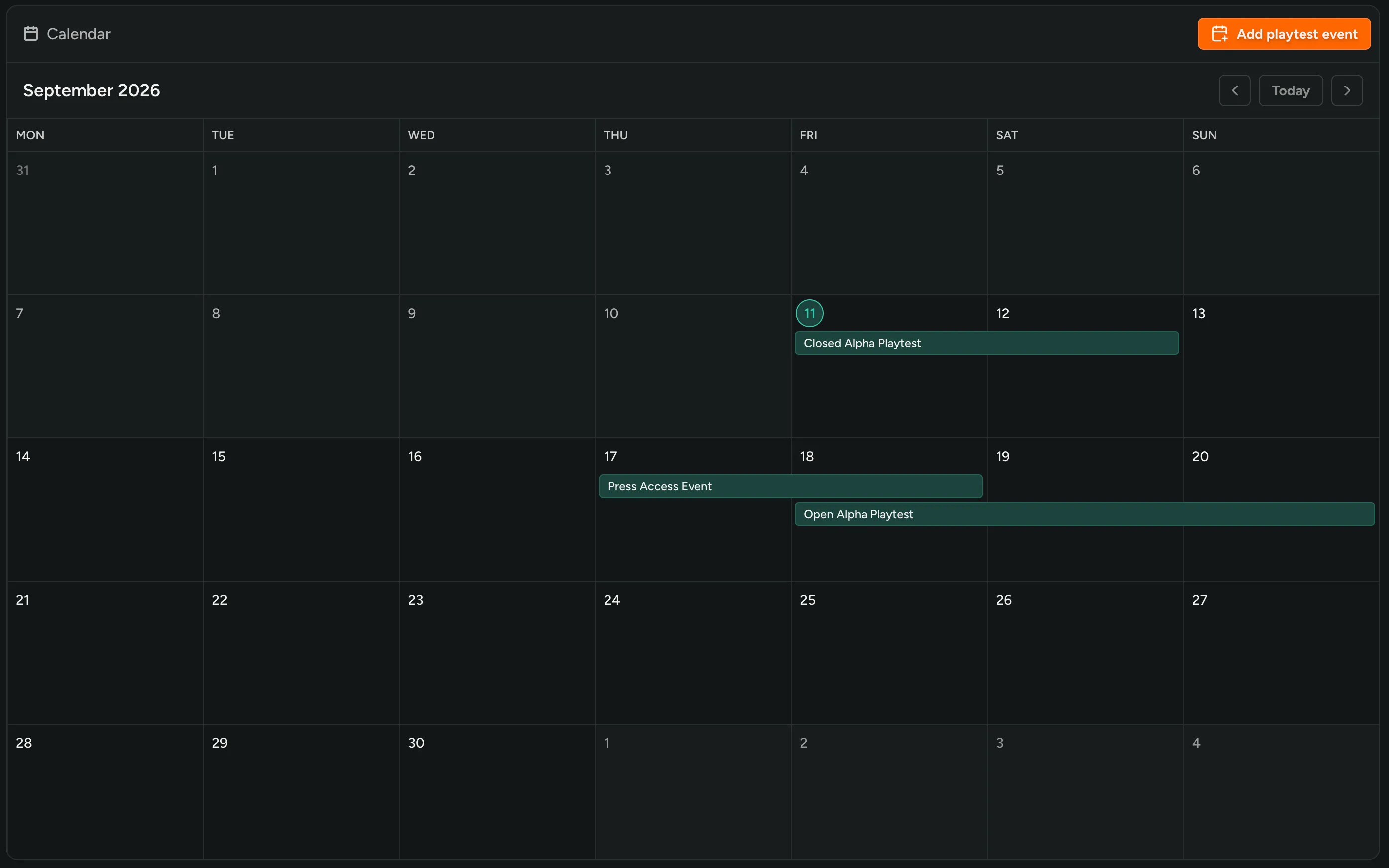
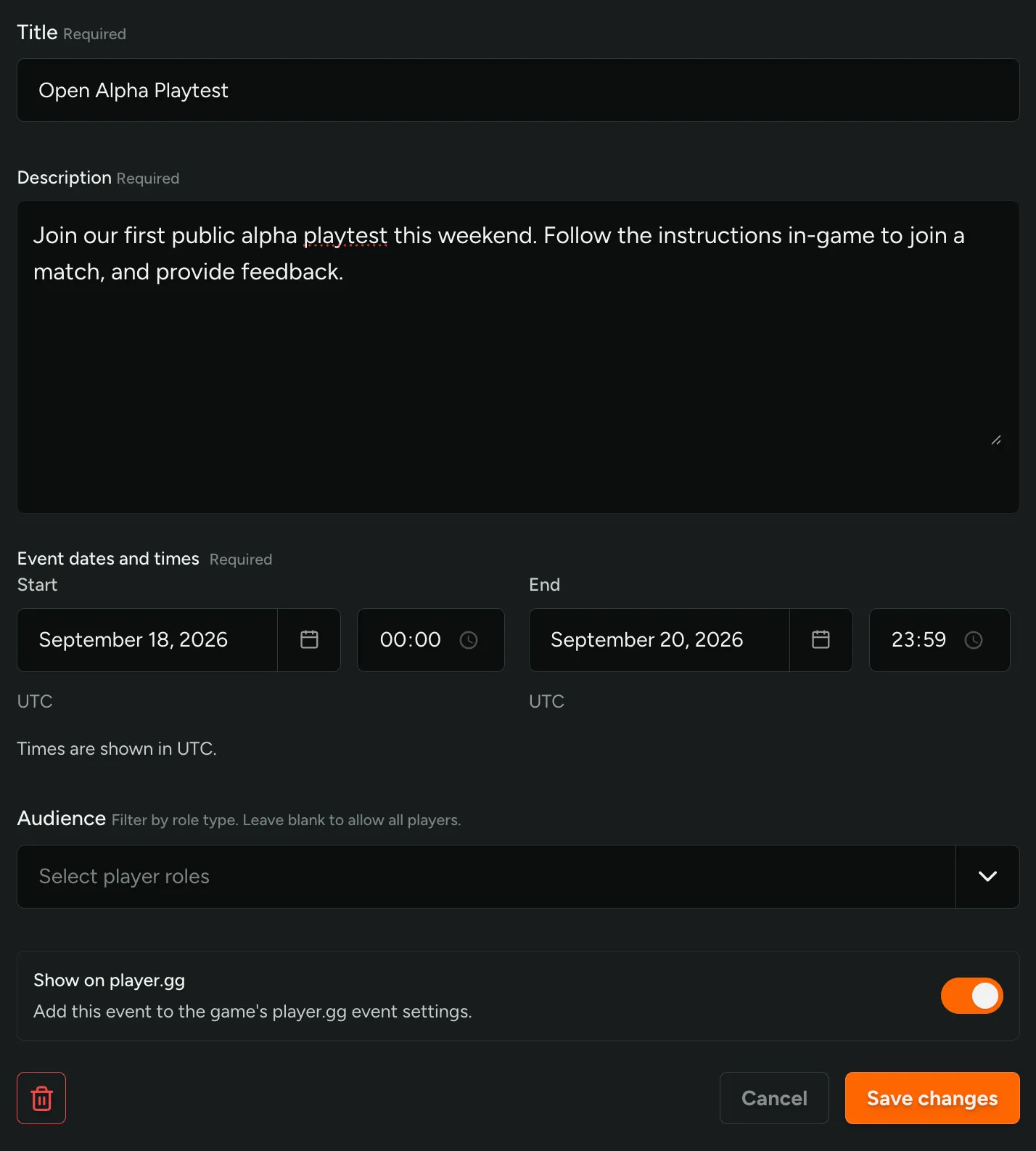
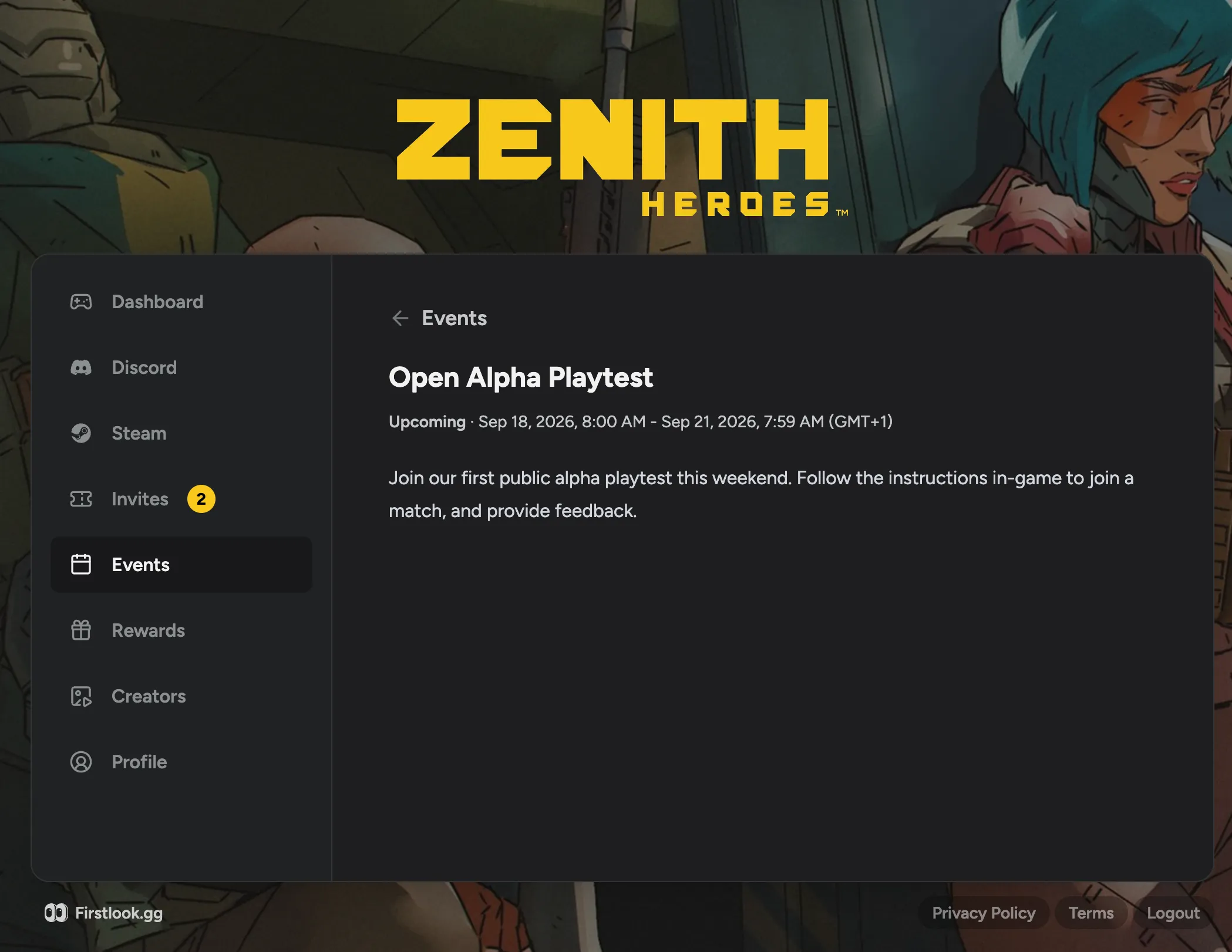
Playtest Events Calendar
Use the calendar to create and share playtest events with your players. Provide players with information about the event, and when it will be taking place. Restrict an event to certain players, or open it up for everyone. You can also list the event on player.gg.
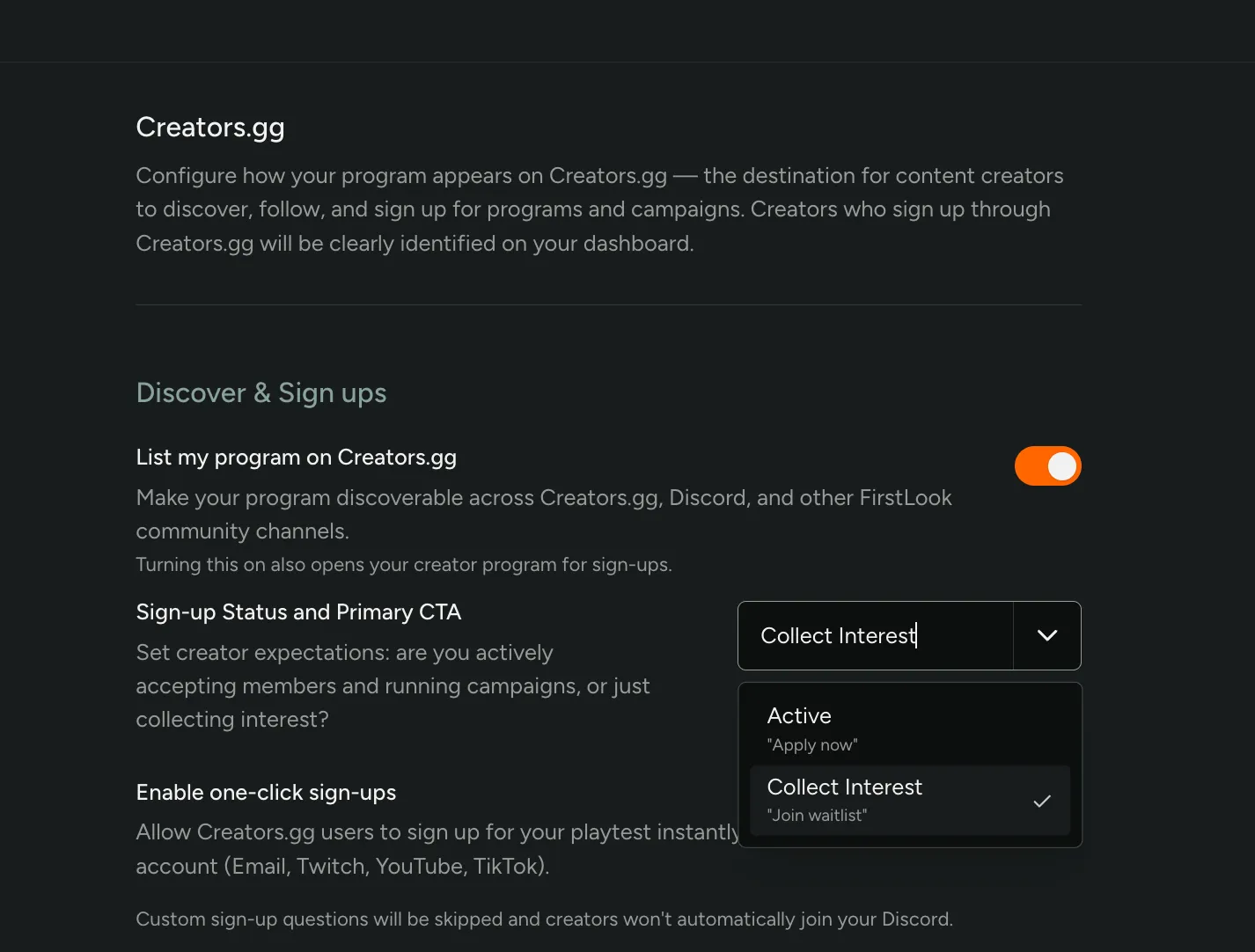
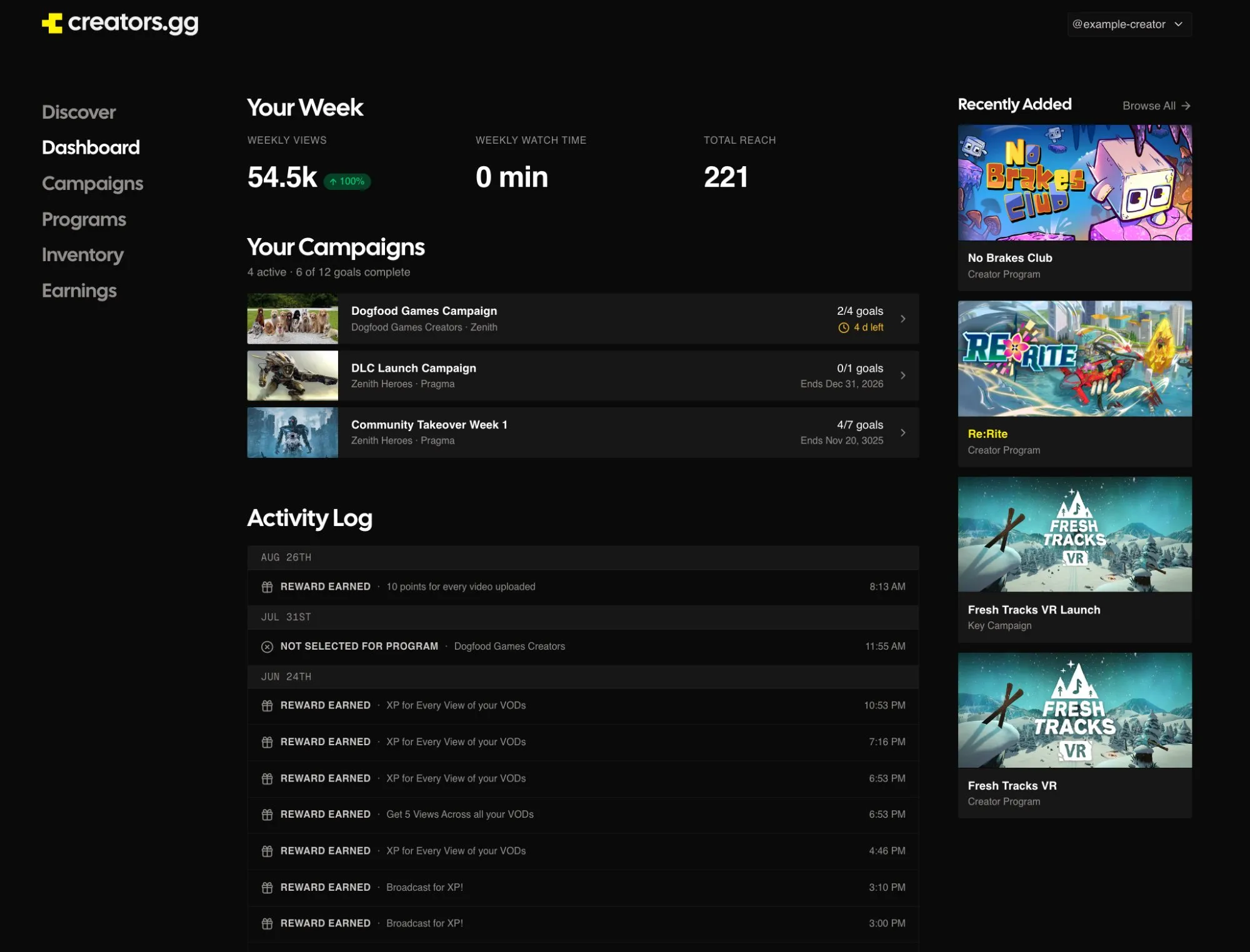
Creators.gg Improvements
You can now set creator expectations on Creators.gg before anyone applies! Set a Sign-up Status on your listing to let creators know if your program is Active, accepting members and running campaigns, or just collecting interest.
Creators can now also see where they stand after they join. Their dashboard keeps an activity log of applications, acceptances, rewards earned, and content you approved or rejected, across every program and campaign they’re in.
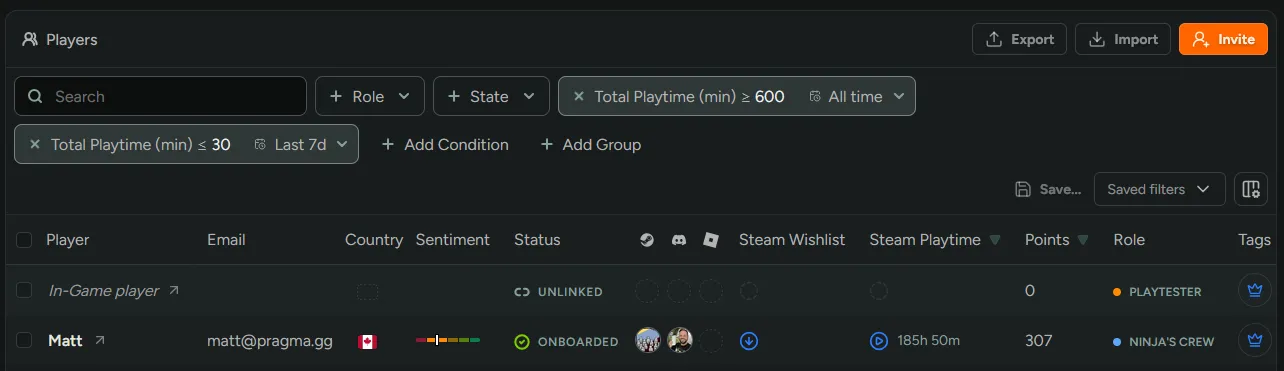
Combine Time Windows in One Filter
You can now add the same time-scoped filter more than once with a different window on each. Previously, adding a second filter replaced the first, so a specific filter could only look at one period at a time.
Now it’s possible to compare lifetime activity against recent activity in a single search. For example:
- Playtime ≥ 10 hours (All time) and Playtime ≤ 30 minutes (Last 7 days) finds committed players who have gone quiet.
- Playtime ≥ 5 hours (Last 30 days) and Playtime ≥ 2 hours (Last 7 days) finds players who are consistently active.
This works everywhere player filters do, including Smart Tags, announcements, and assigning tags by conditions.
Assign Tags by Conditions
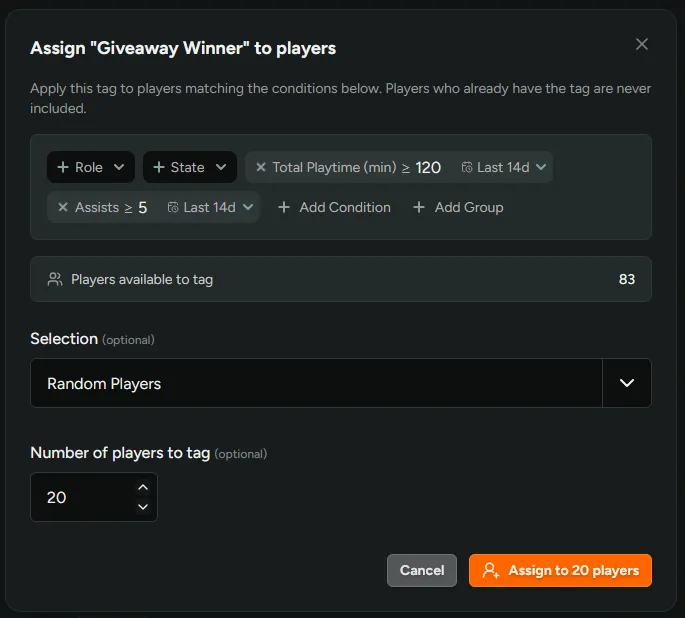
You can now add players to a tag by filter conditions instead of selecting them one by one. Go to Settings → Player Tags and click the Assign to players icon on a tag’s row to open the dialog.
Select a cohort using the any Player condition filters (e.g. role, access state, wishlist conditions, surveys, playtime, sentiment, etc), then pick a subset of players matching the conditions to tag, either All, the first N players by Sign-Up Order, or a set number of matching players randomly.
Random selection works well for giveaways or capacity-limited playtests. Filter to players who completed your survey, tag 25 at random, then use that tag to invite them, send an announcement or grant a reward.
Instagram Support
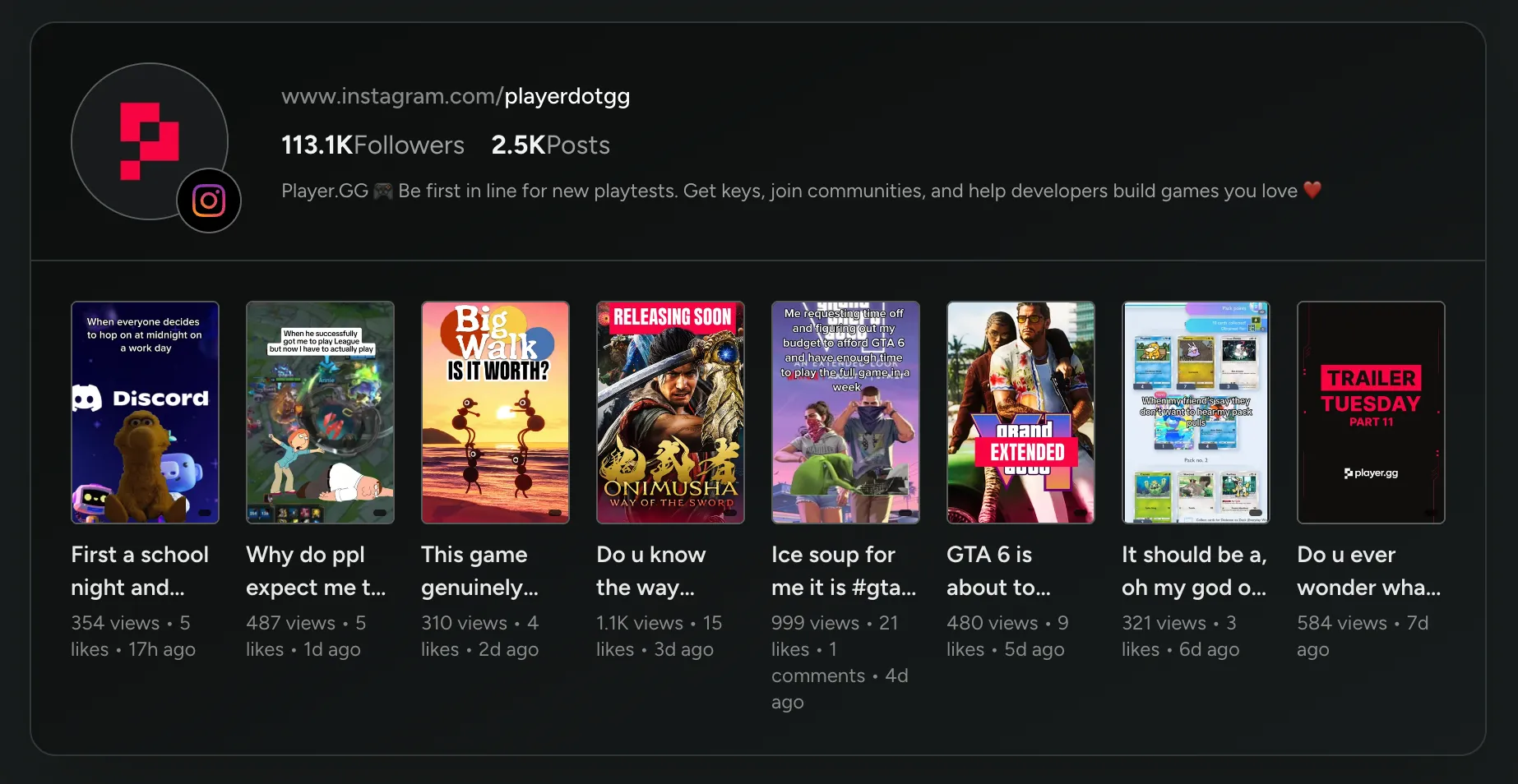
Instagram is now a supported platform on Creators.gg, alongside Twitch, YouTube, and TikTok! Creators link their account during signup, and their Instagram reach shows up in the creator profiles table.
Reels are tracked automatically, so they count toward campaign goals, rewards, and cash payouts the moment they’re published.
Admin Timestamps Now Follow Your Game's Timezone
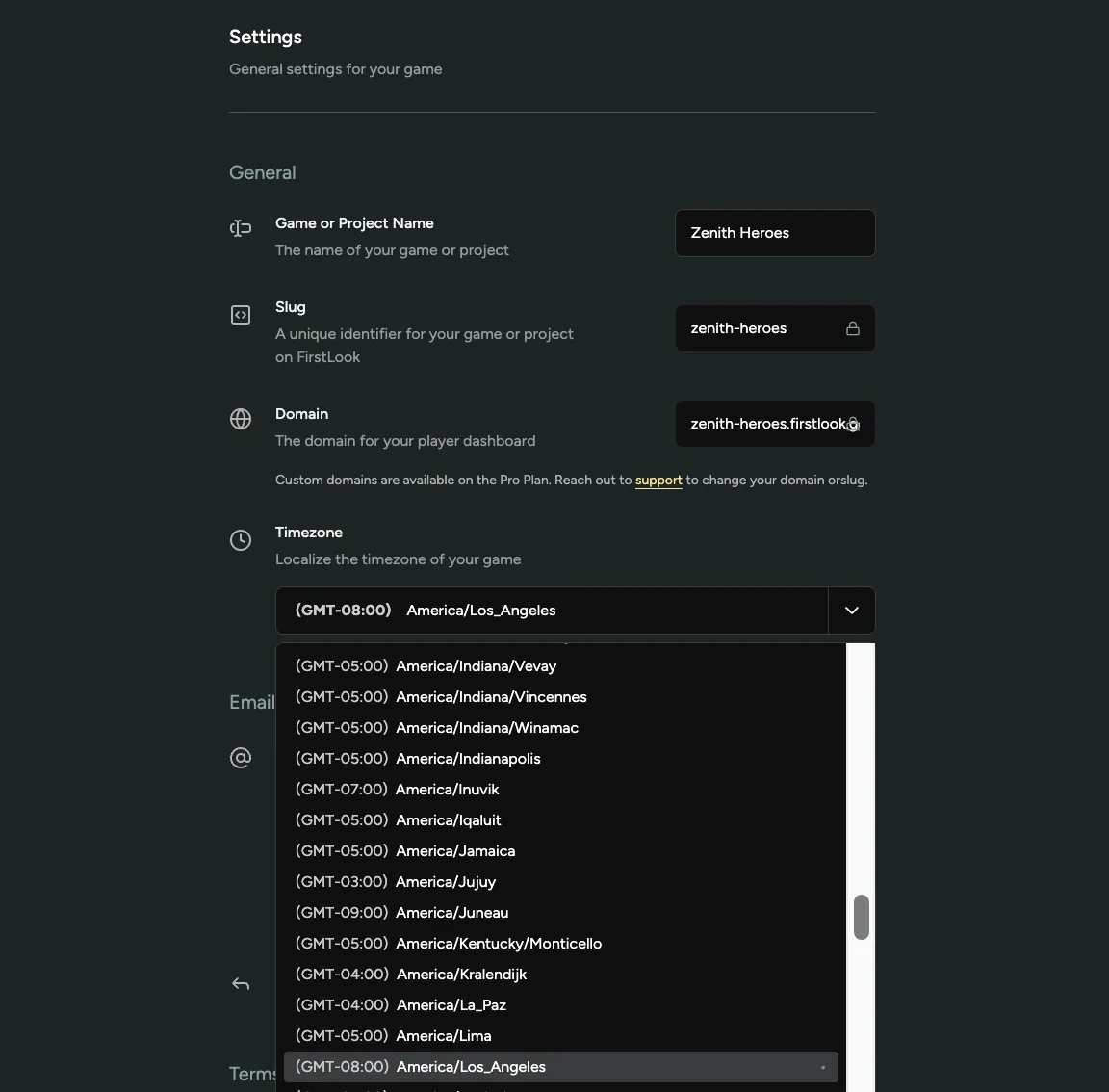
Dates and times across game-scoped admin pages now use the timezone configured for that game. Analytics, charts, tables, player profiles, announcements, and other timestamped views now line up with the clock your team works in.
Set your timezone in Configuration → Settings. If no timezone is configured, FirstLook uses UTC.
Relative labels such as “3 minutes ago” still describe elapsed time, while their tooltips show the exact localized timestamp. Date-only values, such as a calendar date or reporting day, stay unchanged.
New Creator Filters and Sorting
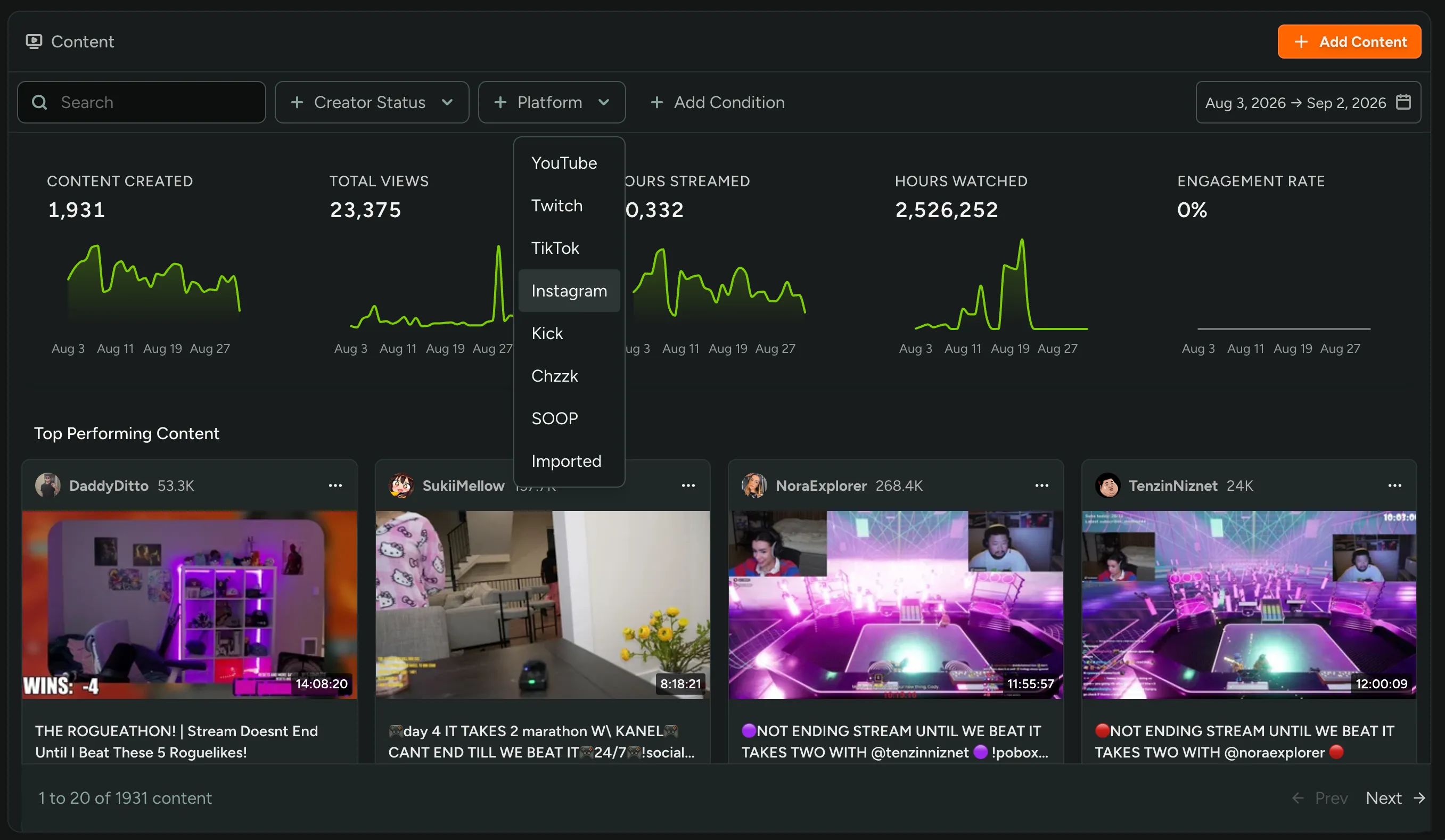
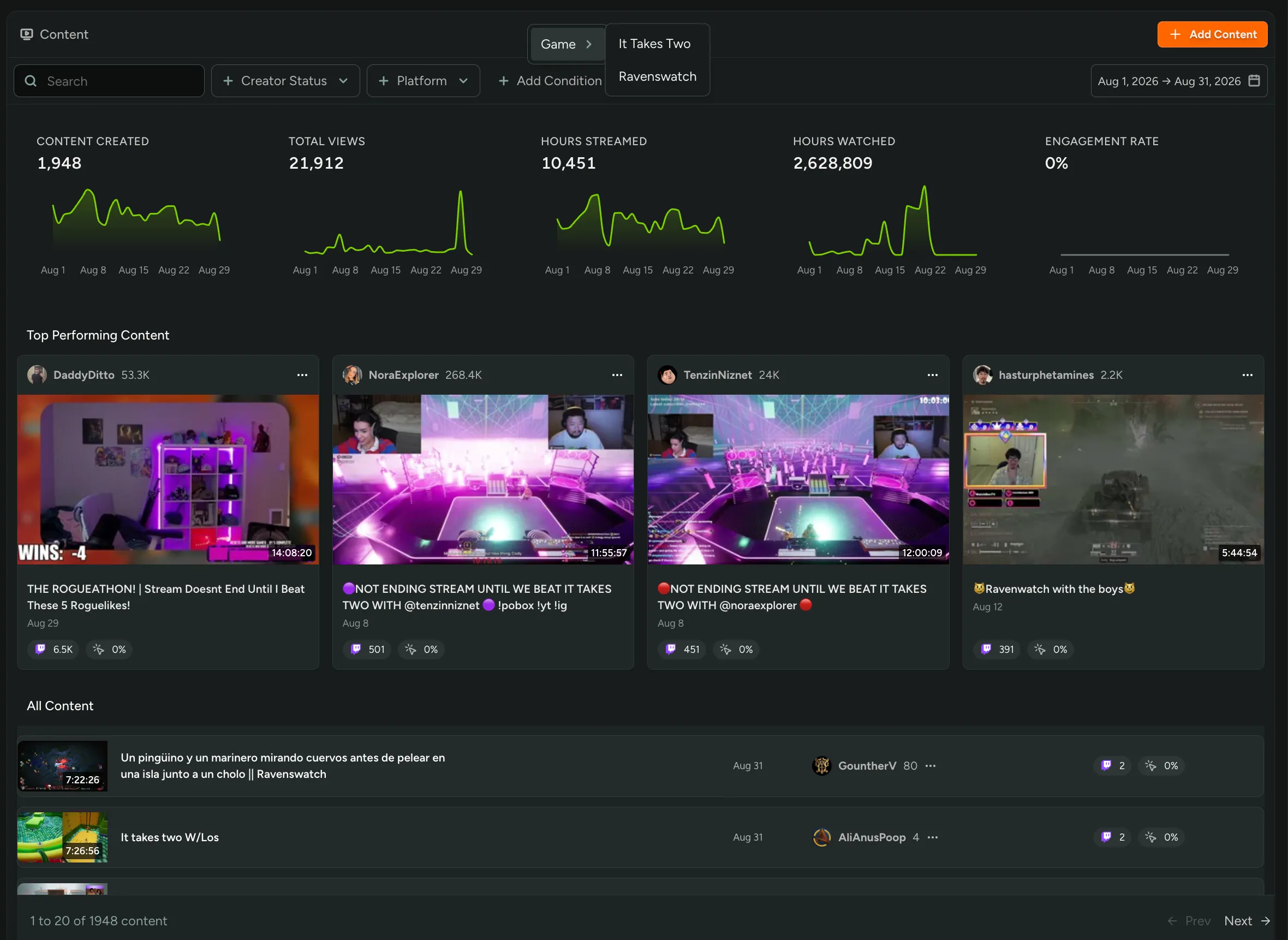
The Content page now filters by Game and Tag! If you’re tracking multiple titles, pick one under Add Condition and the whole page follows: stats, top performing content, and All Content.
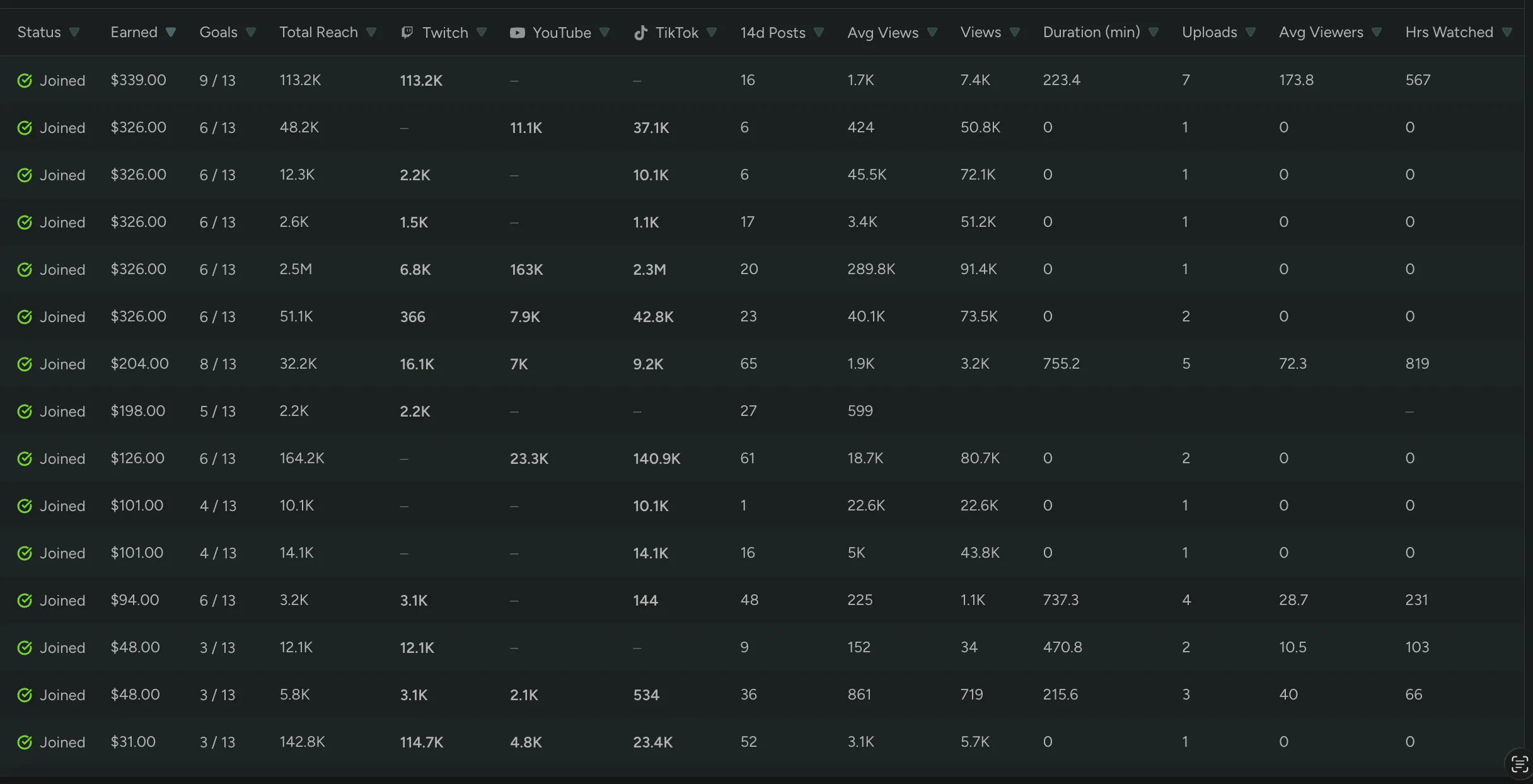
Every column in a campaign’s Creators tab is also sortable now. Earned, Goals, total and per-platform reach, 14d Posts, Avg Views, Views, Duration, Uploads, Avg Viewers, and Hours Watched. Click a header to pull your top 5 streamers by watch time, or find who’s one goal away from finishing.
Playtime Tracking
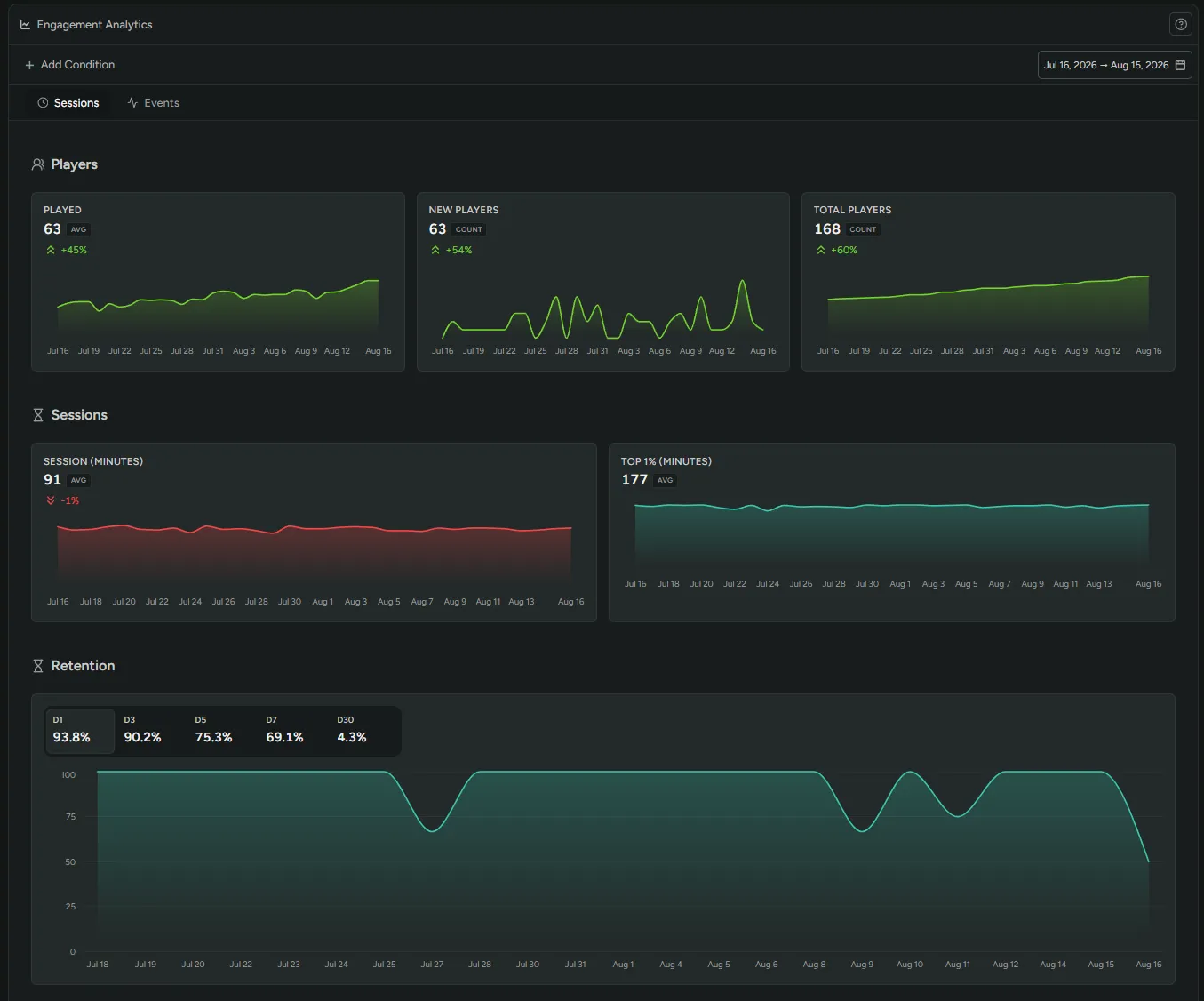
Playtime tracking in the SDK is now available to all games. The Engagement dashboard shows you unique players, new players, total players, average and top 1% session length, and classic retention.
Download the SDK, configure it, and start tracking sessions for players who connect a supported provider like Steam. Paid analytics plans let you switch on anonymous auth, automatic account creation, and account claiming to bring players into your community.
Already using the SDK? Open the Engagement dashboard — your session data may already be there.
Unreal SDK Watermarks
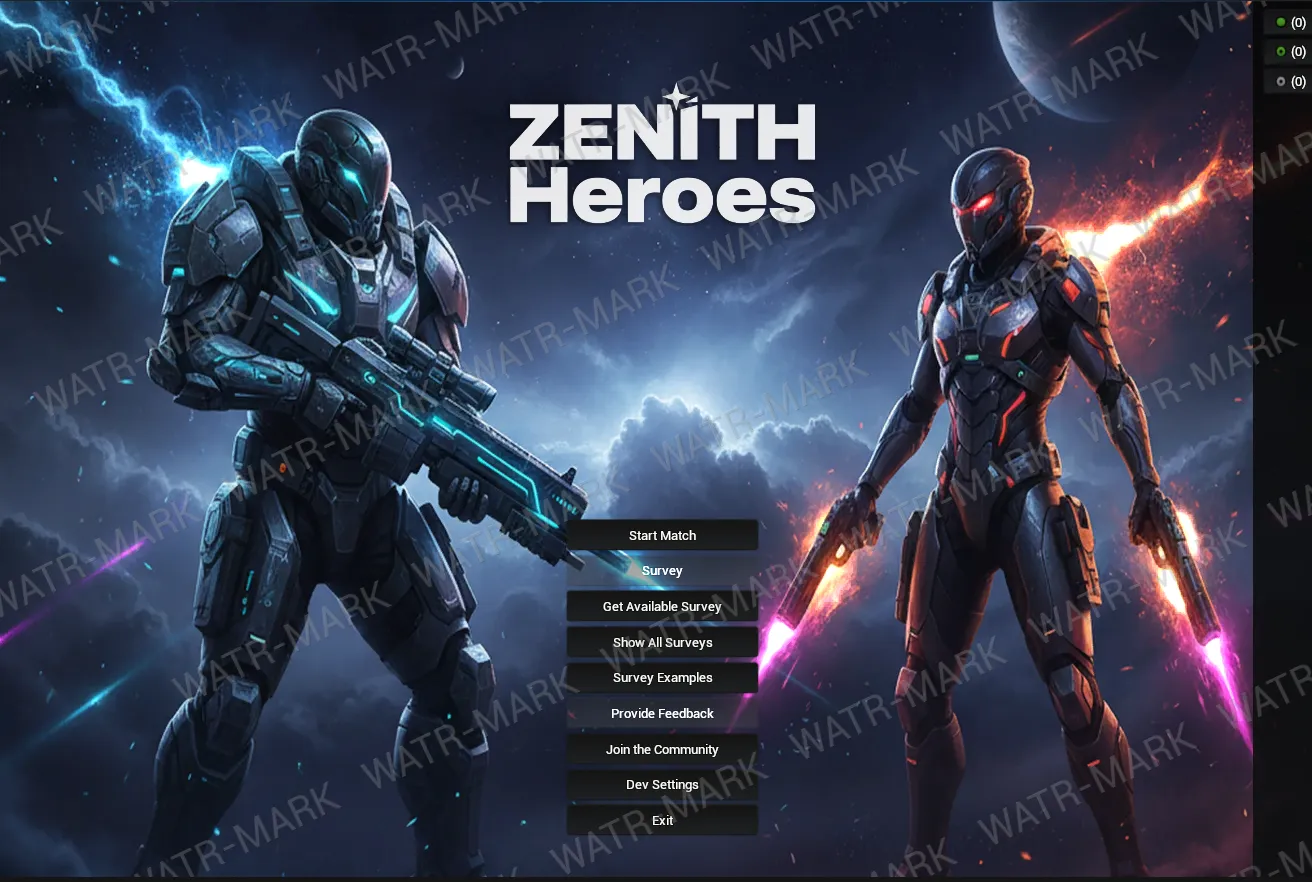
The Unreal SDK can now watermark your playtest builds! When enabled, the SDK overlays each player’s unique code across the screen, tiled at an angle and slowly drifting, with the center of the screen always covered so cropping can’t remove it. If a screenshot or stream leaks, the code traces it back to the exact player and session it came from.
The overlay stays subtle at its default opacity, and you can tune the color, opacity, tile density, angle, and drift in your Unreal project settings. Your game can also listen for the watermark event to let players know their session is watermarked.
See the Unreal SDK docs to get started.
Custom Events UI Refresh
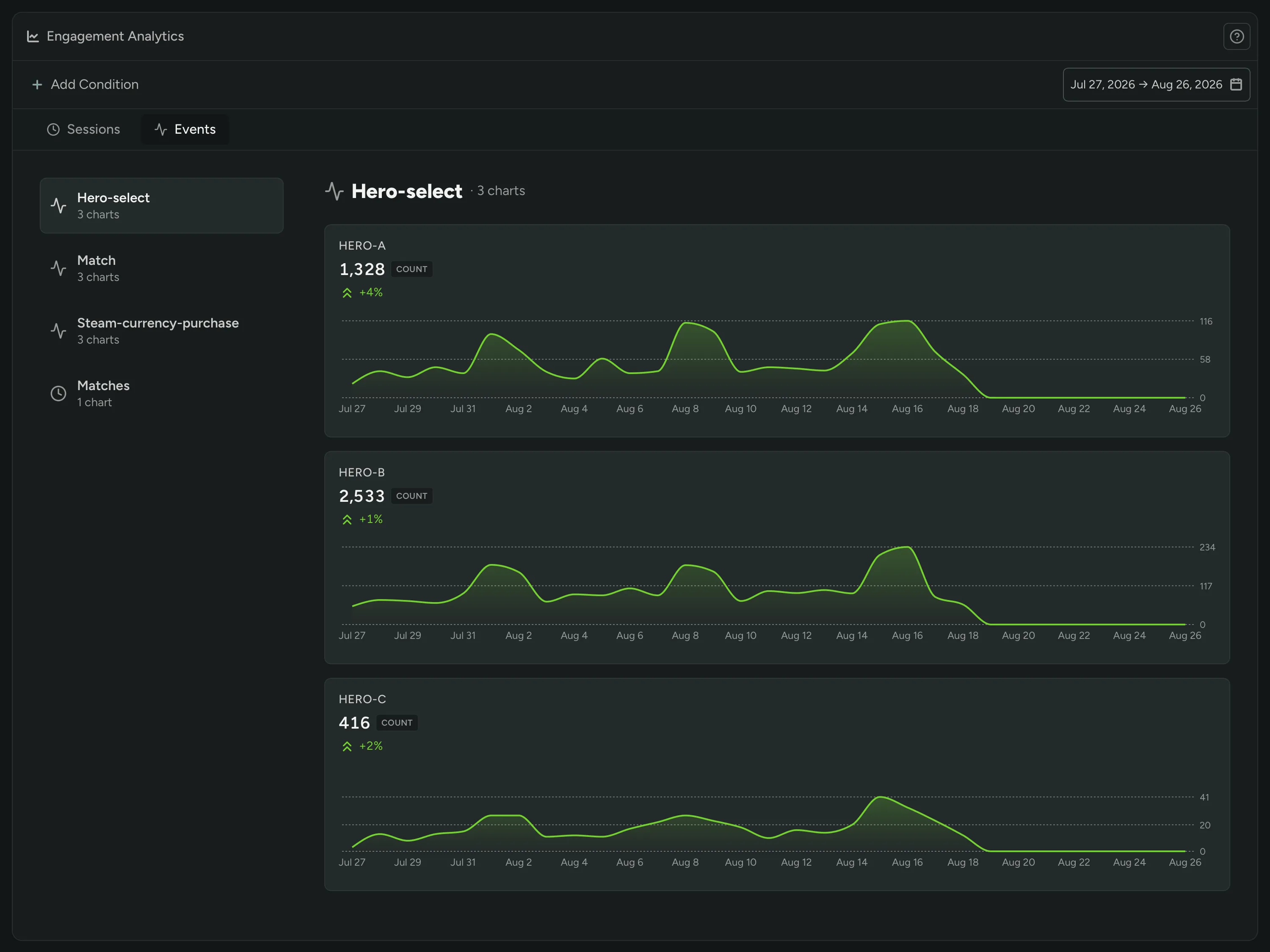
Custom Events analytics now group related events into a browsable list, so you can jump straight to the ones you care about instead of scrolling through them all. Charts also load more efficiently and the page adapts cleanly on smaller screens.
Multiple NDAs, Assignable Per Role
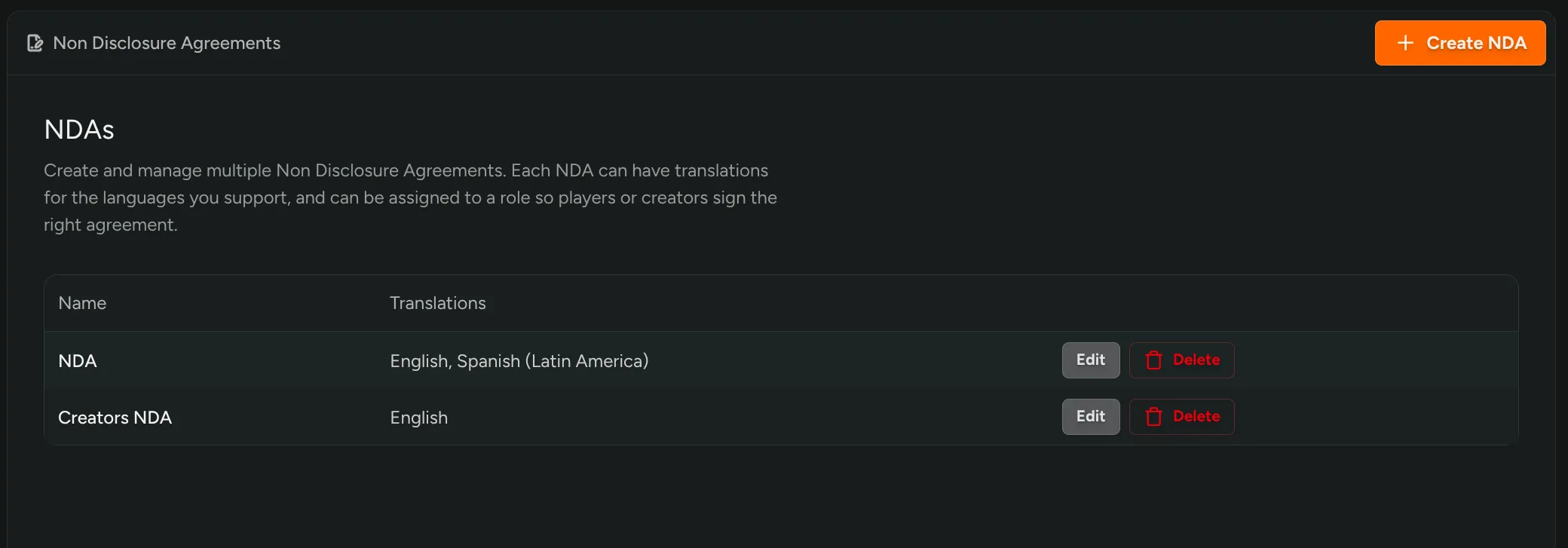
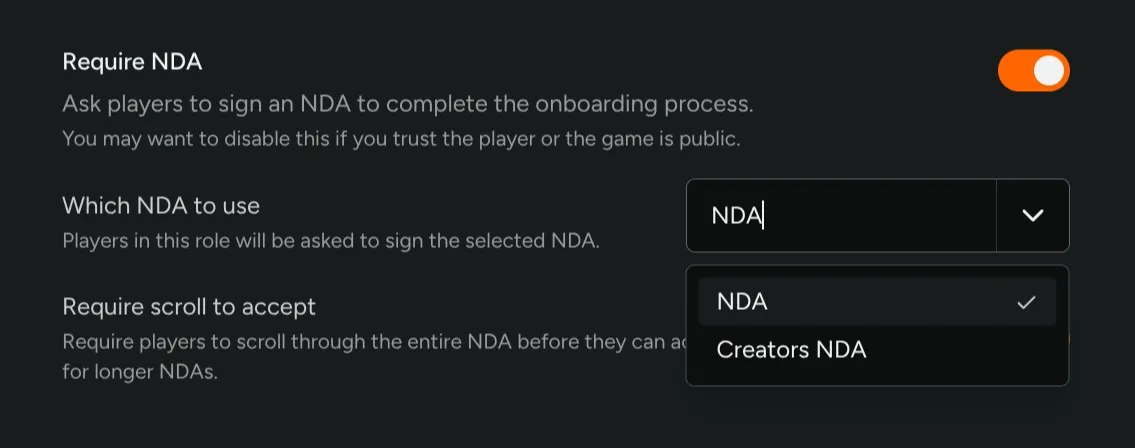
You can now create multiple NDAs and assign each one to a specific role! Studios running different agreements for Friends & Family, Closed Alpha, Creators, or Press no longer have to force everyone into a single agreement, add a new NDA for each and assign it to the role that should require it.
Navigate to Configuration → NDAs to manage your agreements, then assign the right one per Flow Role in Configuration → Flows.
Analytics + Engagement
Our Analytics and Engagement features are live and out of labs!
Sessions and playtime, retention, and custom events attached to every player, alongside their survey answers, sentiment, and everything else FirstLook manages. Filter and segment your players by combinations of all that data. Reward and engage players based on their behavior.
Smart Tags automate creating a segment of players from a set of conditions, picking up new players as they qualify.
Automated announcements let you build in repeatable communication. Set up a message reminding playtesters who claimed a key but haven’t played within two days to come give your game a try.
More information in our docs and launch post.
Create and Upgrade Games Yourself
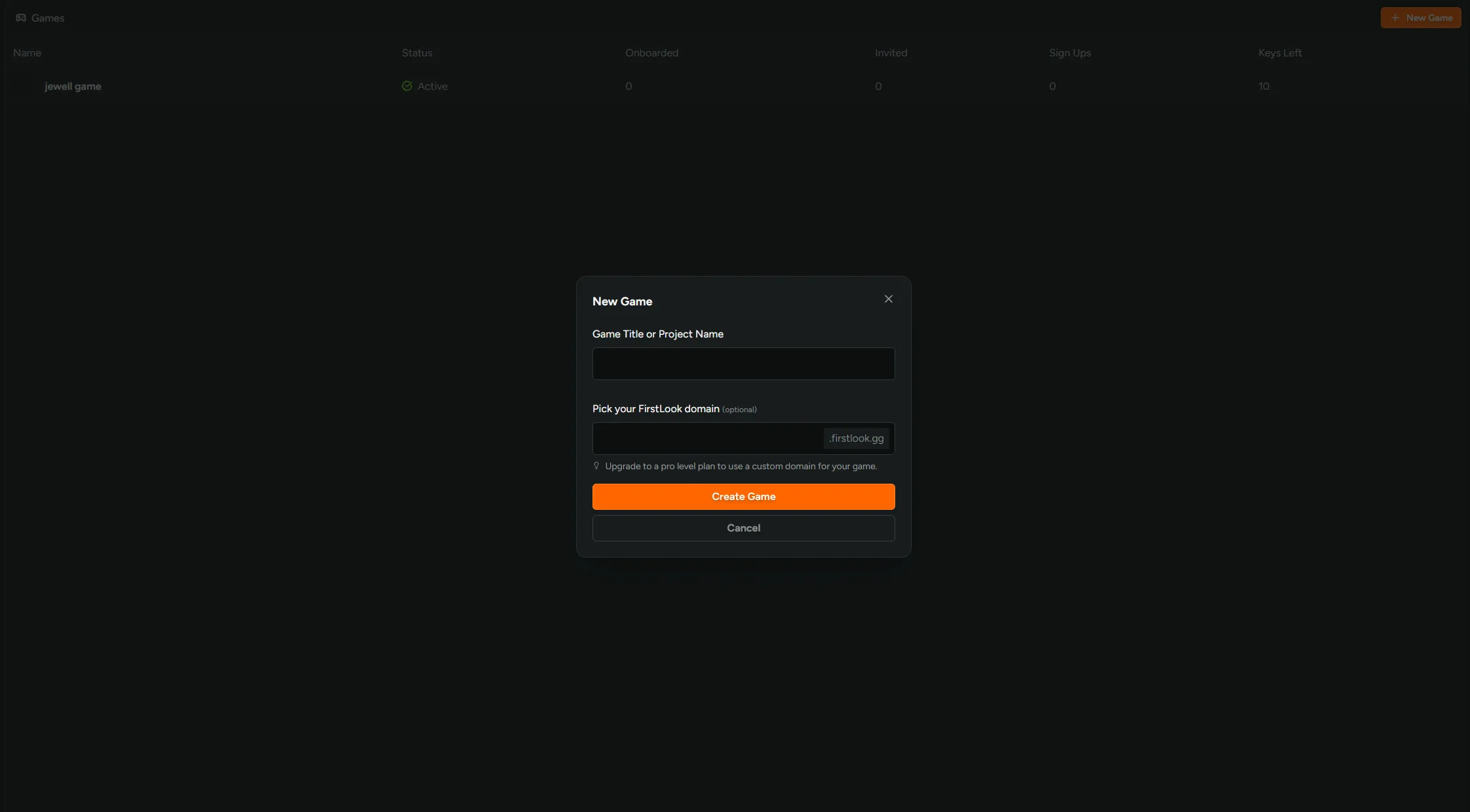
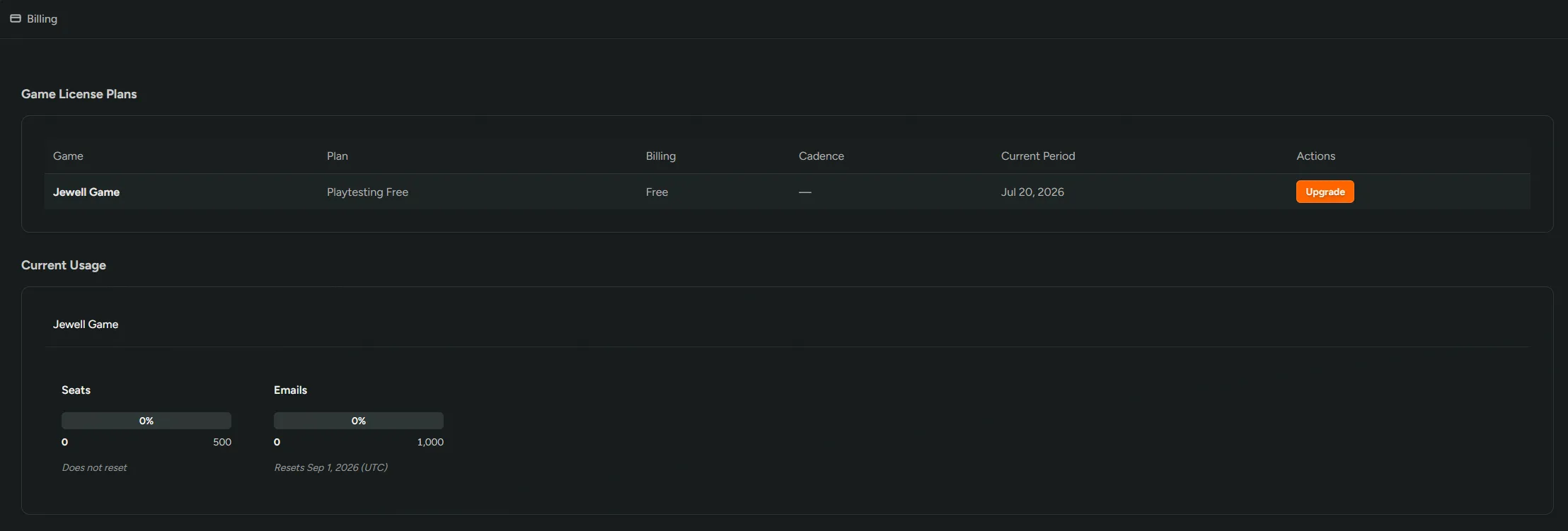
Create new FirstLook Game Instances without needing to talk to support! Open the workspace switcher, go to Games, and hit New Game. Enter a title, pick your yourgame.firstlook.gg address, and the game is created on the Free plan and ready to configure.
Upgrading is self-serve too. Billing now lists every game alongside its current plan, and anything on Free or a trial gets an Upgrade button. Pick a plan and check out through Stripe. If your studio already has a subscription, the new plan joins it on the existing billing cycle instead of starting a second one. Only Studio Owners can access this functionality.
Detect Missing Ad Disclosures
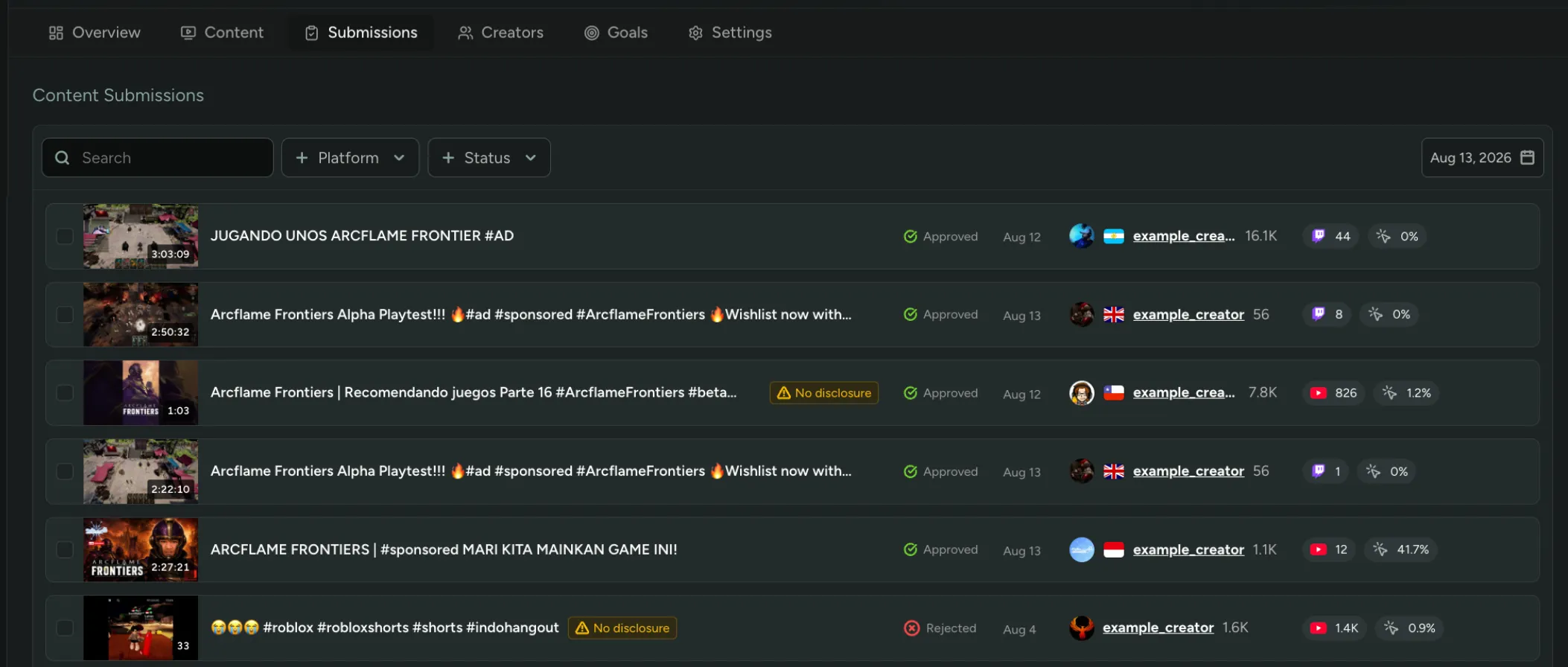
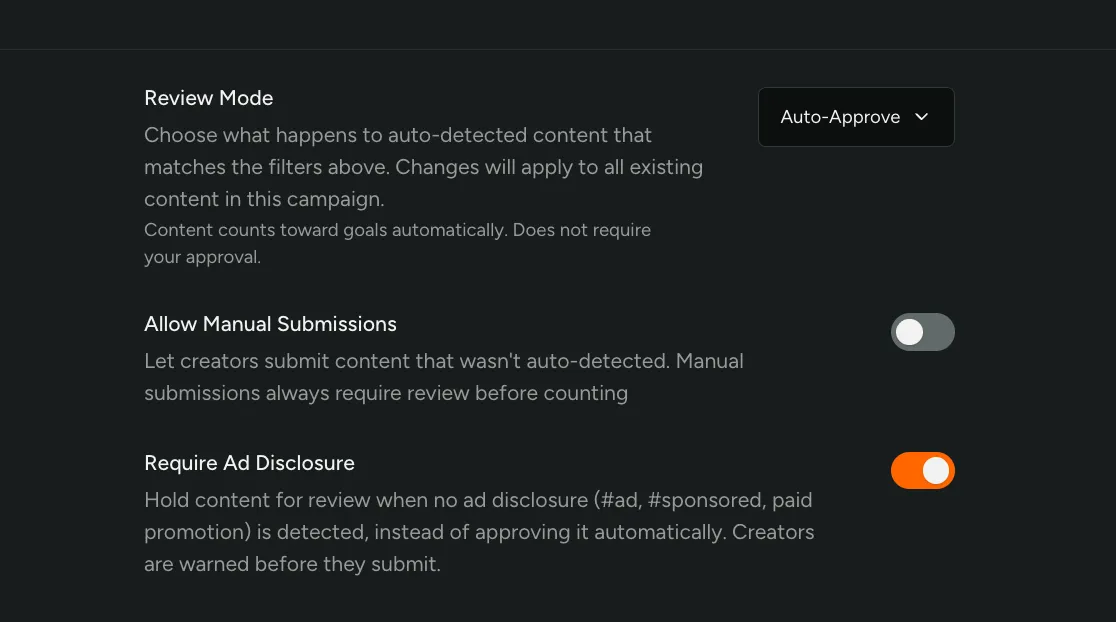
Campaigns now flag content that’s missing an ad disclosure! Turn on ‘Require Ad Disclosure’ and we scan every video and stream’s title, description, and tags for #ad, #sponsored, paid partnership language, and platform-native sponsored flags.
Content without disclosures are flagged in your Submissions tab for manual review.
Translate Player Responses
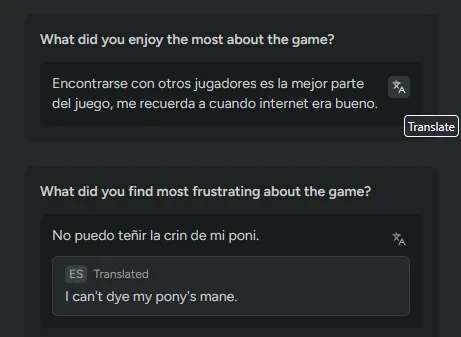
Survey text responses and Sentiment sources now have a translate button. Click it and an English translation appears under the original, tagged with the language we detected. Click again to hide it.
It covers survey feedback, Discord messages, Steam reviews, and Steam discussions. The original text stays on screen either way, so you can check the wording yourself or pass it to someone who reads the language.
Each response is translated when you ask for it, not ahead of time. In Sentiment, the button only shows on text we’ve detected isn’t already in English.
Translation needs LLM Localization turned on. Enable it in FirstLook Labs.
New Discord Quests
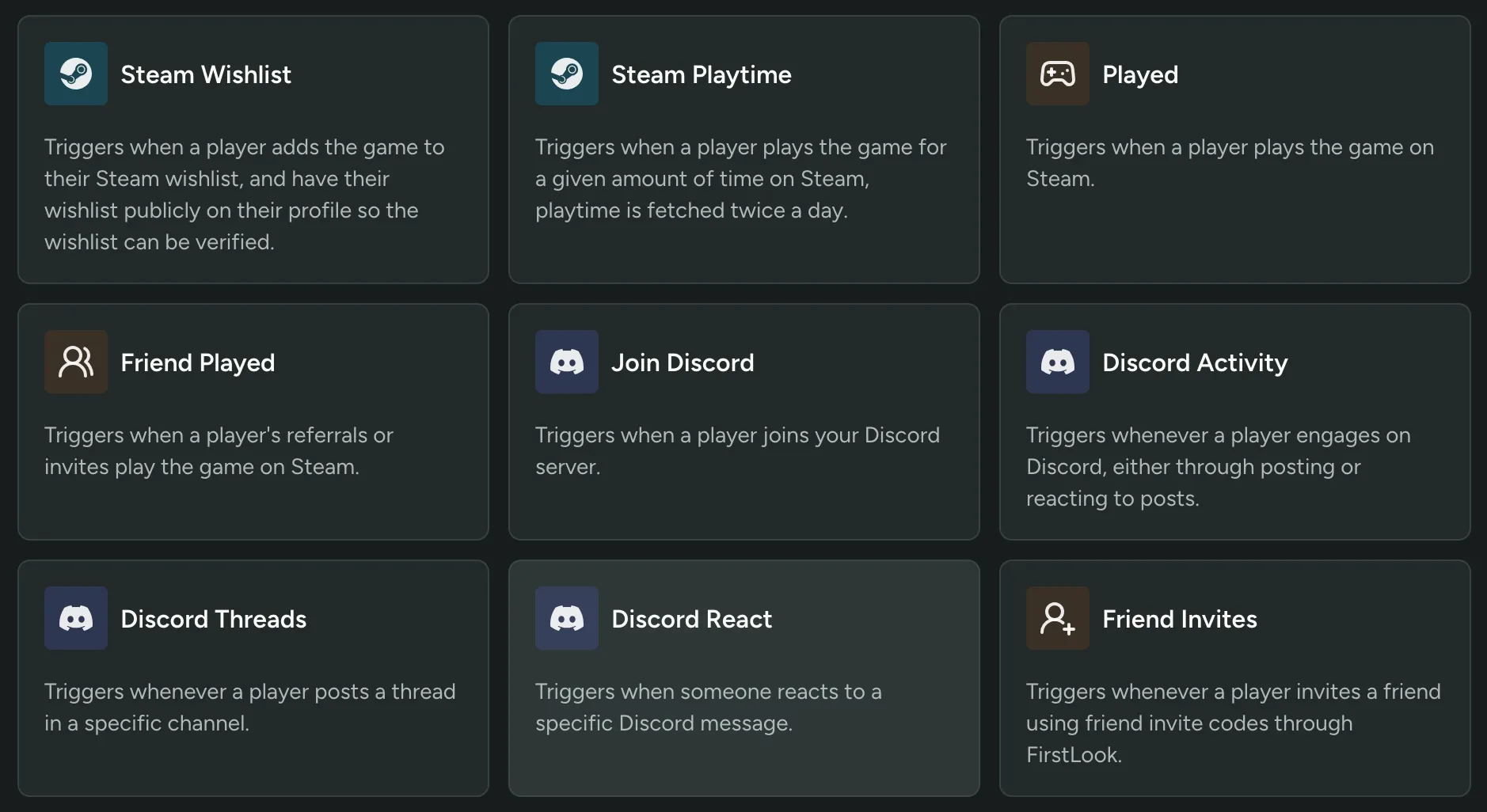
Two new quest types are available in Rewards: Join Discord and Discord React.
Join Discord awards points when a player joins your server. Discord React takes a message ID and awards points to anyone who reacts to that message, which works for rules acknowledgements, patch note reactions, or a lightweight poll. The message has to be in a channel you’re tracking.
Both quests need a connected Discord server, and they sit alongside the existing Discord Activity and Discord Threads quests in the quest library.
Haven’t tried Rewards yet? Enable it in FirstLook Labs!
Automate Announcements
Announcements can be automated. Set a start and end time, and FirstLook emails everyone who matches your player filters when the window opens, then keeps emailing new matches as they qualify until the window closes. A player who matches the criteria on day three gets the email on day three, and no player gets it twice.
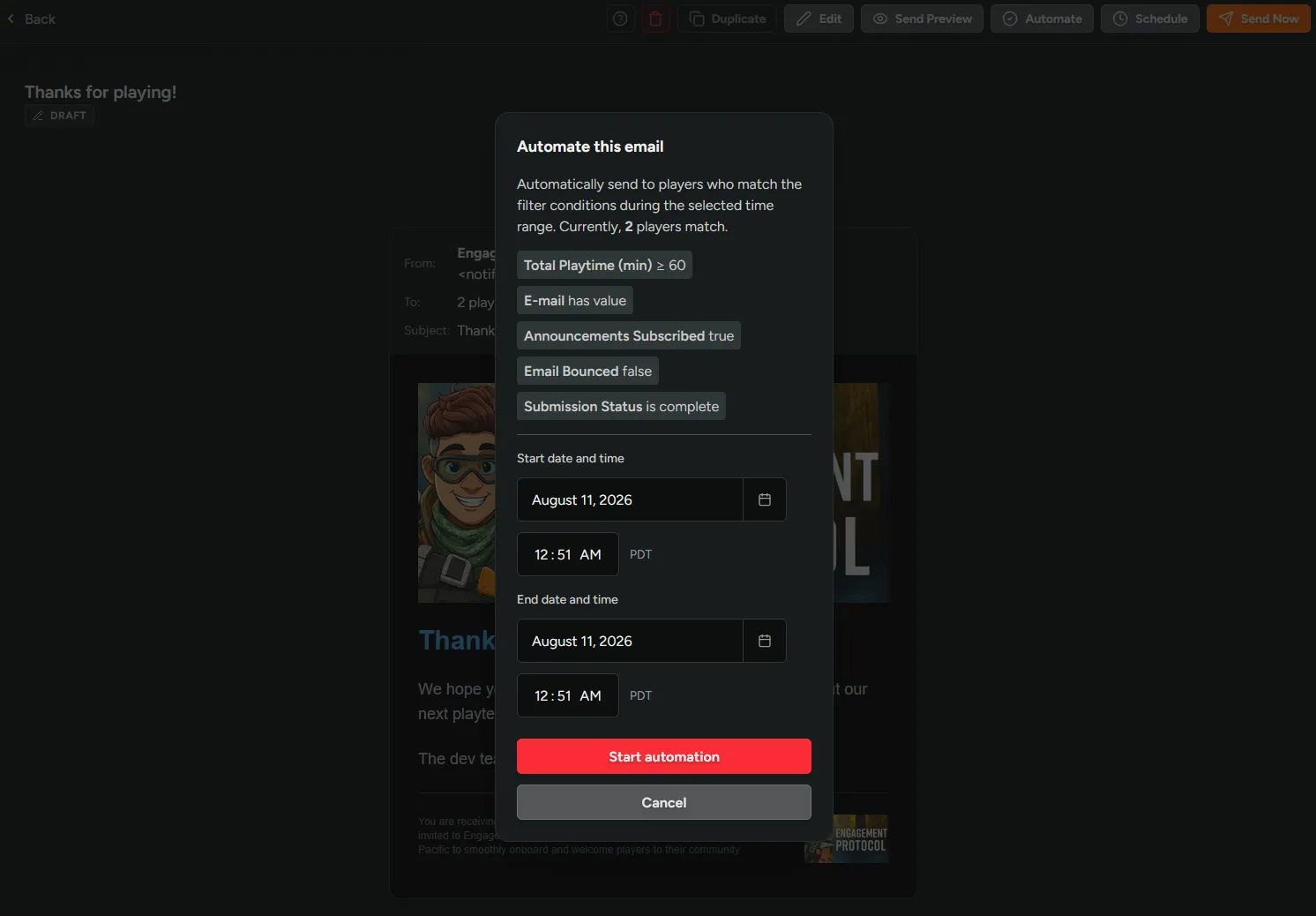
Automations work with the full filter set, including time-scoped event filters.
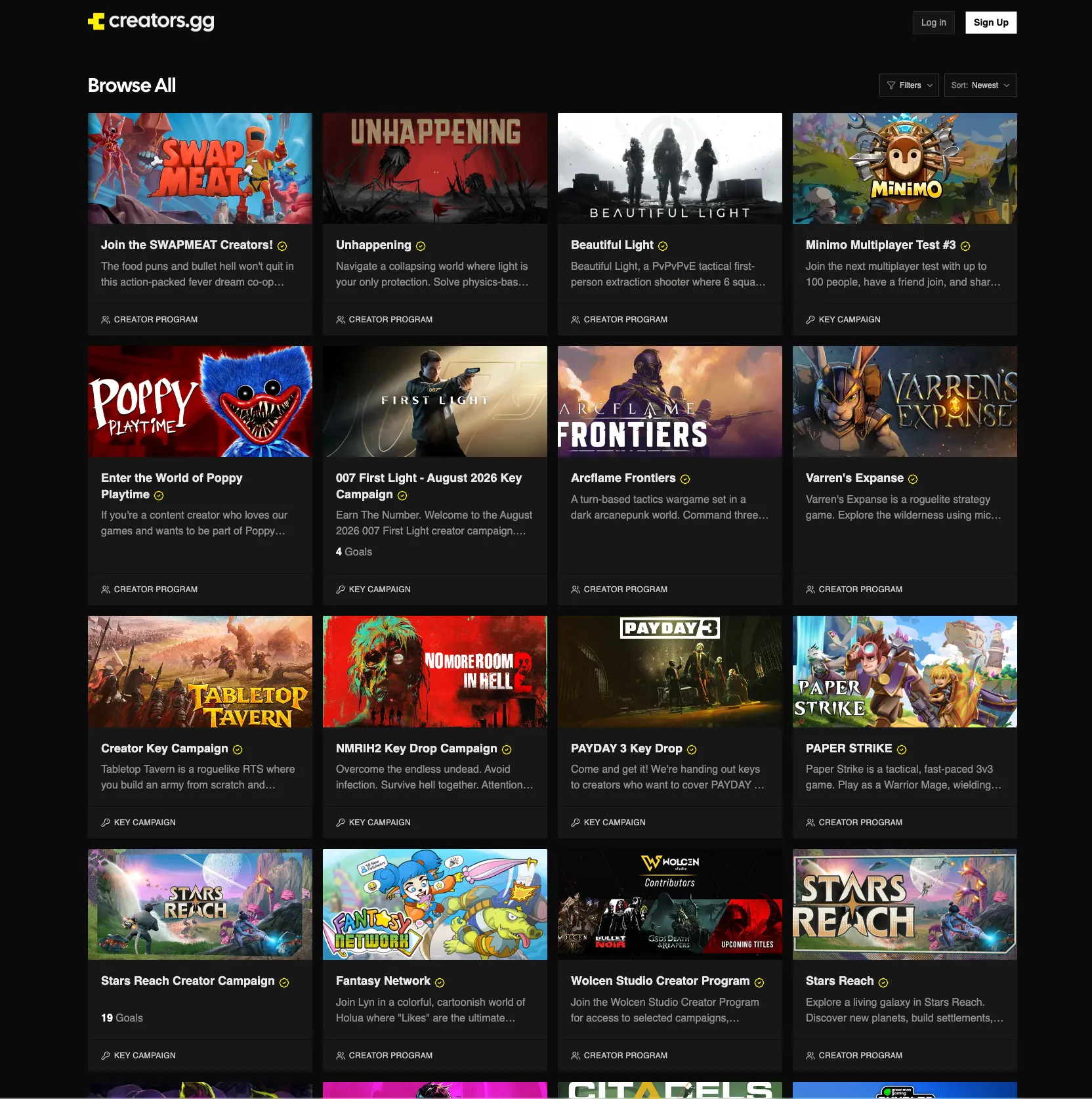
List on Creators.gg
Creators.gg launched today! List your program or key campaign in minutes and put your game in front of 10,000+ creators looking for their next title.
Listing is free, and it all runs on the Creator tools you already use. Start with a basic key drop through your sign-up flow and enrollment rules, then scale as far as you want: CPM campaigns, performance-based rewards, all the way to a full Creator Battle Pass.
50+ programs and campaigns are already live.
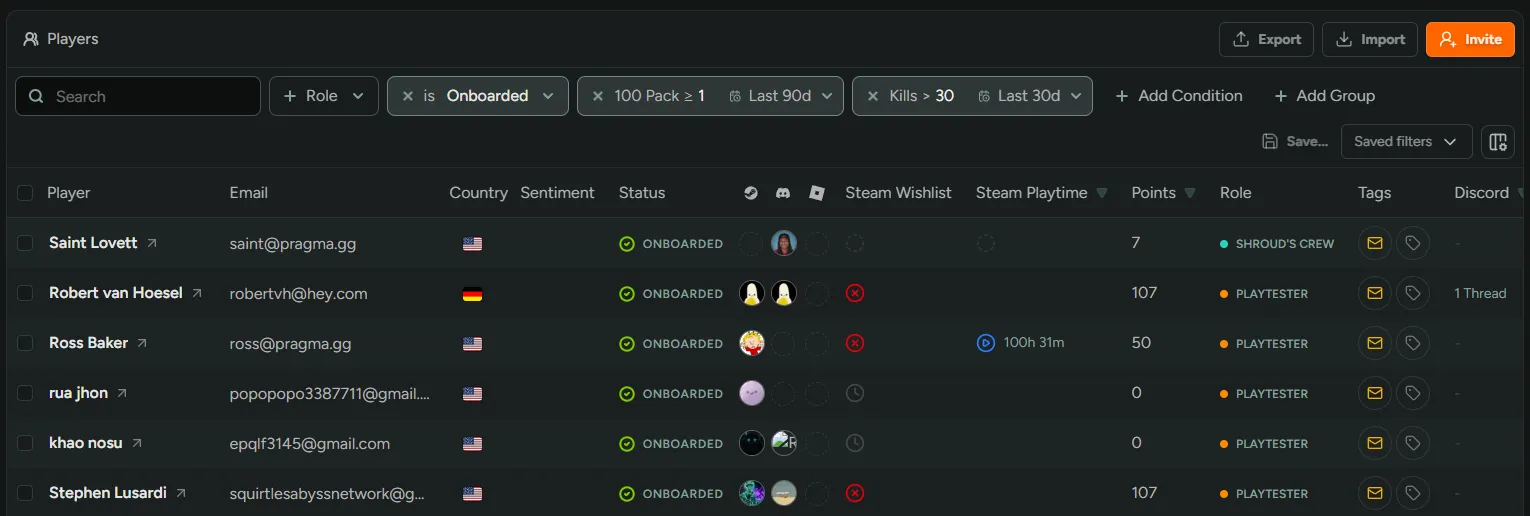
Filter Players by Recent Activity
Event filters can now be scoped to a time window! Until today, a filter like kills ≥ 100 matched lifetime totals, so a player who hit 100 kills a year ago and never came back still counted. Now any Counter or Duration Event filter takes a rolling window or a custom date range, so you can build the segments that actually matter: testers active this week, buyers from launch week, players who went quiet after the last update.
Time scopes work everywhere player filters do, including smart tags and announcements. A smart tag built on “active in the last 30 days” re-evaluates its window automatically, so the segment stays current without you touching it.
Invite Creators Directly into Your Program
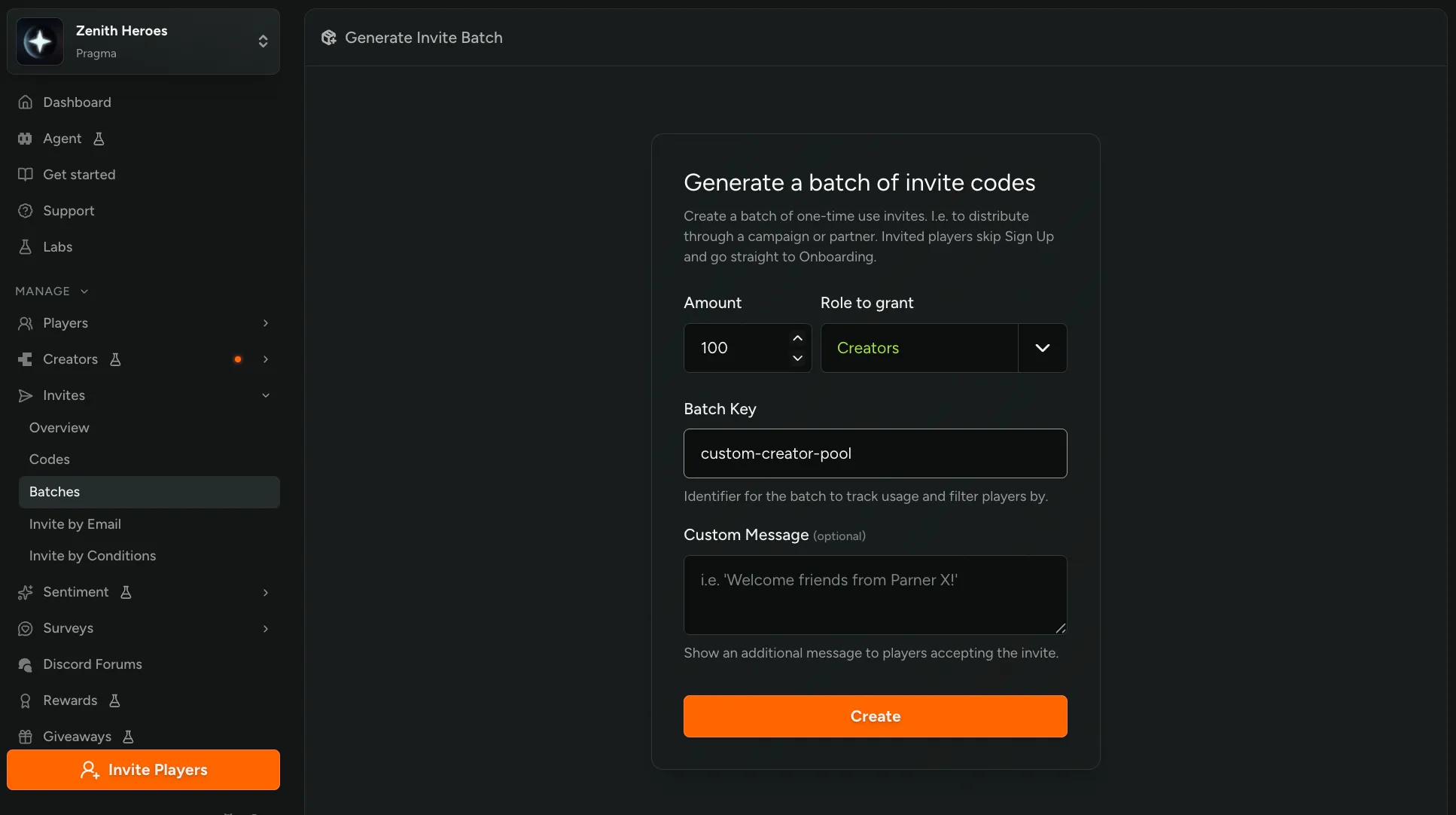
Invites now work with the Creator role! Send an invite by email, batch, code, or condition, and the creator is accepted into your program automatically. They still go through sign-up to link their channels, answer your custom questions, and sign your NDA if you’ve configured one, then land straight on their dashboard.
Still haven’t tried our Creator tools? Enable them in FirstLook Labs.
Auto-Approve Creators with Enrollment Rules
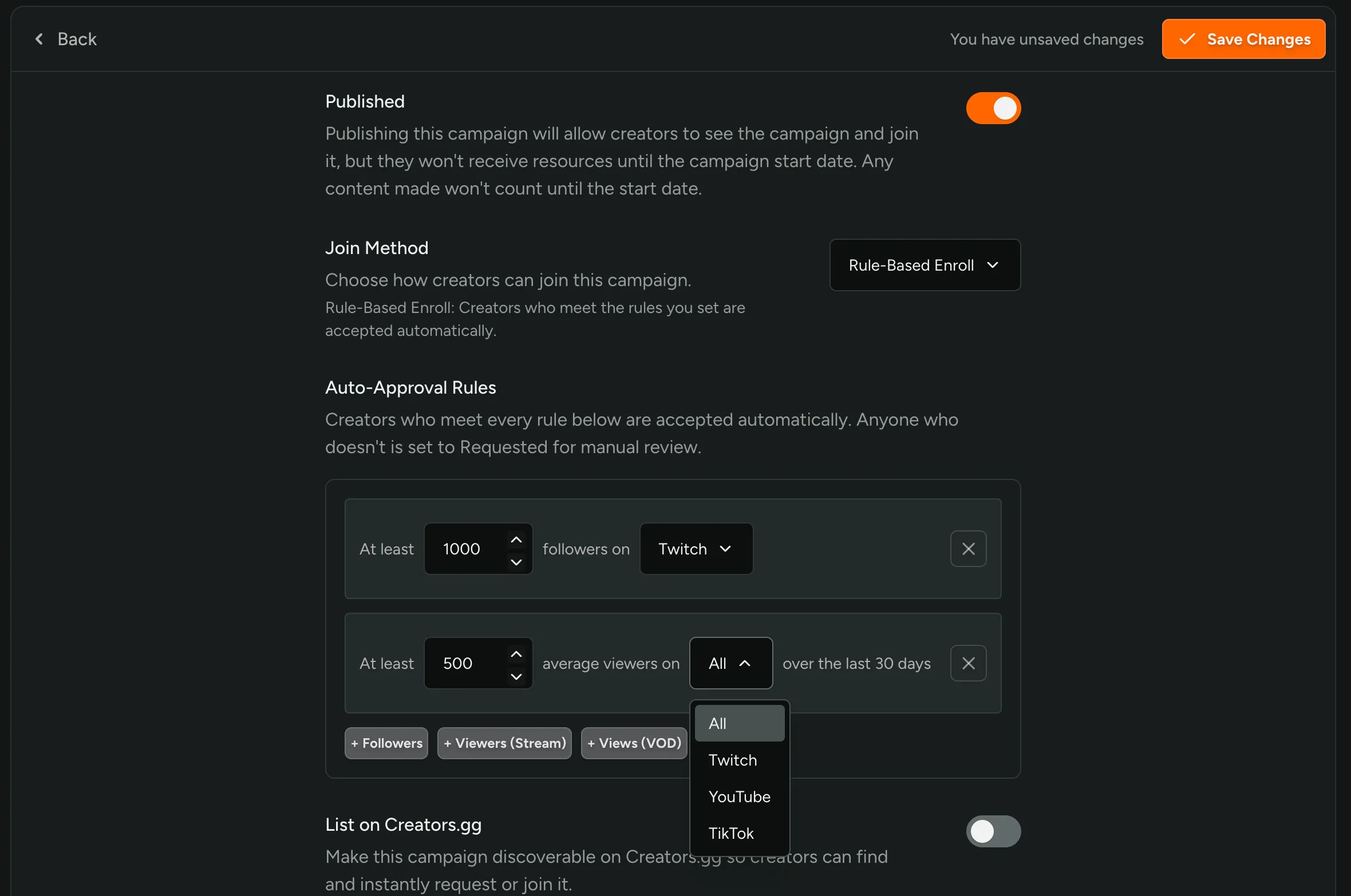
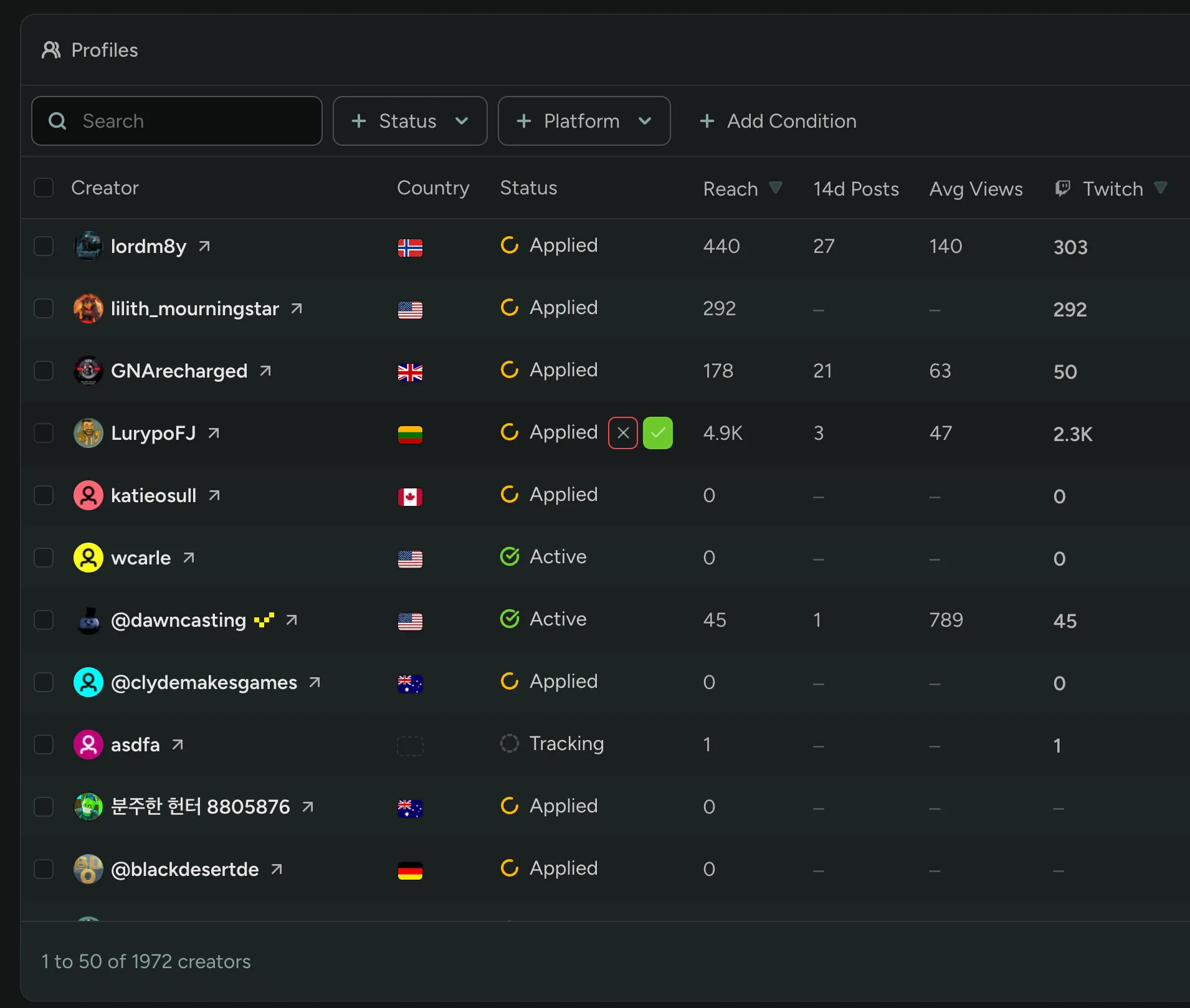
You can now automatically accept creators into a program or campaign based on the stats that matter to you! Set Join Method to Rule-Based Enroll and define the bar creators need to clear, followers, average viewers, or average VOD views, on a specific platform or across all of them.
Anyone who meets every rule is approved instantly; anyone who doesn’t stays Requested for you to review by hand. No more combing through applicants one by one to check if they clear your minimums.
Still haven’t tried Creators? Enable it in FirstLook Labs.
Steam Inventory Items
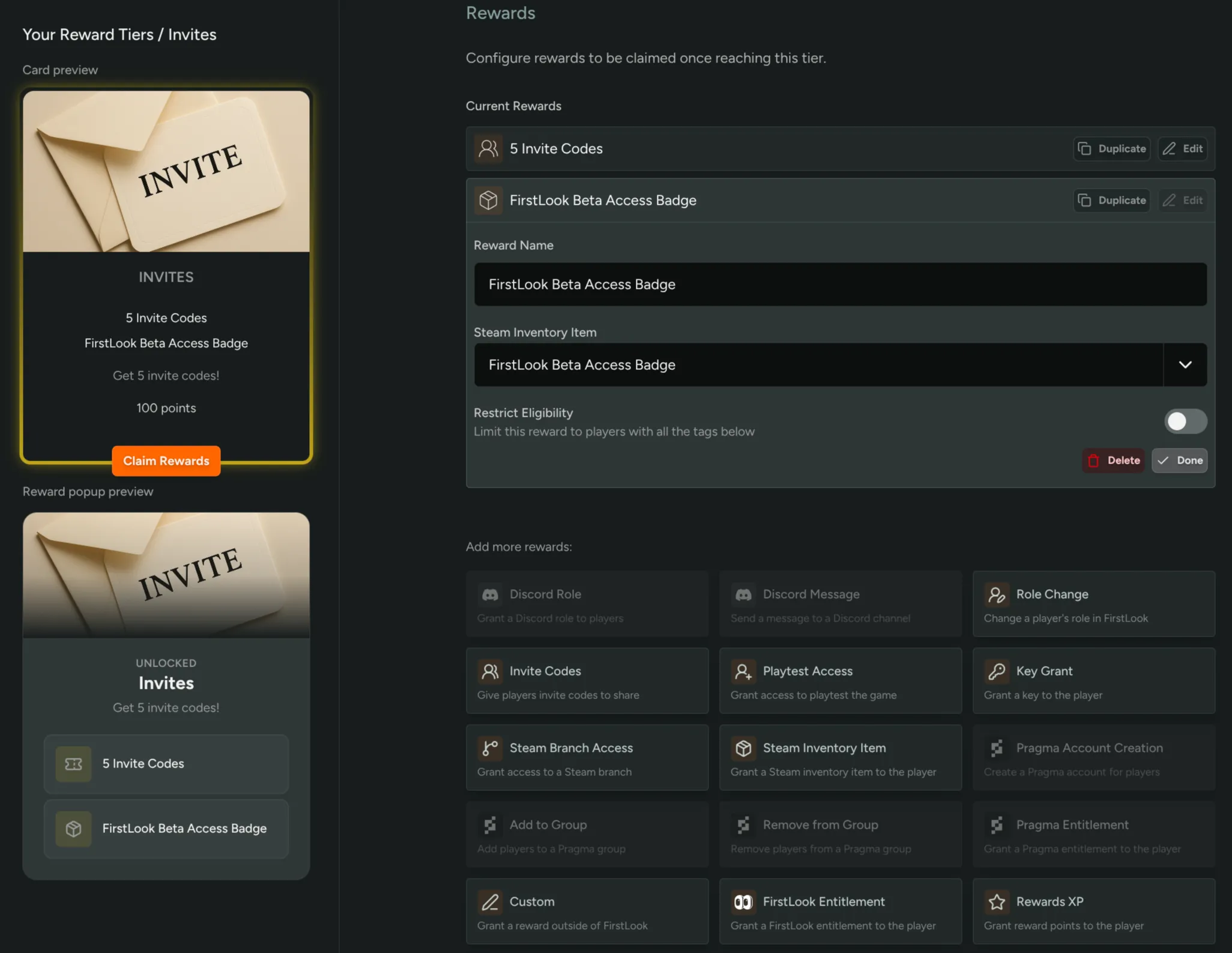
You can now grant Steam Inventory Items to players as rewards for participating in your community! Admins can add specific inventory items in the Keys and Access section and assign them as rewards for activities like completing quests or reaching milestones.
This allows for more diverse and interactive reward systems, giving players tangible items directly in their Steam inventories.
Steam Wishlist Analytics
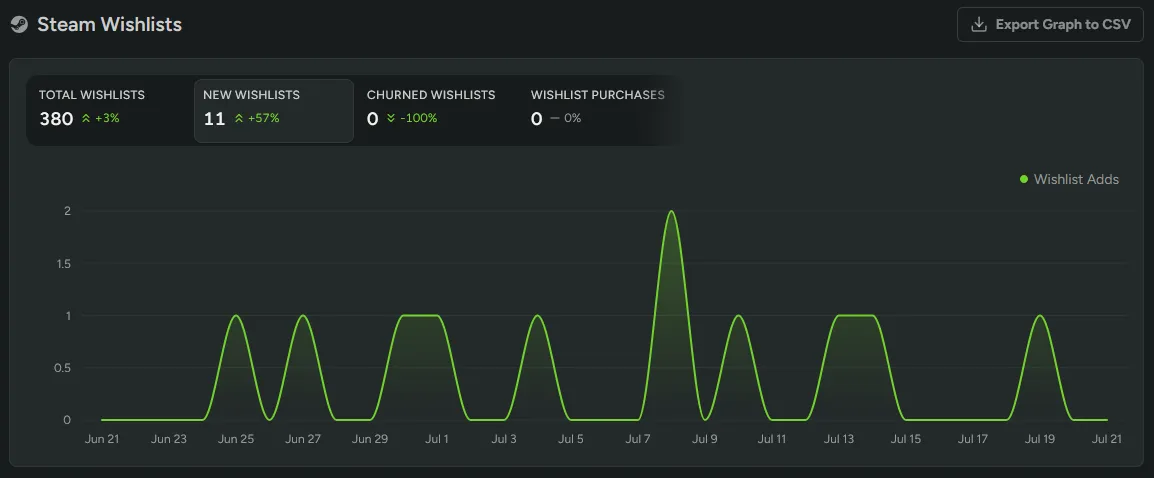
Track your Steam app’s wishlists in FirstLook. Add a Steamworks Financial API Key under Configuration > Steam and the Steam Analytics page charts your daily wishlist adds, deletes, purchases, and running total, straight from Steam’s official wishlist reporting, so you can see how your playtests and announcements move wishlists. FirstLook backfills your full wishlist history when you add the key and refreshes it daily.
Read the docs for setup steps.
Player.gg Attribution Analytics and Player Filters
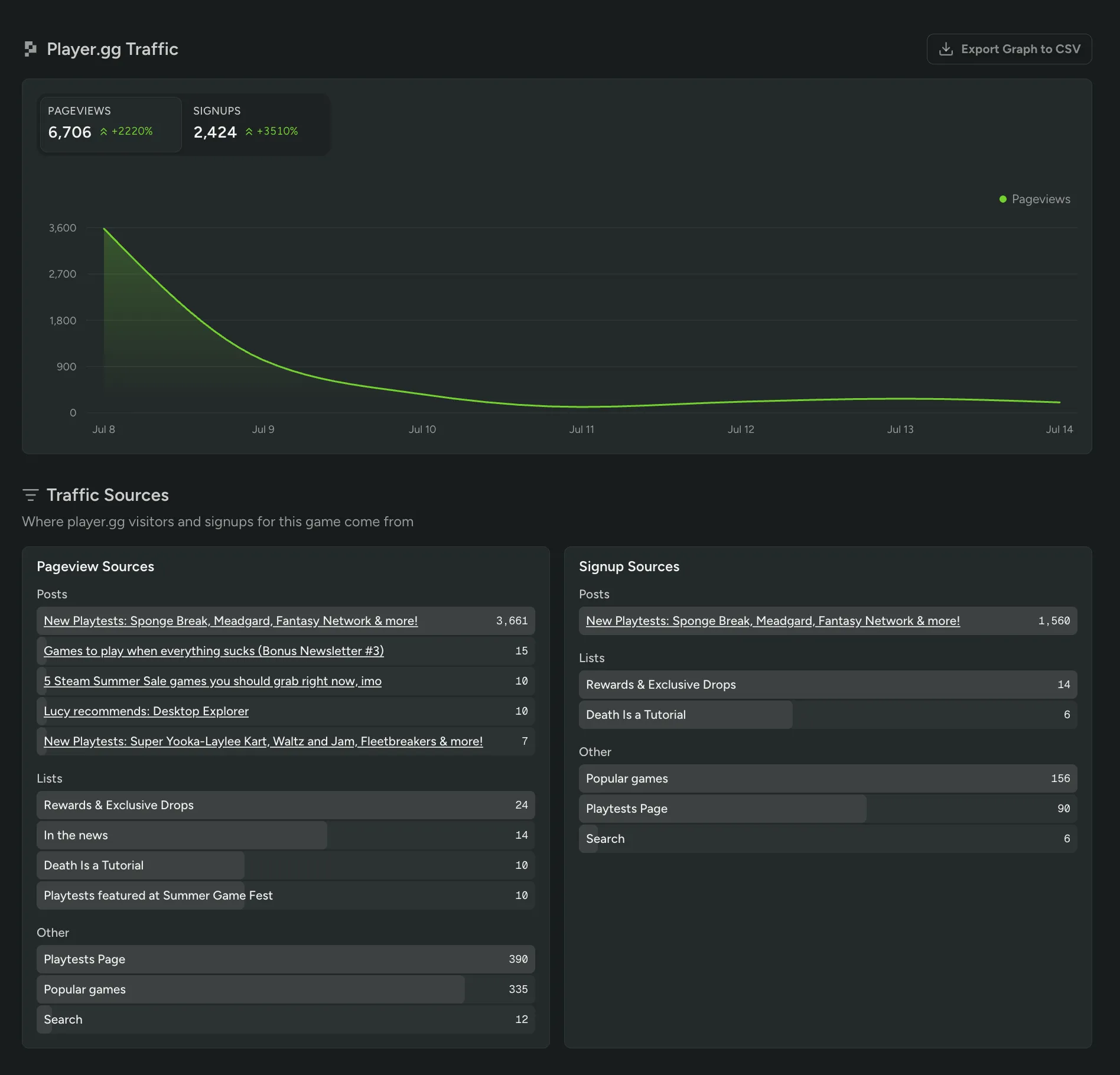
You can now see exactly which player.gg pages and traffic sources drove pageviews and signups for your game. The new Player.gg Traffic view in your Analytics dashboard breaks down your Pageview and Signup Sources across posts, lists, and other placements, so you know precisely what’s sending players your way.
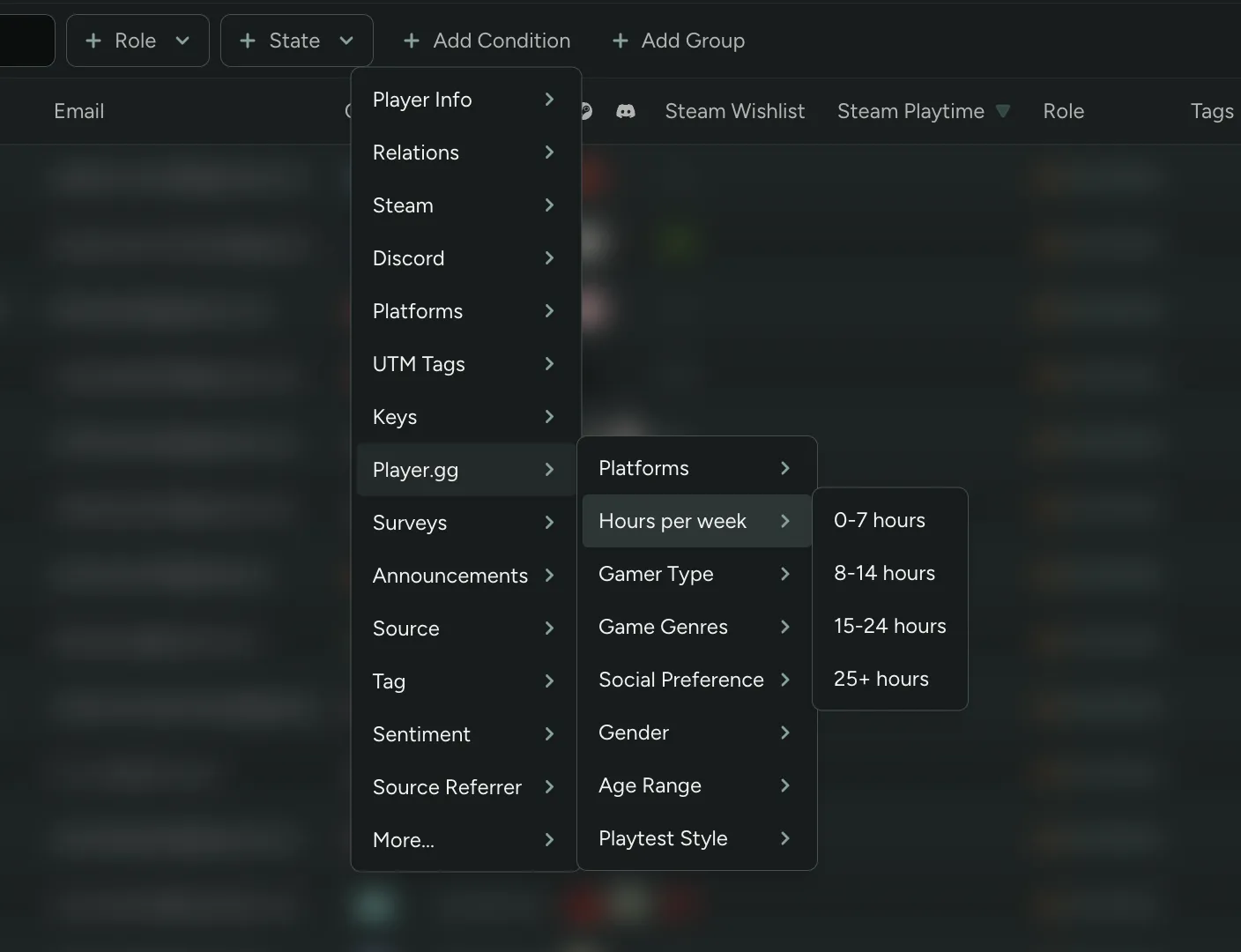
You can also filter your Players table by player.gg profile properties like preferred Game Genres and Hours per week playing (for players who provided them), alongside Gamer Type, Social Preference, Age Range, and more.
Redesigned Analytics Dashboard
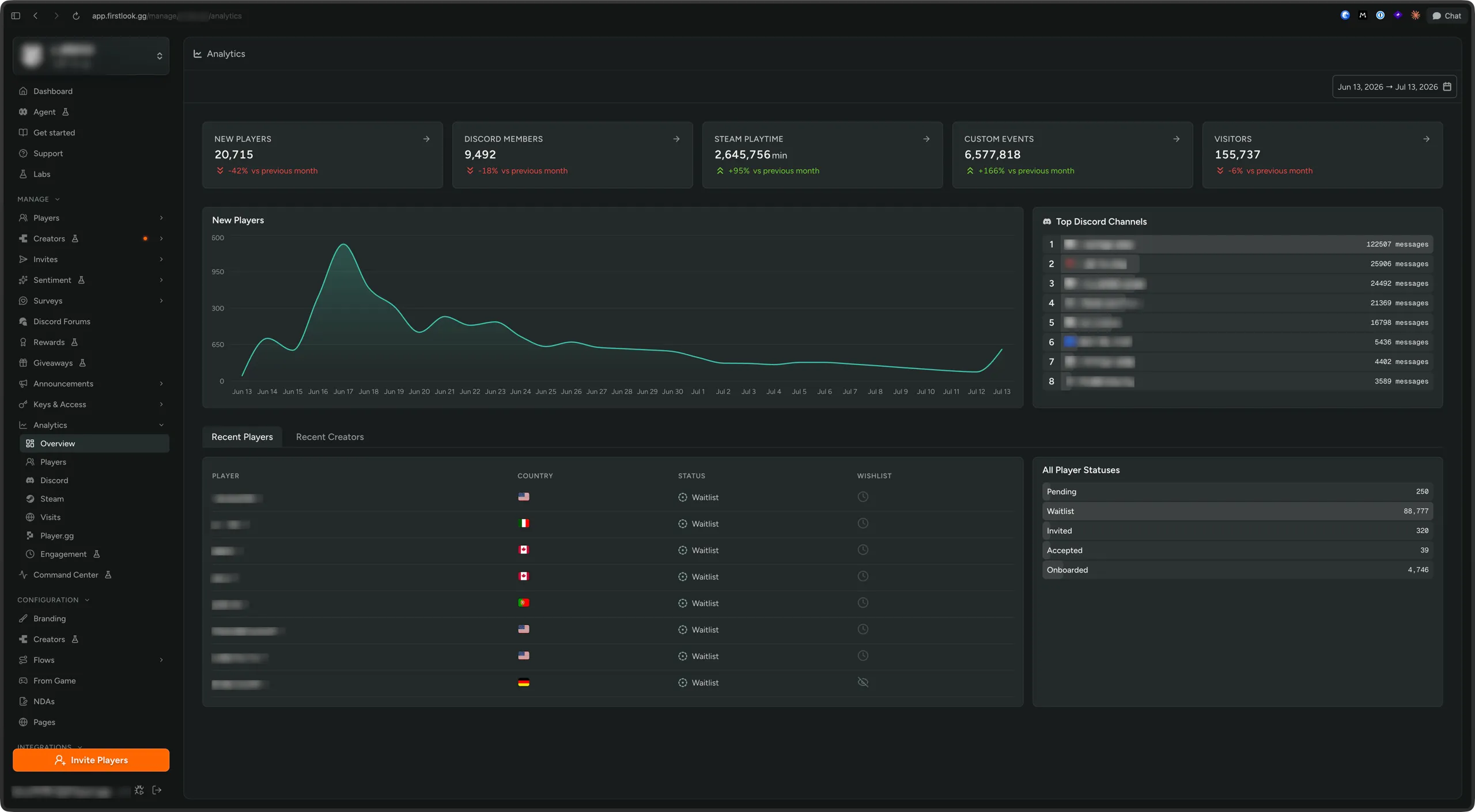
We’ve redesigned the Analytics dashboard around a new Overview that puts your most important numbers front and center. At-a-glance cards track New Players, Discord Members, Steam Playtime, Steam Wishlists, Custom Events, and Web Page Visitors, each with how they’ve moved versus the previous selected period, alongside cleaner charts, your top Discord channels, and a snapshot of your eight (8) latest Player and Creator signups. Same signup, Steam, and Discord data you rely on, now faster and easier to read.
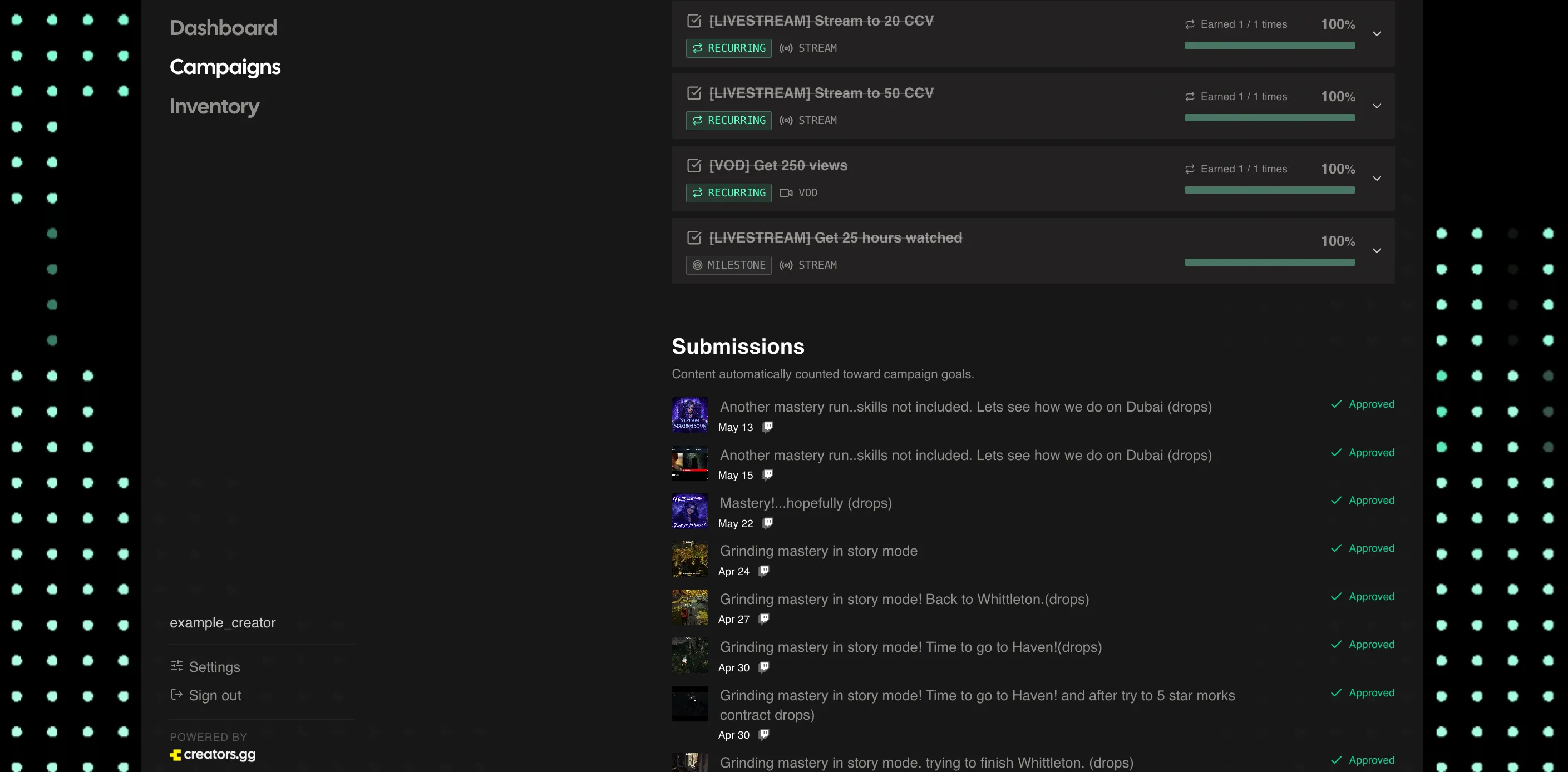
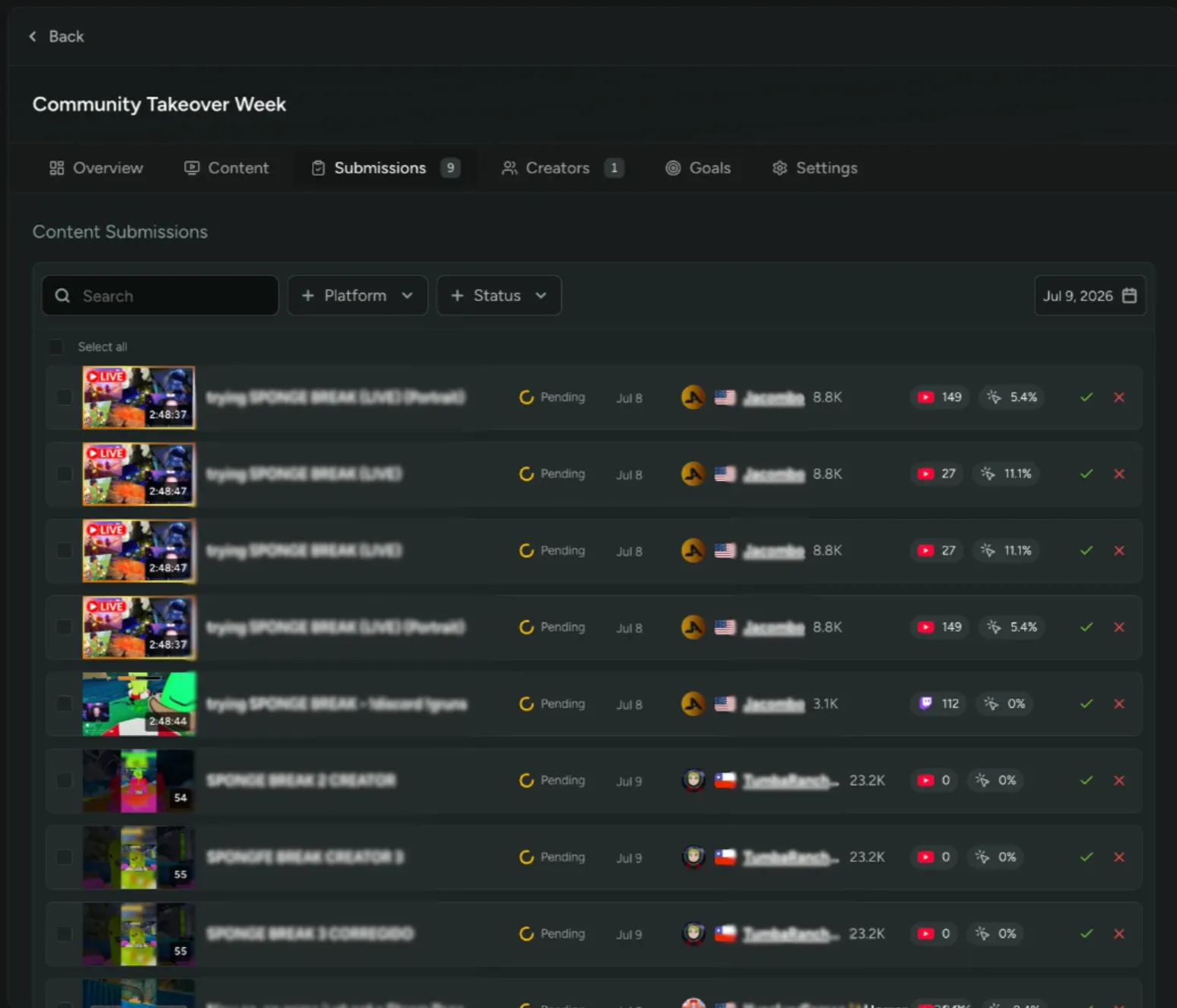
Review Content with Submission Methods
You can now review creator content before it counts toward a campaign! We already auto-detect every matching video and stream for you, and a new Submission Method setting lets you choose what happens to that content:
- Studio Review: Detected content is submitted for your review automatically, with no action needed from creators. Nothing counts toward goals until you approve it.
- Creator Submit: Detected content goes to creators, who pick what to submit. Anything they send still requires your approval.
- Auto-Approve: Detected content counts toward goals automatically, no approval needed.
Creators can also paste a URL for anything we missed.
Still haven’t tried our Creator tools? Enable them in FirstLook Labs.
Reposition Reward Images
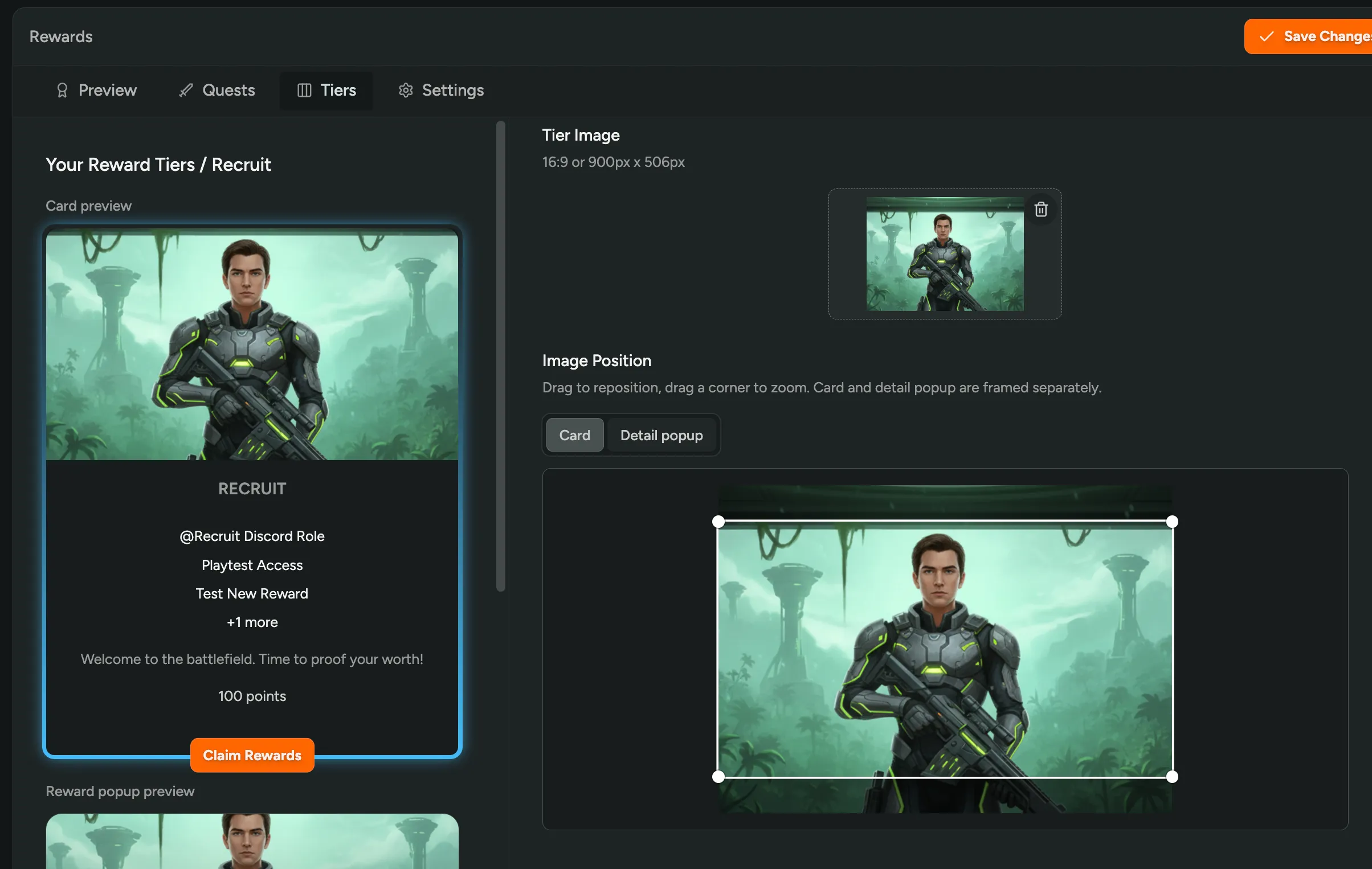
You can now reposition images so they frame exactly how you want, no re-cropping or re-uploading! On a reward tier, drag to move the image and drag a corner to zoom, and set the card and the detail popup separately since they’re framed differently. Image positioning also shows up in more places across the dashboard, like your creator sign-up page.
Want to try Rewards or Creators? Enable them in FirstLook Labs!
Pay Your Creators in Cash
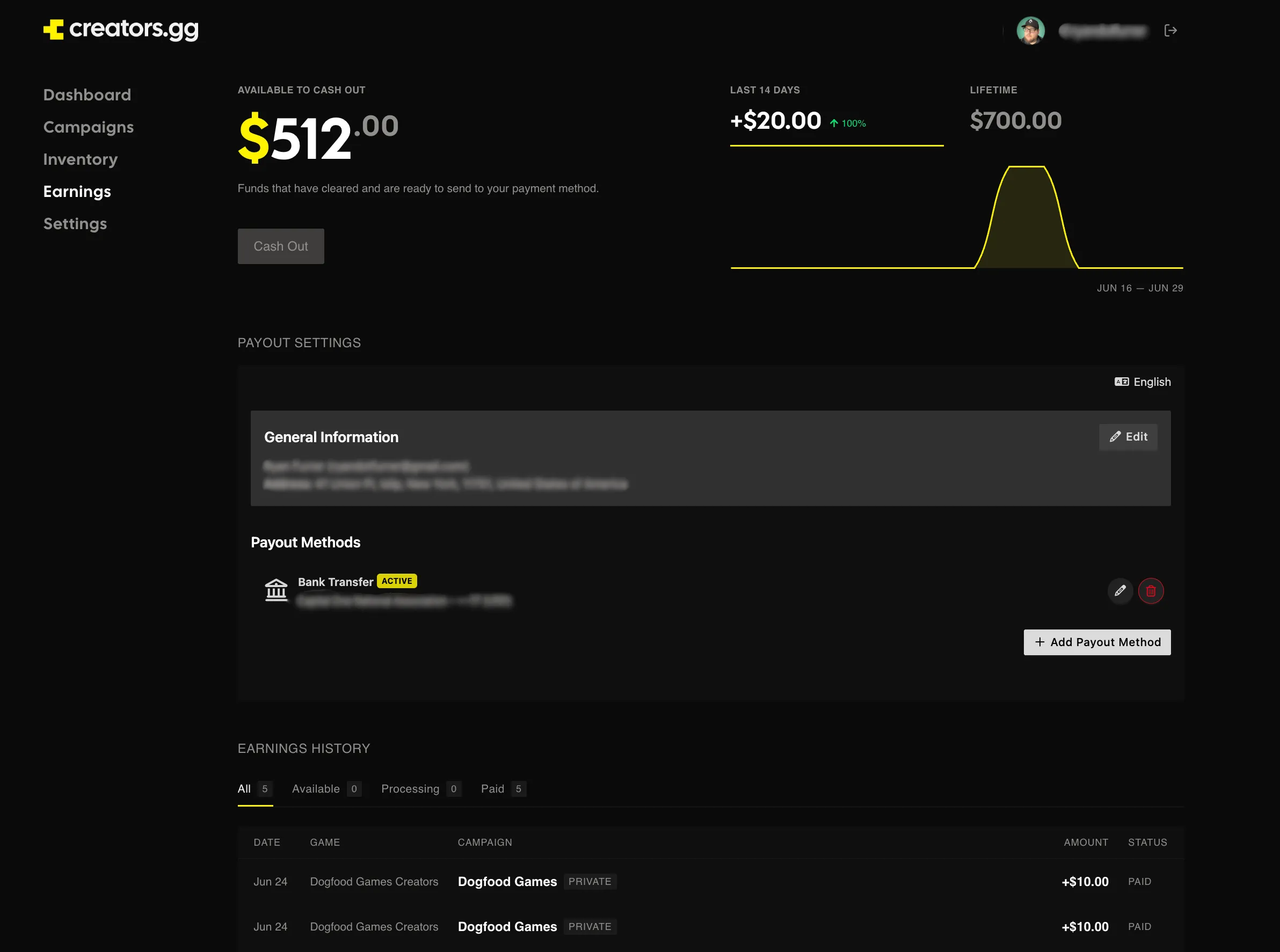
You can now pay creators in cash! Add a Cash Payout to any campaign goal and creators earn it for hitting your target, not just keys and rewards. Use it for CPM deals or any milestone you really want to drive.
Every payout draws from a budget you set, and the campaign budget bar shows what’s spent, earmarked, and left at a glance. You can’t overspend a campaign or drop its budget below what you’ve already paid out, and we’ll flag you when a campaign hits its last 10%. Creators get paid automatically when they hit a goal and cash out on their own, so there’s nothing for you to chase down.
Reach out to try Cash Payouts.
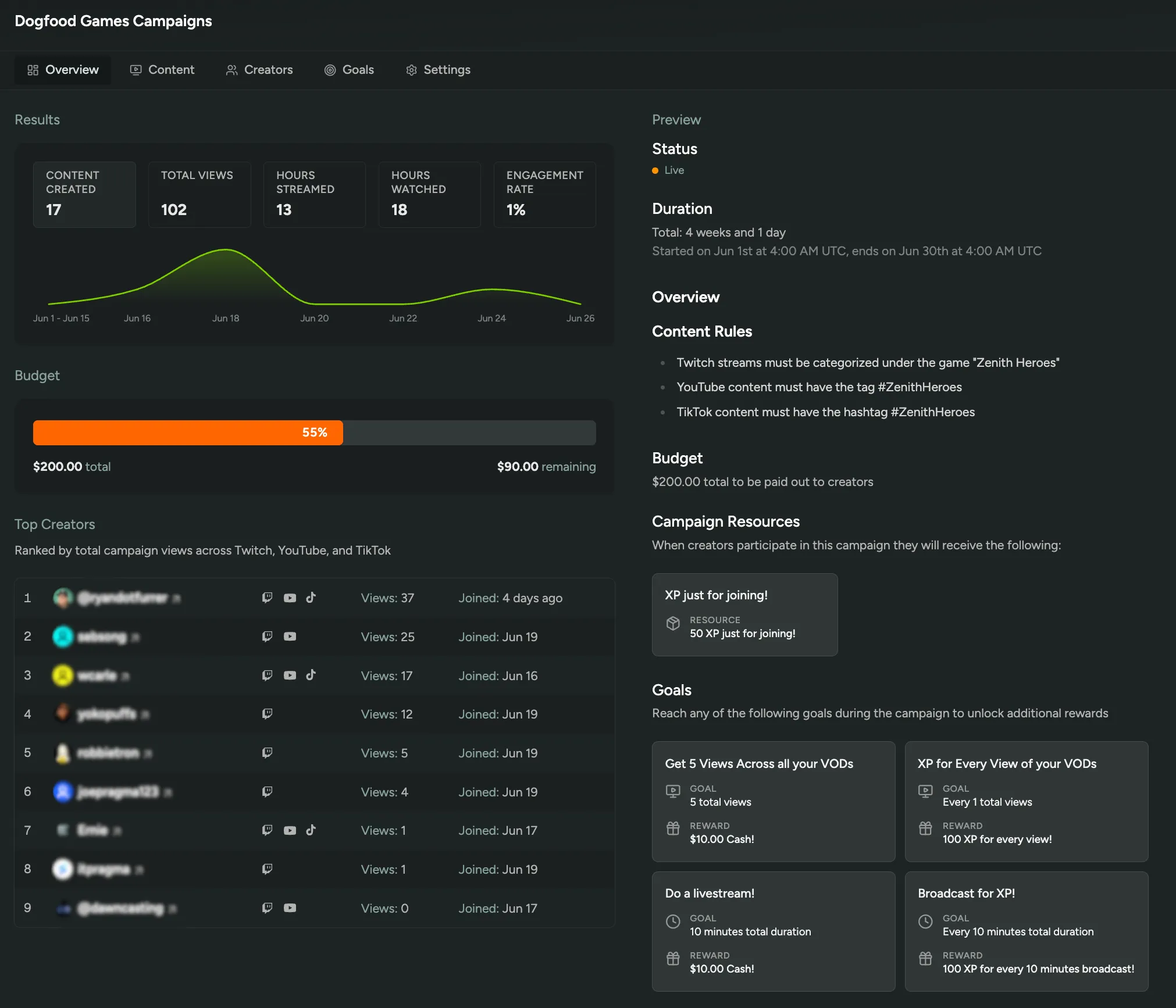
More Languages and Localized Content
Since we launched LLM Localization, it’s grown well past flows and the player dashboard. It now reaches more languages and translates almost everything you author.
34 languages out of the box. We’ve expanded to match every language Steam and Discord support, including right-to-left Arabic and Urdu, which render correctly on their own. Pick exactly which languages to offer your players under Config → Localization → Languages.
More of your content translated automatically. On top of flows, announcements, and surveys, LLM Localization now covers:
- Rewards, reward tiers, and quest/redeemable labels
- Creator program pages and campaign copy
- Flow and game emails, including custom privacy and terms footers
- Onboarding and survey questions
Turn on a language and we backfill the rest. Enable a new language and we translate everything you’ve already written, so you don’t have to revisit each flow, announcement, or reward. Anything the AI doesn’t get quite right, you can override by hand.
Enable LLM Localization in FirstLook Labs.
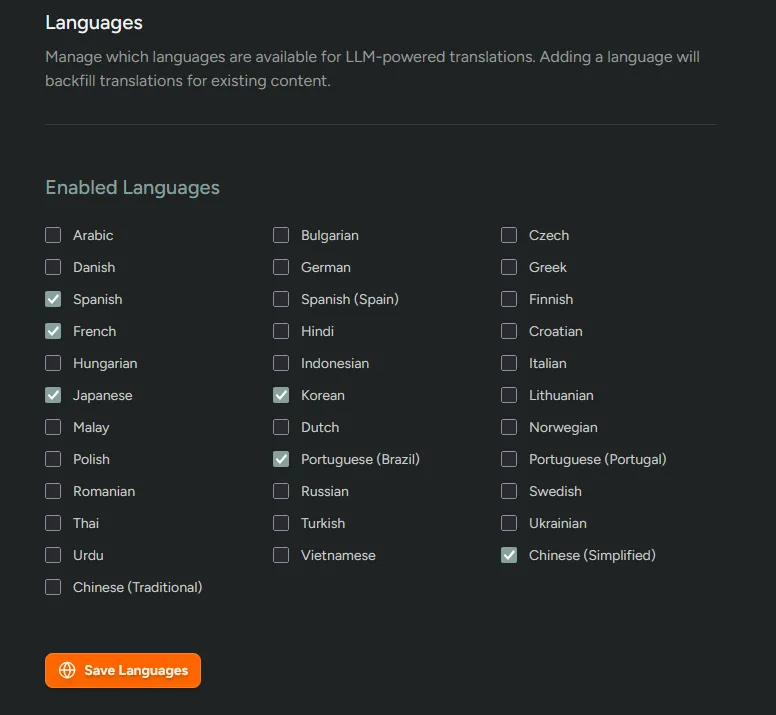
New Creator Sign-Up and Dashboard
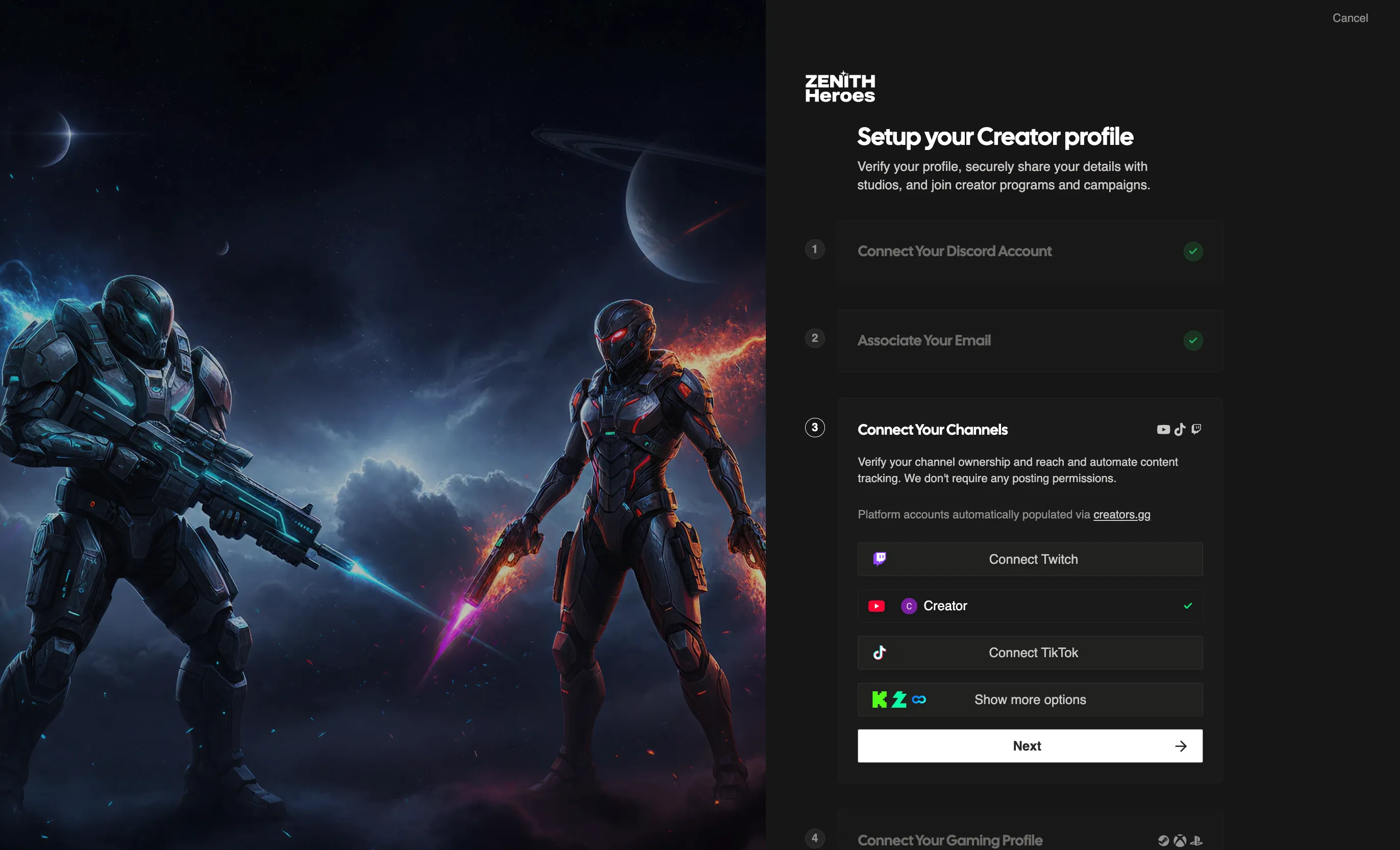
We’ve redesigned the entire creator-facing experience, from sign-up all the way through a brand-new dashboard! Creators now get a polished home from the moment they apply to the moment they’re earning. Signing up is now streamlined for creators, which means cleaner applicants for you:
- Faster account connections. Creators link their channels in a flow built for them, so you get verified reach up front instead of chasing it down.
- Custom questions of any type, tied to the creator’s profile so you can filter your player table and approve the right people fast.
- Built-in NDA signed before approval, reusing your playtest agreement so creators are covered before they see your keys.
The new dashboard keeps creators active without extra work from you:
- Welcome kit up top to onboard them instantly: brand assets, a Discord invite, or a getting-started doc.
- Starting reward for joining that lands right in their inventory, so the first thing they feel is a win.
- Campaigns and Battle Pass scoped to your studio, giving creators a reason to keep coming back.
- Inventory page pulling every key, code, and item creators earn. They filter, sort, and check items off themselves, so they’re not pinging you asking where a reward went.
Still haven’t tried Creator tools? Enable them in FirstLook Labs.
Player Choice Keys
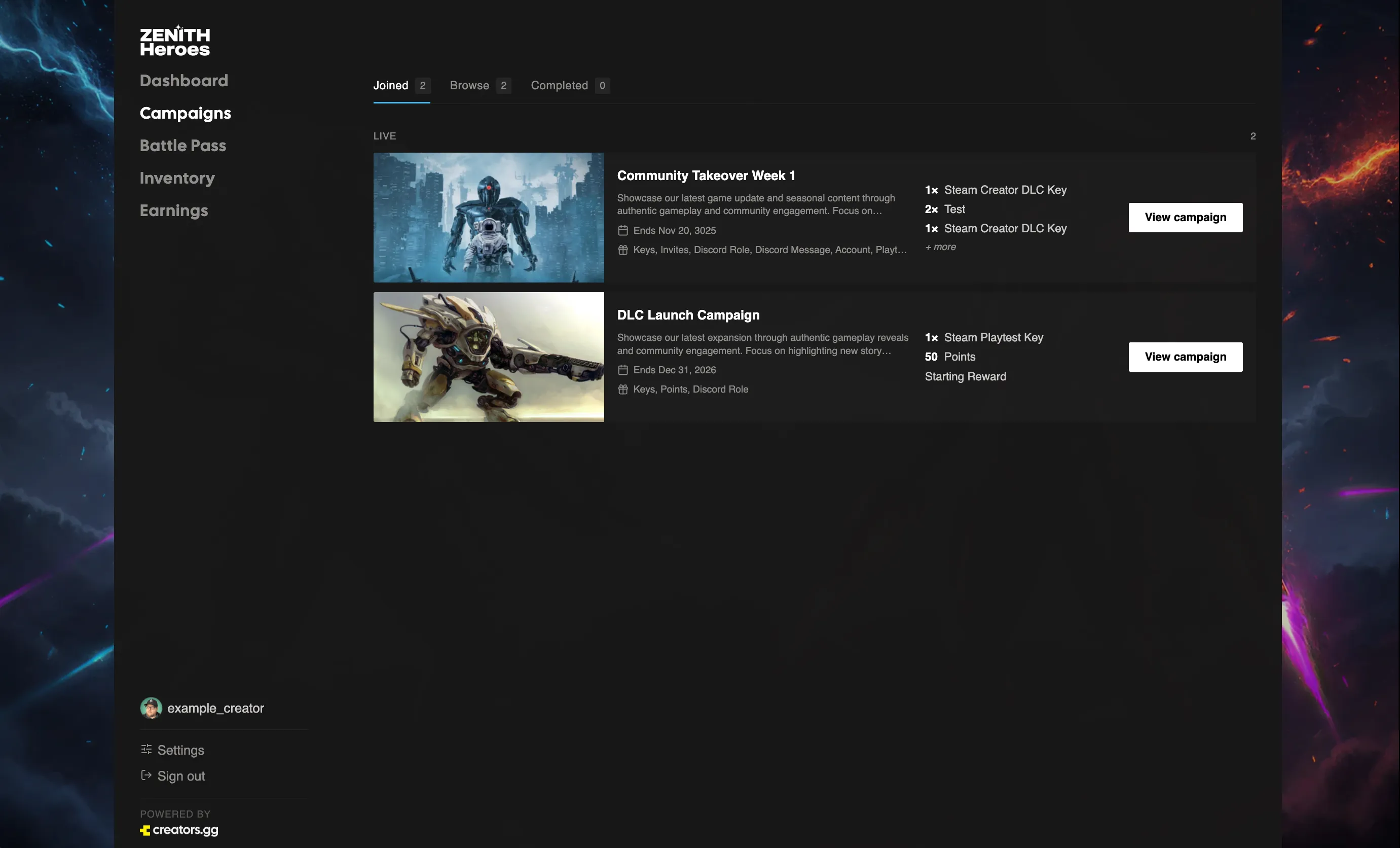
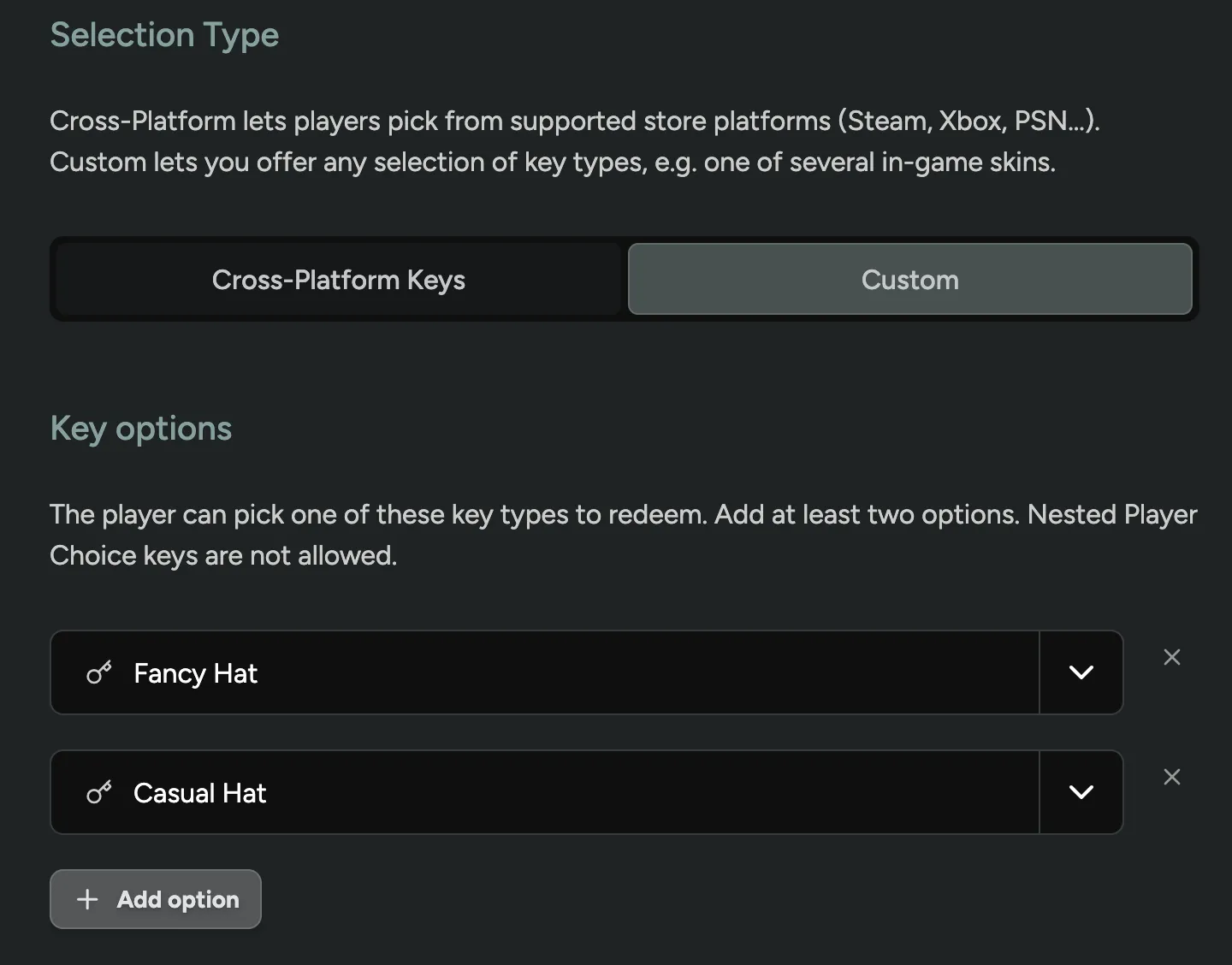
The Cross-Platform Key type has been renamed to Player Choice Keys and gained a new Custom selection type.
Using the Custom Selection Type, players are able to pick one reward from a list of any redeemables you define, for example one of several skins. The player redeems a single choice and the rest are no longer available to them.
Manually Add Campaign Content
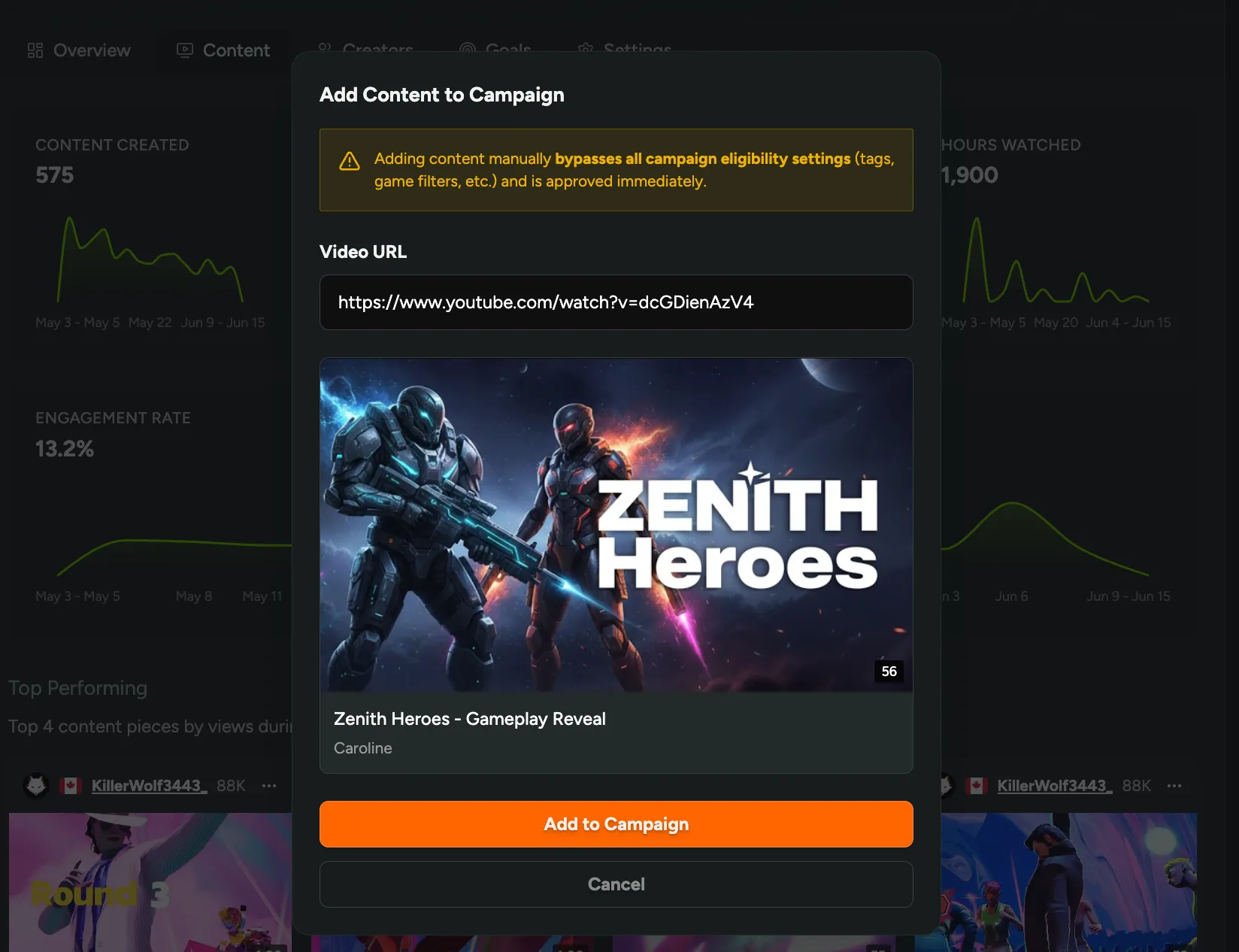
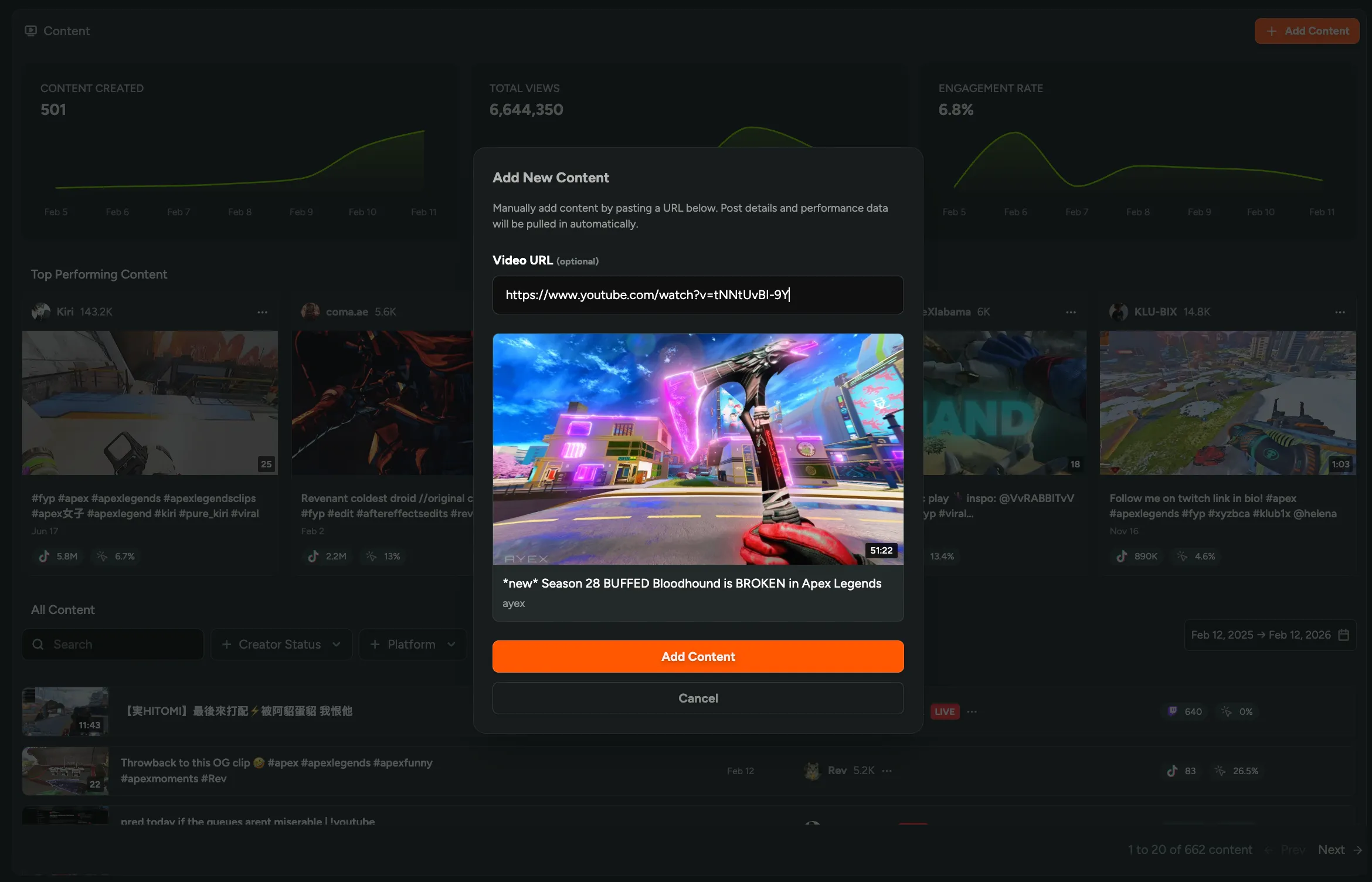
You can now manually add content to a campaign by entering a URL! When ingestion misses a creator’s video or stream, or the tags don’t get tracked, paste the link on the campaign’s Content tab and it counts toward that creator’s progress like anything we detect automatically.
Still haven’t tried our Creator tools? Enable them in FirstLook Labs!
Improved Survey Response Viewing
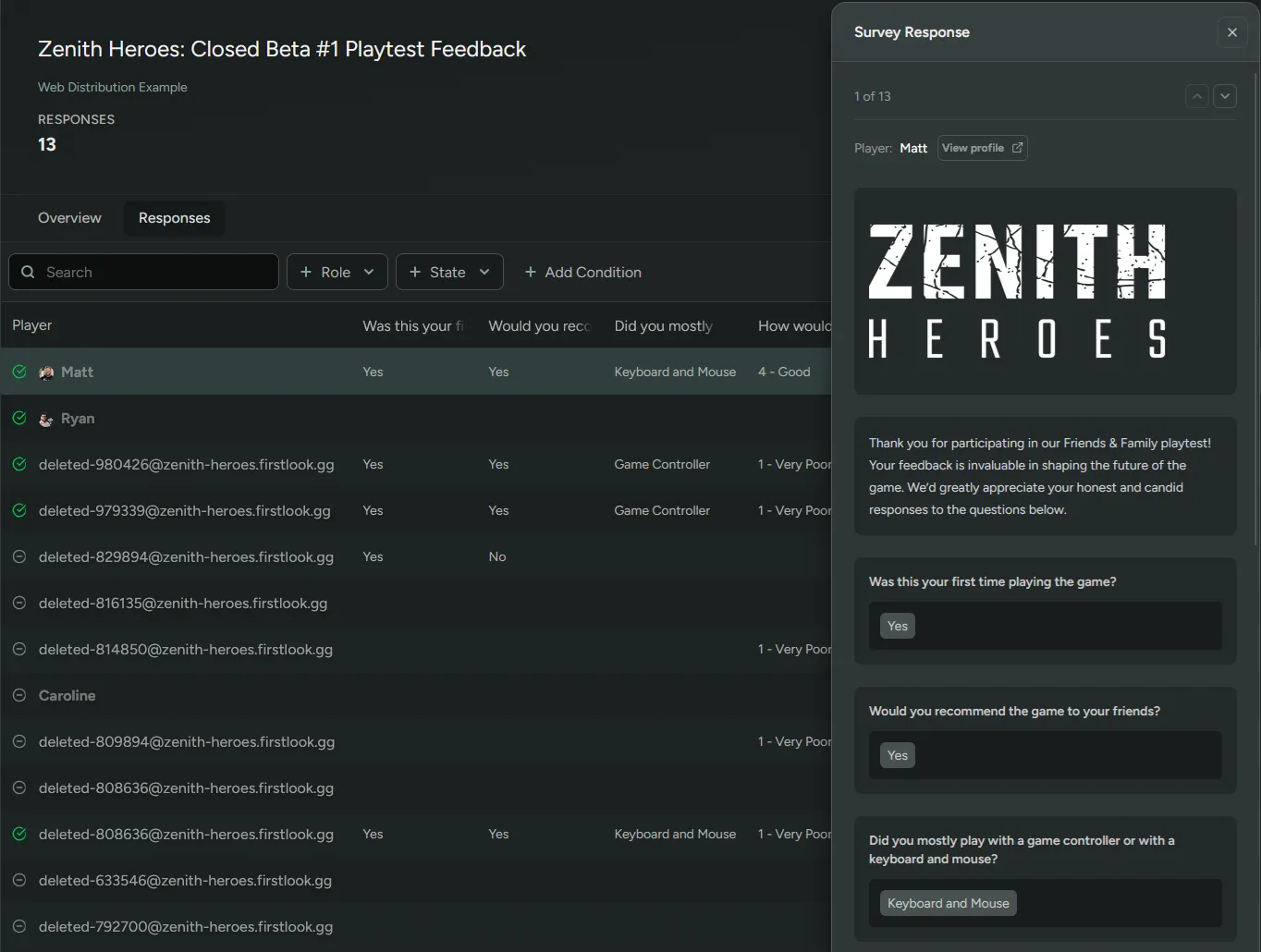
Click any row in a survey’s responses table to open a drawer with that player’s full submission, every question and answer in one place, including ratings, multiple-choice, and multi-select questions.
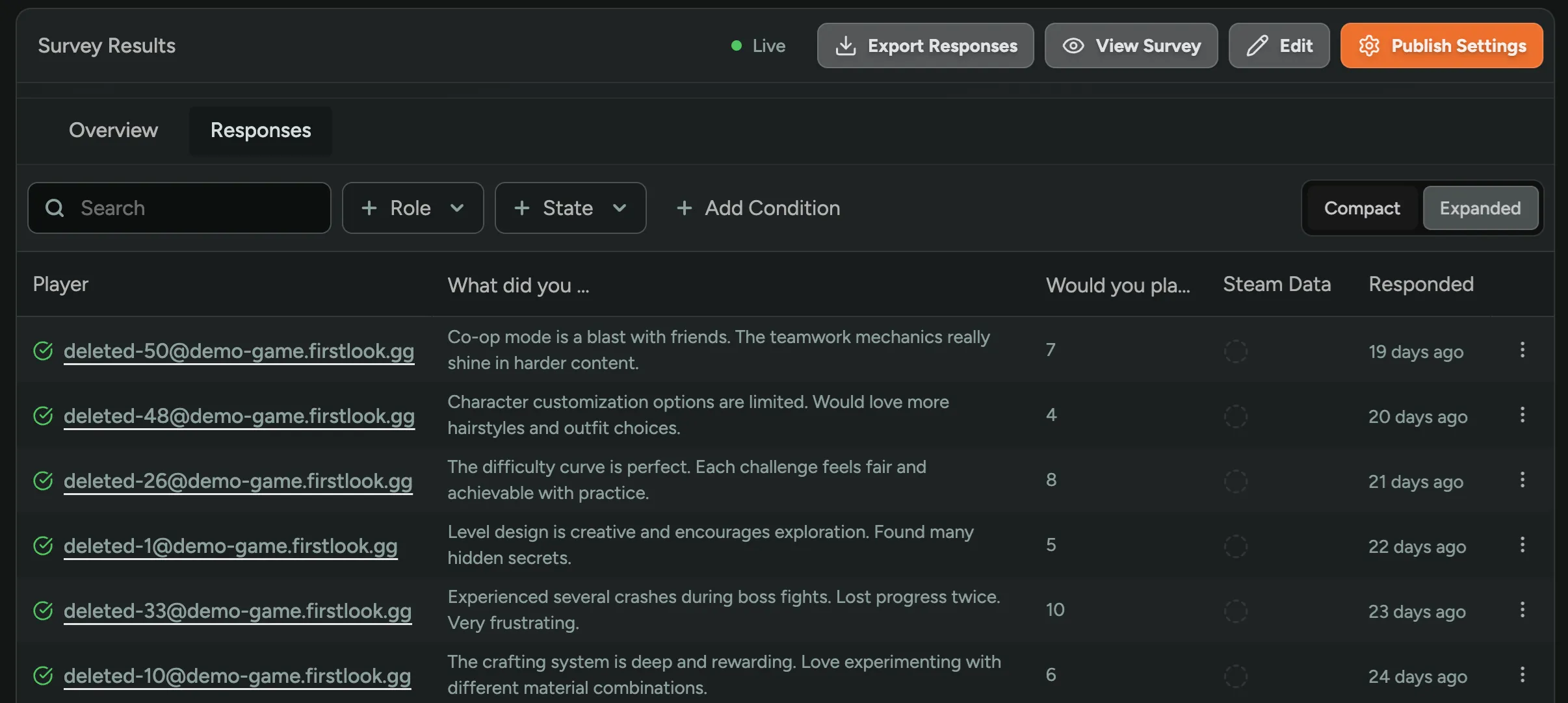
Or set the survey’s responses table to the Expanded view to show the full answers in the table!
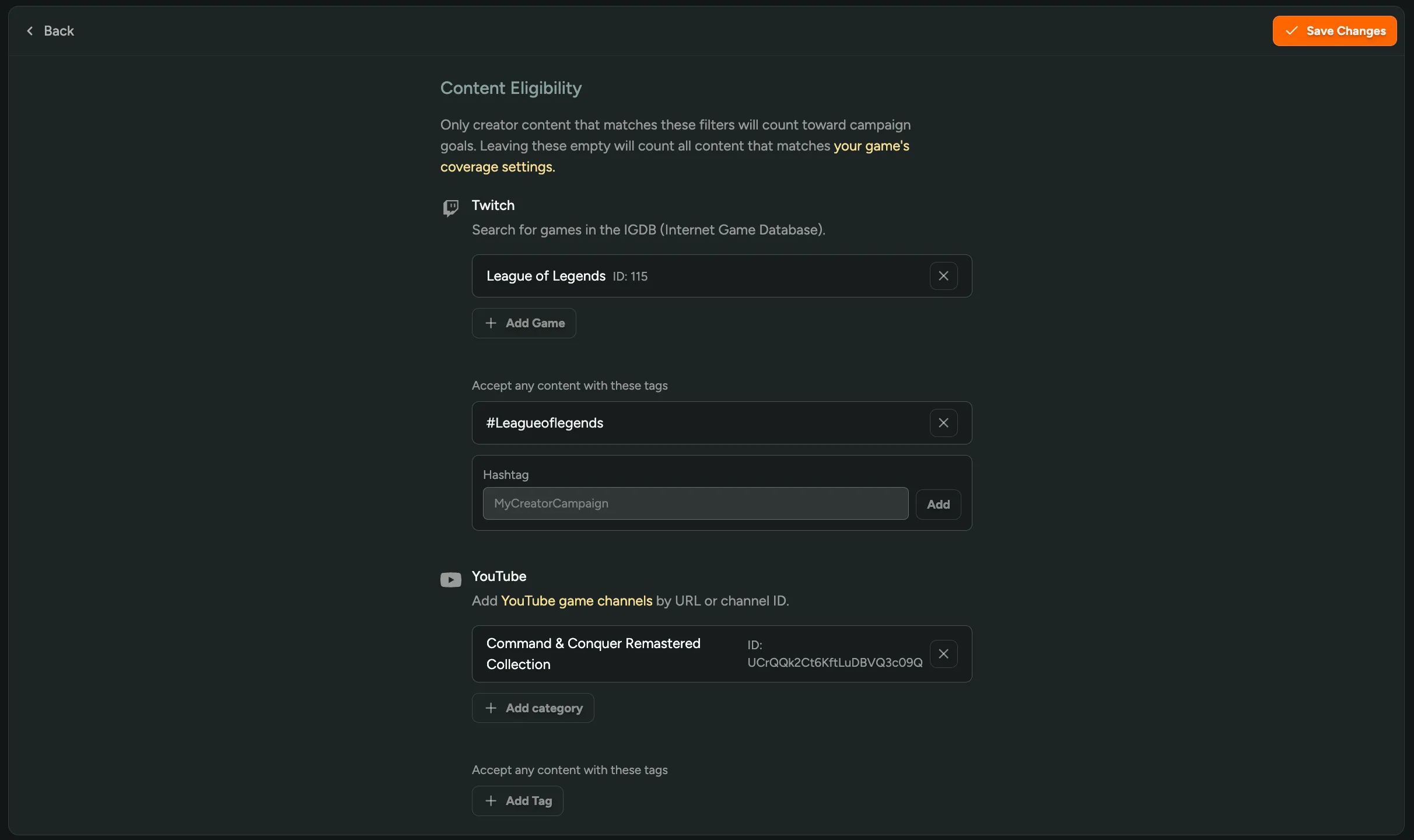
Twitch and YouTube Tag Tracking
You can now specify tags, not just a game, for us to detect Twitch and YouTube content for a campaign! Set your tags in a campaign’s content eligibility settings and any matching stream or video gets attributed automatically, so you catch coverage outside your game’s category.
Still haven’t tried our Creator tools? Enable them in FirstLook Labs.
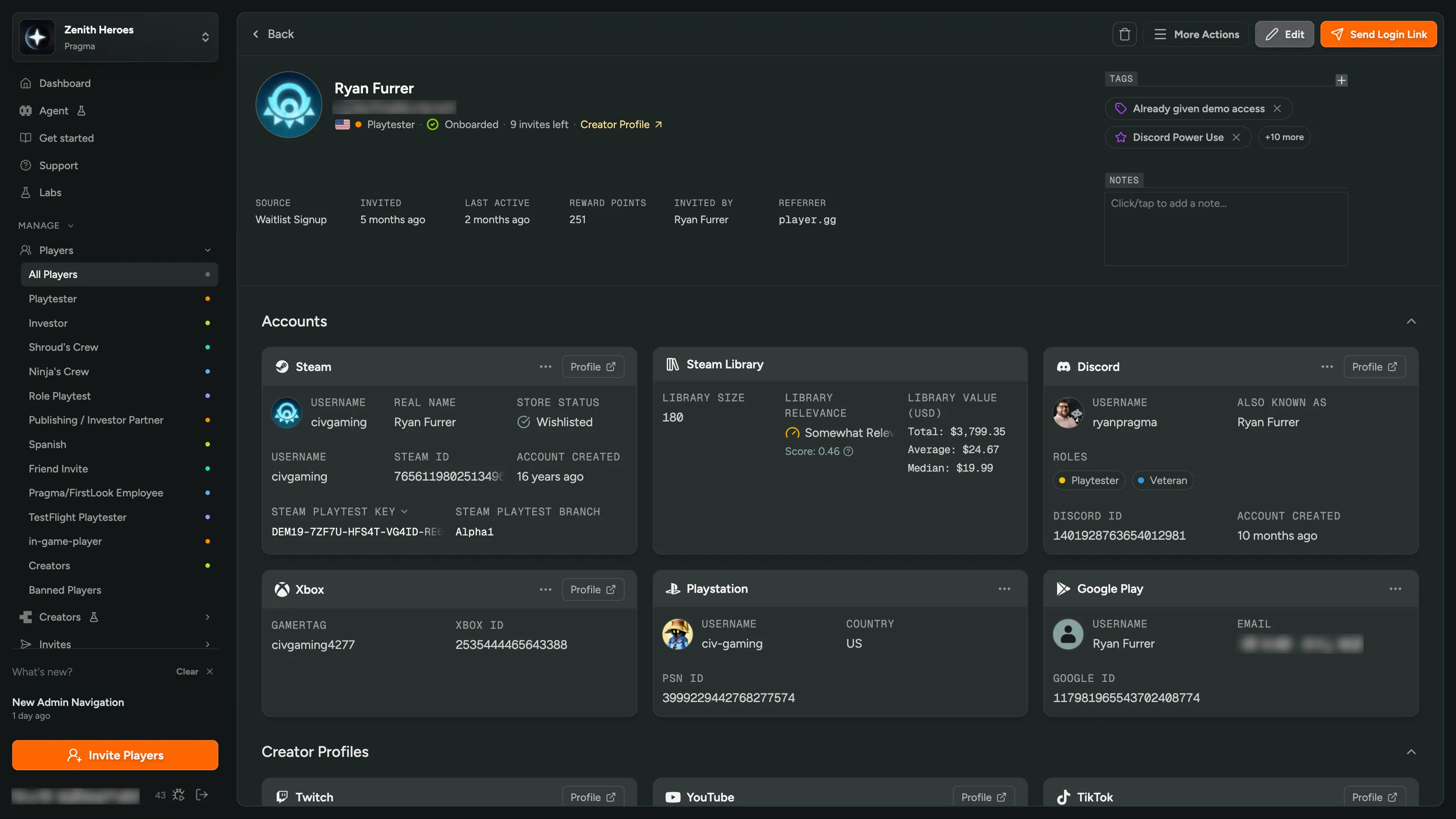
Redesigned Player Profile
We’ve redesigned the player profile to give you a clearer, more complete view of a player in your community.
Key details, activity, and properties are now organized into focused sections so you can find what you need at a glance — and act on it without leaving the page. Don’t use a page section? Just collapse it!
You can also take actions on various panels such as refreshing the user’s Steam wishlist status, revoking keys or branches, or unlinking an account at a player’s request, and more!
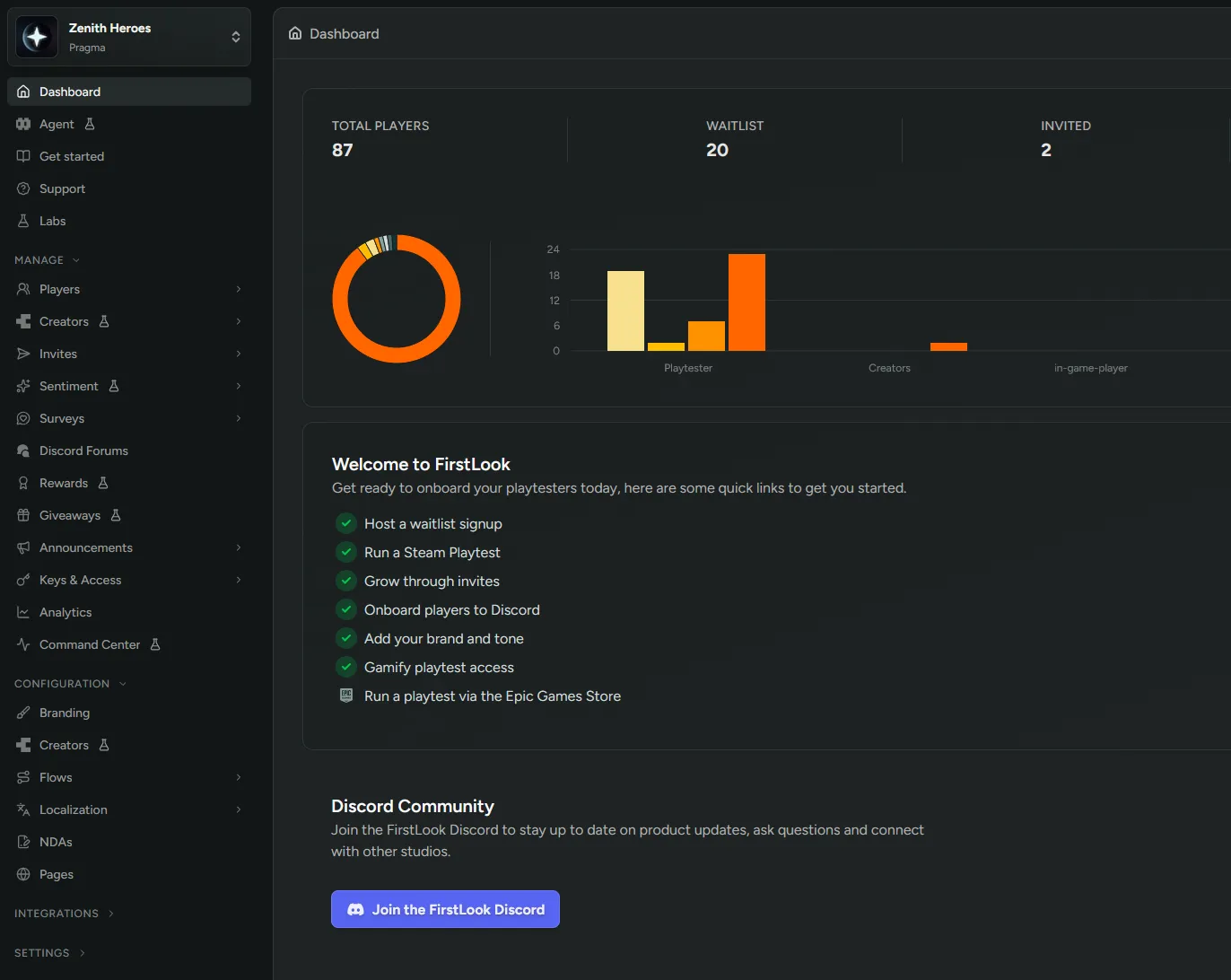
New Admin Navigation
The admin dashboard has a redesigned left-hand navigation that makes it easier to find your way around. Categories are reorganized and collapsible and sections like Players and Flows expand to reveal their sub-pages.
And you can still use the Command Palette for jumping around quickly.
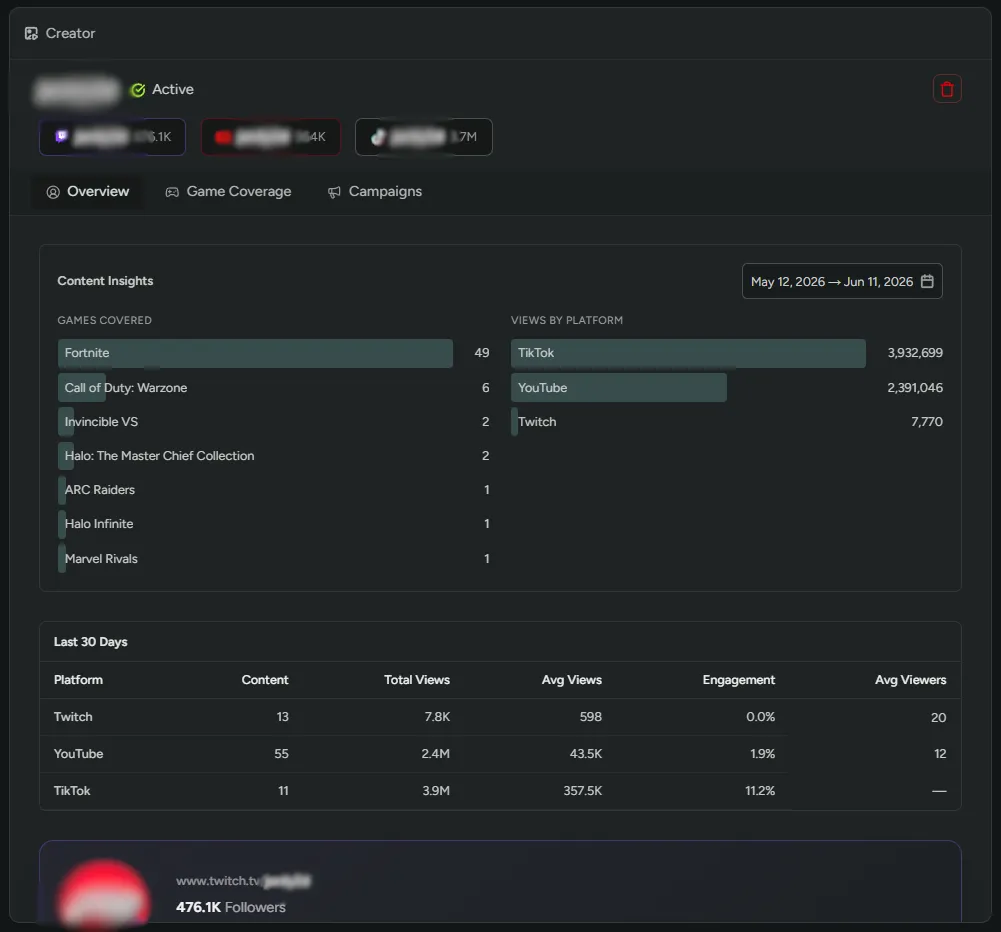
Creator Content Insights
We’ve made major improvements to creator profile pages in the admin dashboard to give you a deeper understanding of your tracked creators’ content.
Content Insights - Each creator profile now includes a Content Insights section showing a breakdown of which games they’ve created content about, along with detailed stats about their content: total views, content counts, average views per piece of content, engagement rates, and average stream viewers - all broken down by platform and date range so you can see exactly where they have the most impact.
Creator Listing Columns - The creator listing in the dashboard now includes two new columns: content posted in the last 14 days, and average views per piece of content. Quickly gauge how active and impactful your creators are at a glance without needing to open each profile.
Set the Default Flow
You can now set any flow as the default for your game, the one players use when landing on your game’s firstlook.gg URL.
Promote a different flow as you move through testing phases, like moving from a small playtest, to a closed beta, to early access, so that organic signups have the correct onboarding experience and get the right role.
Set the default from a flow’s settings page, and the previous default is unset automatically.
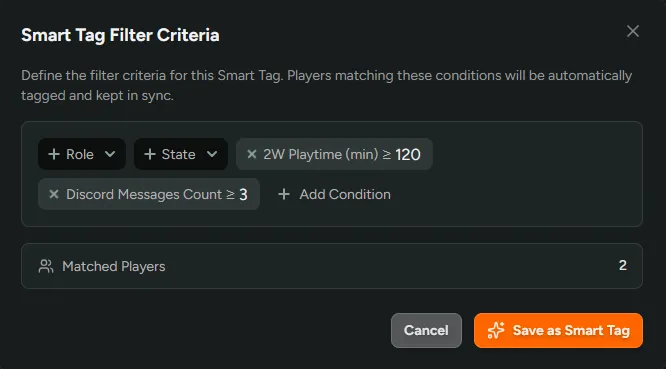
Smart Tags
Tags can now assign themselves. Define a set of filter conditions and FirstLook will tag every player who matches, adding new players as they qualify and removing them when they don’t. Make a “High Engagement” Smart Tag based on playtime and discord activity and that cohort will be kept current without anyone touching it.
Read more in the Smart Tags documentation.
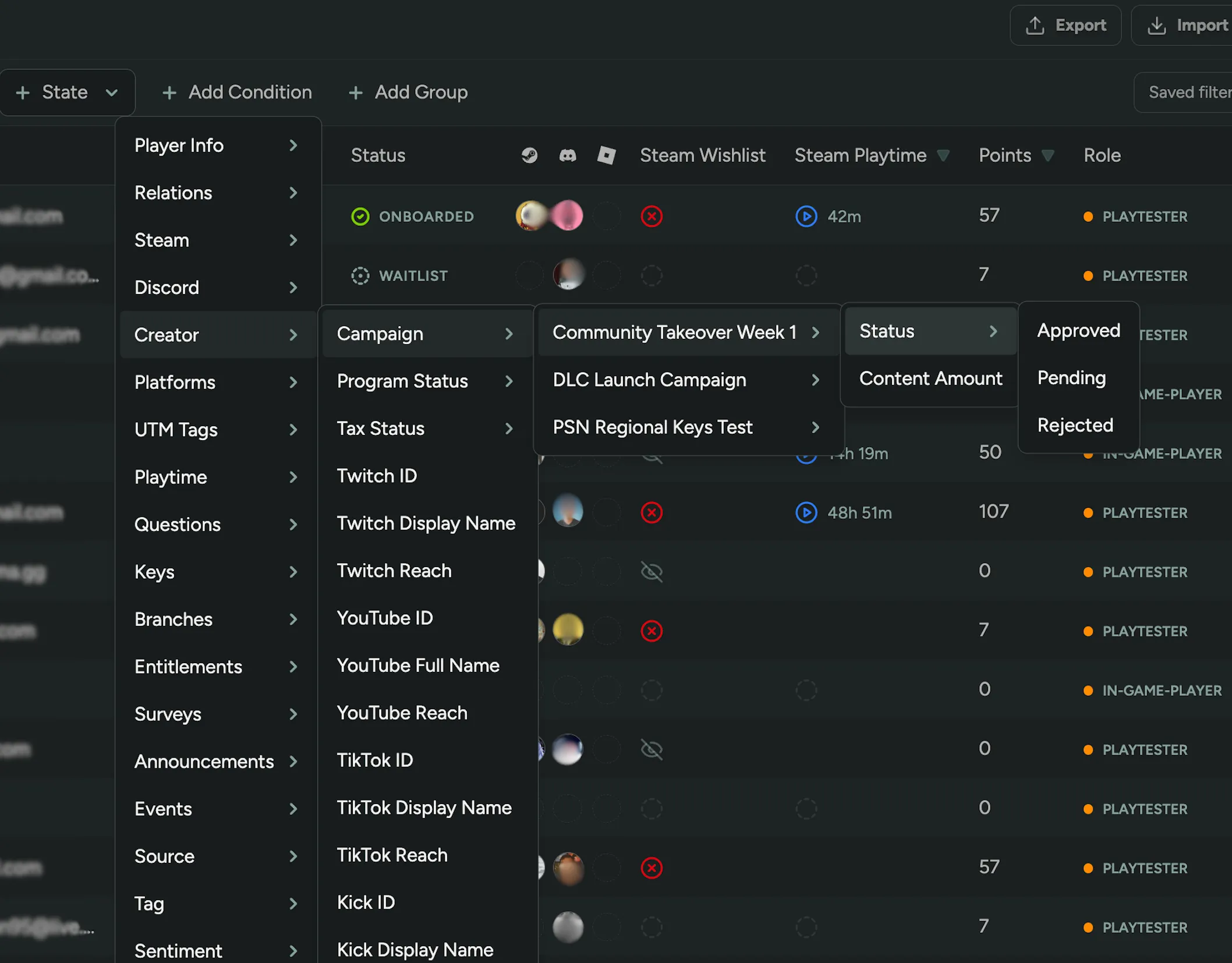
Filter Players by Creator Campaign
You can now filter the Players table by which creator campaigns a player is enrolled in, and slice that further by their status in each campaign (Approved, Pending, Rejected) or by Content Amount to see how many uploads they’ve actually made.
Still haven’t tried our Creator tools? Enable them in FirstLook Labs.
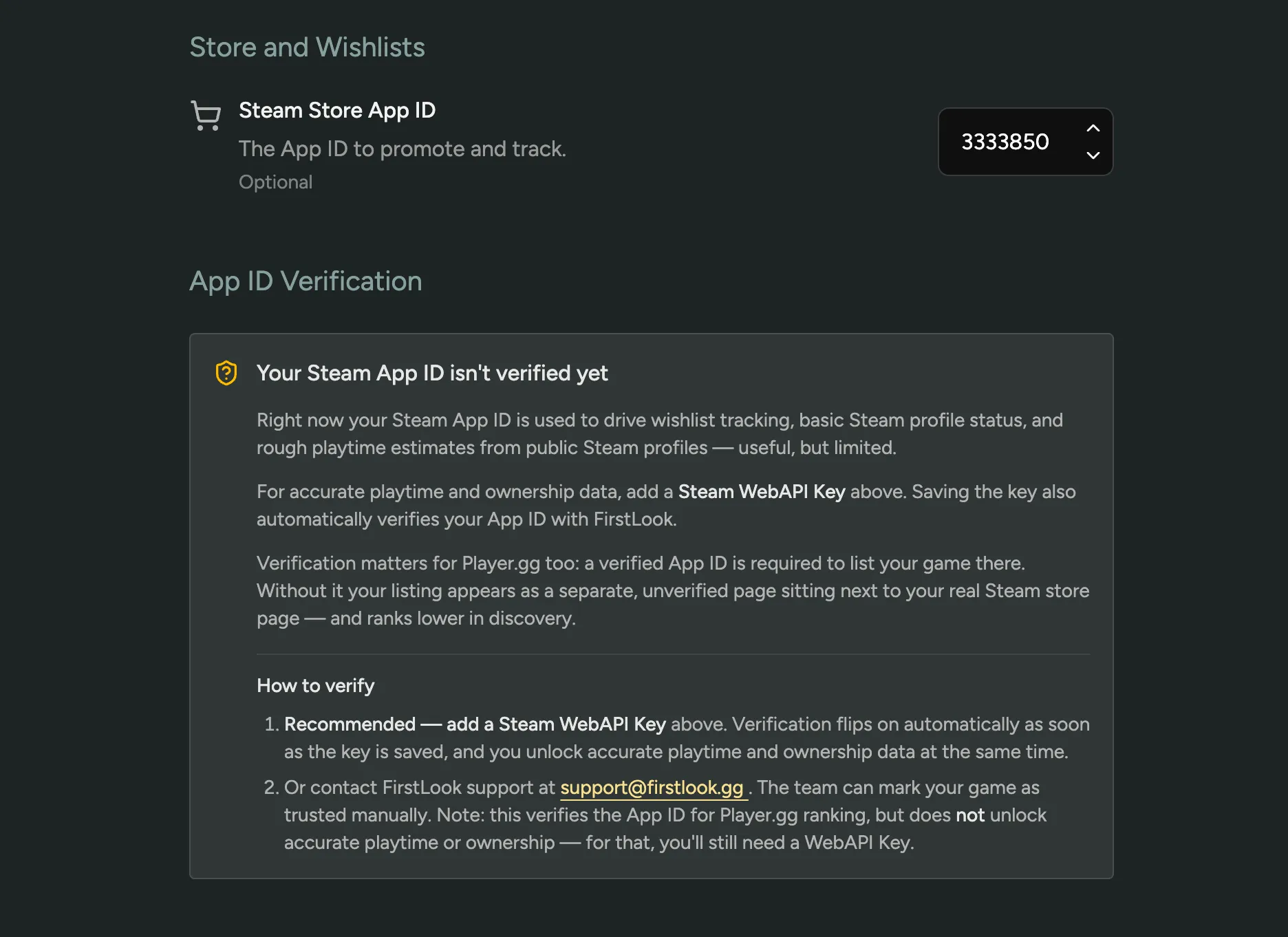
Verify your Steam App Ownership
Your Steam Configuration now shows when your Steam App ownership needs verification. Verification unlocks certain Steam-related features, your listing on player.gg, and library ownership checks.
The recommended way to verify is by adding a Steam WebAPI Key, which flips verification on automatically and brings a bunch of extra features along with it, like accurate playtime and ownership tracking.
If a WebAPI Key isn’t an option but you’d still like to list on player.gg, reach out to FirstLook Support for alternative verification options.
FirstLook Agent
Introducing the FirstLook Agent, a powerful AI chat to ask and act on anything inside your FirstLook instance. Every data point from your community, from wishlist to purchase and all the conversations that led to them. Deeply integrated with Sentiment, Surveys, Playtime, Discord, Steam, and Campaigns.
Ask “Show me players who played the demo 10+ hours but haven’t bought”, “Break down retention by country”, or “Which cohorts are disengaged right now?” and get an answer back in seconds. Ask “What do players think about the new patch?” and get a summary, a sentiment score, and the actual quotes, pulled from Steam, Discord, and surveys.
The agent doesn’t stop at reading. It can invite players, tag segments, draft email campaigns, and manage Discord roles, all from the chat. Setting up a playtest, it walks you through keys, NDAs, surveys, and cohort sizing, and knows every FirstLook feature you might want to use along the way.
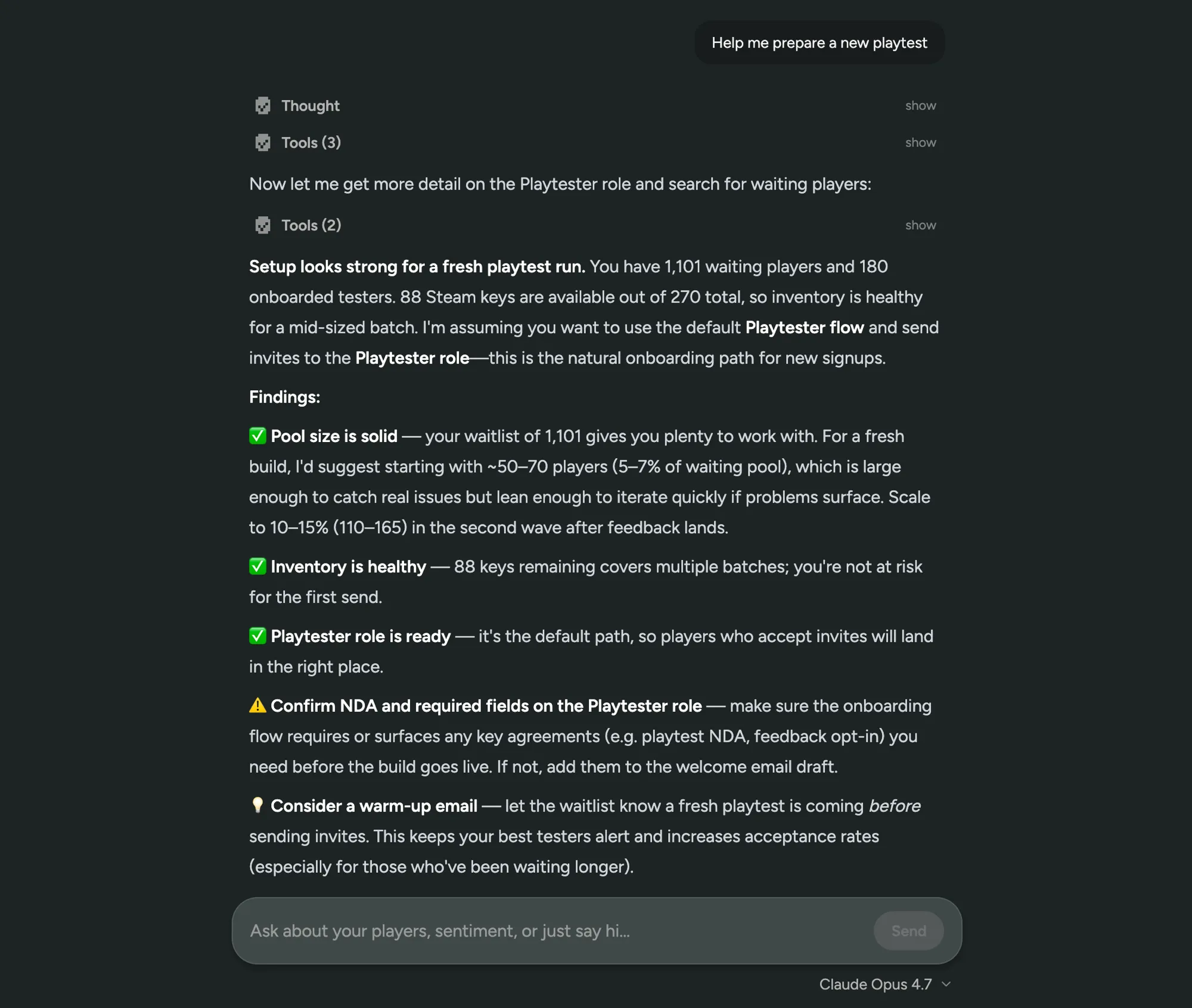
Prefer your own AI tools? Plug your FirstLook data into Claude, ChatGPT, Codex, Cursor, or any other MCP client through our MCP integration.
Today, FirstLook Agent answers questions and takes action. Next, it’ll suggest growth opportunities and where to put your marketing dollars. Try it out in your dashboard, free while in Labs, or learn more on firstlook.gg/agent.
Improved Sentiment Filtering
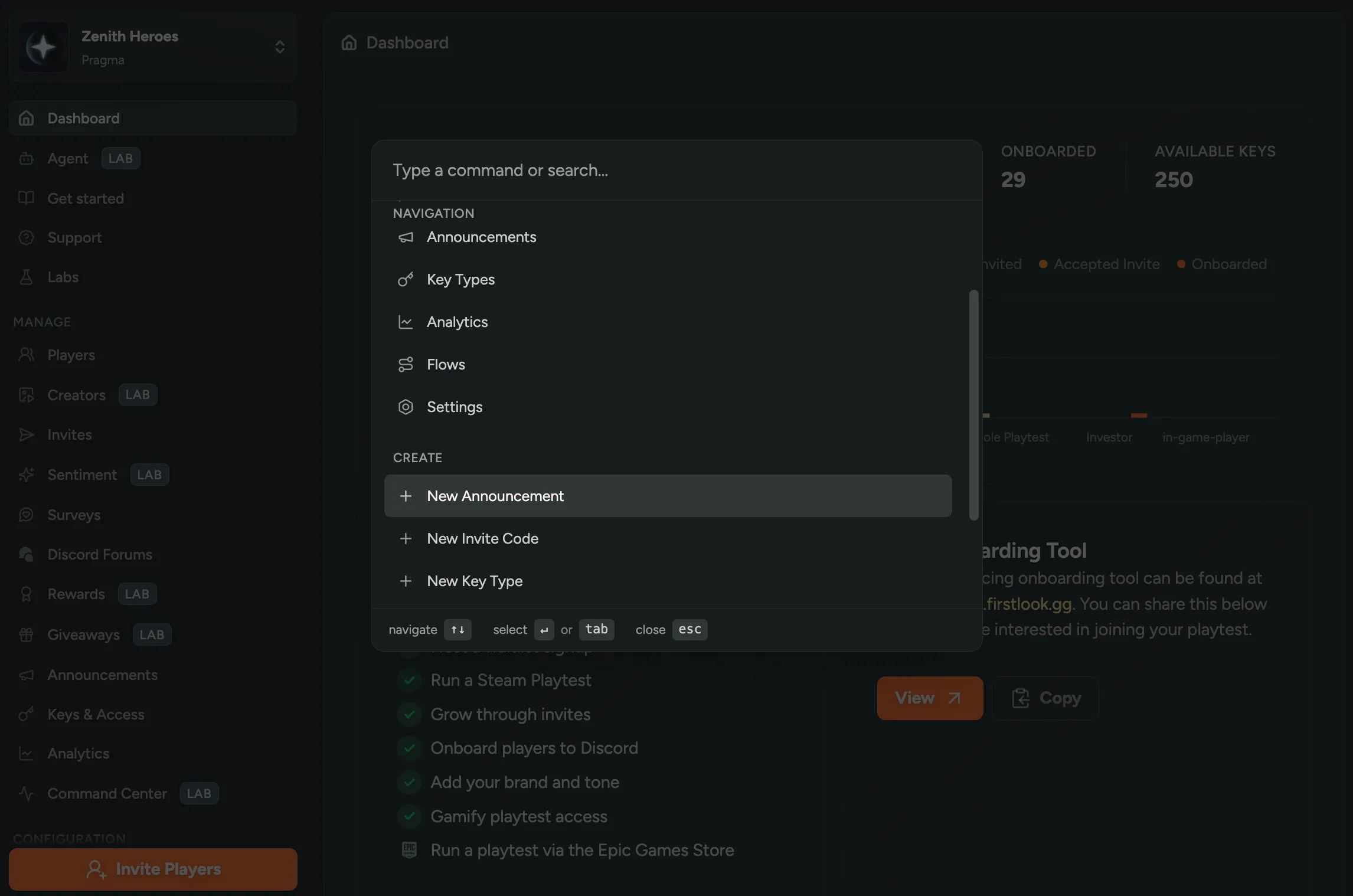
Sentiment now has a richer filter set so you can zero in on the conversations that matter! Slice by source, language, topic, tag, and sentiment score, and narrow Discord sentiment down to a specific channel instead of the whole server.
Interested in Sentiment? Enable it in FirstLook Labs.
Conditional Rewards
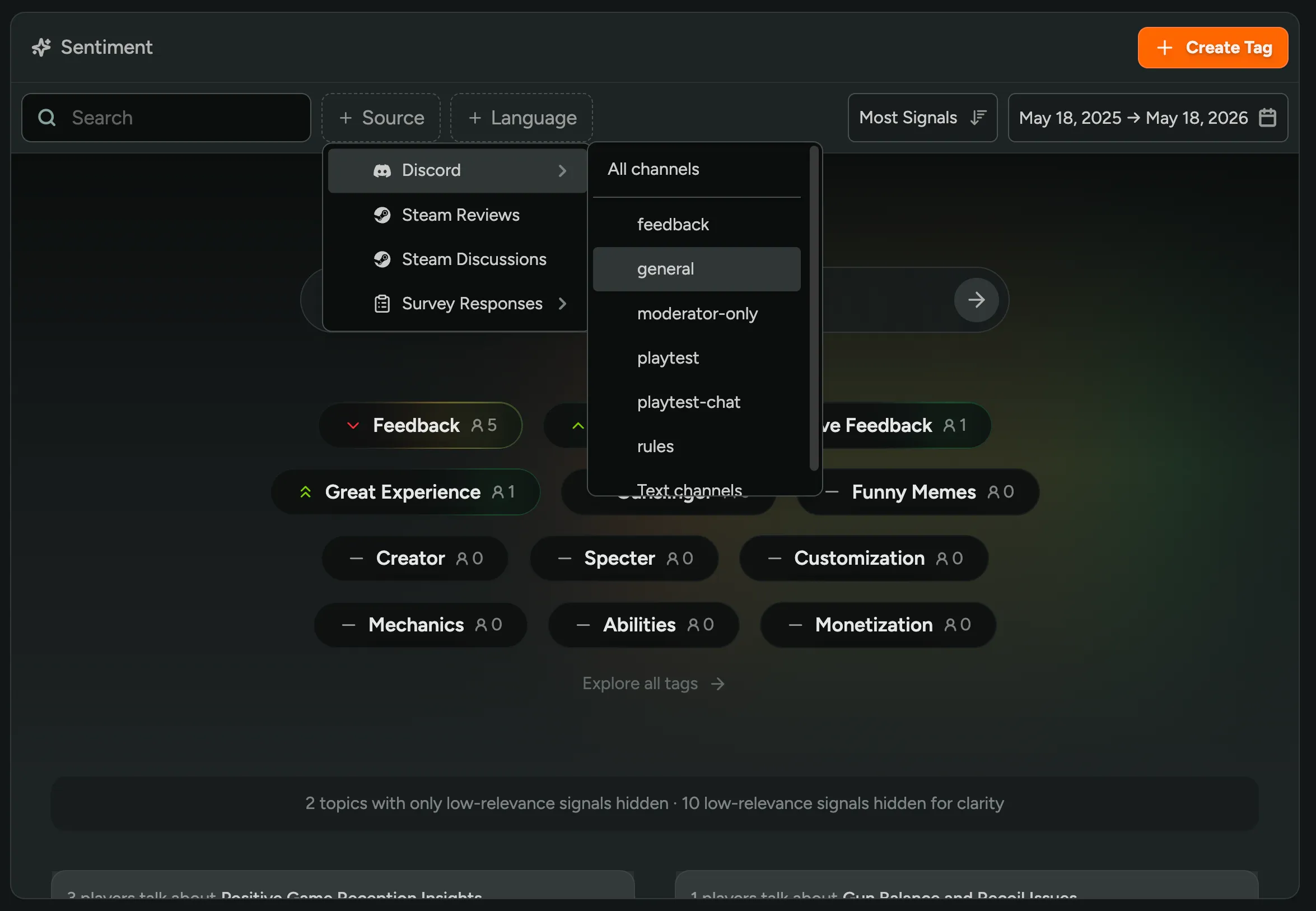
You can now give some players bonus rewards inside a tier that’s open to everyone! Tag a reward as restricted, and only players with the matching tags will see it; everyone else gets the rest of the tier as normal. To set it up, open any reward in your Tiers, flip on Restrict Eligibility, and add the player tags it should apply to.
Want to try Rewards? Enable it in FirstLook Labs!
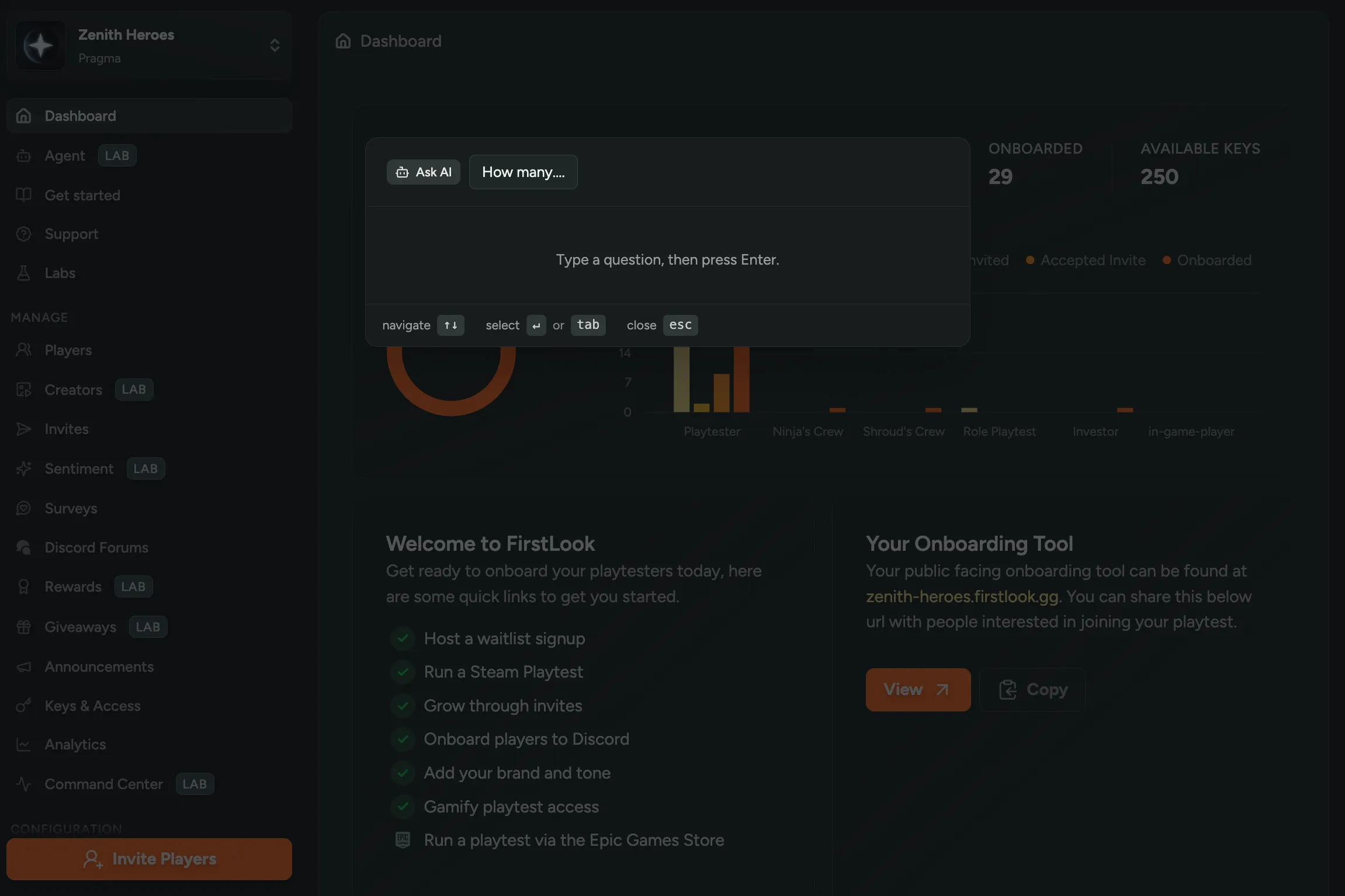
FirstLook Command Palette
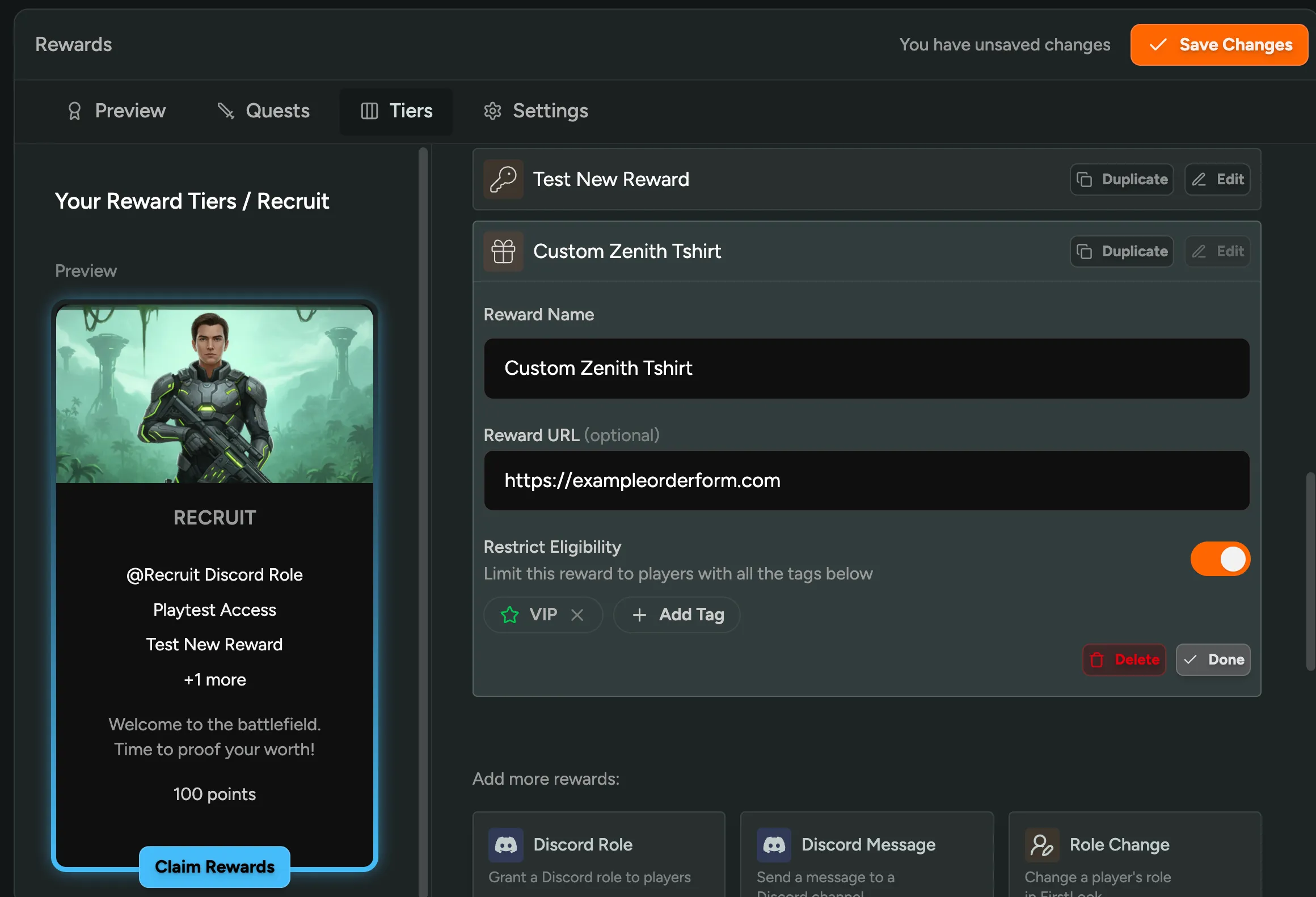
You can now jump anywhere in the FirstLook Admin Dashboard with a command palette! Hit Cmd + K on Mac or Ctrl + K on Windows, type where you want to go, and the matching navigation items pop up. It also plugs into the FirstLook Agent: use /ask to talk to the agent directly, or /players to search players and run actions on them inline.
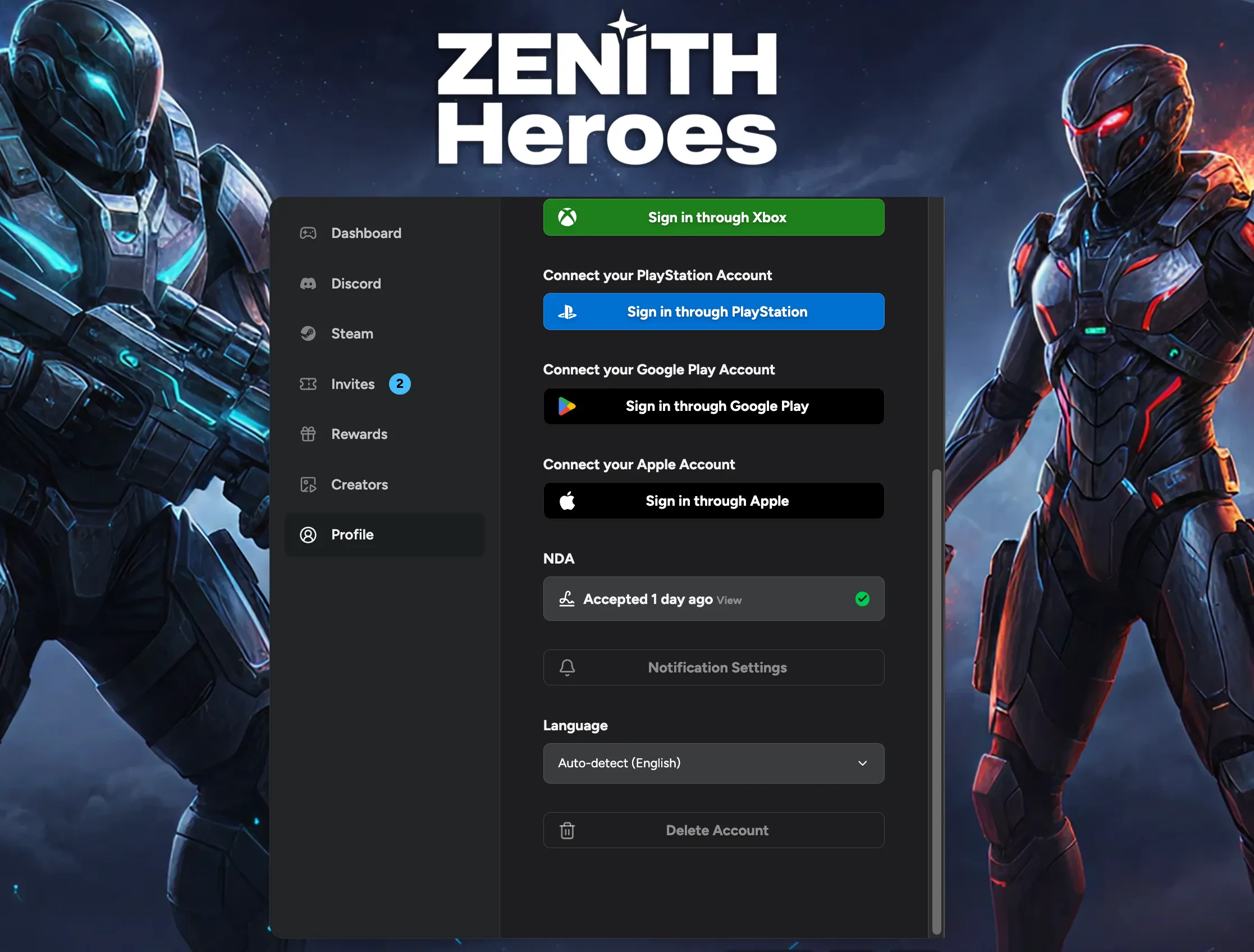
Player Language Selection
Players can now pick their preferred language directly from profile settings on the player dashboard! Handy for those whose system language doesn’t match the one they actually want to read your game in. The choice is applied everywhere and sticks across sessions.
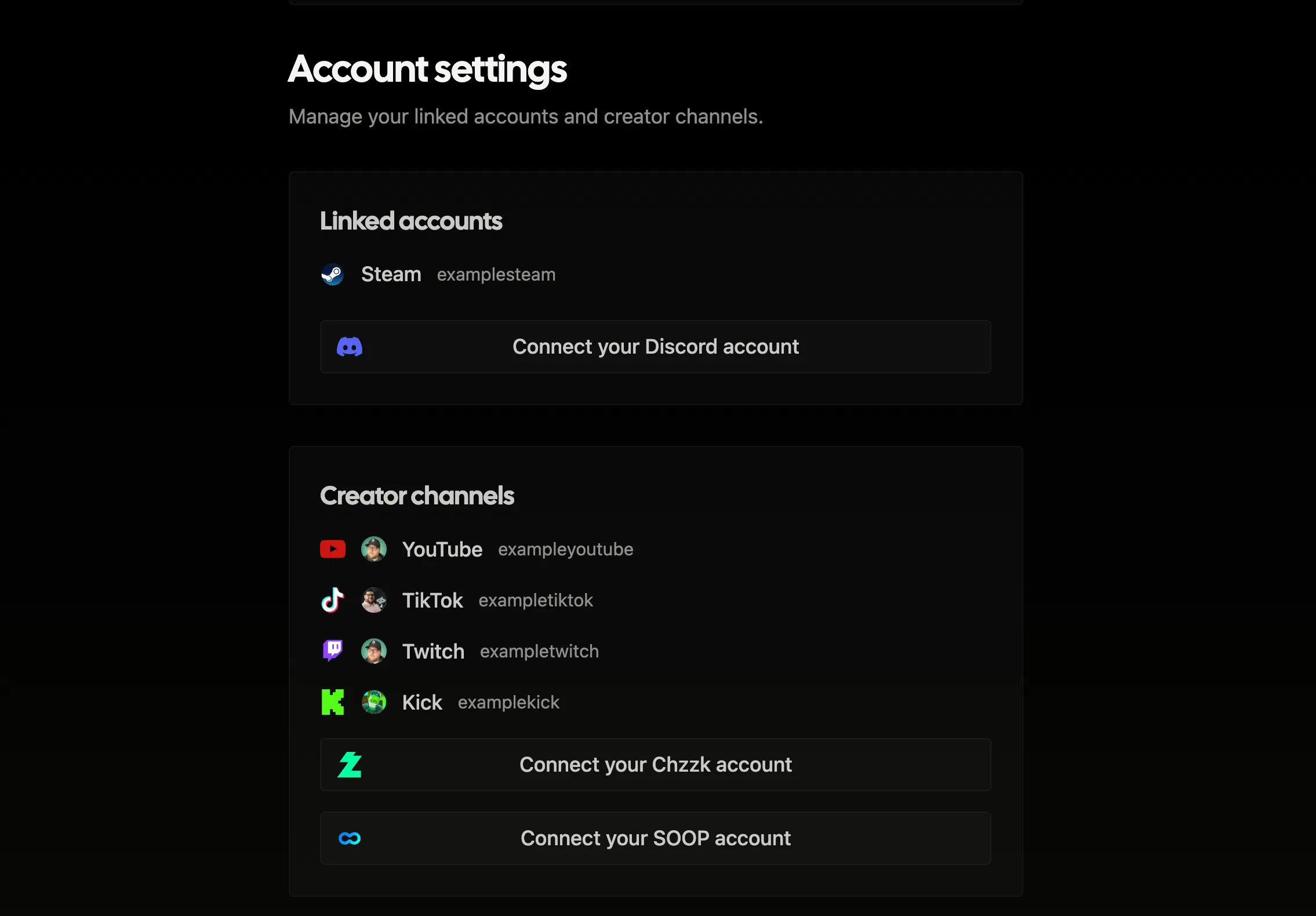
SOOP Creator Signup
Creators can now link their SOOP accounts during the creator signup flow, alongside the existing Twitch, YouTube, TikTok, Kick, and Chzzk options! View creators’ SOOP reach or favorite count in the creator profiles table to see which creators are driving views on the platform.
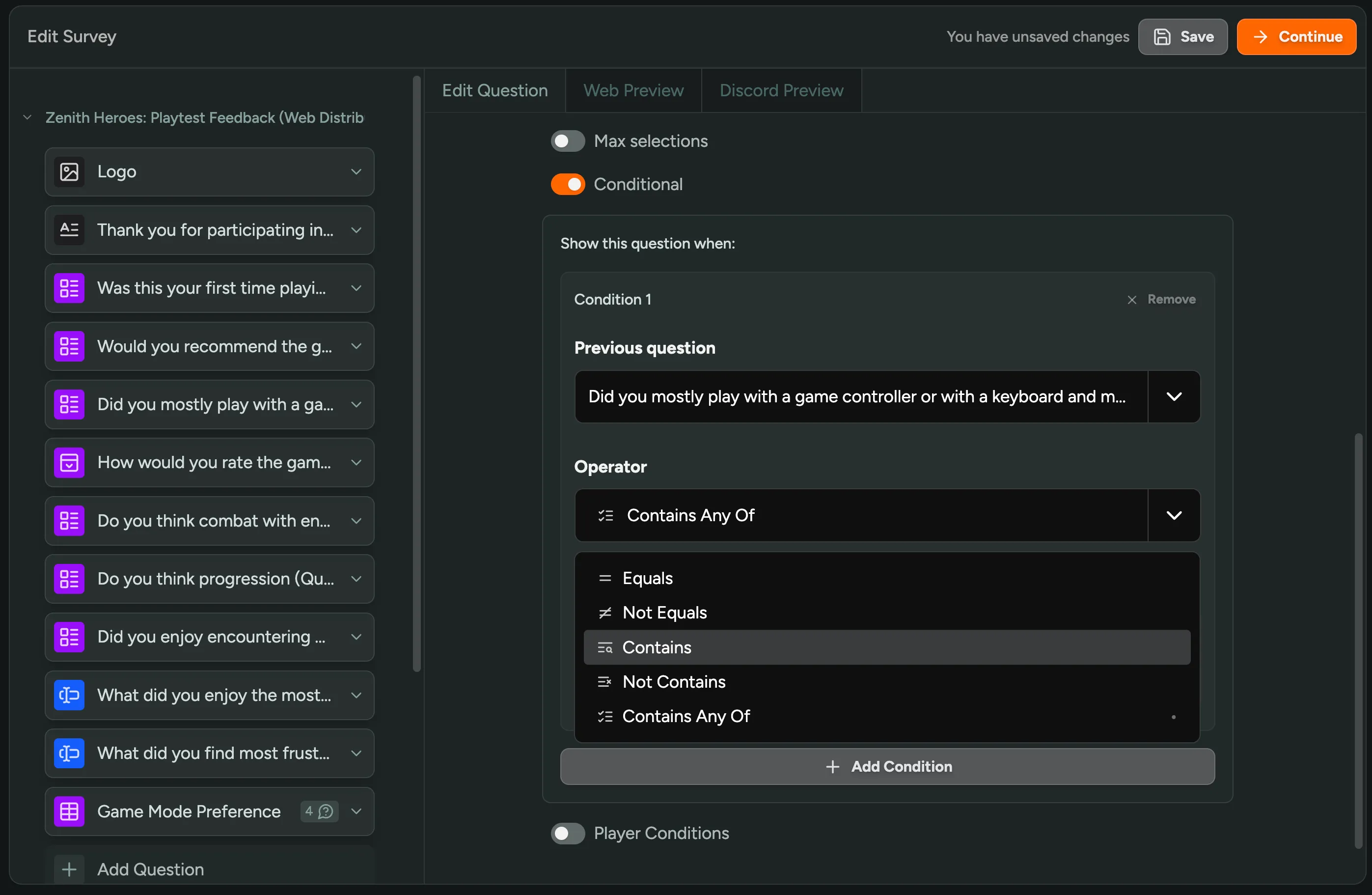
OR Conditions in Survey Branching
Survey branching now supports OR logic! You can add multiple answers to a single branching condition and any match will trigger it; no need to set up separate branches for each one.
Smarter Player Queries in MCP
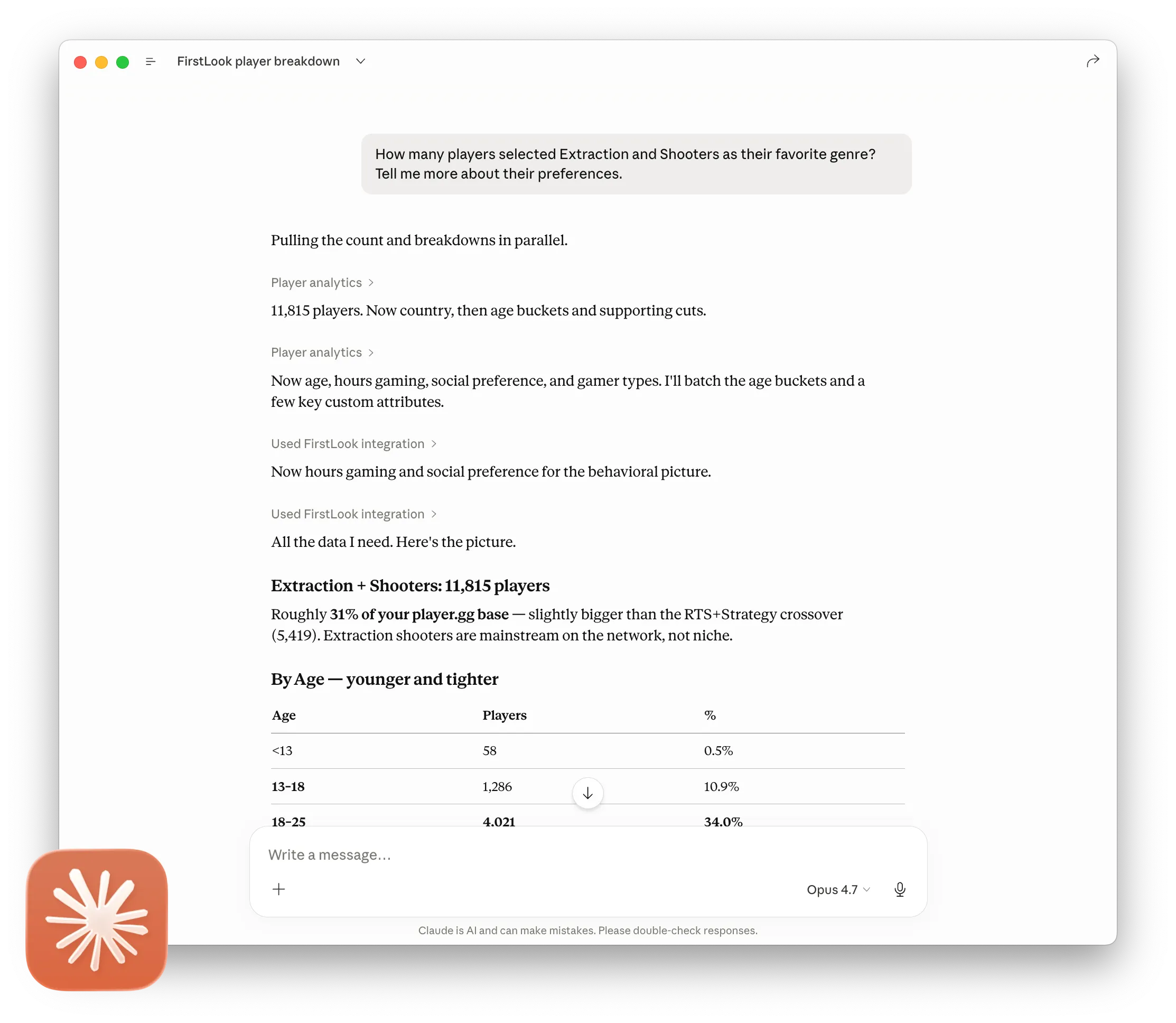
Our MCP integration now understands all the custom fields you’ve configured on your game. AI assistants like Claude, ChatGPT, and other agents that support MCP can now filter, search, and break down players by any custom question — favorite genre, playstyle preferences, age brackets, and more.
Ask things like “How many players picked Extraction Shooters as their favorite genre and what do their demographics look like?” and get instant breakdowns with counts, percentages, and comparisons — all without leaving your AI chat.
We’ve also added a dedicated player count tool that returns totals without pulling full player records, making these queries significantly faster.
New to MCP? It’s an open protocol that lets AI assistants securely connect to tools like FirstLook. Once connected, you can query your player data conversationally — no dashboards or exports needed. Get started here.
Want even more AI-powered tools? Request access to the FirstLook Agent in Labs for early access to what’s coming next.
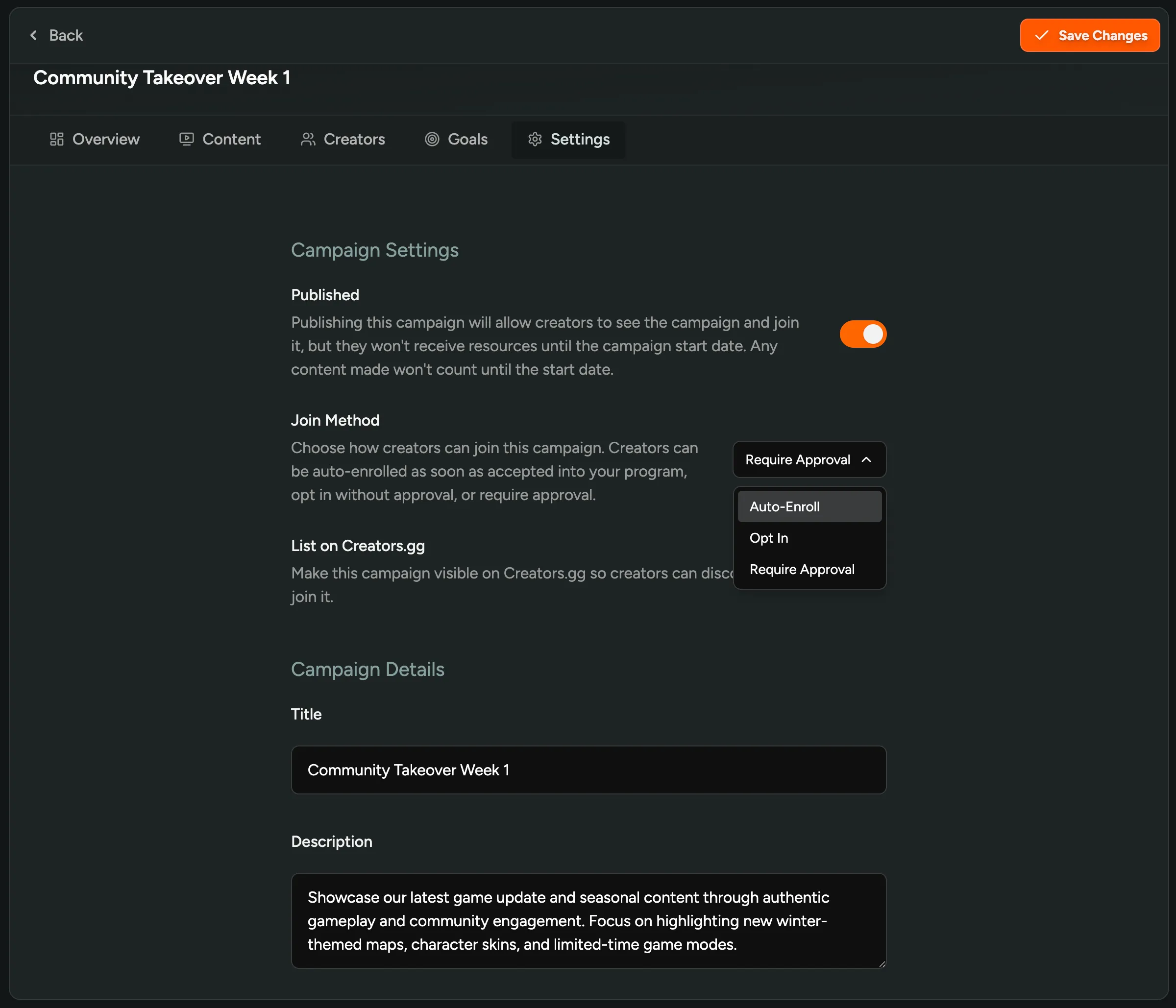
Auto-Enroll Creators into Campaigns
You can now auto-enroll creators into a campaign as soon as they’re accepted into your program! In Campaign Settings, pick Auto-Enroll as the Join Method and any approved creator gets added to that campaign the moment it goes live, no opt-in click required. Best for publisher-wide campaigns where you want every creator participating by default.
Still haven’t tried our Creator tools? Enable them in FirstLook Labs!
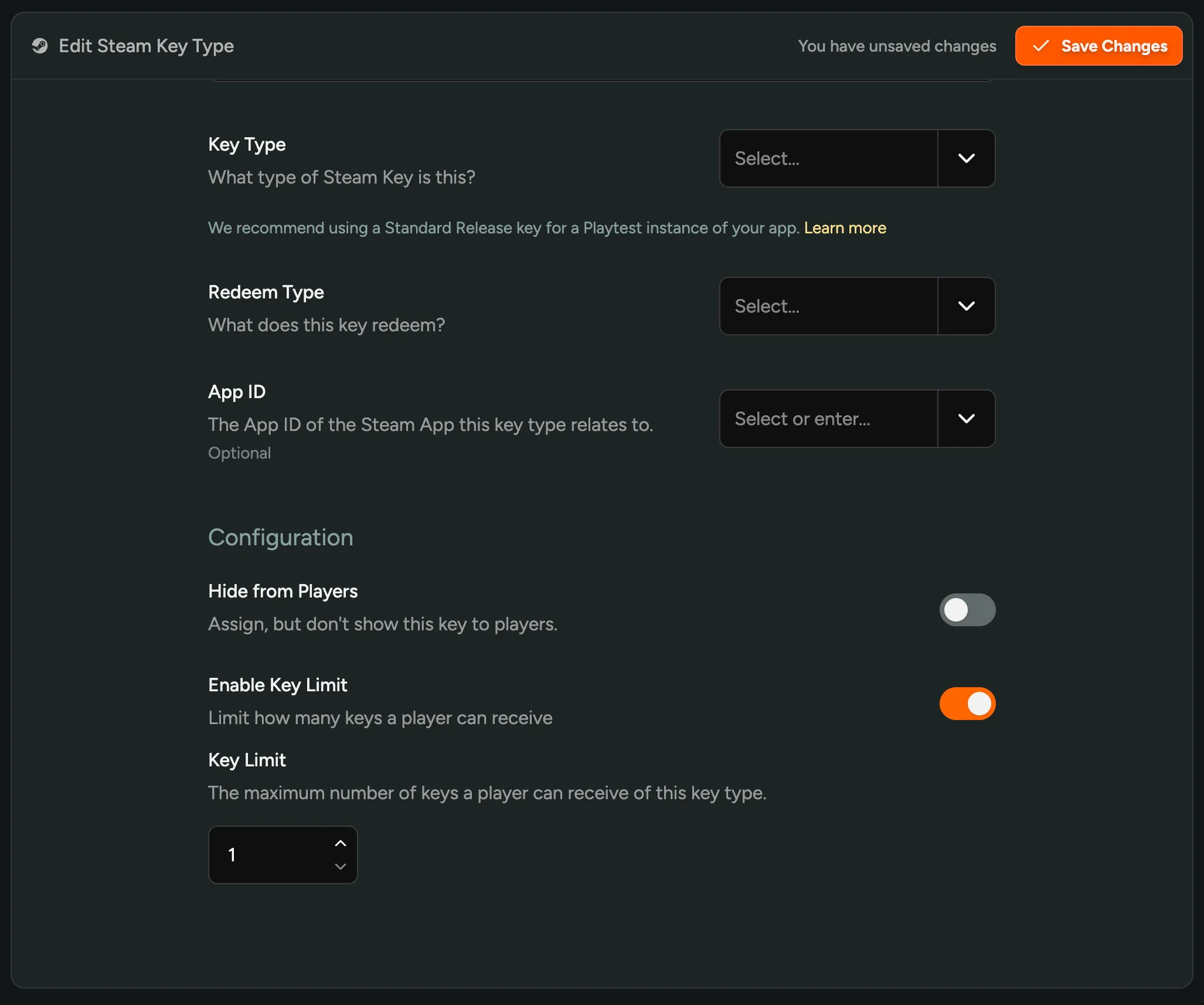
Per-Player Key Limit
You can now set a per-player limit on any key type! Configure it in your Key Type settings and FirstLook will block any player from claiming more than the set number of that key, even if they unlock the reward again through a different campaign, role, or rewards tier. This is useful for studios running multiple campaigns or rewards where the same Steam, PSN, or Xbox key shouldn’t go out twice to the same player.
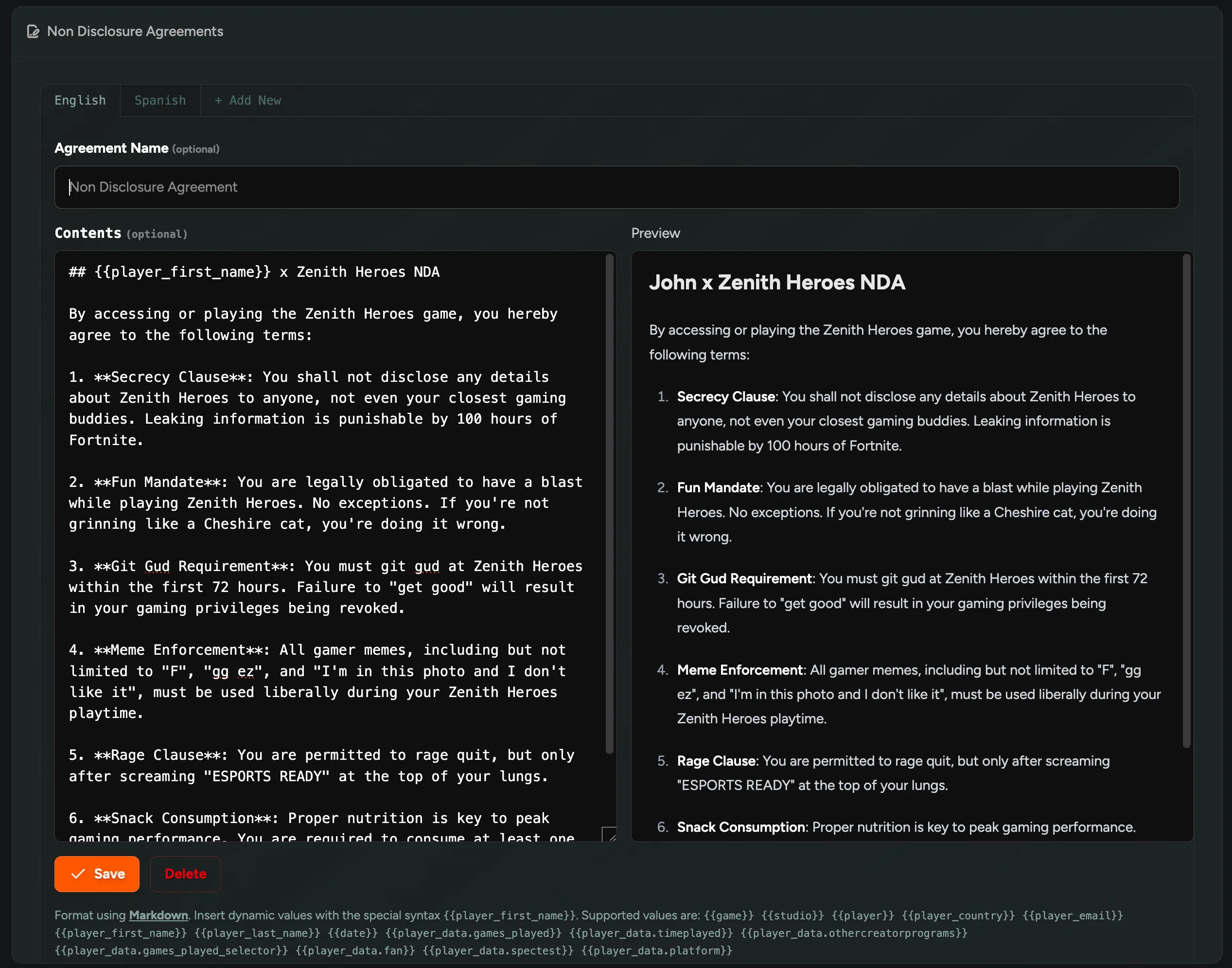
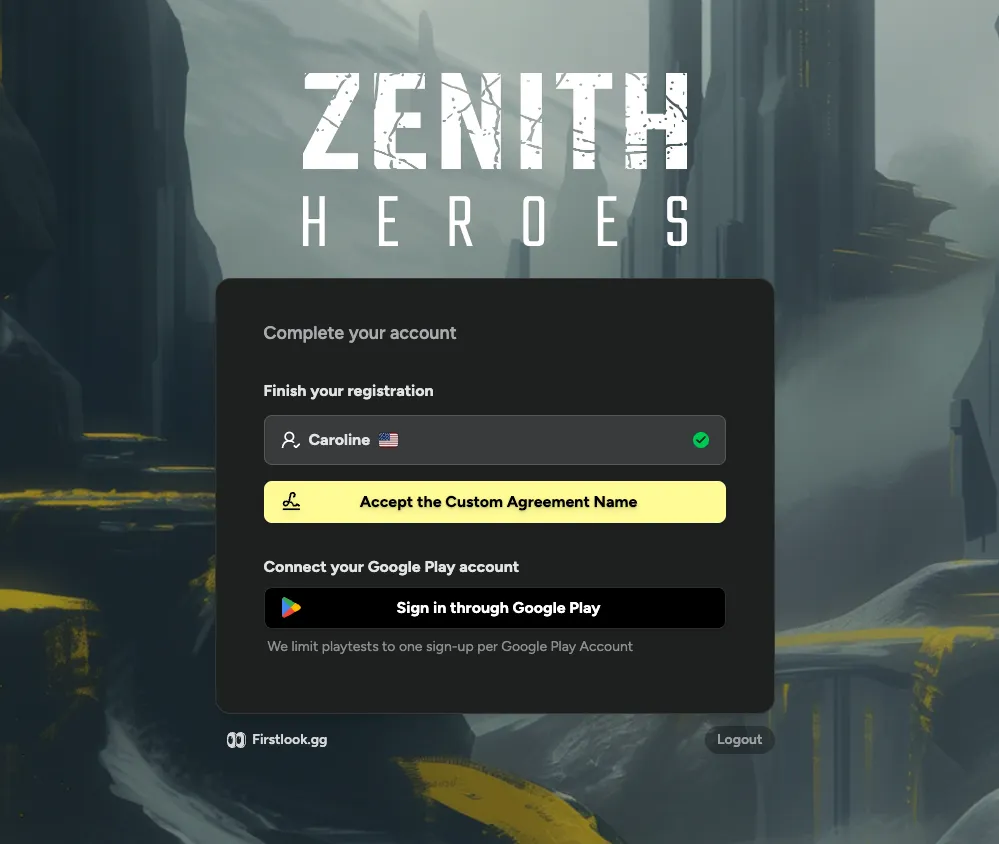
Custom Agreement Names
You can now rename the NDA agreement on your flow! Studio legal teams may need their player-facing agreement to be called something more specific than “NDA”, like “Beta Program Terms” or “Closed Beta Agreement”. The new name shows up everywhere players see the agreement.
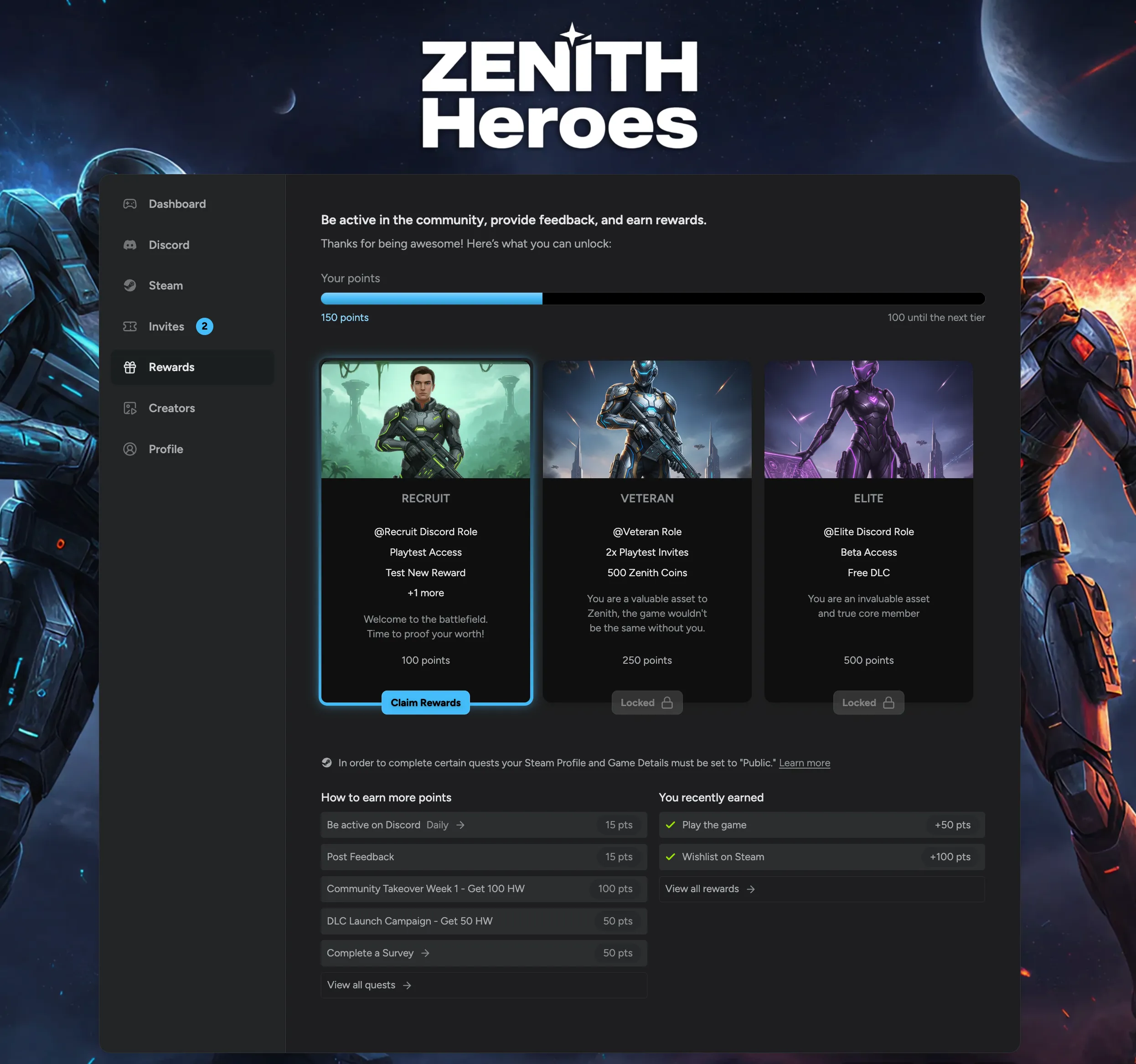
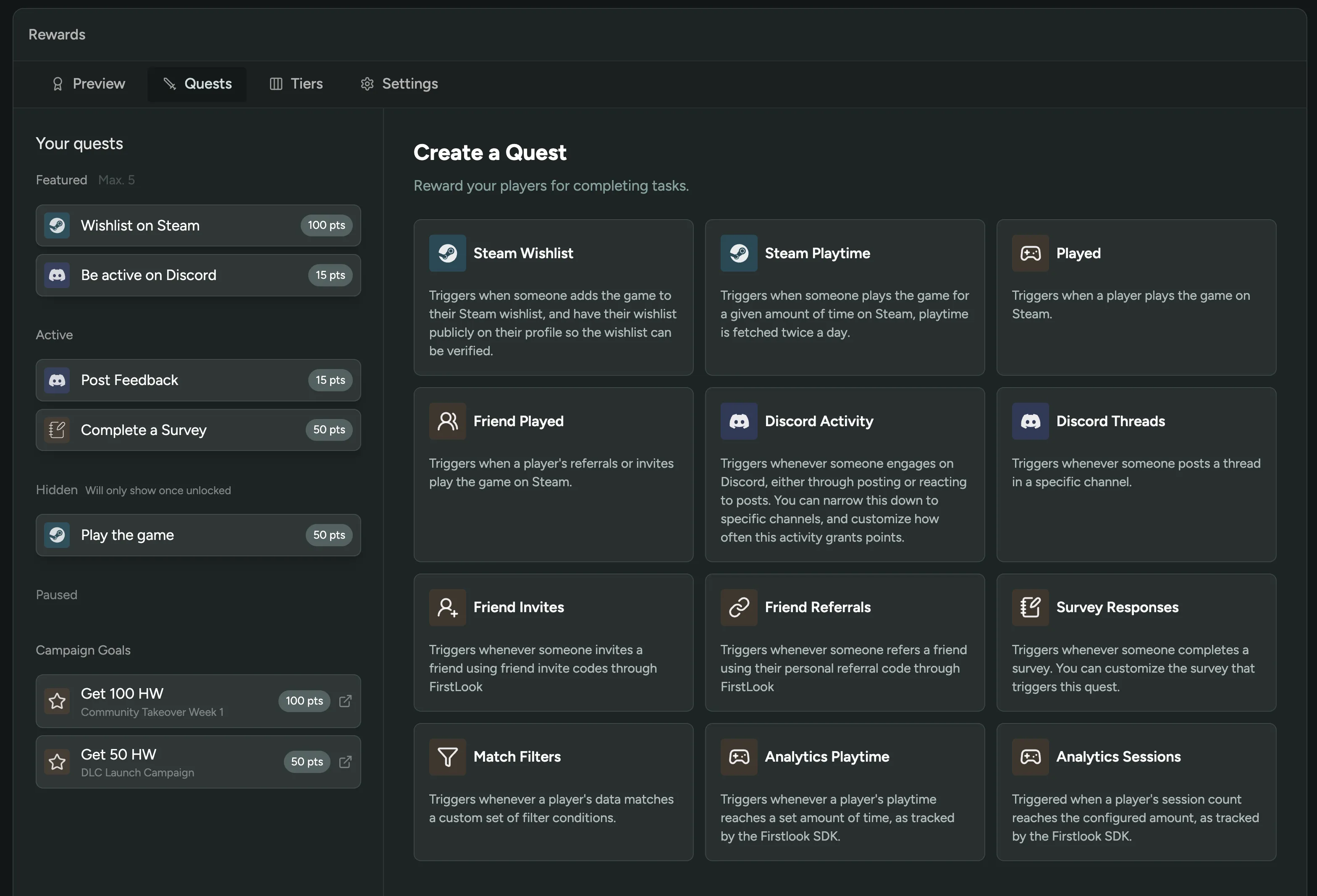
Creator Battle Pass
You can now run a creator battle pass in FirstLook! We made it so campaign goals can grant Rewards points as their payout, so every milestone or performance target a creator hits moves them further along your reward tiers (Discord roles, keys, custom rewards, all of it).
Set it up when creating a campaign goal: pick Rewards XP as the reward type, give it a name, and enter the point amount. Works on both milestone and performance-based goals, and stacks with any other payouts on that goal.
Still haven’t tried Creators or Rewards? Enable it in FirstLook Labs.
Reach Organic Playtesters with player.gg
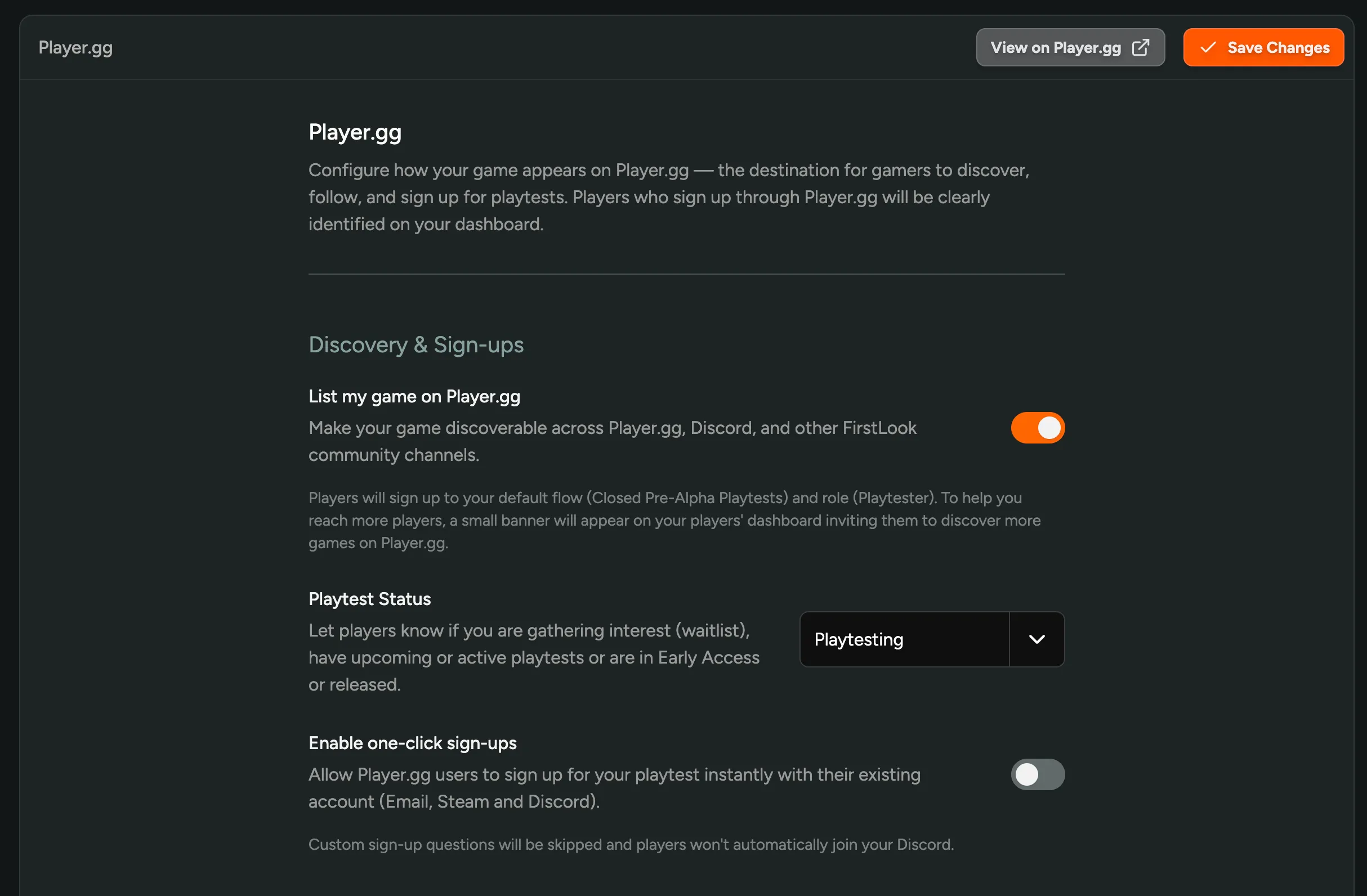
Your game can now be listed on player.gg — FirstLook’s public destination where gamers discover and sign up for playtests across the network. Your game page is populated automatically from your Steam or IGDB page, so for most studios there’s no extra content work: flip the toggle on and your listing is live. Players who find your game on player.gg get funnelled into your waitlist with the default flow, and show up clearly attributed in your dashboard. Confidential games are supported too — reach out to FirstLook and only your game name and self-uploaded branding will be shown.
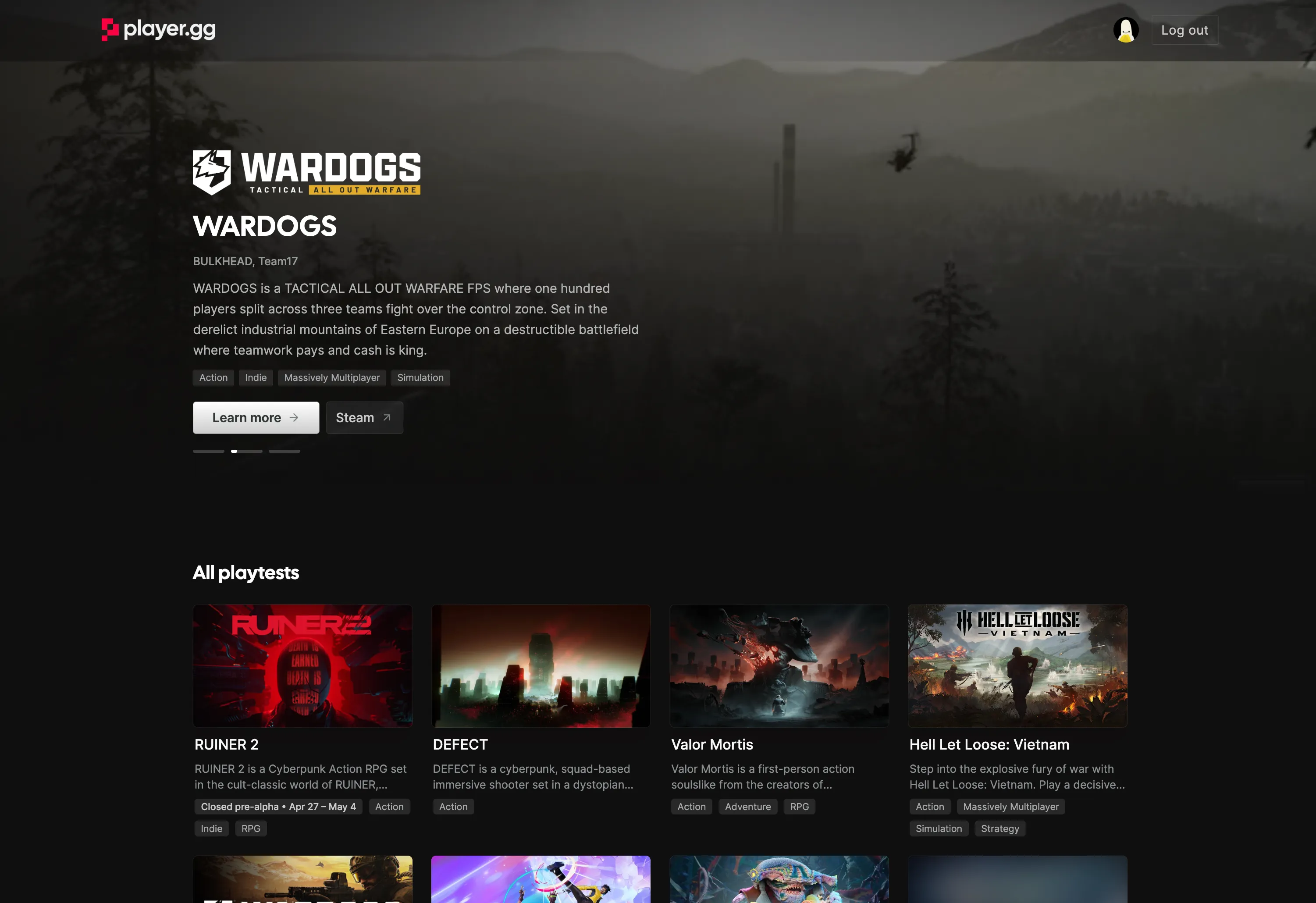
Open Settings → Player.gg in your admin to turn it on. You control:
- Discovery — make your game discoverable across player.gg, Discord, and other FirstLook community channels.
- Playtest Status — tell players whether you’re on a waitlist, playtesting, in early access, released, or cancelled.
- One-click sign-ups — let player.gg users with existing Email, Steam, or Discord accounts join your playtest instantly, skipping custom sign-up questions.
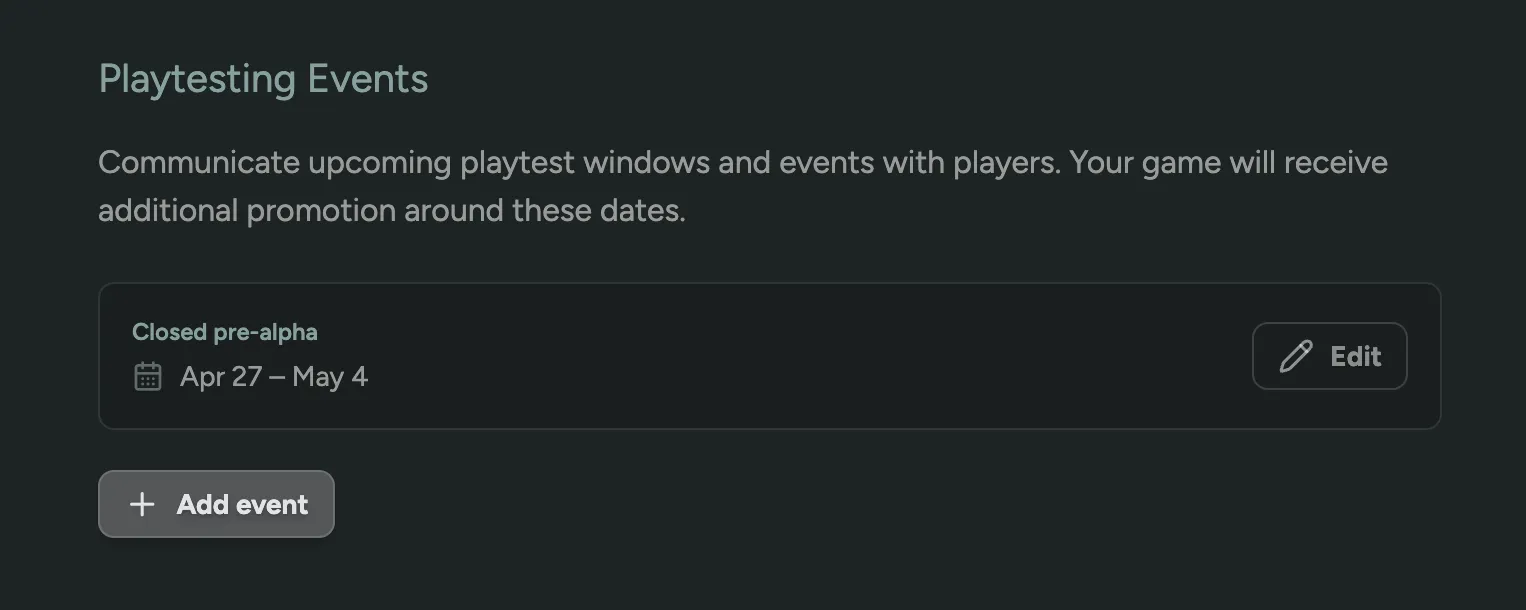
You can also publish Playtesting Events — upcoming playtest windows with specific dates. Events appear on your player.gg listing and get additional promotion across the network around those dates, so your test weekends pull in organic signups instead of just the players you already have.
Live Queue Status for Discord & Announcements
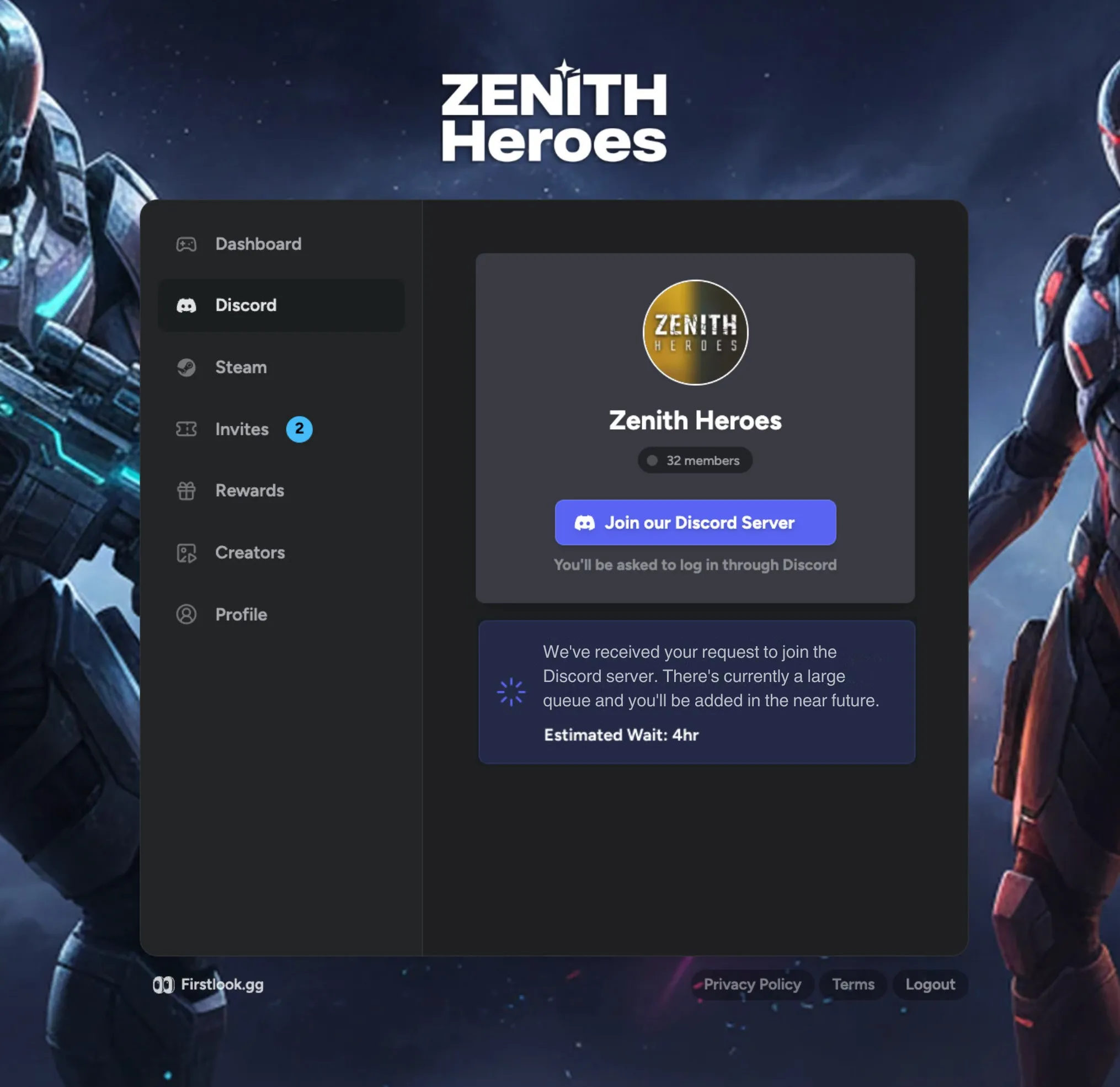
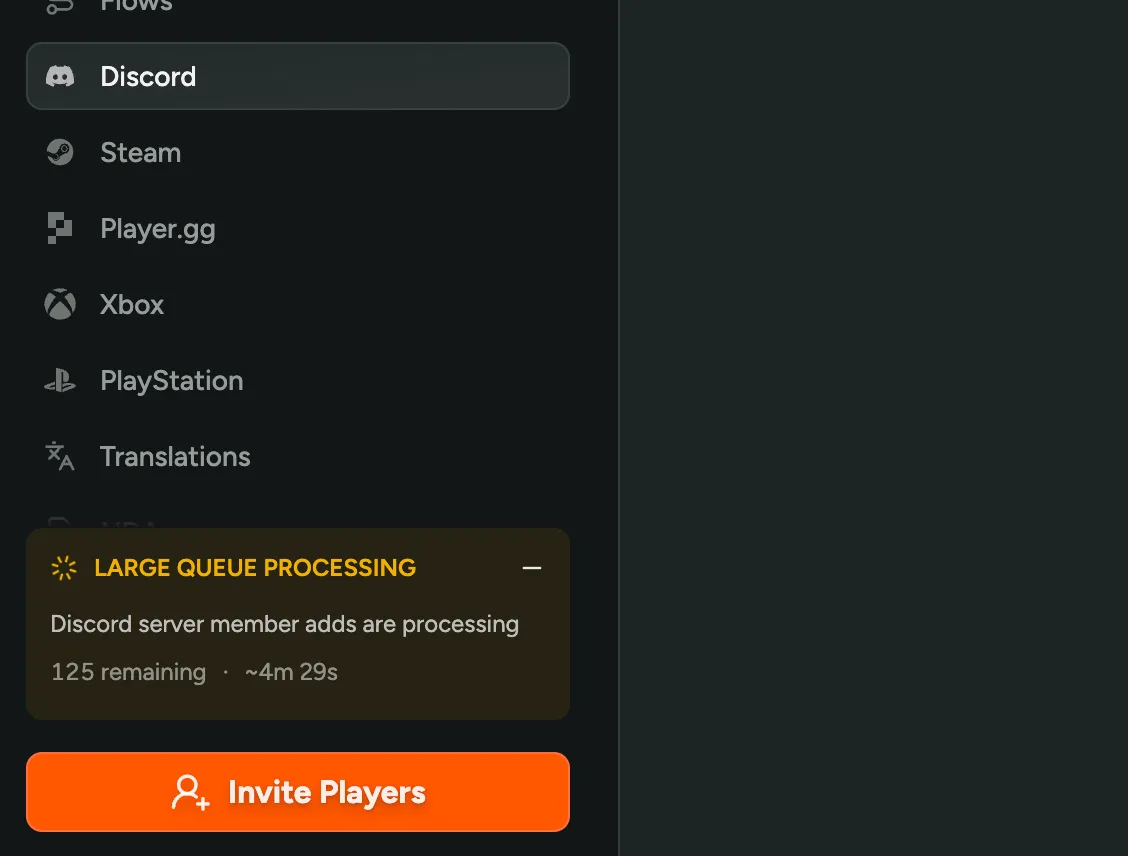
You can now see live queue status for large announcement sends and Discord-throttled server adds! Studios get a Large Queue Processing banner on the admin dashboard with remaining items and ETA, and players waiting to join your Discord server see a matching notice with their estimated wait time on the dashboard and Discord tab.
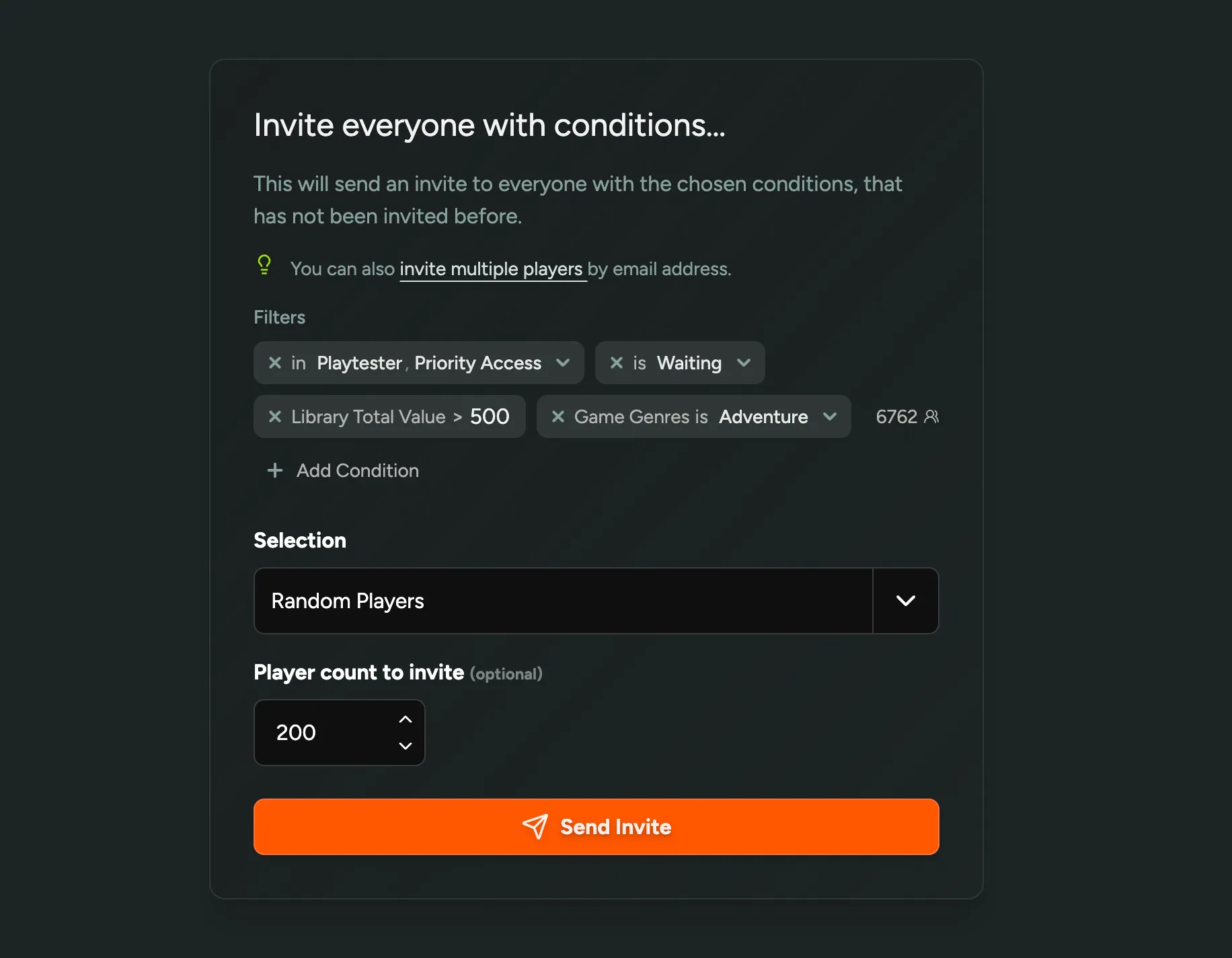
Invite Player by Filter Conditions
We reworked Invite by Role to Invite by Conditions, where instead of picking a single role, you can target invites using the same powerful filters you already use across the platform.
Stack any combination of conditions (role, access state, wishlist conditions, library value, custom questions, surveys, country, sign-up date, and more) to narrow a large eligible pool down to exactly the players you want to reach.
Once you’ve defined your audience, choose how to send the invites:
- All matching players — invite the full filtered set.
- Random players — invite a random sample of a chosen size, great for staggered rollouts or capacity-limited playtests.
- By sign-up date — prioritize players based on when they joined, so your earliest signups get in first.
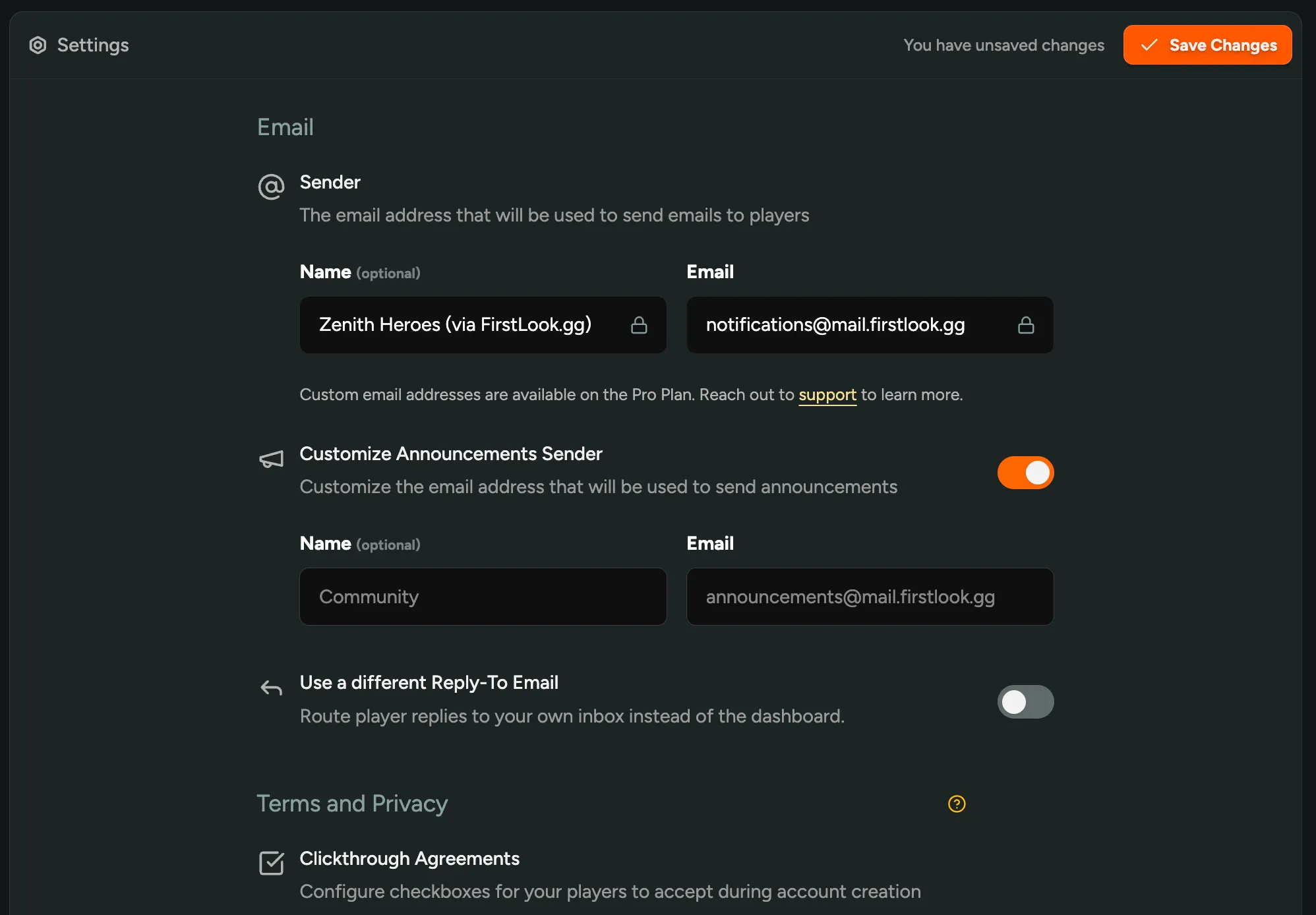
Custom Sender for Announcement Emails
For our Pro customers, you can now send announcements from a different email address than your default sender! Head to Settings, Email, and toggle on the new Announcements Sender to set its own name and address. Useful if you want your transactional emails to come from one address while announcements go out from something friendlier.
Playtime by Steam App
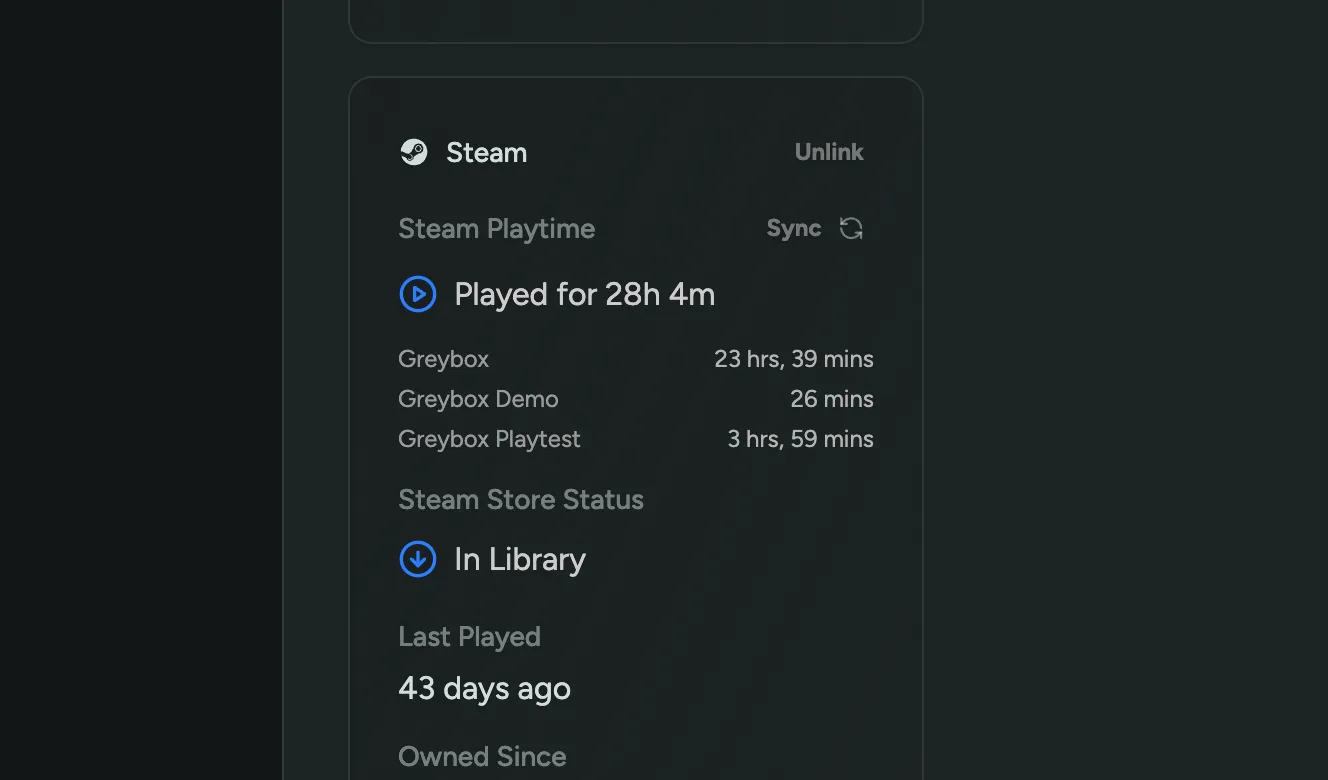
You can now filter players by playtime for each individual Steam app being tracked in your steam settings, and see the full breakdown on every player profile.
Whether you’re tracking progression from Playtest to Demo to purchase, or monitoring prototyping sessions, playtime is now fully broken down per app — giving you a clear picture of how players engage across your Steam catalog.
AI-powered Announcements and Survey Localization
Studios using LLM-based Localization now benefit from automatically translated announcements and surveys!
Announcements are translated right before sending based on each player’s preferred language. Players with English as their preferred language receive the original text immediately.
Surveys are localized on the web and in-game via the SDK based on the system language. Learn more about surveys →
To get started, enable LLM-based Localization in FirstLook Labs.
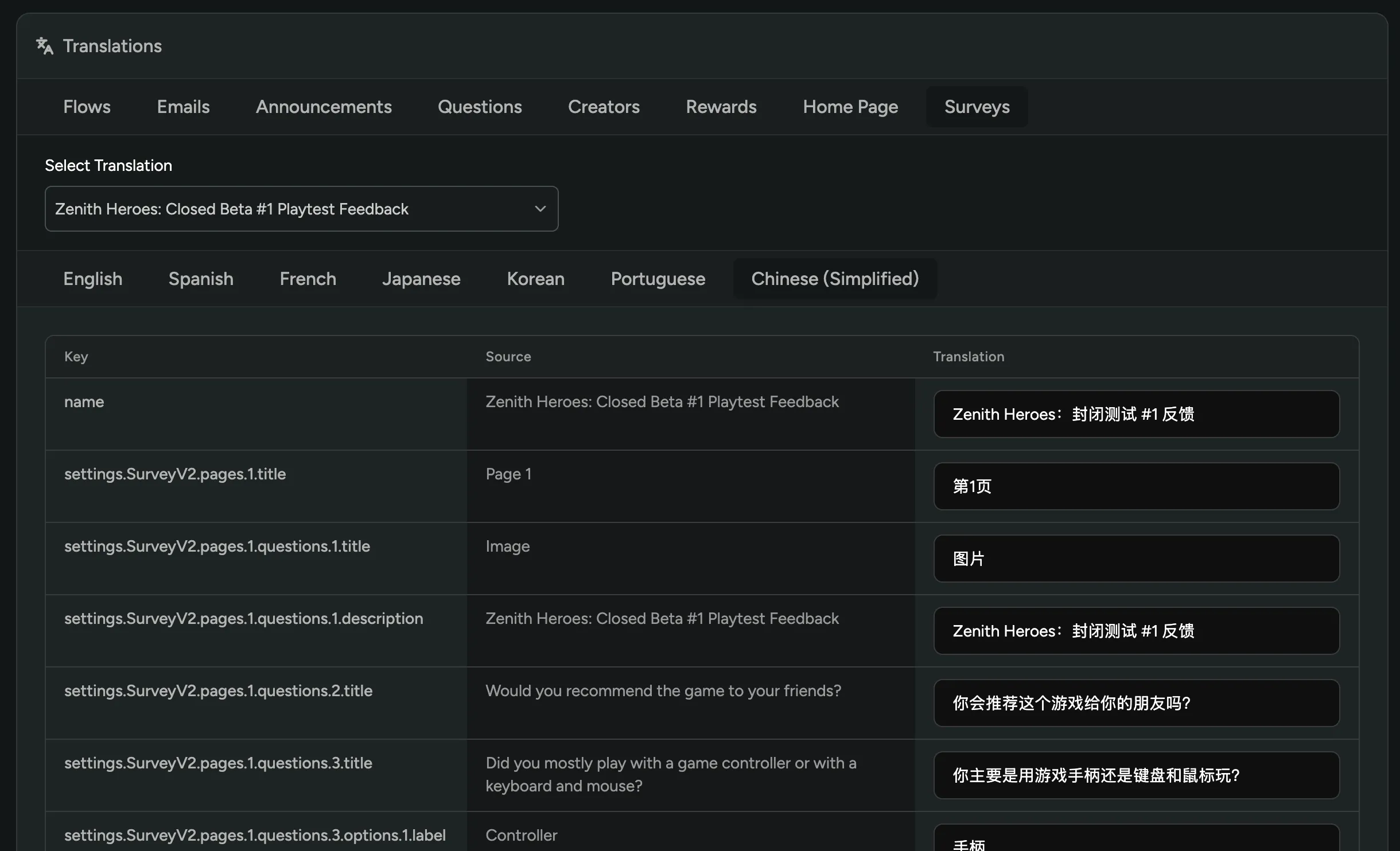
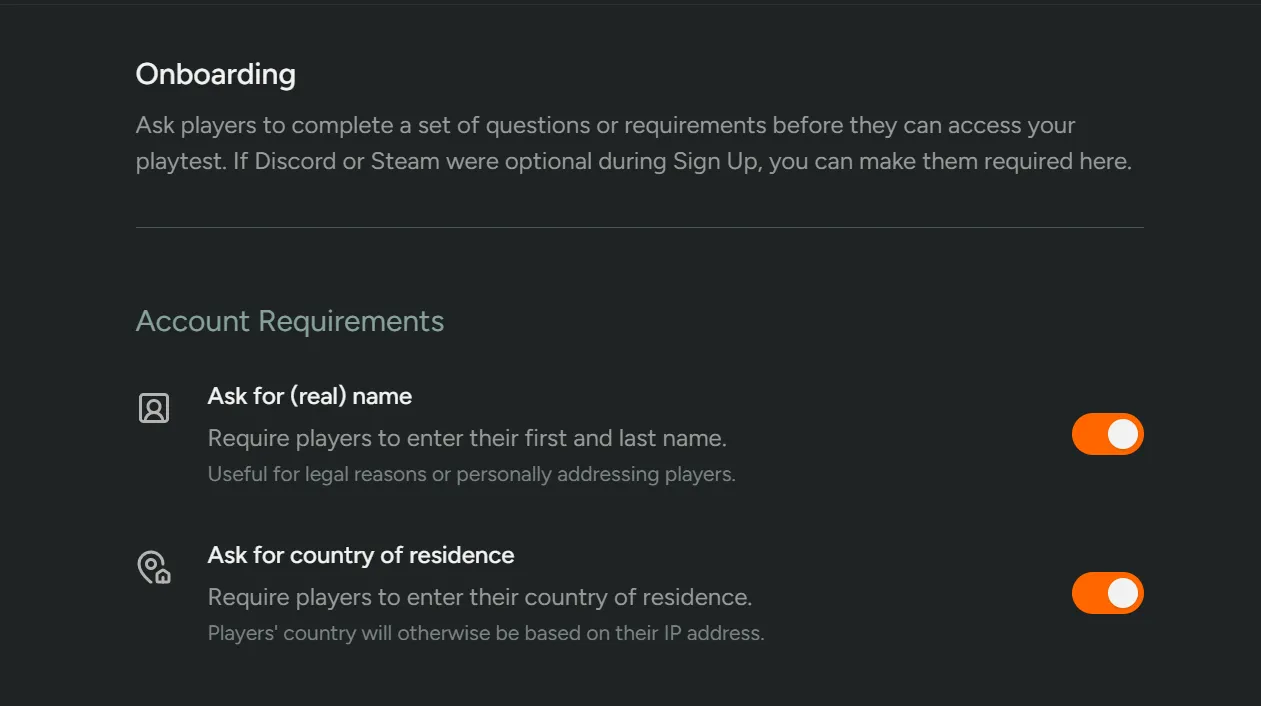
Capture Player Names at Sign Up
You can now ask for a player’s legal name and country of residence at sign up, not just at onboarding! Toggle either option on in your Sign Up step settings.
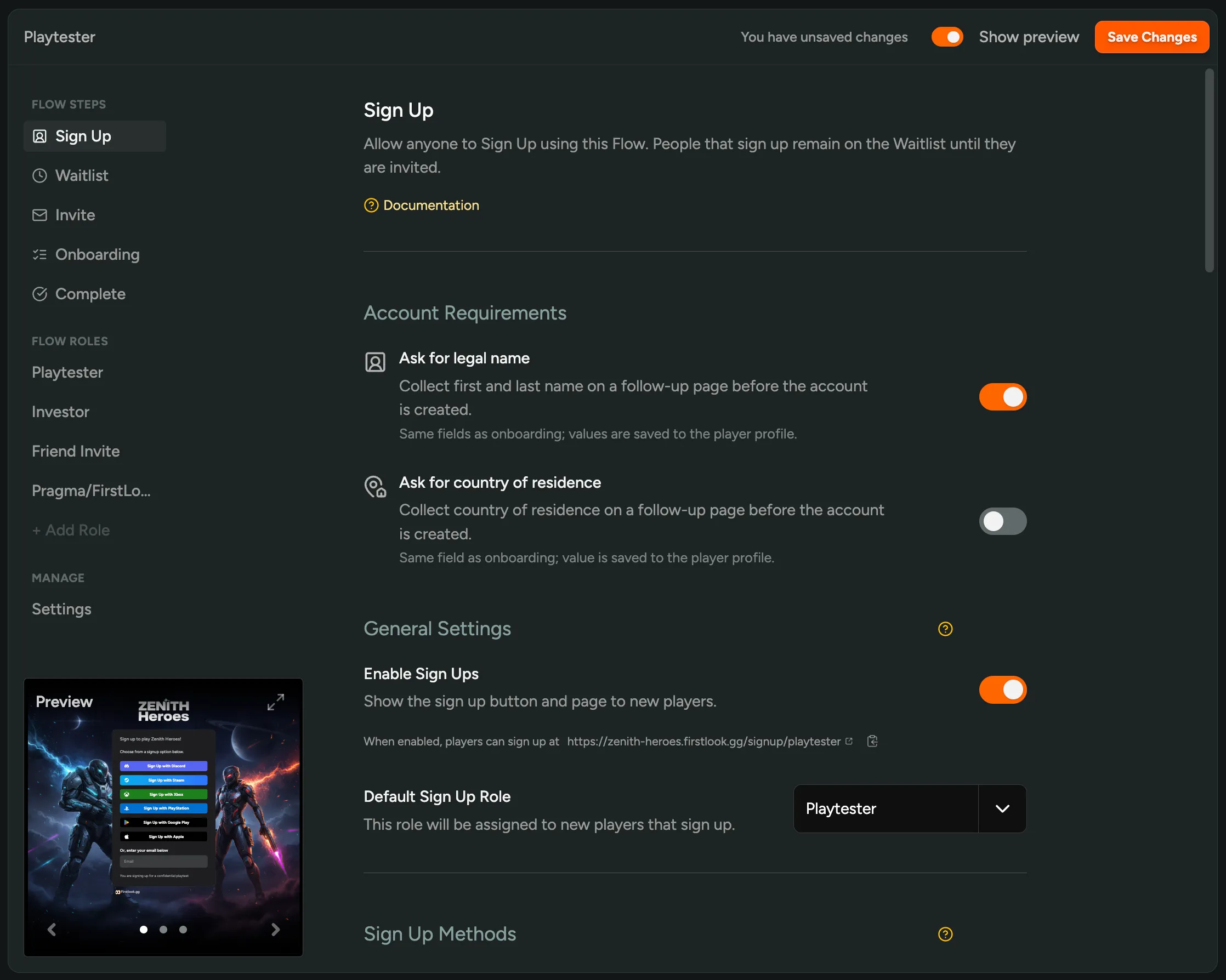
Powerful Match Filter Rewards Quests
In Rewards, Match Filter quests just got a lot more powerful! You can now reward players based on any player table filter, not just custom onboarding question answers. Set up a quest that triggers when a player matches a specific source, has linked a certain account, hits a playtime threshold, or any combination of filters you’ve saved.
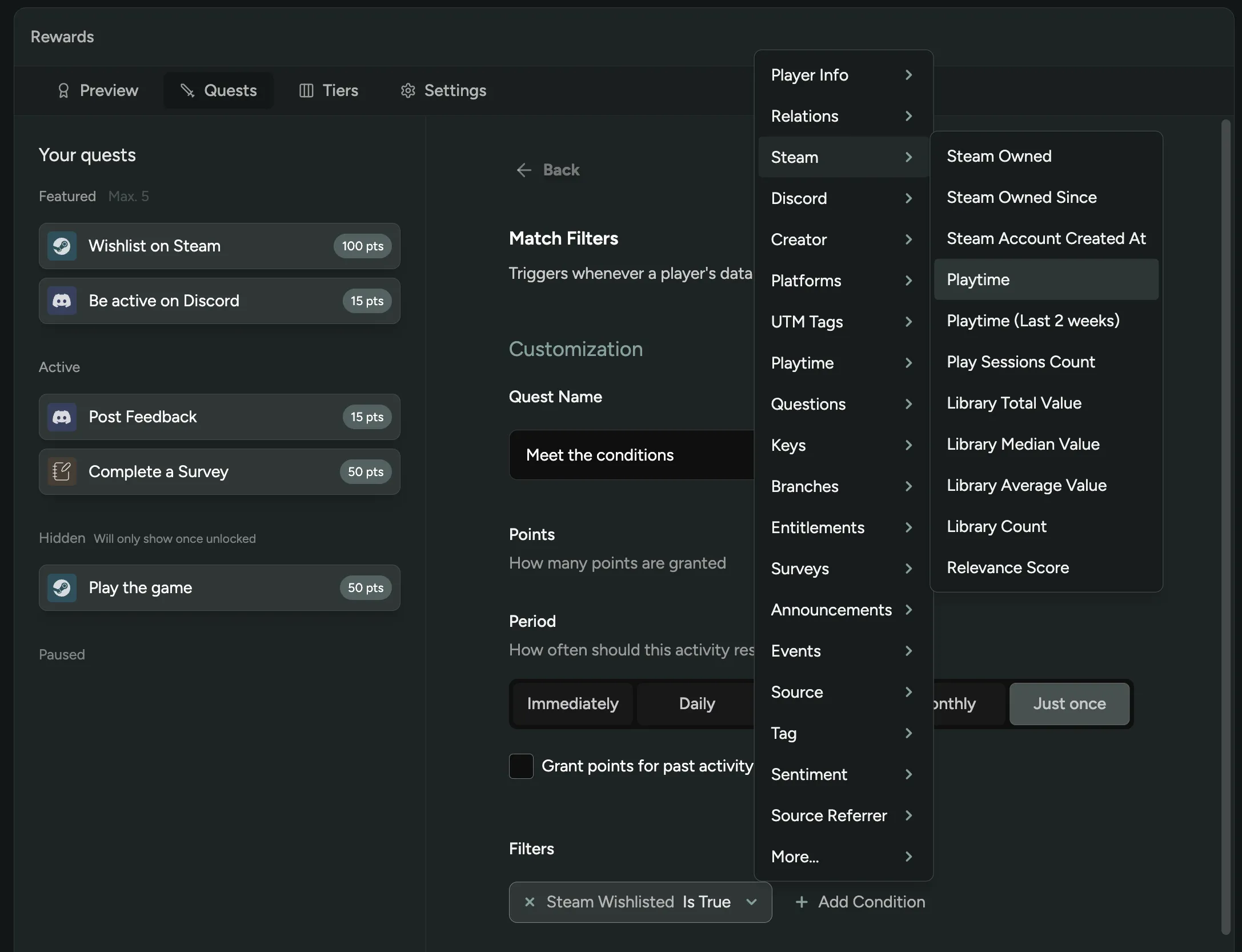
Custom Messages at Onboarding
You can now add a custom message to your Onboarding step! Toggle on “Display a Custom Message” in your flow’s Onboarding settings, then set a title and body to explain why you’re asking players to link specific accounts or complete certain steps. Your custom text shows up directly in the player dashboard.
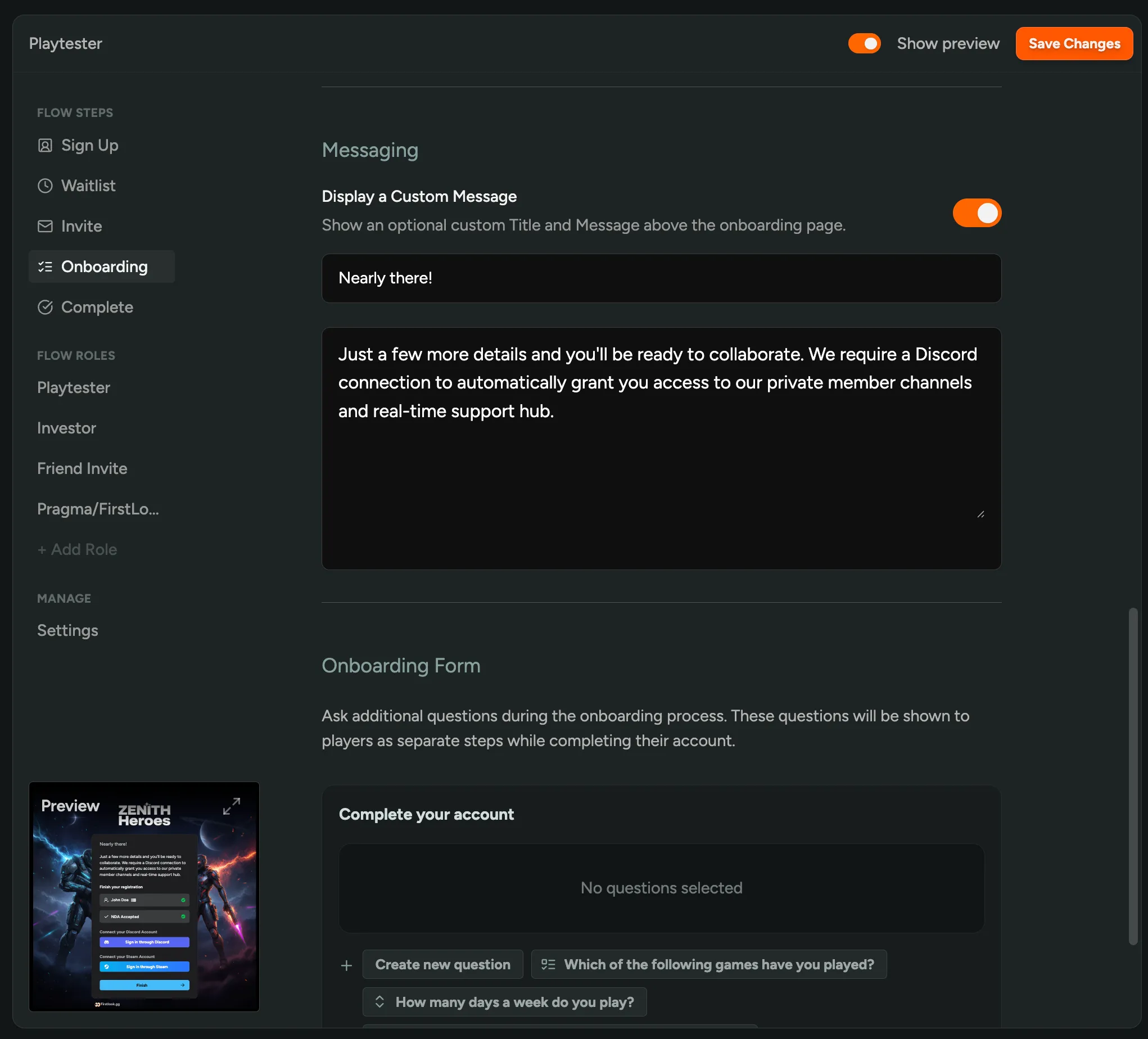
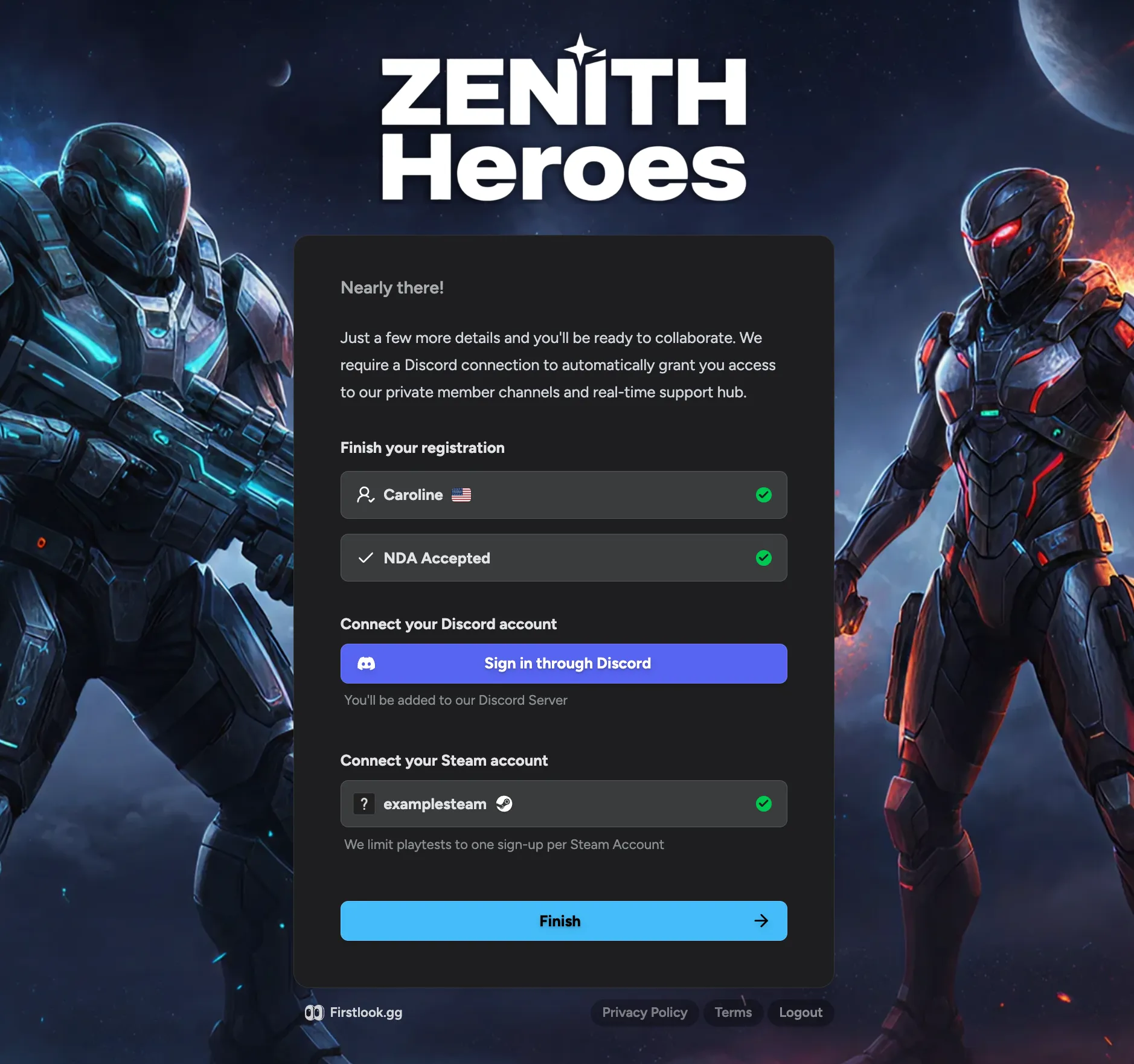
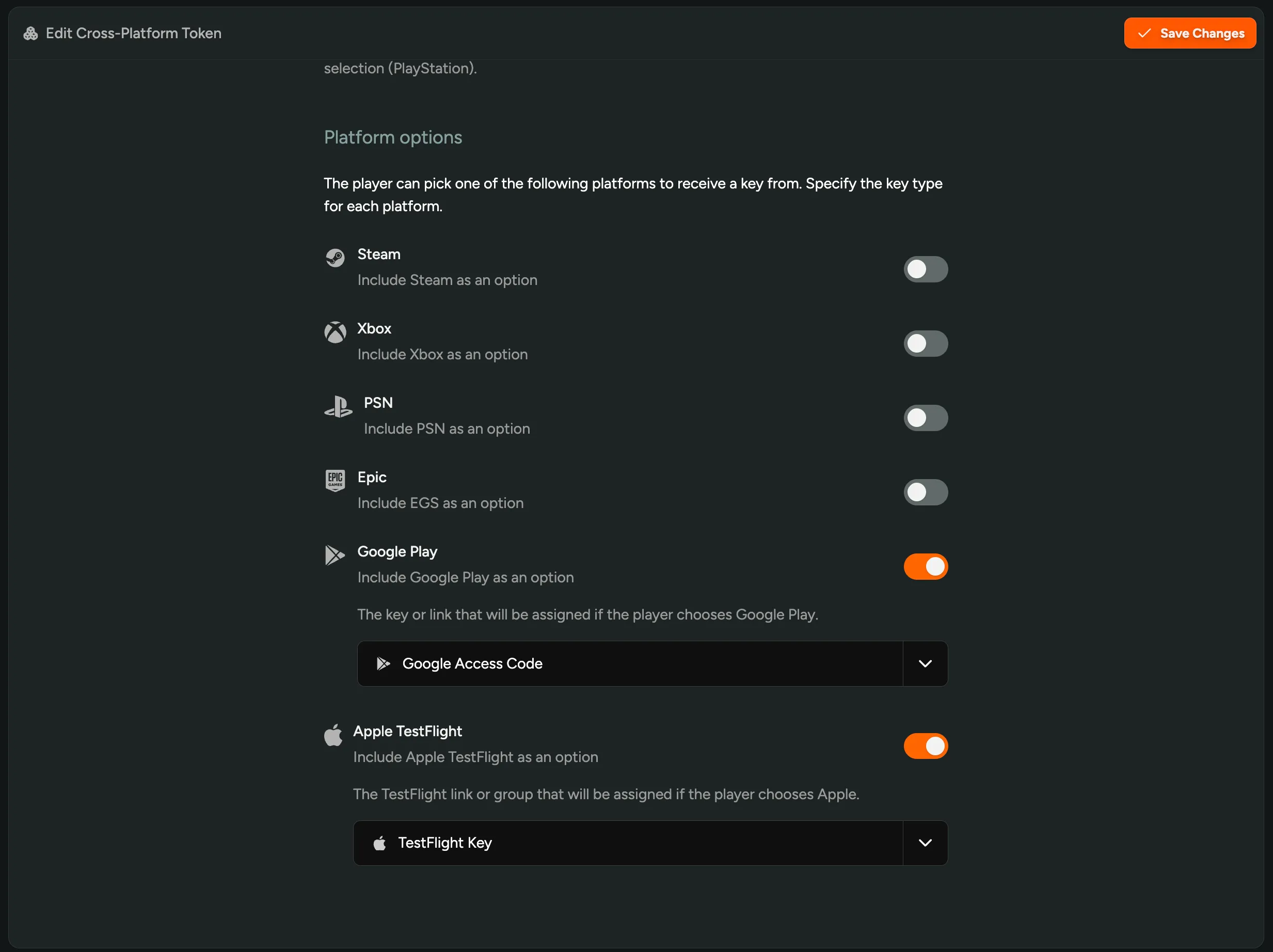
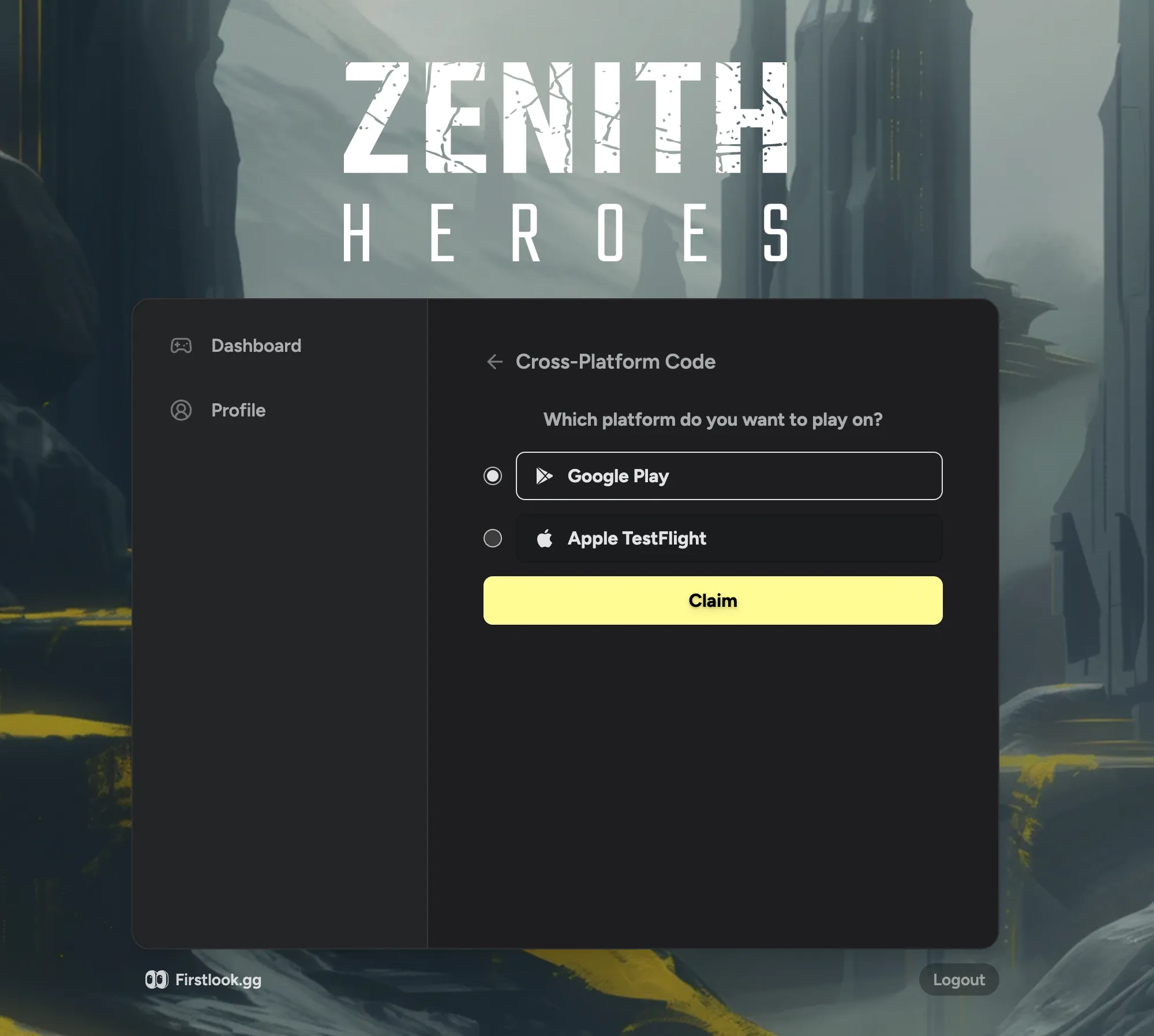
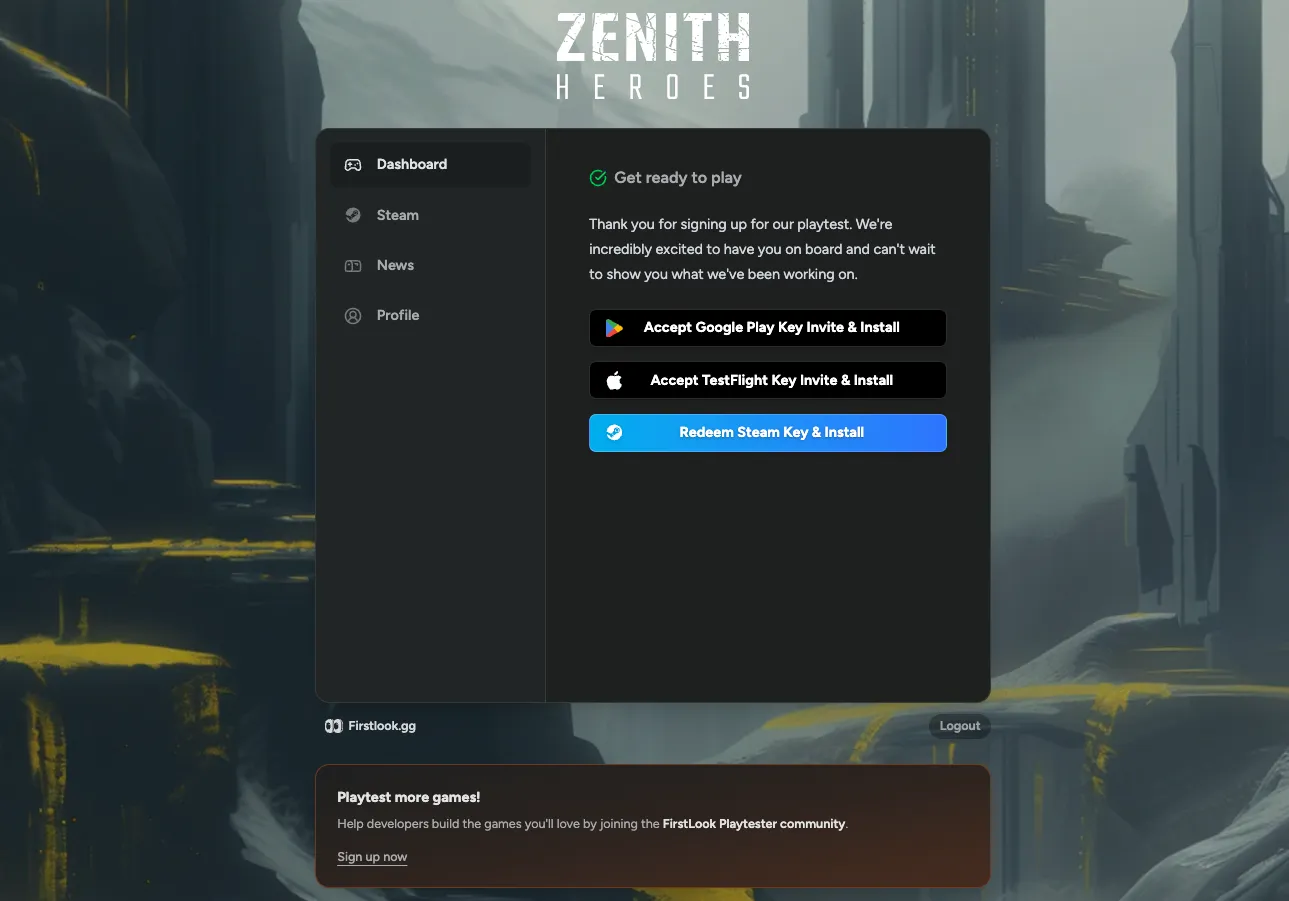
Cross-Platform Keys for Google Play and Apple
Cross-platform keys now support Google Play and Apple TestFlight! Studios with mobile games can set up a single key distribution flow for all mobile players. Each player claims one key for their platform based on whichever account they have linked, so no keys go to waste and you don’t need separate flows for each store.
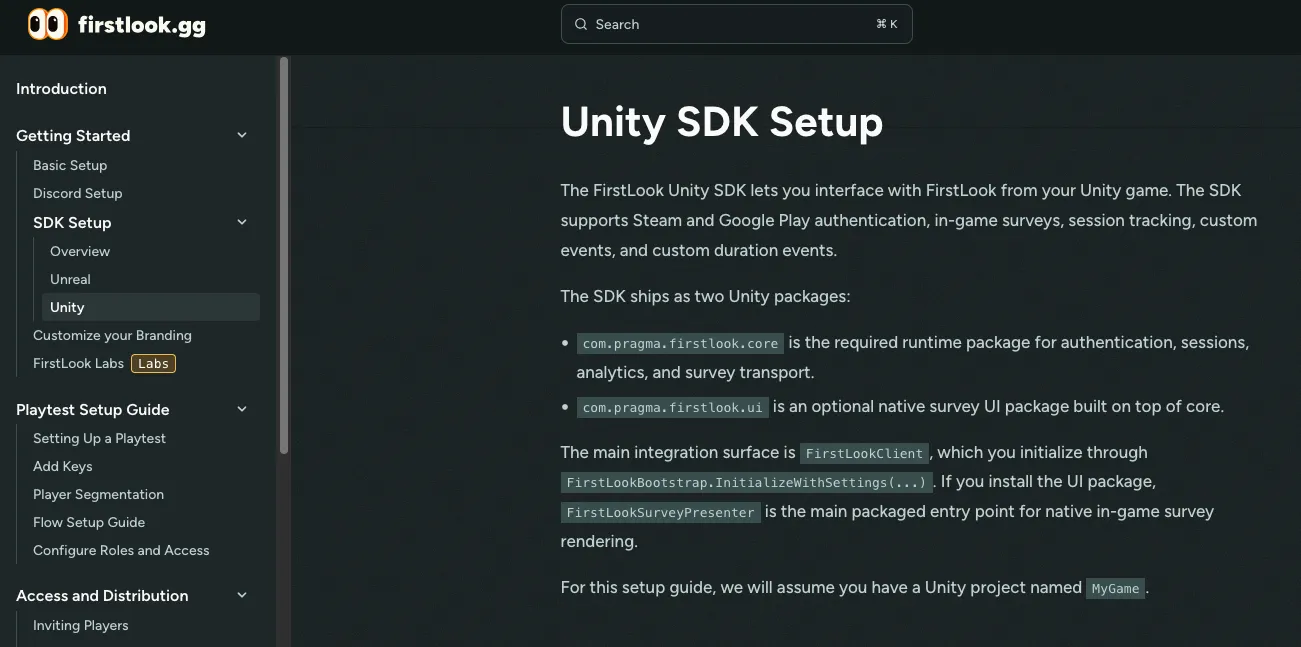
Unity SDK
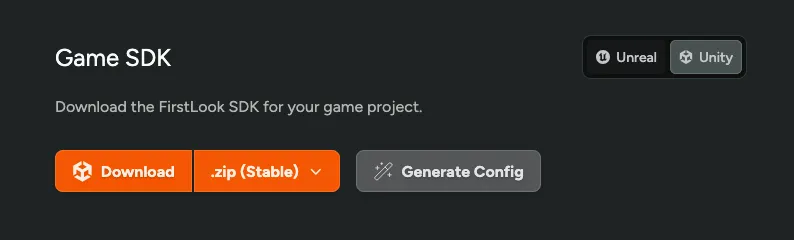
The FirstLook SDK is now available for Unity! Drop the SDK into your Unity project to wire up runtime authentication, sessions, analytics, and in-game surveys directly from your game. Download it from the Game SDK section of your dashboard and follow the setup guide to get started.
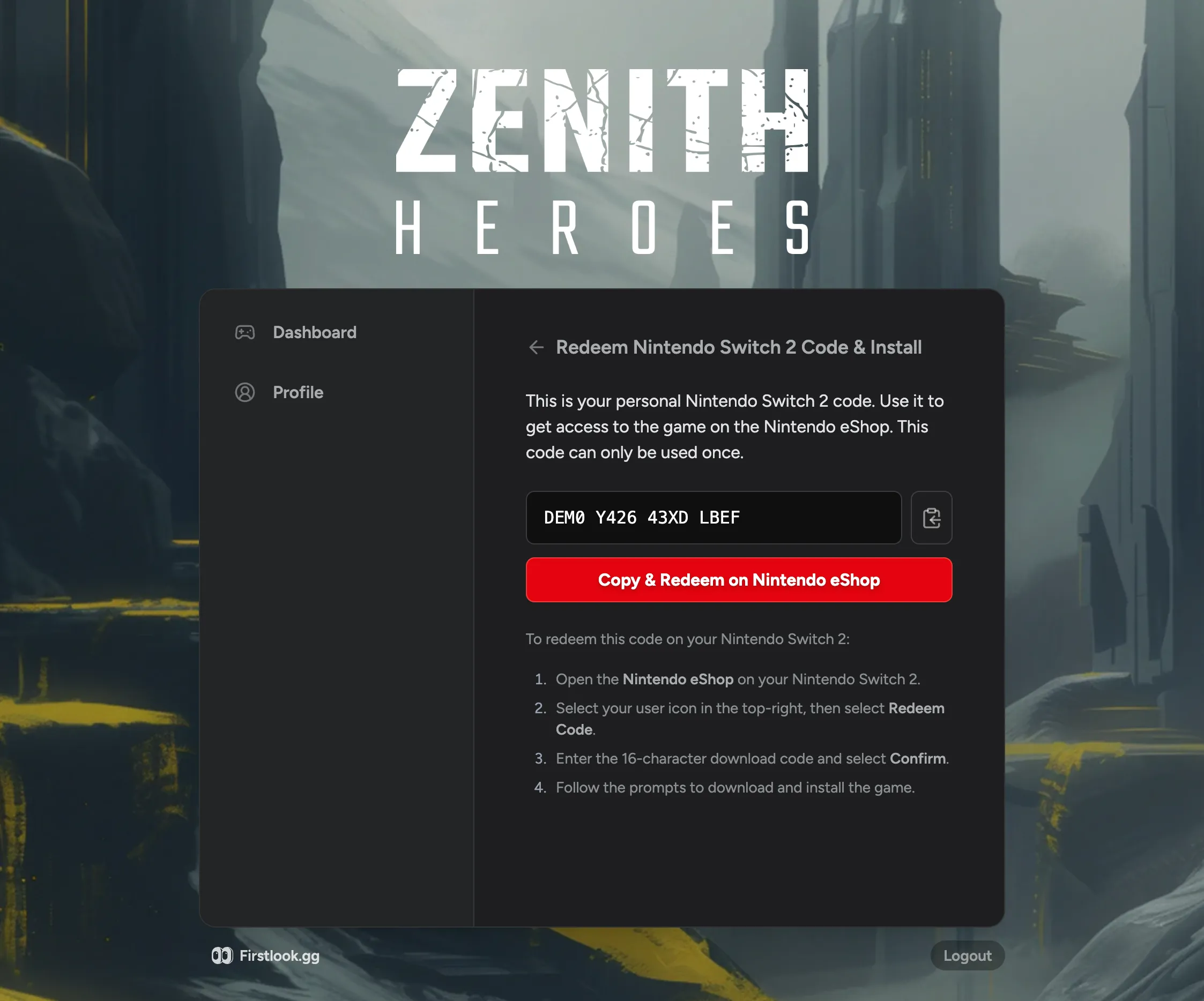
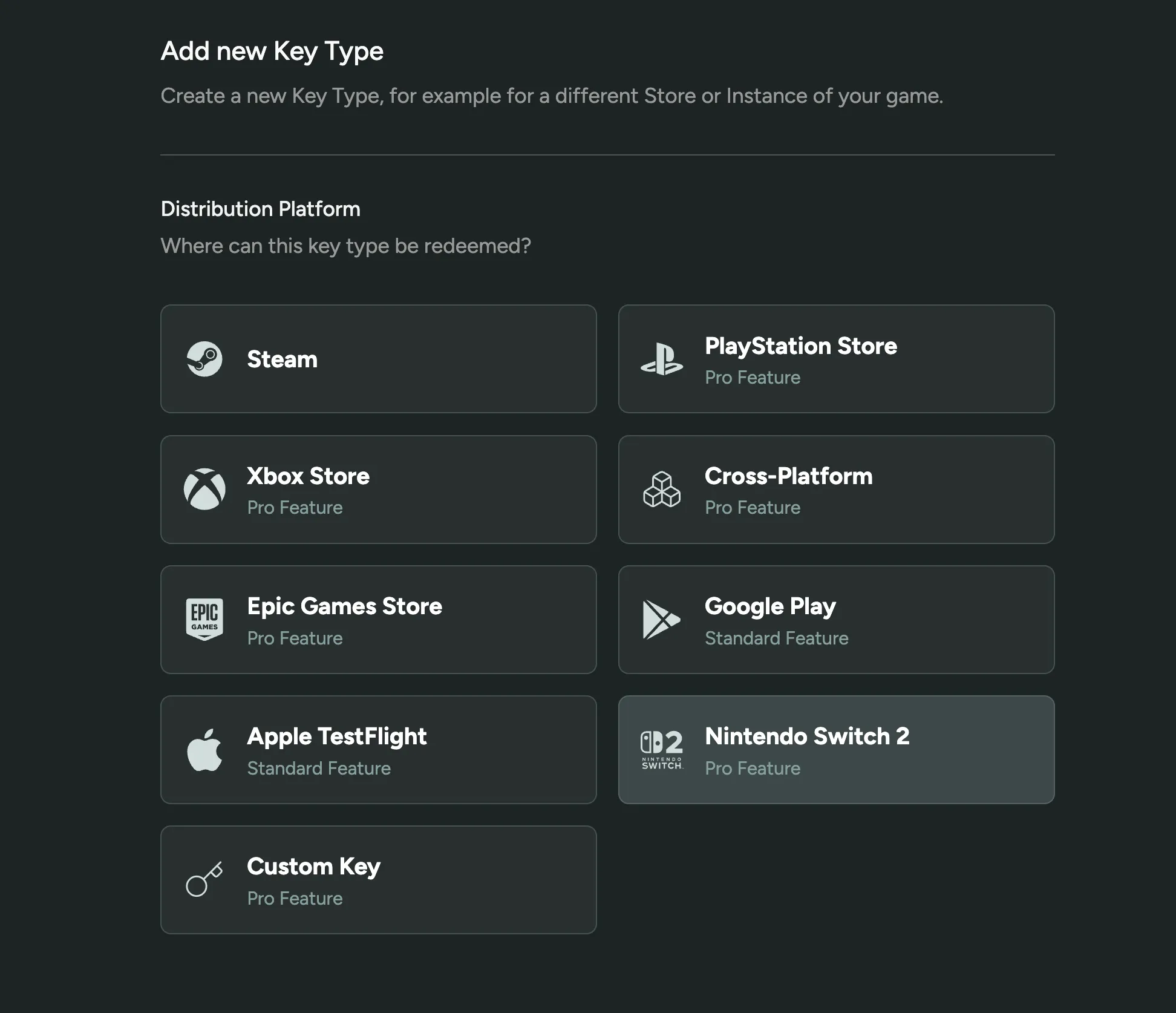
Switch 2 Key Support
Nintendo Switch 2 is now available as a native key type! Upload your Switch 2 keys and distribute them to players the same way you would Steam, Epic, or PlayStation keys. Switch 2 shows up as its own platform in your key management settings, complete with platform branding.
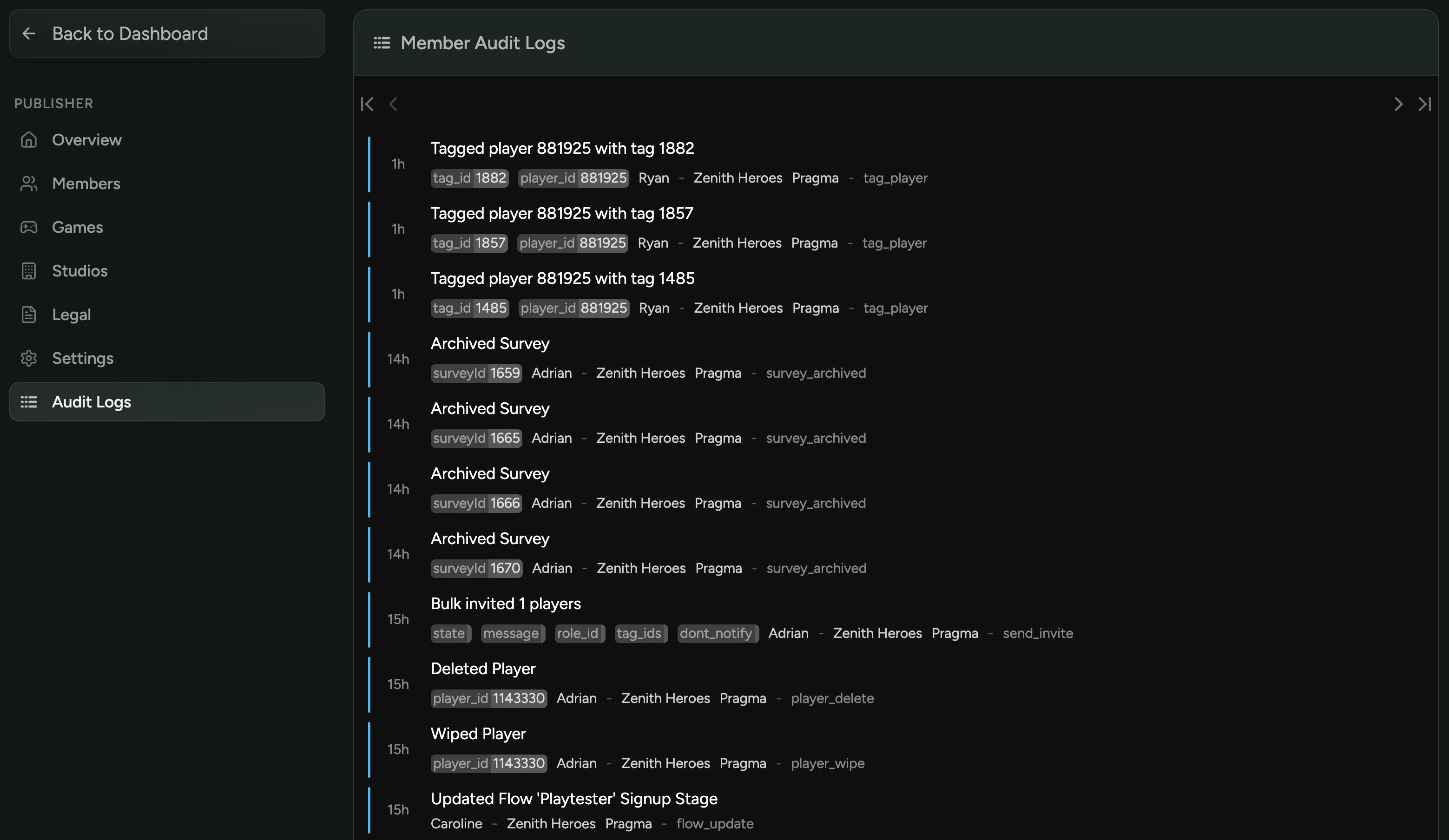
Publisher Audit Logs
Publisher admins can now view a full log of admin activity directly from the publisher dashboard! Every action taken by fellow admins, from privilege grants to configuration changes, is tracked and visible in one place. Built for organizations that need tighter auditing and security compliance across their organization.
New Hours Watched Metric for Creators
Hours Watched is now available as a metric for your livestream creator campaign goals! Set a target based on total viewing time, not just viewers, to better capture the full impact of a stream. Hours Watched is calculated as average concurrent viewers multiplied by stream duration, tracked automatically across all livestreams in your campaign.
Custom Actions on Flows
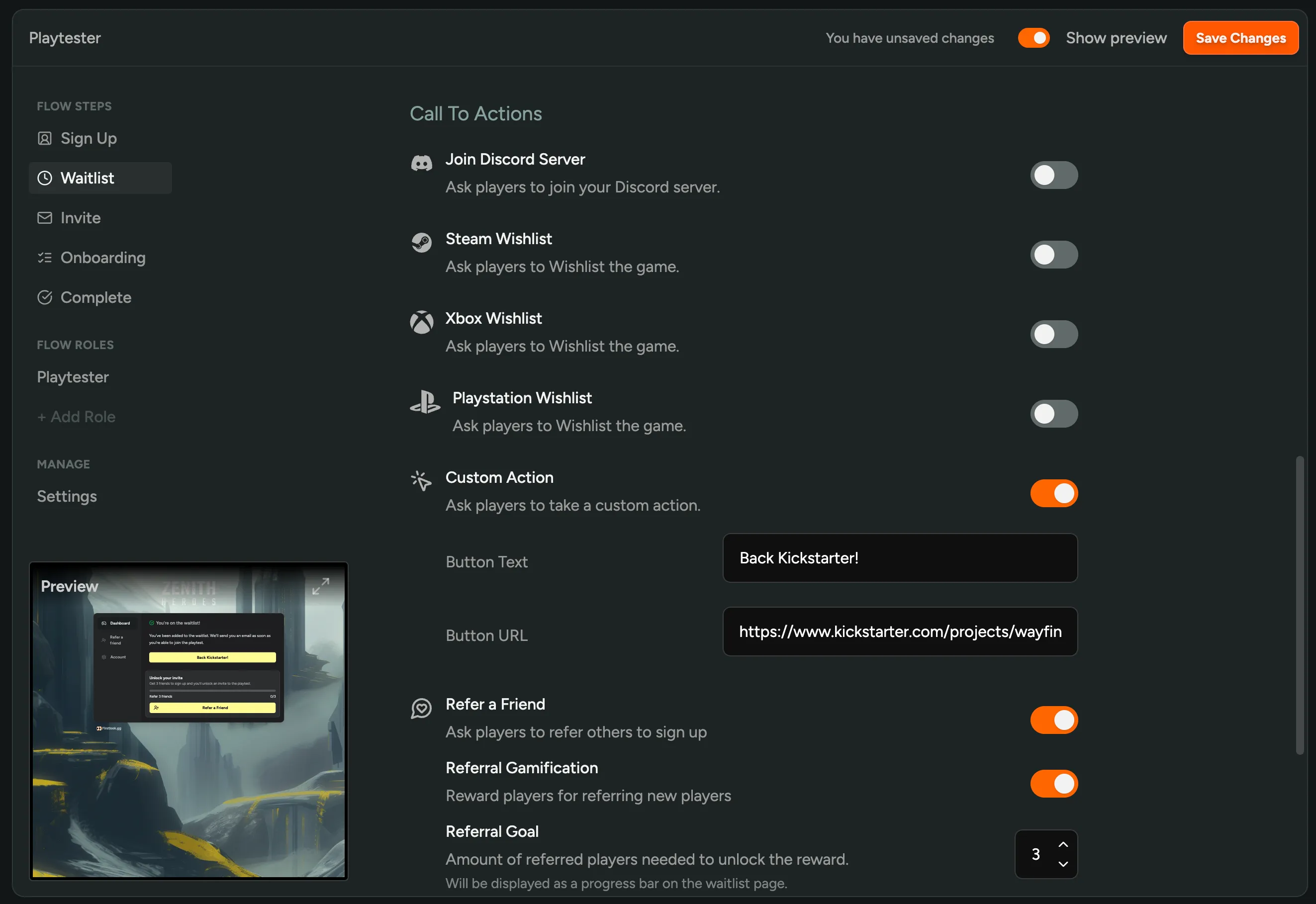
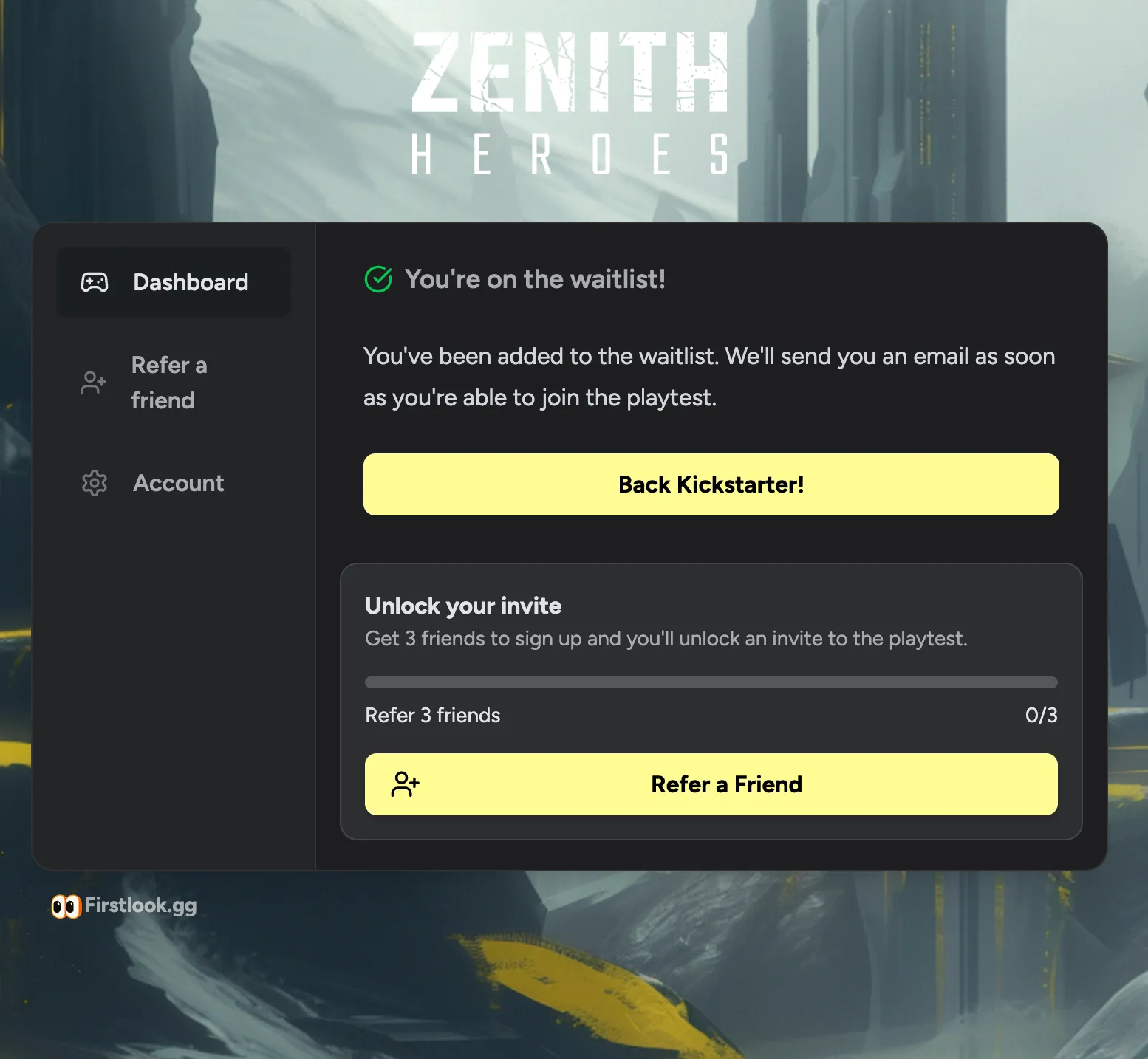
You can now add a Custom Action button to your Waitlist and Complete flow steps! Toggle it on in your flow settings and set your button text and URL. Perfect for Kickstarter campaigns, surveys, anything else you want to drive players towards.
Custom Announcement Email Headers
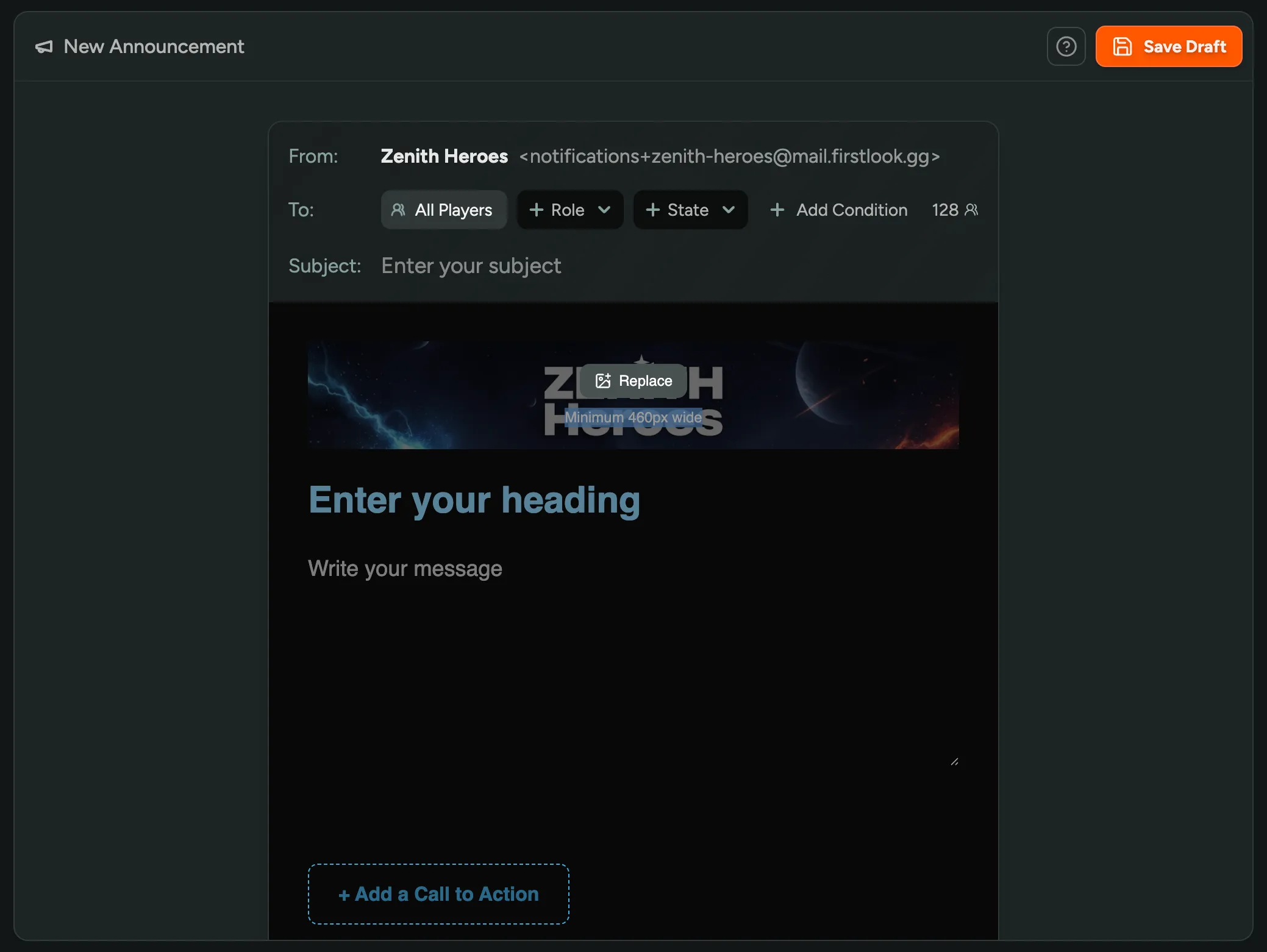
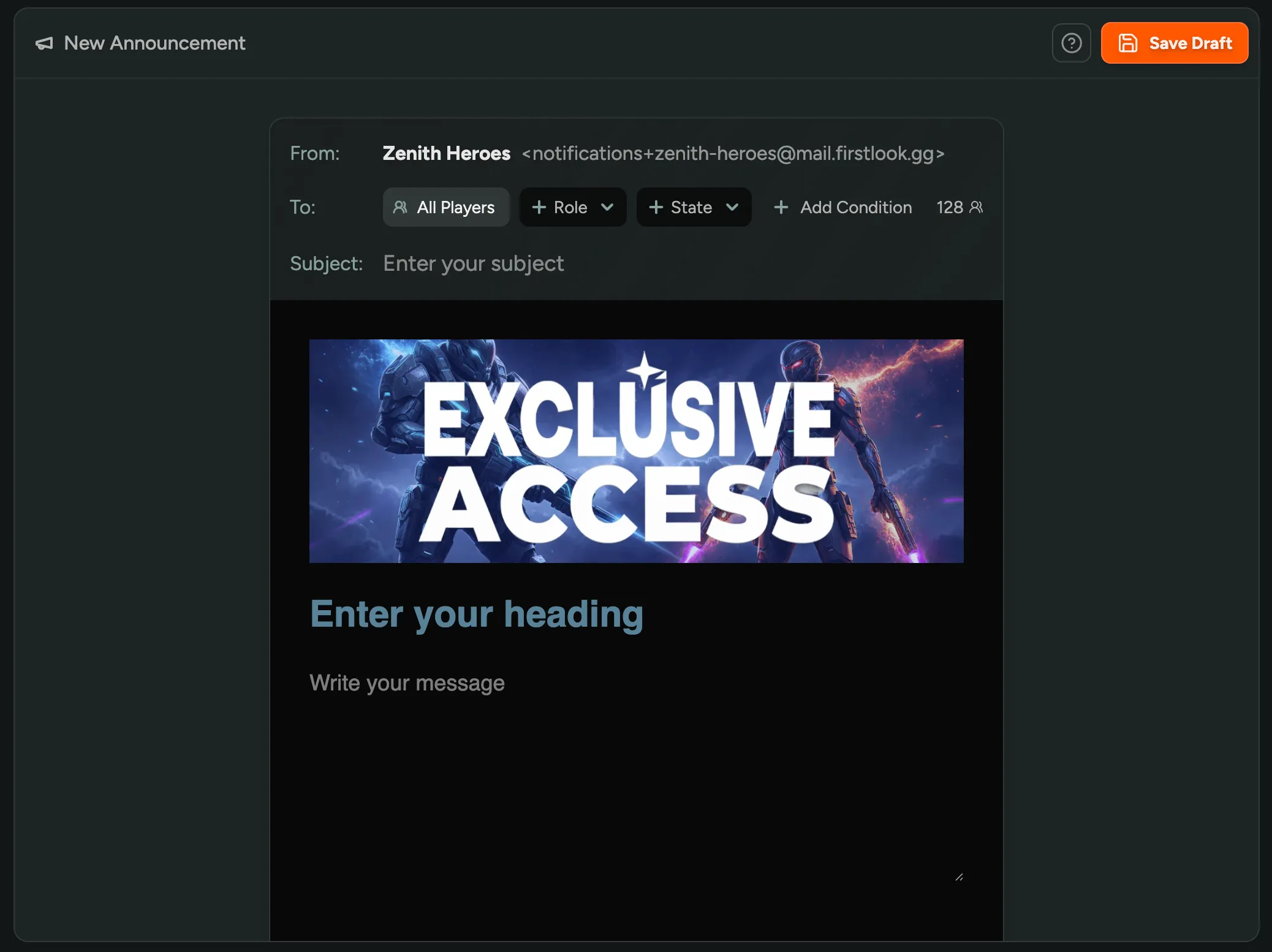
You can now customize the header image for individual announcement emails! By default, announcements pull your header image from Branding, but you can now upload a different image per announcement directly from the email composition page. Perfect for campaign-specific sends or events you want to stand out visually.
Self Player Deletion
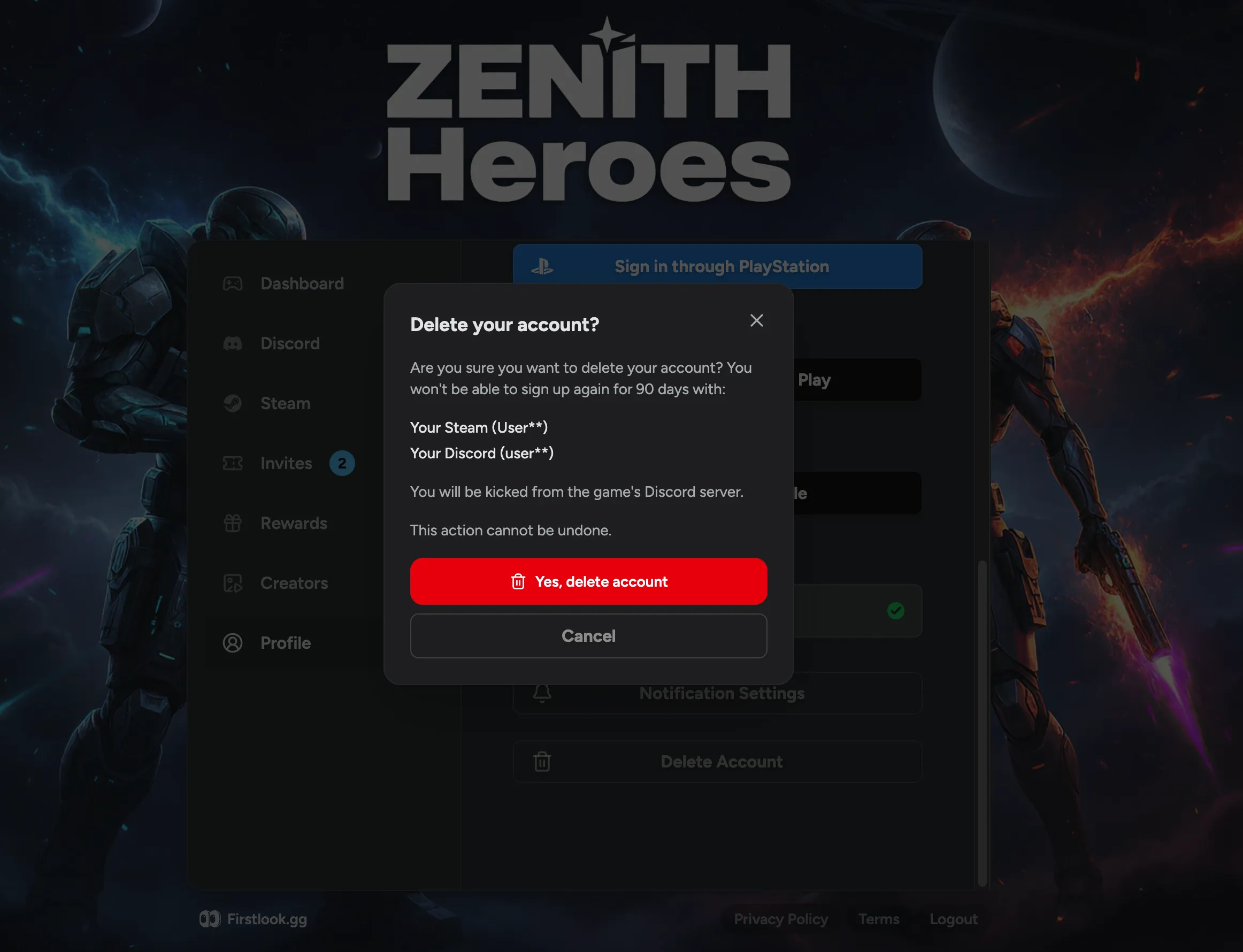
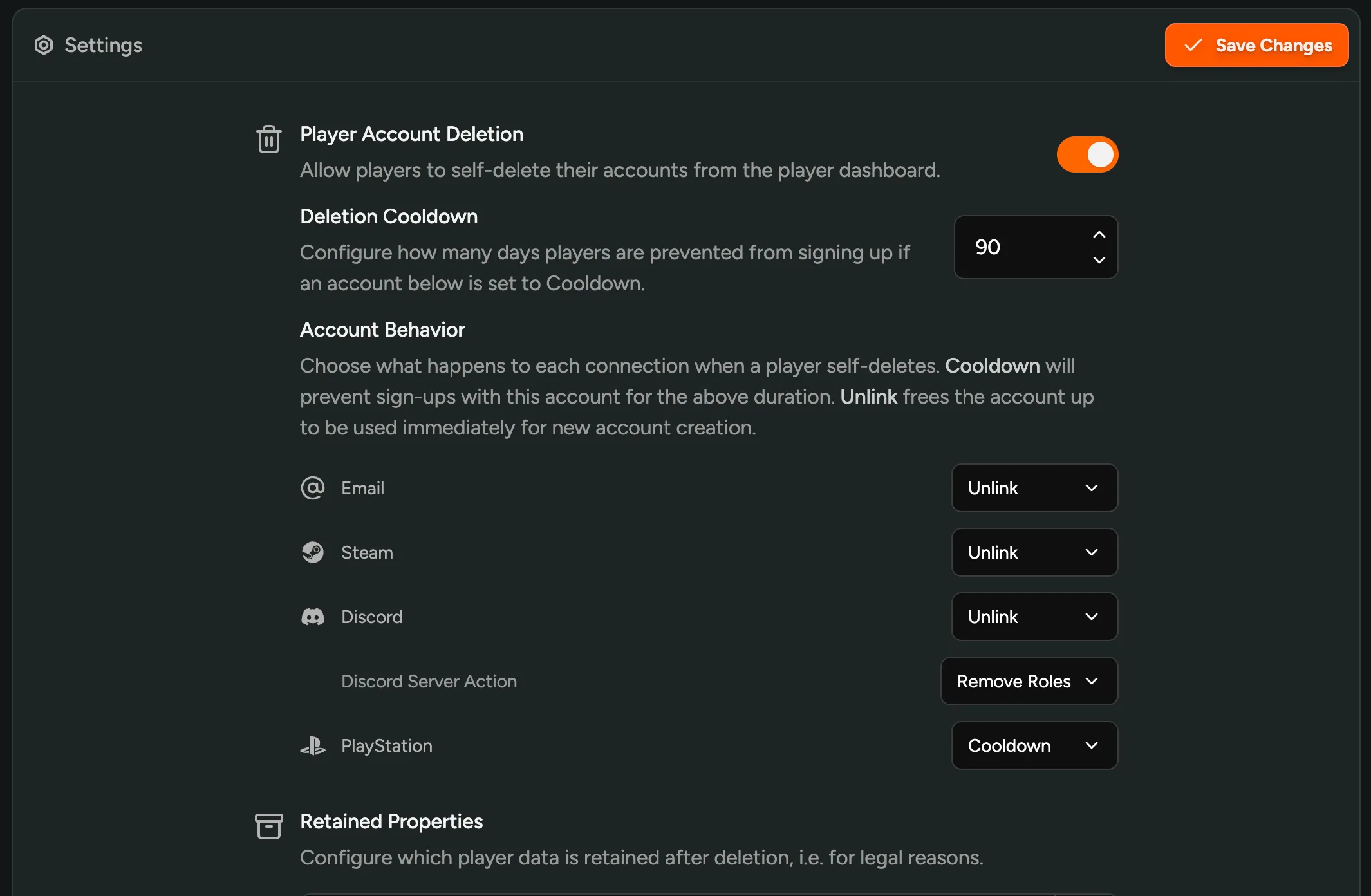
You can now allow players to delete their own accounts directly from the player dashboard! Toggle this on in your game’s Settings page. You can configure whether deleted players’ social accounts (Discord, Steam, etc.) are unlinked immediately or put on a cooldown period to prevent misuse.
Masking Personally Identifiable Information (PII)
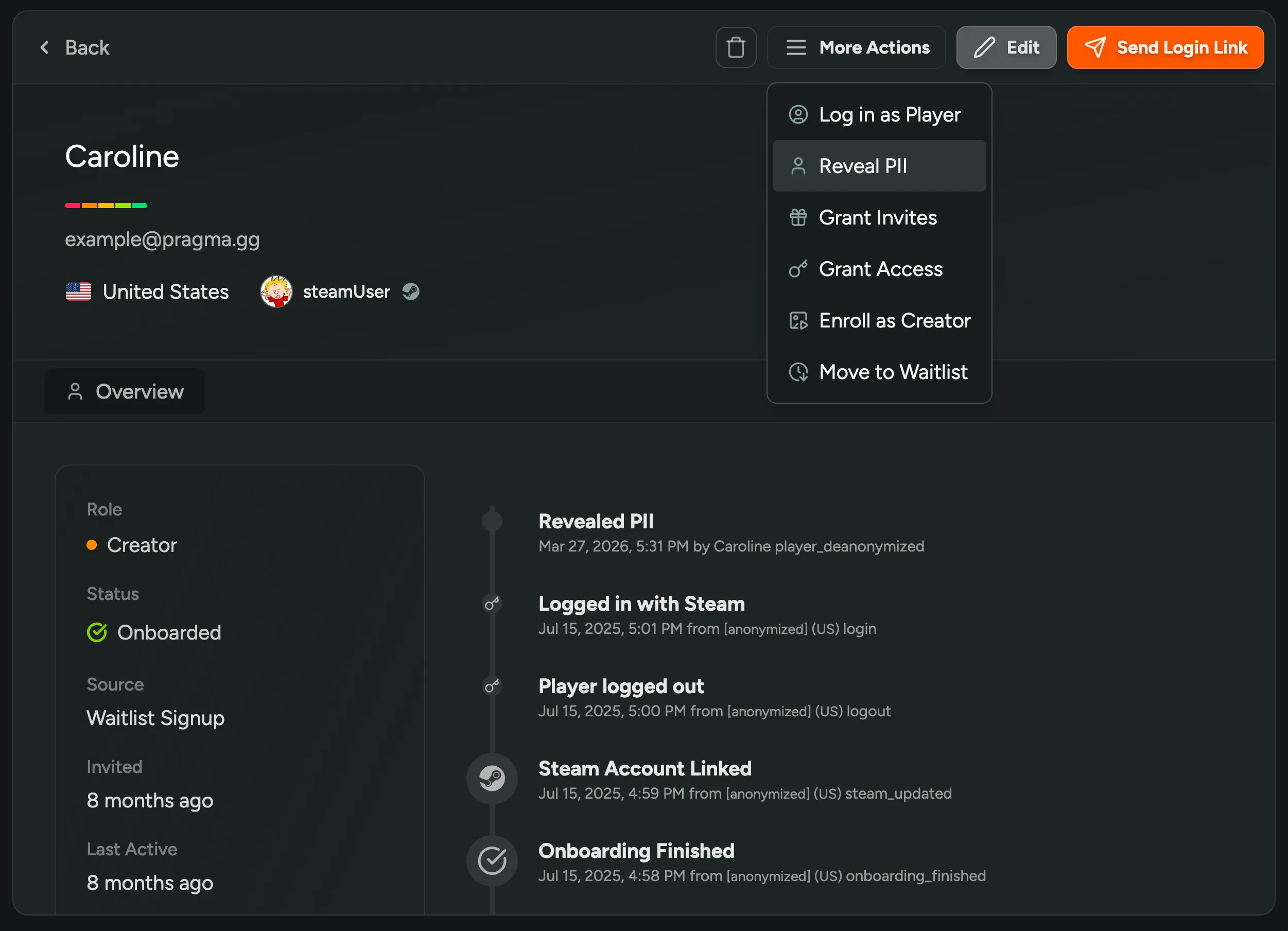
With games that have anonymization on, you can now unmask PII directly from the player dashboard! Click ‘Reveal PII’ on any player profile to temporarily view their information. Every reveal is tracked in player activity logs for auditing and preventing abuse.
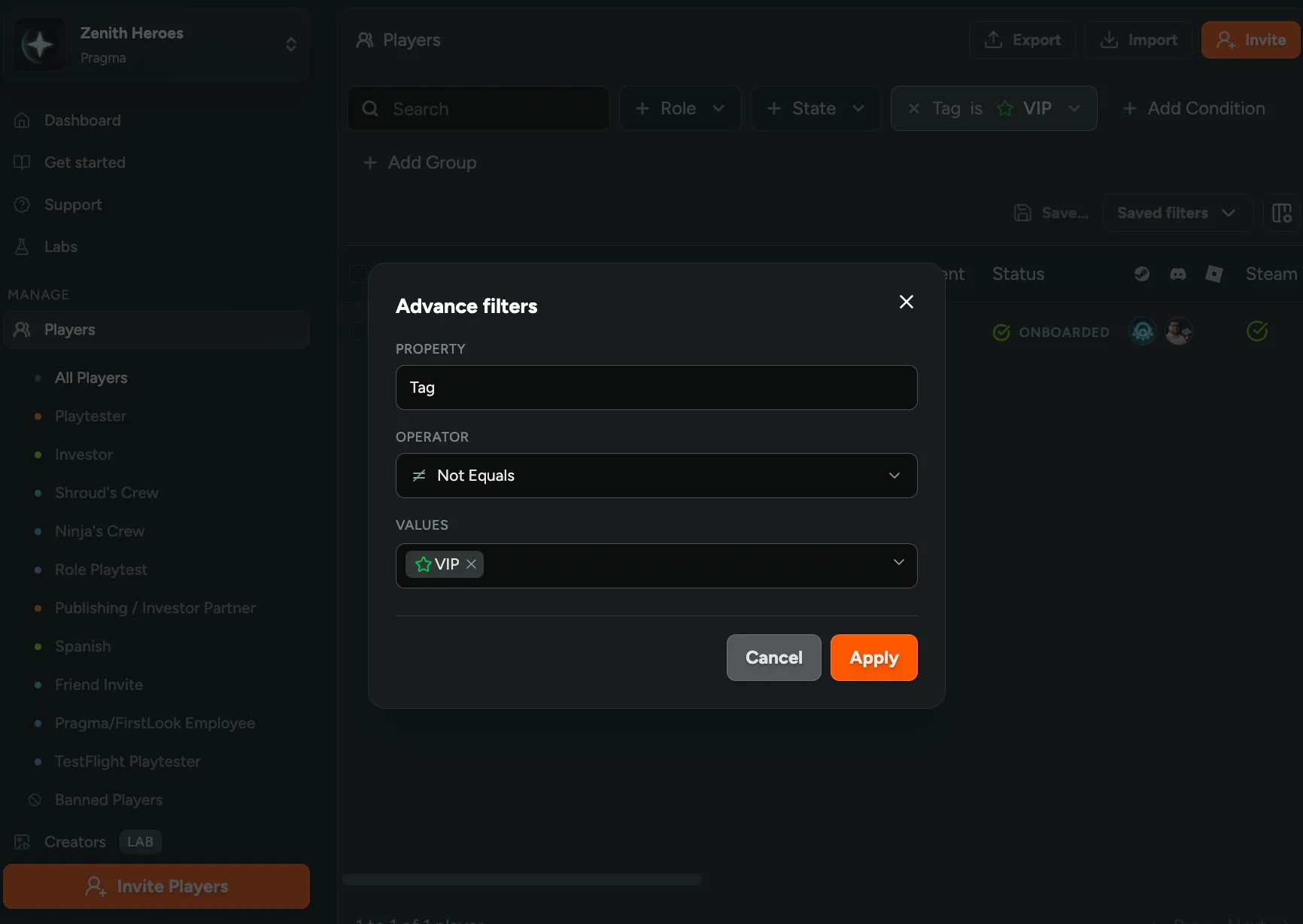
Advanced Filter Operators
Filters on your player table now support not equals and not in operators! Click the new Advanced option in any dropdown filter (roles, state, tags, region, and more) to exclude specific values instead of only filtering for them. Need everyone except your VIP tag? Or all players not in the Waiting state? Now you can do that in one click.
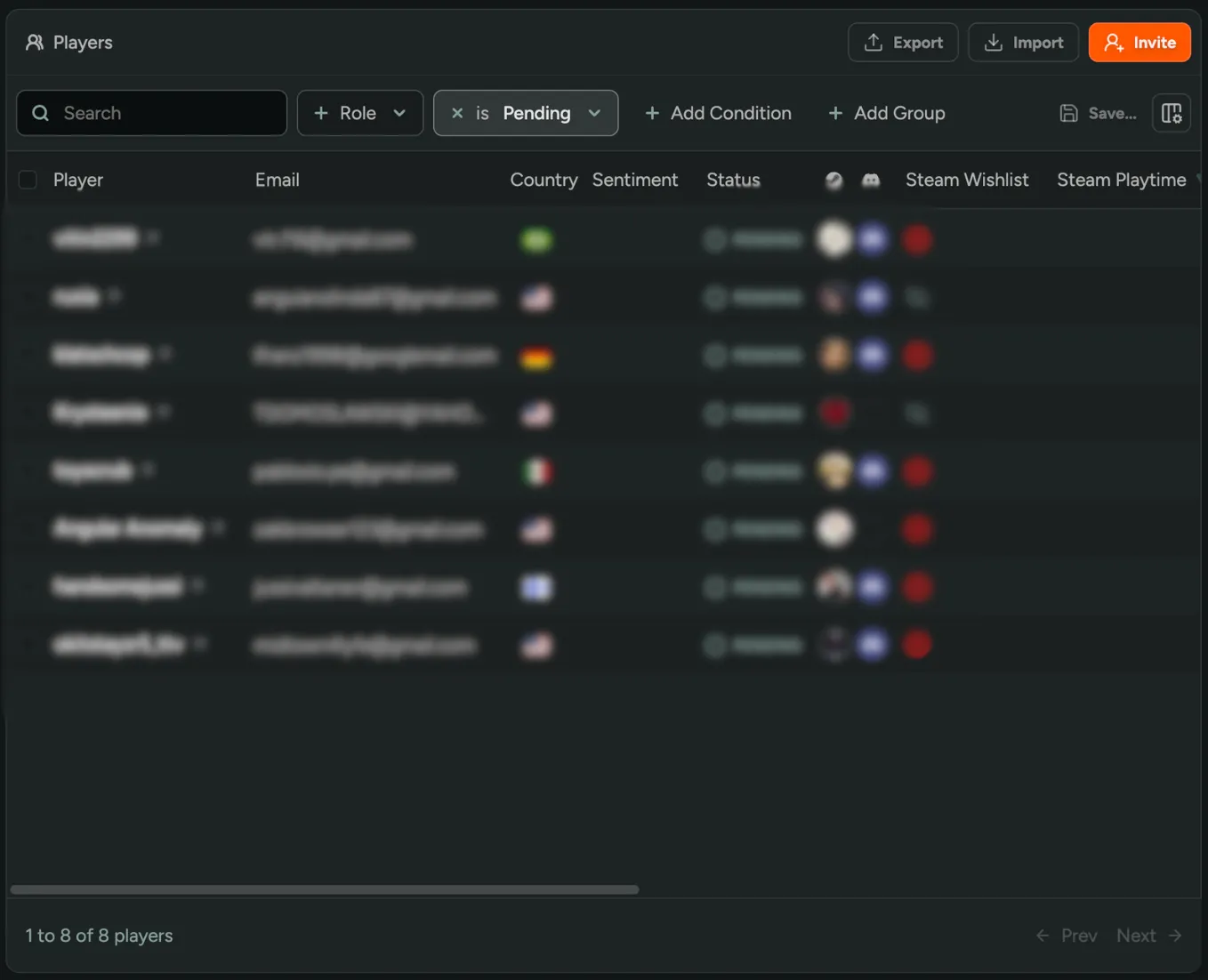
Pending Player State
Players who start your sign-up flow but don’t finish now show up as Pending on your player dashboard! Previously, anyone who dropped off mid-flow was invisible - you’d only see players who made it all the way to your waitlist. Now you have a complete picture of your player pipeline: who signed up, who’s waiting, and who fell off somewhere in between.
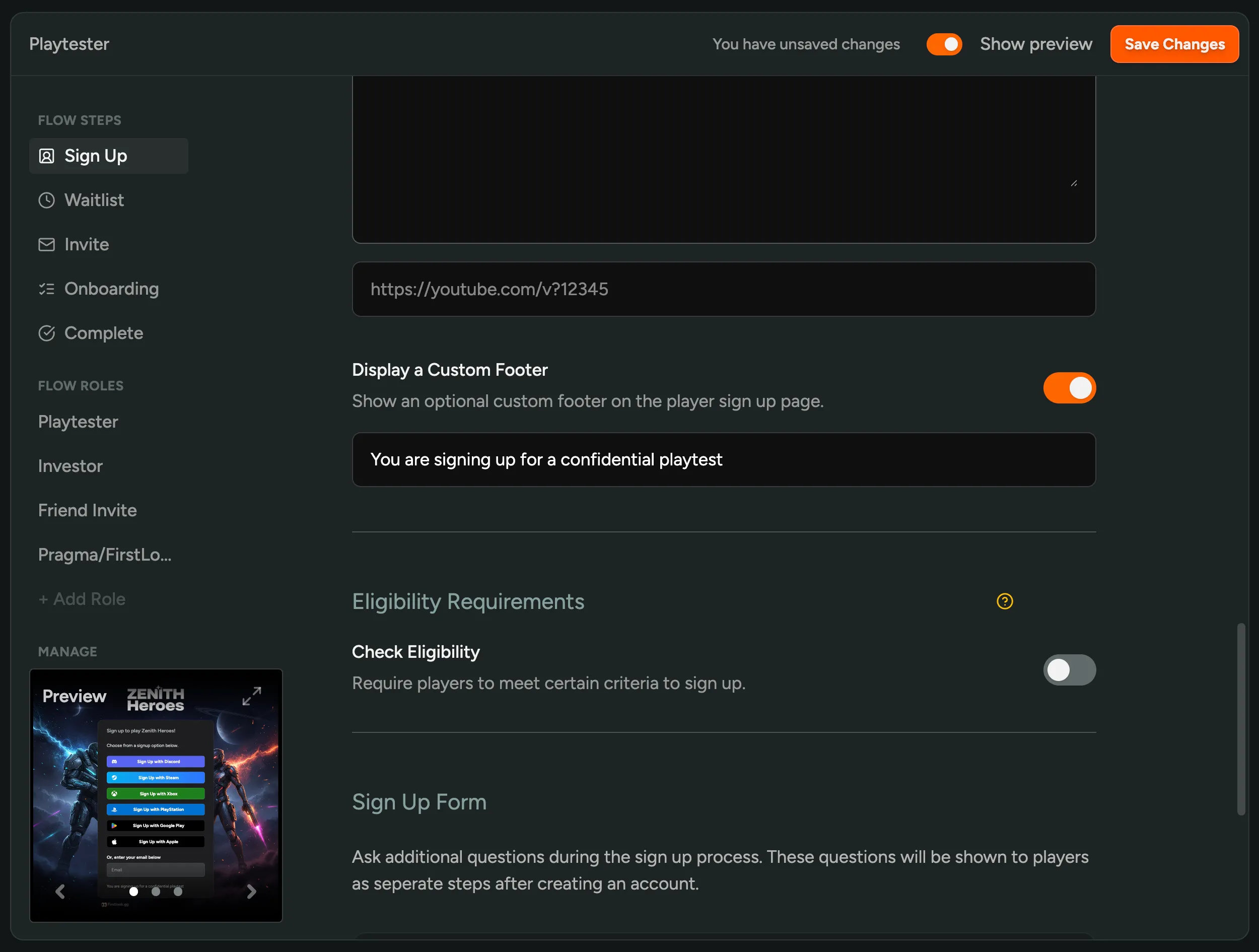
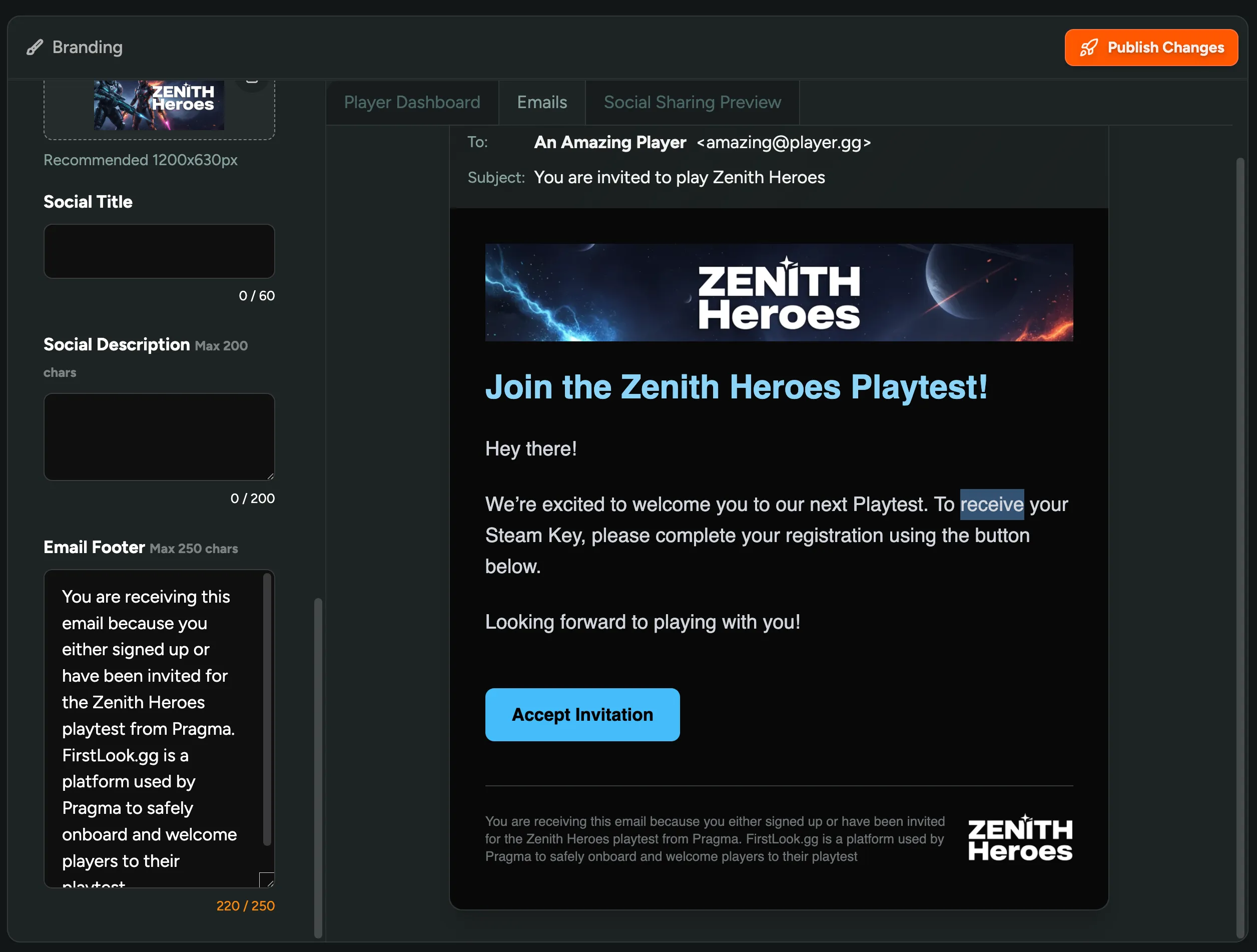
Custom Dashboard & Email Footers
You can now customize the footer text on your player dashboard and in announcement emails! Customize the message for players or remove any game names for confidential playtests. Set it in the Sign Up step of your flow and on your Branding page.
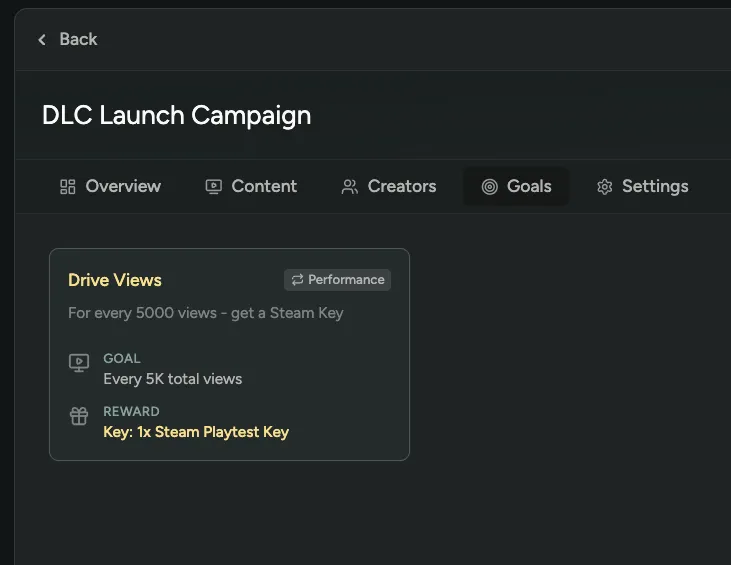
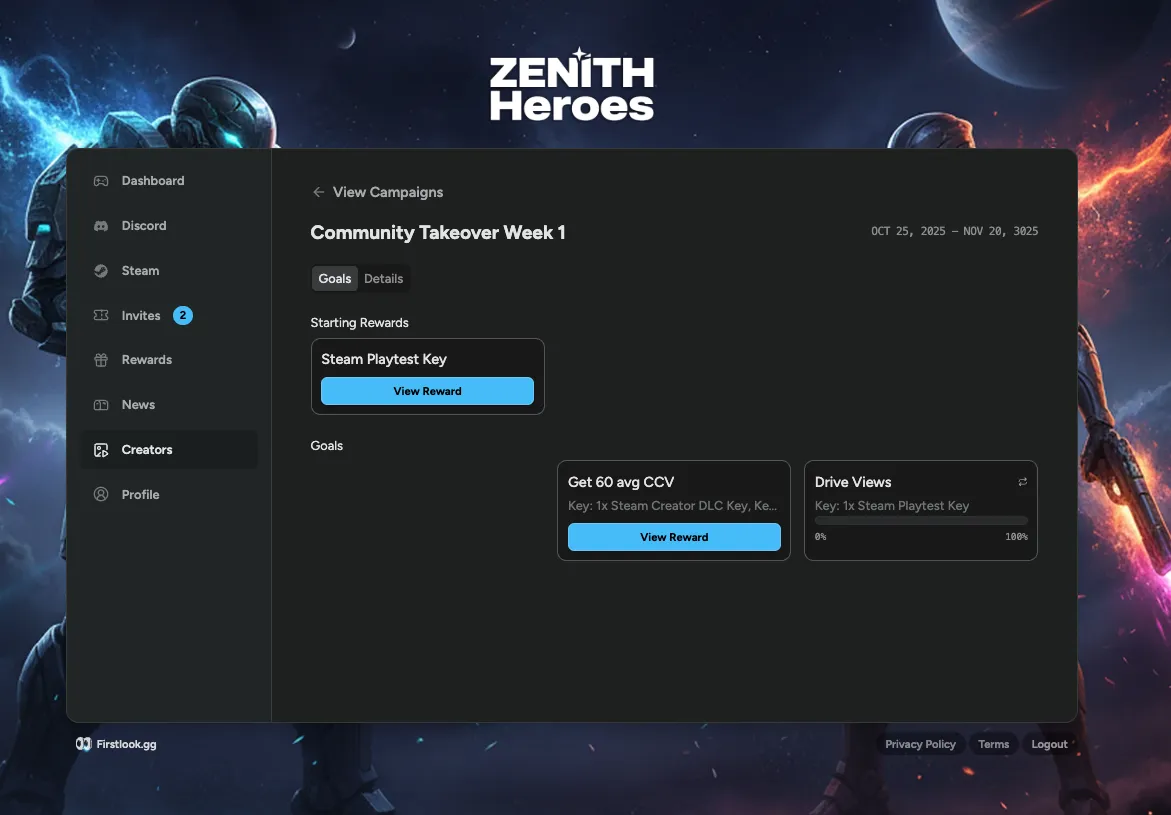
Performance-Based Creator Goals
You can now add performance-based goals to creator campaigns! Set a target, like 1,000 views, and reward creators each time they hit it. Goals repeat automatically as creators keep performing, so your top creators keep earning without you having to manually track anything.
To keep reward distribution in check, you can set a limit on how many times a creator can unlock rewards.
Still haven’t tried our Creator tools? Enable them in FirstLook Labs!
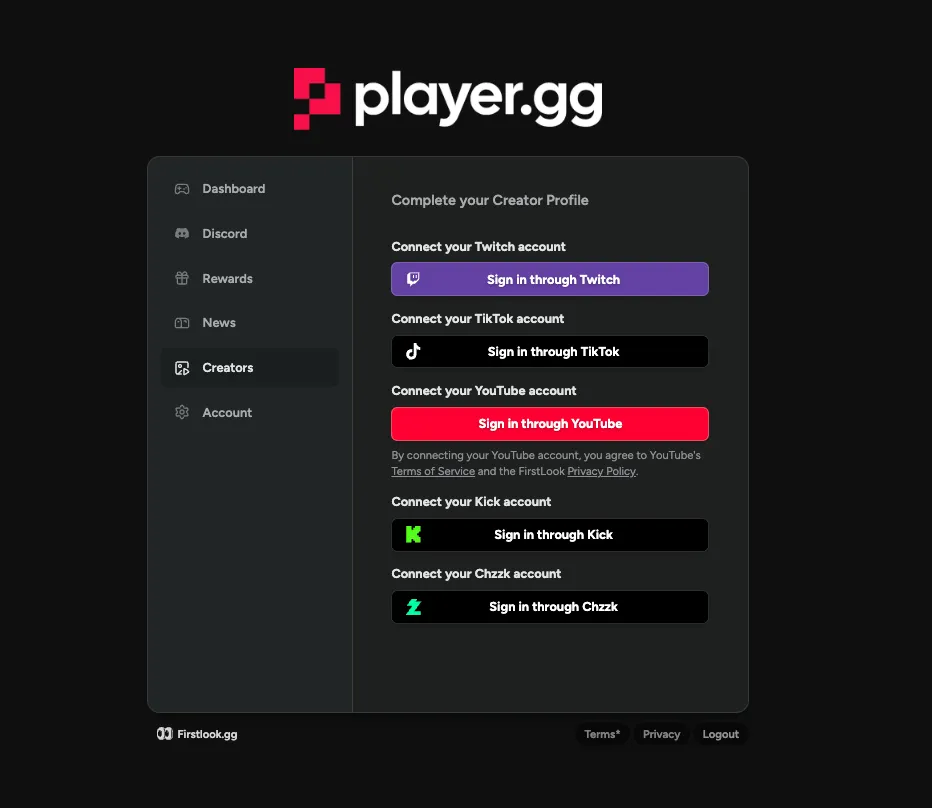
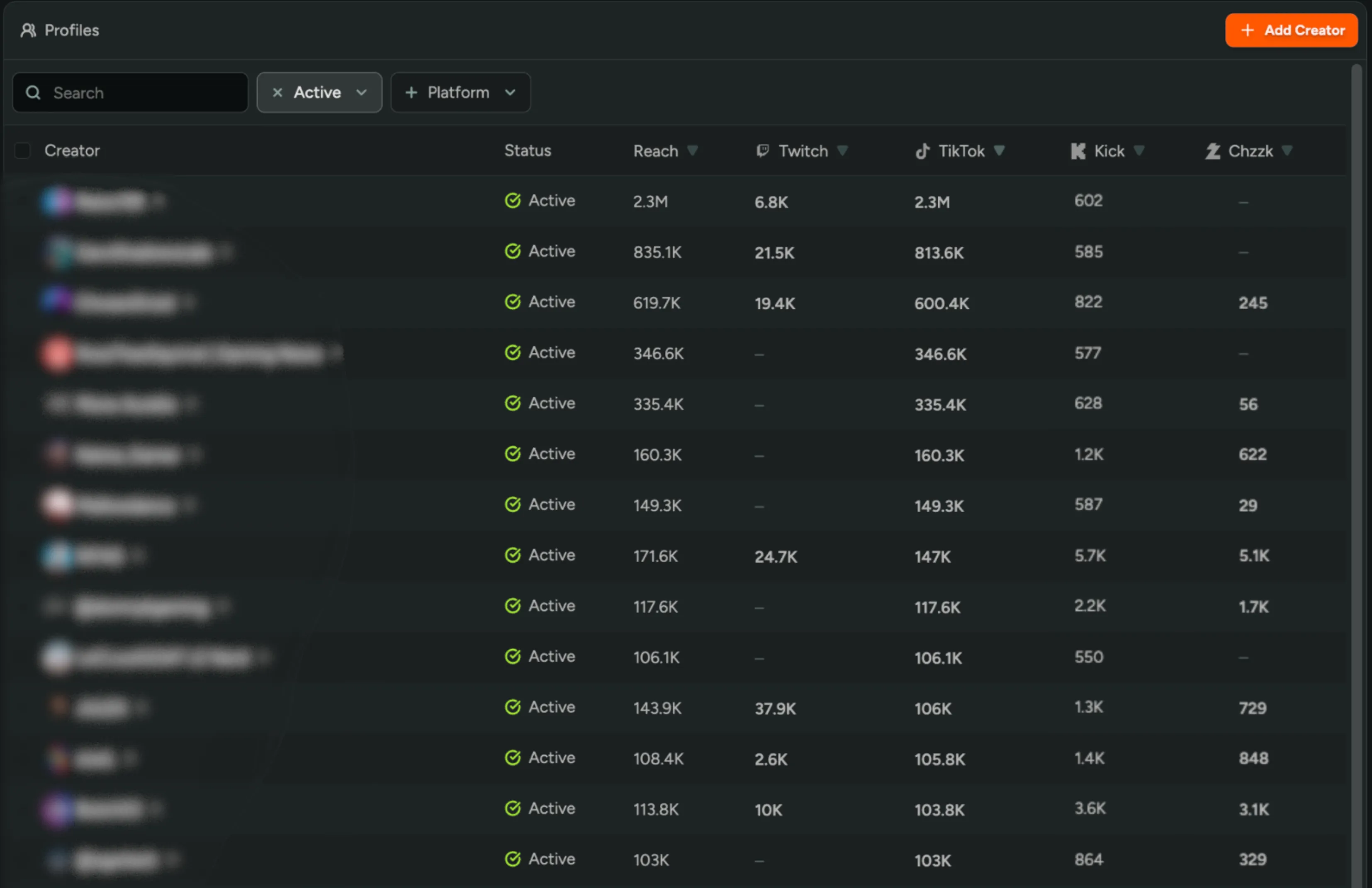
Kick and Chzzk Creator Signup
Creators can now link their Kick and Chzzk accounts during the creator signup flow, alongside the existing Twitch, YouTube, and TikTok options! View creators’ Kick and Chzzk reach in the creator profiles table to see which creators are driving views on those platforms.
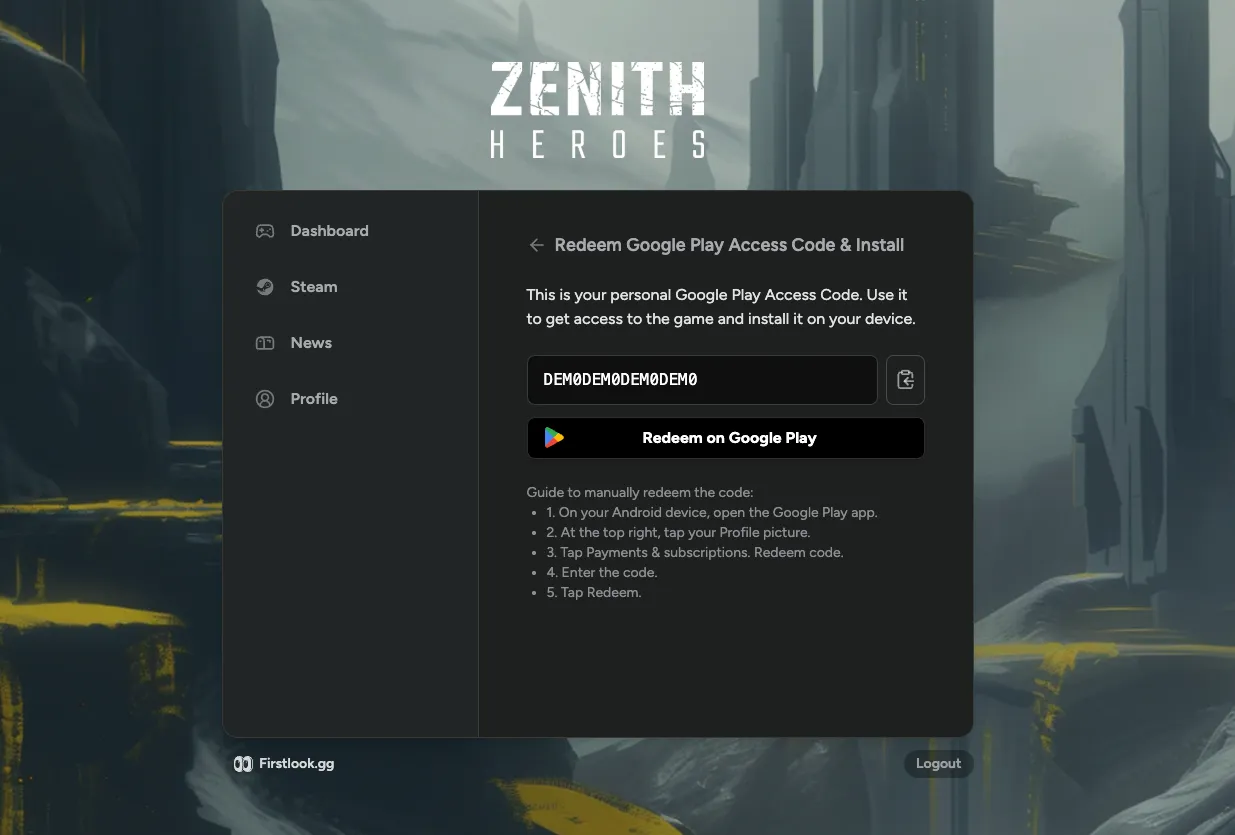
Google Play Access Codes
You can now distribute Google Play access codes for closed playtests through FirstLook! Upload your codes the same way you would Steam keys, and players can redeem them to join your playtest without needing a direct email invite.
Custom Publisher Banners
Publishers can now create a custom banner that displays across all their studio games! Configure your banner text and link directly from Publisher Settings, then toggle it on per-game from each game’s Settings page. Perfect for driving players deeper into your network, like linking to your publisher community or upcoming titles.
Interested in publisher accounts on FirstLook? Reach out to learn more!
Custom Key Types
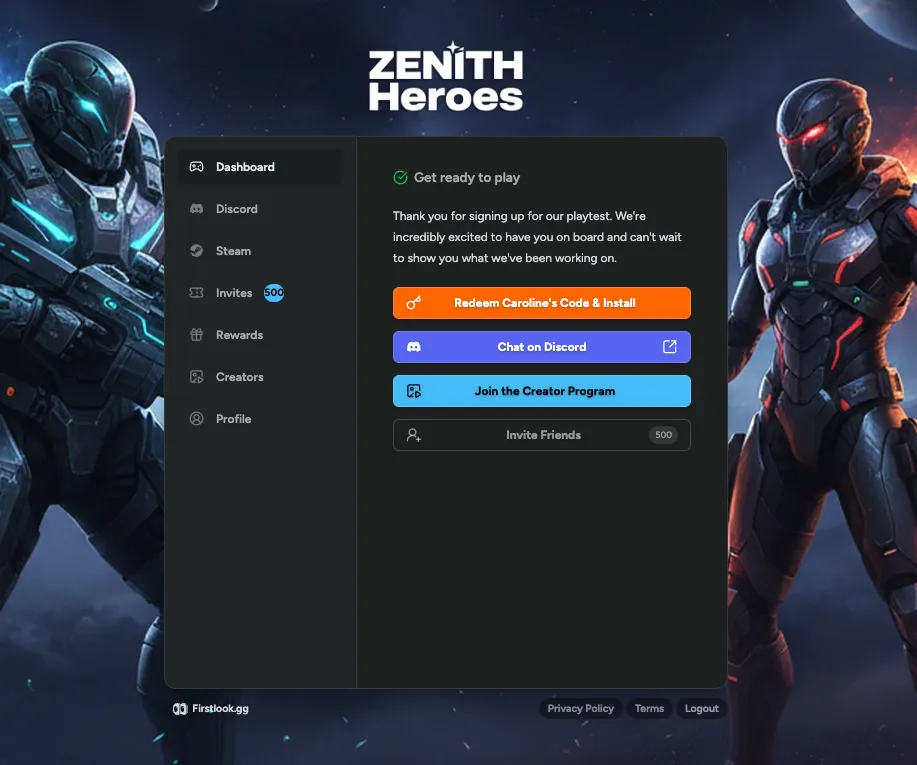
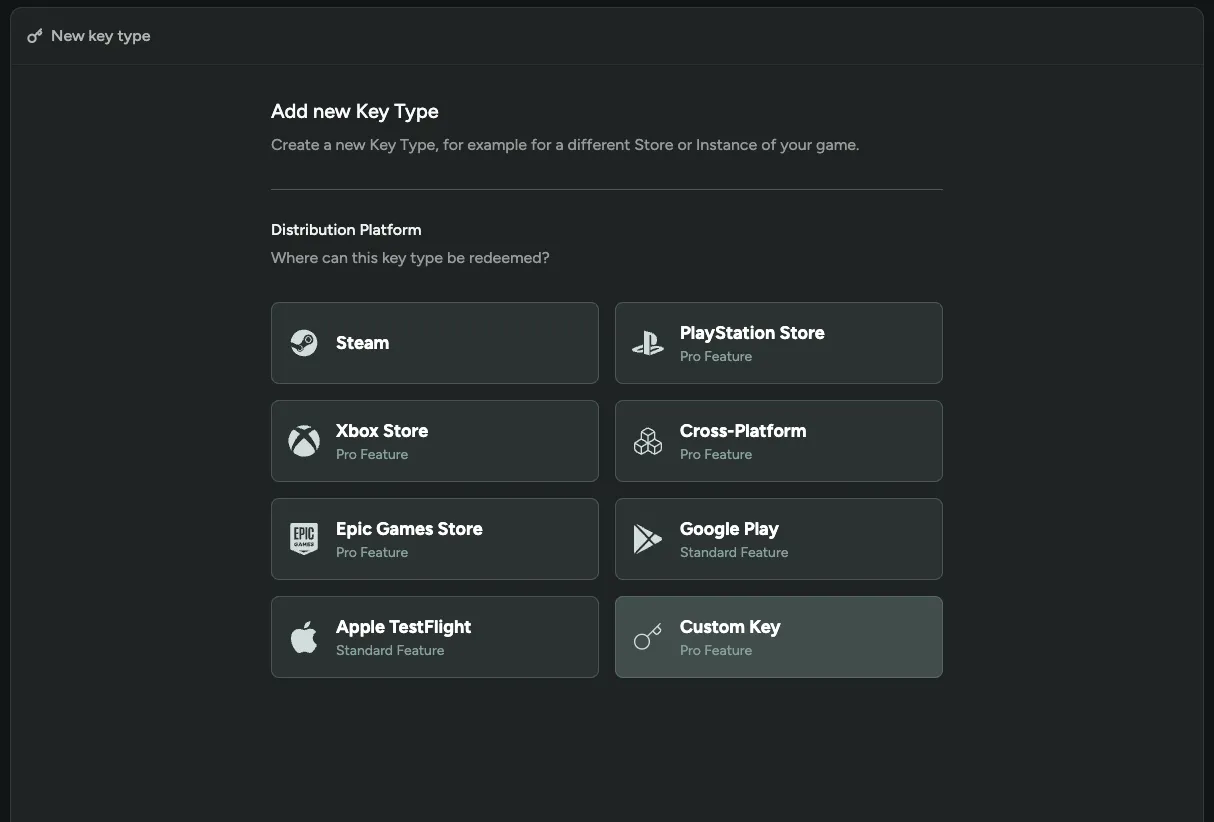
You can now create custom key types to distribute codes outside of existing platforms like Steam or Epic! Upload a list of codes, add optional redeem instructions or a URL, and hand them out to players just like platform keys. Perfect for in-game cosmetics or any reward generated on your own backend.
Publisher Organization Support
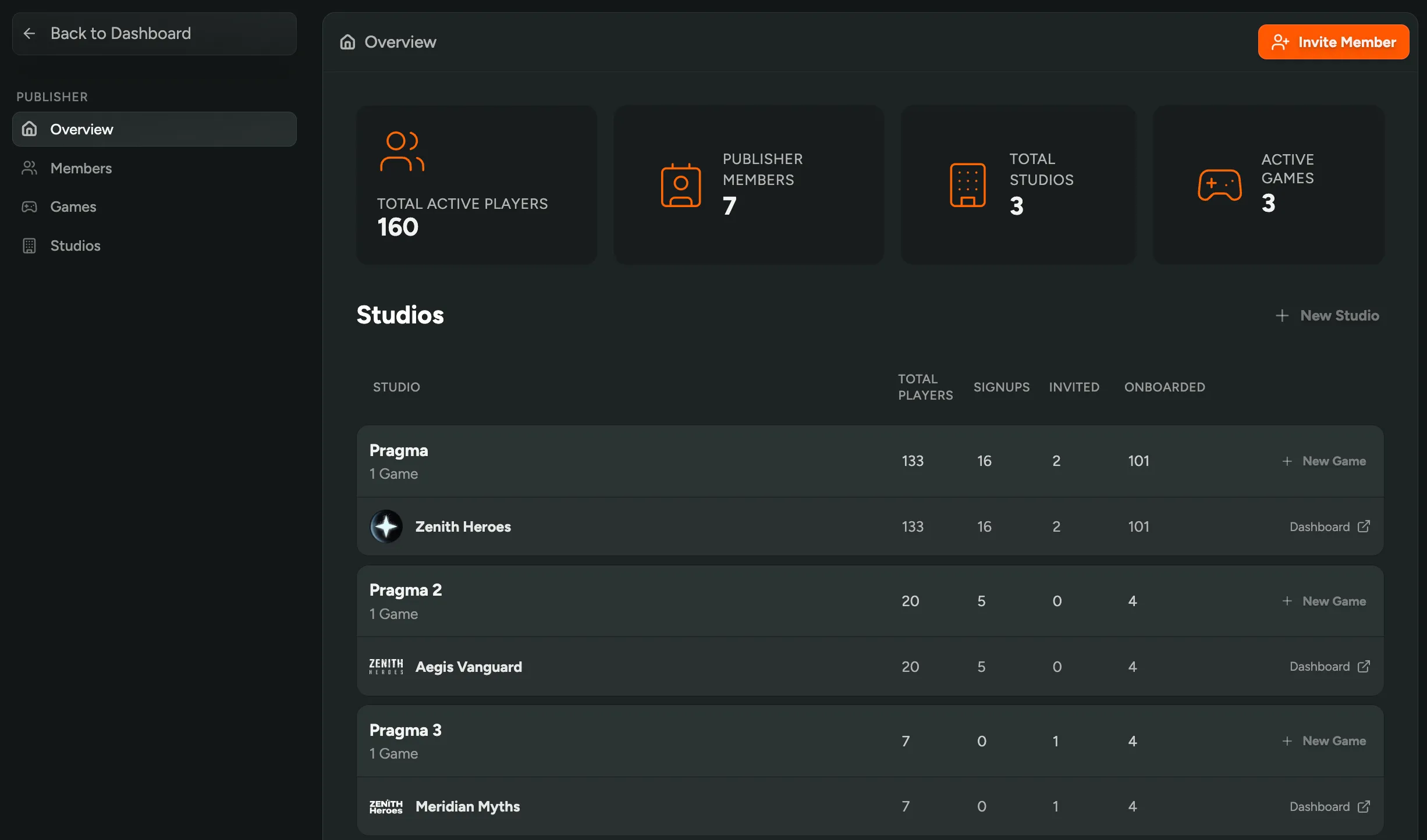
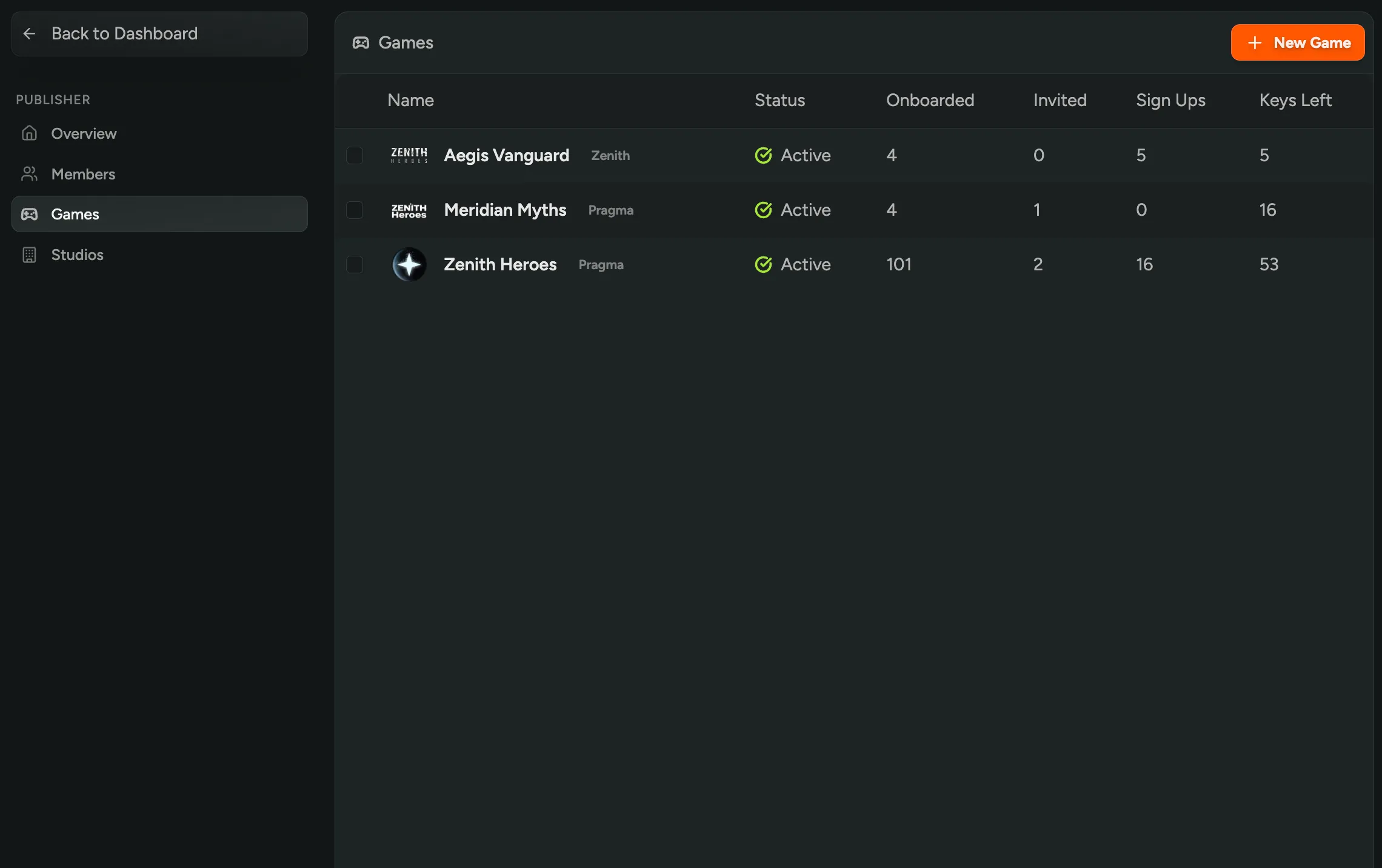
We now support publisher organizations! If you’re a publisher managing multiple studios and games, you now have a dedicated overview to see everything in one place. View total active players across all games, manage team permissions for each studio, and mark games as active or inactive for billing purposes.
Interested in managing multiple games on FirstLook? Reach out to learn more about publisher accounts!
Easier Discord Setup
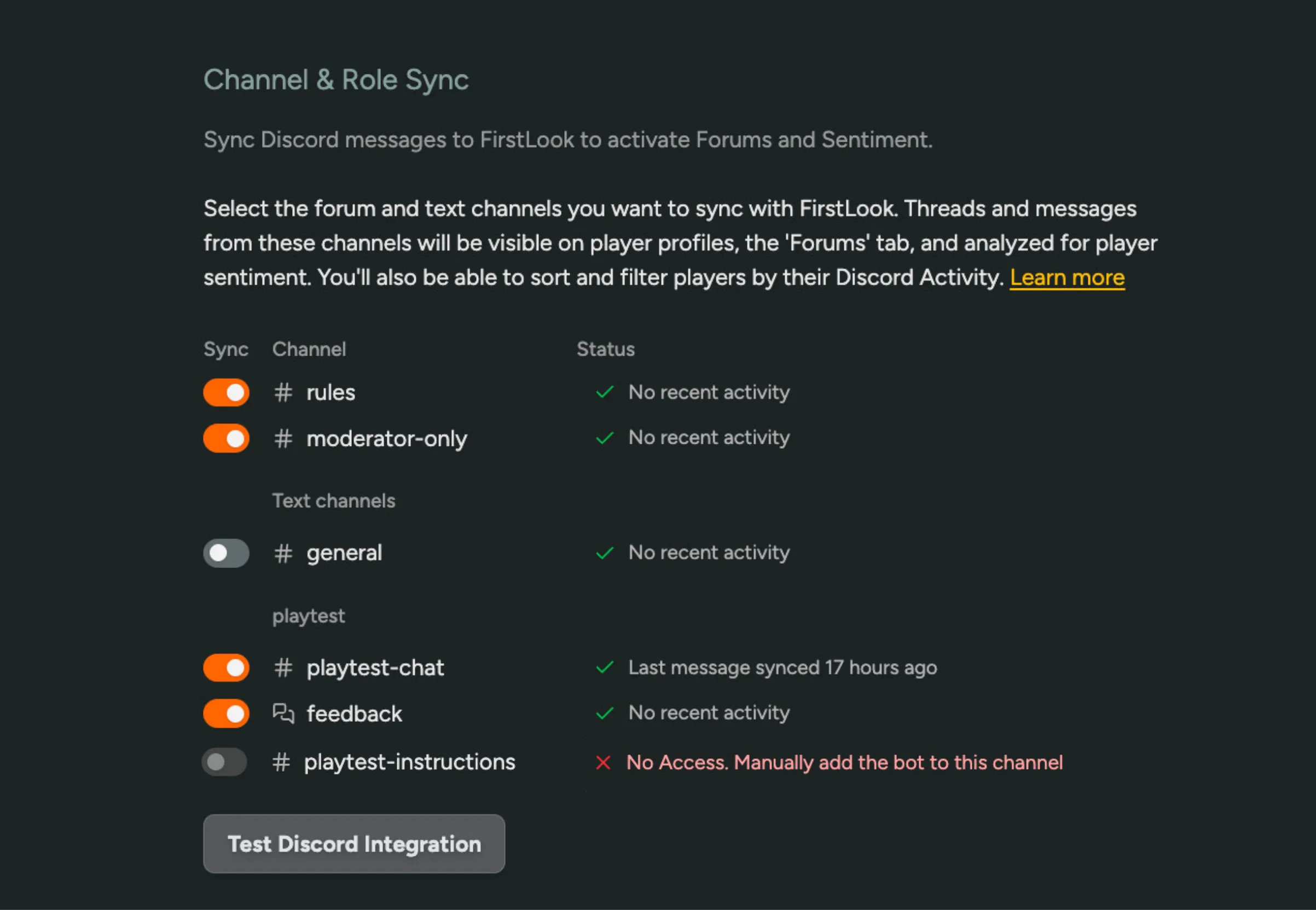
It’s easier than ever to set up Discord for Sentiment and Analytics! The new configuration page shows your full channel structure, which channels we’re tracking versus syncing, and last message timestamps. Toggle channels on to instantly start importing with real-time sync status. We also automatically detect missing permissions and provide a button to assign the correct bot role, no more manual troubleshooting.
Plan to use Discord for Sentiment? Enable Sentiment in FirstLook Labs!
Localized Flows and Player Dashboard
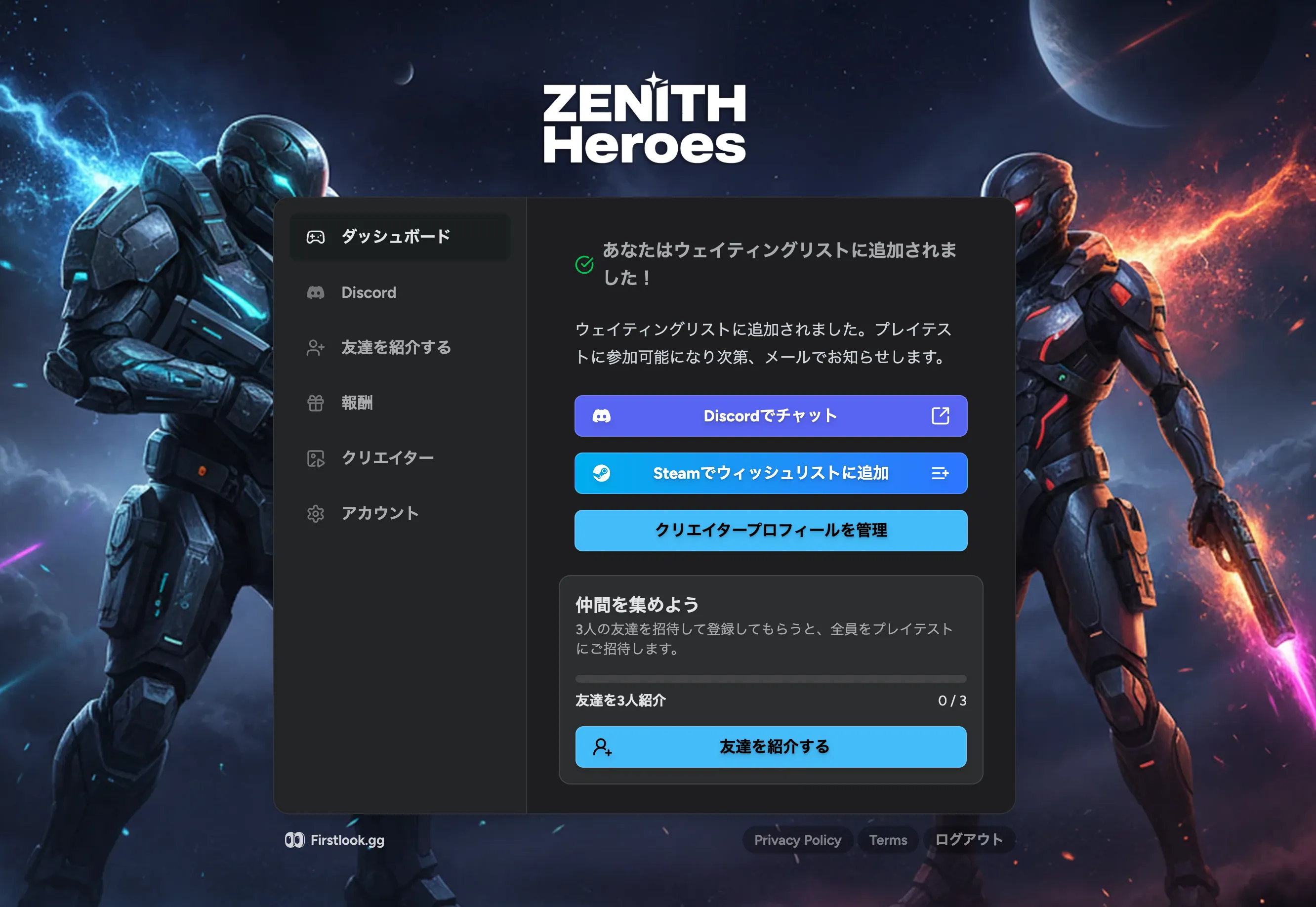
We can now automatically translate your flows and player dashboard based on a player’s browser language! Reach players worldwide 🌐 without having to manually create flows in multiple languages. If an automatic translation isn’t quite right, you can override it with your own translation.
Try localized flows in FirstLook Labs today!
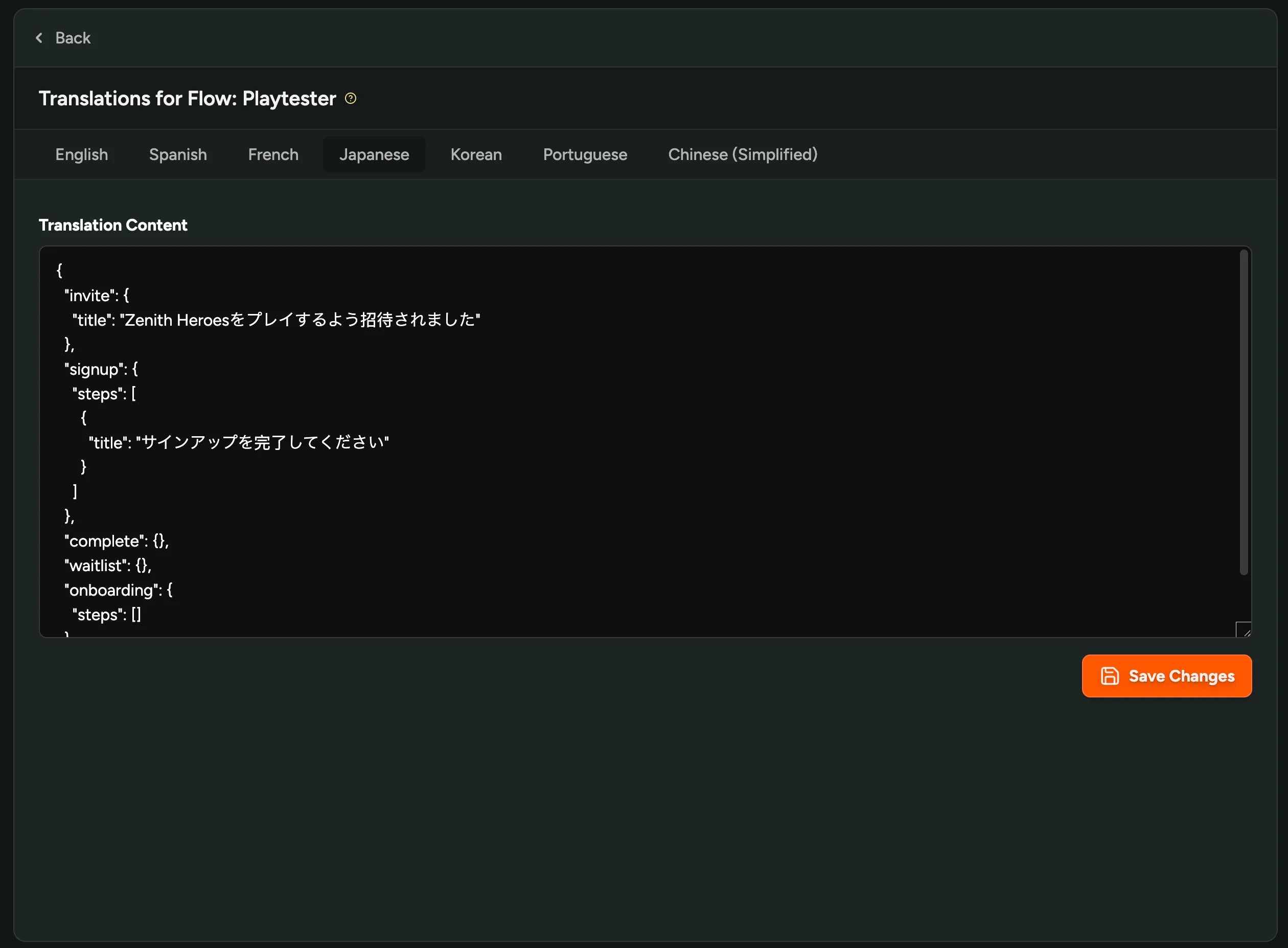
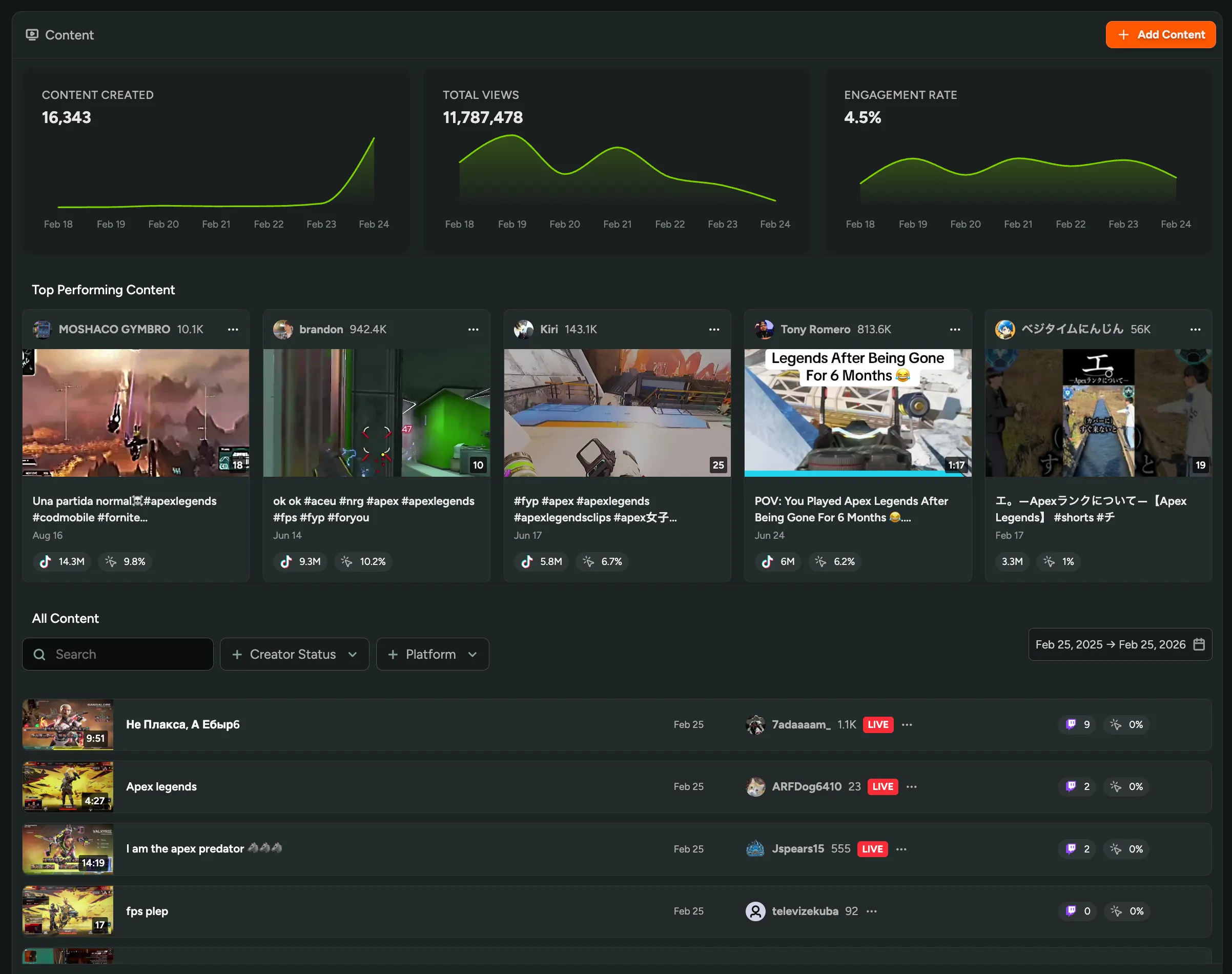
Content Discovery for Creators
We now automatically detect content being created about your game from creators outside your program! Discover videos and streams from creators you didn’t know were covering your game, track their performance, and never miss potential partnerships. Simply specify the games you’re interested in, see all detected creators on the Content page, start tracking ongoing coverage, and invite the best ones to join your creator program when you’re ready.
Want to see who’s covering your game? Enable Creator tools in FirstLook Labs!
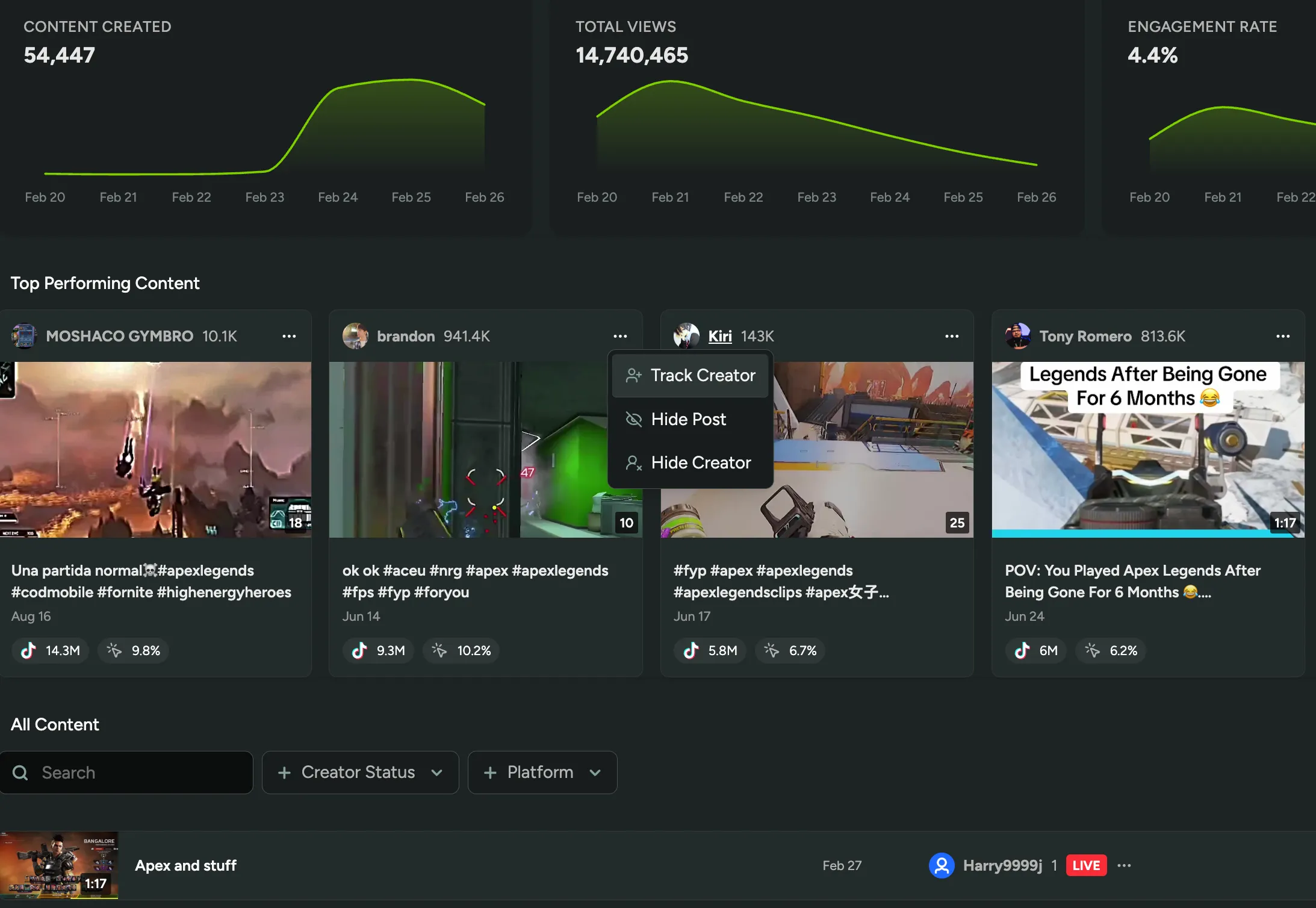
Campaign-Specific Content Filters
You can now specify which content tags to track for each individual creator campaign! For example, track #NewUpdate content for one campaign and #LaunchEvent for another, giving you more control over what content counts toward each campaign’s goals.
Set up campaigns today in FirstLook Labs!
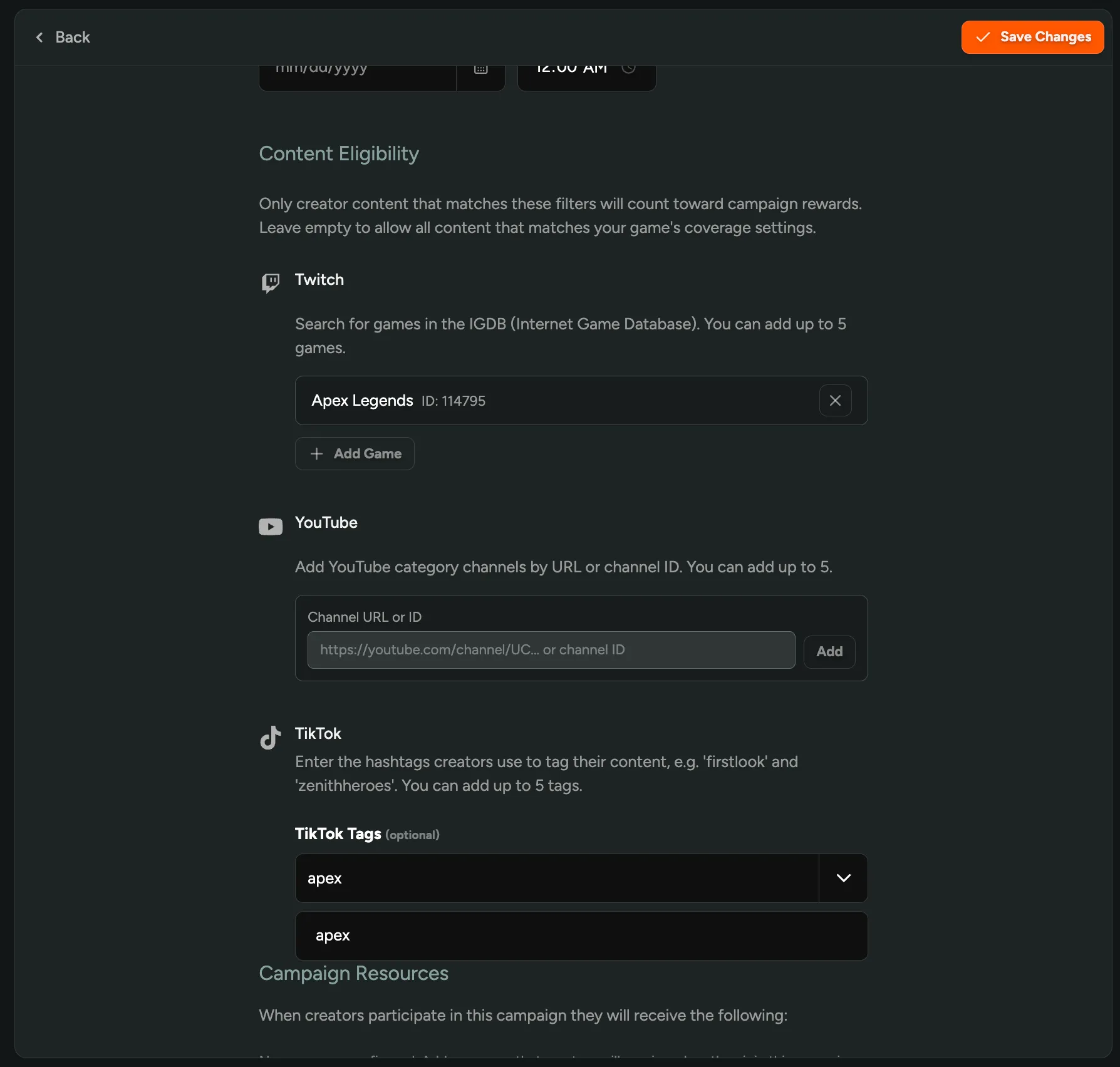
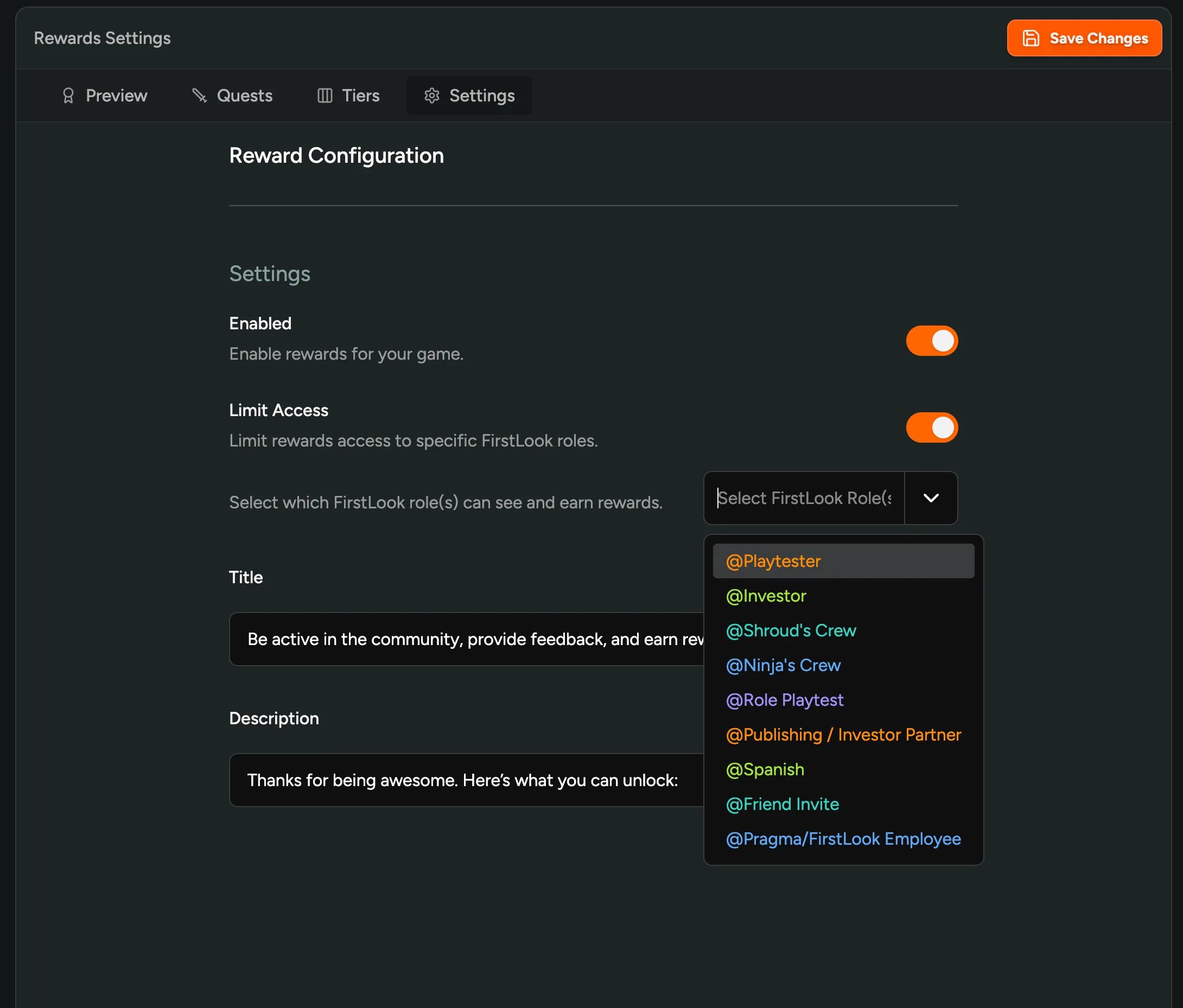
Limit Rewards Access to Specific Players
You can now limit which players can see and earn rewards! Restrict your program to specific FirstLook roles instead of showing it to everyone. Perfect for VIP programs, player councils, or special community groups that you want to treat differently from your general player base.
Haven’t tried Rewards yet? Enable it in FirstLook Labs!
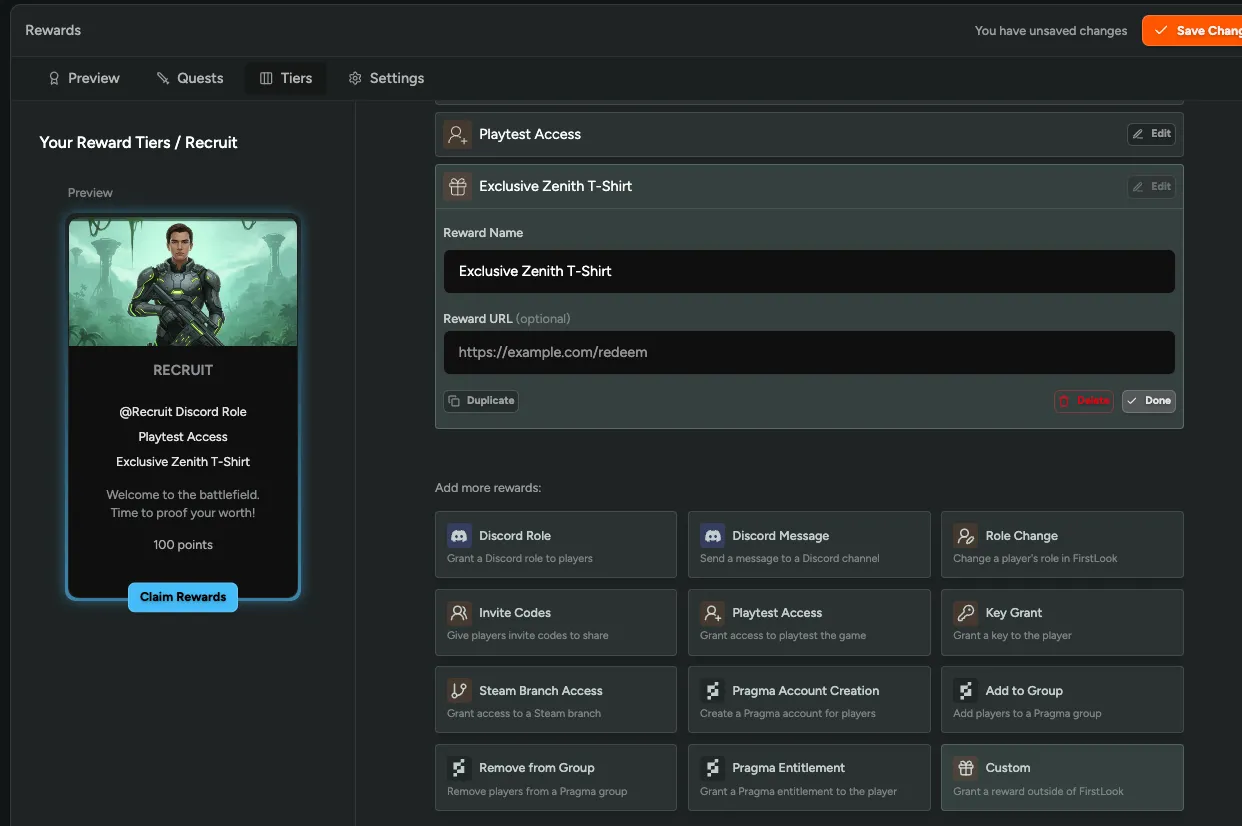
Custom Rewards
You can now offer custom rewards outside of FirstLook! Link players to external redemption pages, order forms, or any other URL when they unlock a reward tier. Use this for physical merchandise like T-shirts, exclusive content, or codes hosted elsewhere.
Haven’t tried Rewards yet? Enable it in FirstLook Labs!
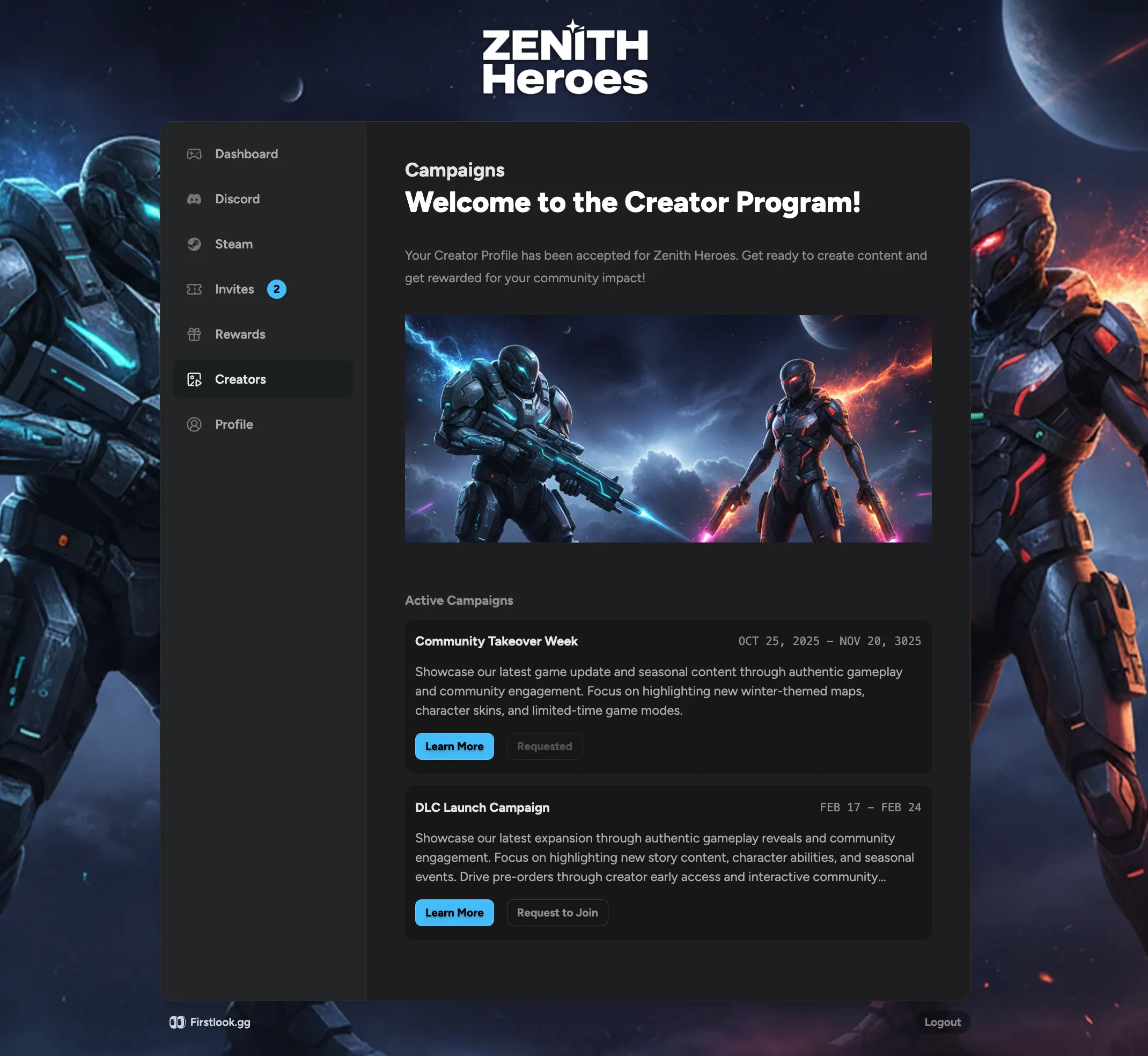
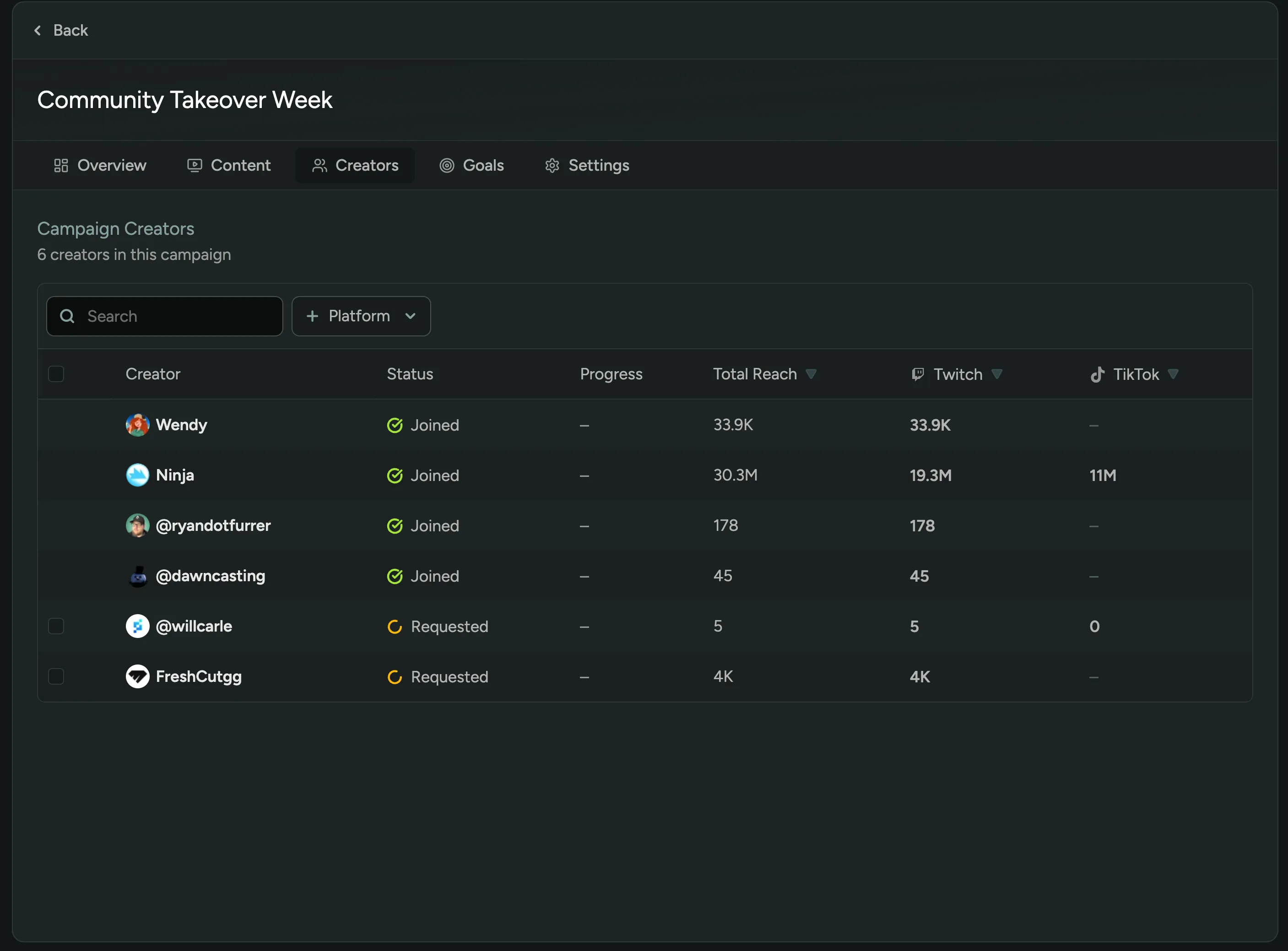
Require Approval for Creator Campaigns
You can now optionally require approval for creator campaigns! Choose whether to let all creators join automatically or require them to request access first. Perfect for VIP-only campaigns or special events where you want to hand-pick participants.
Still haven’t tried our Creator tools? Enable them in FirstLook Labs!
Manually Add Creator Content
You can now manually add creator content to the Content page by entering a URL! Track all creator videos and streams in one place, including any content that wasn’t automatically detected.
Interested in our Creator and Content tools? Enable them in FirstLook Labs!
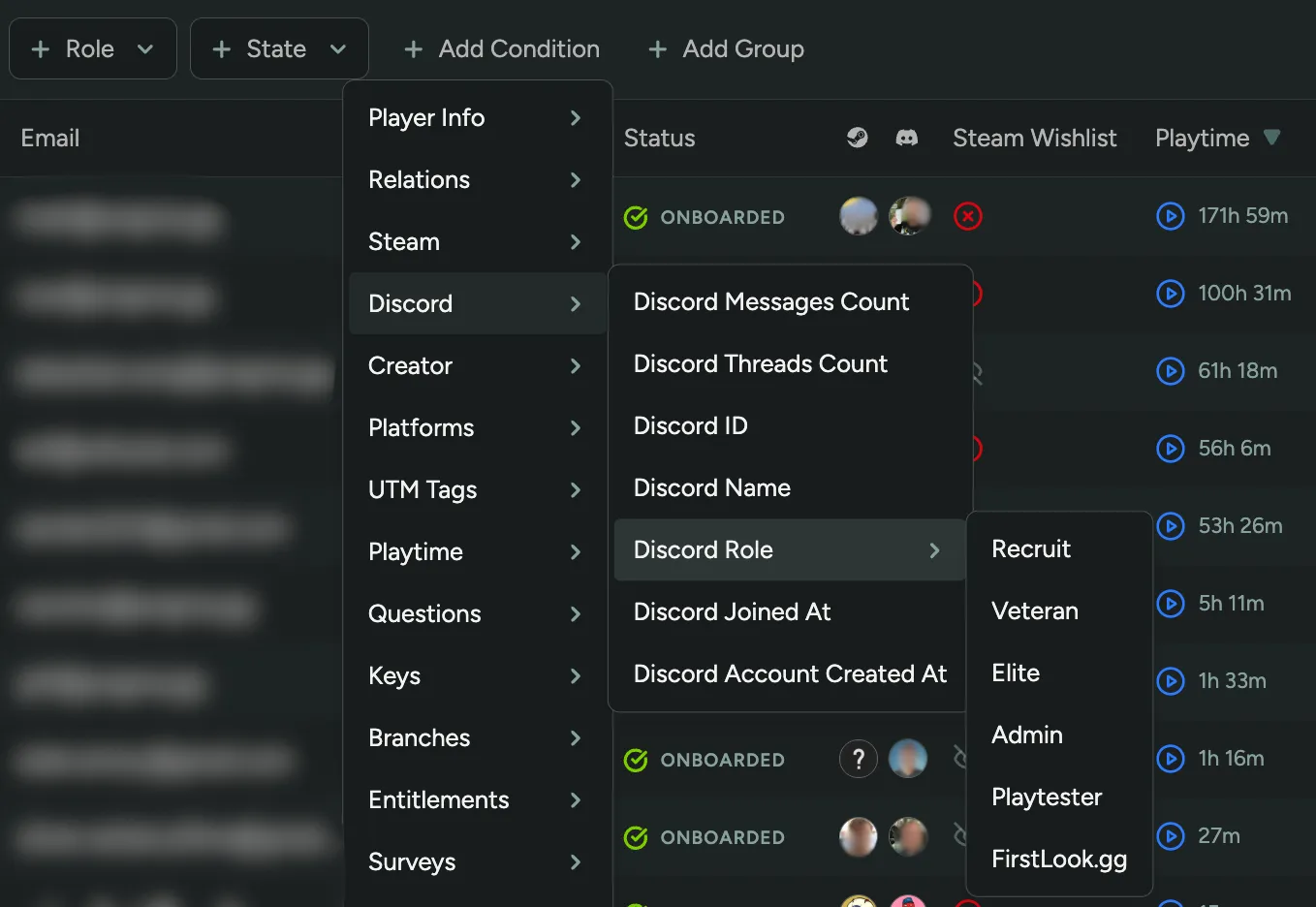
Filter Players by Discord Role
You can now filter players by their Discord roles! Segment your community based on existing Discord roles to target specific groups for surveys, announcements, or playtests.
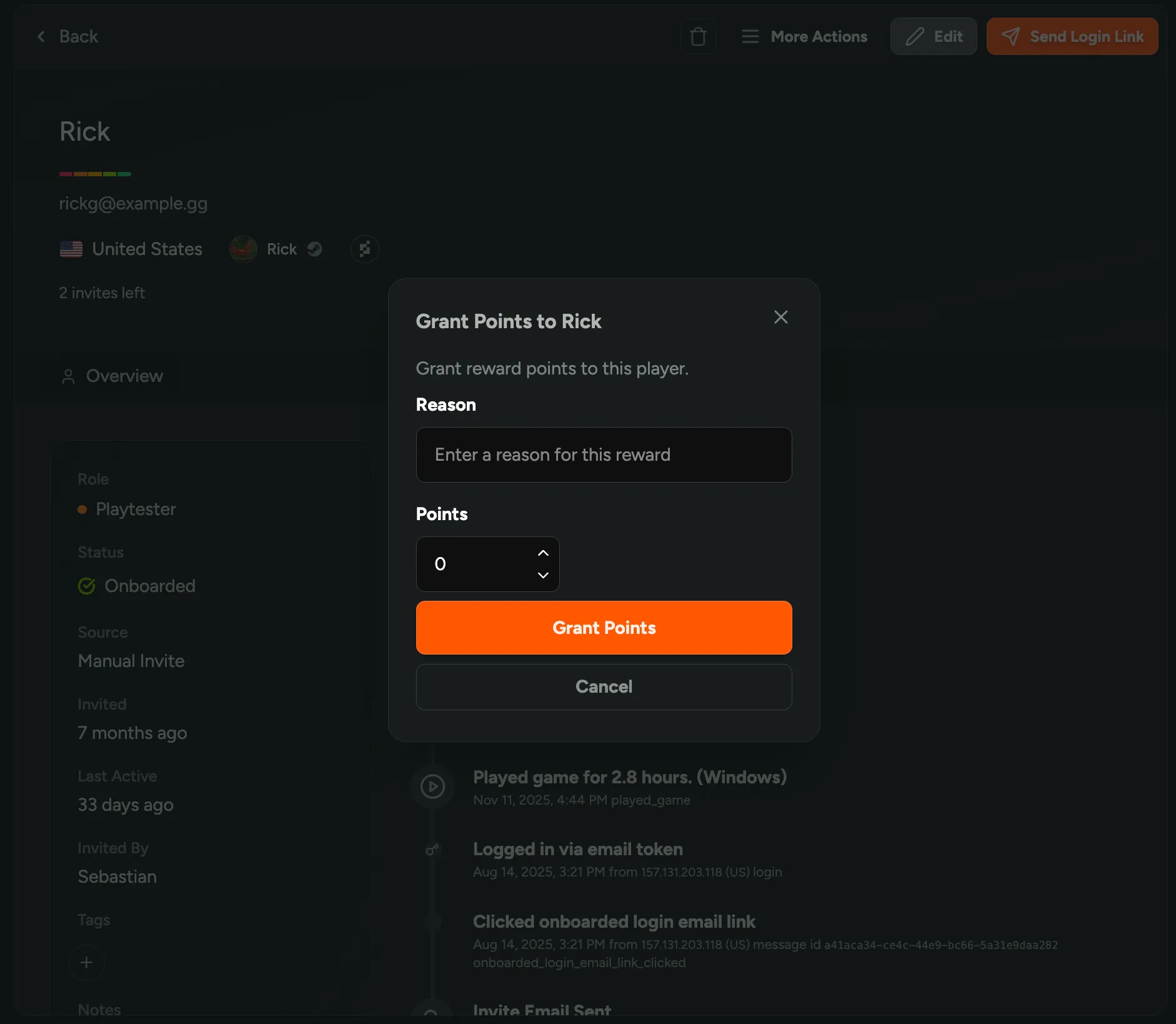
Manually Grant Reward Points
You can now manually grant reward points to players! Award bonus XP for community contributions, event participation, or any other reason you choose. Simply select players and grant them points directly from the player table or individual player profiles.
Still haven’t tried our Rewards system? Enable it in FirstLook Labs.
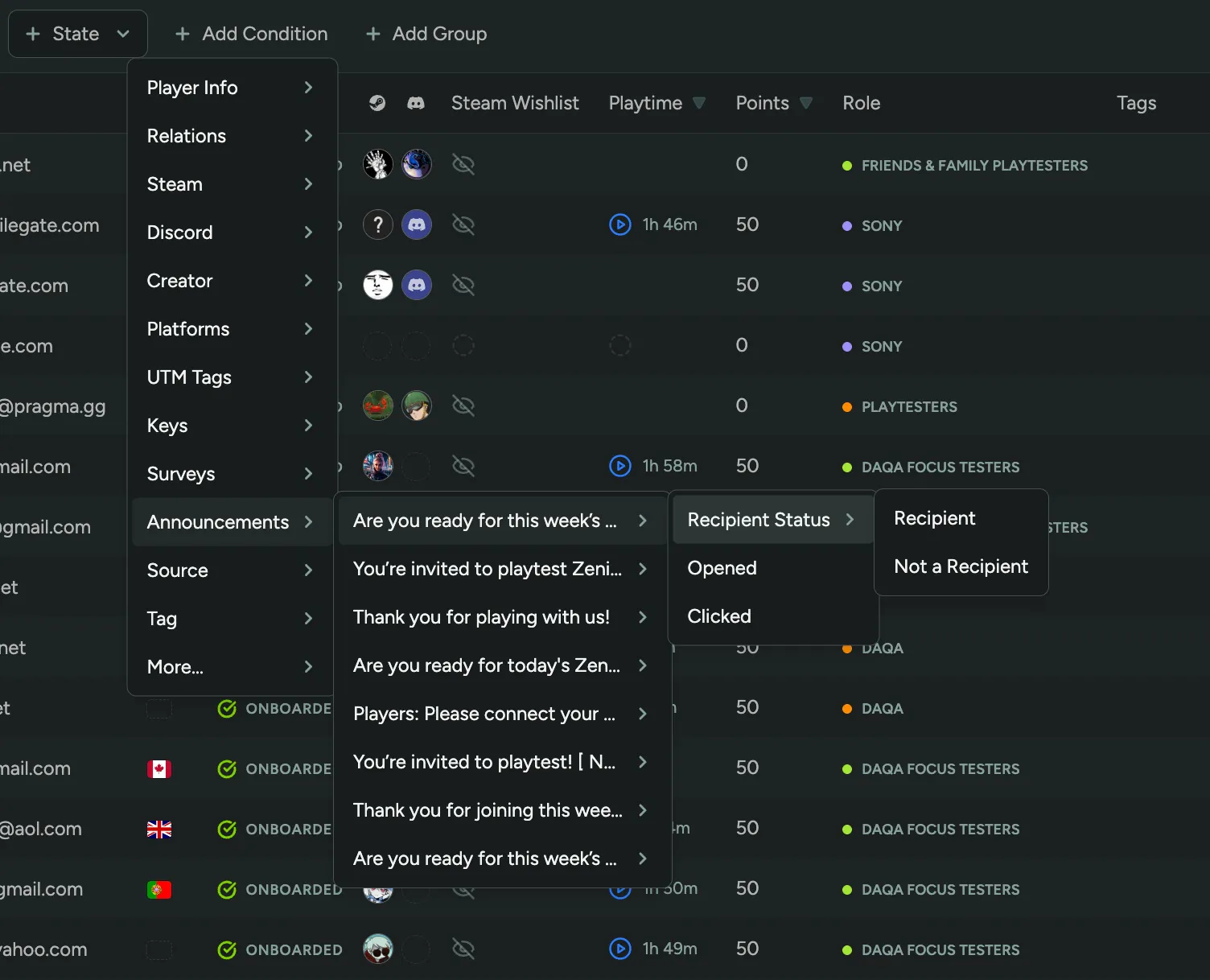
Filter Players by Last Announcements
You can now filter players by their last announcement received, opened, or clicked! This makes it easy to target specific groups without sending duplicate announcements. Send follow-up surveys only to players who opened your original announcement, or resend to players who never received a specific announcement.
Skip Waitlist and Auto-Invite Players
You can now have players skip the waitlist and automatically receive invites when they sign up! Perfect for open playtests or when you’re ready to let everyone in without manual approval.
To enable this, navigate to the Waitlist page under Flow Steps.
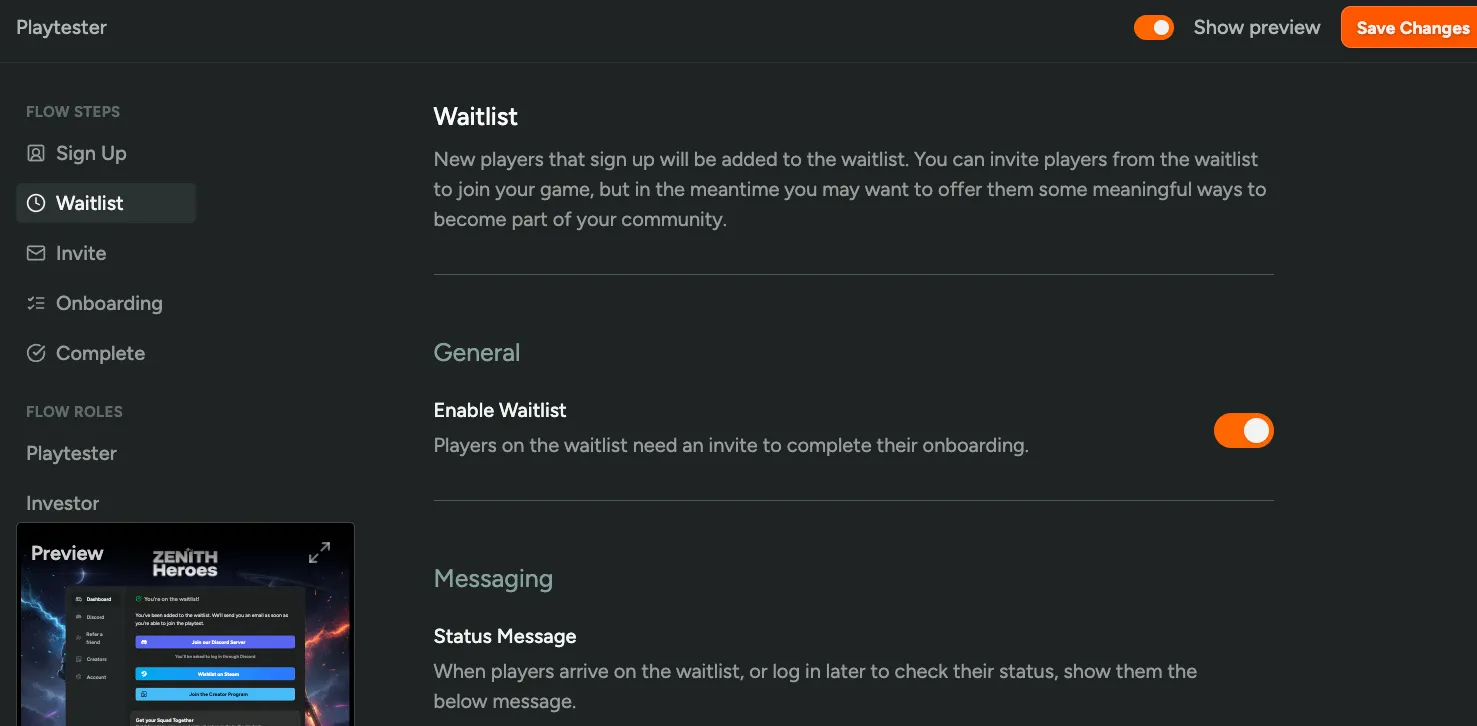
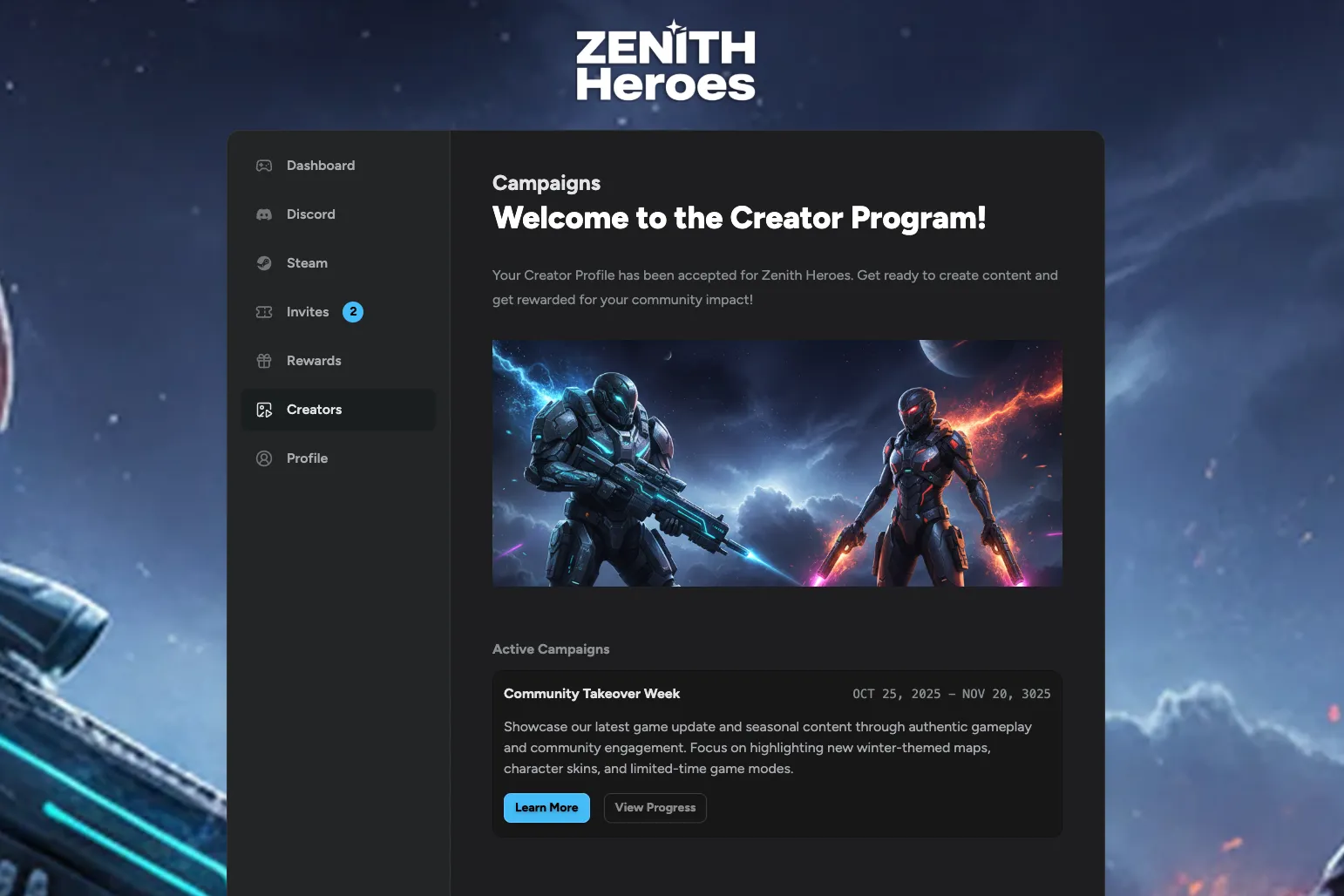
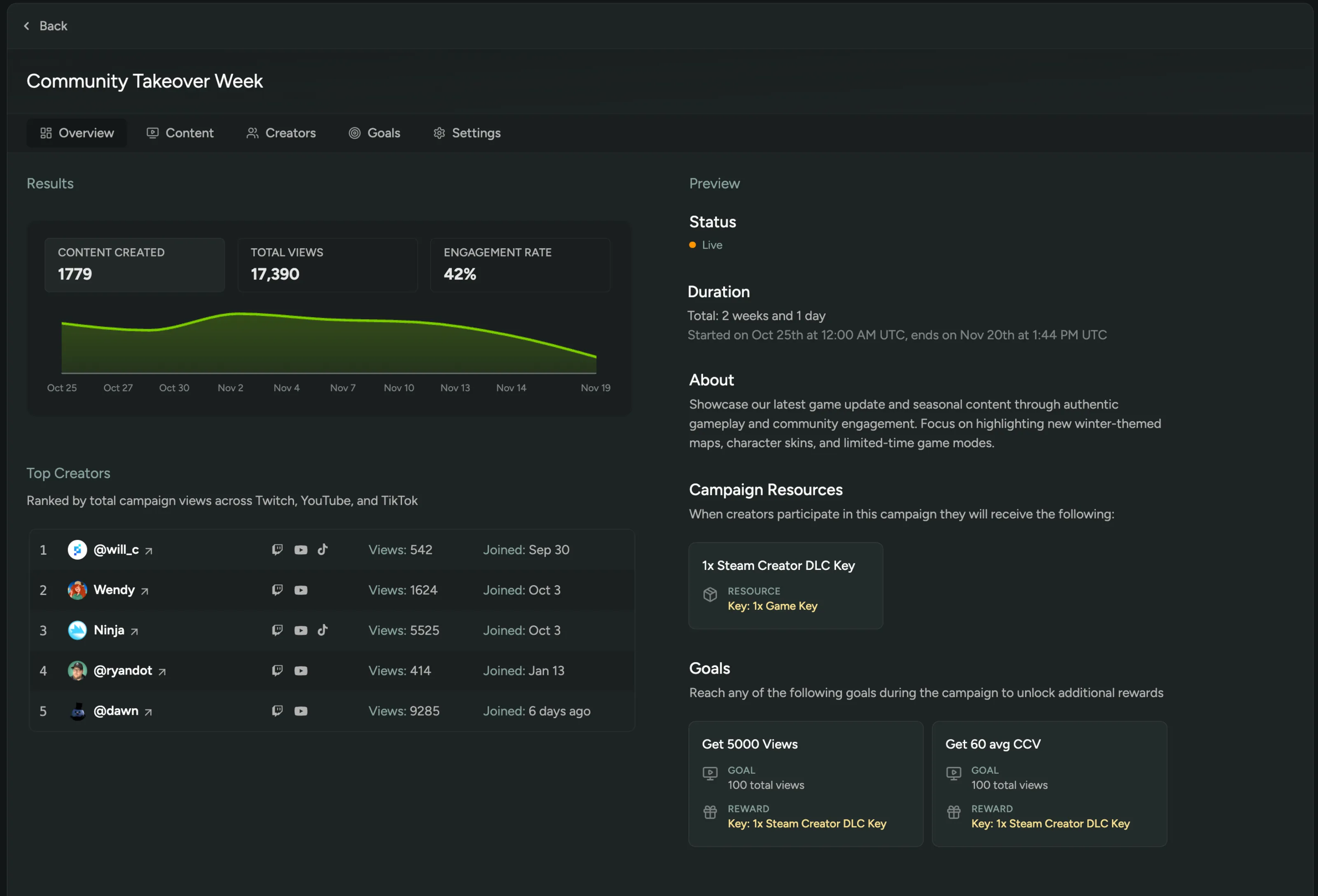
Create Your Own Creator Campaigns
You can now create and run your own creator campaigns! Activate your creator community around new content drops or special events. Set goals for creators to hit, like number of uploads, views, or concurrent viewers, and reward them with in-game items, codes, or Discord roles that they can claim directly from their dashboard. Track all content created during a campaign, analyze performance, and identify your top-performing creators.
Still haven’t tried our Creator tools? Enable them in FirstLook Labs!
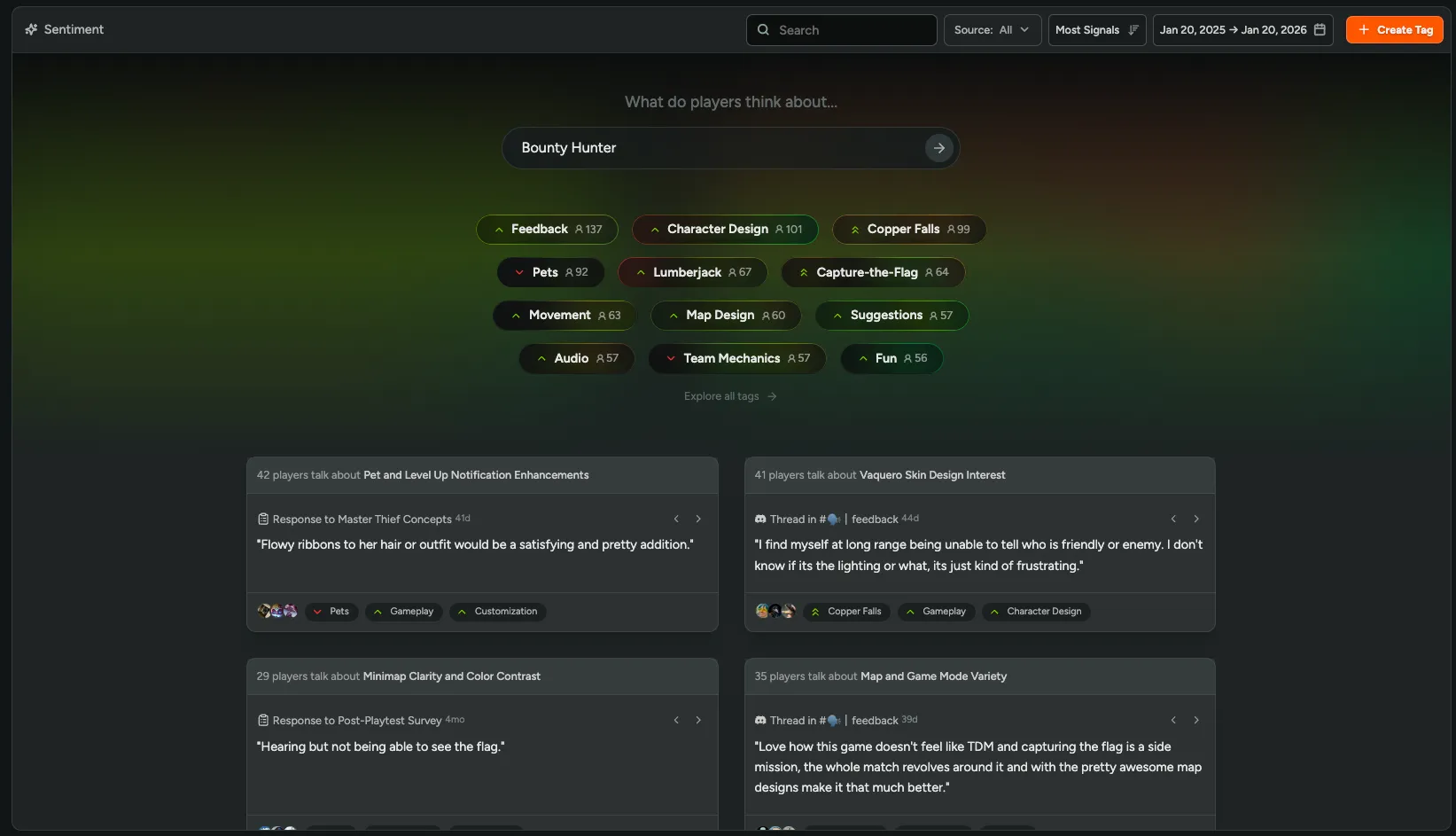
New Sentiment Experience
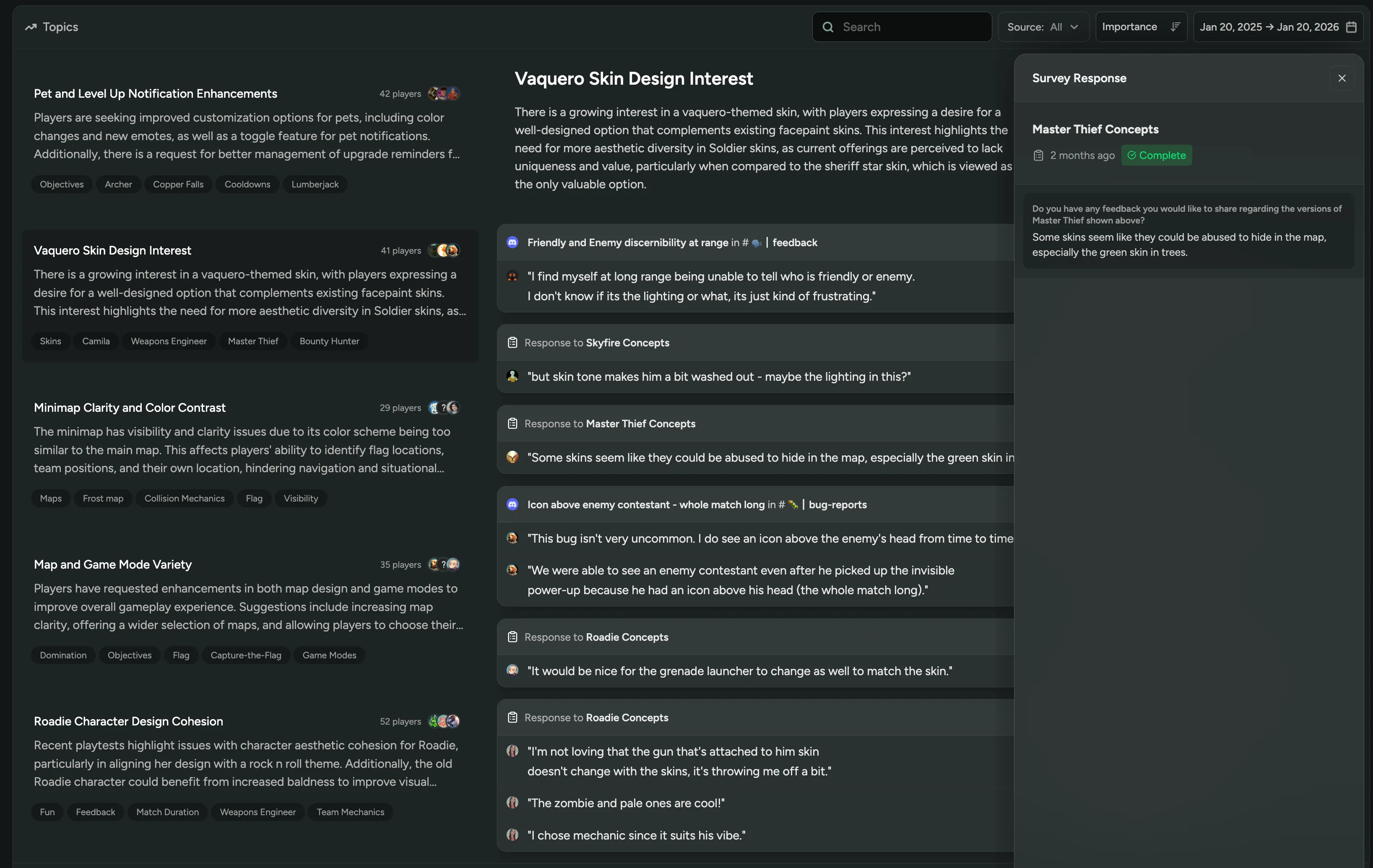
We just released a major update to Sentiment with better discovery, easier navigation, and a focus on player quotes! Explore sentiment by topics, tags, and sources more intuitively, see how many players are talking about each topic, and dive directly into what players are saying about your game.
Interested in Sentiment? Enable it in FirstLook Labs.
Apple TestFlight Playtests
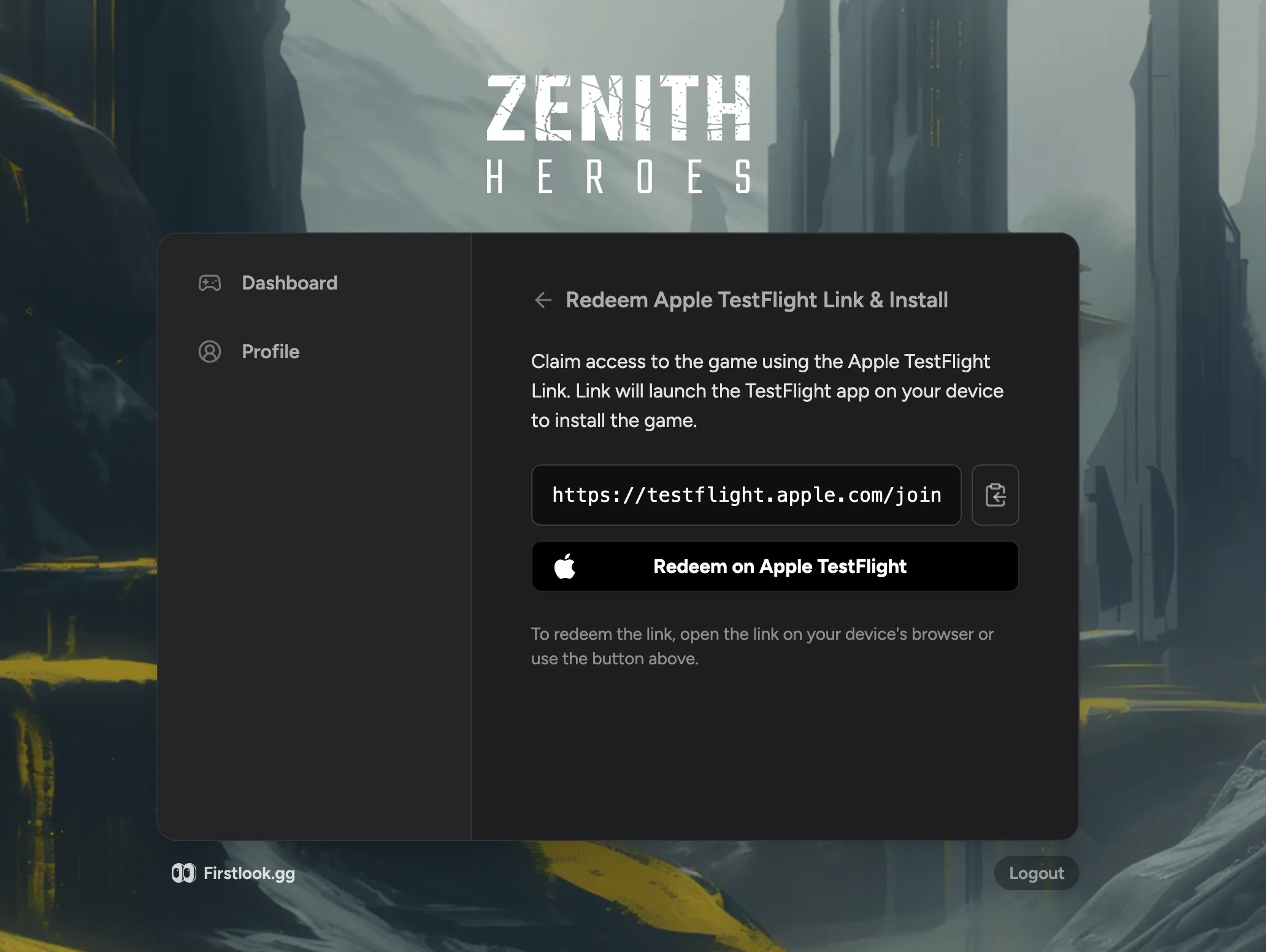
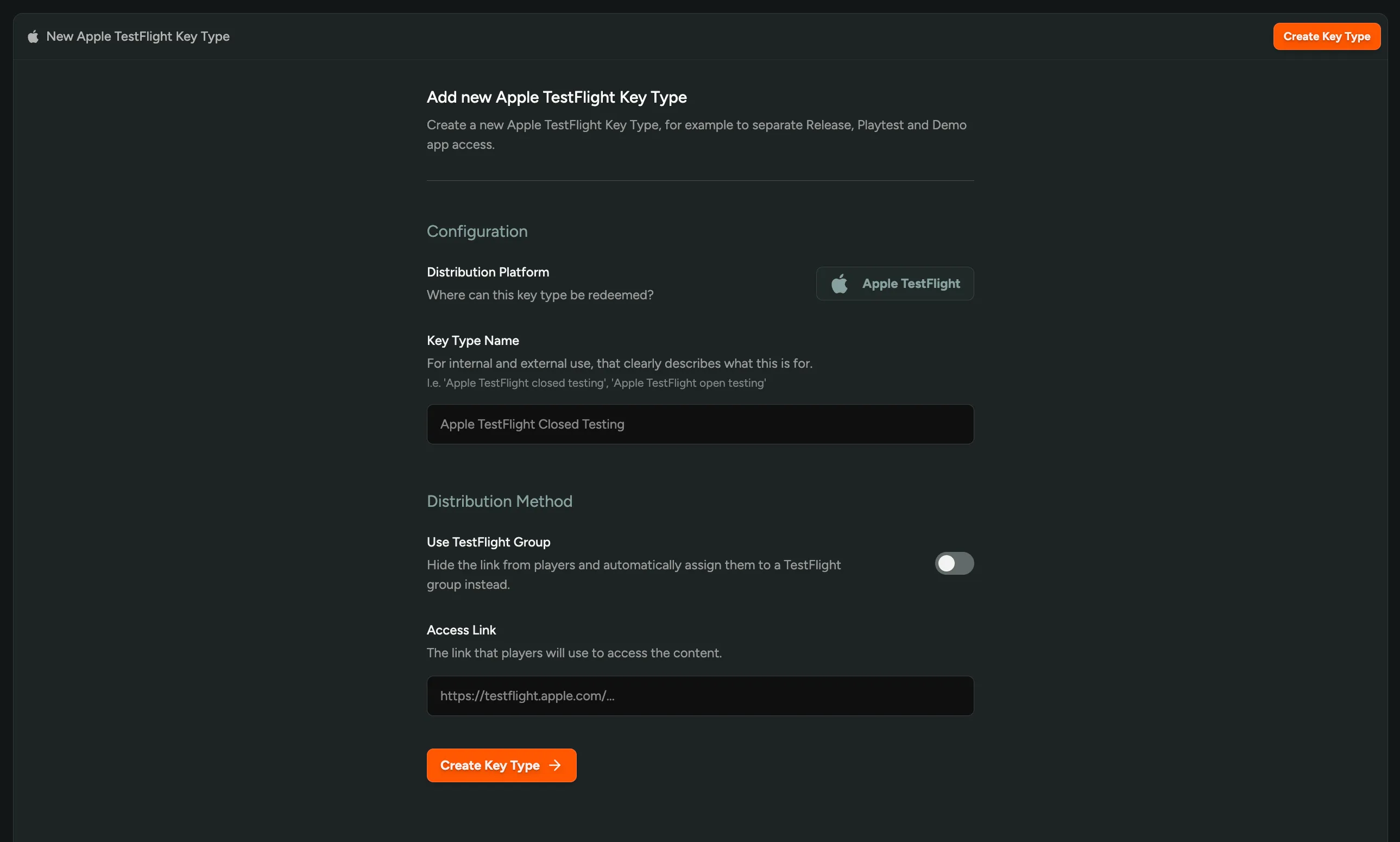
We now support Apple TestFlight as a platform for you to run mobile playtests! Capture Apple IDs during signup, and FirstLook automatically adds players to the correct TestFlight groups in Apple’s App Store Connect. Manage iOS playtesting alongside NDAs, custom signup questions, surveys, and all the FirstLook features you’re already using.
Interested? Enable Apple TestFlight in FirstLook Labs.
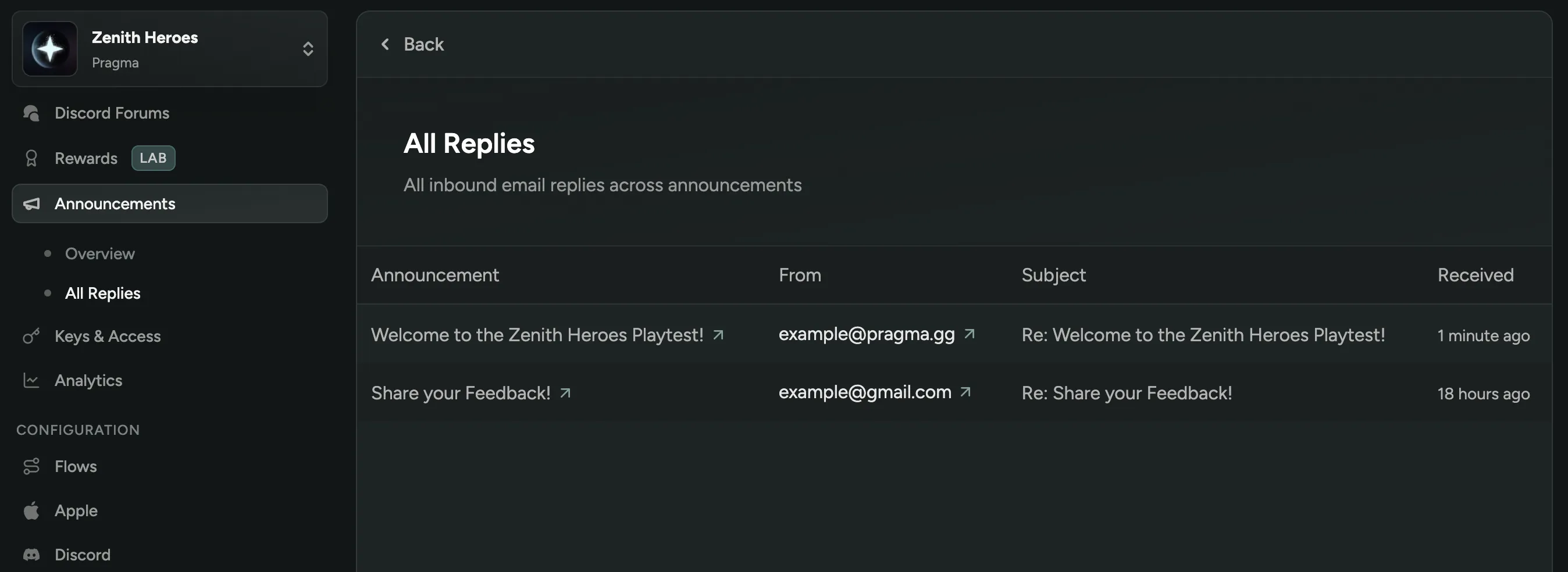
View Email Replies to Announcements
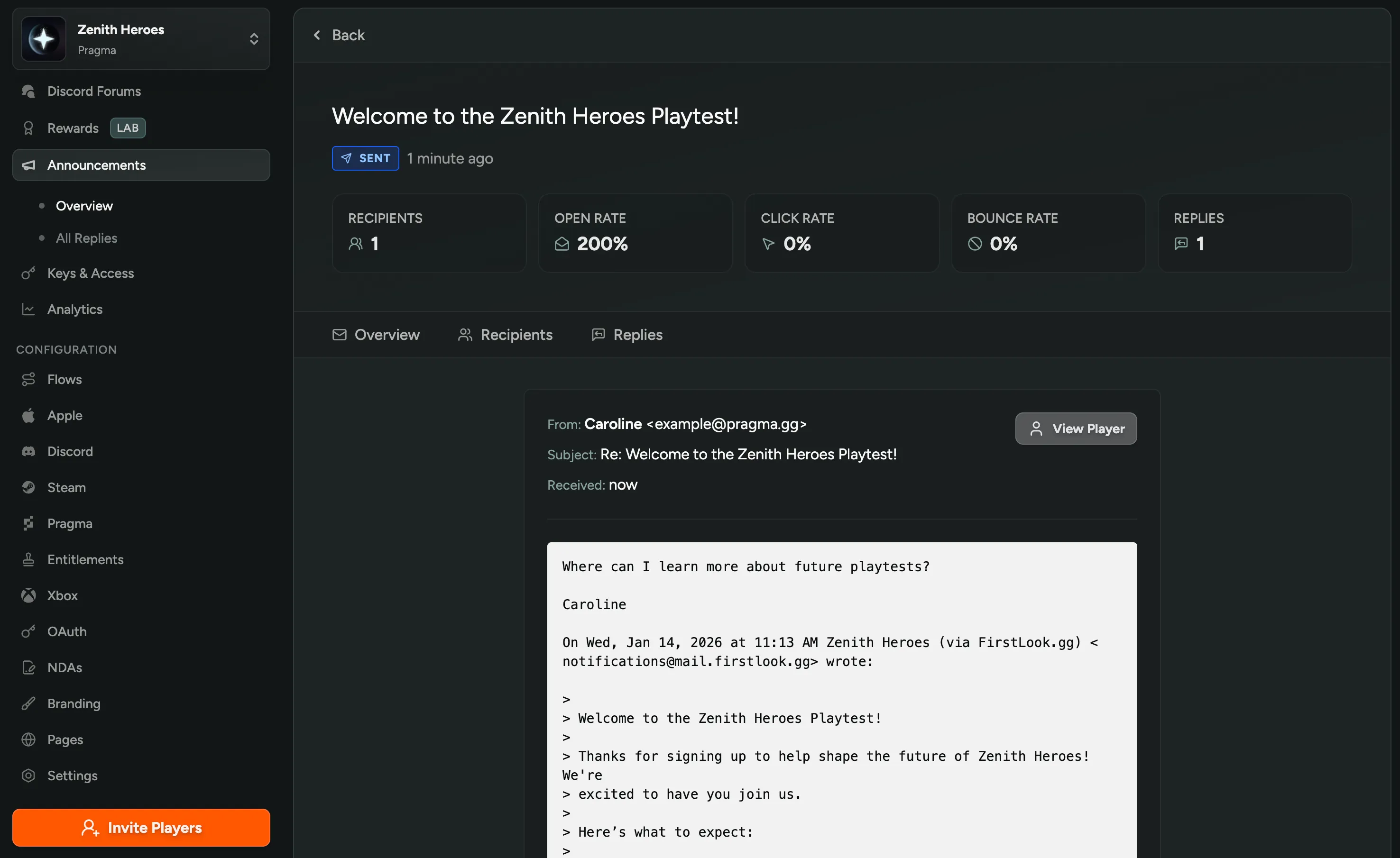
You can now see player email replies to your announcements directly in the dashboard! Click the “Replies” tab on any announcement to see individual responses, or view “All Replies” in the left navigation. Capture feedback without needing to monitor a separate email inbox or set up a custom reply-to address.
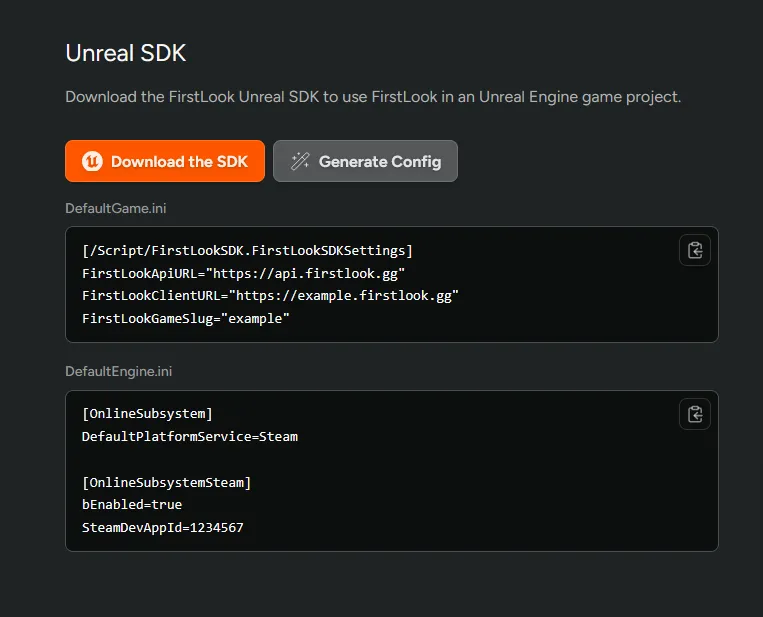
Generate Unreal SDK Config
For SDK users, we’ve added a ‘Generate Config’ button on the Dashboard page to automatically create your Unreal configuration! No more manually copying API URLs and game slugs, just click the button and get ready-to-use files for DefaultGame.ini and DefaultEngine.ini.
Download the FirstLook SDK to send in-game surveys.
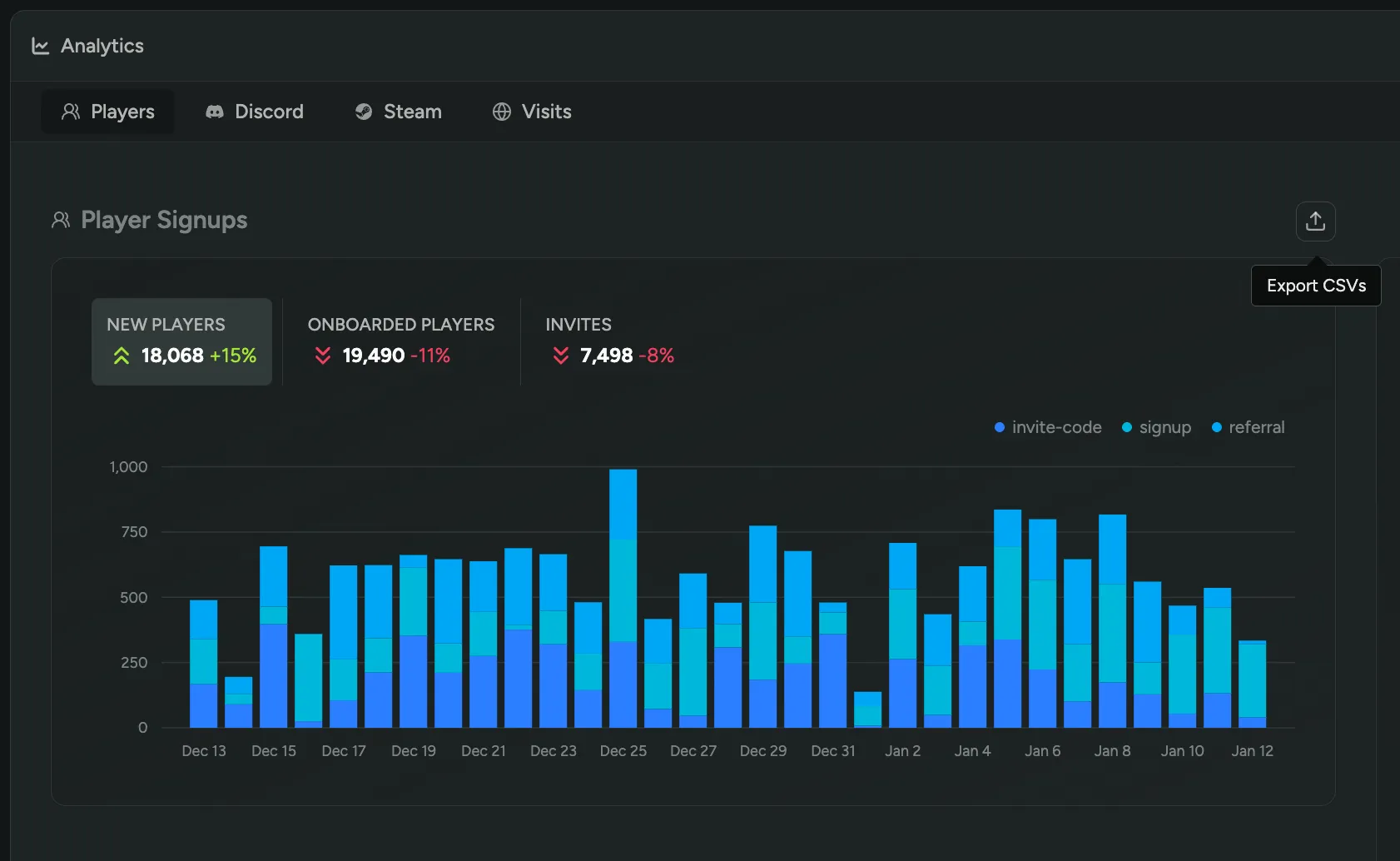
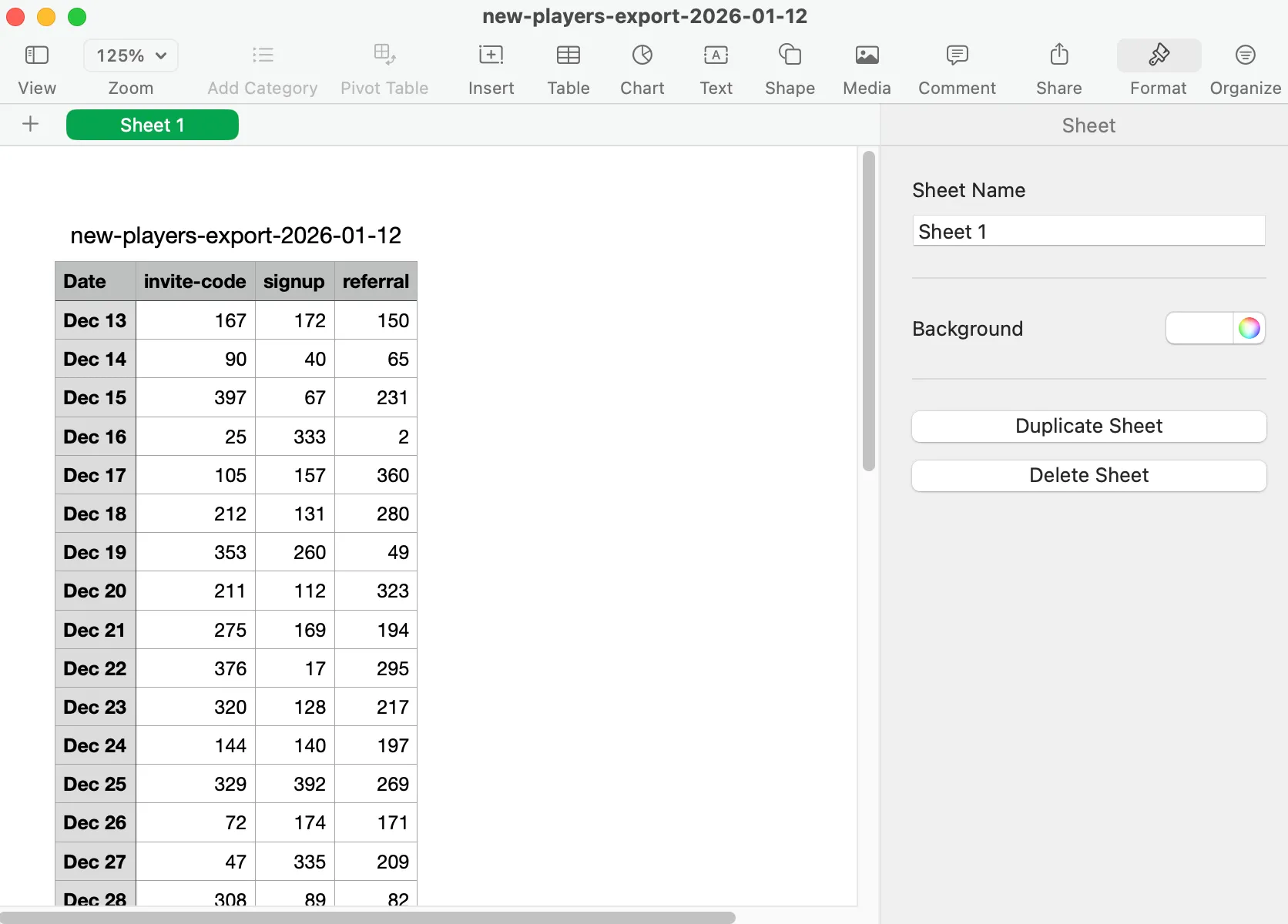
Export Analytics Data
You can now export any Analytics graph as a CSV! Click on a graph’s export button to download the underlying data for player signups, Discord activity, Steam metrics, and more. Analyze trends in your own tools or create custom reports for your team.
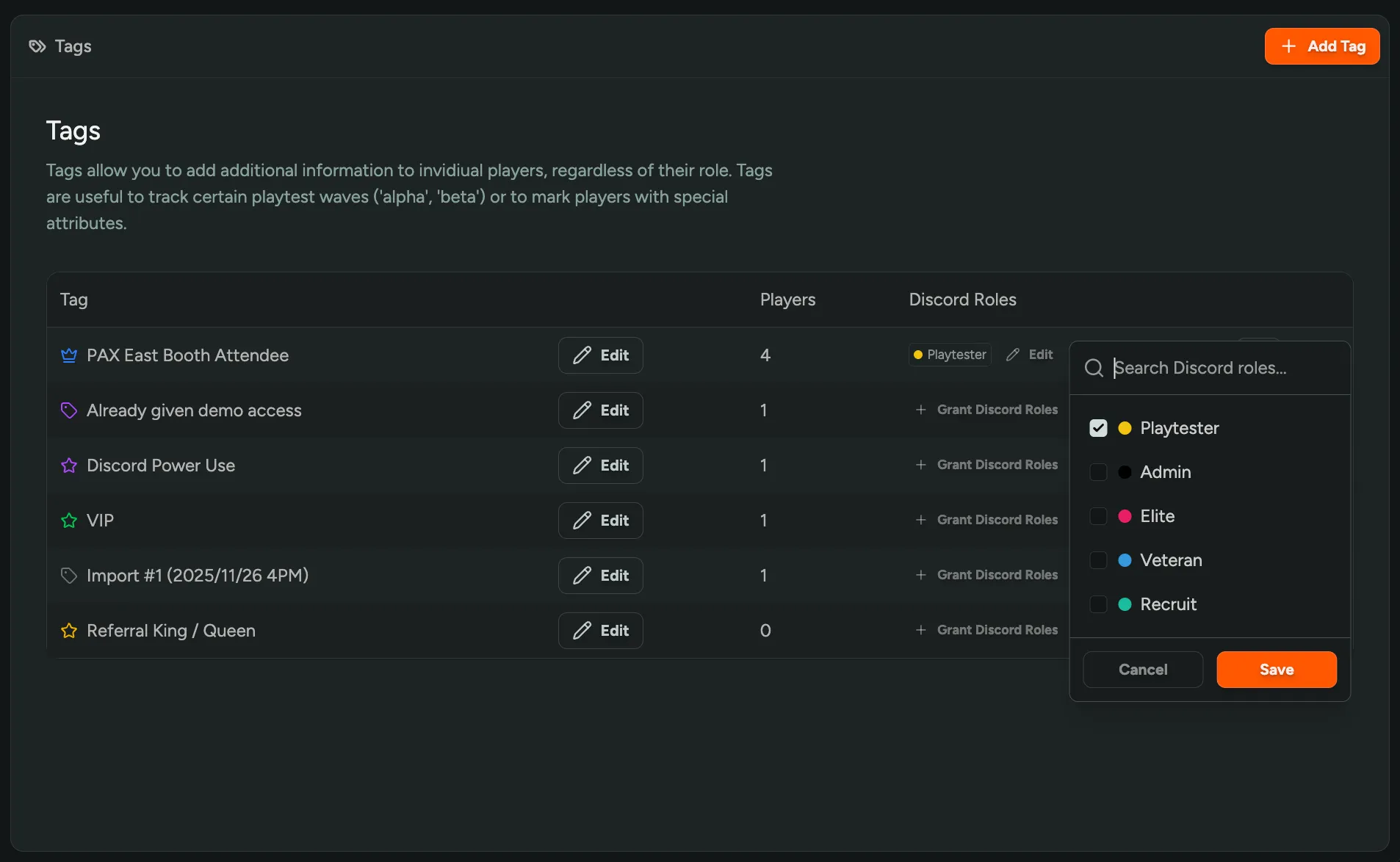
Assign Discord Roles via Player Tags
You can now automatically grant Discord roles based on player tags! Easily manage Discord access for events, prototypes, or special testing groups. When you assign Discord roles to a tag, all players with that tag automatically receive those roles, and they’re removed when the tag is removed.
Configure Discord roles for any tag in Settings > Player Tags.
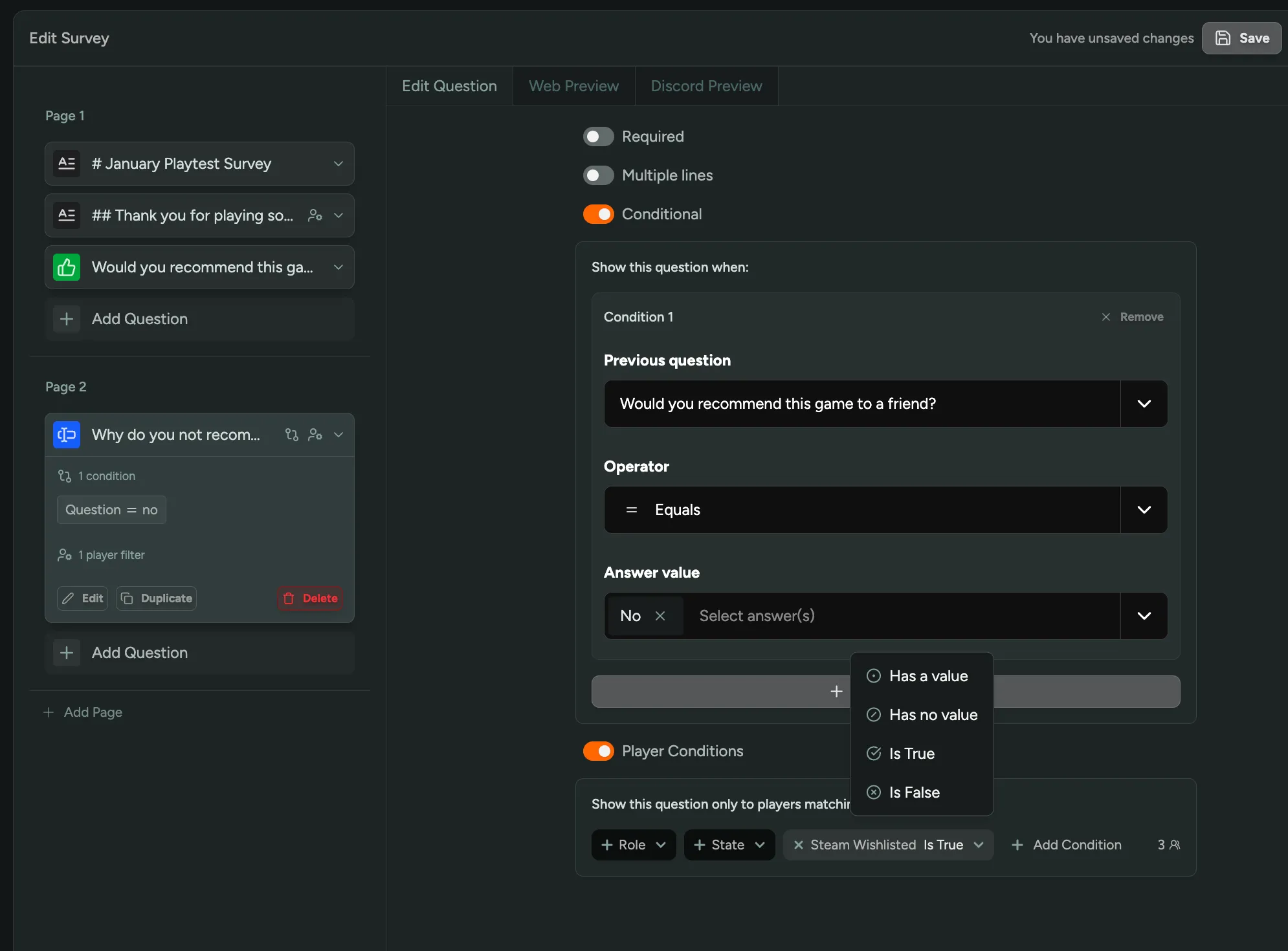
Conditional Survey Questions
We’ve added conditional logic to surveys! Show or hide questions based on previous responses or player filters. For example, ask follow-up questions only to players who answered “No” to recommending your game, or show specific questions only to players who wishlisted on Steam. Create dynamic, personalized surveys that adapt to each player and gather more targeted feedback.
Simply toggle on Conditional or Player Conditions when adding a new survey question to get started.
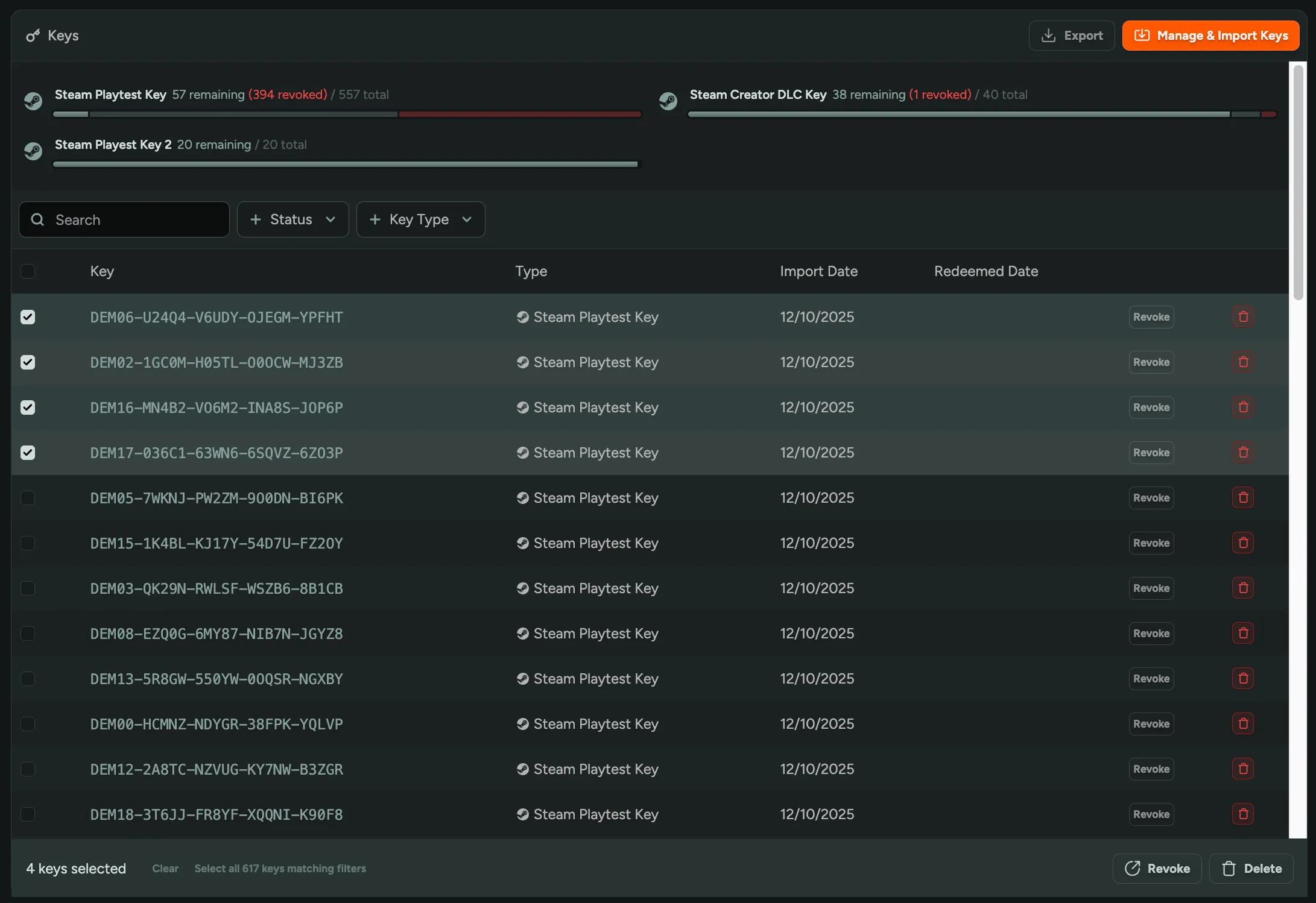
Bulk Revoke and Delete Keys
You can now bulk revoke or delete keys directly from the Keys & Access page! Filter keys by status or key type, then bulk revoke or delete them. Clean up unused keys or revoke access for multiple players at once instead of handling each key individually.
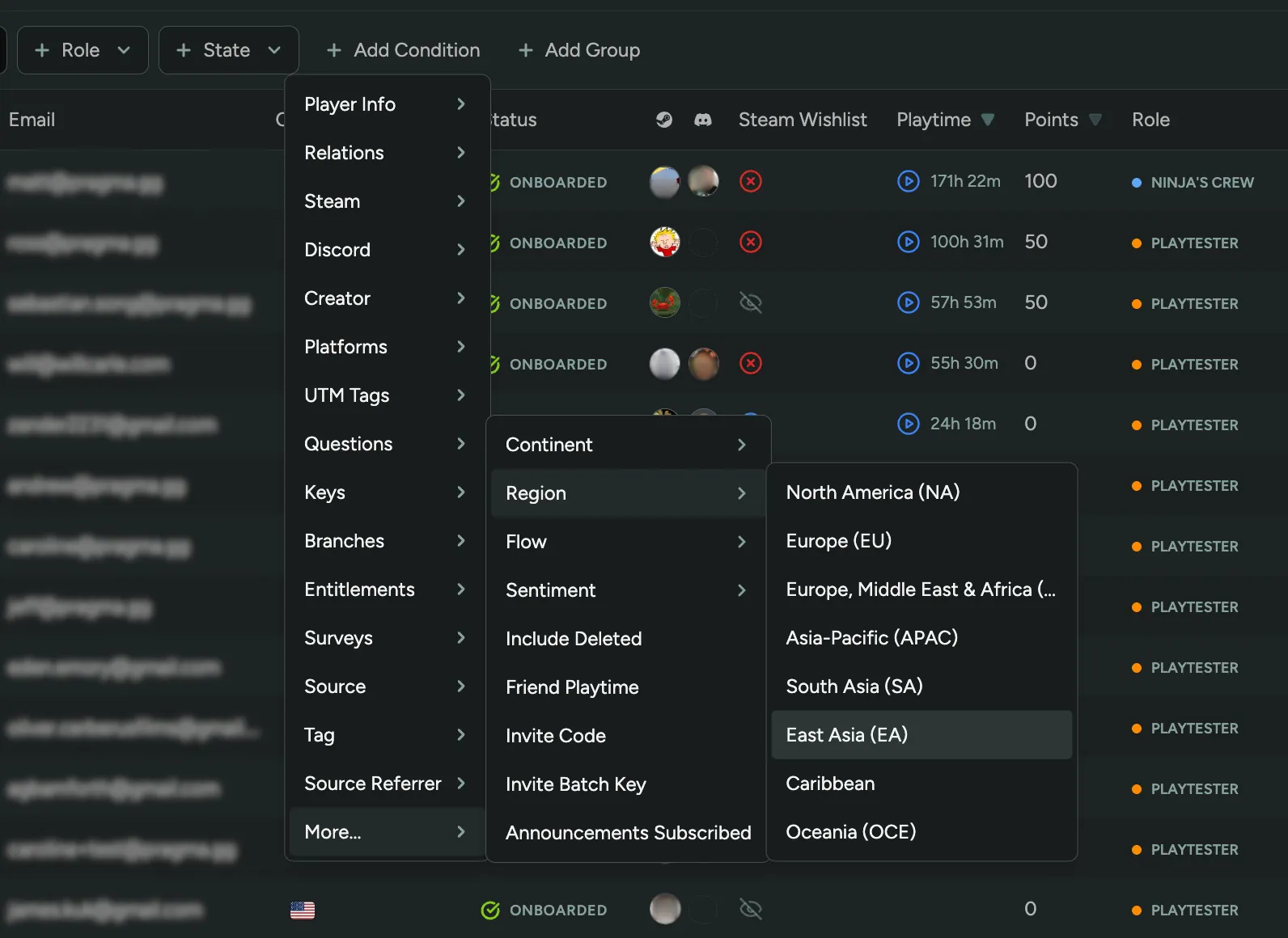
Filter Players by Region/Continent
You can now filter players by region and continent! Segment your player base by North America, Europe, Asia-Pacific, and more to run region-specific playtests, send localized announcements, or analyze geographic distribution of your community.
FirstLook Wrapped 2025
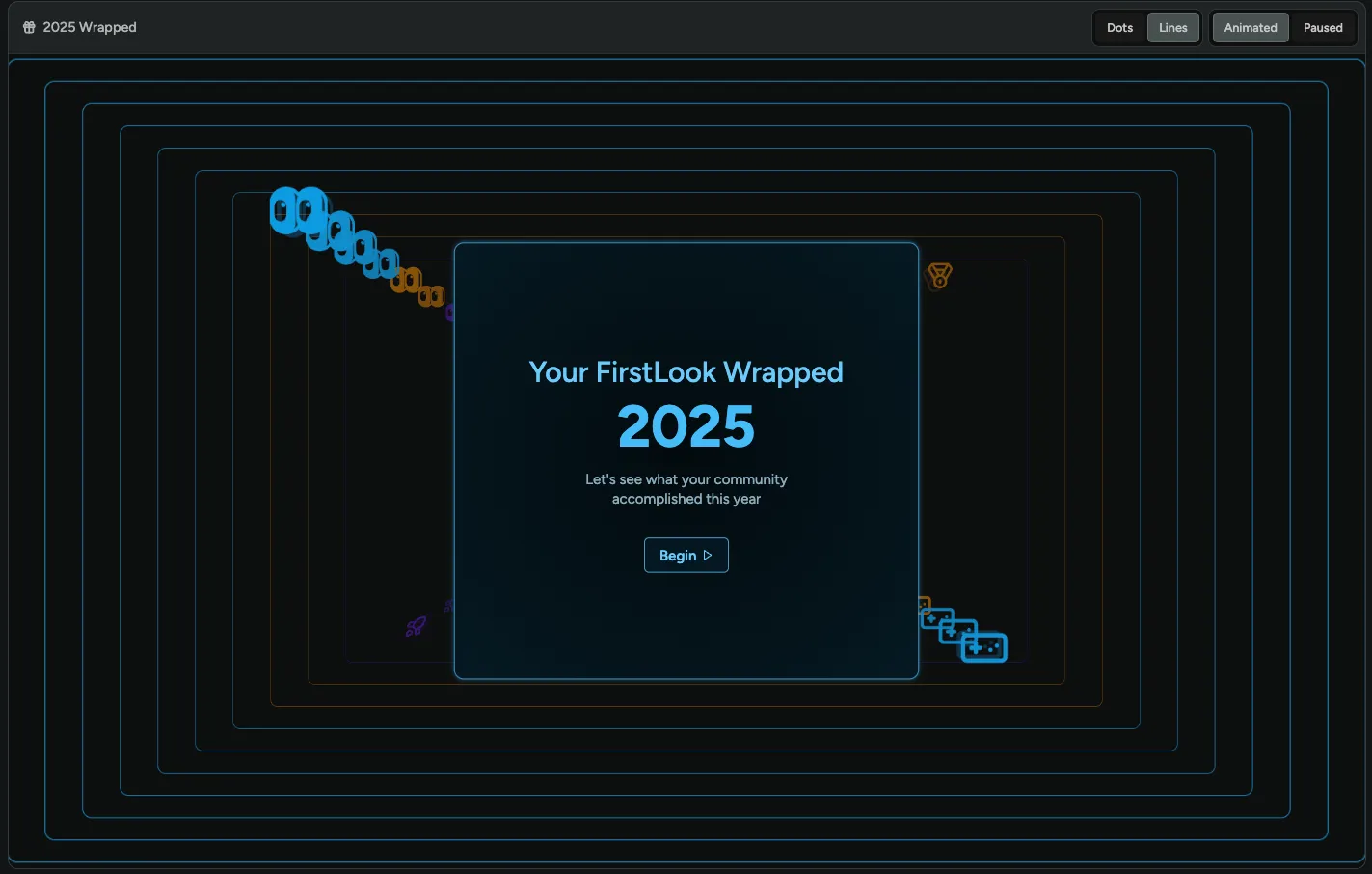
See how your community grew in 2025! We’ve created a personalized wrapped summary showing your year in numbers: 🎮 players signed up, 🫂 referrals from friends, 💬 Discord activity, 🦾 most active team member, 🕰️ total playtime, and more. Check your dashboard to see your community’s highlights from the past year!
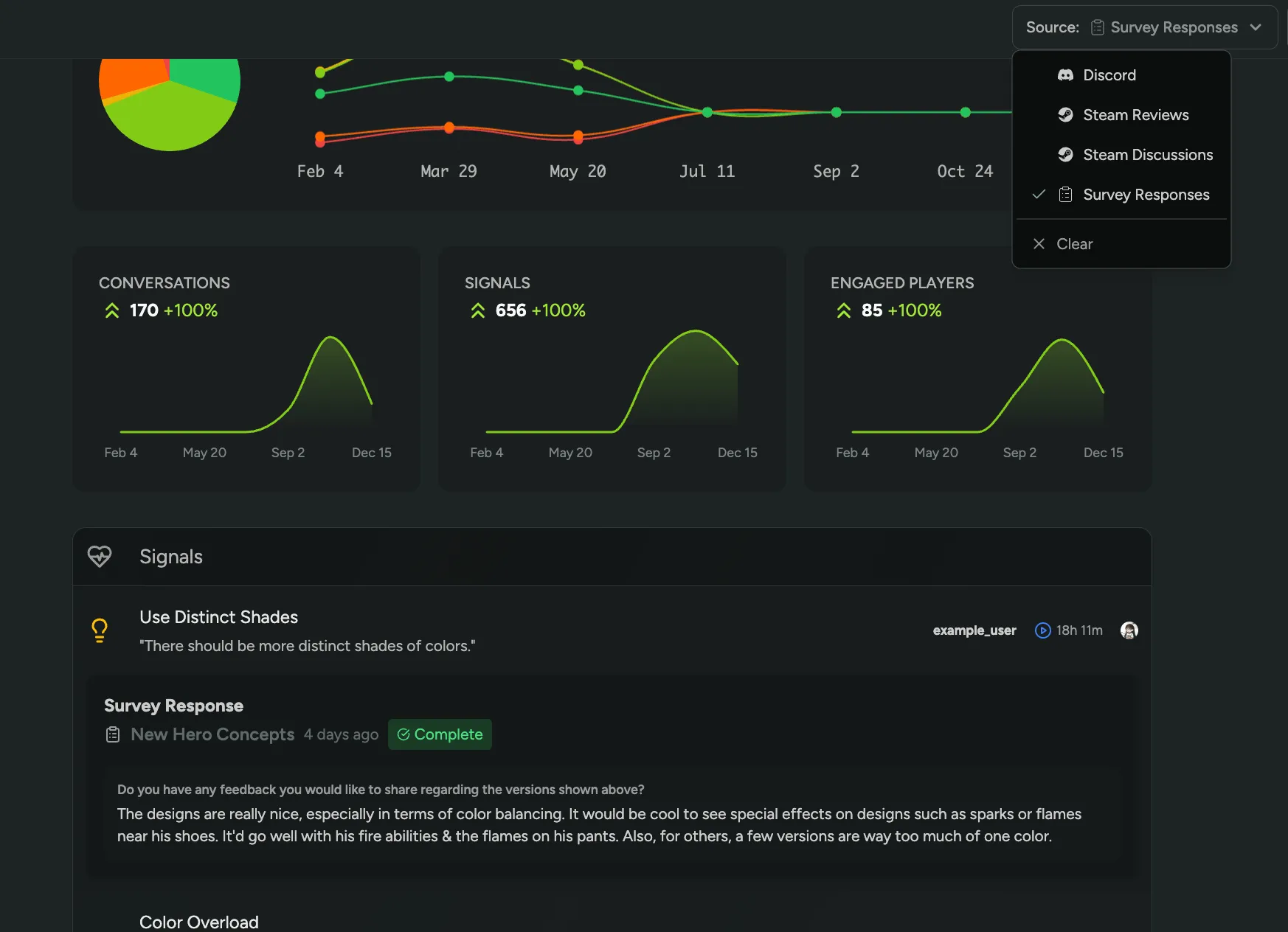
Sentiment on Survey Responses
Survey text responses are now included as a sentiment source alongside Discord, Steam Reviews, and Steam Discussions! Get a complete picture of player sentiment across all feedback channels in one unified view.
Interested in Sentiment? Enable it in FirstLook Labs!
Google Play Playtests
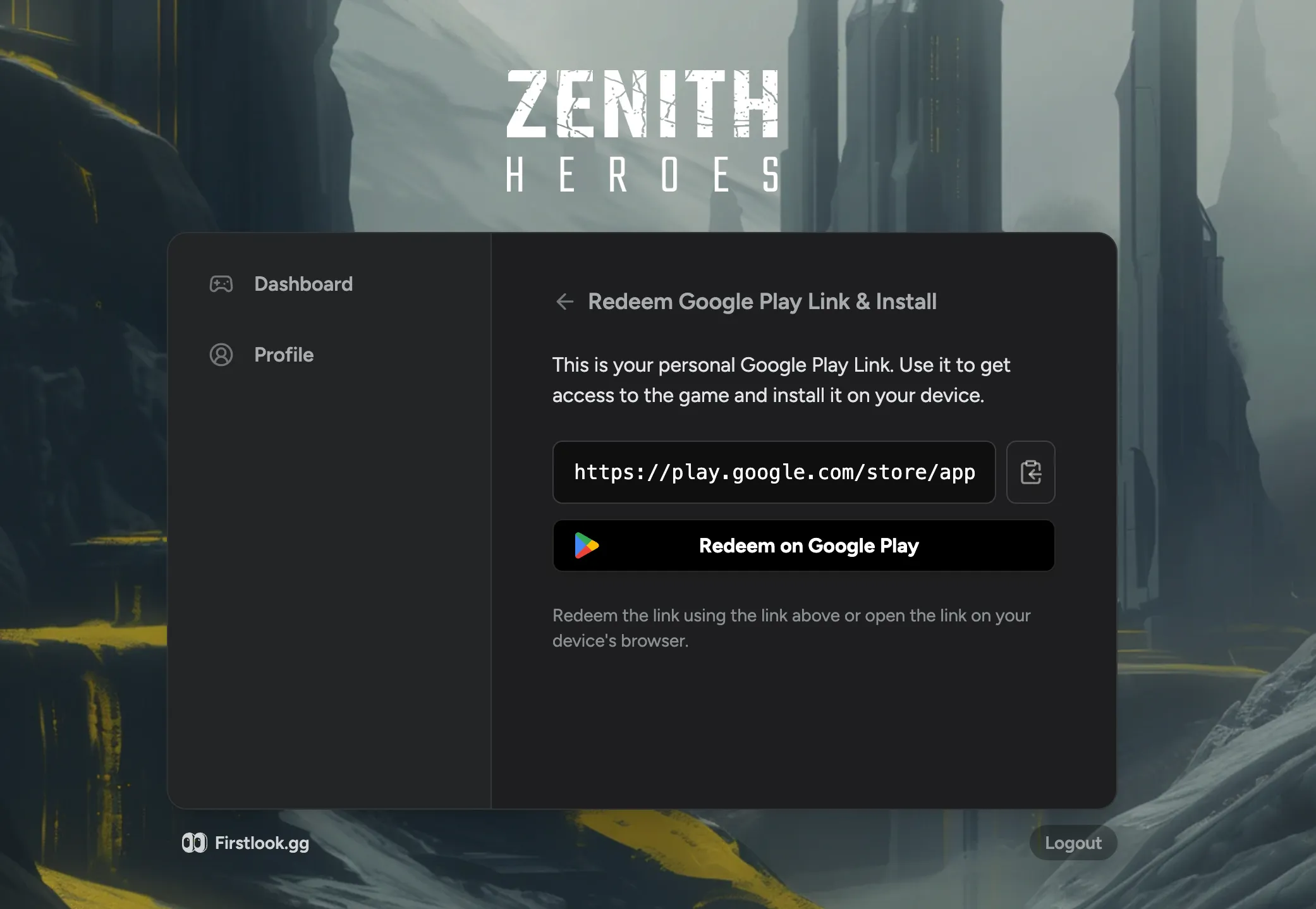
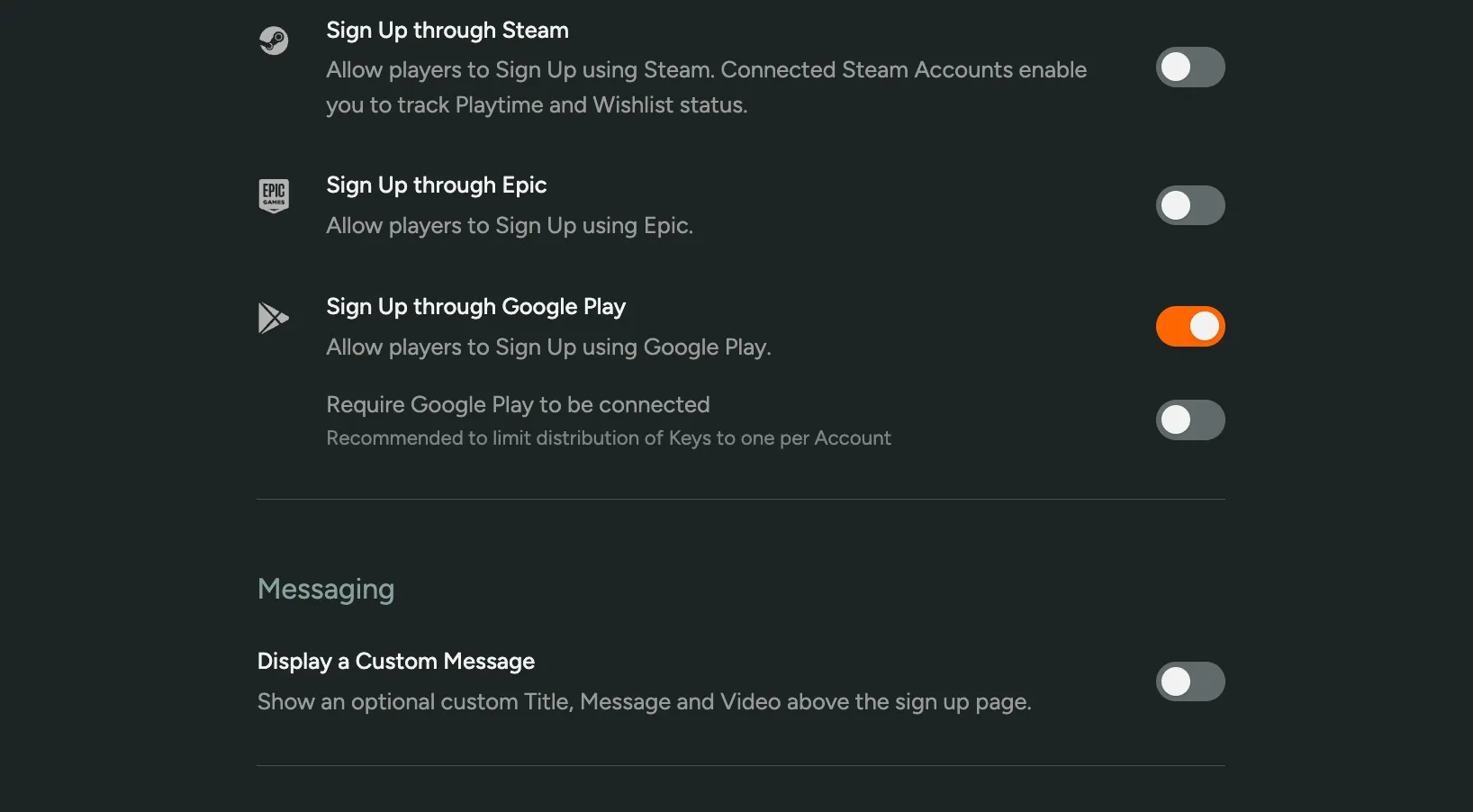
We now support Google Play as a platform for you to run mobile playtests! Capture Google Play accounts during signup, upload them to your Play Console developer account, and distribute access links to your players for a seamless experience. All while benefiting from our NDAs, custom signup questions, surveys, and more.
Google Play support is available on Standard plans and above.
Easier Survey Creation and Distribution
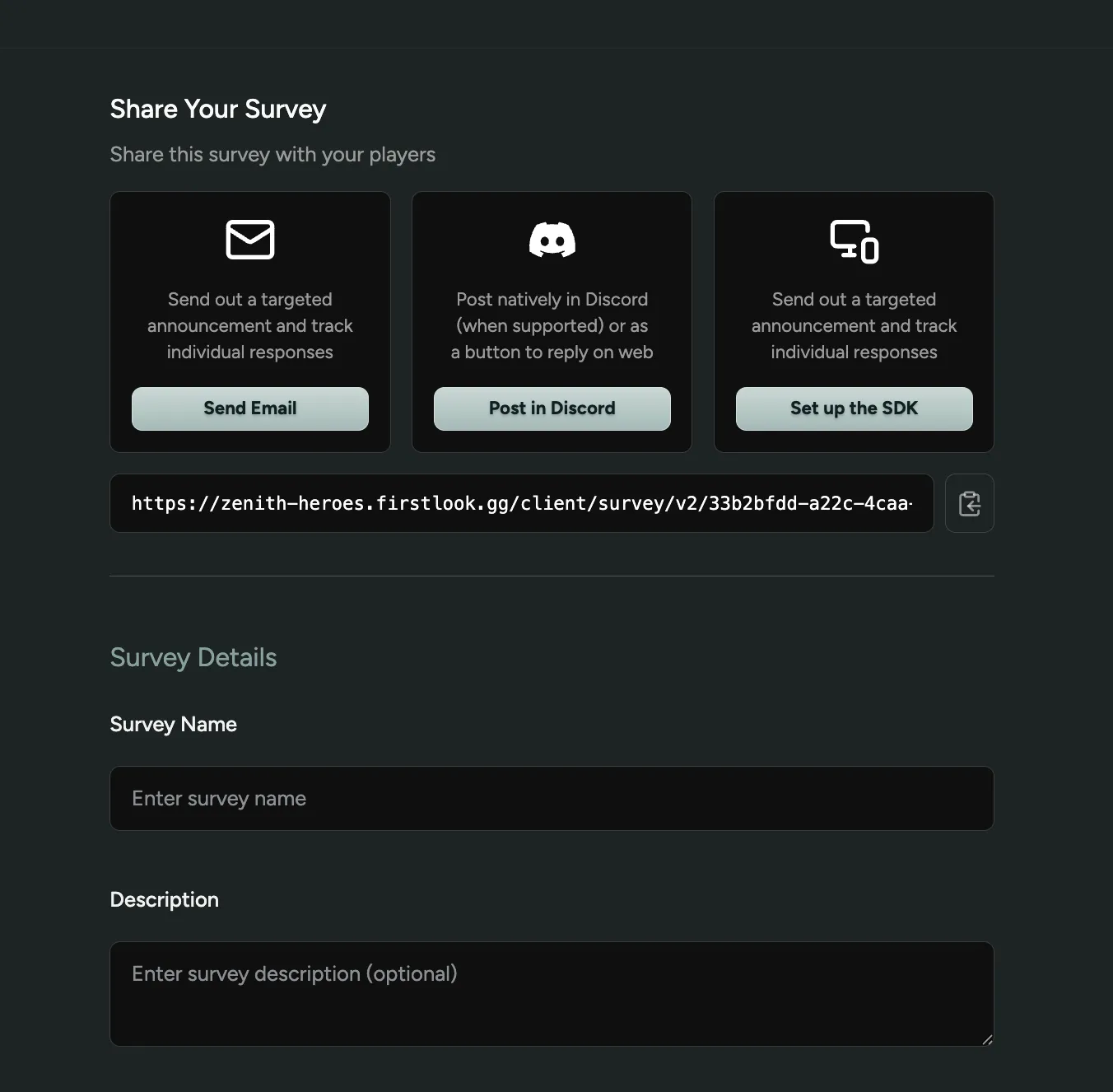
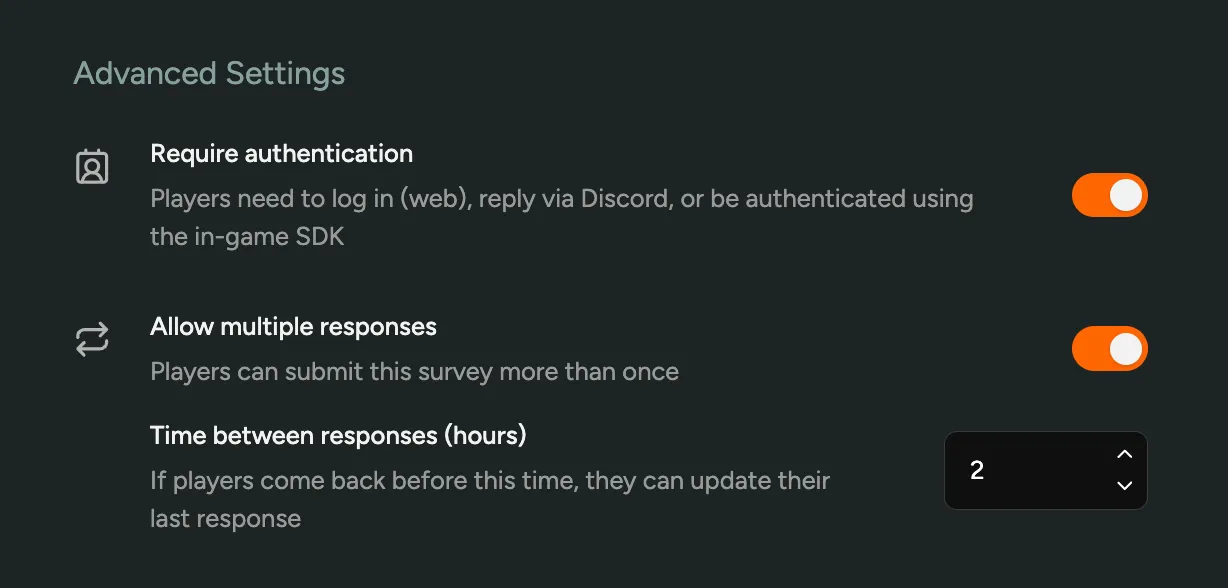
We’ve made it easier to create and distribute surveys! We’ve simplified emailing surveys to players and added new options for you to control whether players can edit their responses or submit multiple responses. You can also now use any question type and post surveys natively in Discord - if a question type isn’t supported in Discord, we’ll show a call-to-action button to the web survey instead.
Filter by Steam Owned Date
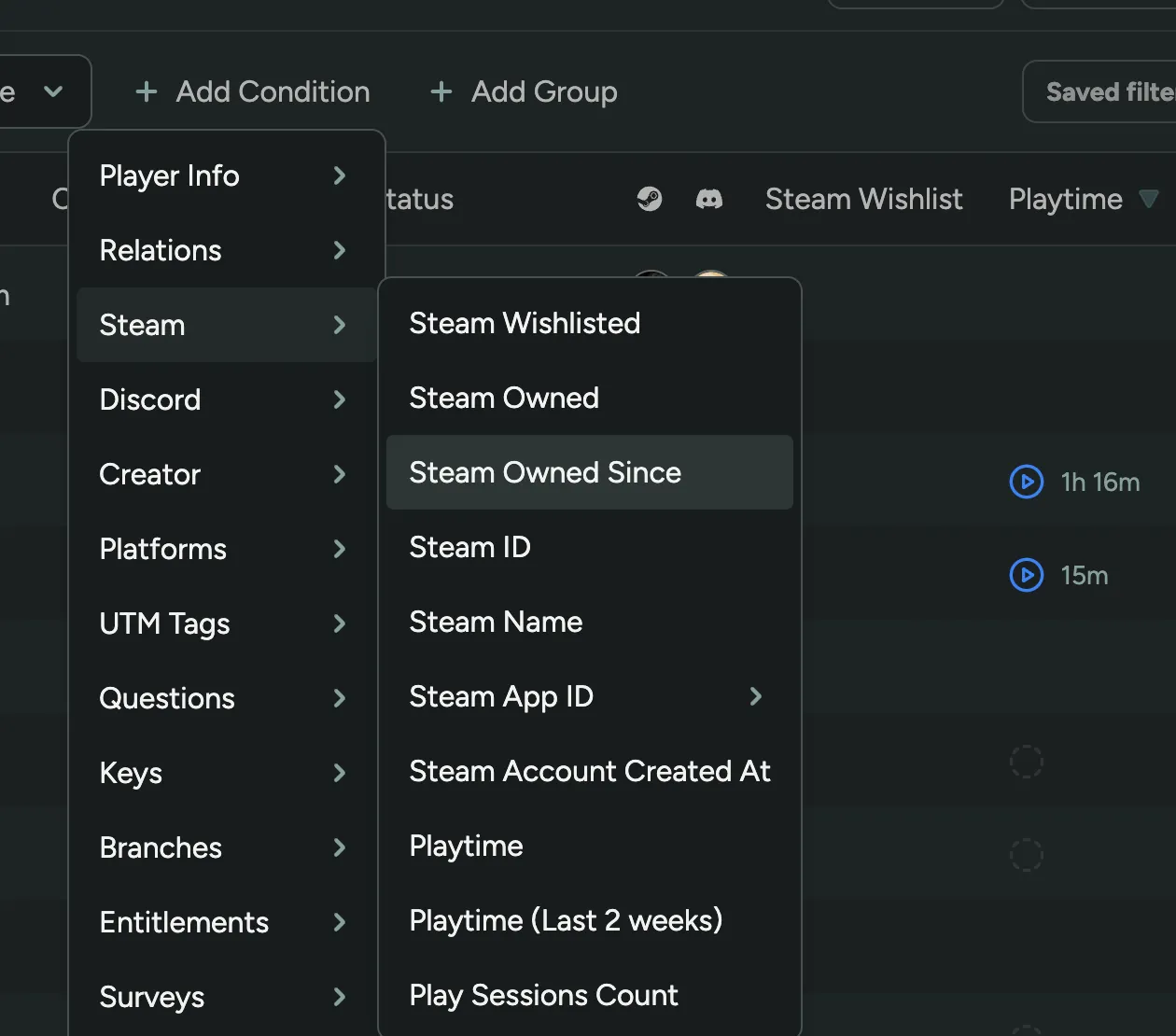
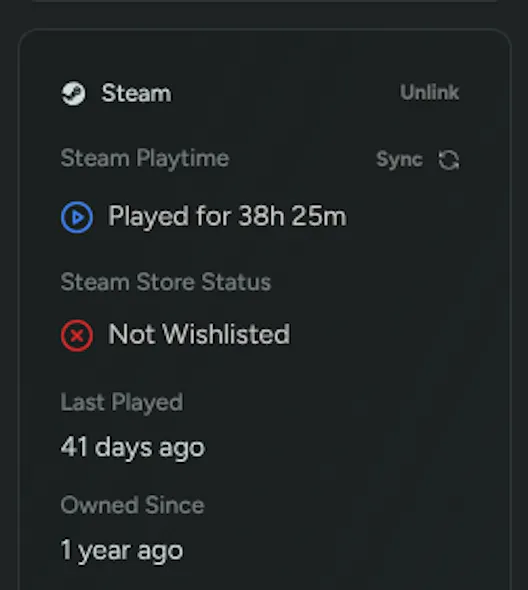
You can now filter players by when they added your game to their Steam library! Filter by owned-by date ranges to identify early supporters, recent buyers, or target specific launch windows for feedback and campaigns.
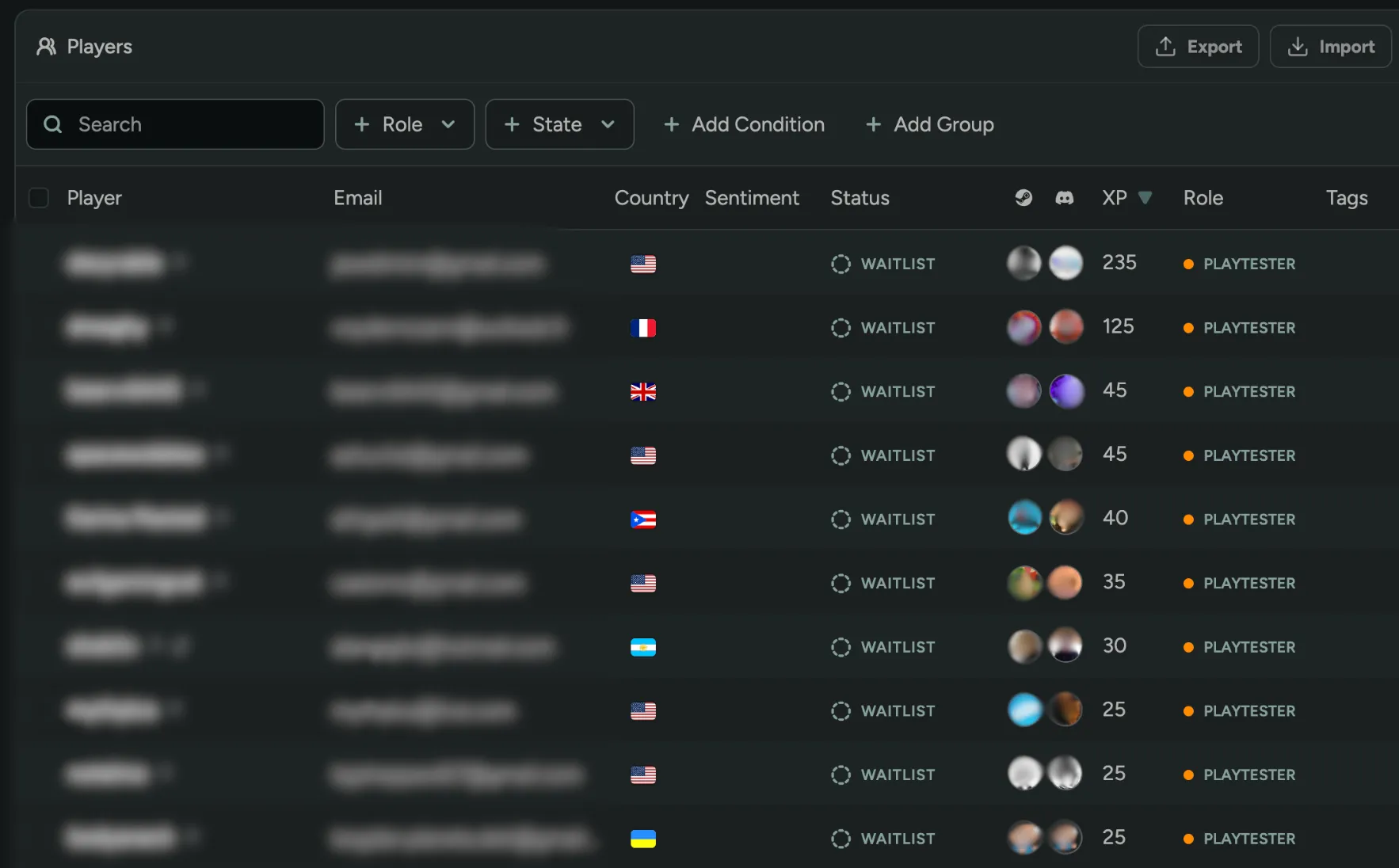
View/Sort by Player XP
You can now view and sort players by their XP directly in the player table! XP is the total points players have earned from completing quests in your Rewards program, making it easy to identify your most engaged community members at a glance.
Haven’t tried Rewards yet? Enable it in FirstLook Labs to start tracking player engagement!
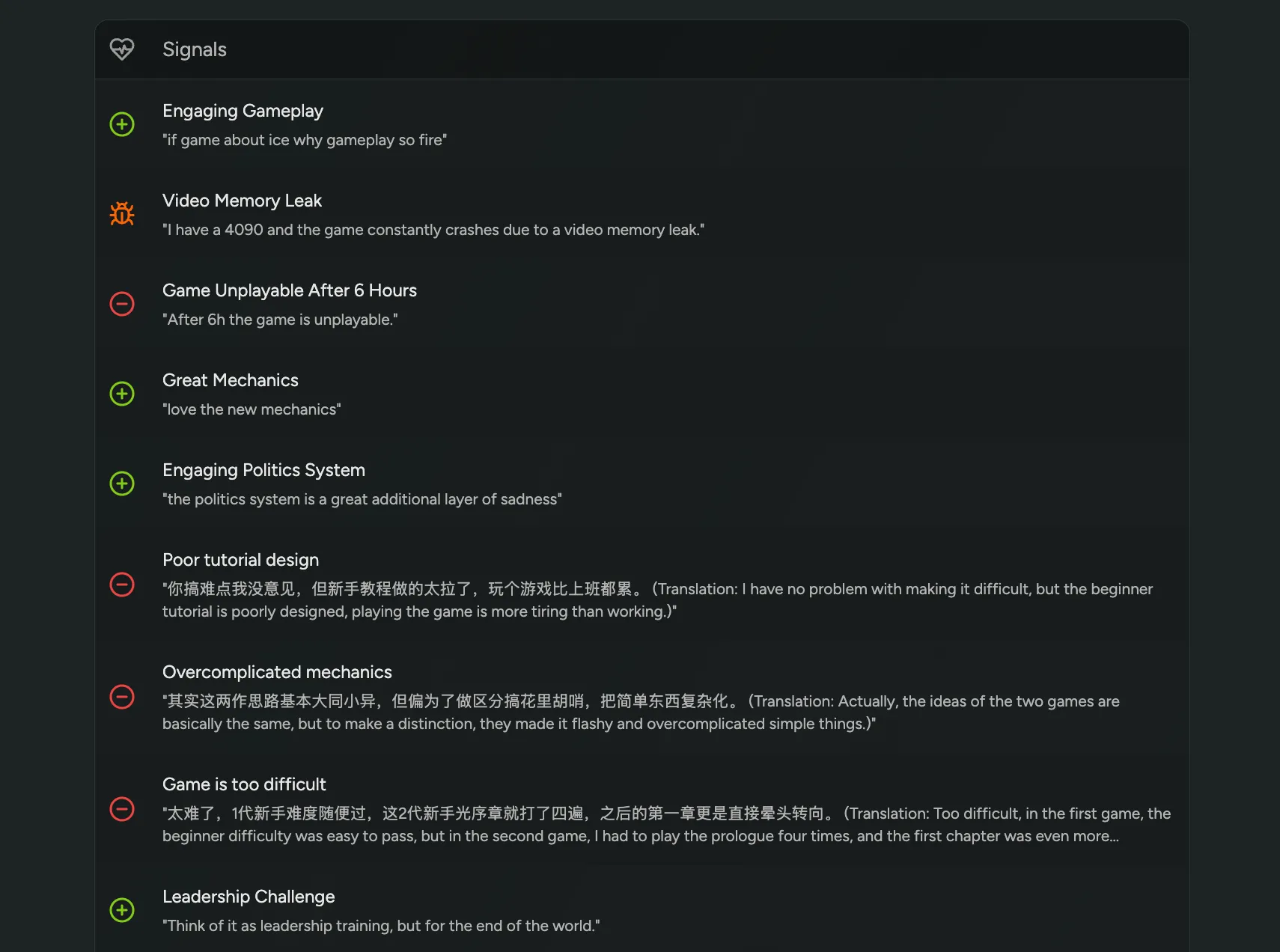
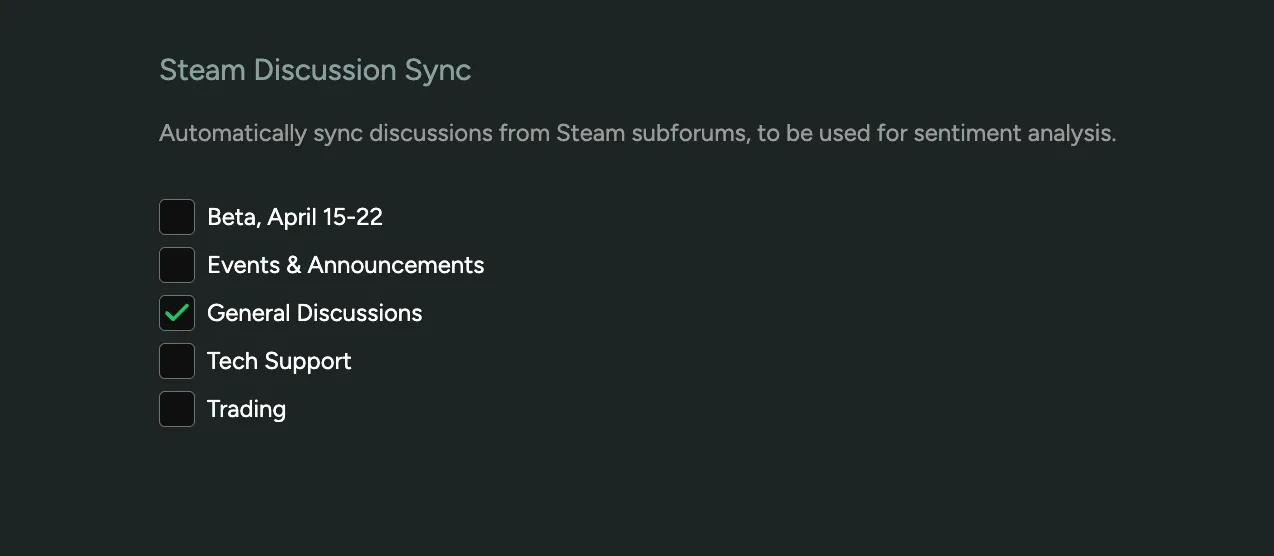
Sentiment on Steam Discussions
You can now track player sentiment from Steam discussions in addition to Steam reviews and Discord channels! Simply navigate to the Steam Configuration page and select the subforums you wish to analyze. On the Sentiment pages, filter by source to compare community feedback with public store reviews.
Interested? Enable Sentiment in FirstLook Labs!
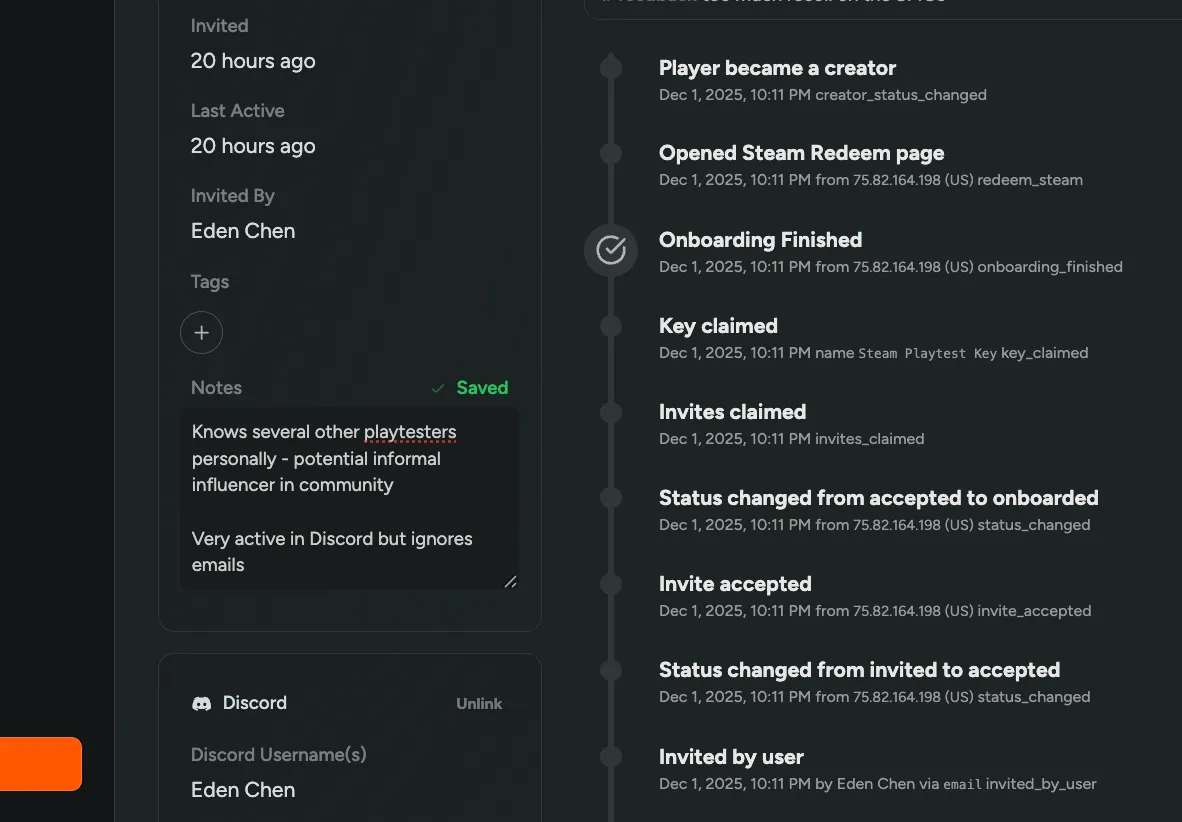
Player Notes
You can now add notes to any player profile! Keep track of important context about individual players to help you better understand and manage your community. Notes are private to your team and visible on each player’s profile.
Matrix Question Type
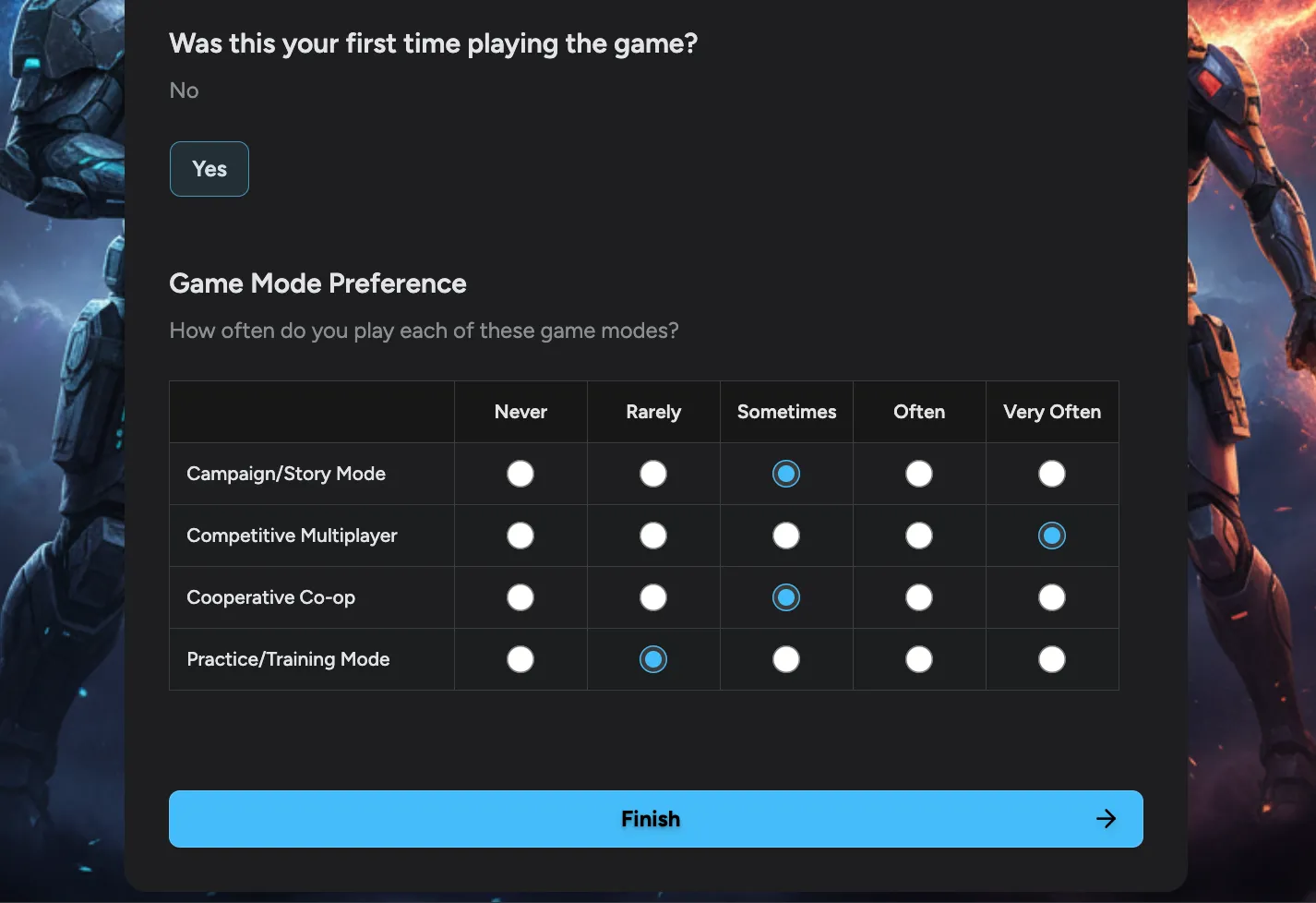
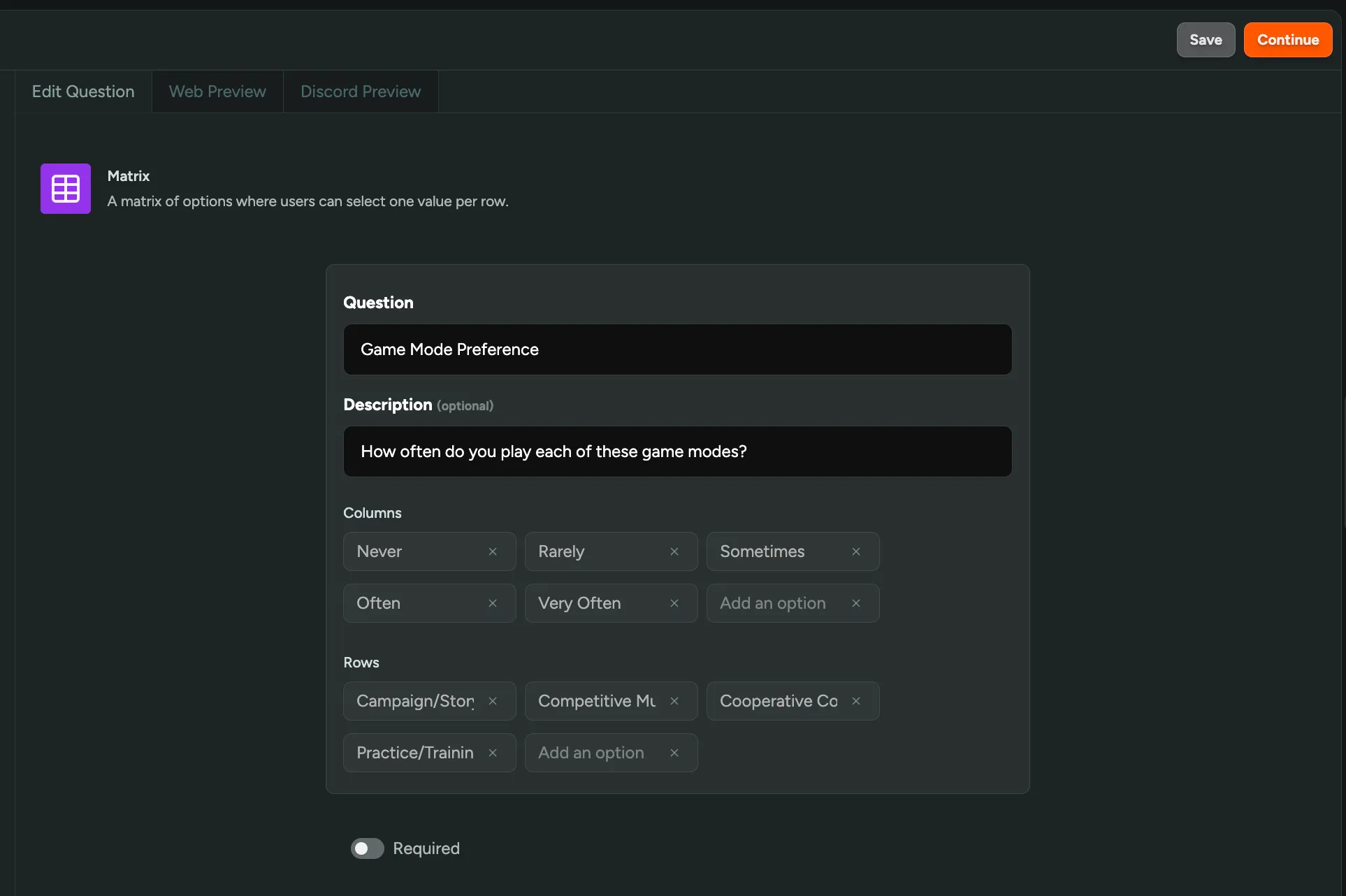
We’ve added a new Matrix question type to web surveys! Matrix questions let you gather consistent feedback across multiple items in a single question, keeping your surveys organized and more efficient for players to complete. Use them to ask about game mode preferences, feature ratings, or satisfaction levels across different aspects of your game.
Set Your Game's Timezone
You can now set your game’s timezone in Settings! All analytics across FirstLook will now respect your game’s timezone, ensuring accurate data reporting.
Player Rewards
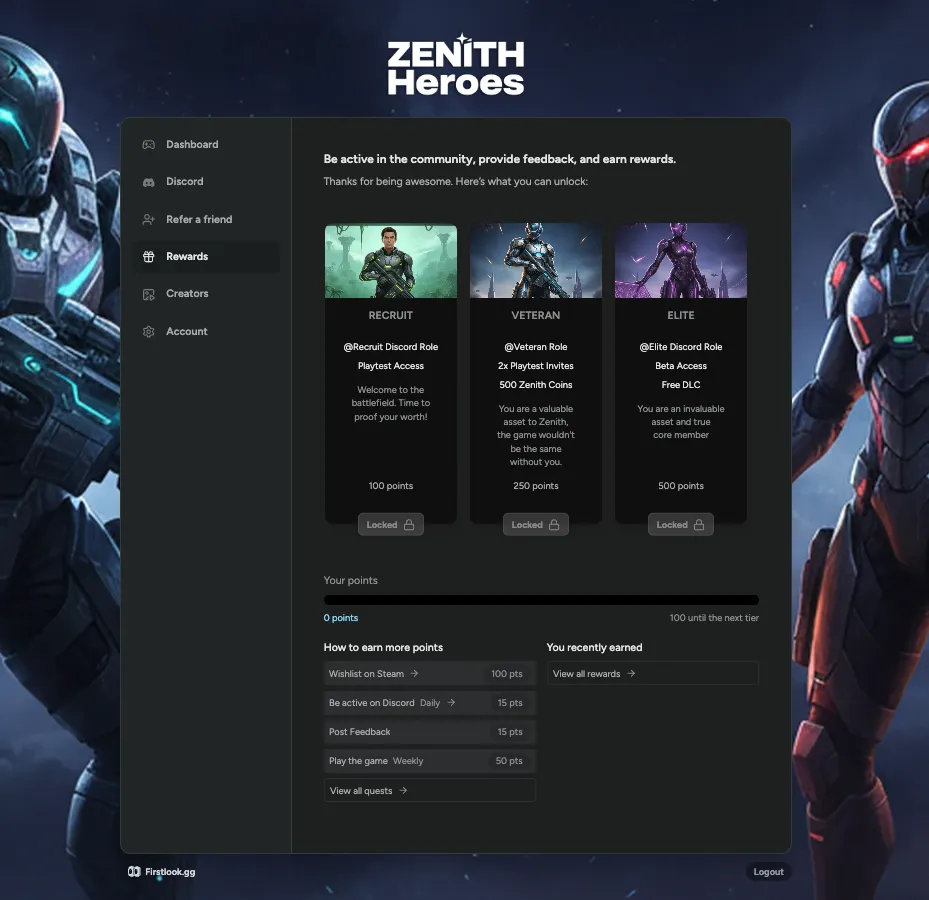
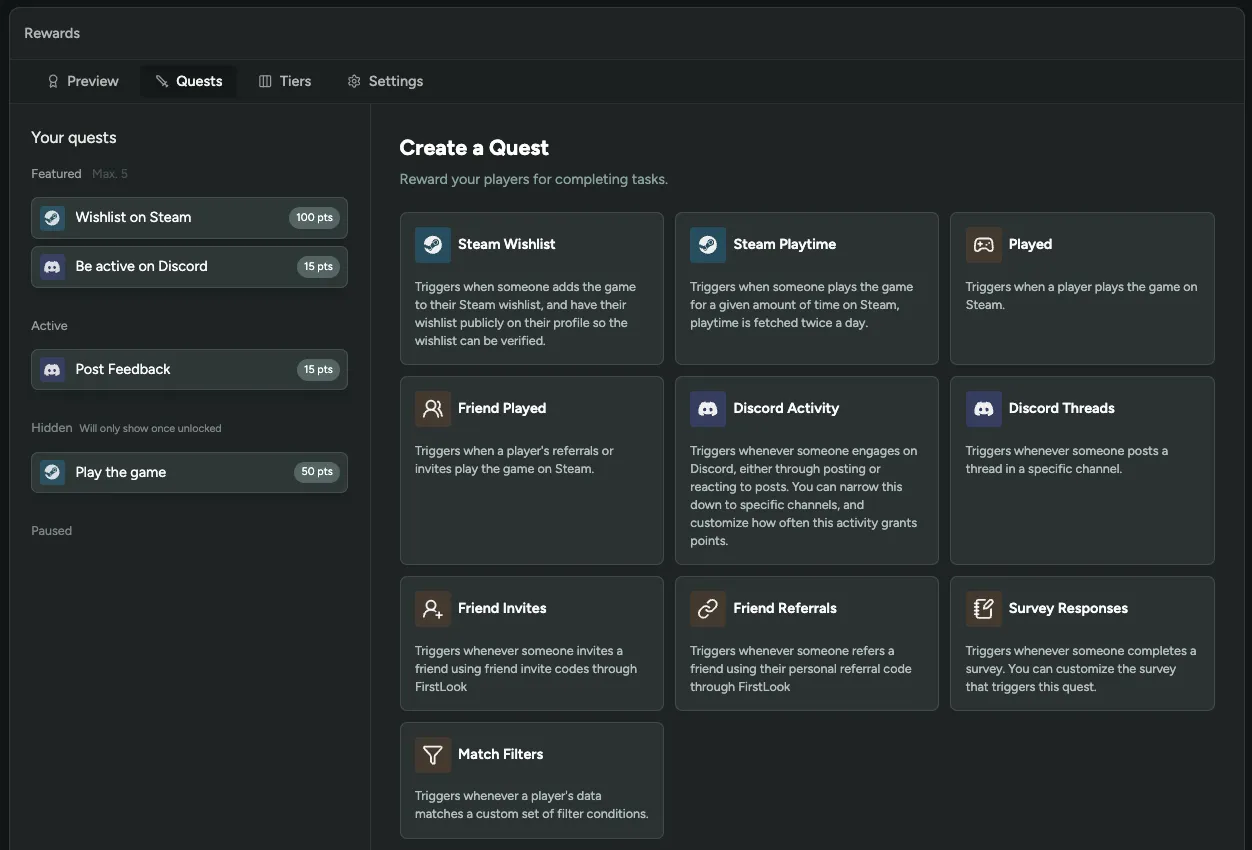
You can now keep players engaged and motivated by rewarding them for participating in your community! Create custom quests where players earn points for activities like wishlisting on Steam, being active on Discord, or playing the game. As they accumulate points, they unlock reward tiers with prizes you configure like Discord roles, game keys, or exclusive content.
Players track their progress on their dashboard and see what rewards they can unlock next. Build multiple tiers with escalating rewards to drive long-term engagement.
Interested in trying Rewards? Enable it in FirstLook Labs!
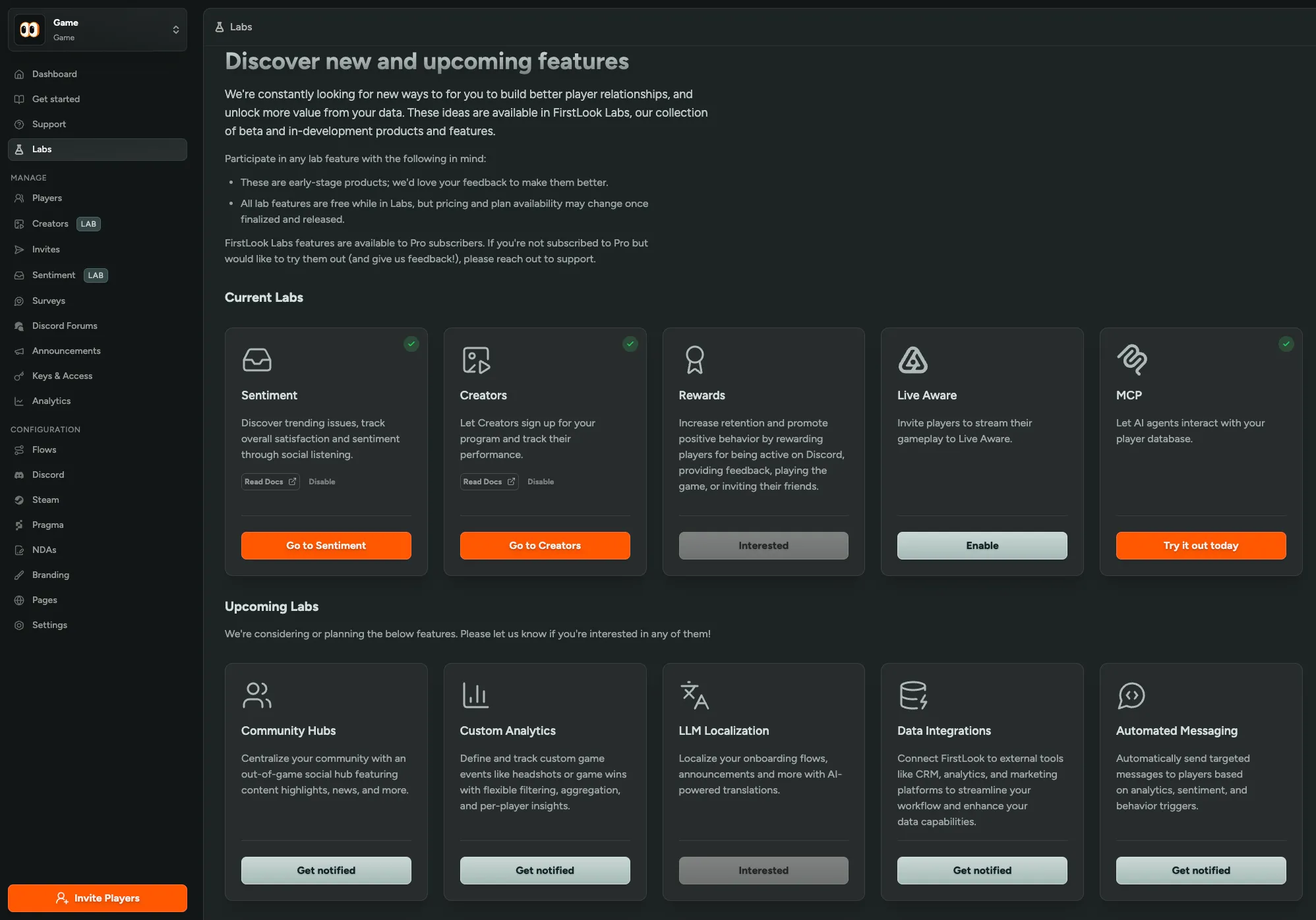
Try New Features with FirstLook Labs
We’re excited to announce FirstLook Labs, where you can try beta and in-development features before they’re fully released! Enable features like sentiment analysis, creator tools, and rewards systems directly from the Labs page. See what’s coming next and get notified when new things launch like custom analytics, LLM Localization, and automated messaging.
All Labs features are free while in beta, and we’d love your feedback to make them better! Simply navigate to the new Labs page in your admin dashboard.
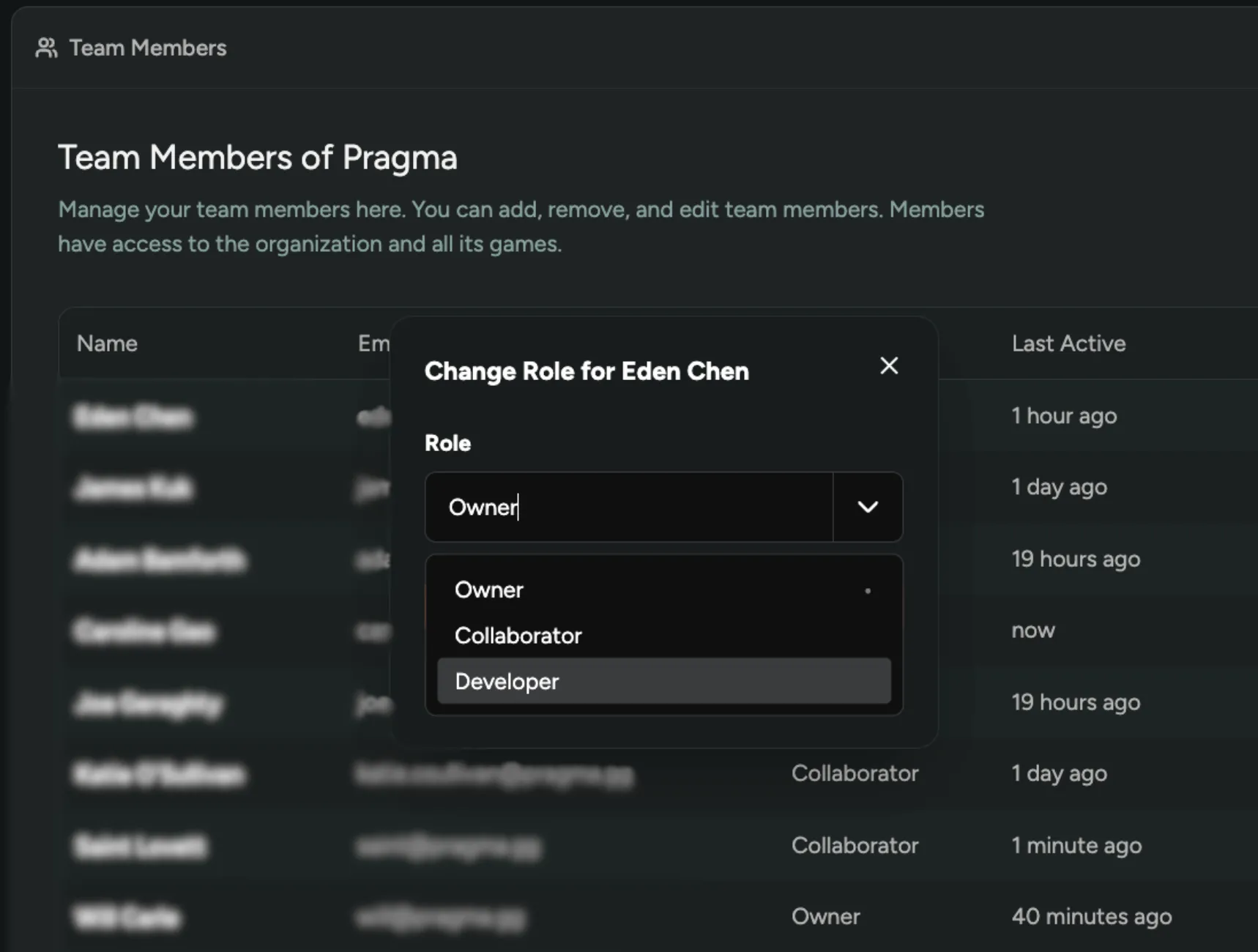
Change Team Members Roles
You can now change team member roles within your organization! Owners can adjust permissions on the ‘Team Members’ page by switching members between Owner, Collaborator, and the new Developer role. Developers have the same access as Collaborators but can also create API keys for integrations.
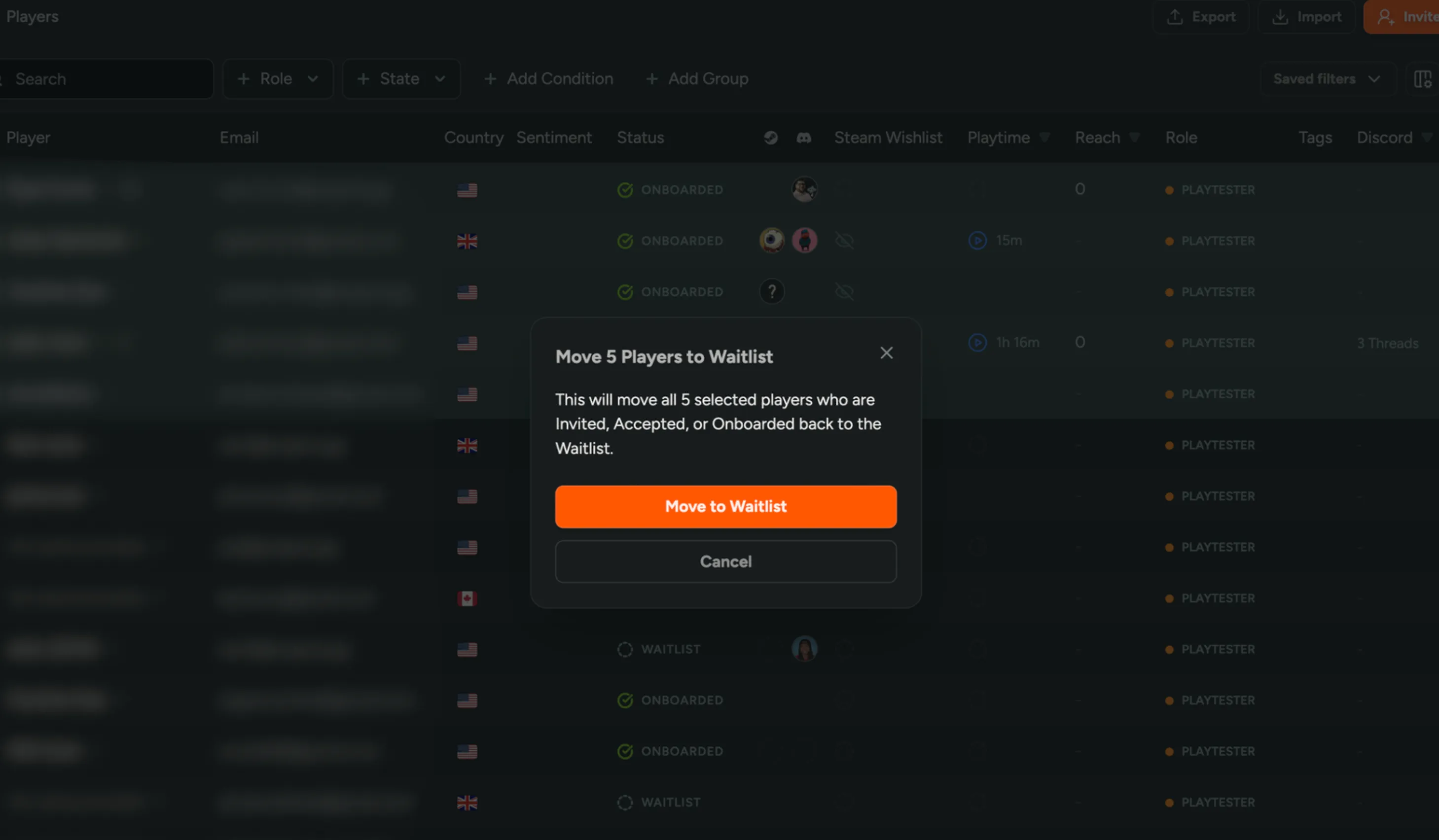
Move Players to Waitlist
You can now move invited, accepted, or onboarded players back to the waitlist! Manage key distribution more easily without having to revoke keys or switch FirstLook roles as you prepare for a new event.
Simply select the players from the player table and click ‘Move to Waitlist.’
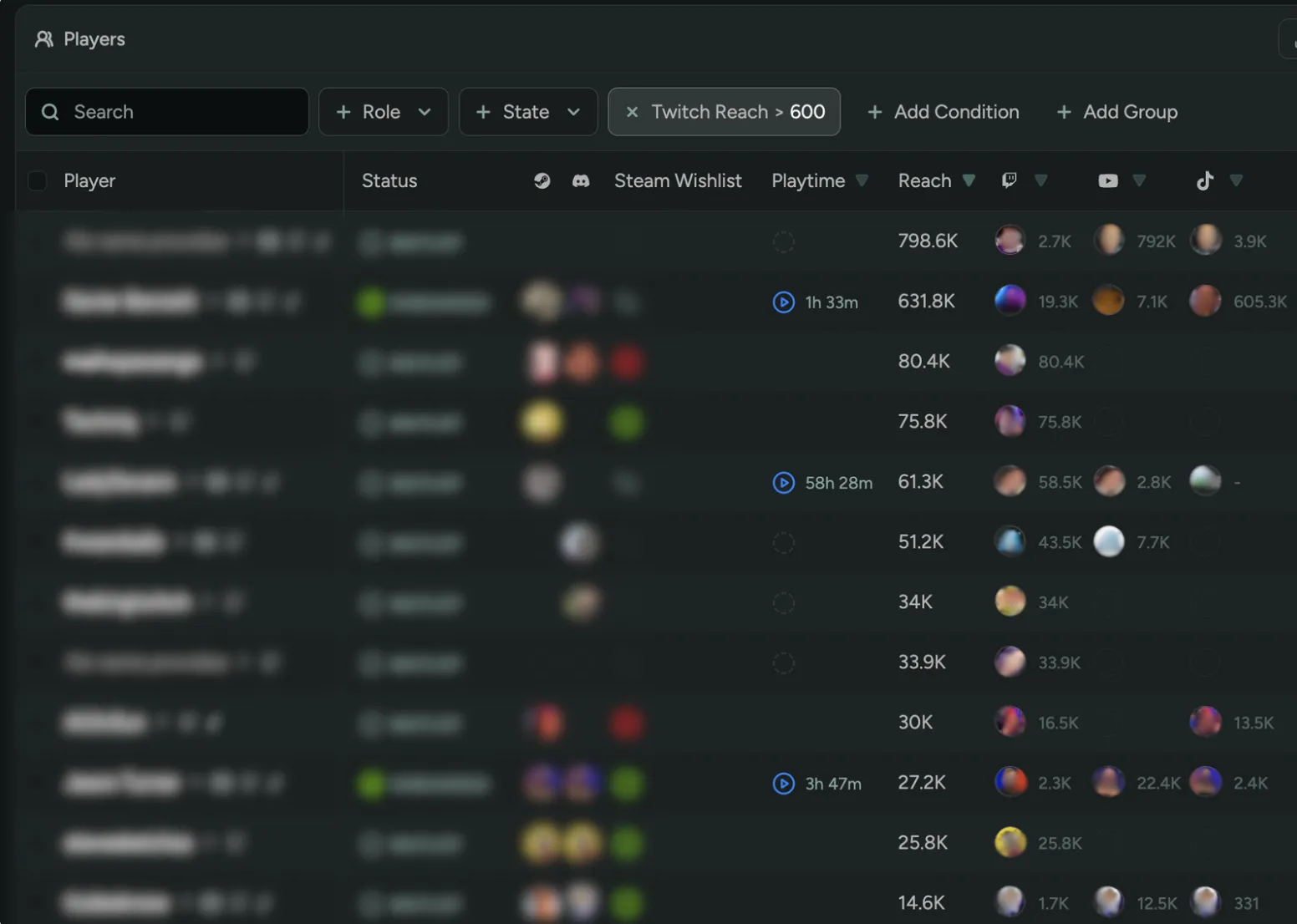
Sort/Filter by Creator Reach
You can now sort and filter creators on the player table by their total reach across all platforms or by individual platform reach! Quickly identify high-impact creators with large audiences to prioritize partnerships and campaigns.
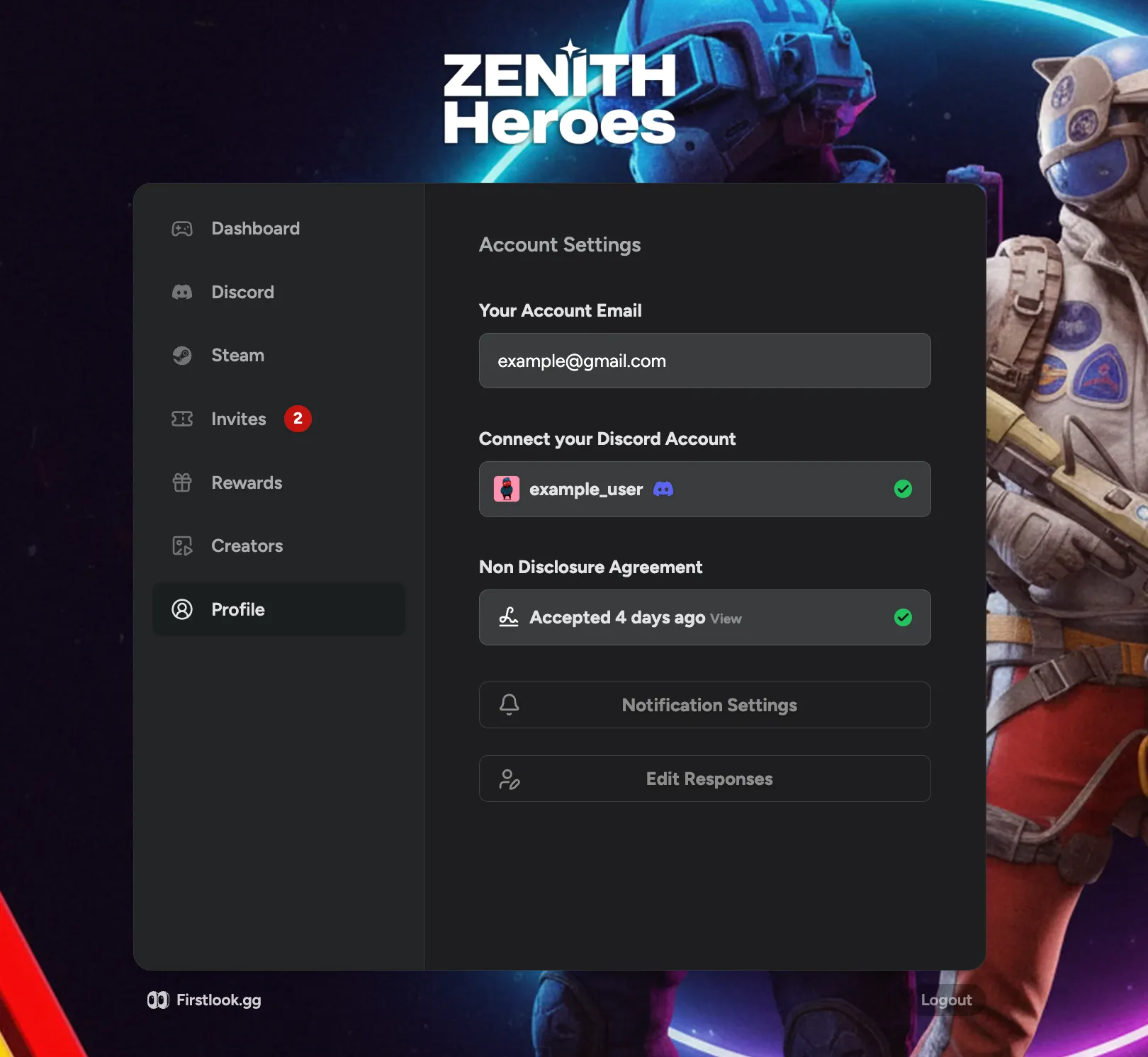
Edit Signup/Onboarding Responses
Players can now update their signup and onboarding question answers directly from their dashboard! Keep player data accurate without requiring players to contact support or re-register.
Have players simply click ‘Edit Responses’ under their ‘Account/Profile’ tab.
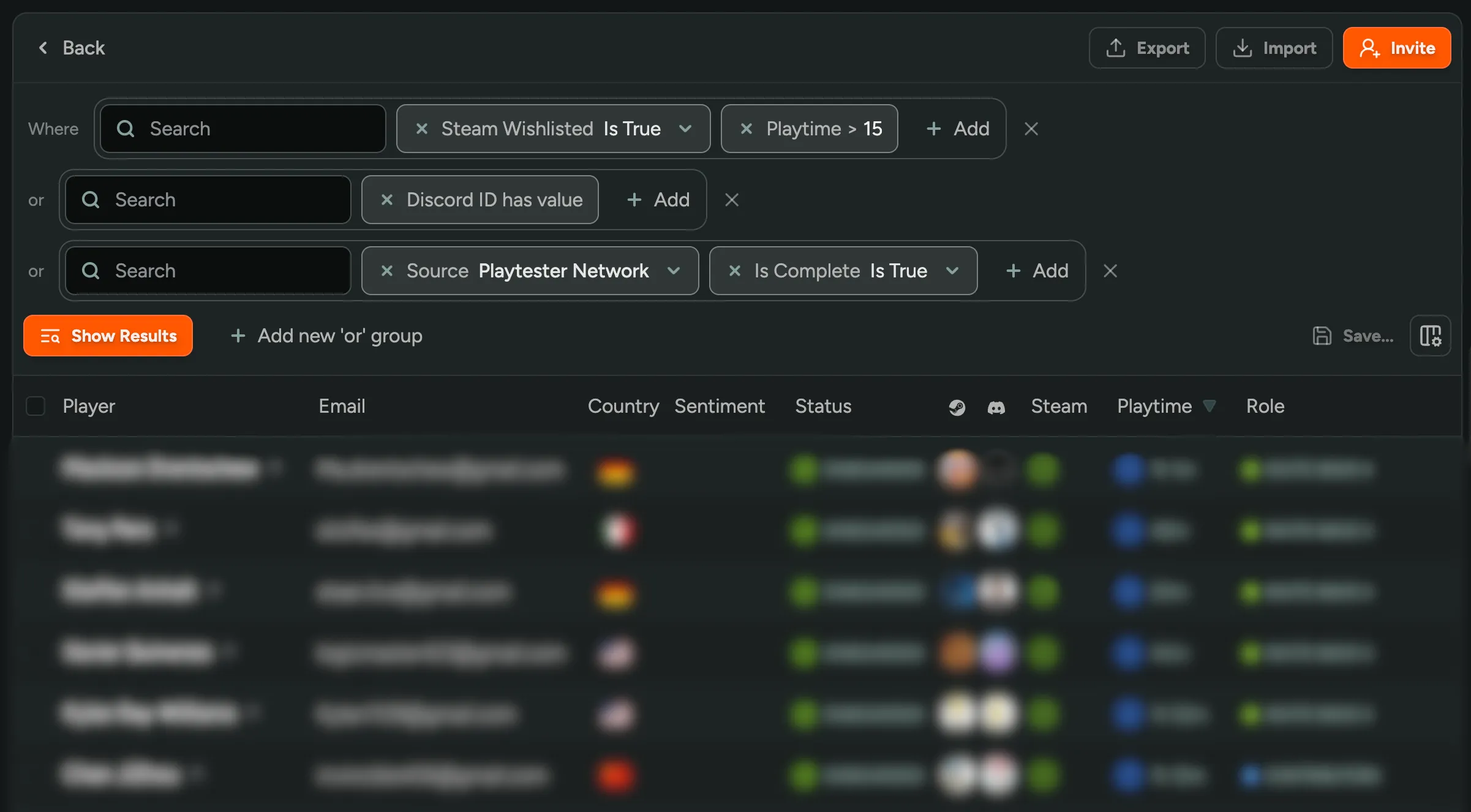
Advanced Player Filtering
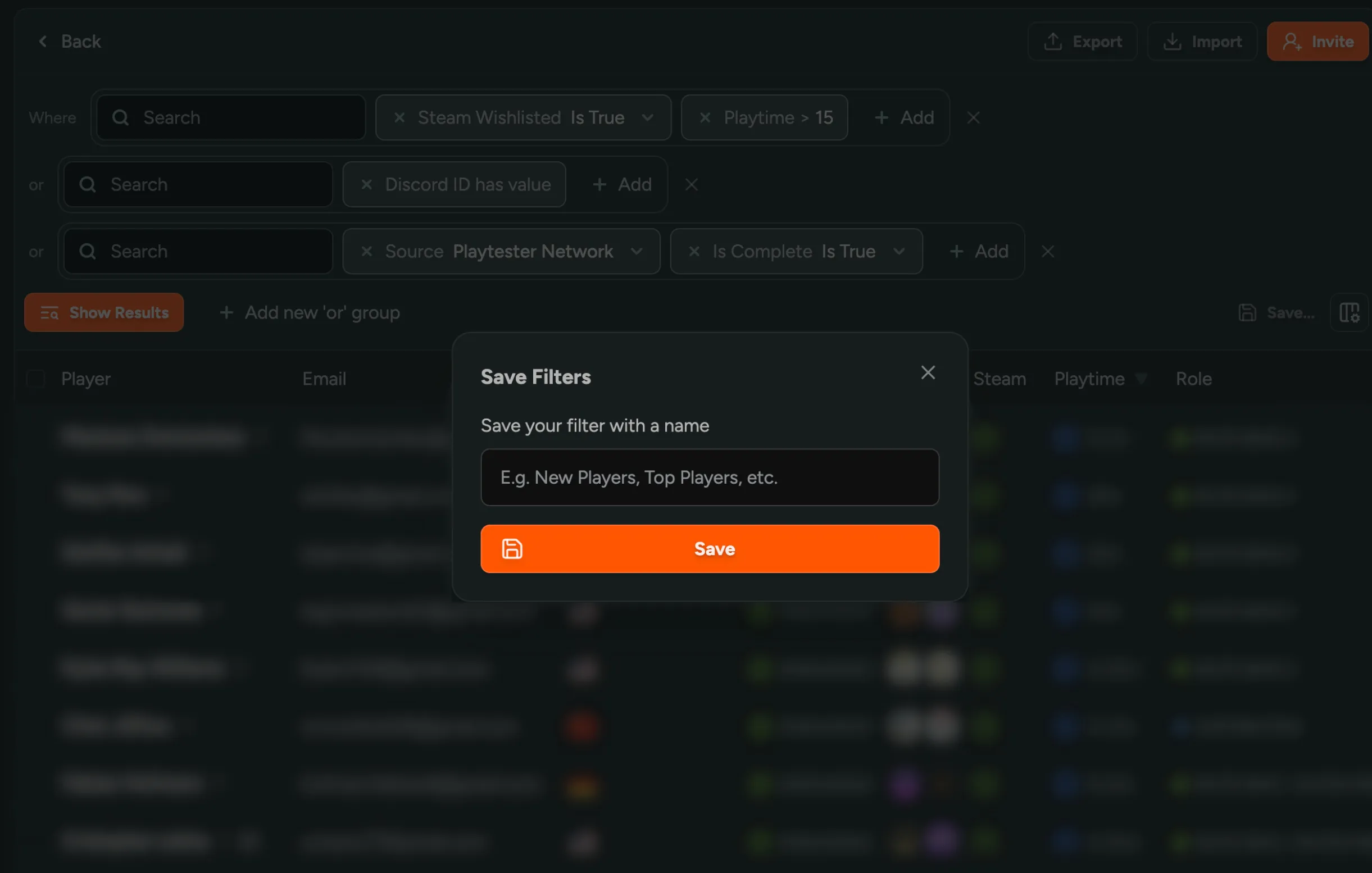
You can now create complex player filters with OR groups to find players like ‘Steam Wishlisted OR came from the Playtester Network.’ Click ’+ Add Group’ at the top of the player table to add filter groups, then save your combinations to quickly access them later!
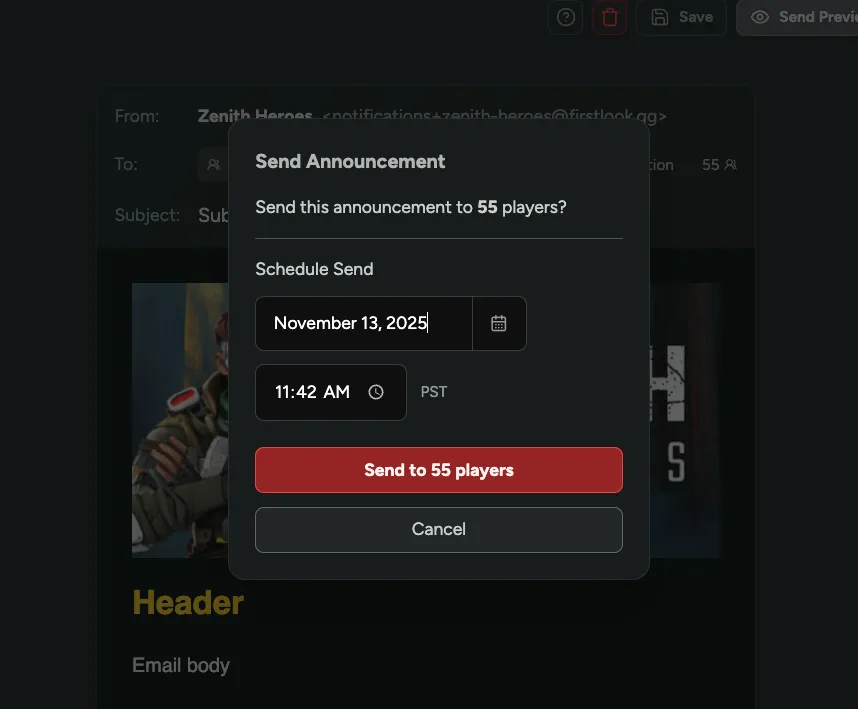
Scheduled Announcements
You can now schedule announcements to send at a future date/time instead of sending them immediately! Queue up multiple announcements at once, set them to automatically send during peak player activity, or coordinate announcements across time zones.
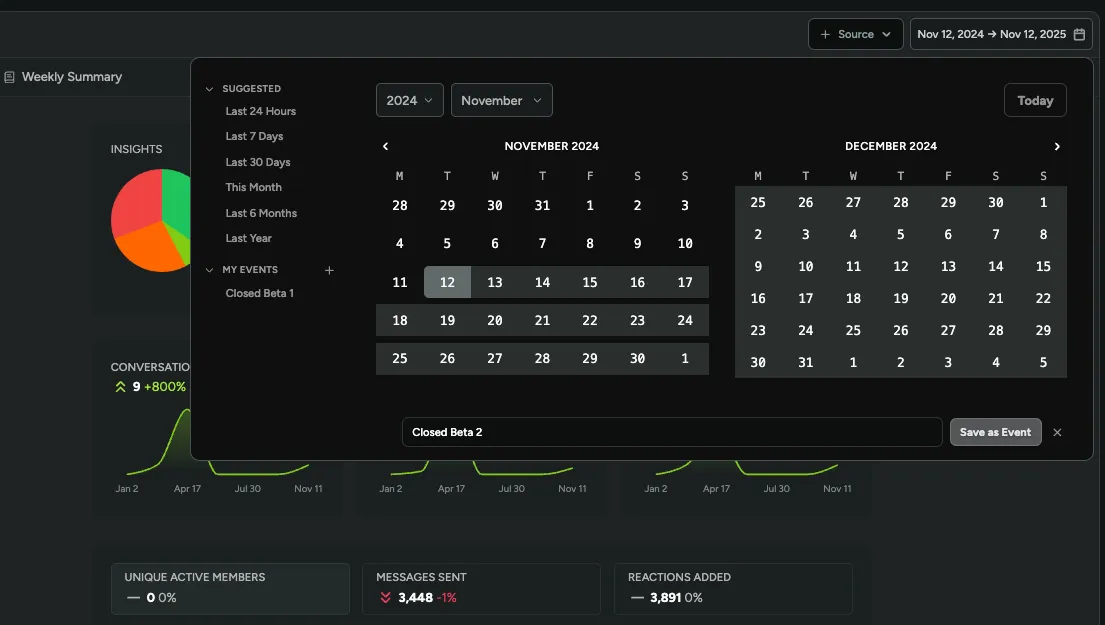
Custom Events in Date Filters
You can now save playtests, launches, and other events as custom date ranges in the date picker! Instead of manually selecting the same dates every time, click ‘+’ next to ‘My Events’ to name and save important time periods for quick filtering across Sentiment and Creator Content.
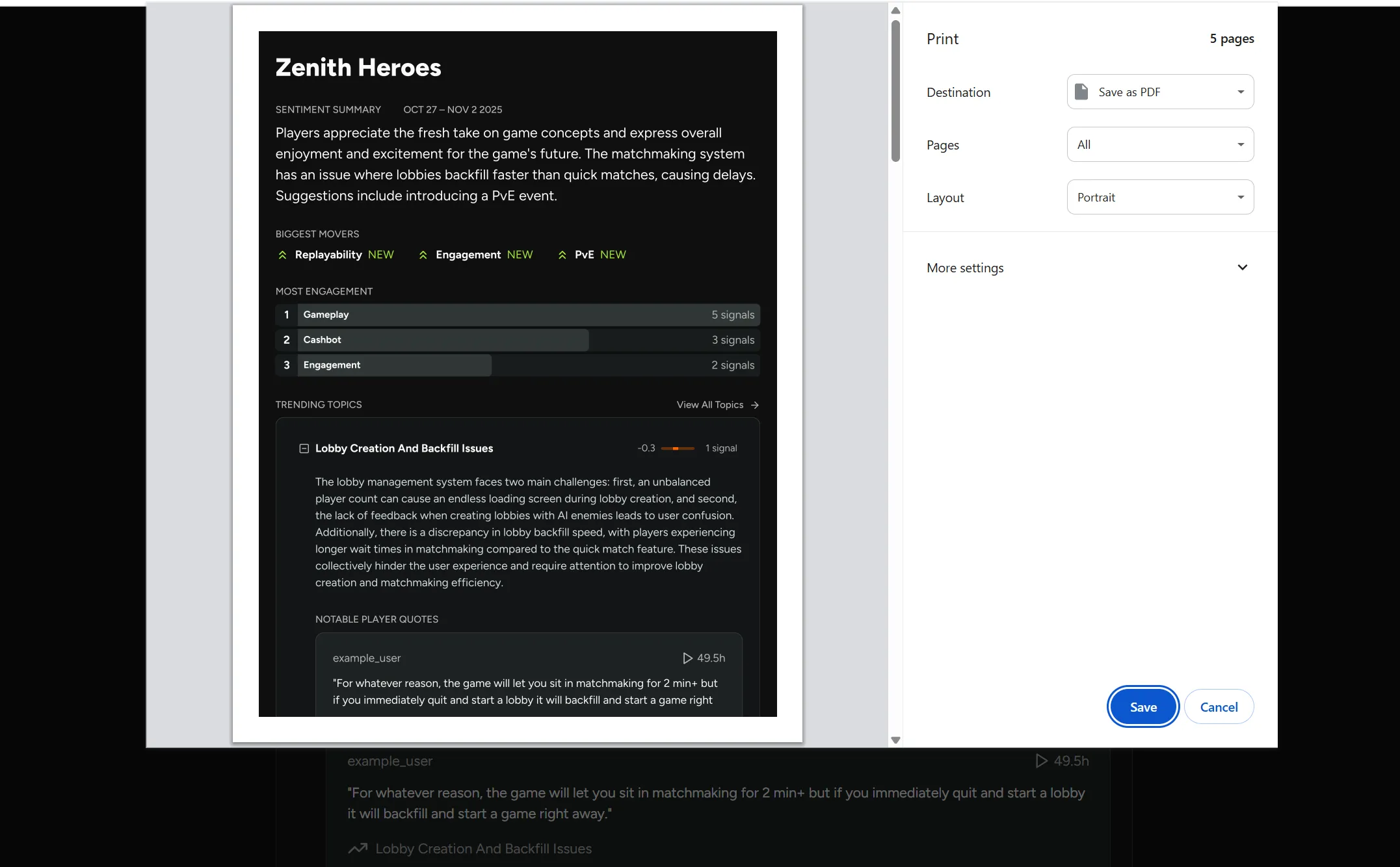
Weekly Summary PDF Export
You can now export your weekly sentiment summaries as PDFs to easily share insights with your team or include in reports! Simply click ‘Export’ on any weekly summary page.
Interested in Sentiment? Reach out for access!
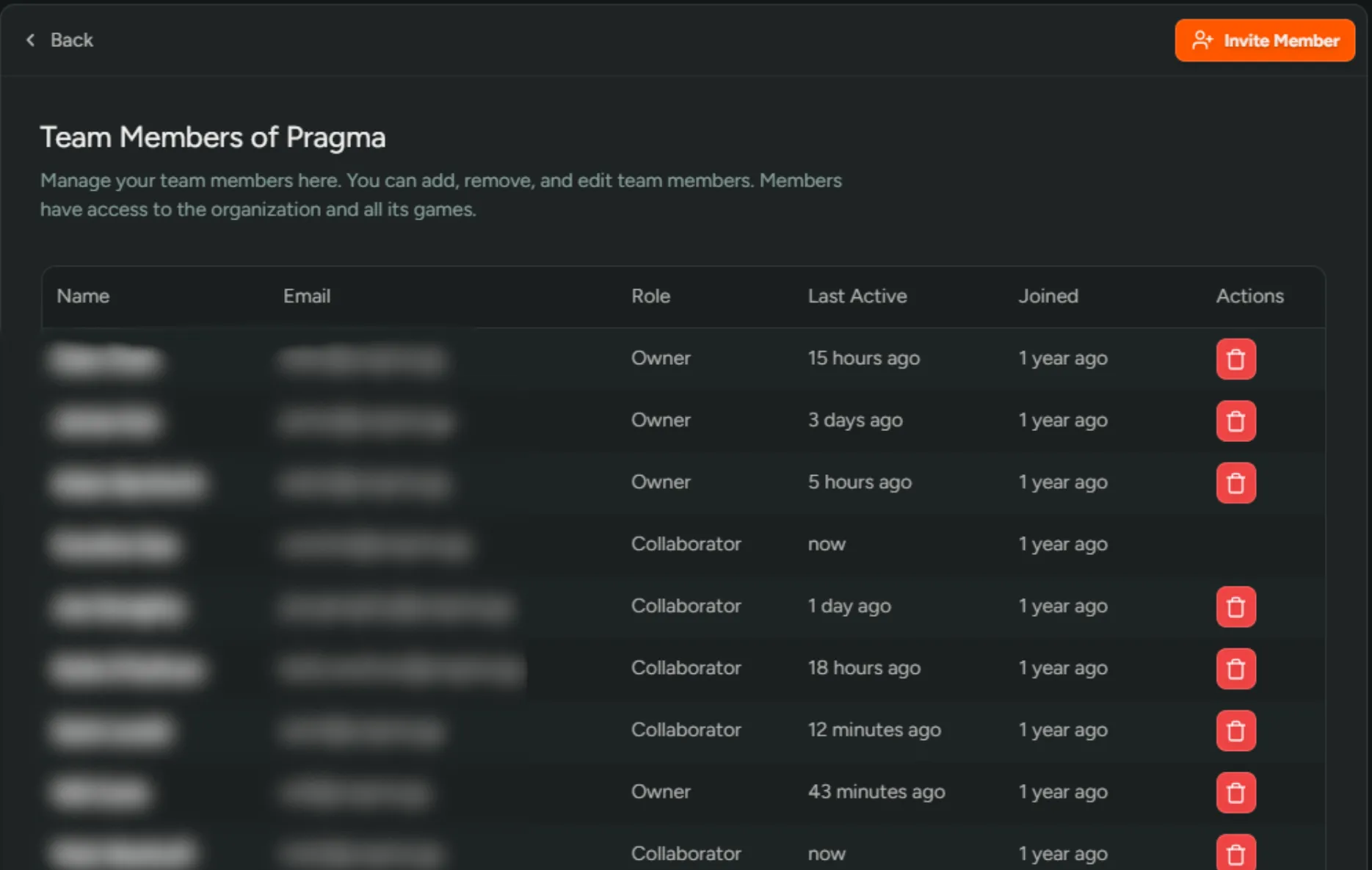
View Team Activity
You can now see when team members were last active and when they joined your organization! This lets you identify inactive accounts and keep your team up-to-date and secure.
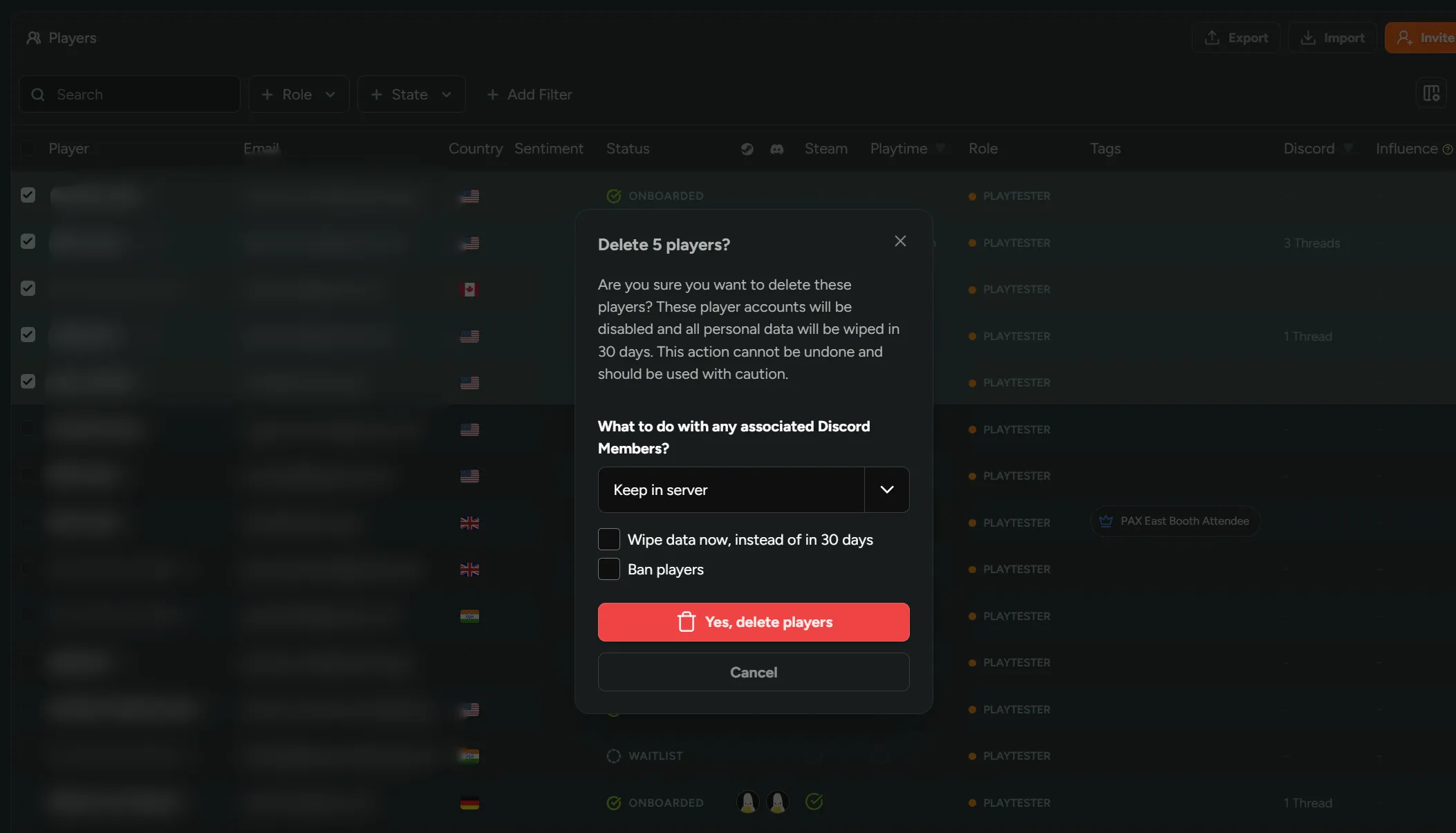
Bulk Action Deleting Players
You can now delete multiple players at once from the player table instead of removing them one by one! Choose to keep or remove them from the Discord, wipe their data immediately, or ban them.
Sentiment on Steam Reviews
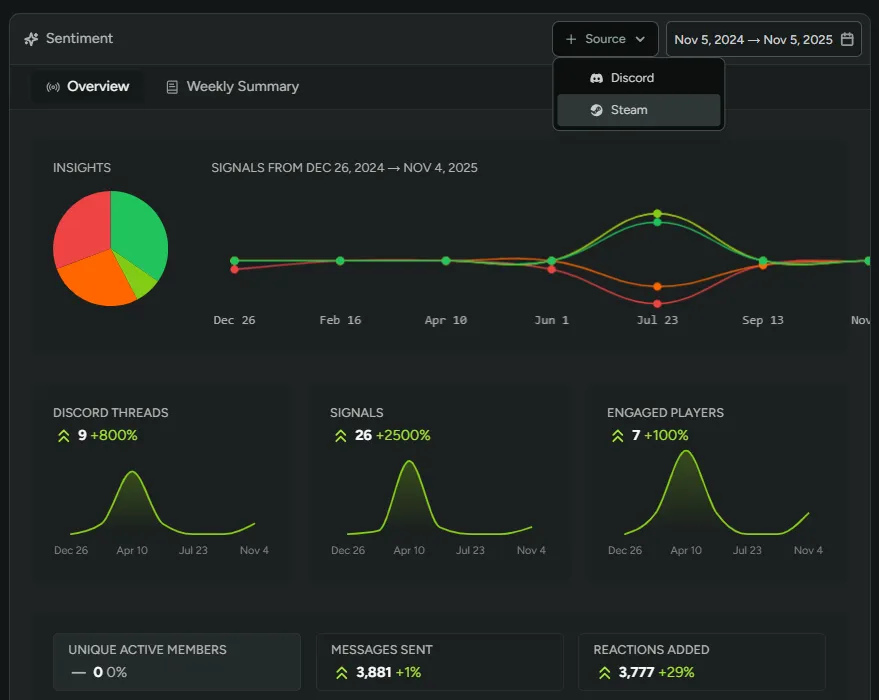
You can now track player sentiment from Steam reviews in addition to Discord channels! Analyze what players are saying across both platforms and filter by source to compare community feedback with public store reviews.
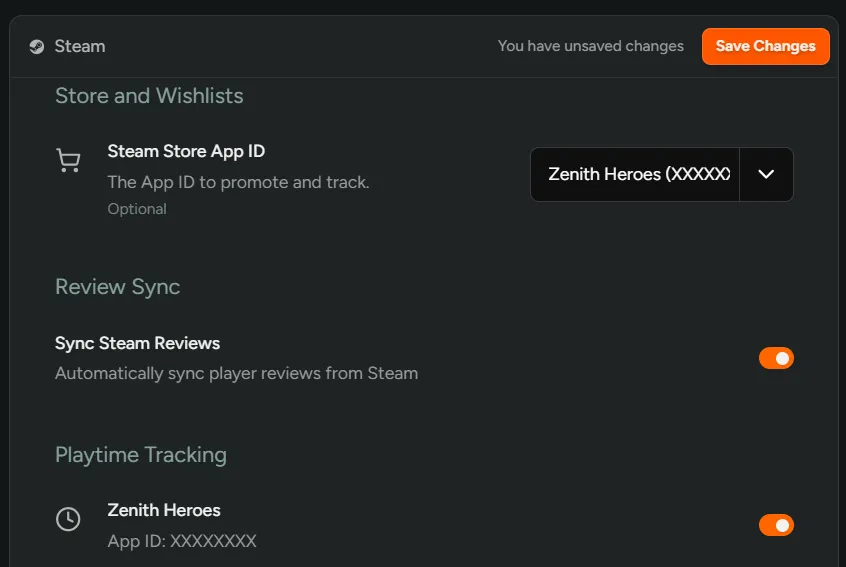
Navigate to Configuration > Steam to enable Steam review syncing.
Interested in Sentiment? Reach out for access!
Edit Surveys
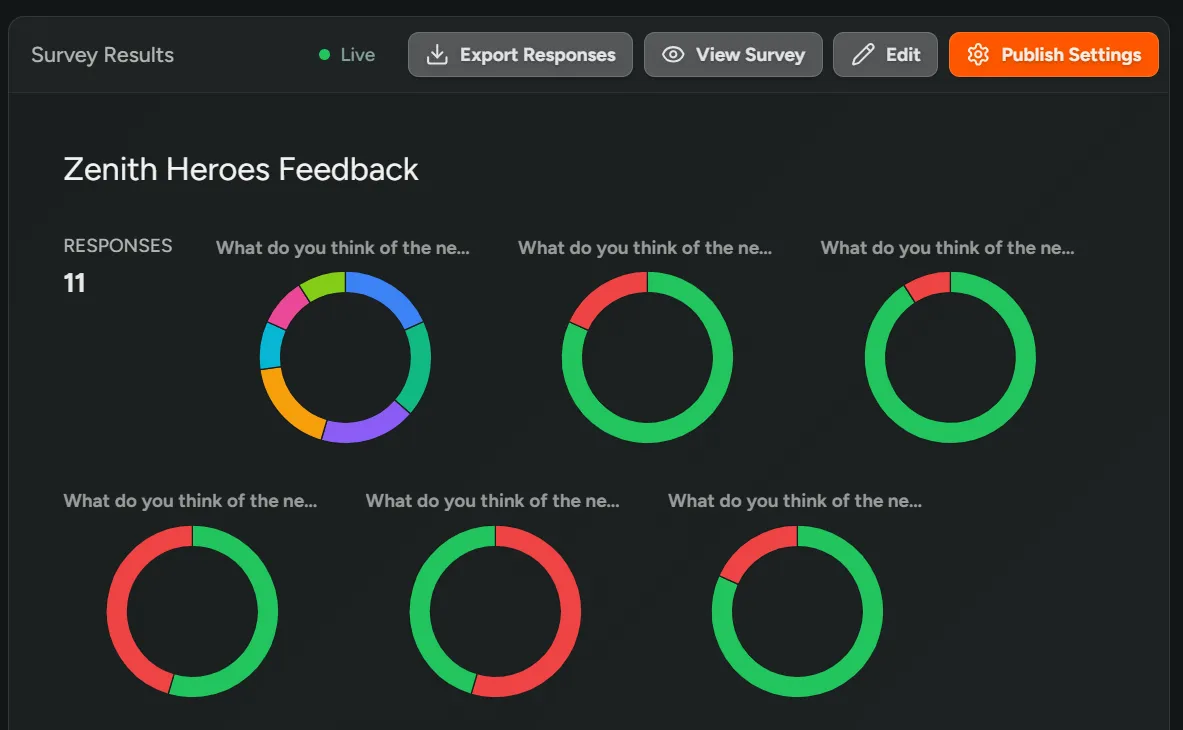
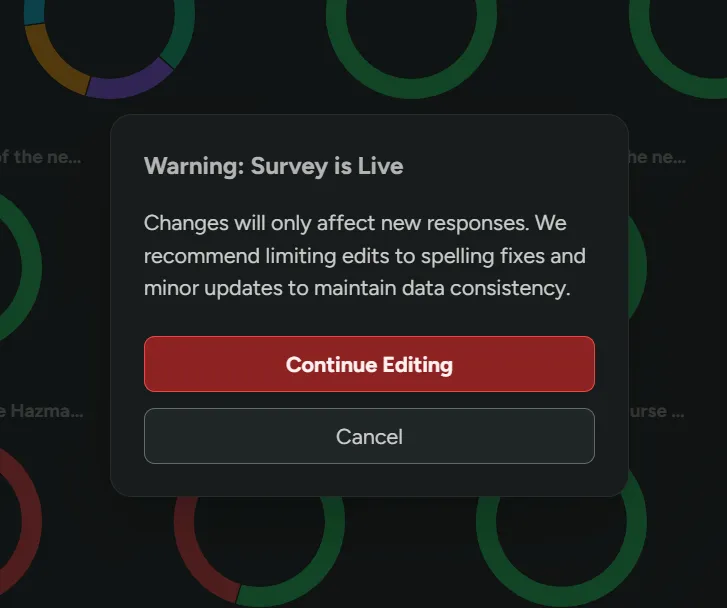
You can now edit surveys after they’ve gone live! Make spelling fixes, clarify questions, or update minor details without having to recreate the entire survey.
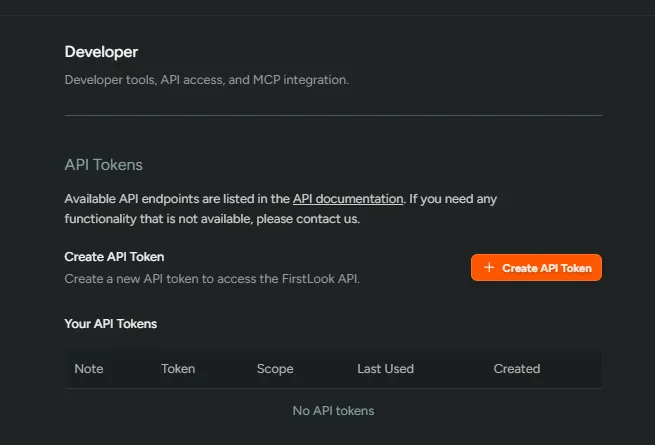
Create API Tokens
For Enterprise customers, you can now create API tokens to access the FirstLook API directly from your dashboard! Build custom integrations, automate workflows, or connect FirstLook data to your own tools and systems.
Navigate to Settings > Developer to create your tokens. Check out our API documentation for available endpoints.
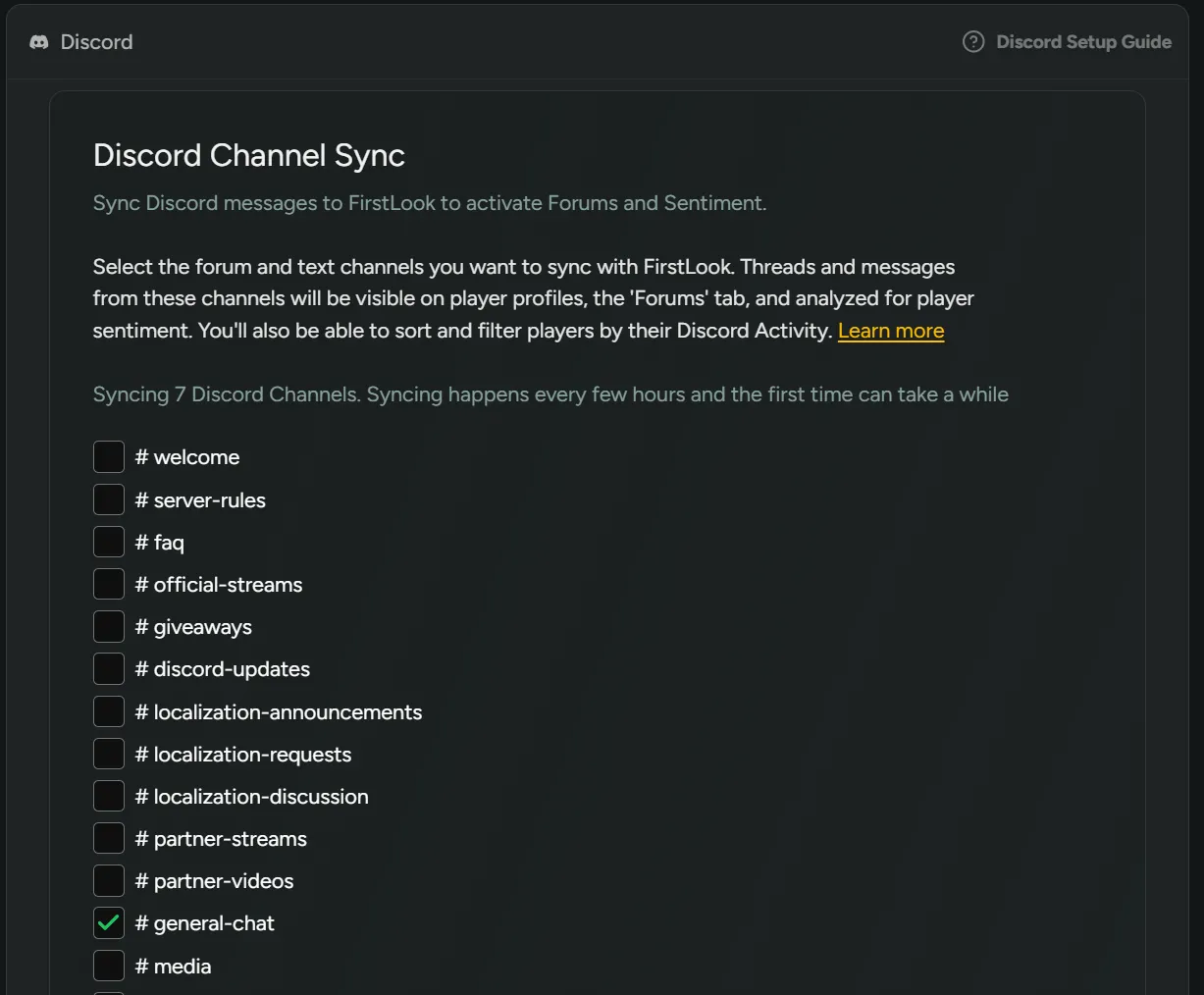
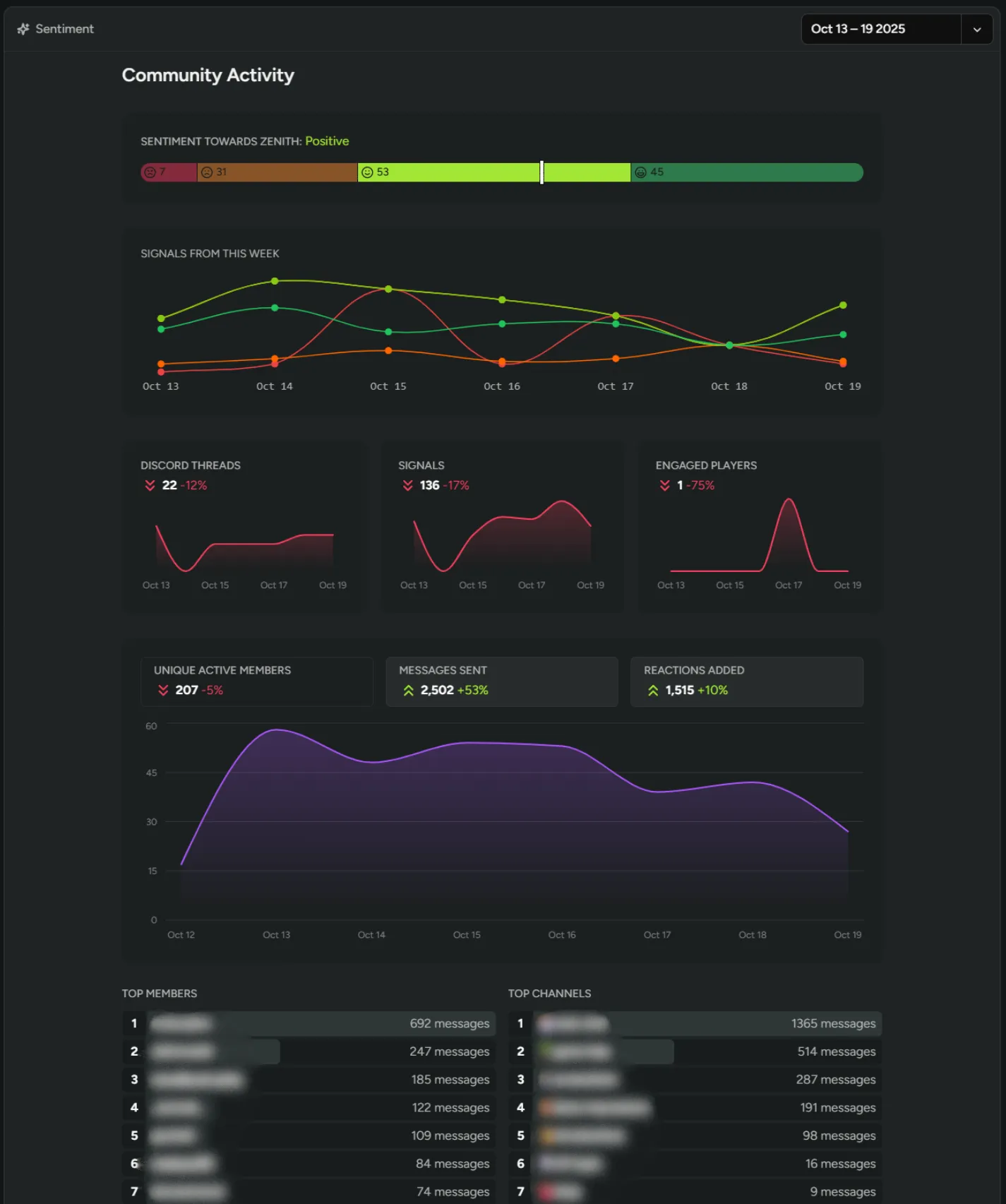
Sentiment on Discord Text Channels
You can now track player sentiment from Discord text channels in addition to forum channels! Capture casual conversations happening in your community alongside structured forum discussions. Navigate to Configuration > Discord to select your text channels to sync.
Interested in Sentiment? Reach out for access!
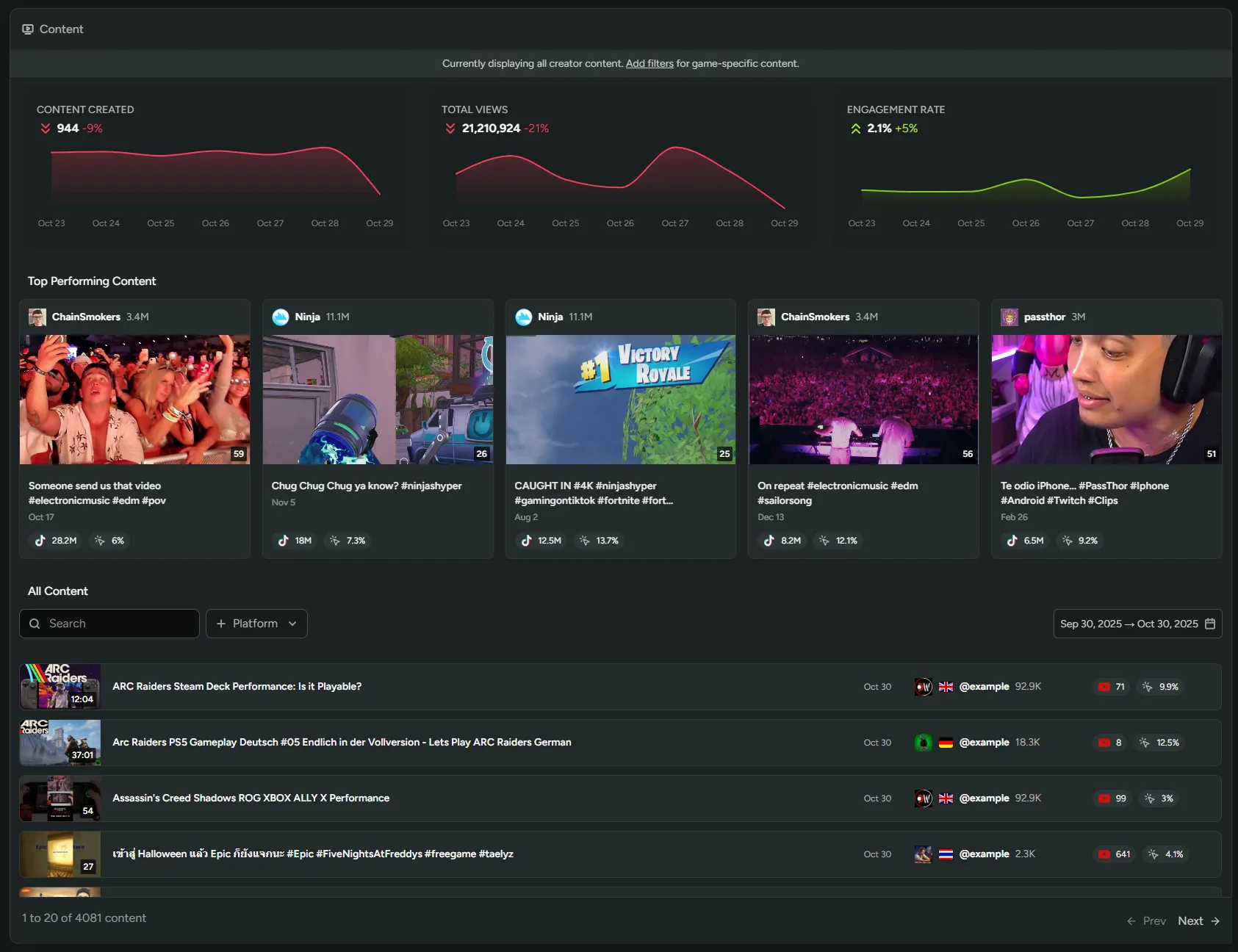
Creator Content Page
We’ve added a new Content page for tracking everything your creators are making! You can see all creator content in one place, including views and engagement rates. Filter content by platform or by a specific game.
Interested in our creator tools? Reach out for access!
Player Dashboard Redesign
We’ve redesigned the player dashboard with a new sidebar and dedicated pages for each feature! Players now have a cleaner, more organized experience after signing up or getting onboarded.
Have them explore your Discord server and claim roles, view Steam keys and branches, track invites and referrals, access the Creator Program, or catch up on past announcements in the News section.
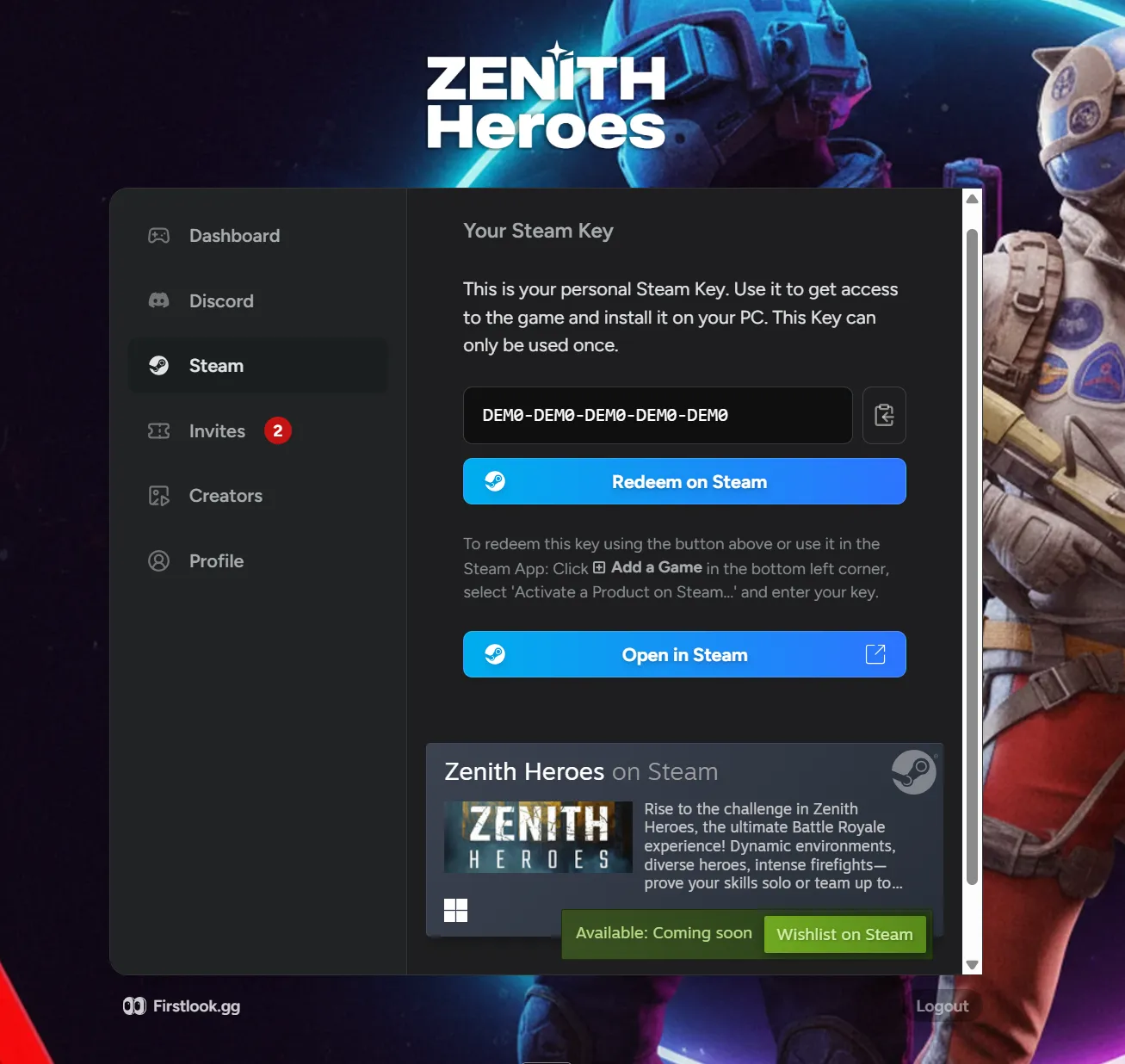
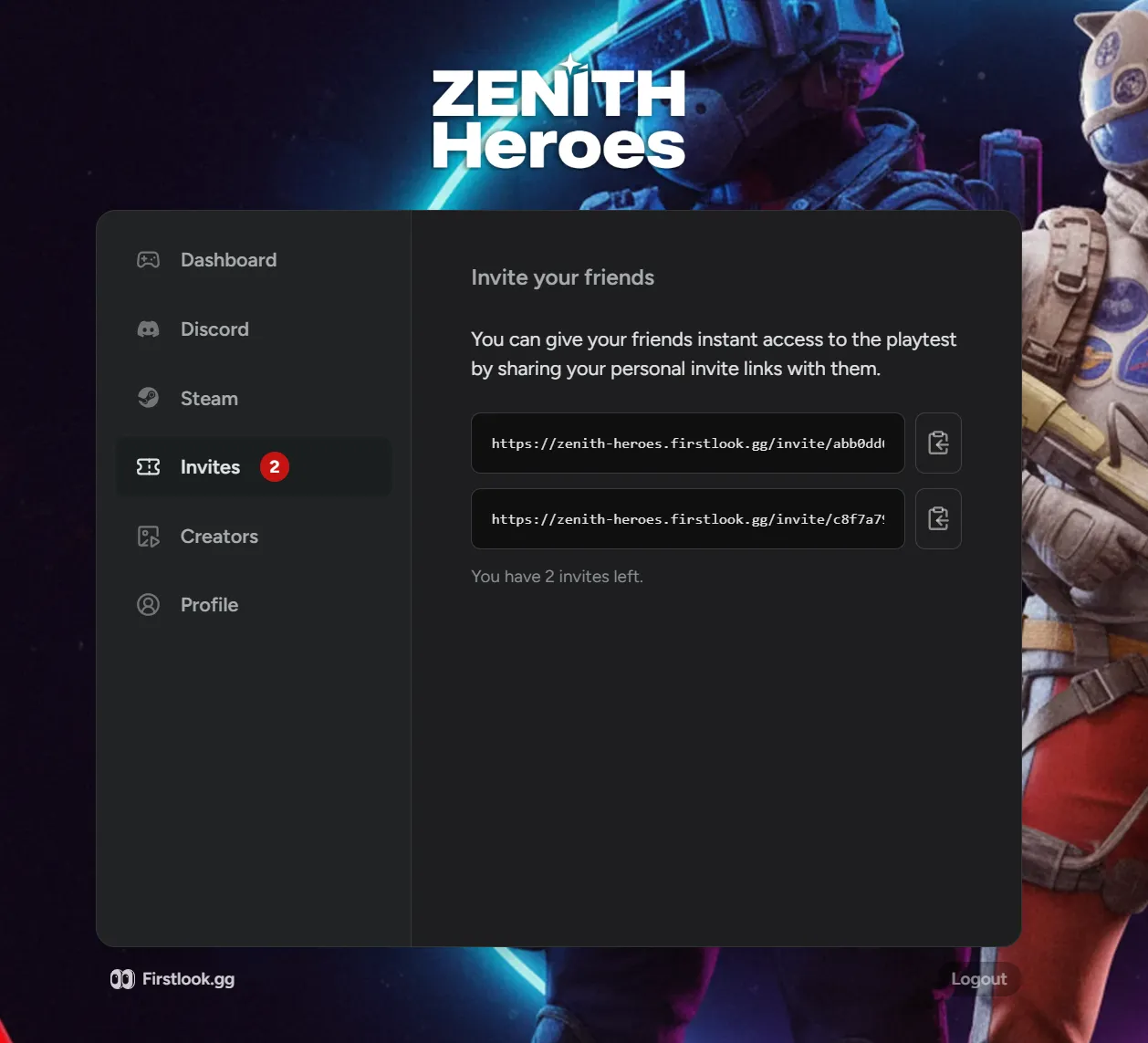
FirstLook x ChatGPT/Claude (Beta)
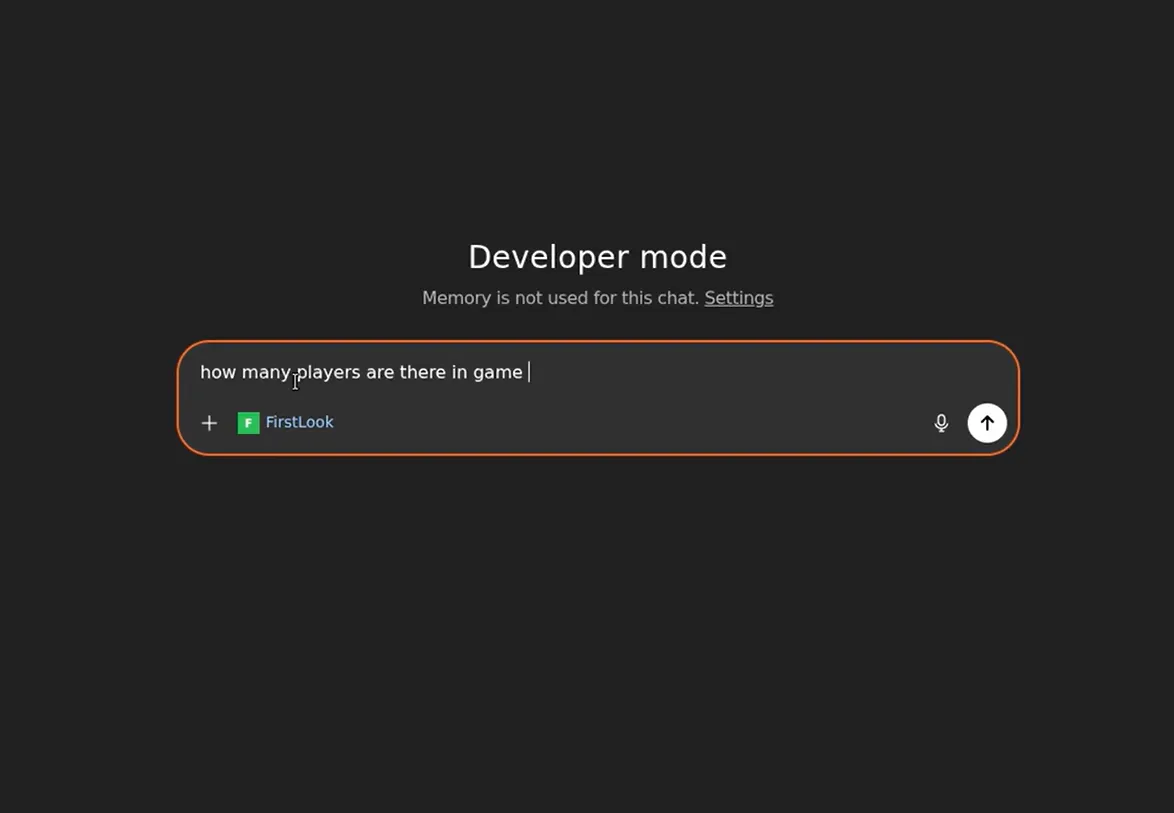
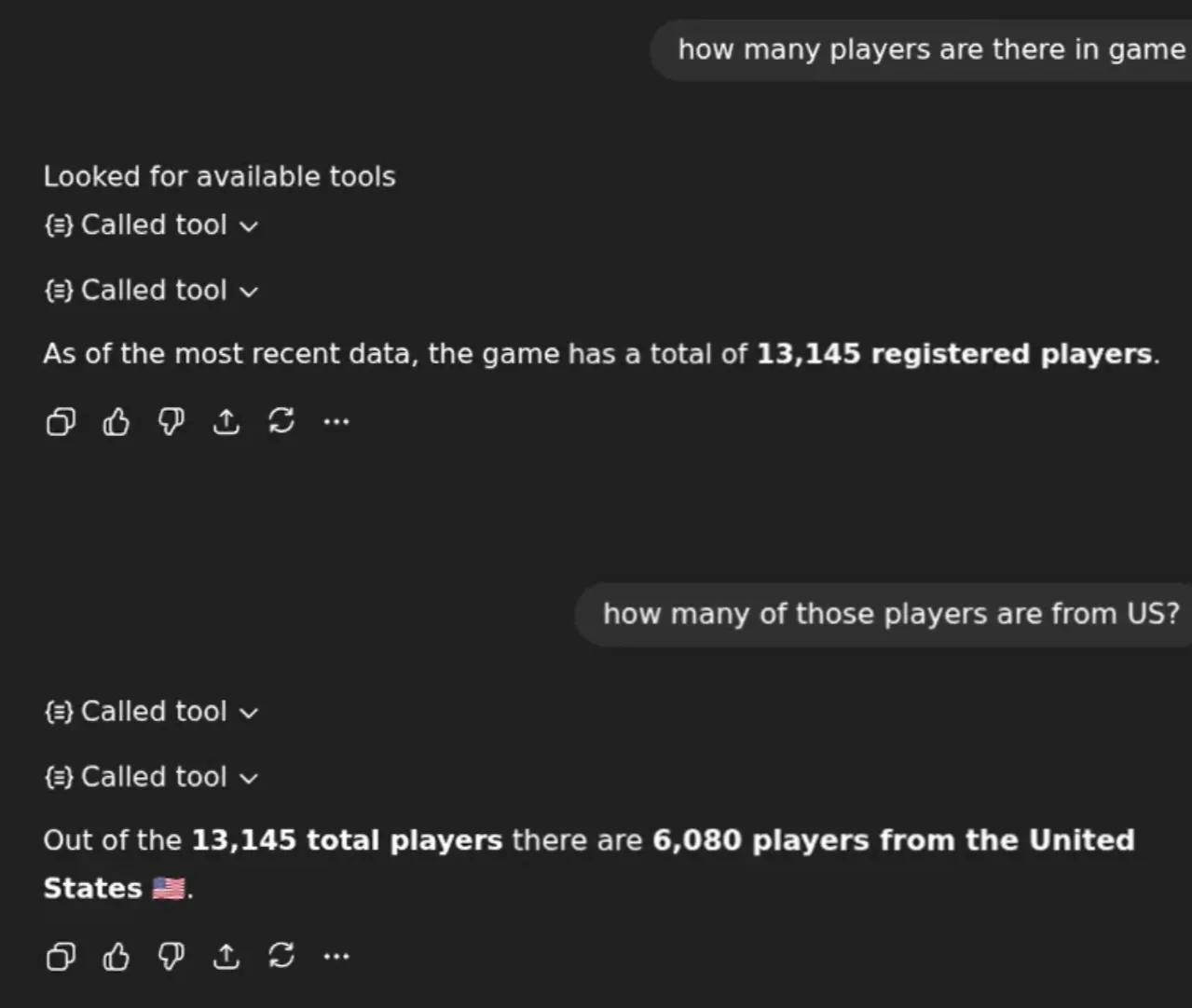
We’ve added support for the Model Context Protocol (MCP), allowing AI assistants like ChatGPT or Claude to securely access your FirstLook data! Search and filter players, view detailed profiles and activity logs, compare analytics across time periods, perform bulk actions like updating roles or granting invites, and search Steam play sessions directly through your AI assistant.
Ask questions like “How many playtesters are signed up for my game and of those, how many are from Germany?” or “Show me players who logged more than 10 hours last week” without leaving your AI chat.
Interested? Check out our documentation.
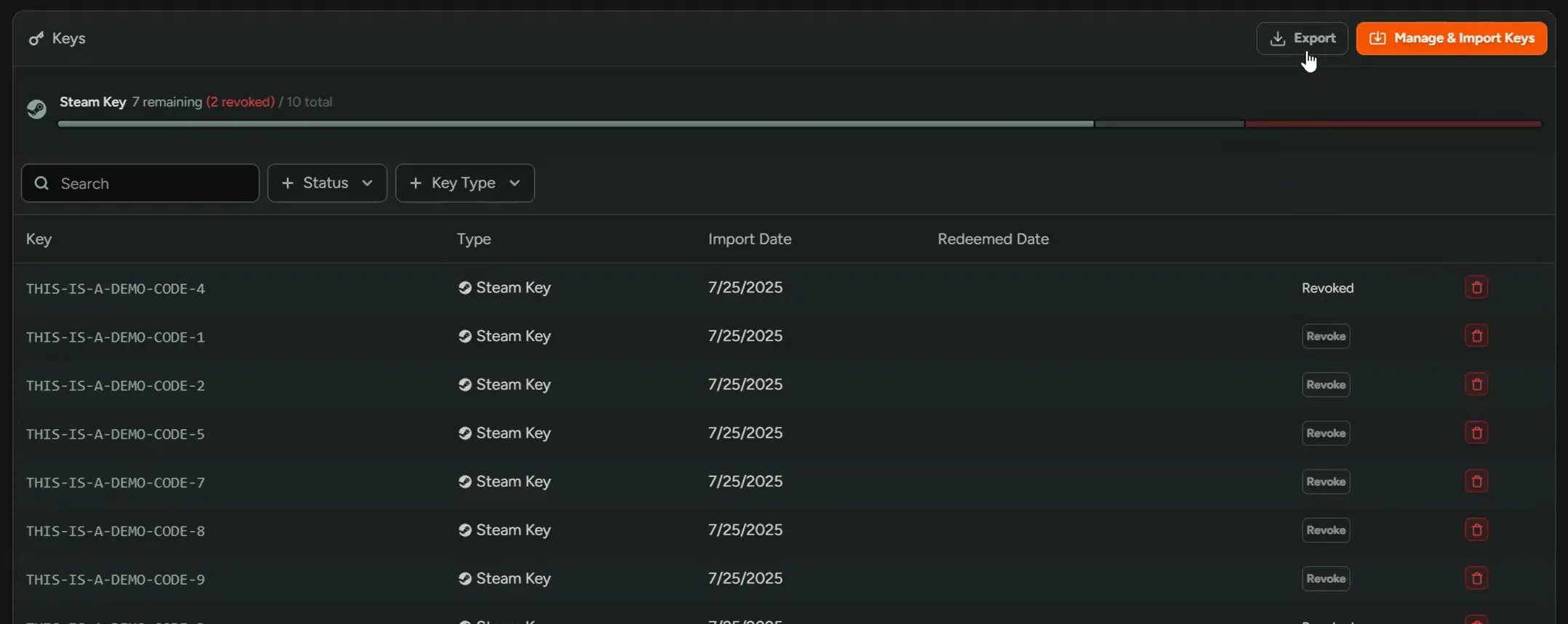
Export Keys
You can now export your keys filtered by redeemed, unredeemed, or revoked status! This makes it easier to audit key distribution, track redemptions, and reconcile keys with external systems.
Simply hit ‘Export’ on the ‘Keys & Access’ page.
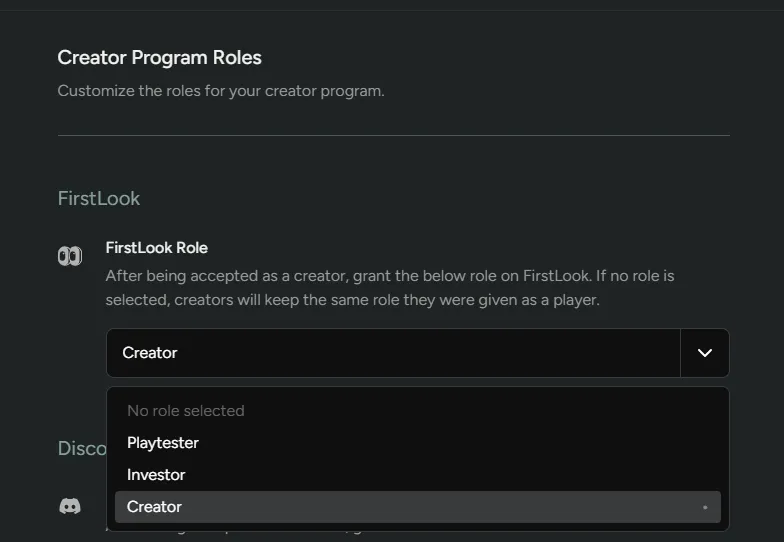
Assign Creators FirstLook Roles
You can now assign creators to a specific FirstLook Role! This ensures all creators receive the same keys, access, and invites. Navigate to Settings > Creator Program > Roles to choose the role.
Interested in our creator tools? Reach out for access!
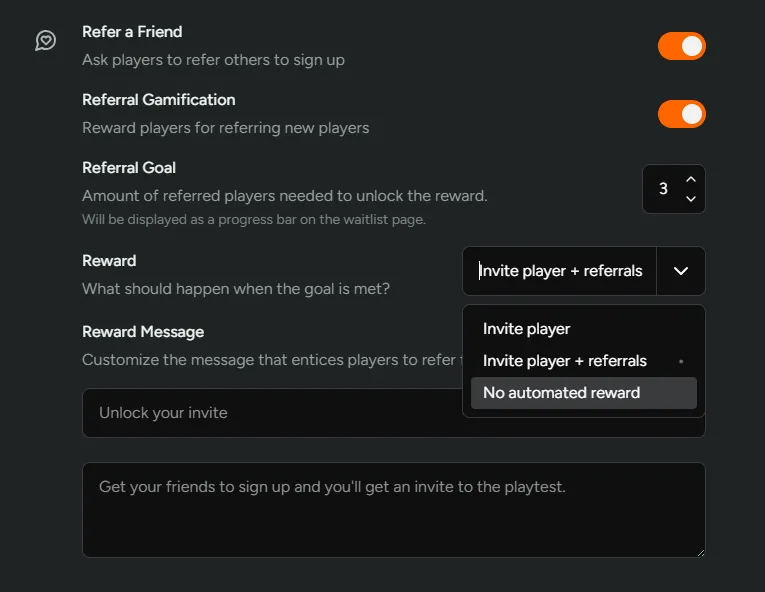
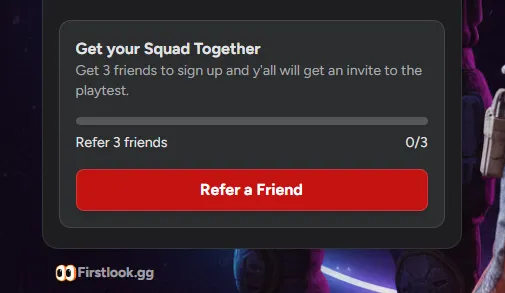
Manual Referral Rewards
You can now show players their referral progress without automatically sending invites! This allows you to control exactly when to reward referrers instead of sending invites before you’re ready.
Find ‘Referral Gamification’ settings under a flow’s ‘Waitlist’ step.
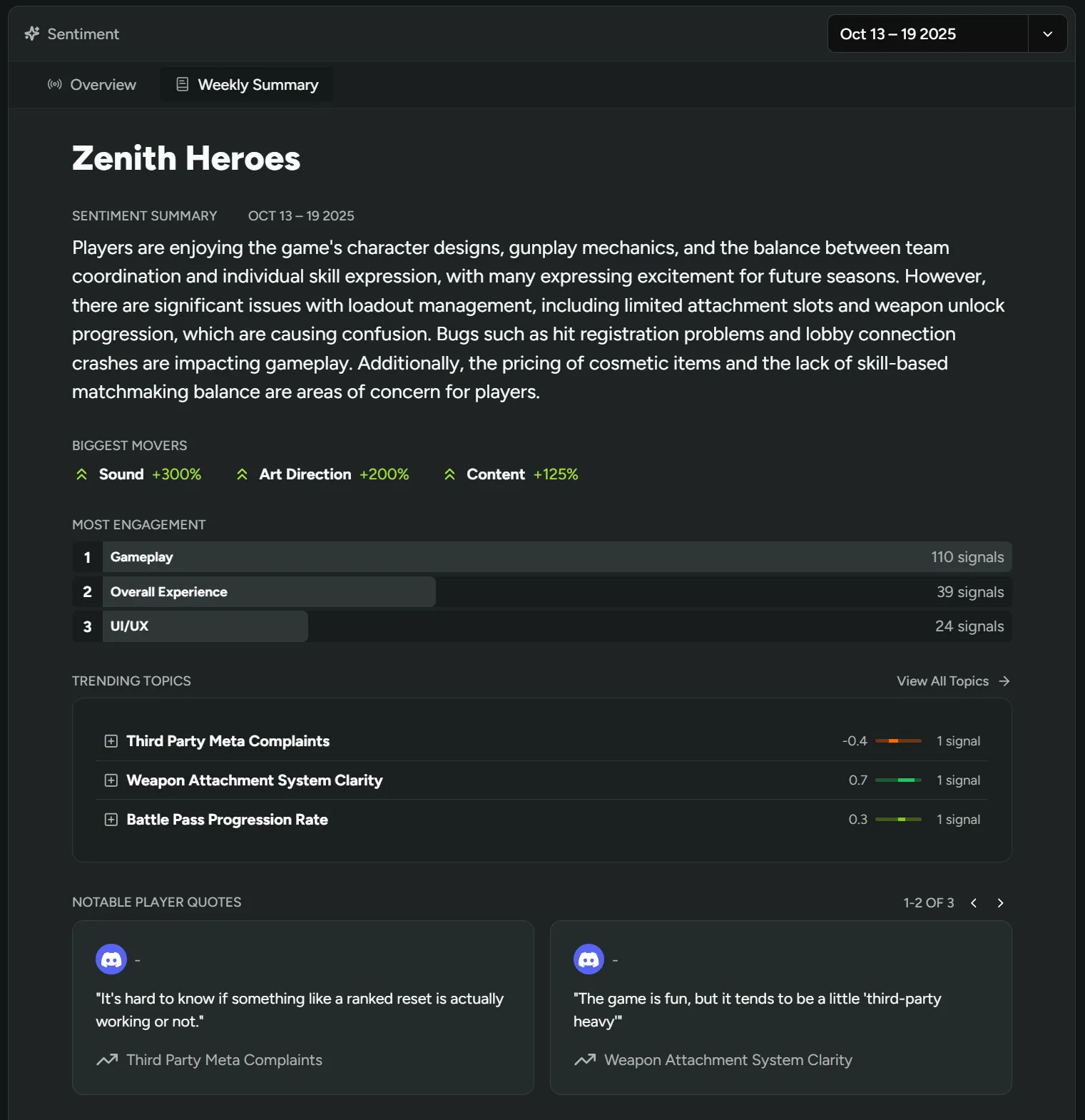
Weekly Sentiment Summaries
We’ve added automatic weekly summaries to track how player sentiment evolves over time! See your biggest sentiment shifts, trending topics, and engagement levels at a glance to understand if recent changes landed well or if new issues emerged.
On the ‘Sentiment’ page, simply navigate to the ‘Weekly Summary’ tab.
If you’re not in the Sentiment beta yet, what are you waiting for?! Reach out for access!
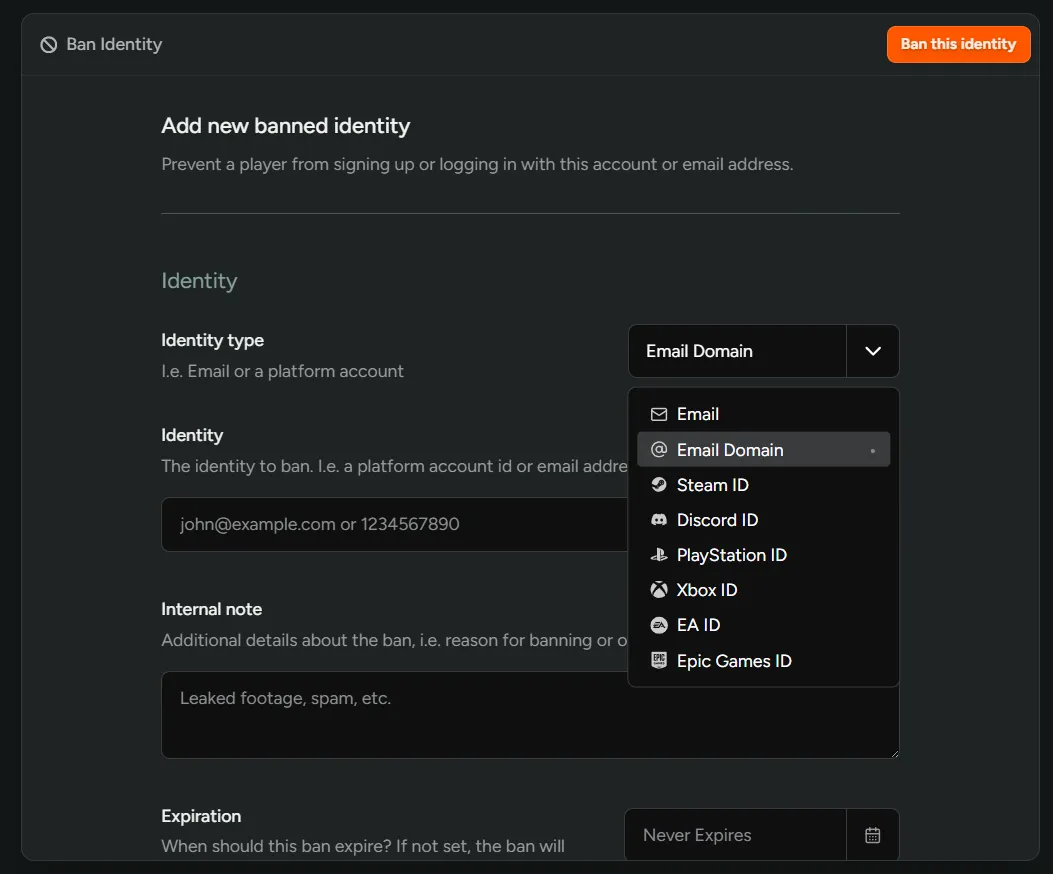
Ban Entire Email Domains
You can now ban entire email domains to prevent fraudulent or spam signups from specific providers! This lets you block domains in bulk rather than individual email addresses one by one.
On the ‘Banned Players’ page, simply select ‘Email Domain’ as the Identity type.
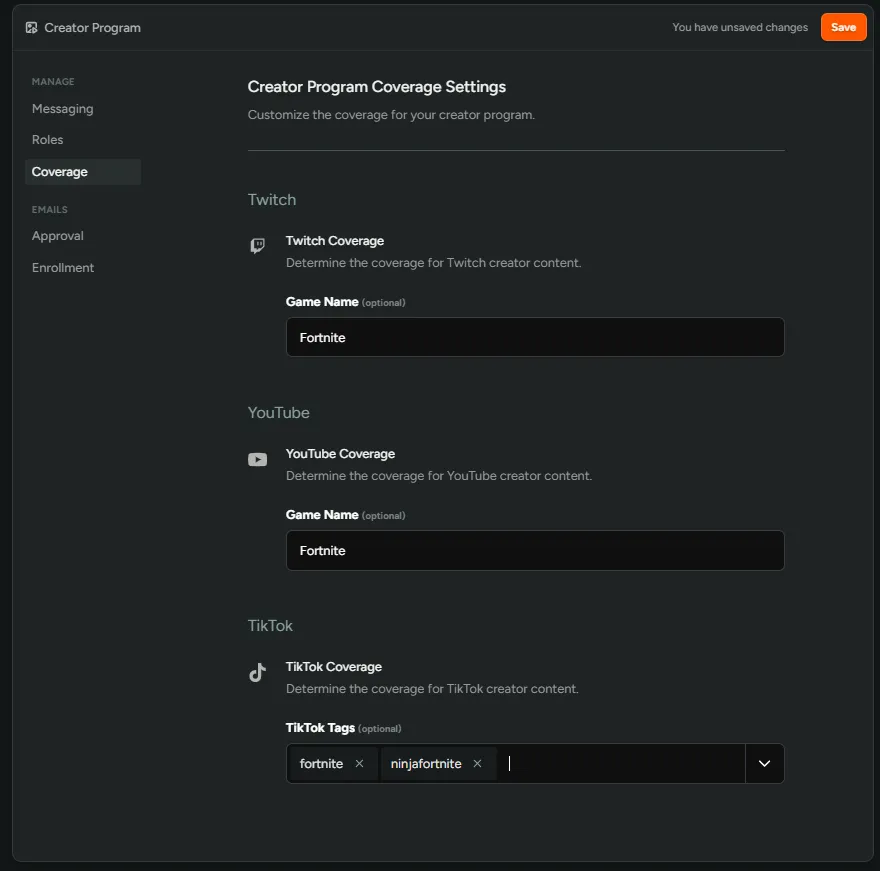
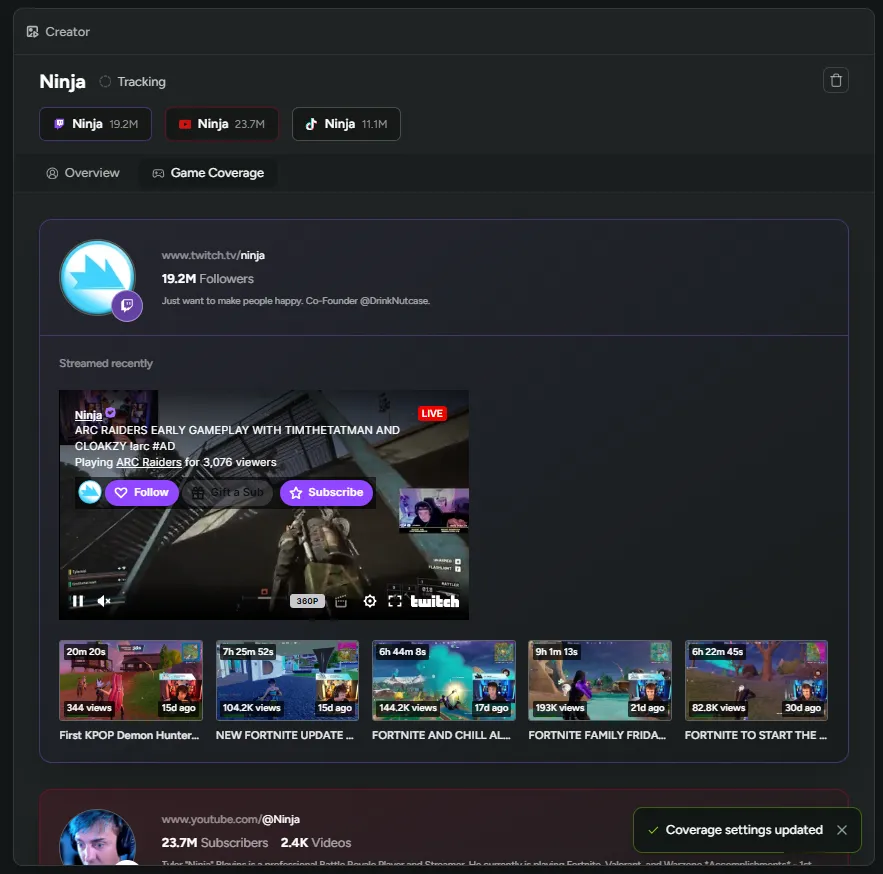
Filter Creator Content
You can now filter creator content by specific games and tags! Track how often creators feature your game or cover certain genres to find the best fits for your creator program.
On any creator profile, click the ‘Game Coverage’ tab to choose the games and tags you want to filter by.
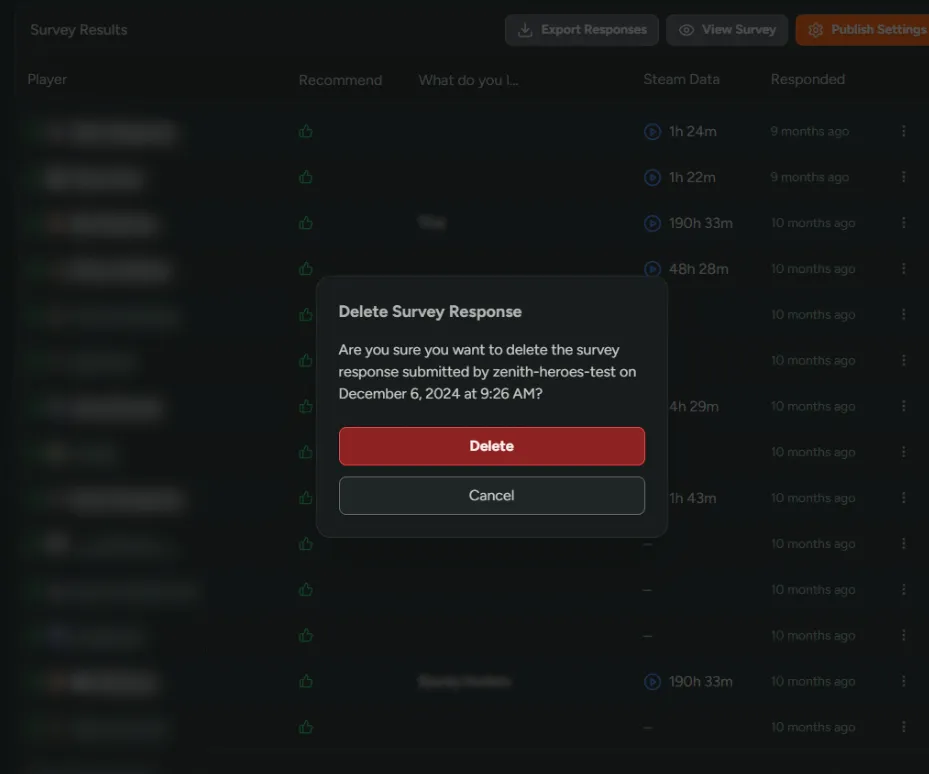
Delete a Player’s Survey Response
You can now delete individual survey responses! This is useful for removing internal test responses or admin submissions without affecting other data.
On the player response row you want to delete, click the ’…’ button and press delete.
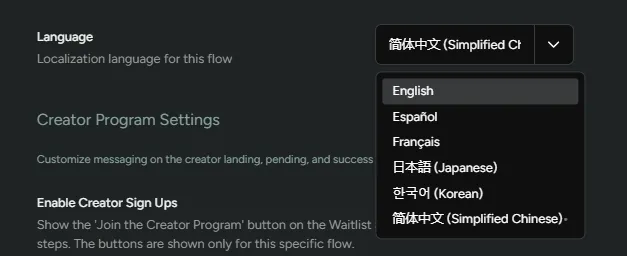
More Flow Localization Languages
We’ve added three more languages for Flow localization: 日本語 (Japanese), 한국어 (Korean), and 简体中文 (Simplified Chinese)!
To enable localization, go to your Flow > Manage > Settings > Language and select your language.
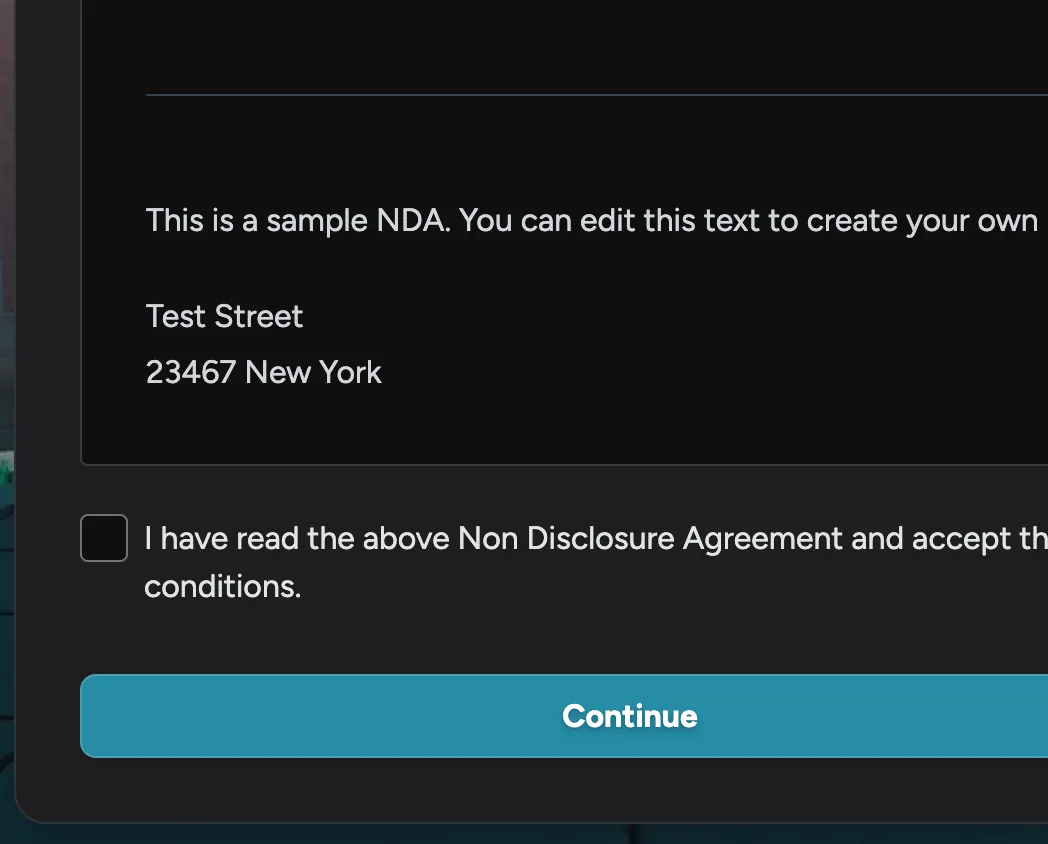
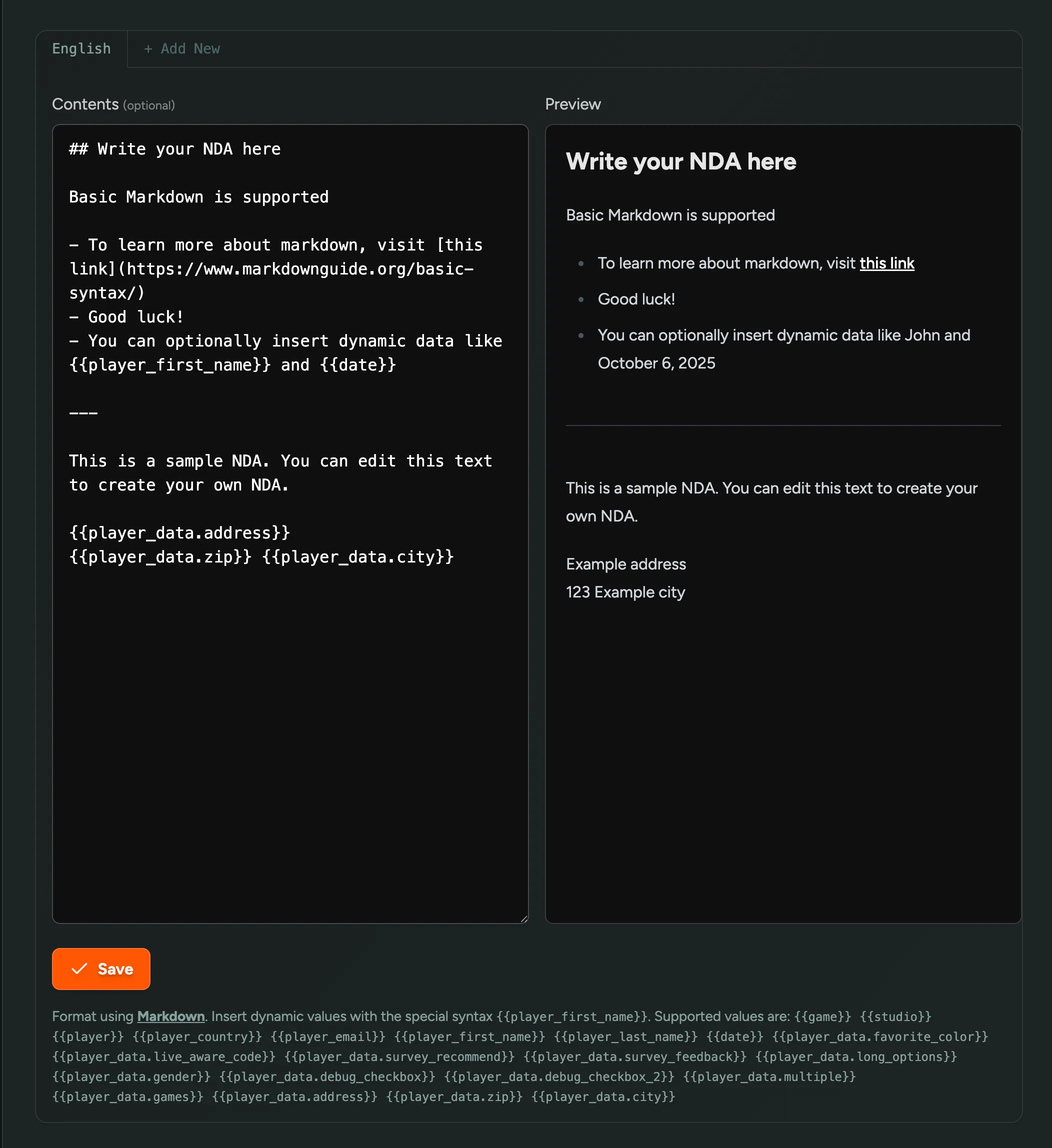
Dynamic NDA Fields
You can now add dynamic data to your NDA based on onboarding questions! Collect information like a player’s address or zip code during onboarding, then automatically populate it in the NDA they sign.
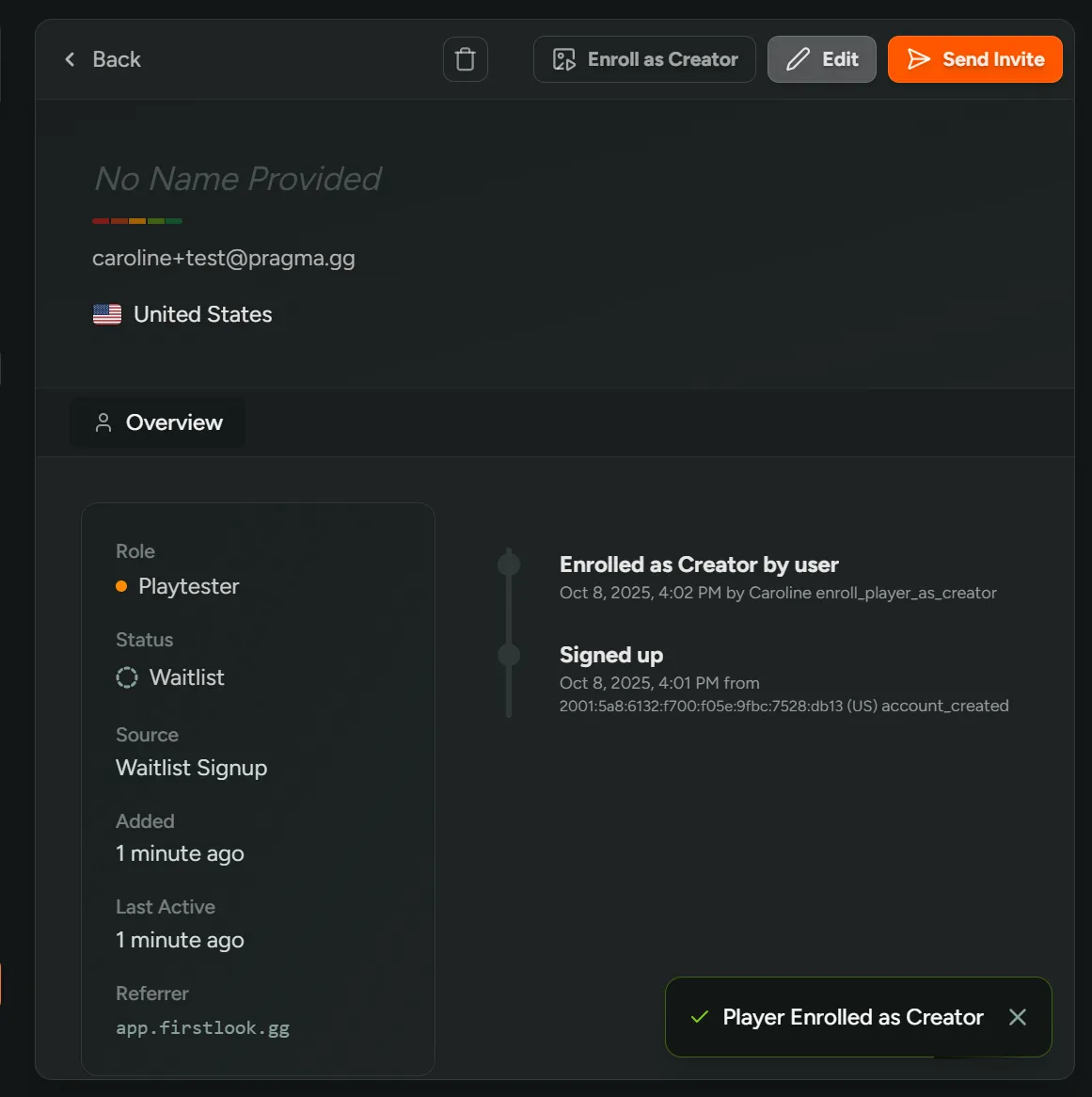
Invite Players to become Creators
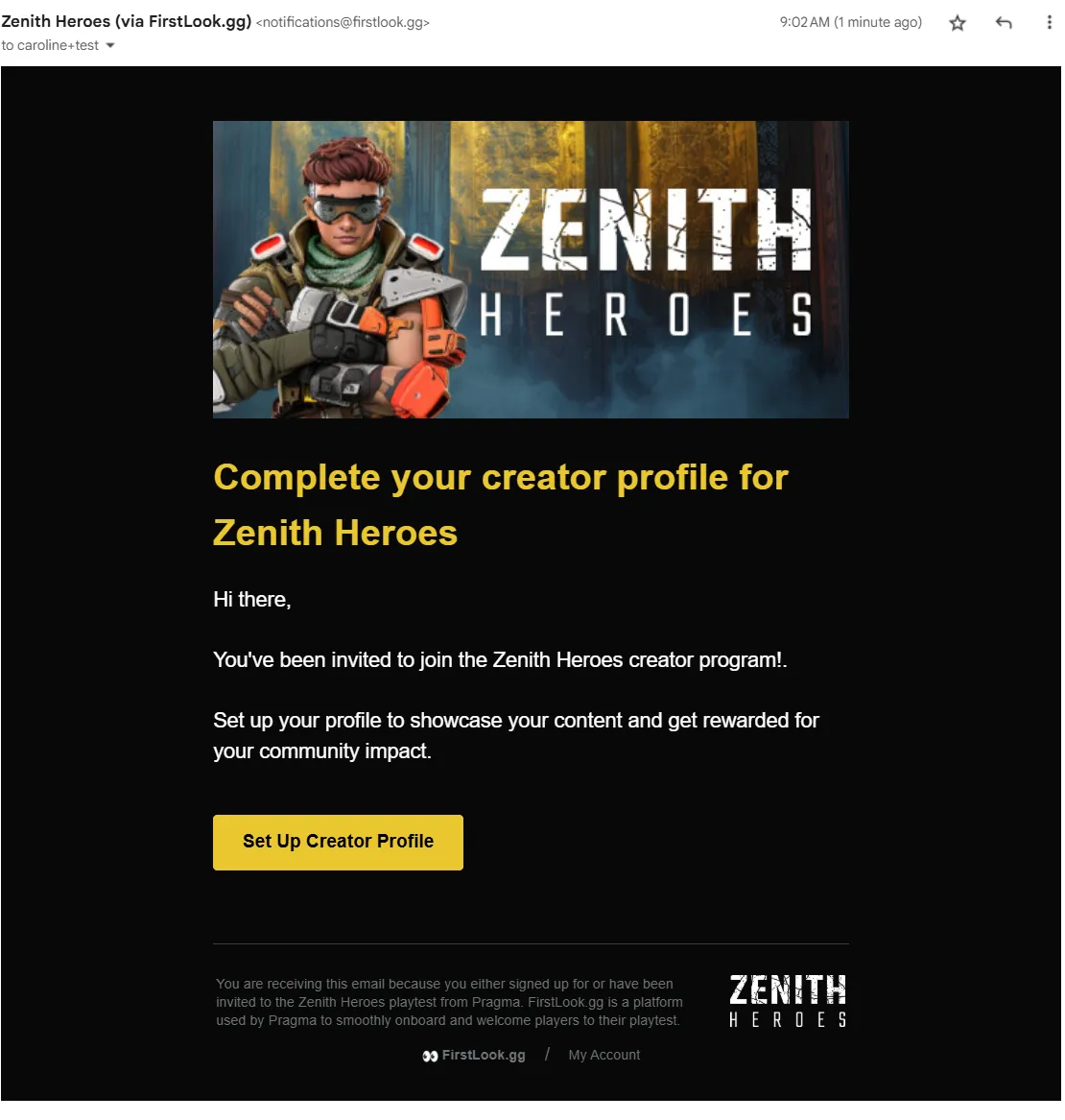
You can now directly invite your most dedicated players to join your creator program! This gives you a way to keep players engaged and deepen their connection to your community.
Simply go to a player’s profile and click “Enroll as Creator” to send an invitation.
Not in the Creators beta yet? Reach out for access!
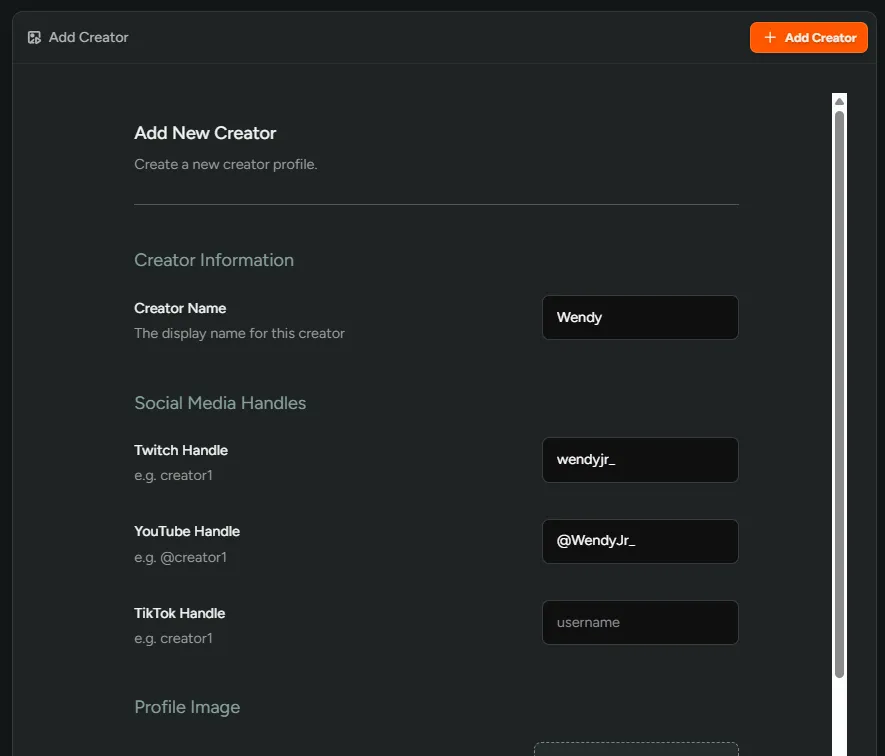
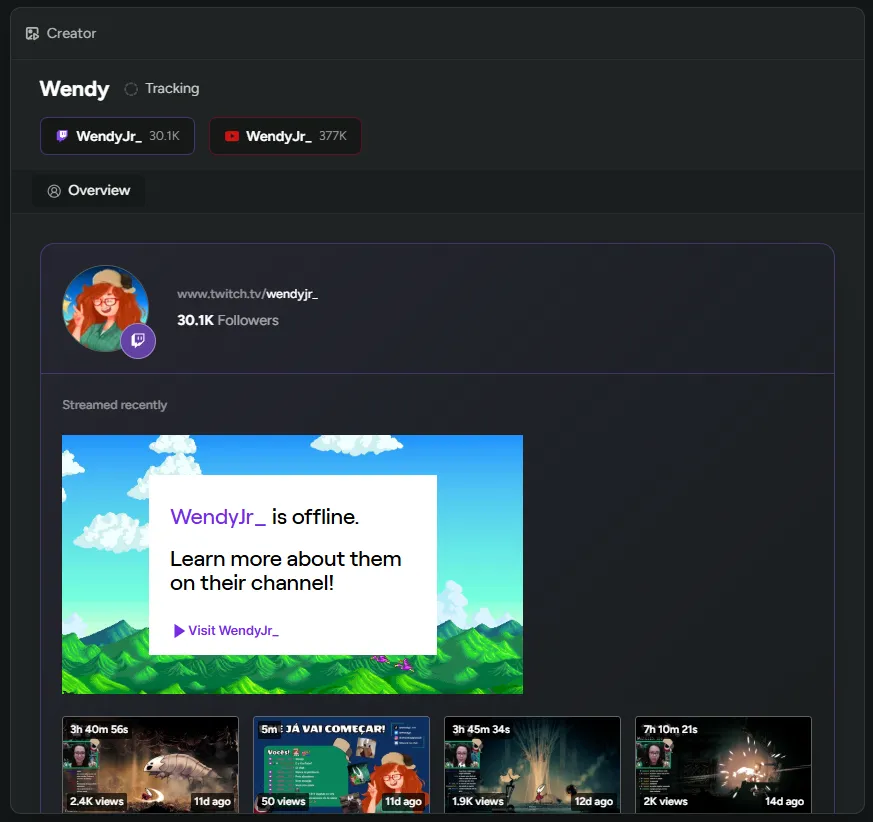
Manual Creator Tracking
You can now manually add creators to your creator table to monitor their content and stats before inviting them to your program! Track their performance, then send an invite when you’re ready to work together.
Interested in our creator tools? Reach out for access!
Optional Player Name/Country Collection
We’ve now made the player name and country fields optional during onboarding! You can keep private data collection minimal and only ask for what you need.
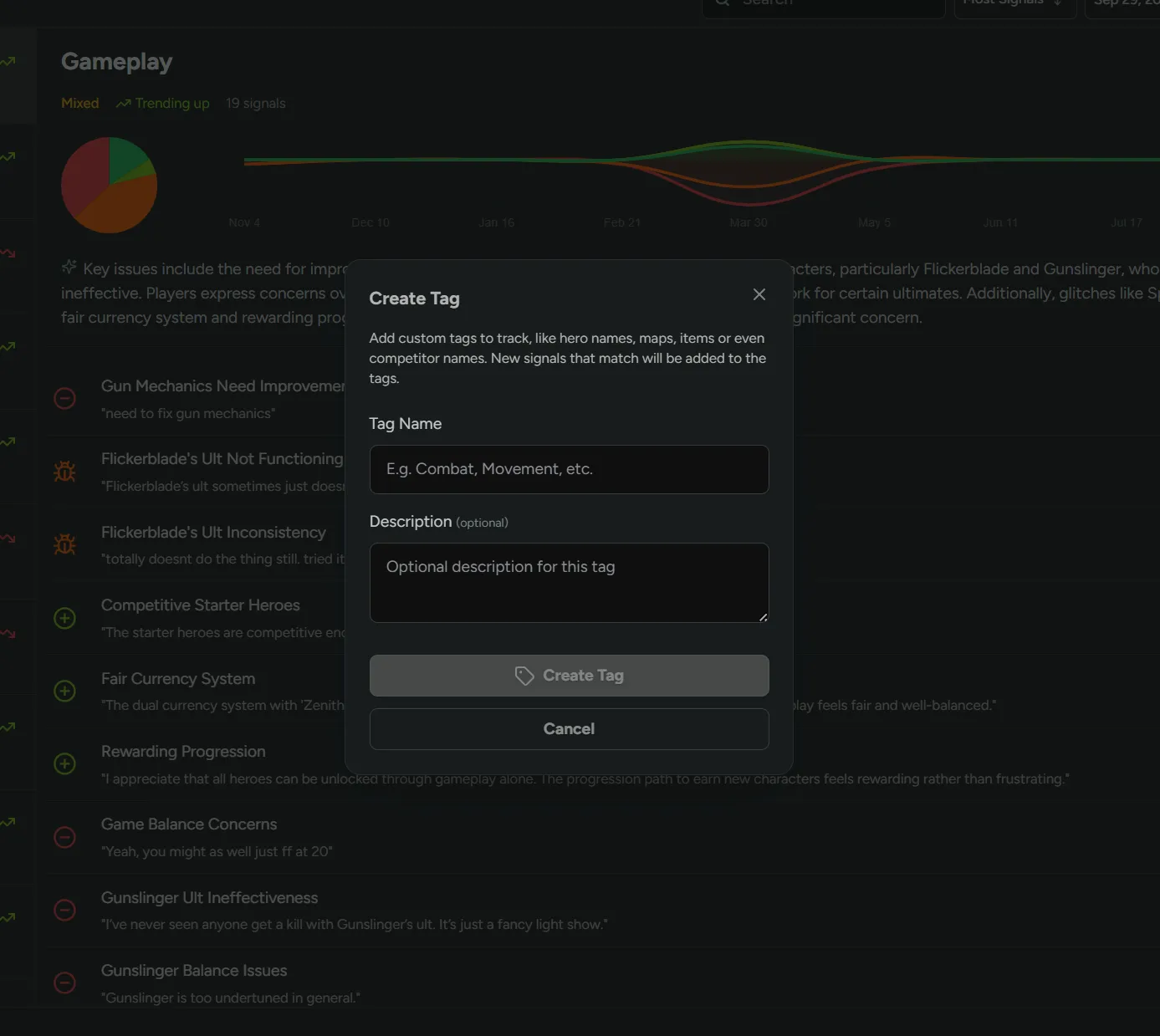
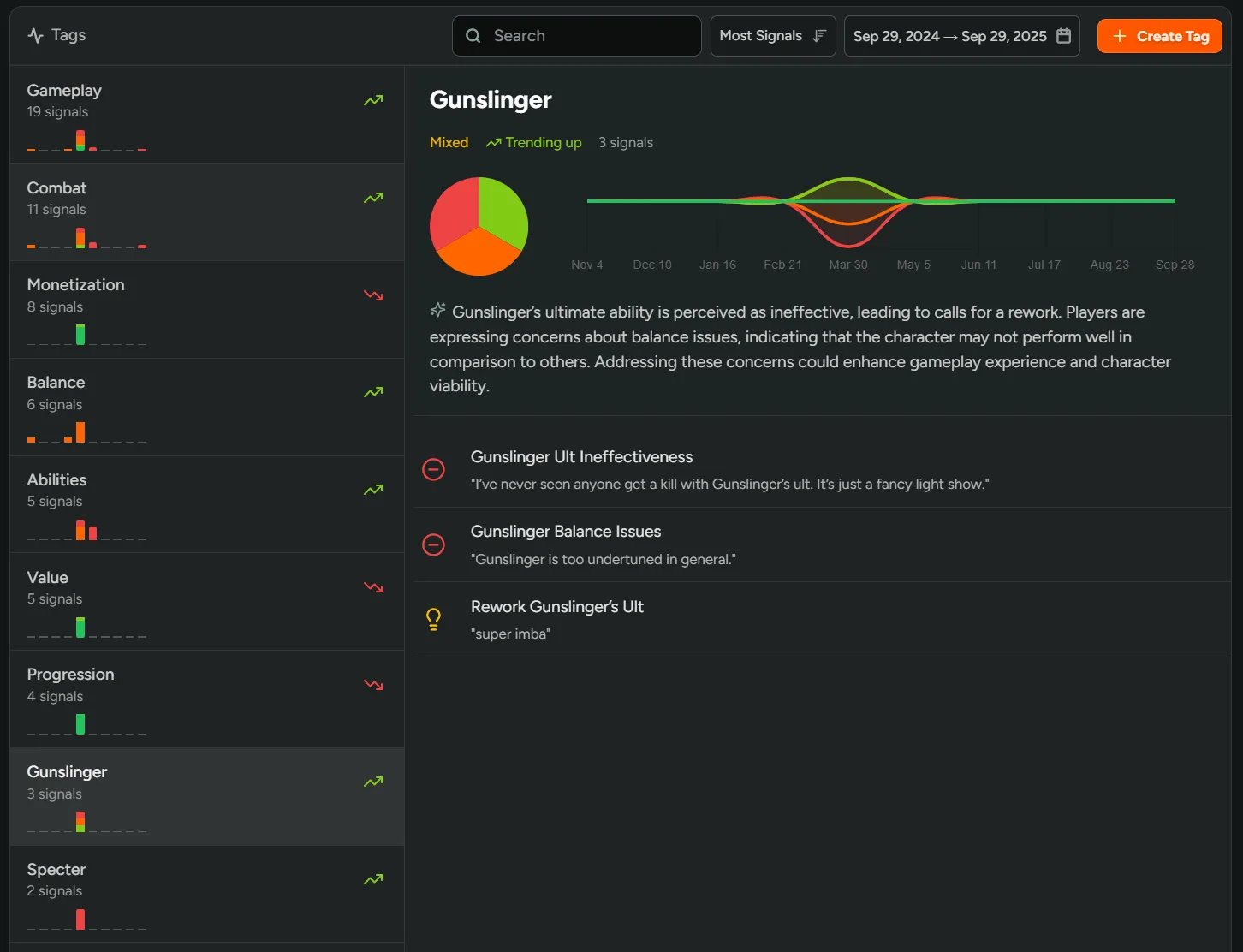
Custom Sentiment Tags
Under Sentiment, on the Tags page, you can now create and monitor custom tags like hero names, maps, items, or even competitor names! Any new signals will be automatically grouped.
Still not in the Sentiment beta? Reach out for access!
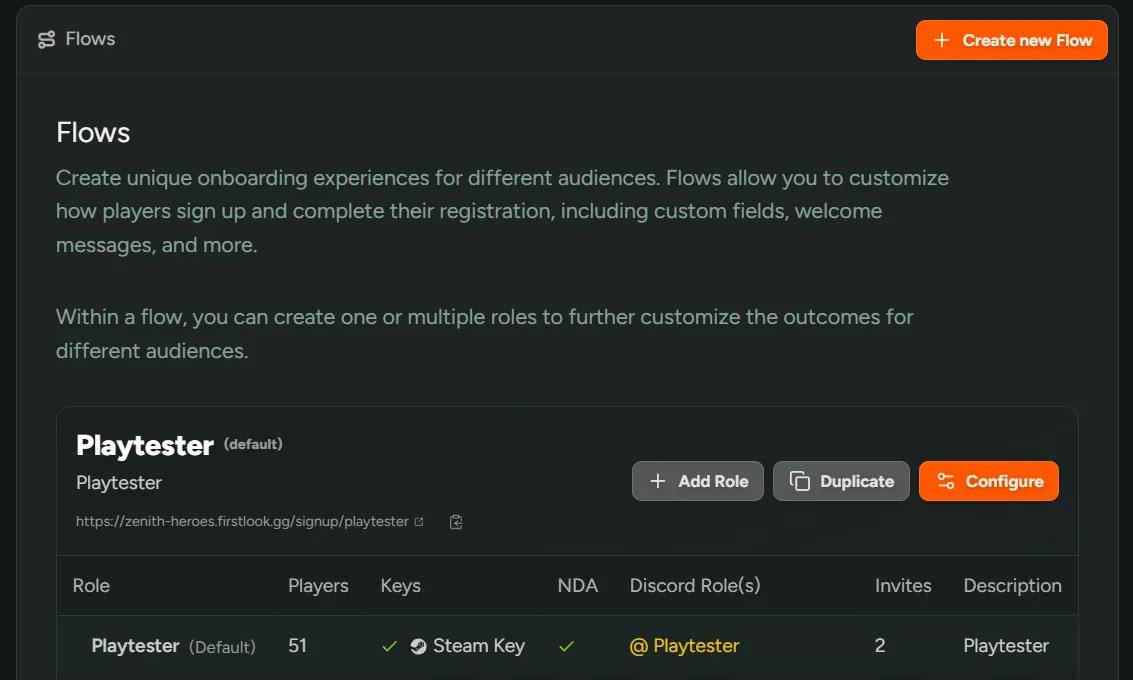
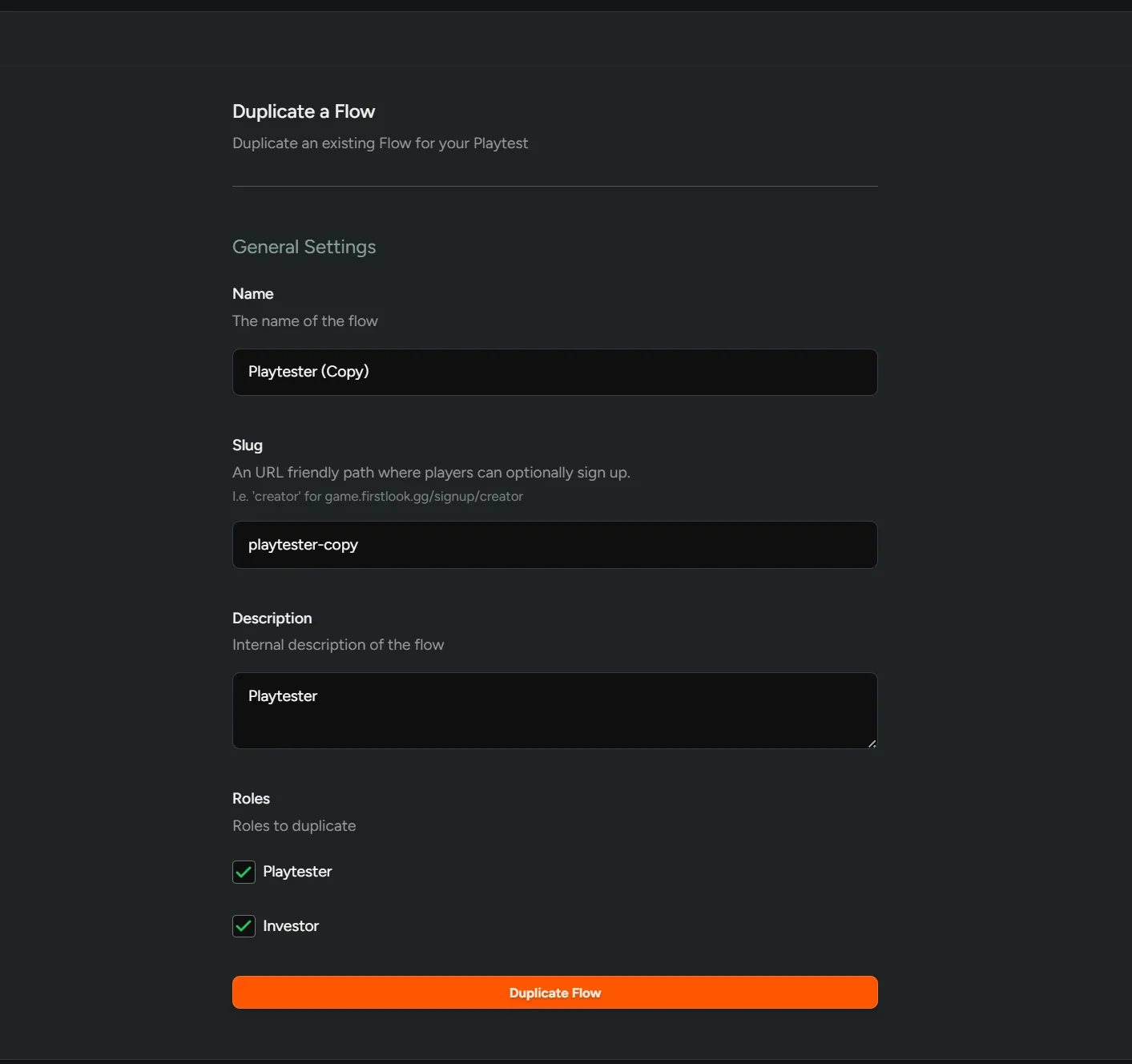
Duplicate Flows
We’ve added the ability for you to duplicate any Flow! When duplicating, you can choose which details to bring over including the name, slug, description, and roles.
No more starting from scratch - set up new Flows faster using ones you’ve already built.
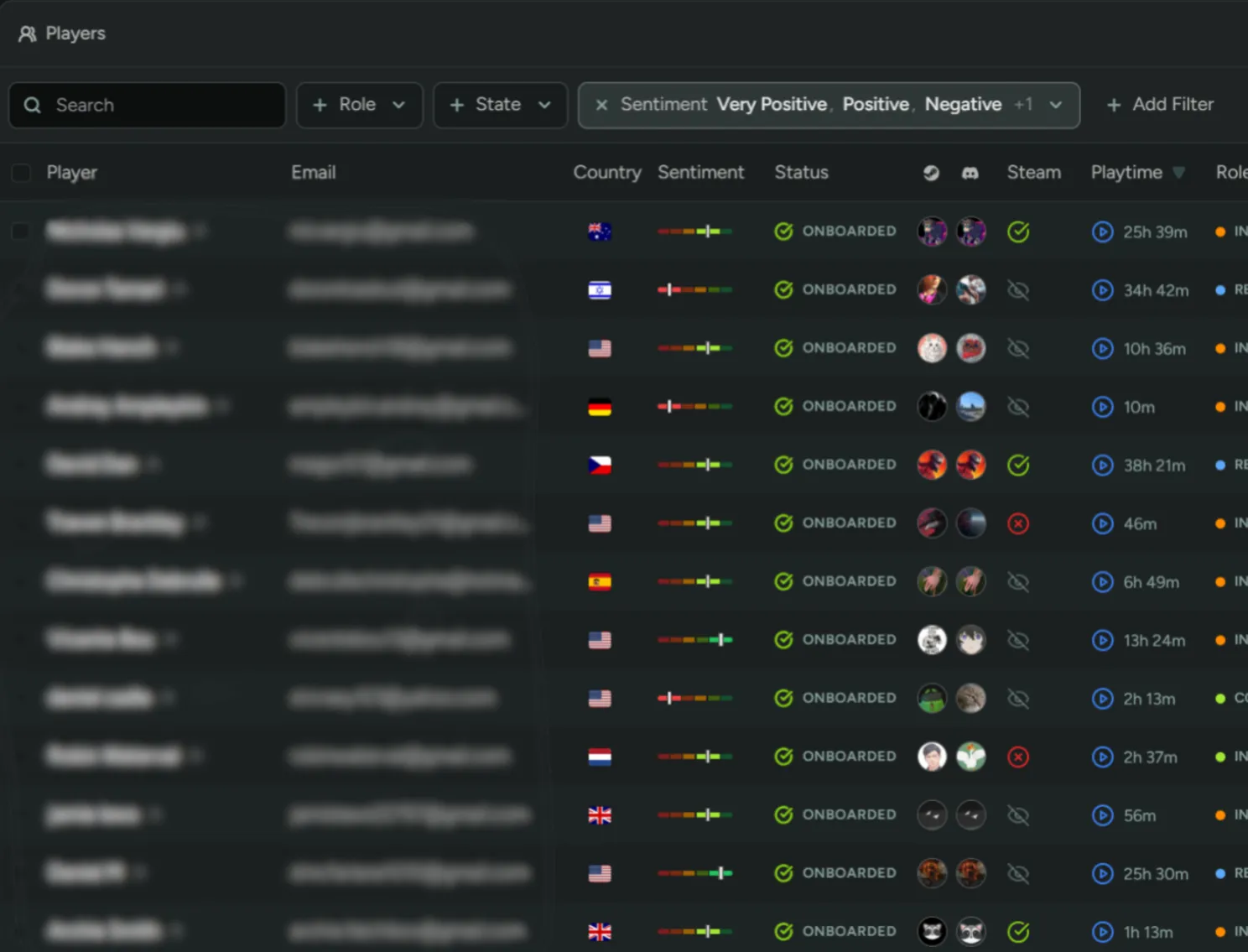
Player Sentiment Filter
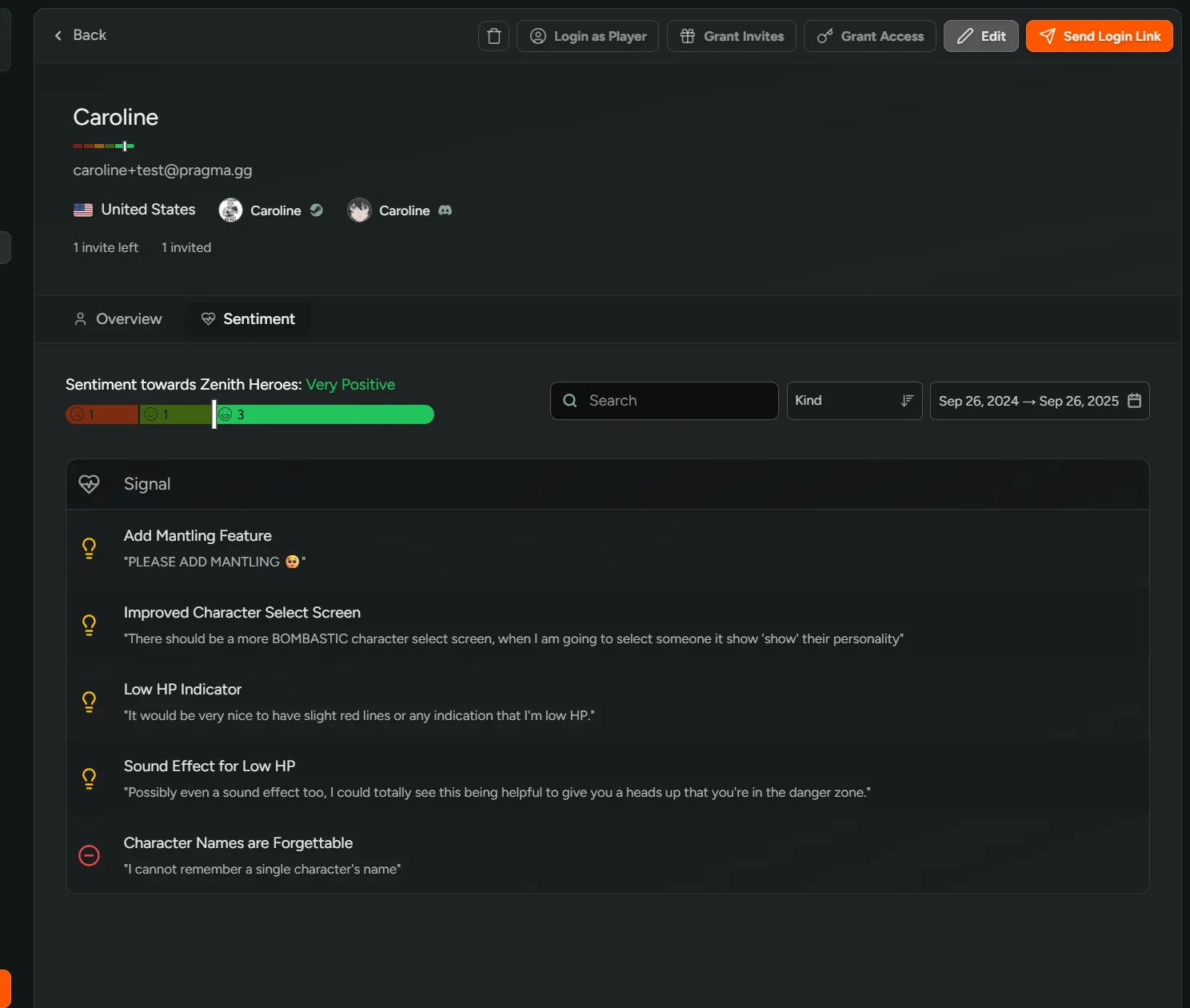
On the player overview, you can now filter by player sentiment! Identify your most positive players to reward them, or the most negative to follow up with a survey.
Click into any player’s profile to see exactly what feedback they shared.
Not in the Sentiment beta yet? Reach out for access!
Creator Program Beta
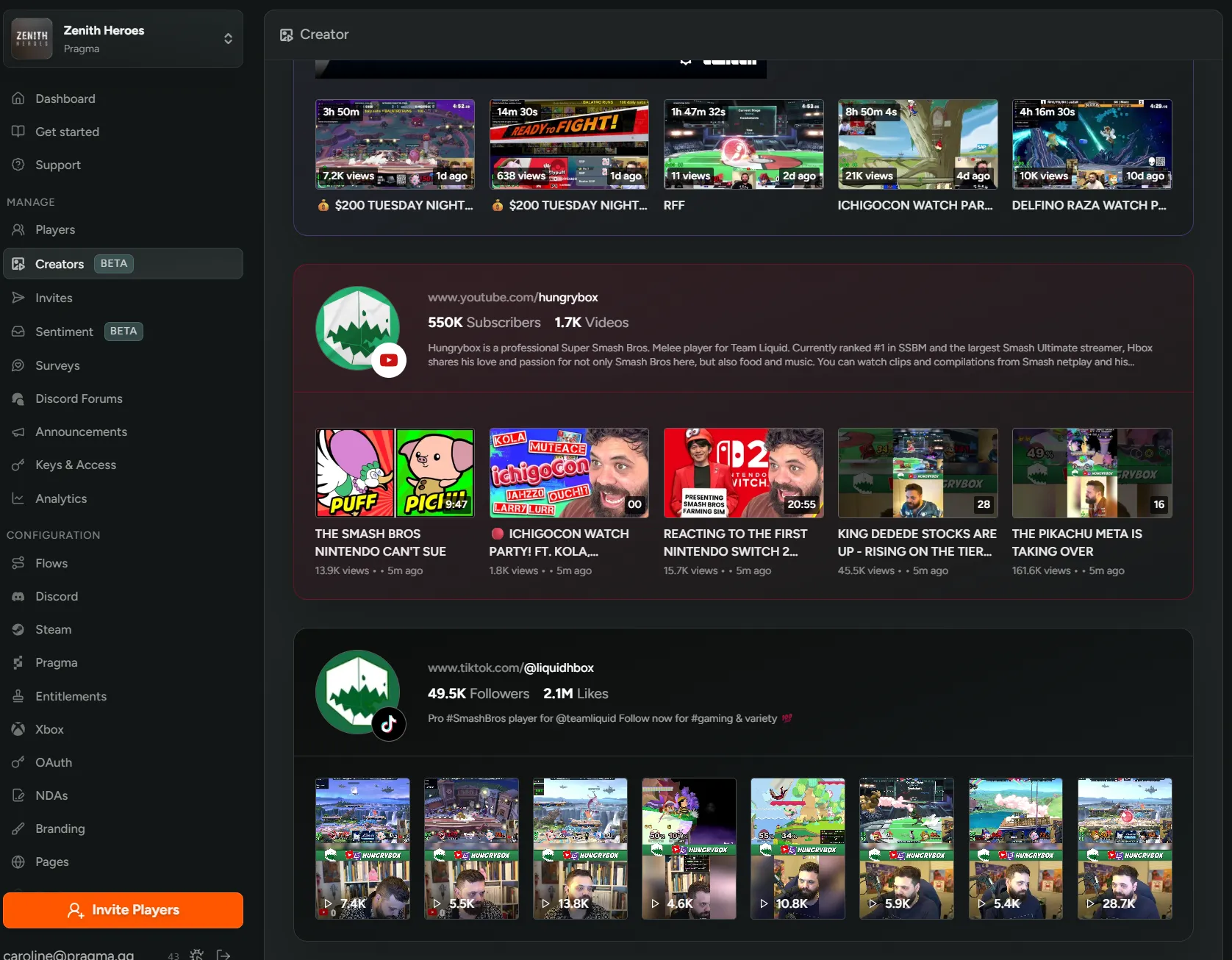
We’re thrilled to announce our first set of tools for working with content creators!
Creator Program - You can now let players interested in creating content for your game sign up for your creator program. Customize the program’s landing and success pages, and automatically assign new creators a special Discord role upon joining.
Creator Profiles - Manage the players that sign up by tracking their channels, reach, and latest content.
Interested in the beta? Reach out for access!
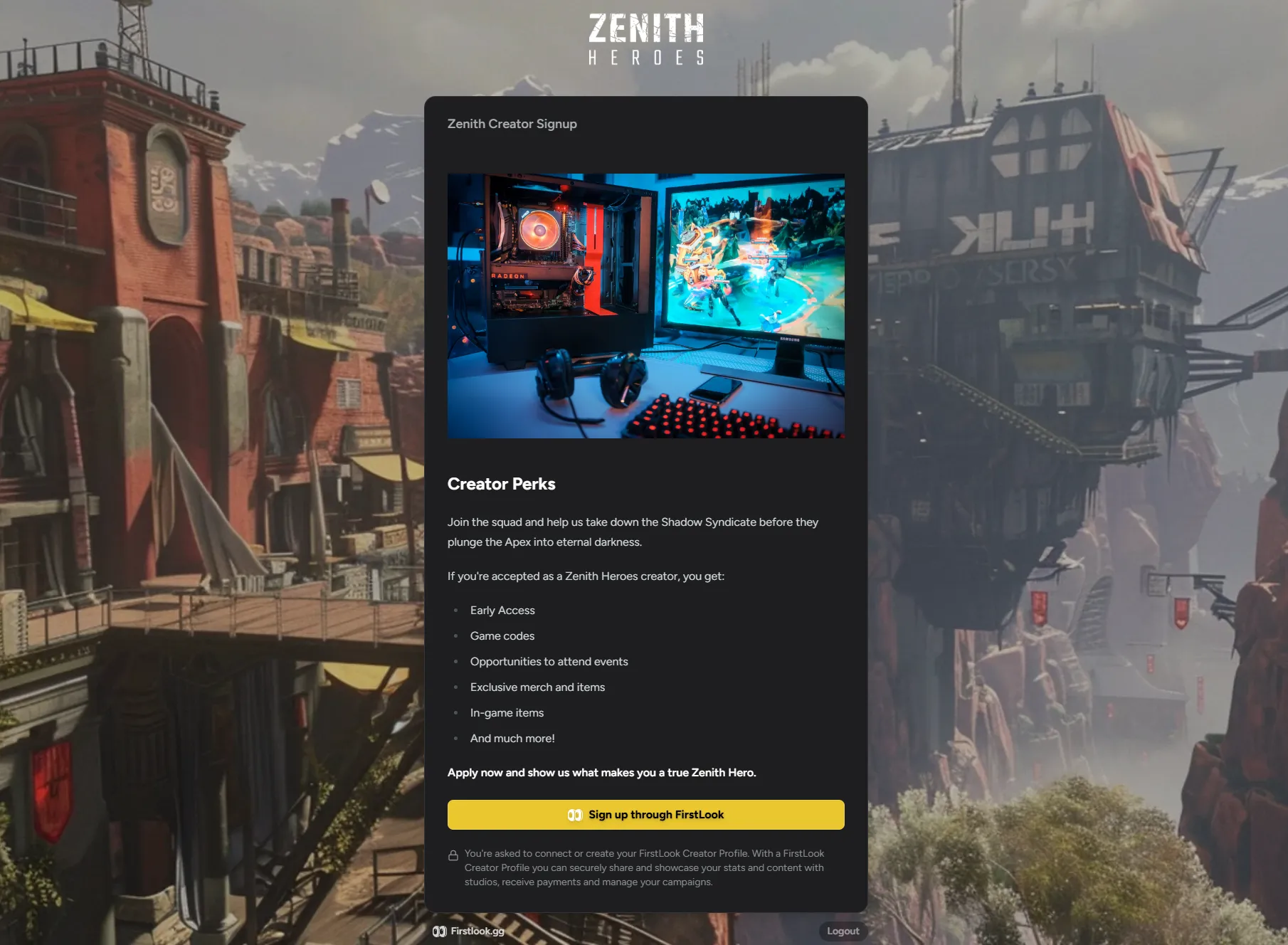
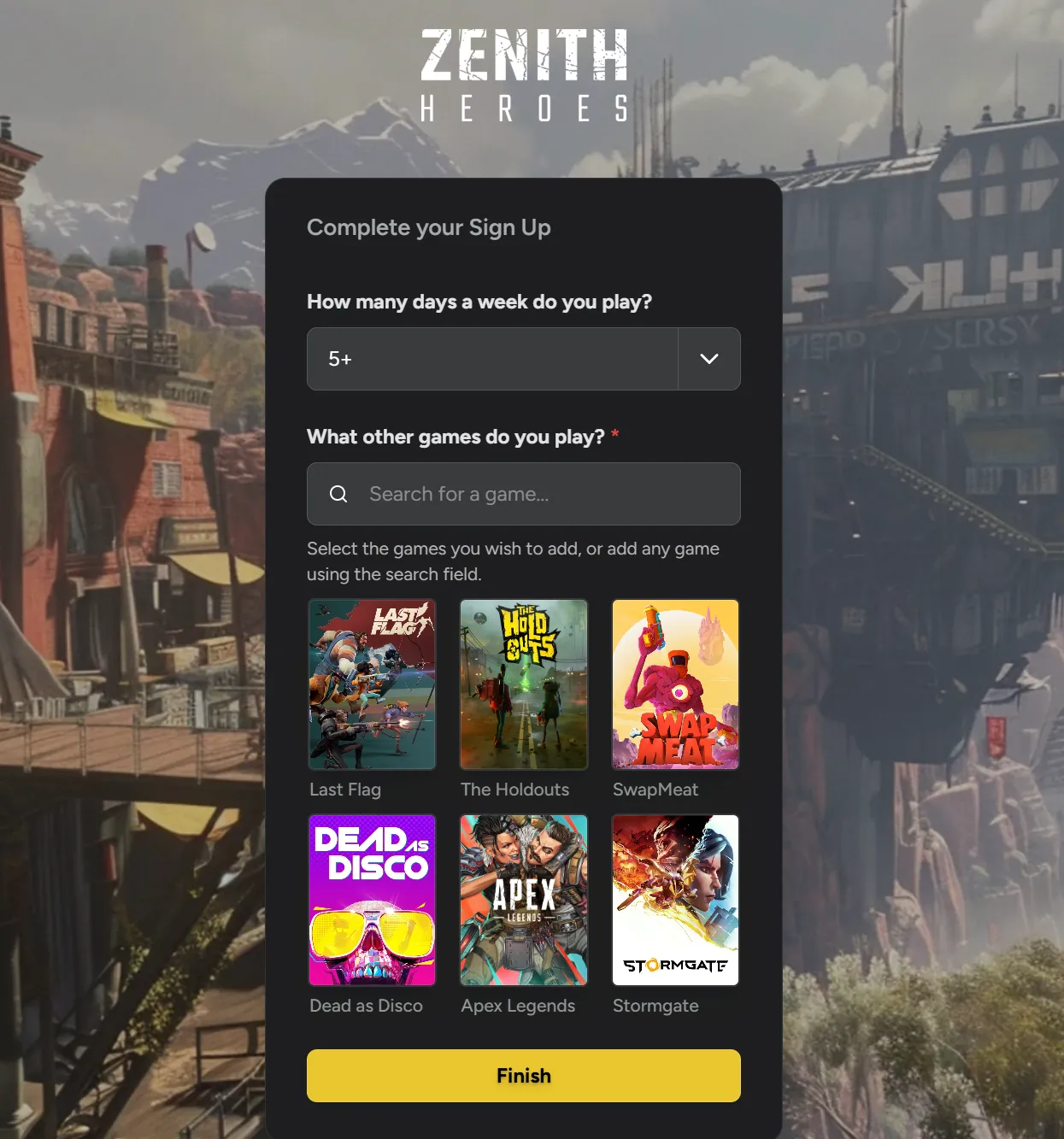
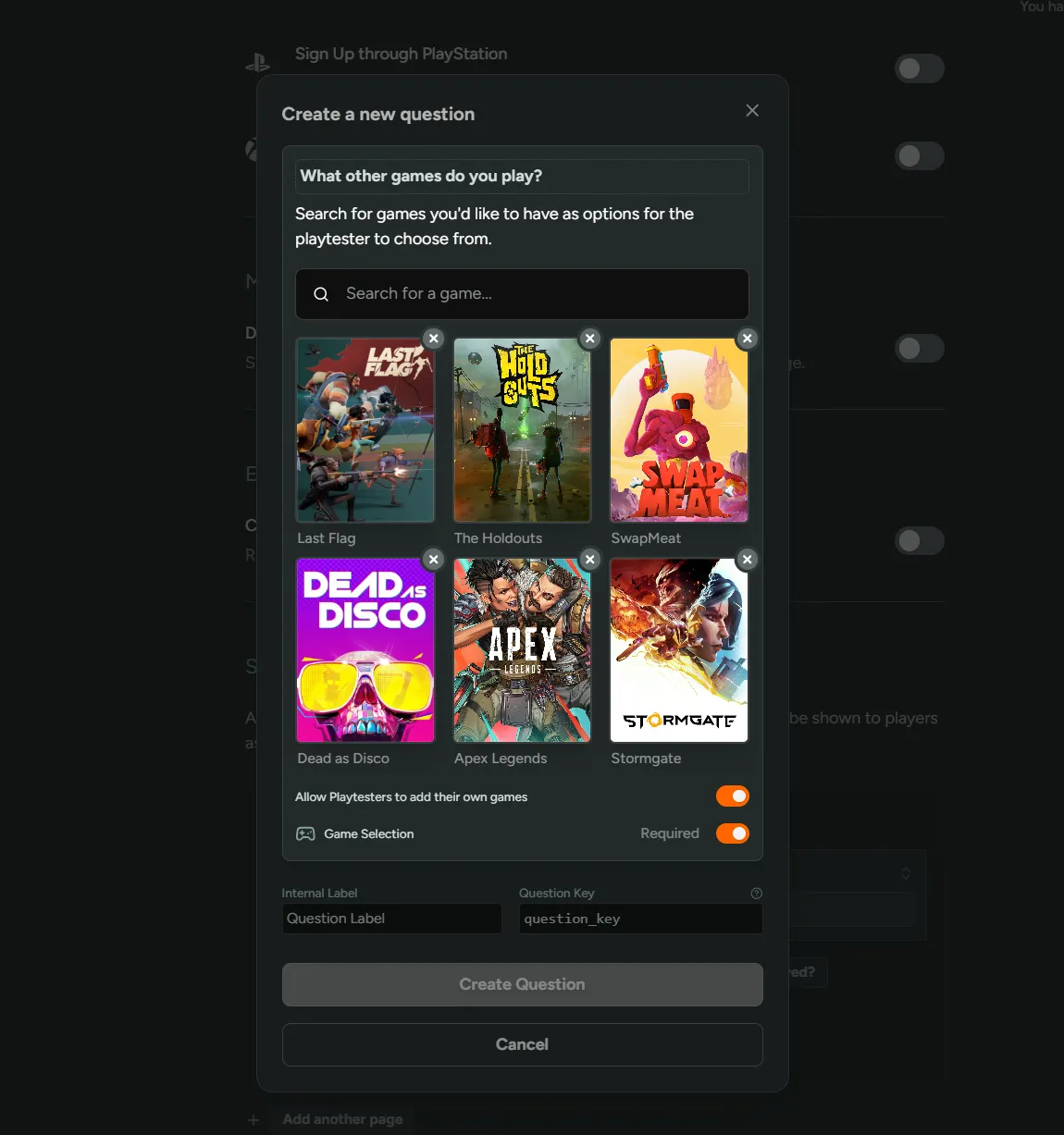
Game Selector Question Type
We’ve added native game selection support! Instead of using multi-select questions with manually-typed game lists, you can now use our game selection question that searches IGDB and presents a clean interface.
Configure at least one game for players to choose from, or let players search and add their own games for better gaming preference data.
Survey Response Filters
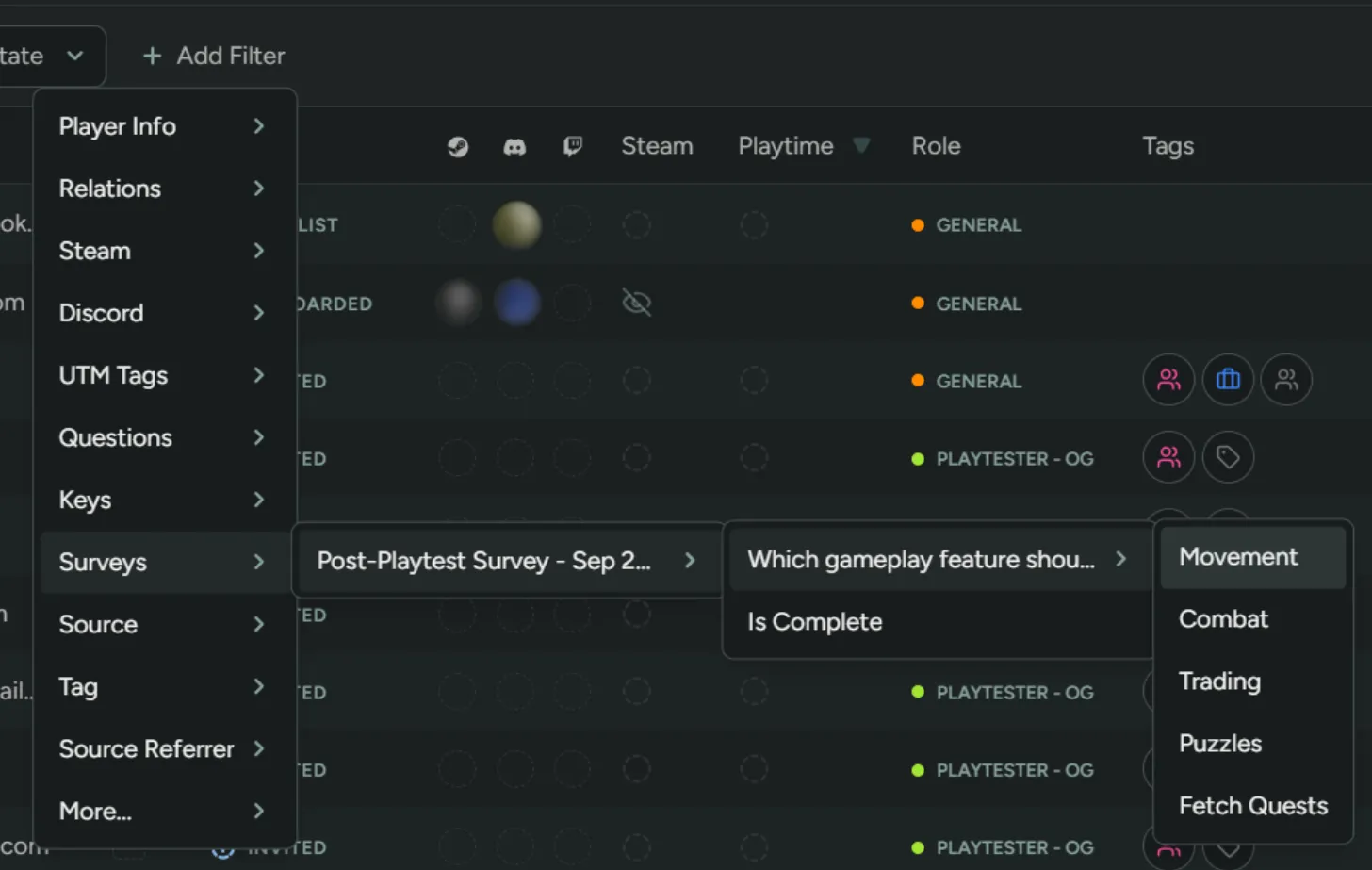
We’ve added the ability to filter players by survey answers! This allows you to target specific individuals for follow-up questions or playtests.
You can also filter by survey completion status to see who finished versus who dropped off halfway. This is useful for optimizing your surveys to get better response rates.
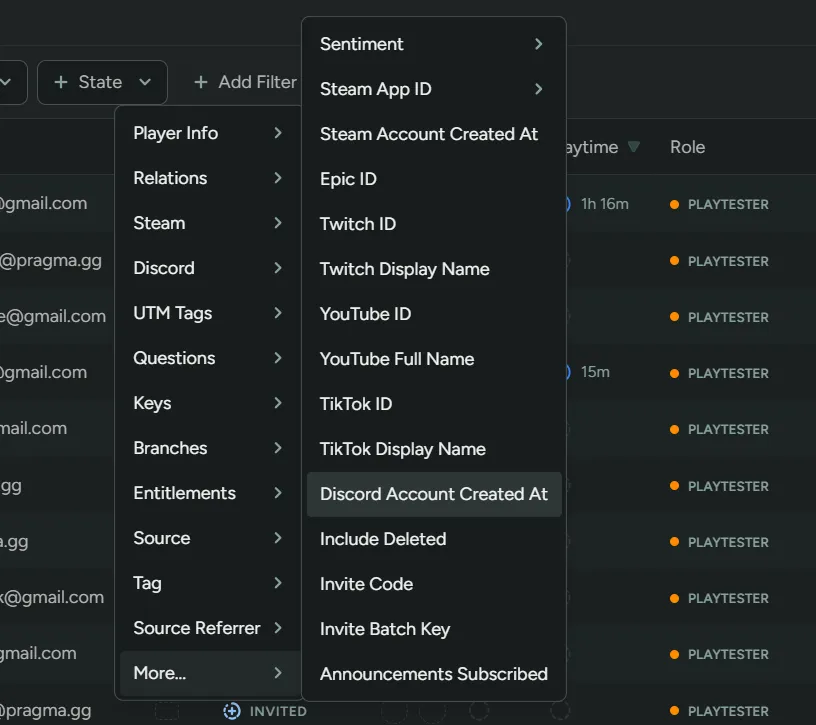
Social Account Age Filters
On the player overview, you can now filter players by when they created their Discord or Steam accounts!
This is useful for identifying established players versus potentially fraudulent signups.
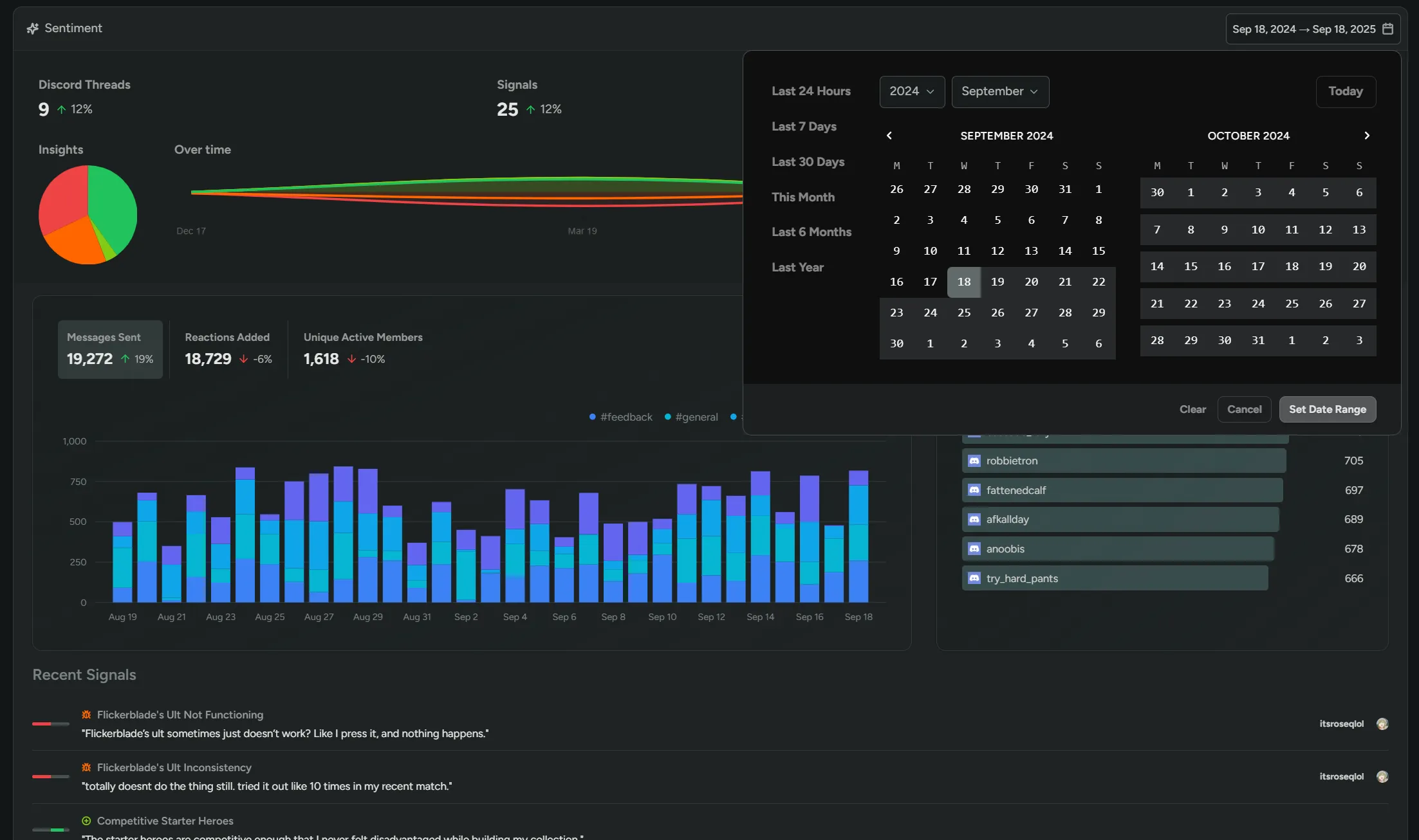
Sentiment Beta
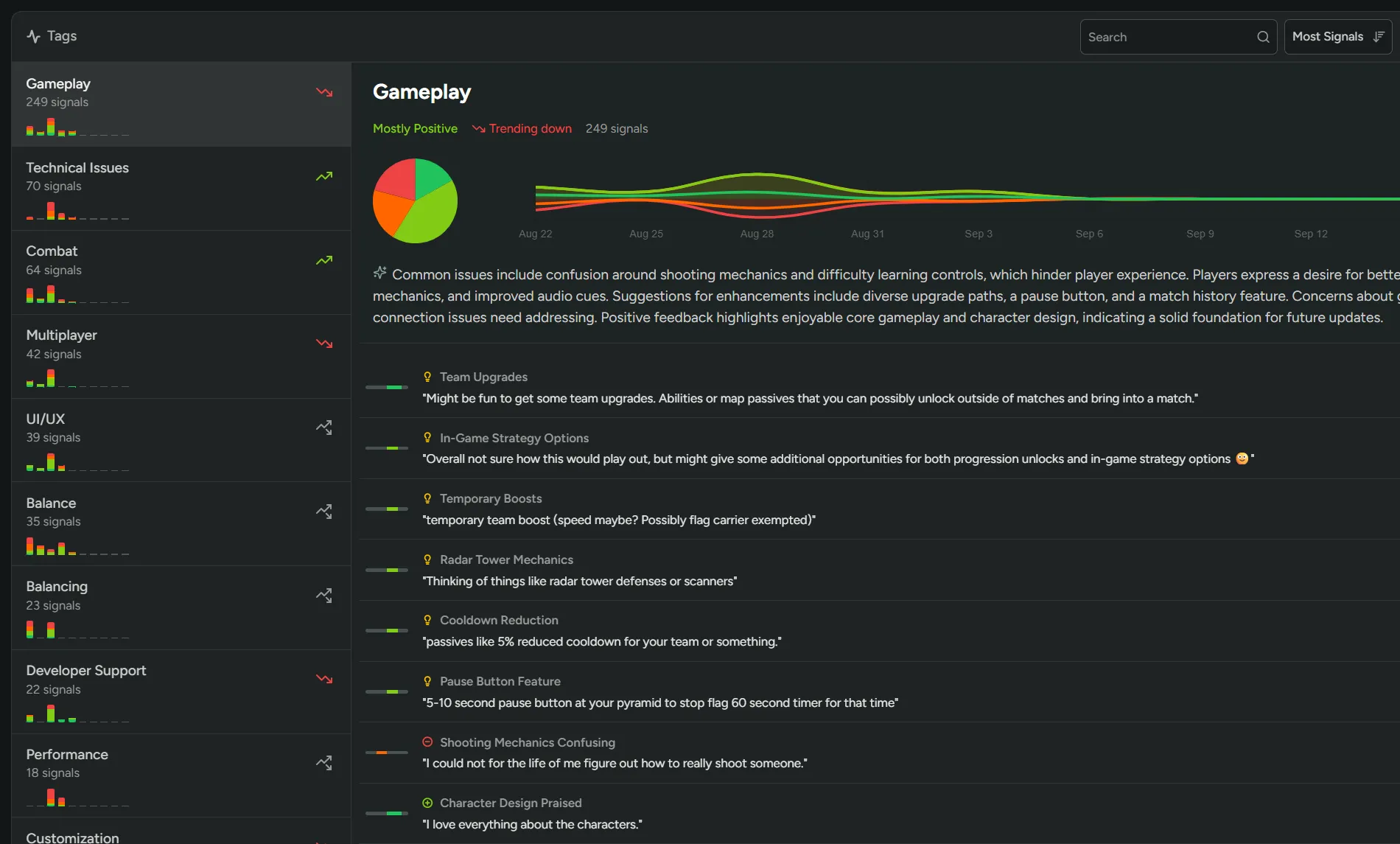
You can now track player sentiment directly from your Discord community! Comments are categorized as positive, negative, or neutral, plus tagged as bug reports or feedback.
The Tags page organizes sentiment under tags like Gameplay, Combat, and Balance, and the Topics page identifies emerging topics automatically. You can filter each page by time period to focus on specific events like playtests or launches.
Interested in the beta? Reach out for access!
Playtest Network
Playtest Network Launch!
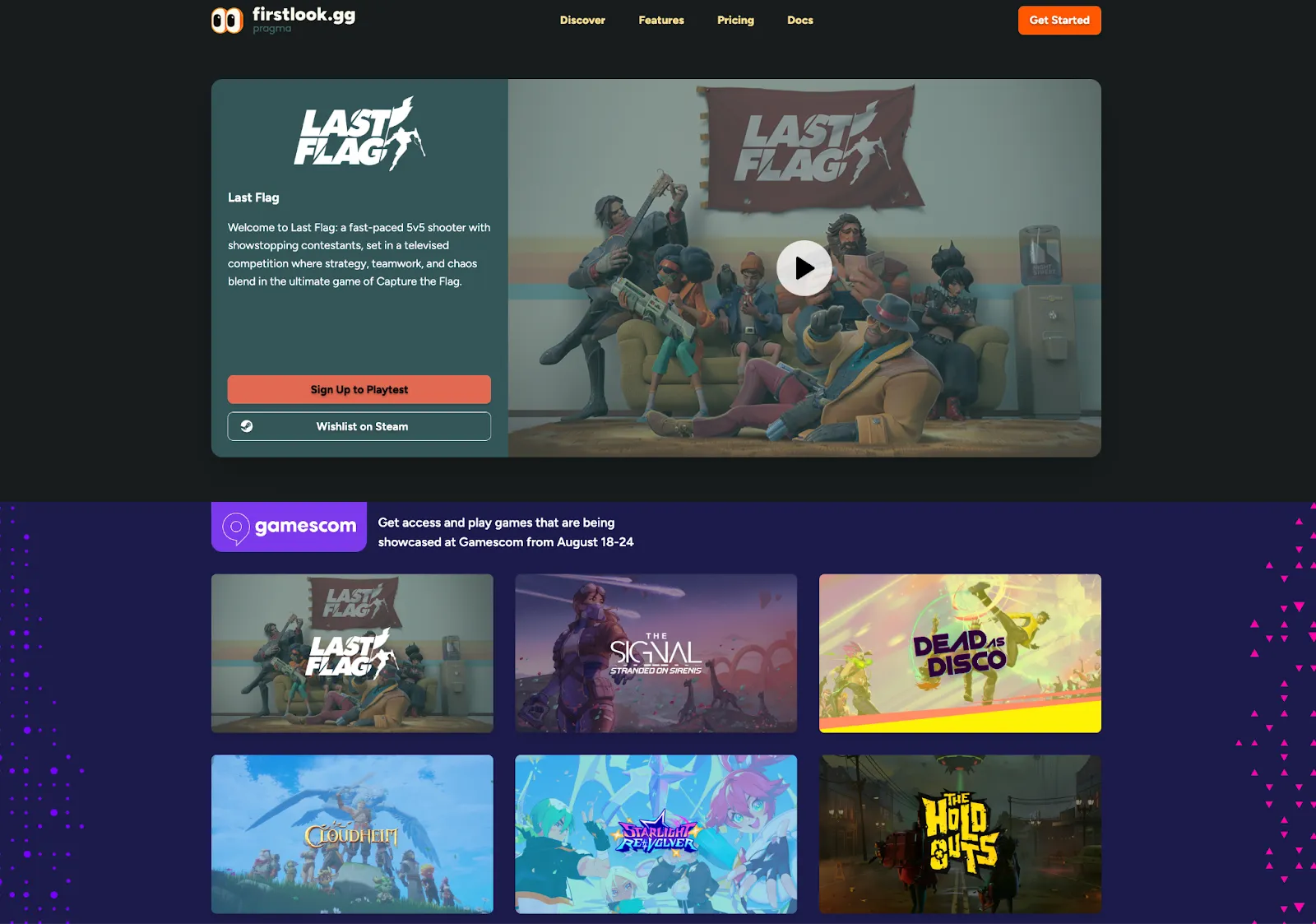
This week we’re launching a brand new initiative to help studios connect with more players: a way for you to promote your game to our community of playtesters interested in sharing feedback and helping developers build the games they’ll love.
Through a store-like experience with low friction signups, high quality players, and a free pay-it-forward model, we’re creating a new place for studios to safely experiment with discovery and market validation.
Playtester Community
We are building a community of active gamers across different game genres, regions, and platforms, of which the majority plays more than 15 hours a week, enjoys playing games with friends, and regularly buys things in free-to-play games.
The players are eager to try out new titles, join a game’s community, and help shape the games.
Playtest Promotion
Studios can opt-in to have FirstLook promote their playtests to this Playtester Community on our website and other channels. You can craft your Promo Card with key art, a trailer, game description, and optional additional call-to-actions.
Your game will then be featured on FirstLook.gg, our socials (280k followers), and pushed to Playtesters.
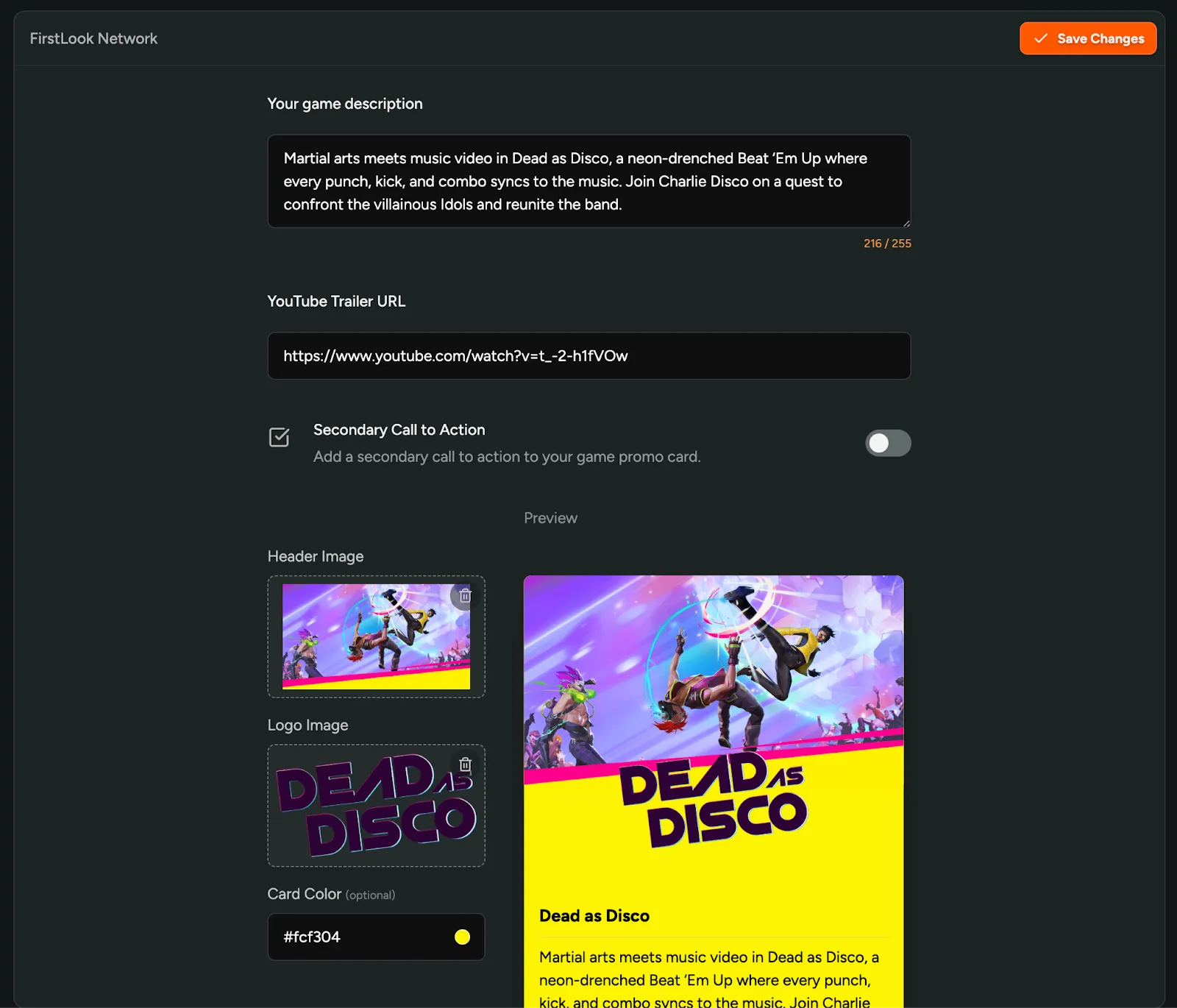
Low Friction Sign Up
FirstLook Playtesters can sign up for your playtest with less friction. When they visit your playtest signup, their verified email, Steam Account, and optional Discord will be pre-filled.
You can even remove all friction and let players join your waitlist with just one click!
Data Sharing
Once a player signs up for your game using FirstLook’s Network, they are truly yours. Players will go through your own onboarding and have to accept your click-through agreements, NDAs, and other policies. They agree with FirstLook transferring their Steam, Email, Discord, and other data to you, and are made aware that their playtime activity and engagement in your playtest is shared back with FirstLook.
We use those signals to curate, qualify, and reward players for actively participating. We’ll also make these signals, and more data about FirstLook Playtesters available to you.
Pay It Forward
Just like any other waitlist sign up, FirstLook Playtester Signups don’t count towards your usage until you invite or engage with them. There’s no limit to the amount of signups you can get through FirstLook’s network, and promoting your game is free.
We want to offer a safe place for pre-release games to experiment with their positioning, and scout their initial community.
Once you opt-in to promoting your game, we start showing a small banner on your players’ dashboard promoting the playtester community. This way, you help your fellow studios and the pool of players grow. For studios on the Free Plan we’ll always show the banner.
Gamescom
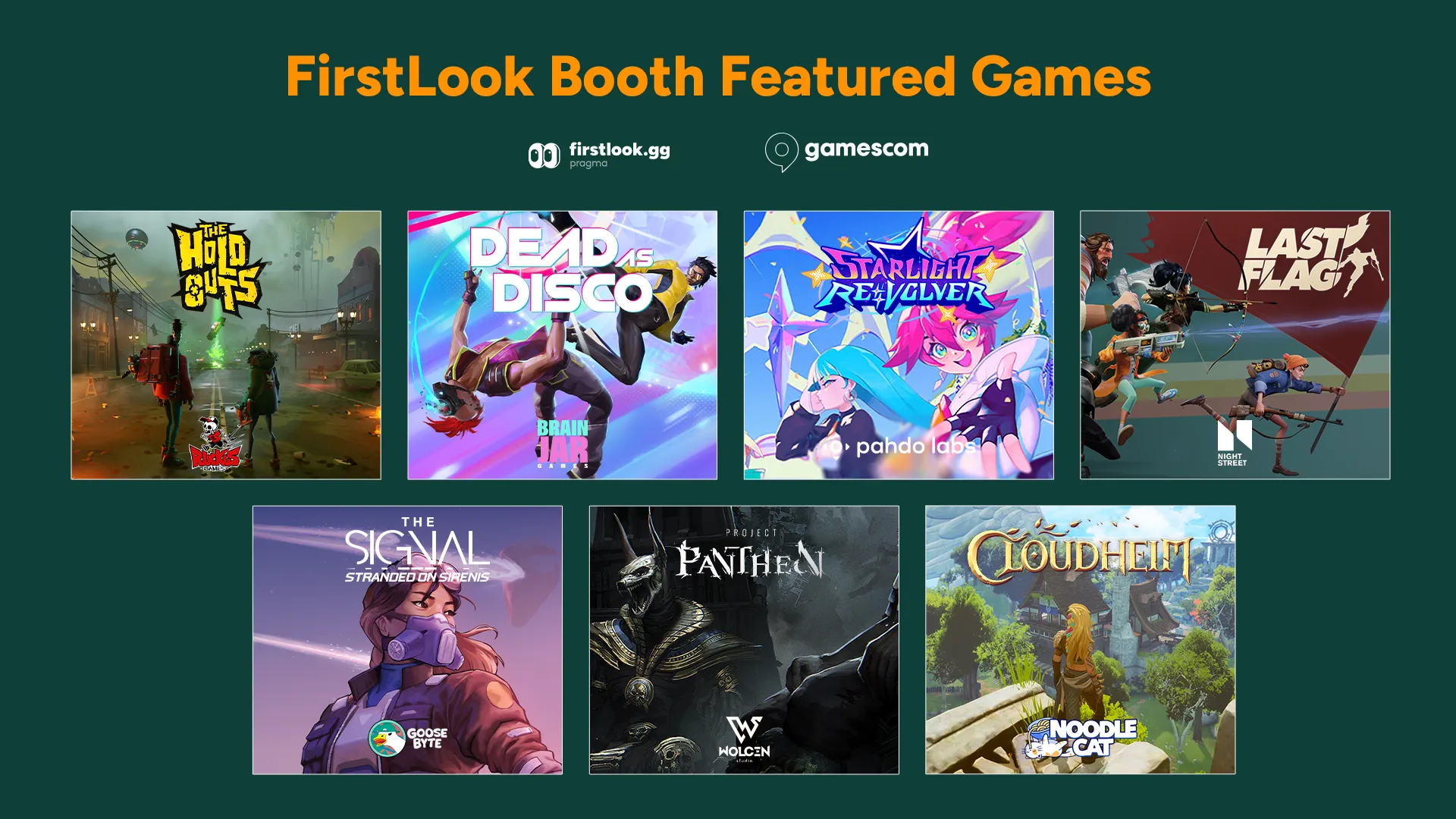
From Wednesday till Sunday we’re promoting the FirstLook Playtester Community at Gamescom! Our booth hosts seven studios using FirstLook and we’re trying out some new low friction features for in-person signups. If you’re there, make sure to drop by (Hall 10.2, Stand D043G).
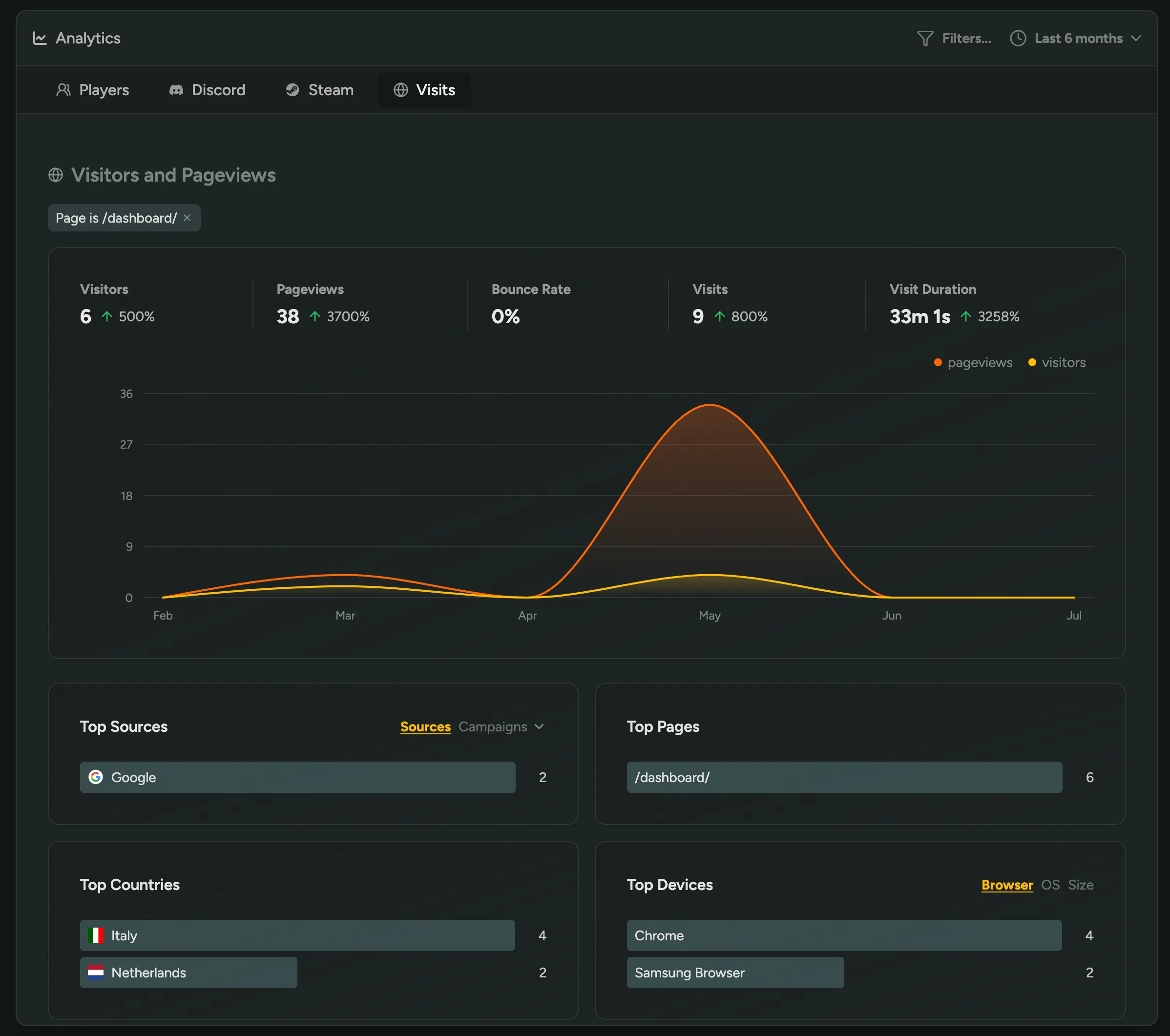
Filter Pageviews and Visitors
You can now filter Analytics data by Source, Country, Page URL, or Device.
Under Analytics → Visits, you’re now able to:
- Click on any Source, Page, Country, or Device to filter traffic data
- View exact pageviews for specific routes
- See ‘Top Pages’ and ‘Top Devices’ listed for quicker insights
This gives you a more powerful way to analyse how visitors engage with your player-facing site.
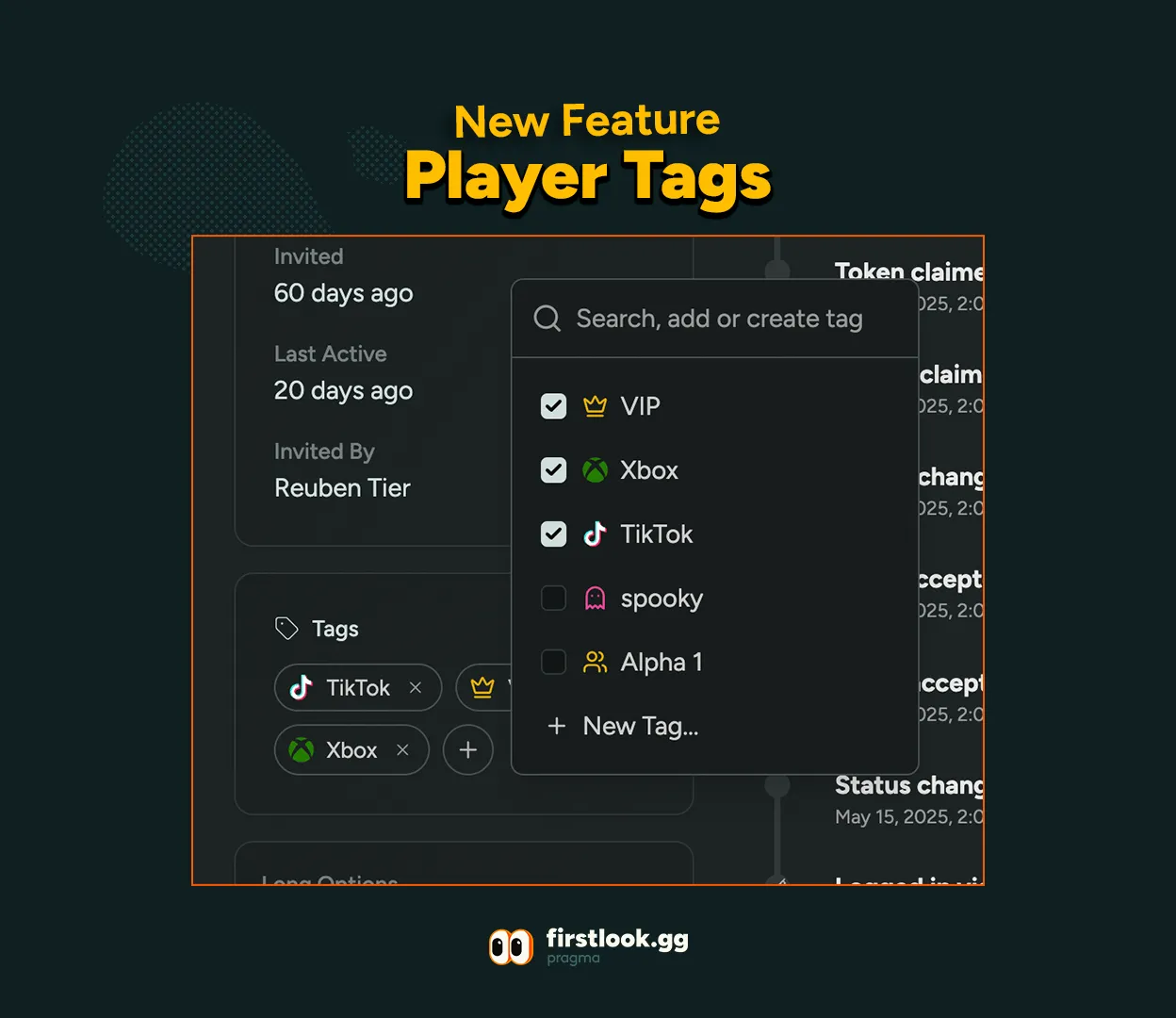
Player Tags
Player Tags 🏷️
We’re excited to announce the launch of Player Tags — a brand new way to organize, personalize, and manage your players with ease! Instantly filter and find players by skill, role, or any custom tag you dream up. Add a splash of personality with colors, icons, and emojis, and keep your team data organized, searchable, and easy to update.
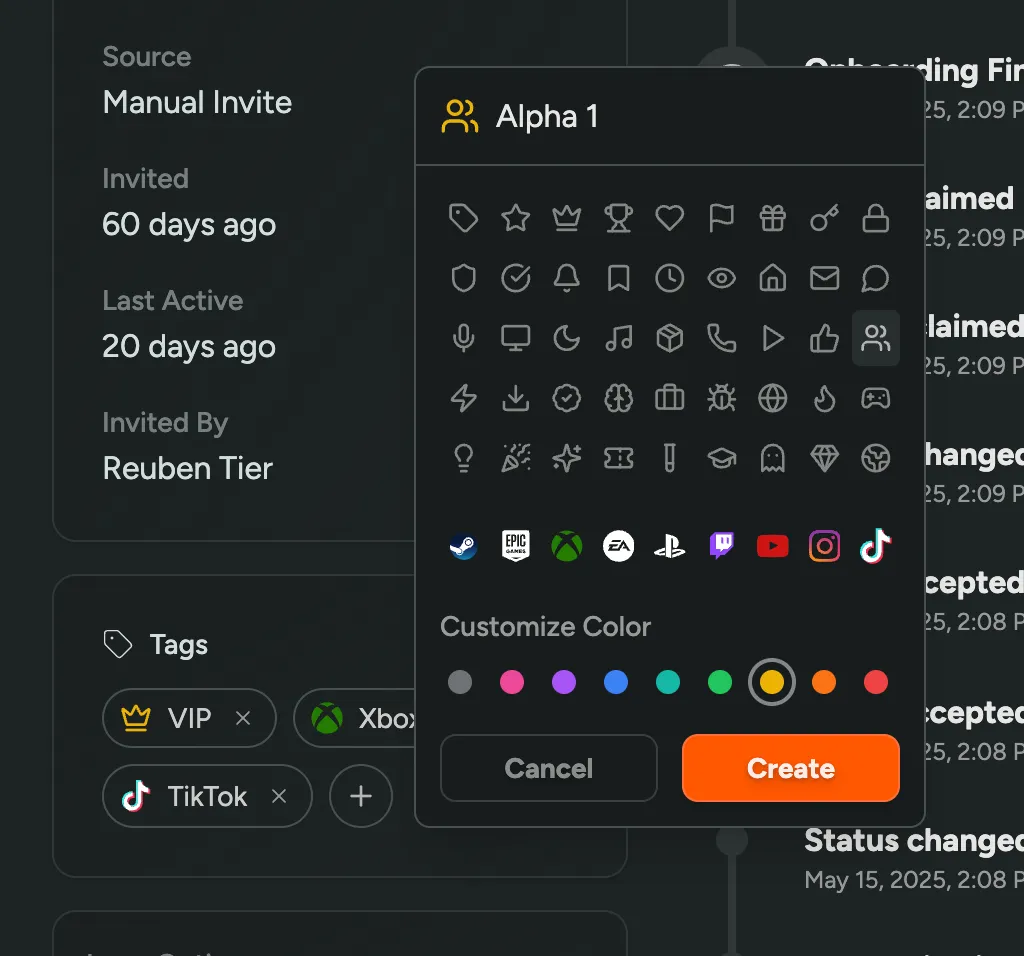
🏷️ Bulk Tagging: Quickly add or remove tags for multiple players at once. Save time and keep your roster organized!
🛠️ Tag Management: Effortlessly create, edit, and delete tags to fit your needs.
👤 Enhanced Player Profiles: Assign or remove tags directly from any player’s profile.
🎨 Personalize With Style: Add metadata, colors, icons, or even your favorite emojis to each tag for that extra flair!
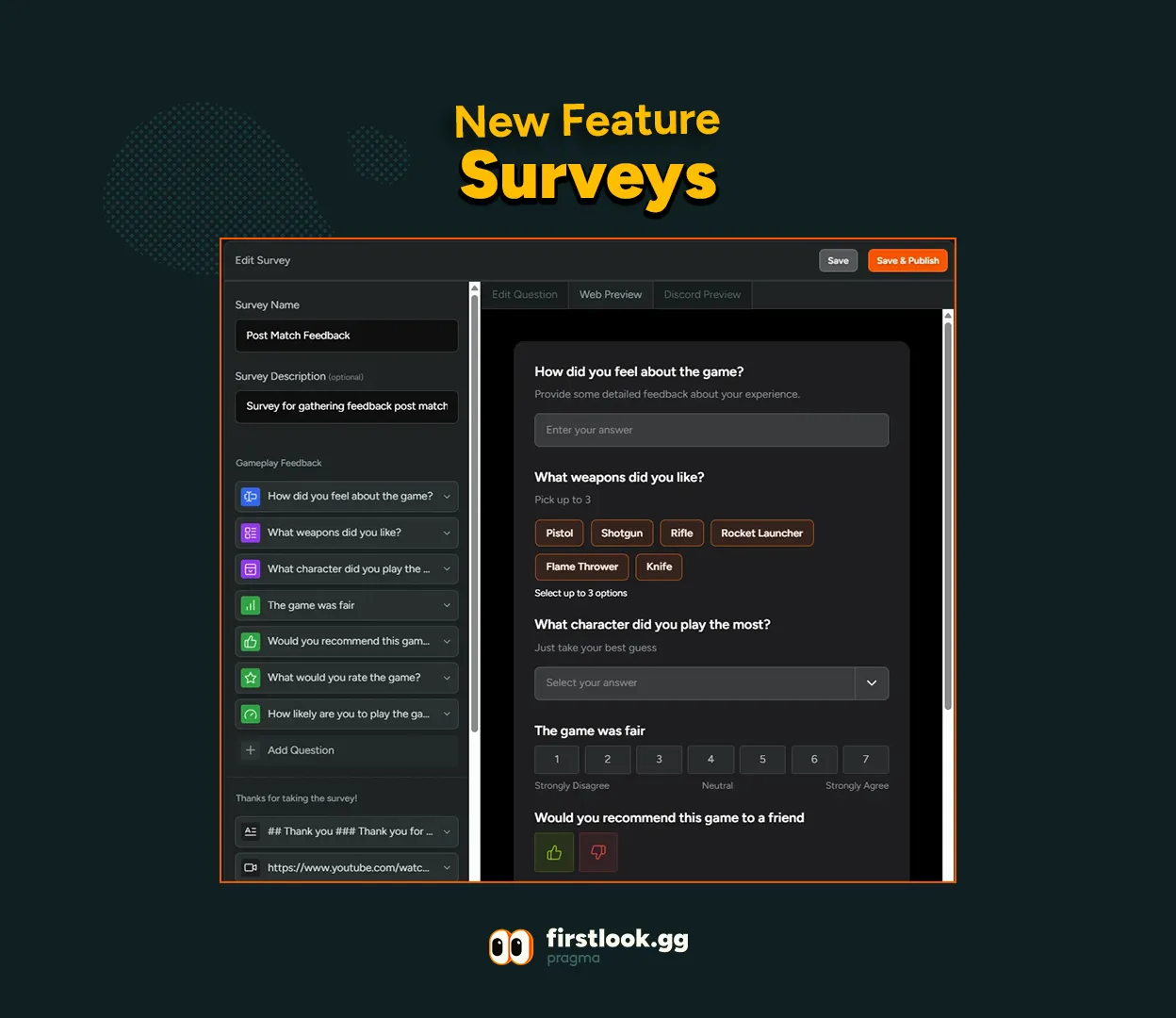
Surveys
Our survey feature just got a major upgrade.
Use surveys to gather valuable insights from your players, so you can understand what they love, what needs work, and how to make your game even better. The refreshed UI streamlines survey creation, customization, and analytics, letting you collect actionable feedback faster.
We’ve reimagined the experience to help you optimize player engagement, iterate on design, and make data-driven decisions with less friction. Get the full scoop on Surveys and how to use them here: https://docs.firstlook.gg/player/surveys/
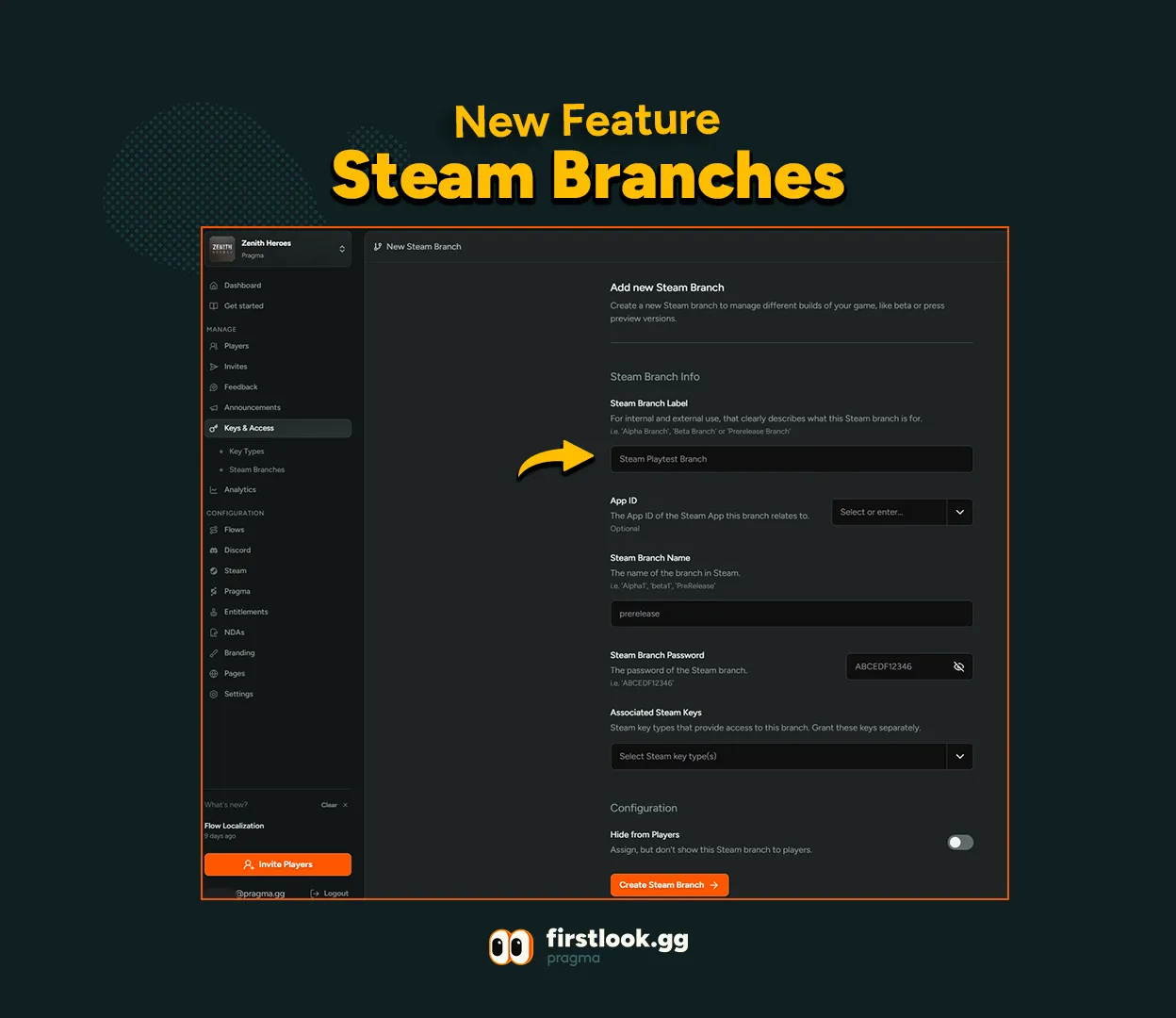
Steam Branches
Looking to give specific players beta branch access on Steam, or wanting to test new features on a released game? FirstLook now helps you share Branch passwords and instructions!
Simply head over to ‘Keys & Access’ in the left-side tool bar, hit Steam Branches, add a new Steam Branch (top right corner) and enter your details on the page.
FirstLook will automatically provide clear instructions to your players.
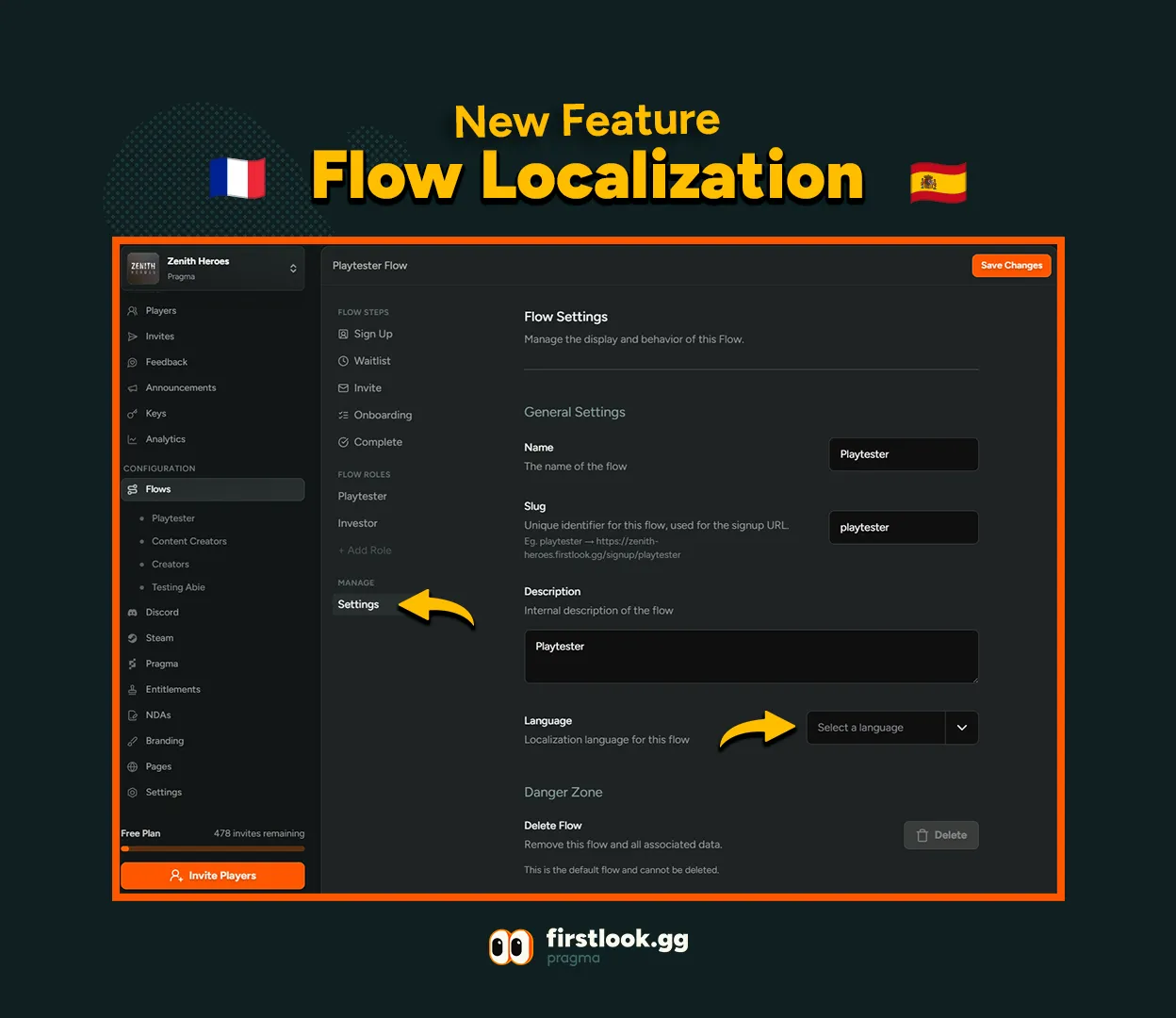
Flow Localization
You can now localize your Flows in Spanish and French!
To turn this on, go to the Flow you want, > Manage > Settings > Language and pick your language.
*Note: The language is set for each Flow and can’t be changed by players.
Live Flow Preview
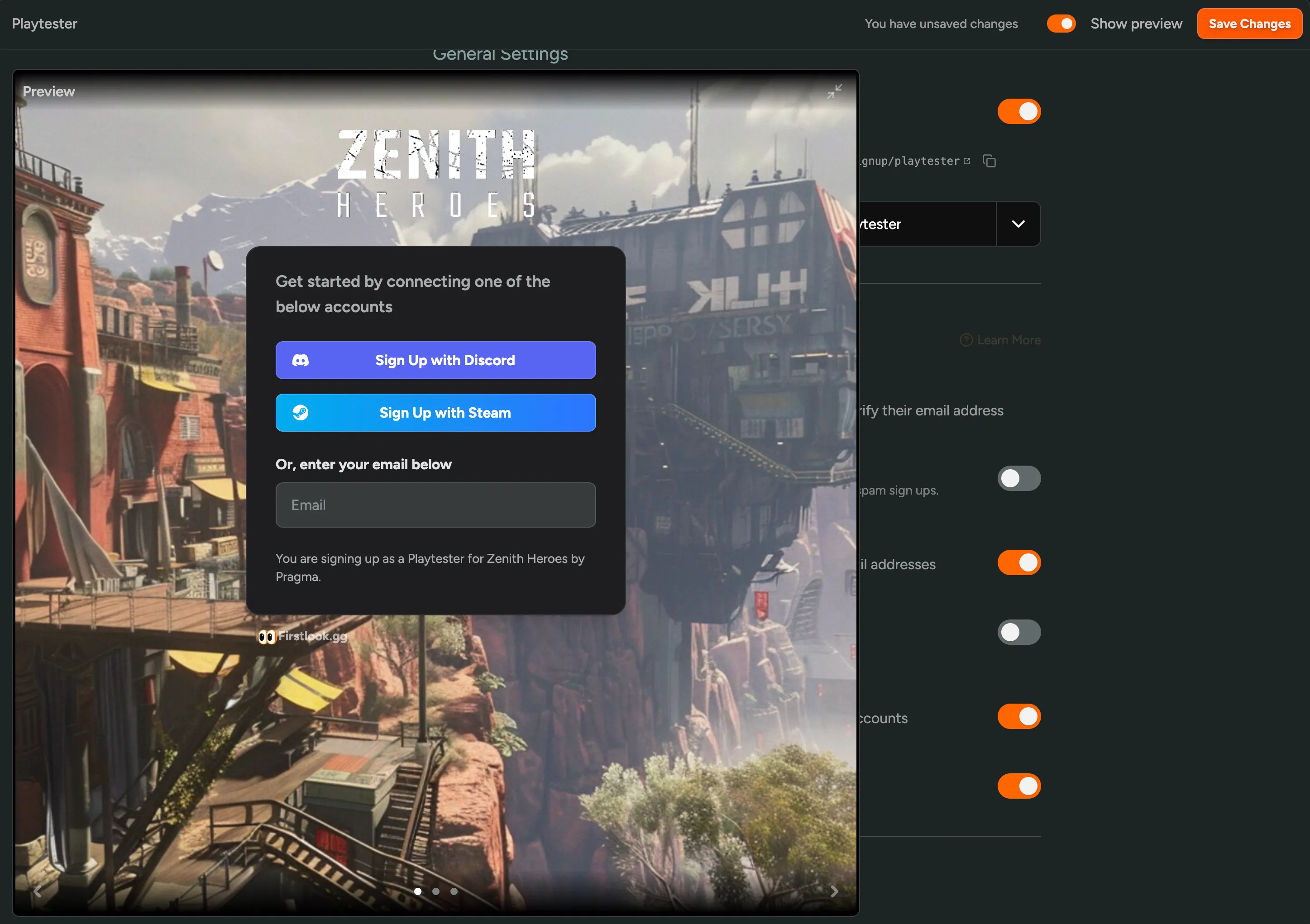
As you create your onboarding flow for play testers, a live preview now appears in the bottom left corner. This shows you exactly what your players will experience, without having to leave the page!
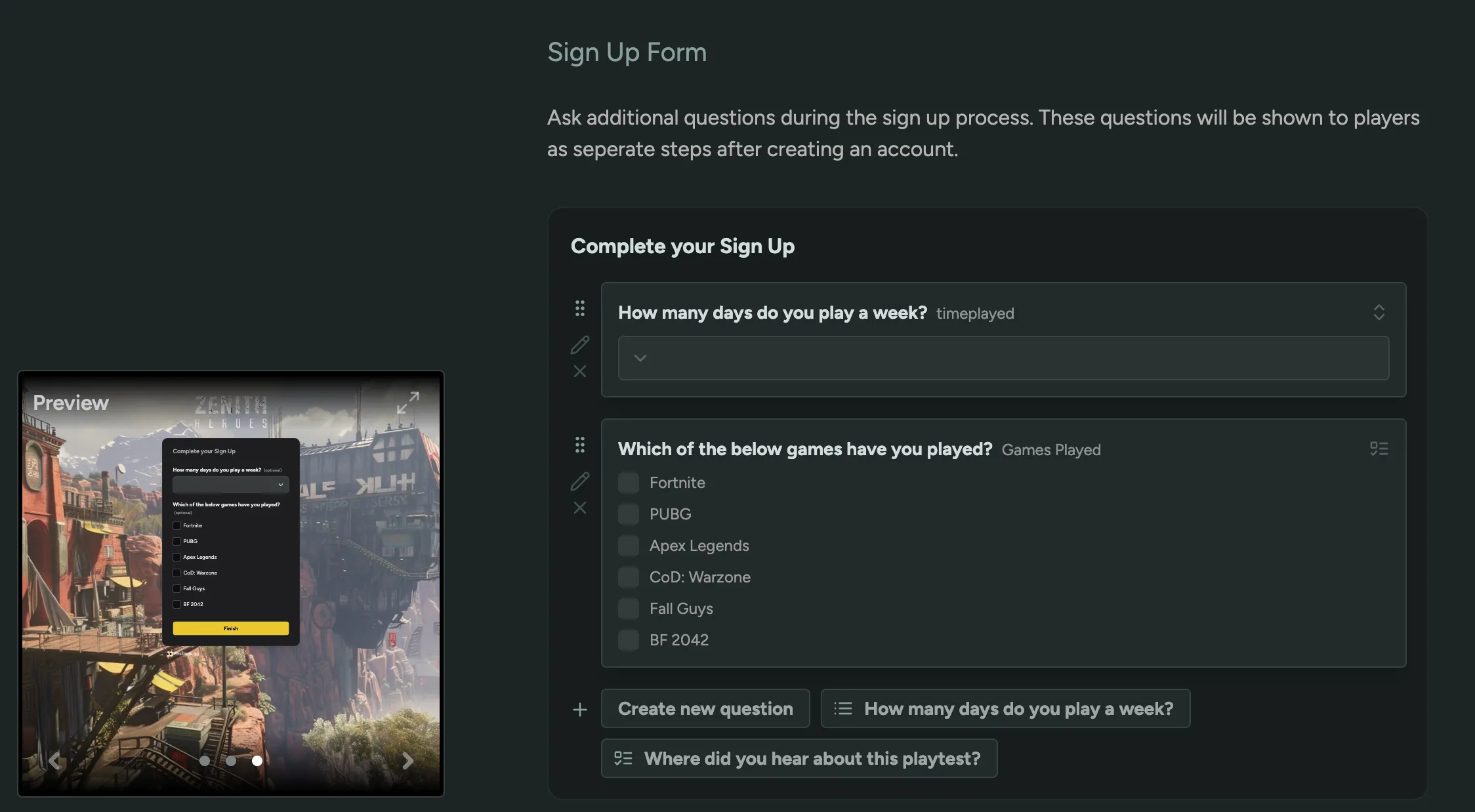
Multiple Choice Questions
We’re thrilled to announce a brand new feature designed to make your playtesting and feedback collection even better: Multiple Choice Question Types!
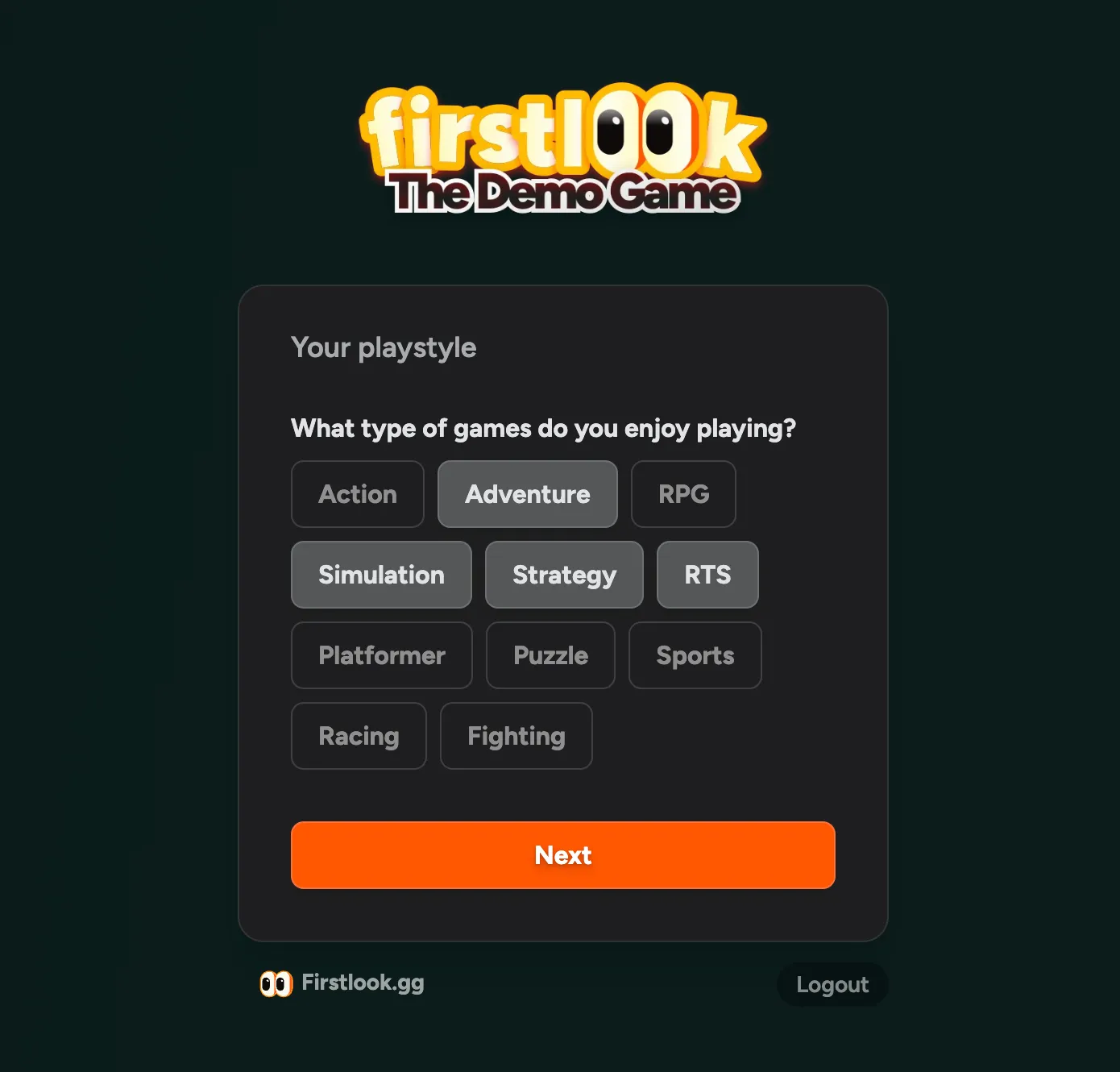
Now, users can easily select their answers, making the feedback process smoother and more insightful 📝
How does it work?
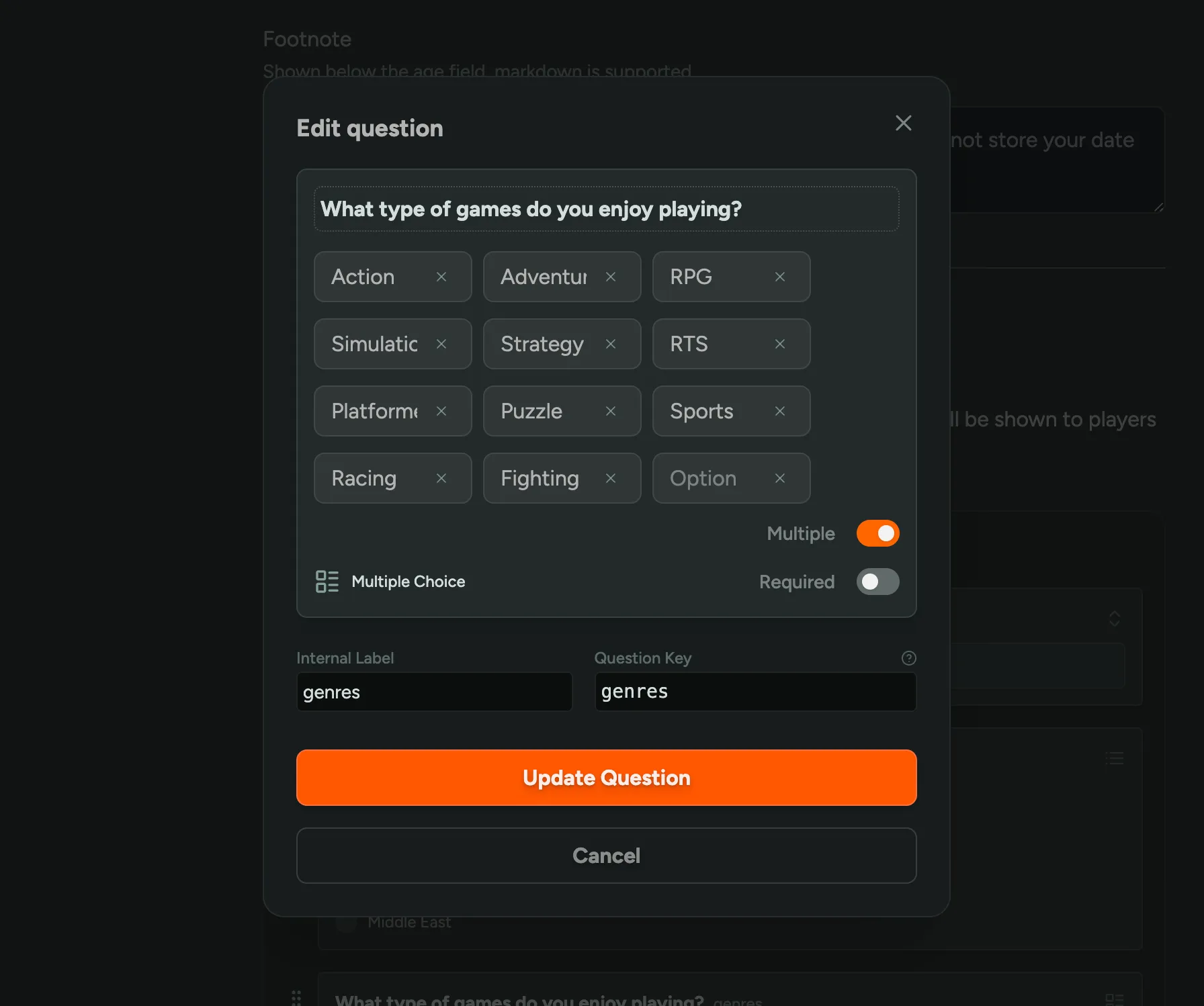
During the signup and onboarding stages of your flow, you can add this question type to your custom questions. Simply select ‘New Question’ and then choose ‘Multiple Choice’.
Markdown Image Upload
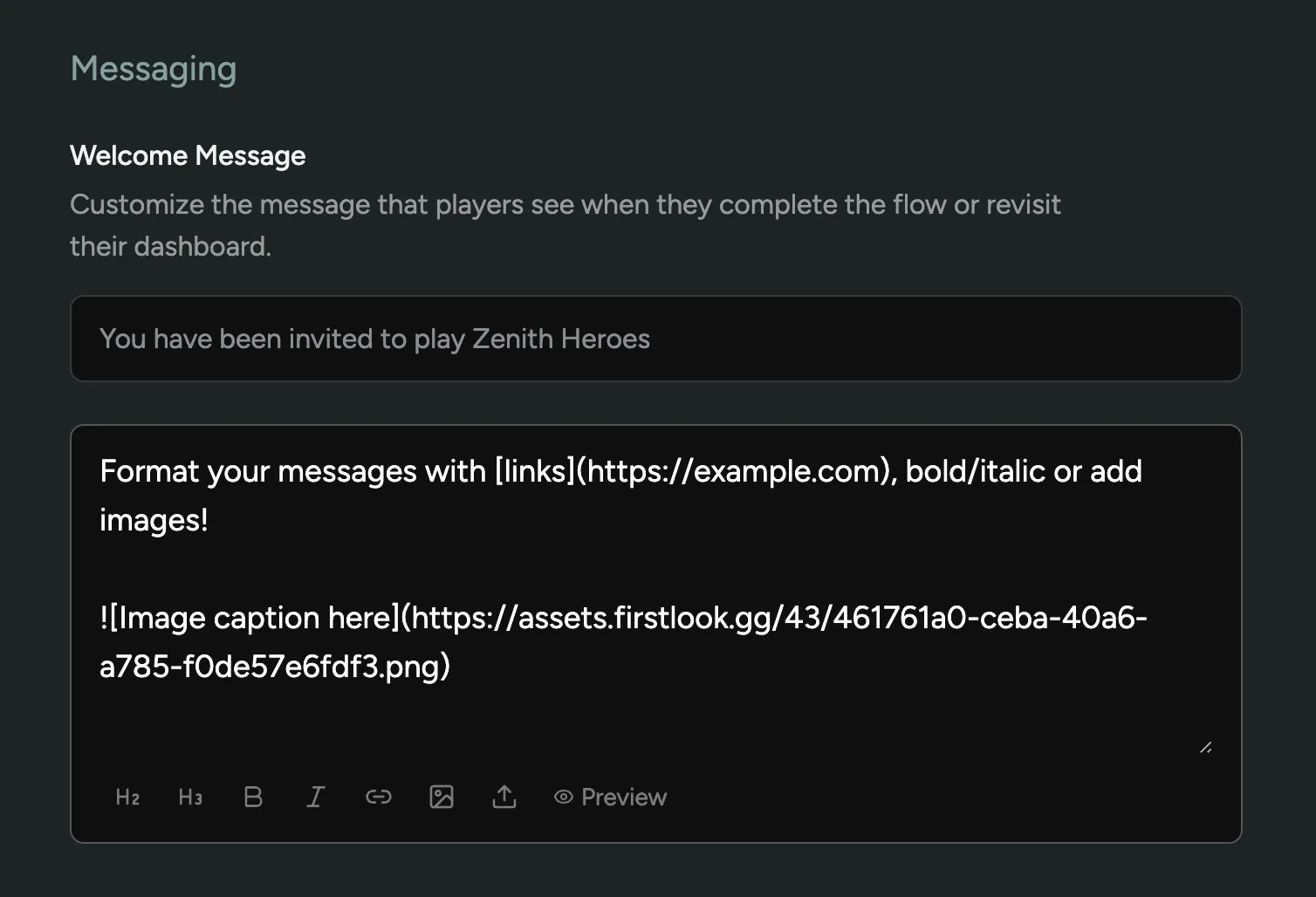
In all areas where we support markdown formatting, we have added simple formatting buttons, a preview feature, and an option to upload images. Now you can easily insert images into your announcements and custom messages!
Epic Playtests
We now support the Epic Games Store as a platform for your playtests and key distribution. Capture Epic Account IDs during signup, upload them to your Product’s Player Group and distribute keys to your players for a seamless experience. All while benefiting from our NDAs, custom signup questions, surveys and more.
Epic support is available on all plans.
Getting Started Recipes
To help you get started with FirstLook, discover new features or help you verify if you’ve set everything up correctly, we’ve created a series of Getting Started Recipes.
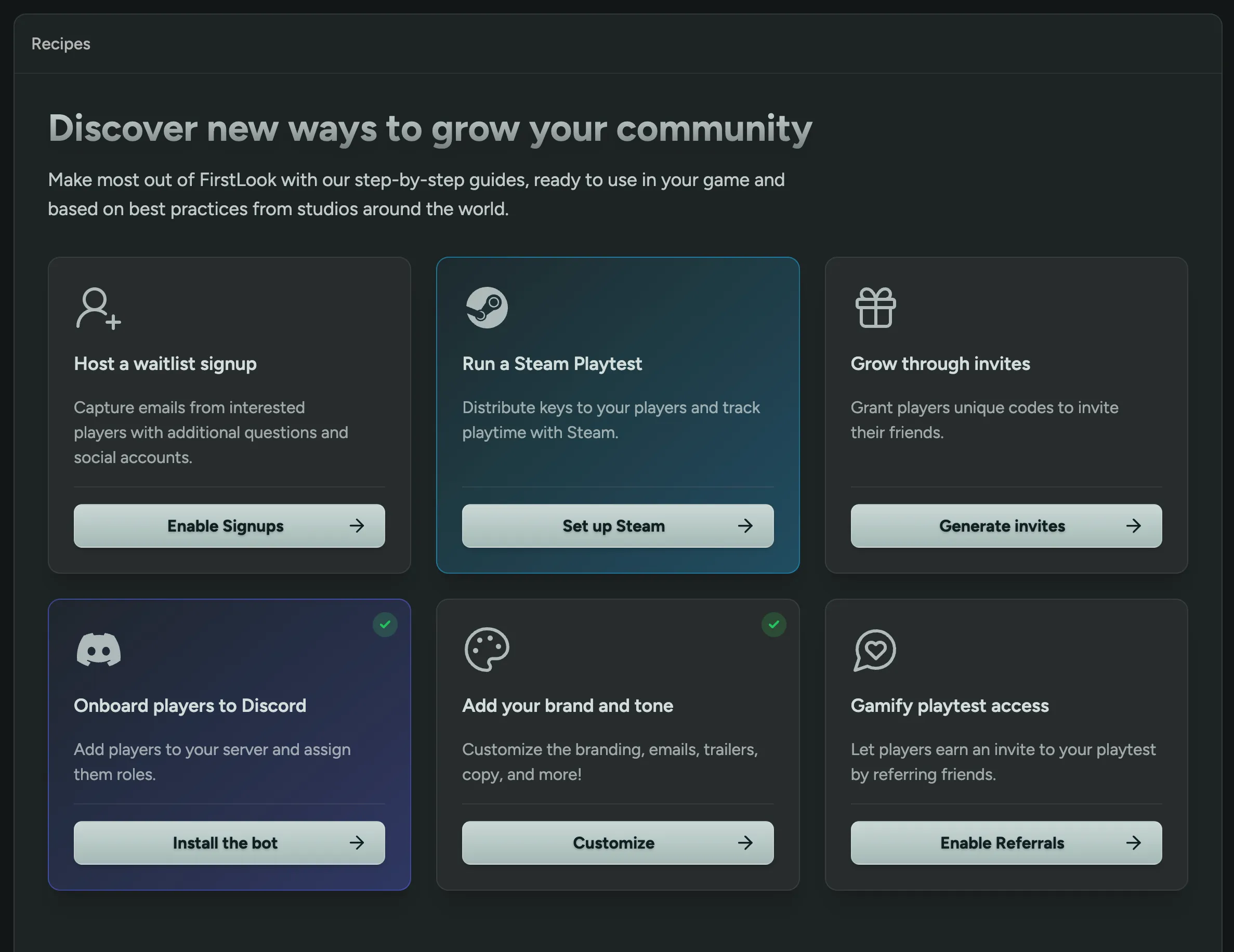
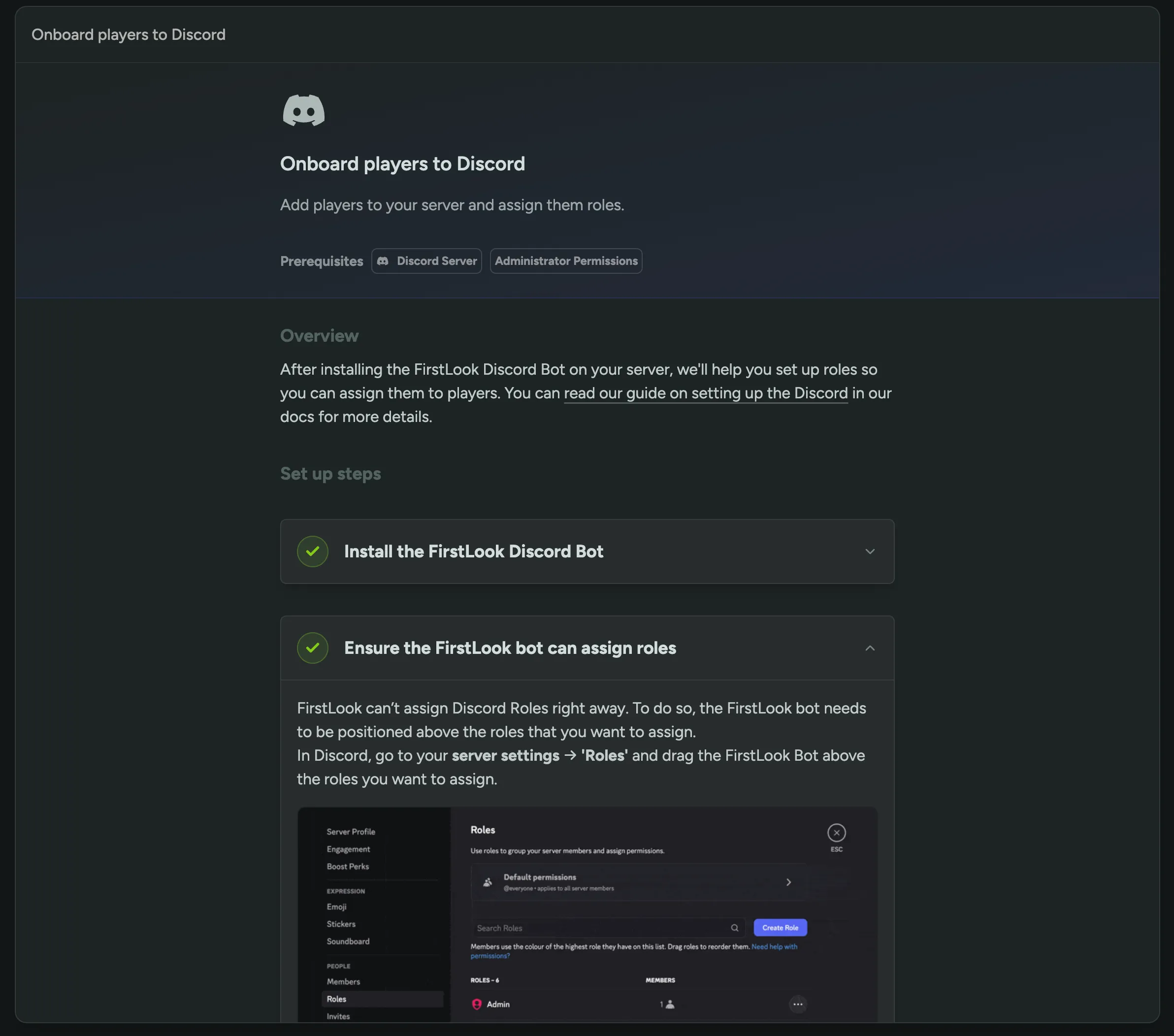
We’ll be adding more recipes over time, so keep an eye out for updates or feel free to request specific Guides or Best Practices for us to add!
Manually Grant Keys
In certain edge cases, you may need to manually grant a key to players. This could be to provide access to a different platform, a release build, or to resolve an issue with the key they initially received. Currently, this requires setting up a completely new role or revoking their existing key. To simplify this process, we are introducing an option to manually grant keys to players through their profile or to multiple players at once via the player list.
These keys are granted in addition to any keys automatically assigned based on the player’s role and will not trigger a new invite email or notification.
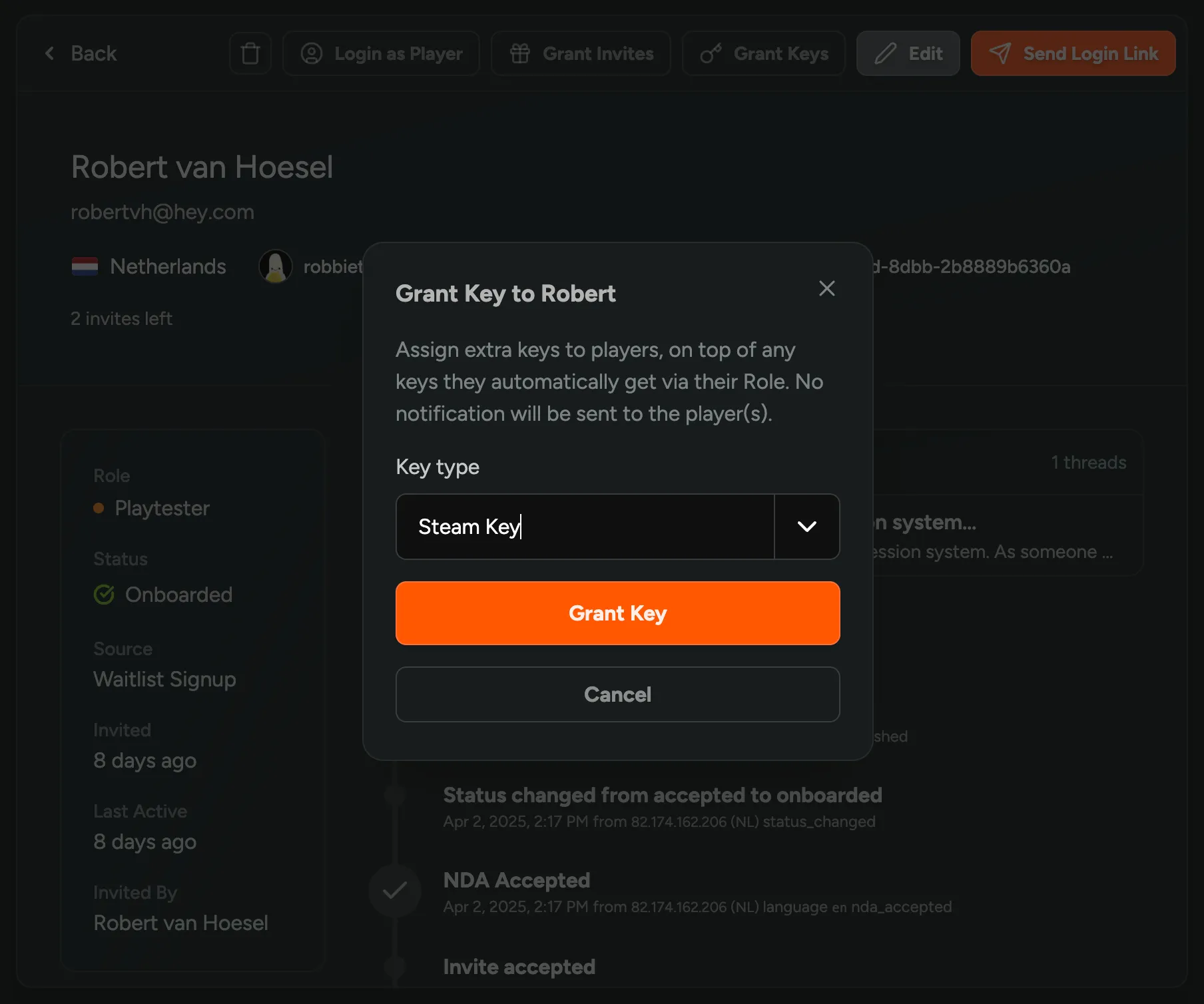
Player Attribute Analytics
You can now view analytics for player attributes, including the custom questions you asked during onboarding. The analytics provide a complete breakdown of responses, and you can filter them by specific player groups.
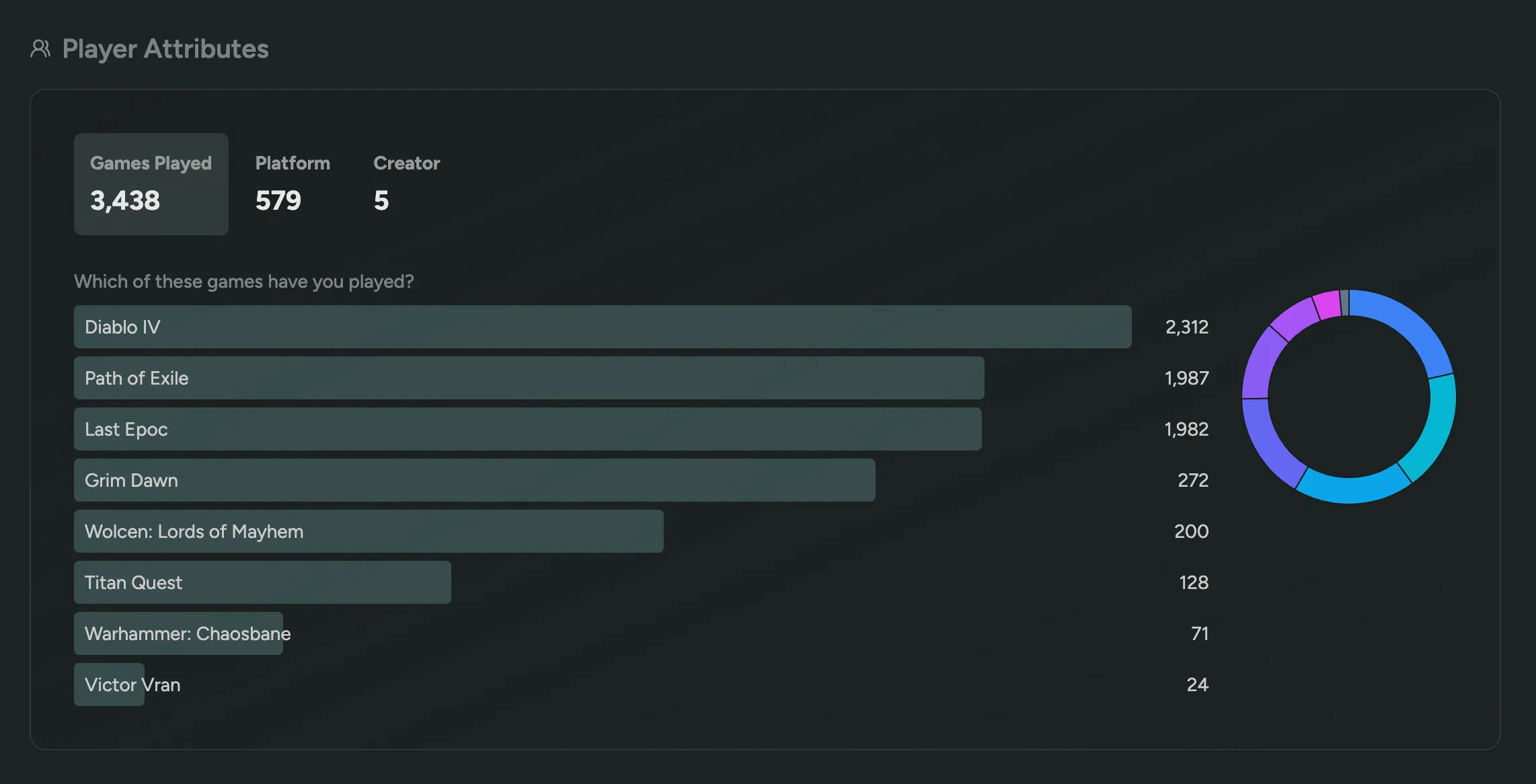
Edit Player Email and Questions
You can now edit a player’s email address and any of their questions and properties. Click on ‘Edit’ in the top right corner of their profile to get started.
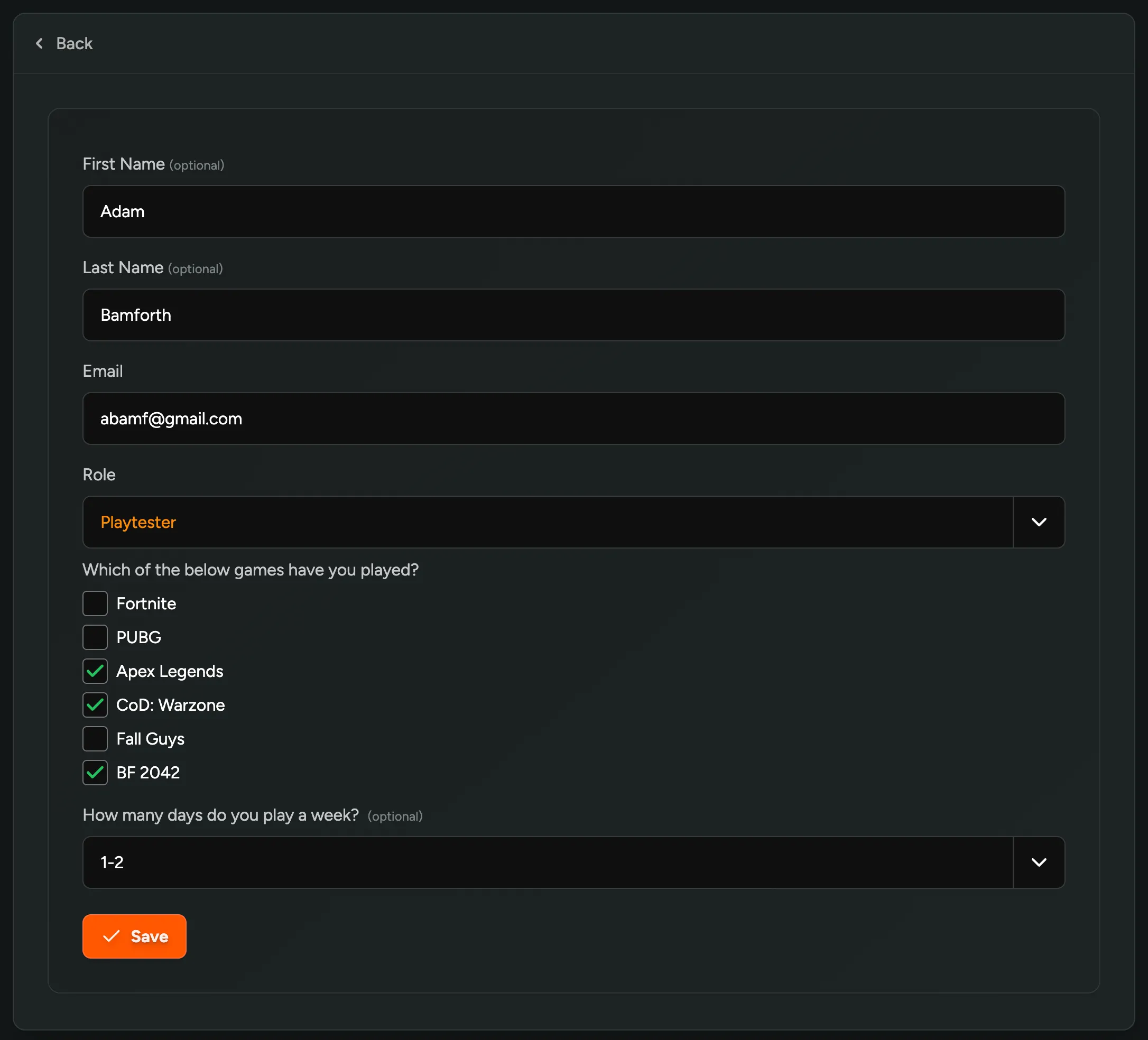
Live Aware Integration
We’re excited to announce our first integration with Live Aware. Live Aware allows players to stream their gameplay to your team and automatically captures insights and feedback. We have several ideas lined up for this integration, starting with a simple one: a call to action for players to stream using Live Aware.
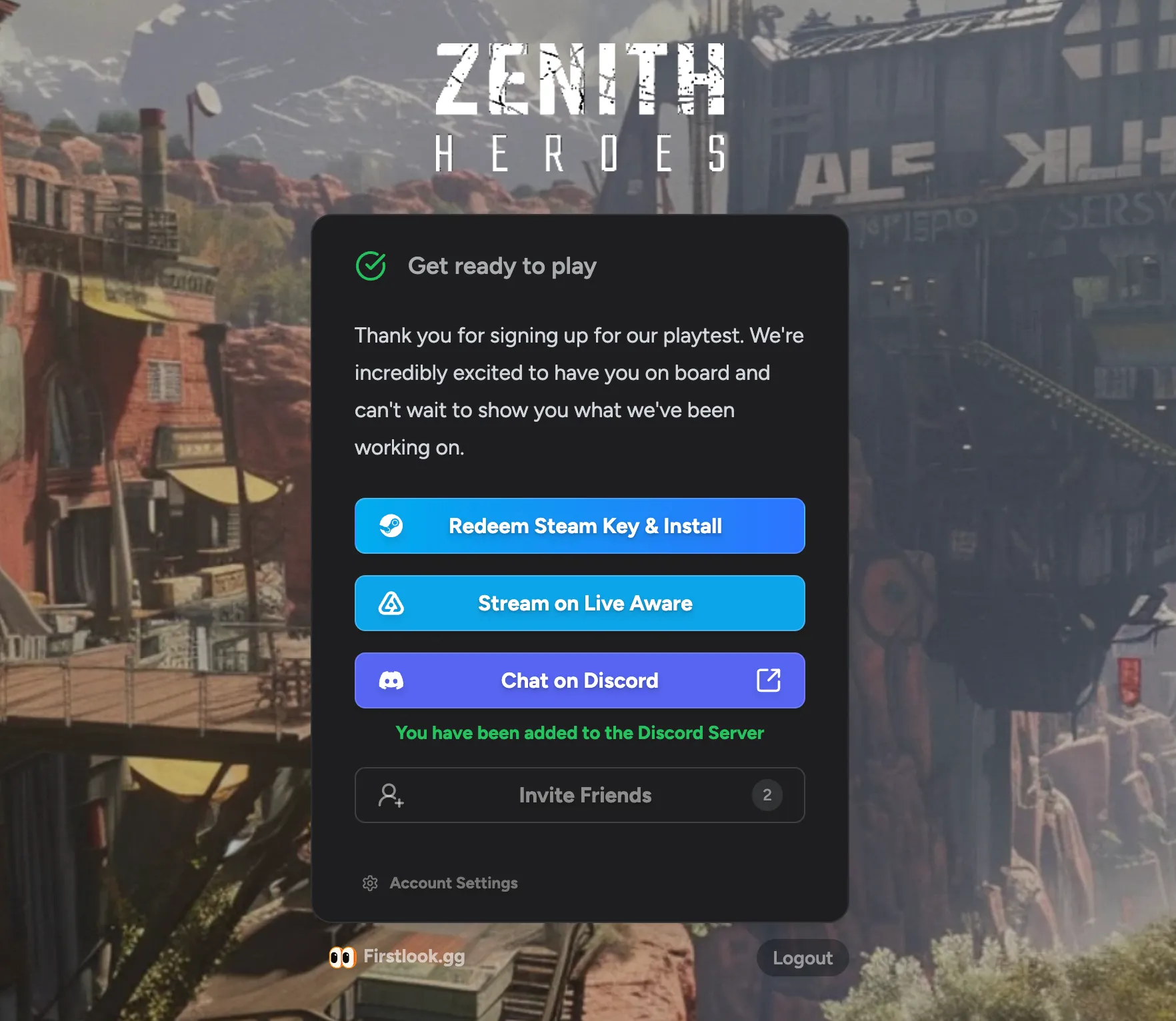
This call to action displays a player’s personal Direct Invite link when they’re fully onboarded. Alternatively, you can show a generic shareable link to everyone. Learn more
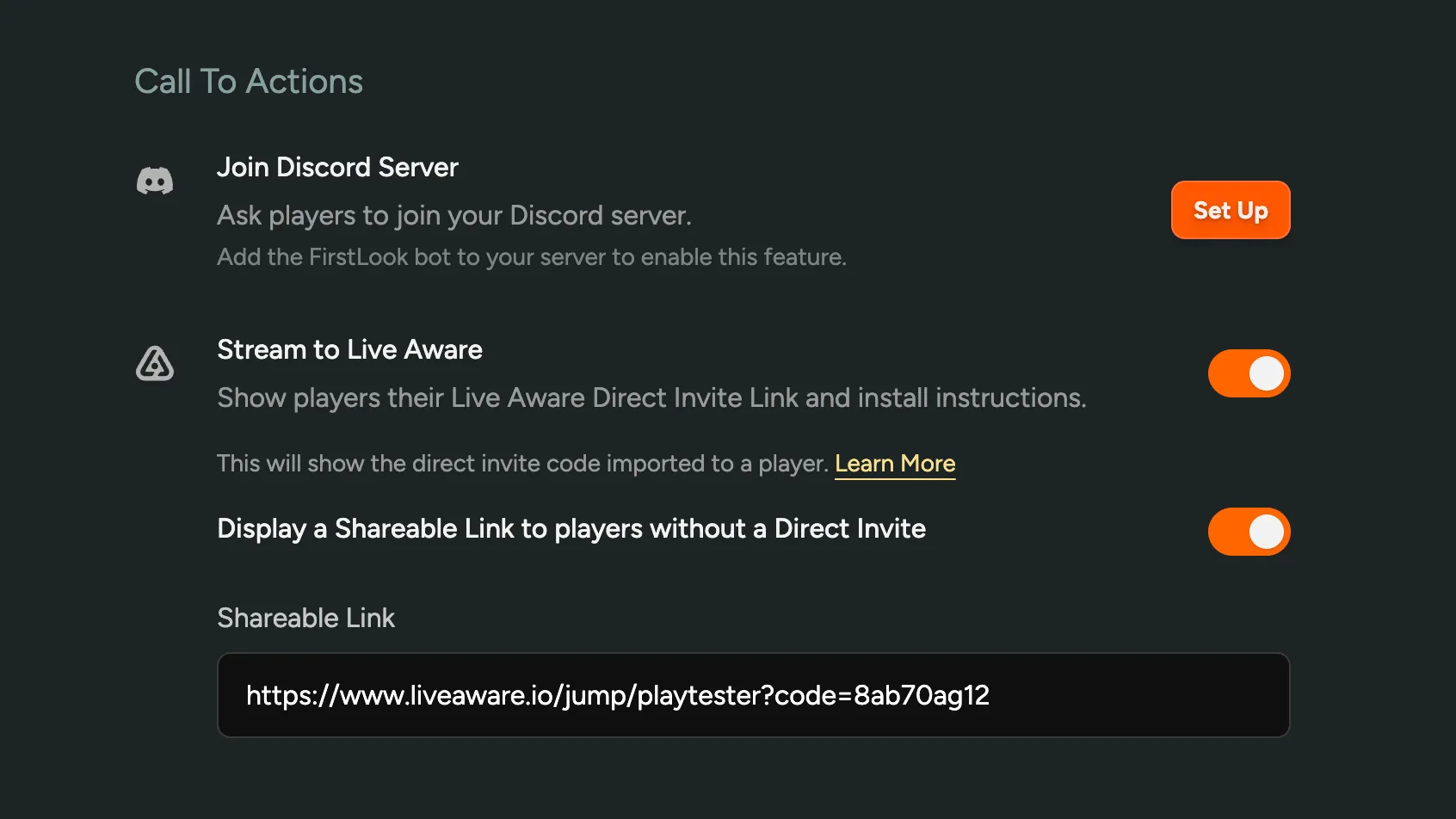
If you’re using Live Aware and want to enable this integration, please reach out to us. If you’re interested in learning more about what Live Aware can do, reach out to developers@liveawarelabs.com!
Multi-Stage Questions
We’ve completely overhauled the way we you can create and manage custom questions in FirstLook, introducing a new multi-stage question builder and the option to delete and archive questions.
Create and edit questions in place
On the Flow Signup and Flow Onboarding page, you can now create and edit questions in place without leaving the page, seeing a full preview of what the question looks like. You’ll also see a list of all the questions you’ve created elsewhere to quickly insert them into the flow.
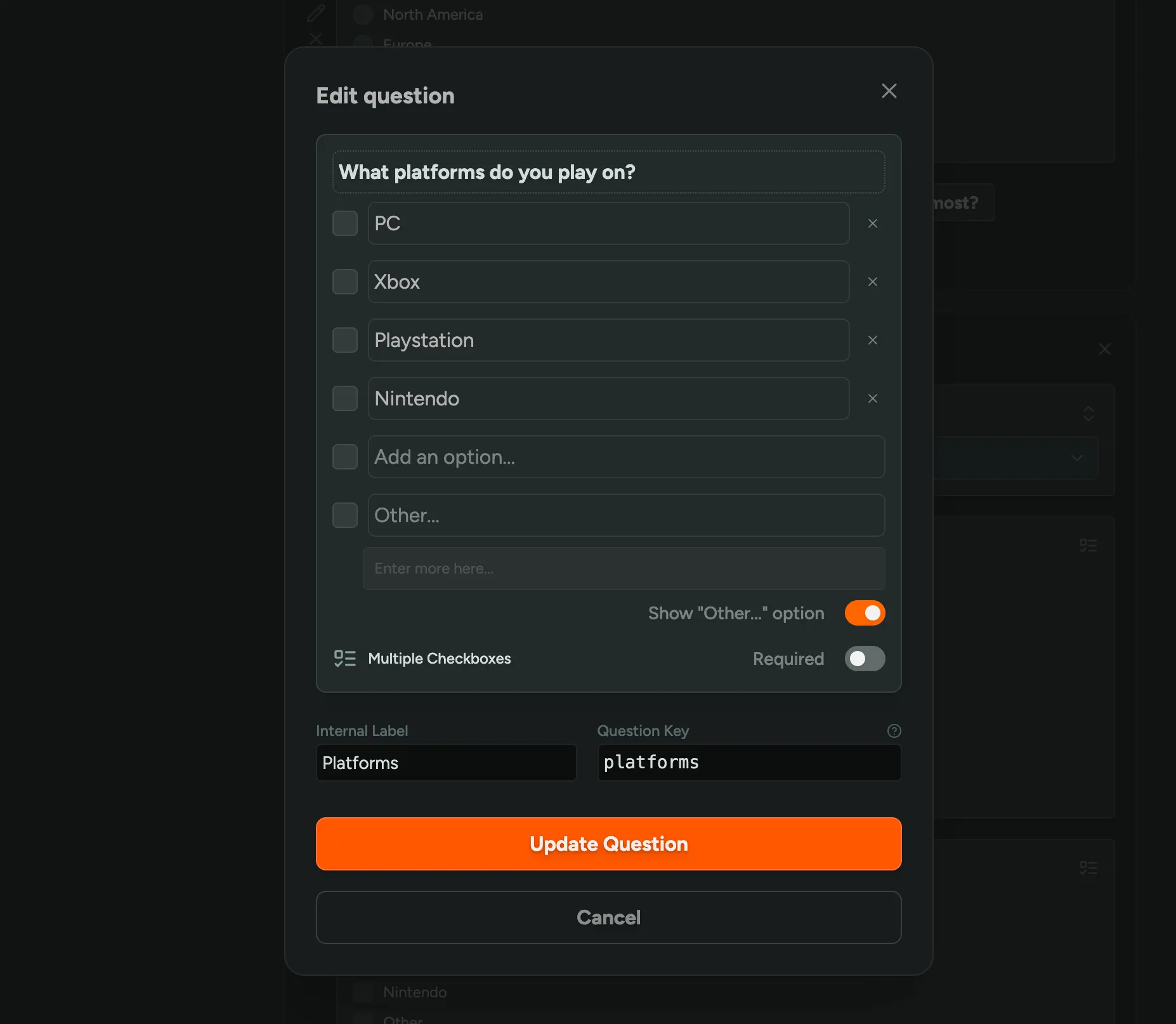
Additional pages
You can now add extra question pages, each with their own set of questions and a customizable title. This is useful for splitting a bunch of questions into multiple steps.
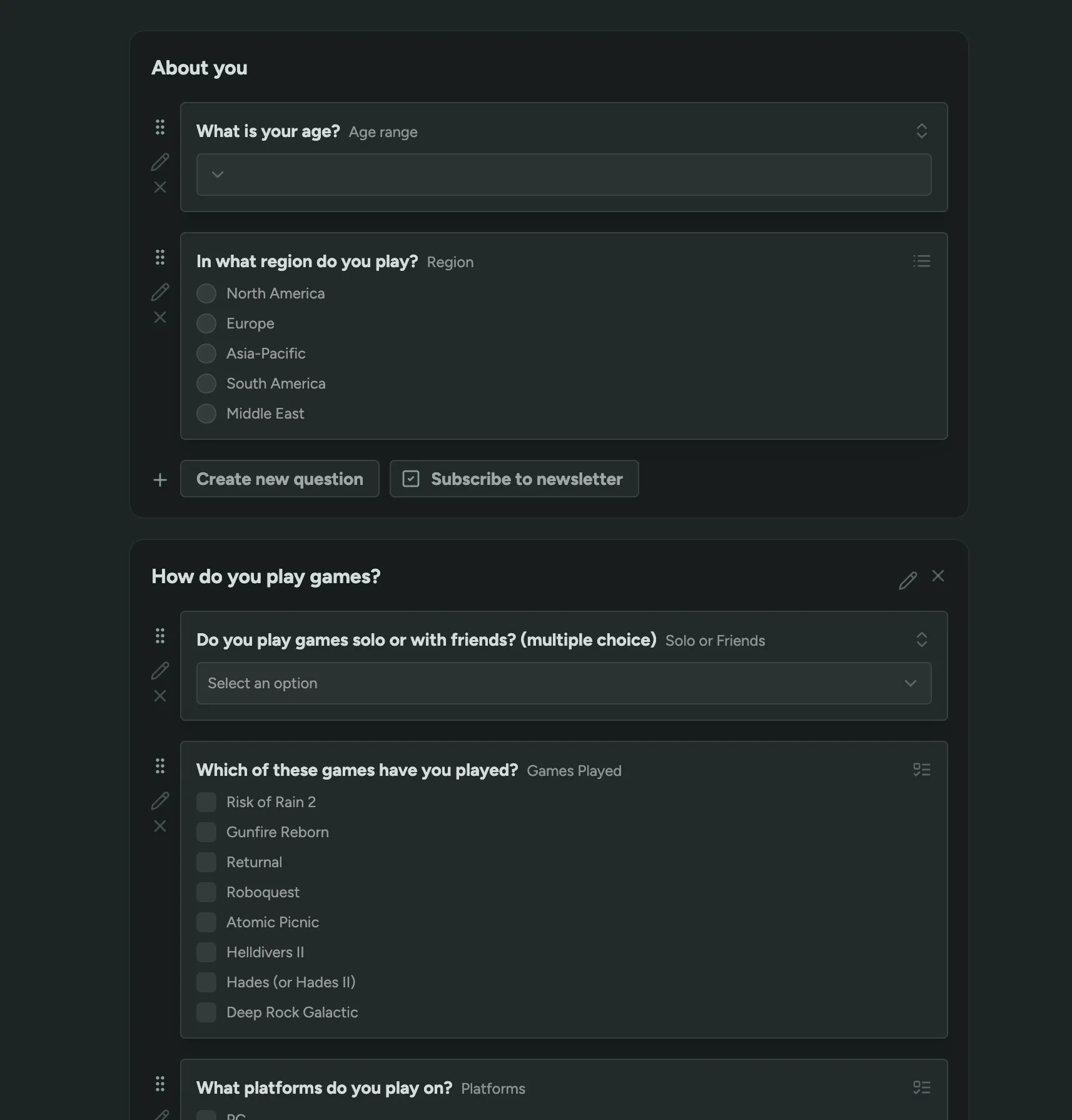
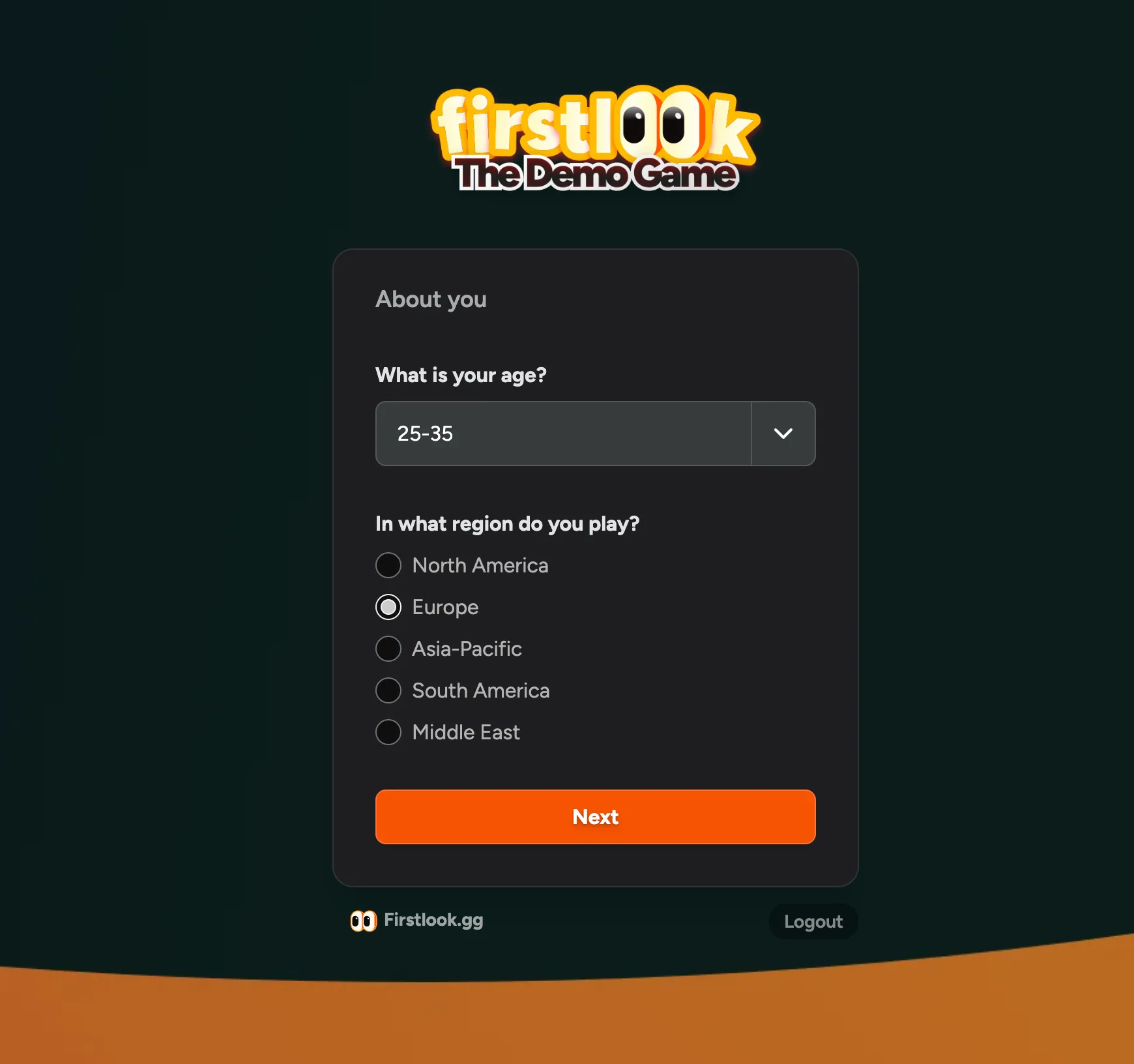
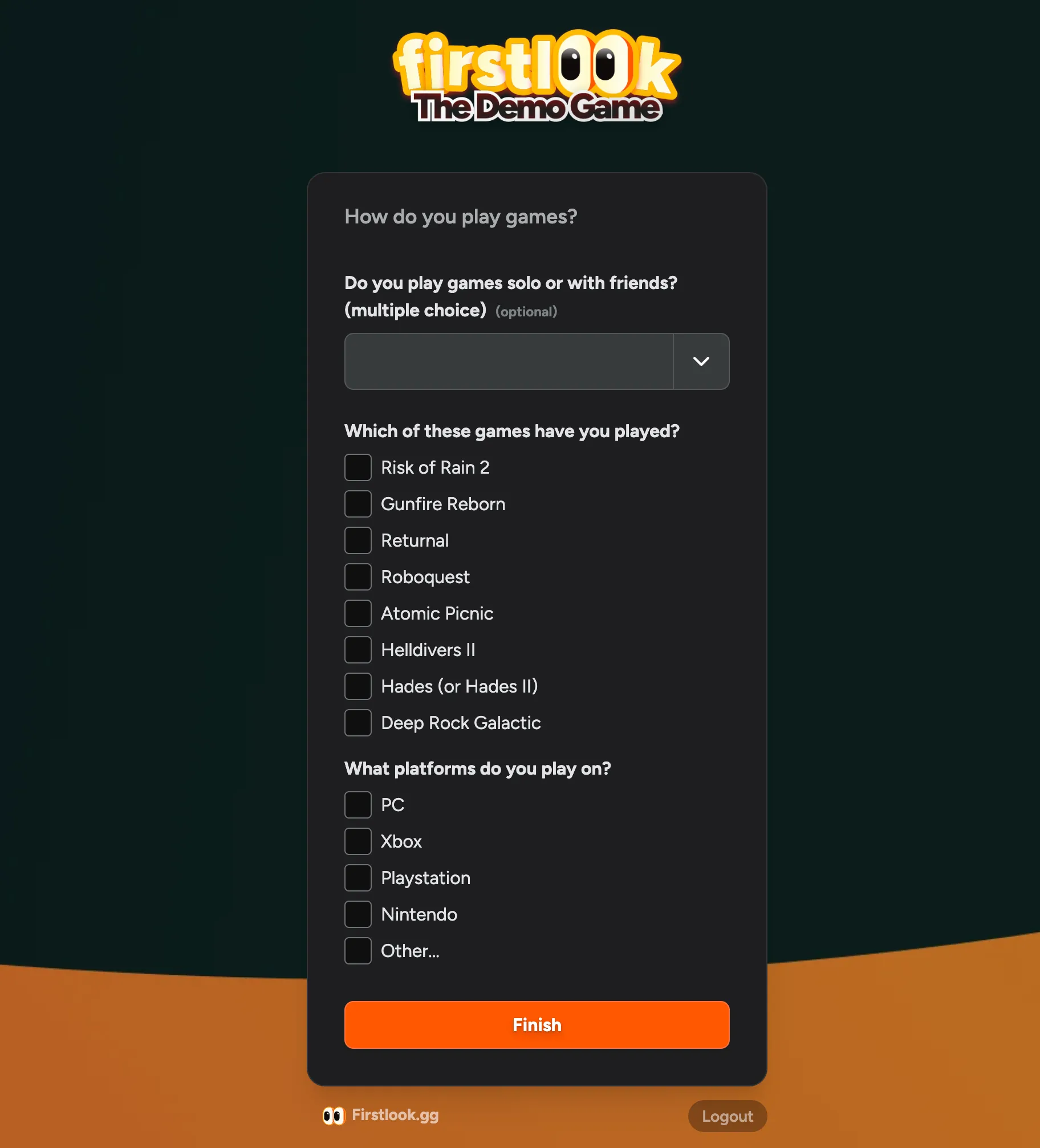
Drag’n’Drop ordering
Drag and drop questions to reorder them, even between different pages.

Delete and archive questions
Under Settings > Questions, you can now delete and archive questions. Questions that have never been used can be deleted, so you can free up that question key. Questions that have been used but are no longer relevant can be archived.
Key Inventory
On the Key Overview page, you will now see how many keys of each type you have used and how many you have remaining. If there’s a recent surge in keys being used, we’ll show a warning and a rough estimate of how long your current stock will last.
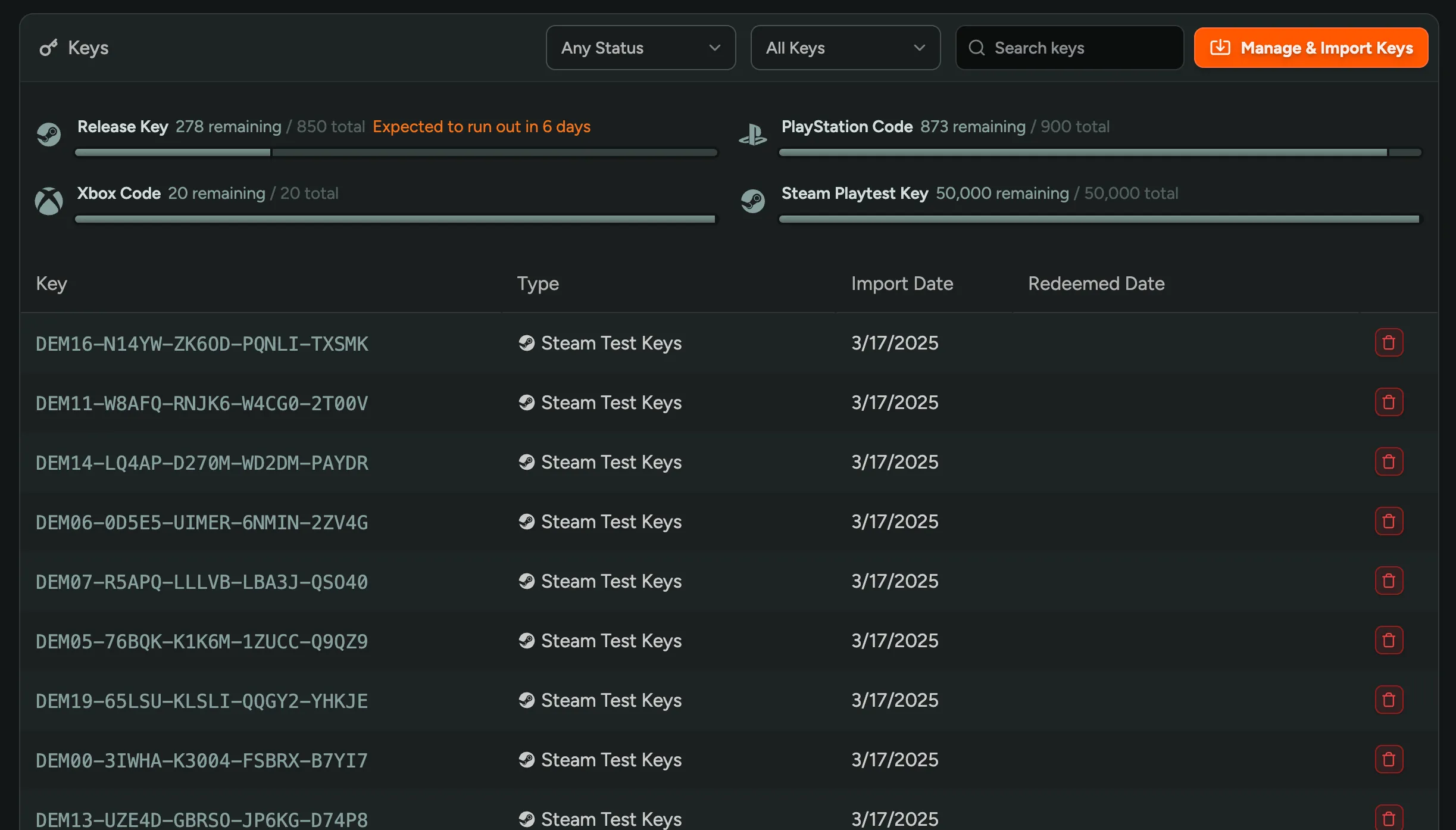
Data Retention and Player Deletion
We’re now keeping player data intact when you delete a player from your playtest. This means that you can still access the player’s data, keys, and audit logs if needed. After 30 days, all personal information is scrubbed and removed, but the audit log and related keys are retained. You can view all deleted players in the Dashboard by filtering on the “Deleted” status.
You can configure the retention period in your General Settings. There’s also an option to keep players’ Emails or Names indefinitely, which is useful if you have a legal requirement to keep this data (e.g. NDAs).
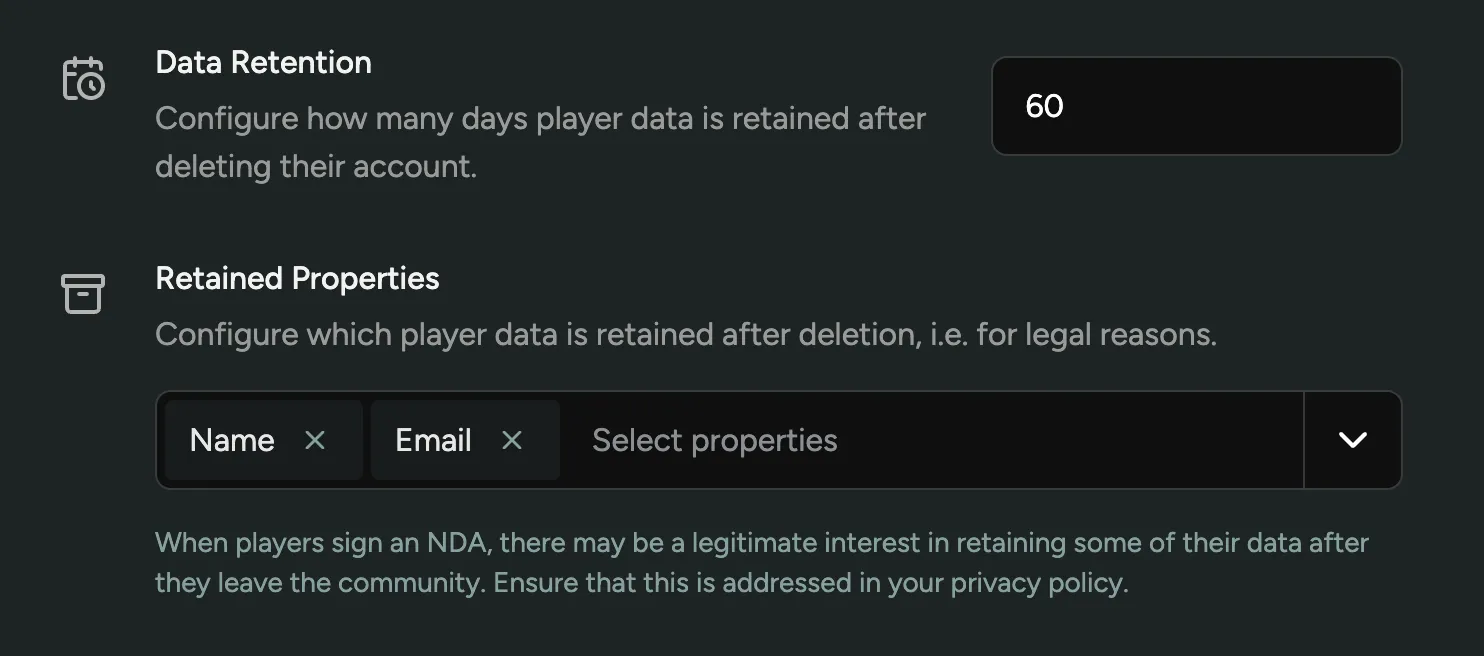
When deleting a player, you can bypass the retention period and delete the player’s data immediately. This is useful if you want to test an onboarding flow with your own account, or to comply with a data removal request.
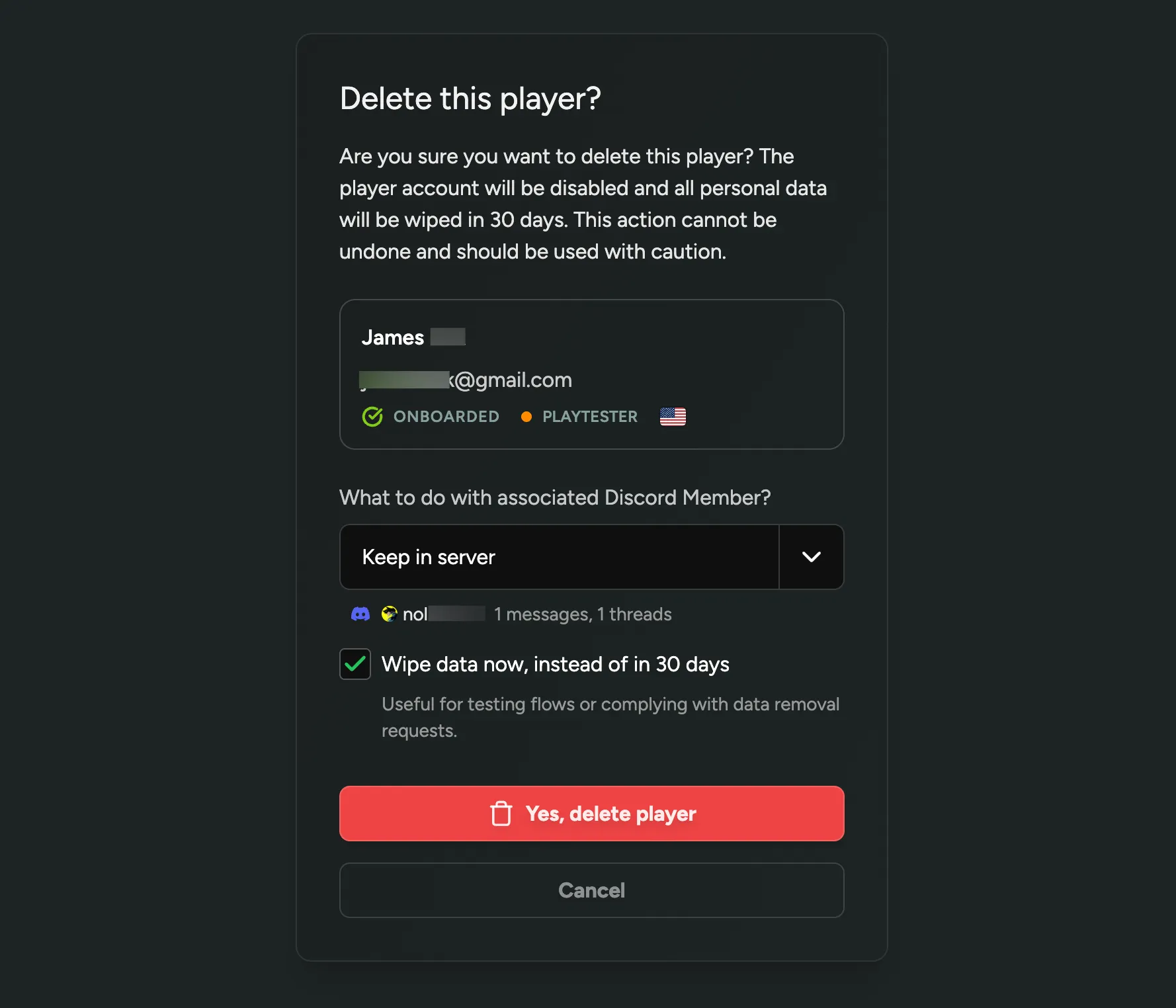
To learn more about GDPR and privacy compliance, check out our brand new GDPR and Privacy Compliance guide.
Unsubscribe from email announcements
When sending email announcements to players, each email will now include a link where they can manage their email preferences and opt out of future announcements. When players opt out, they will still receive important emails from you, such as playtest invites or login links. They can always re-subscribe at any time via their Dashboard.
You will be able to see on a player’s profile whether they are unsubscribed to your email announcements.
Player country stats and filters
We’ve added Top Player Countries to the analytics page. This feature allows you to see which countries your players are signing up from. You can filter the analytics by specific roles or other attributes for a deeper dive.
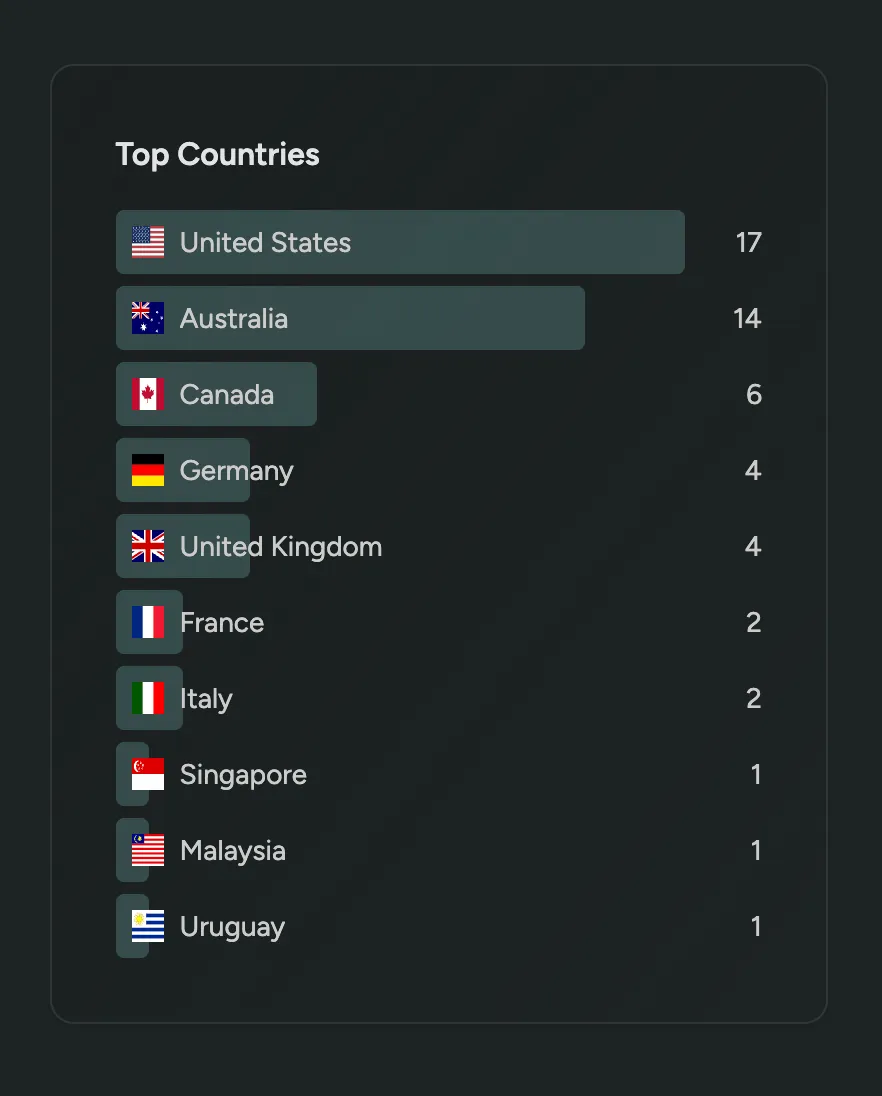
Additionally, you can now filter the players and the analytics by country.
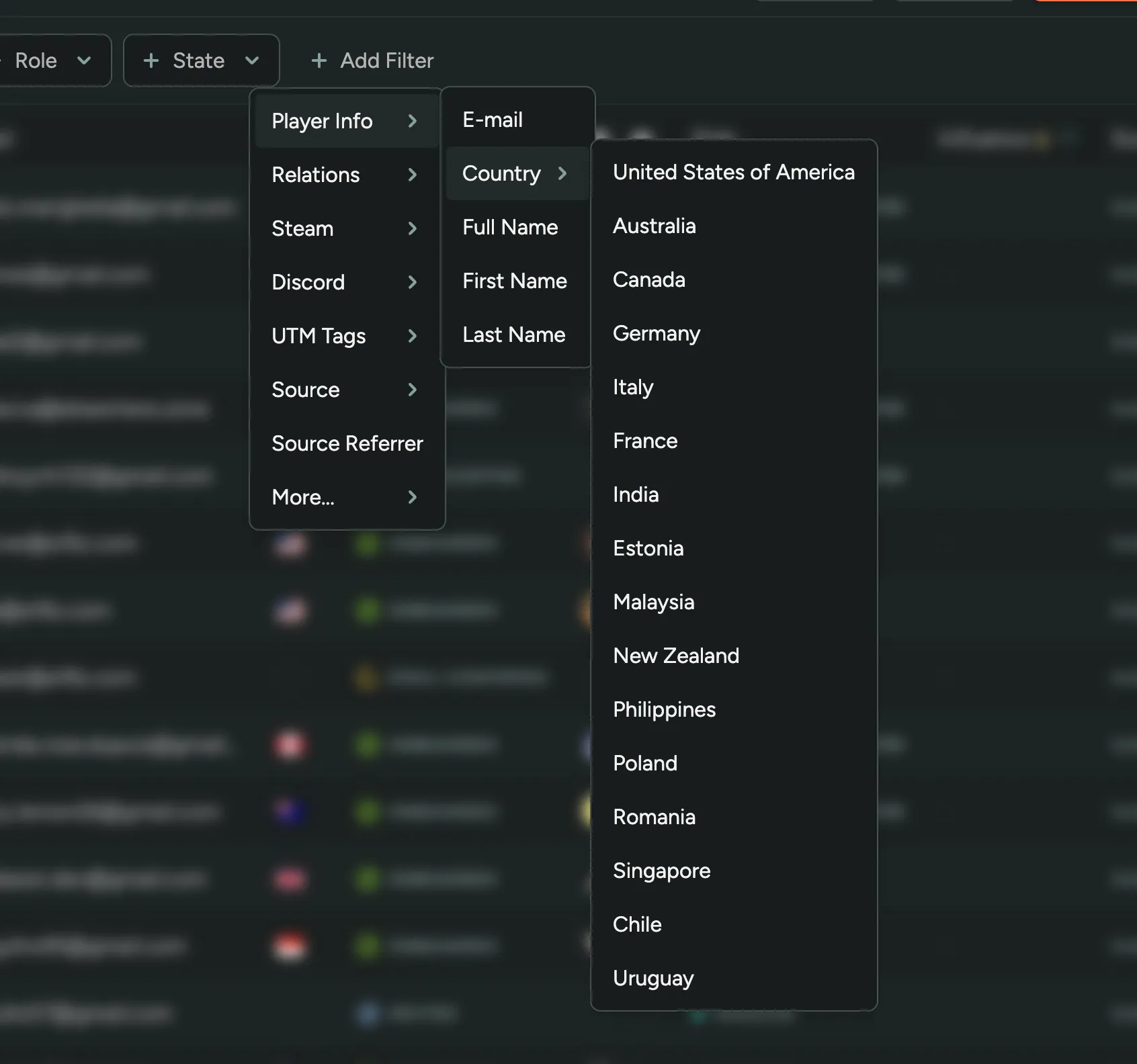
Duplicate Announcements
You can now duplicate announcements in FirstLook. Want to resend an announcement to a different people? Send the same message with some tweaks? Click the duplicate button and start editing!
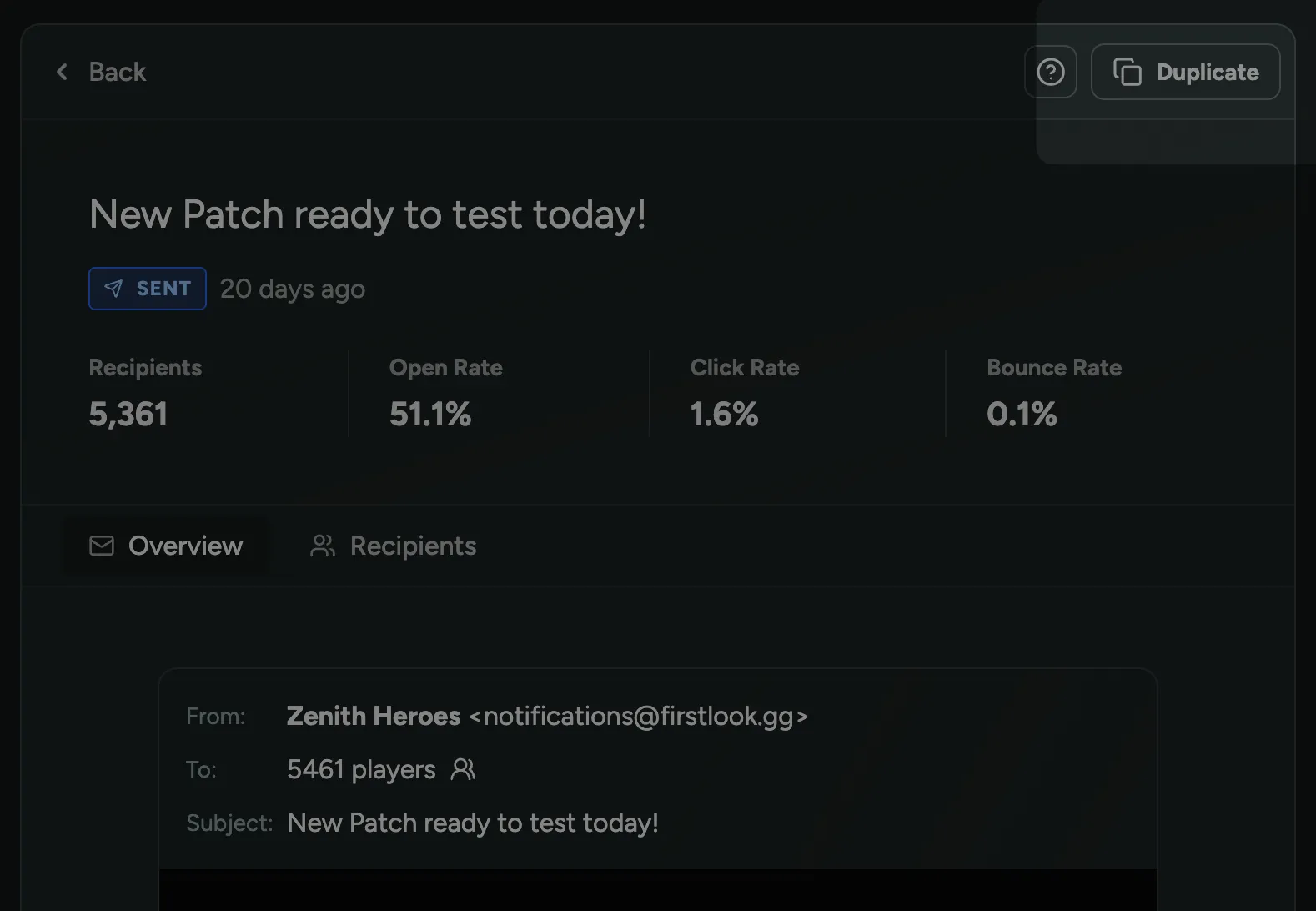
Clickthrough Agreements
When players are signing up for your playtest or community, you may want them to accept your Privacy Policy, Terms of Service, or other agreements before you store their data. To support this, we’ve added the ability to create clickthrough/clickwrap agreements in FirstLook. Clickthrough agreements are displayed as a checkbox that players must check before they can complete the signup.
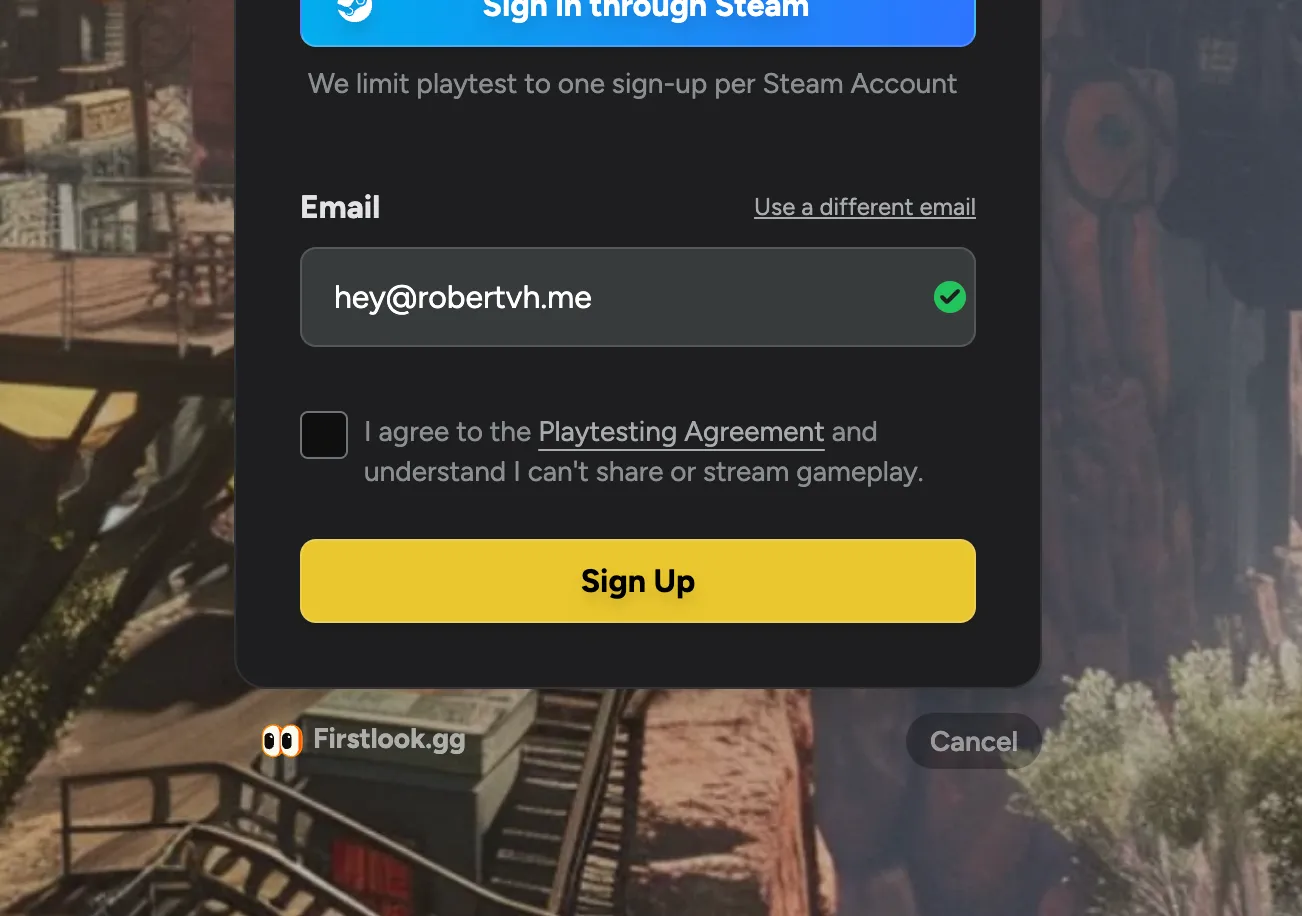
You can create clickthrough agreements in the Game Settings page. The label can be customized to fit your needs and supports markdown formatting if you need to include links or other formatting.
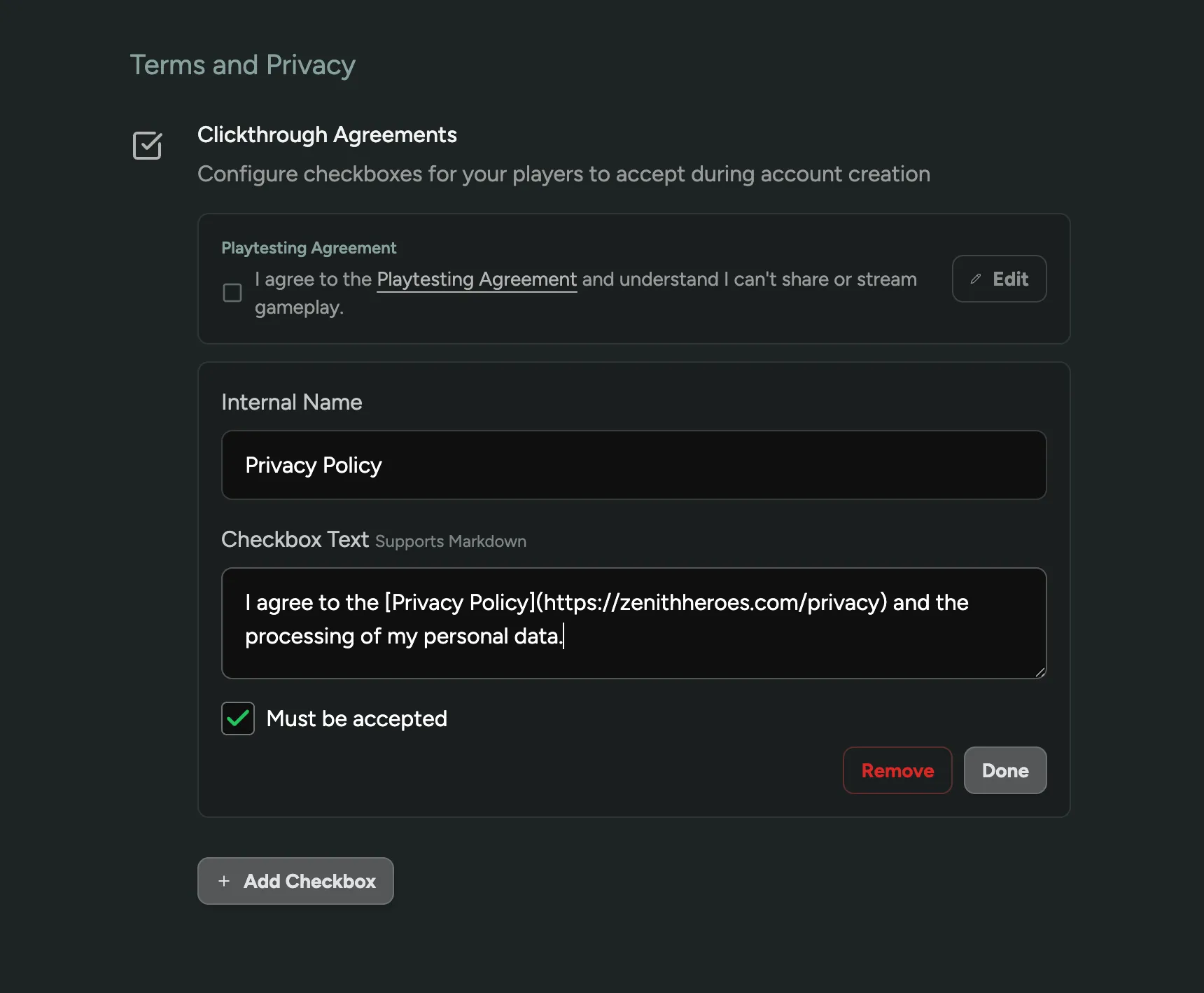
Pragma Integration
In case you missed it, FirstLook was acquired by Pragma. Pragma is the leading backend engine for online games, and many FirstLook customers are collaborating with Pragma to accelerate their game development. Together, we aim to build the best tools for growing and engaging your community.
As part of this partnership, we are excited to announce our first integrations!
Pragma Account Creation
When you connect your Pragma instance to FirstLook using a Partner Token, we can now automatically create and link player accounts in your Pragma Player Database. You can select which accounts FirstLook should update in your Pragma Players.
This feature is extremely useful if you want to use Limited Access Mode to ensure that only onboarded players can access your game. Without this integration, players would need to launch the game first for their accounts to be created in Pragma. Now, their identity already exists in Pragma, allowing them to be included in player groups created before they launch the game.
FirstLook can also automate the addition of players to your player groups, and we’re happy to assist you with this setup.
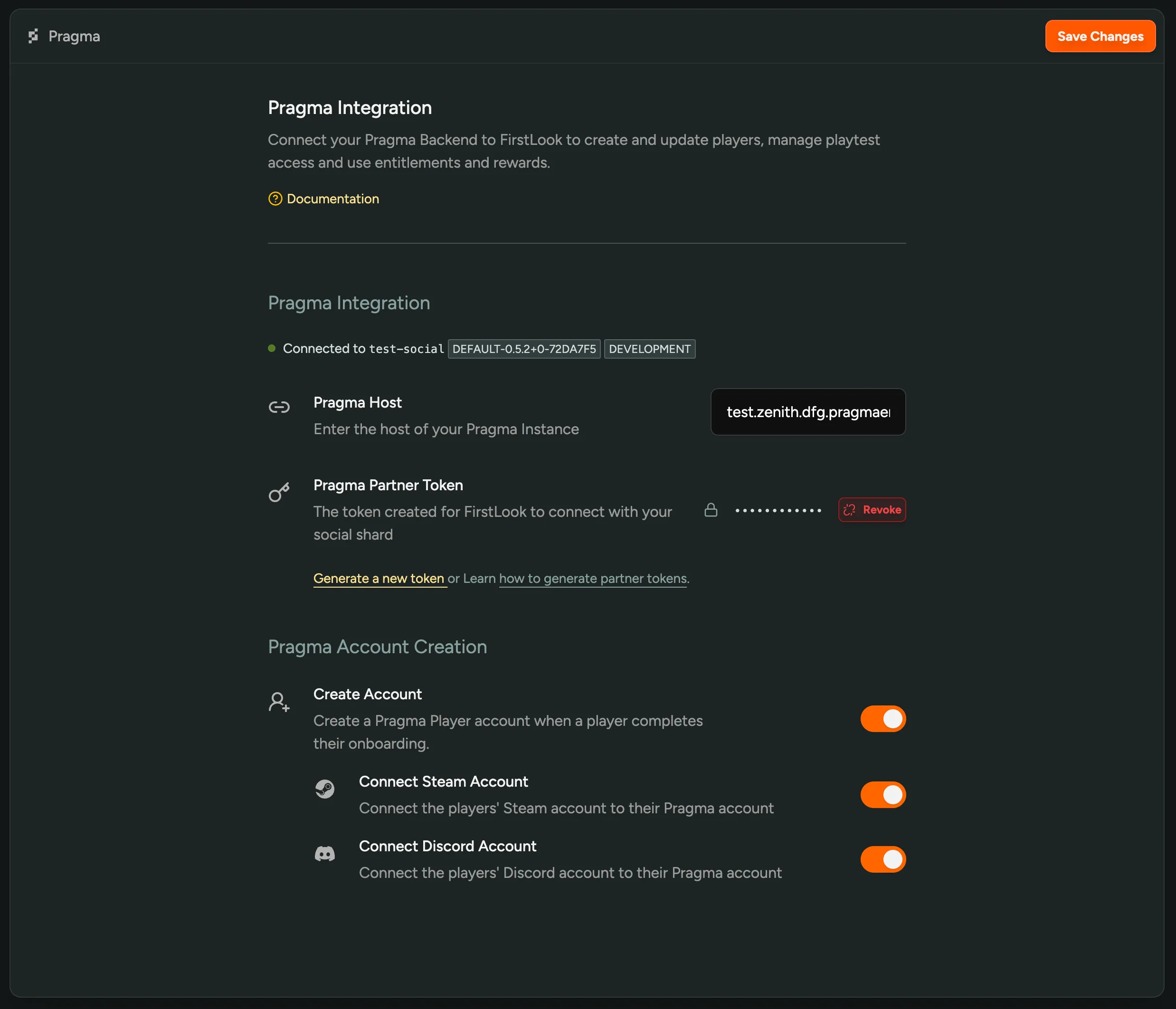
Account Creation currently requires an Engine Mod—your Pragma CSM can help you get set up.
Entitlements via Order Fulfillment
With the above integration, FirstLook recognizes who players are in Pragma. This opens up new opportunities to reward and incentivize your players. With entitlements in FirstLook, you can now automatically or manually grant in-game items or currency to players. This is accomplished through Order Fulfillment, where you can add FirstLook as an Order Provider and Mapping Spec.
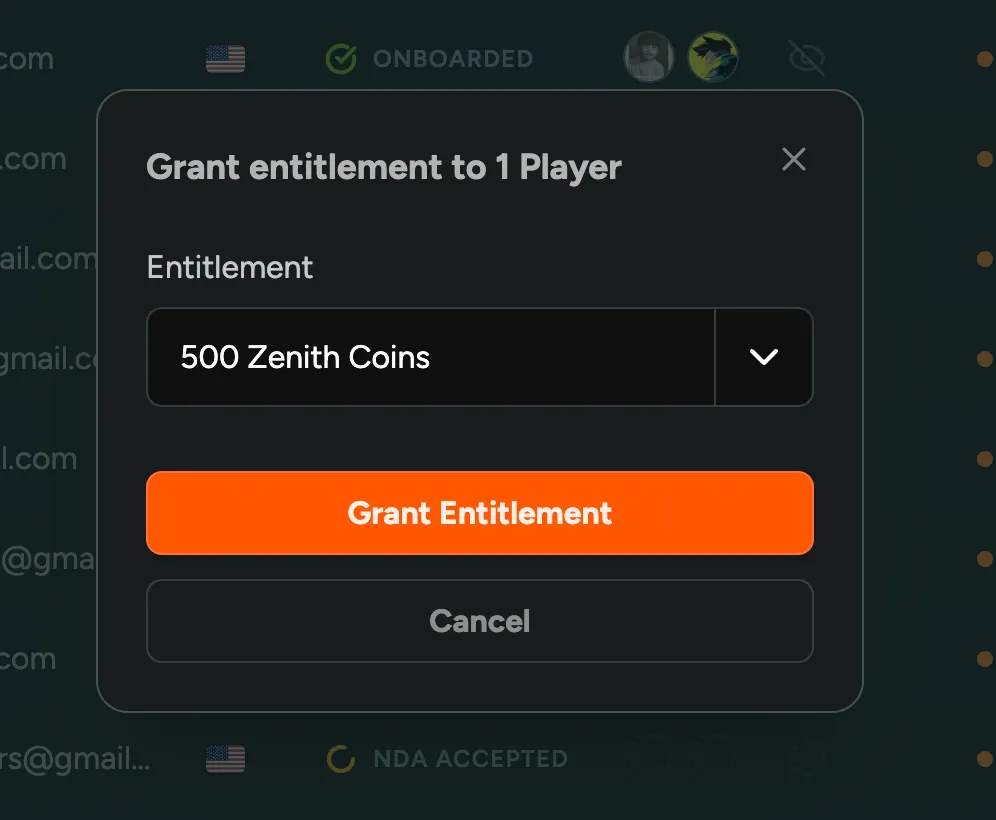
Example use cases include:
- Providing content creators or testers with currency or items to bypass certain progression
- Rewarding players for being active in your community with cosmetic items
This is just the beginning of the many ways we plan to integrate FirstLook with Pragma. If you have any specific requests or feedback, please let us know!
Player Influence and Relation Filters
On the player overview, you can now sort by player influence. This is the total number of players that someone brought in via invites and referrals, and includes the second degree referrals/invites of those players.
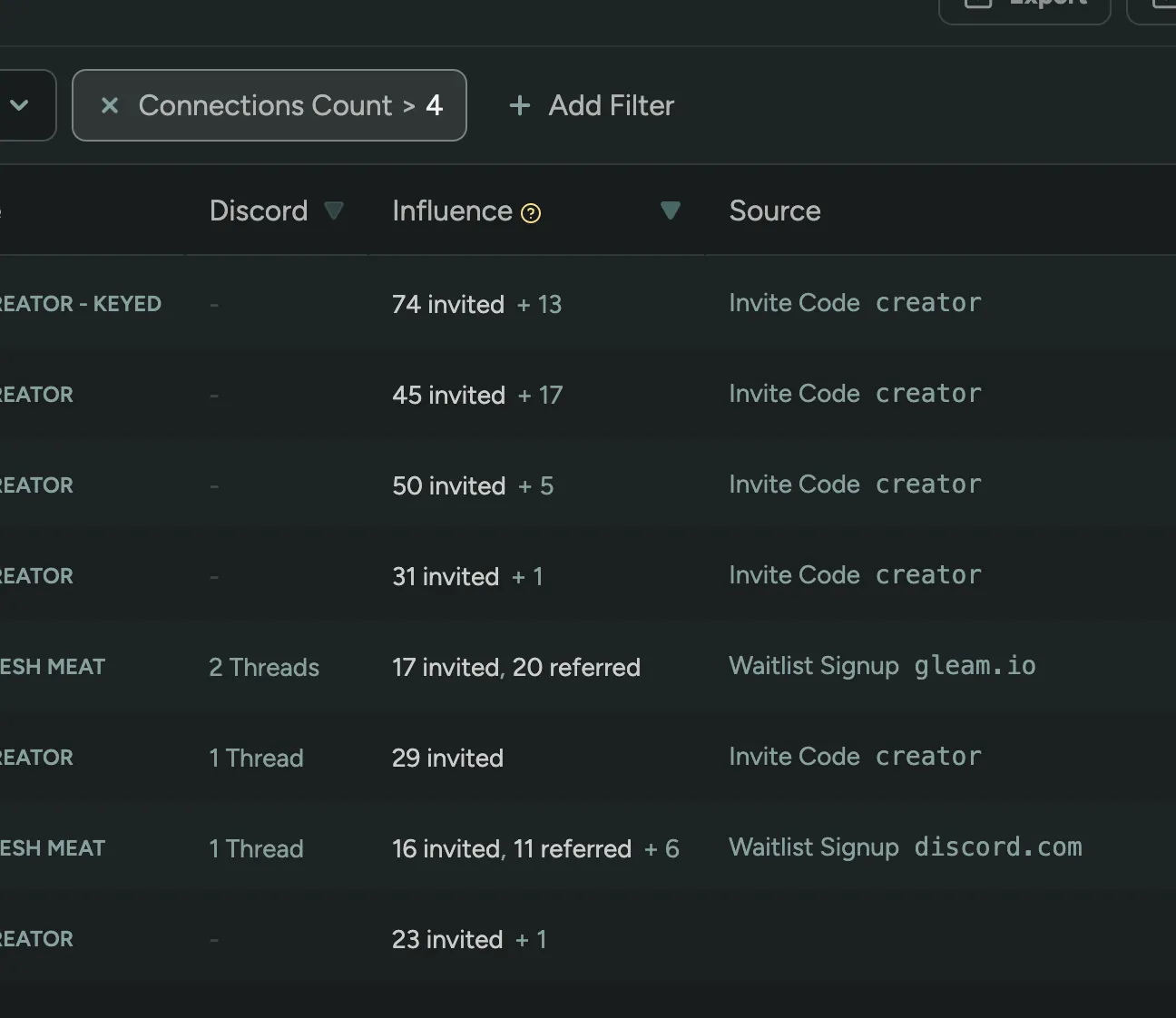
In addition you can filter by the number of invites and referrals a player has made.
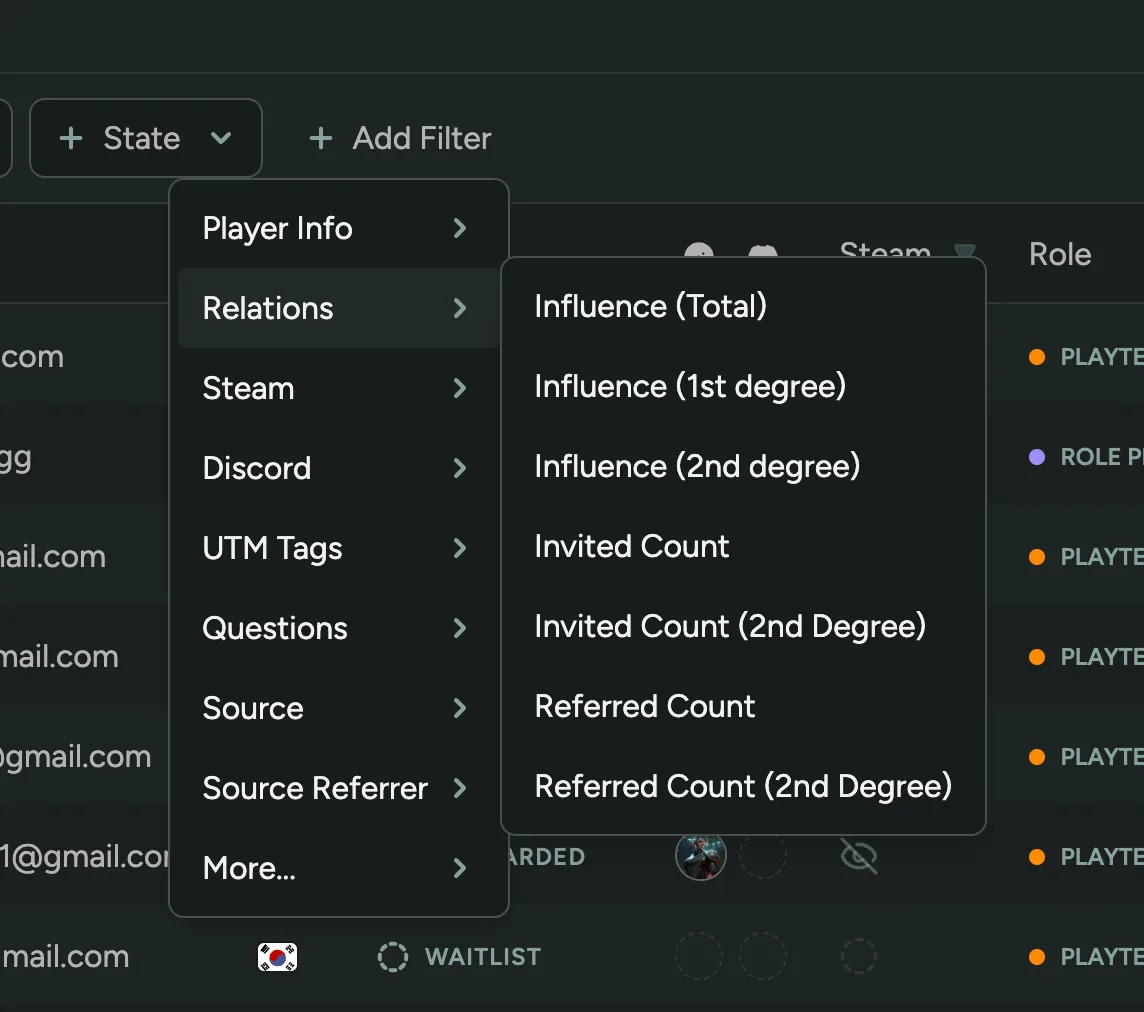
View Announcement Recipients
After sending an email announcement, you can now view the recipients of the announcement. This includes when and if they opened the announcement or clicked any links.
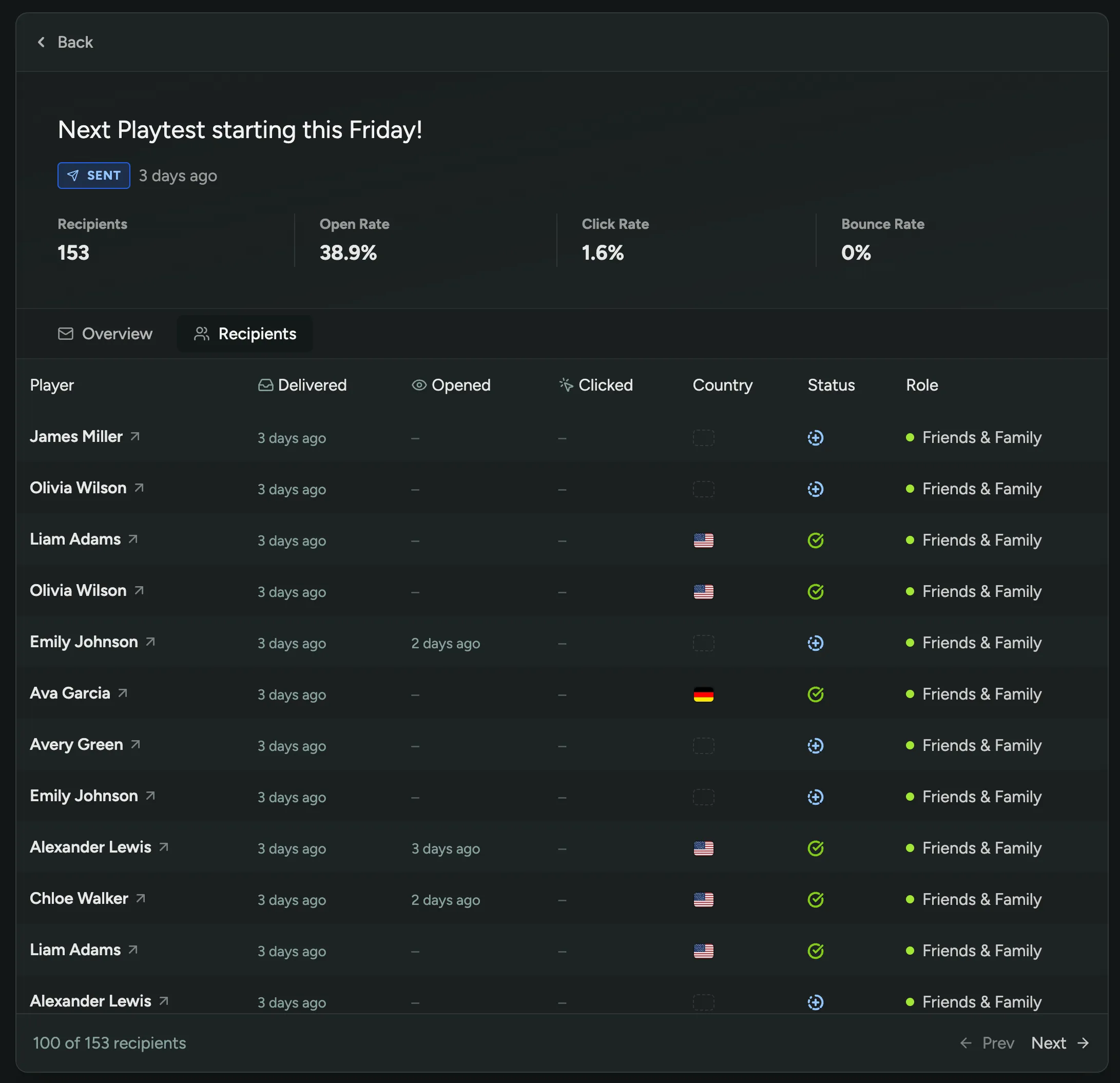
Configurable Background Opacity
In your Branding Settings, you can now configure the background opacity.
By default, the background had some opacity. In some cases this could make your background image look a bit dull, in other cases the default opacity would make the background image too bright, clashing with your logo.
You can now choose between 75%, 50%, 25%, and 0% opacity to find the perfect balance for your branding.
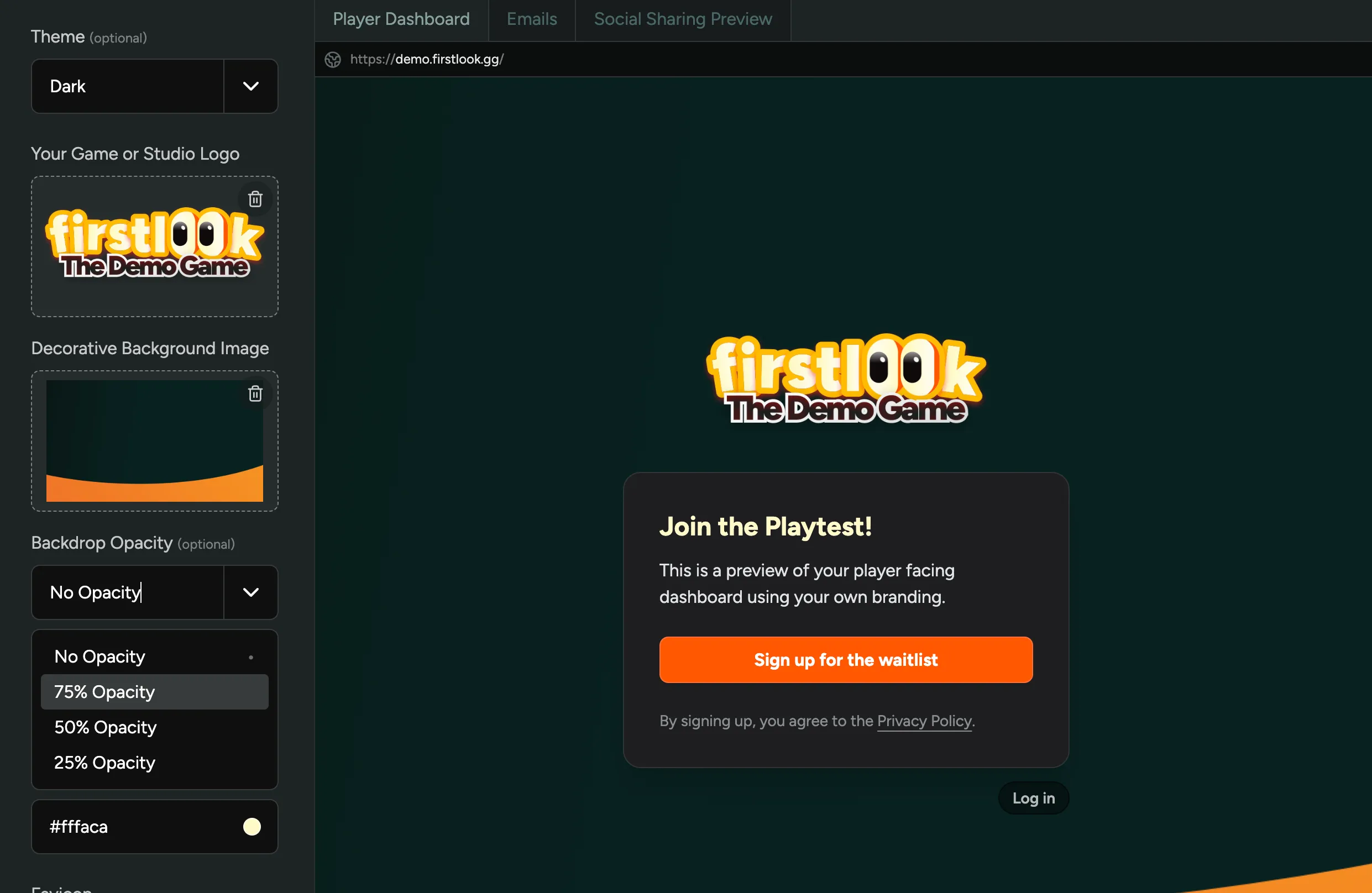
Regional Keys
For PlayStation Store, we now support regional keys. When using Regional Keys, you can upload product codes for different regions, and players will automatically receive the correct key for their region based on their PlayStation Account.
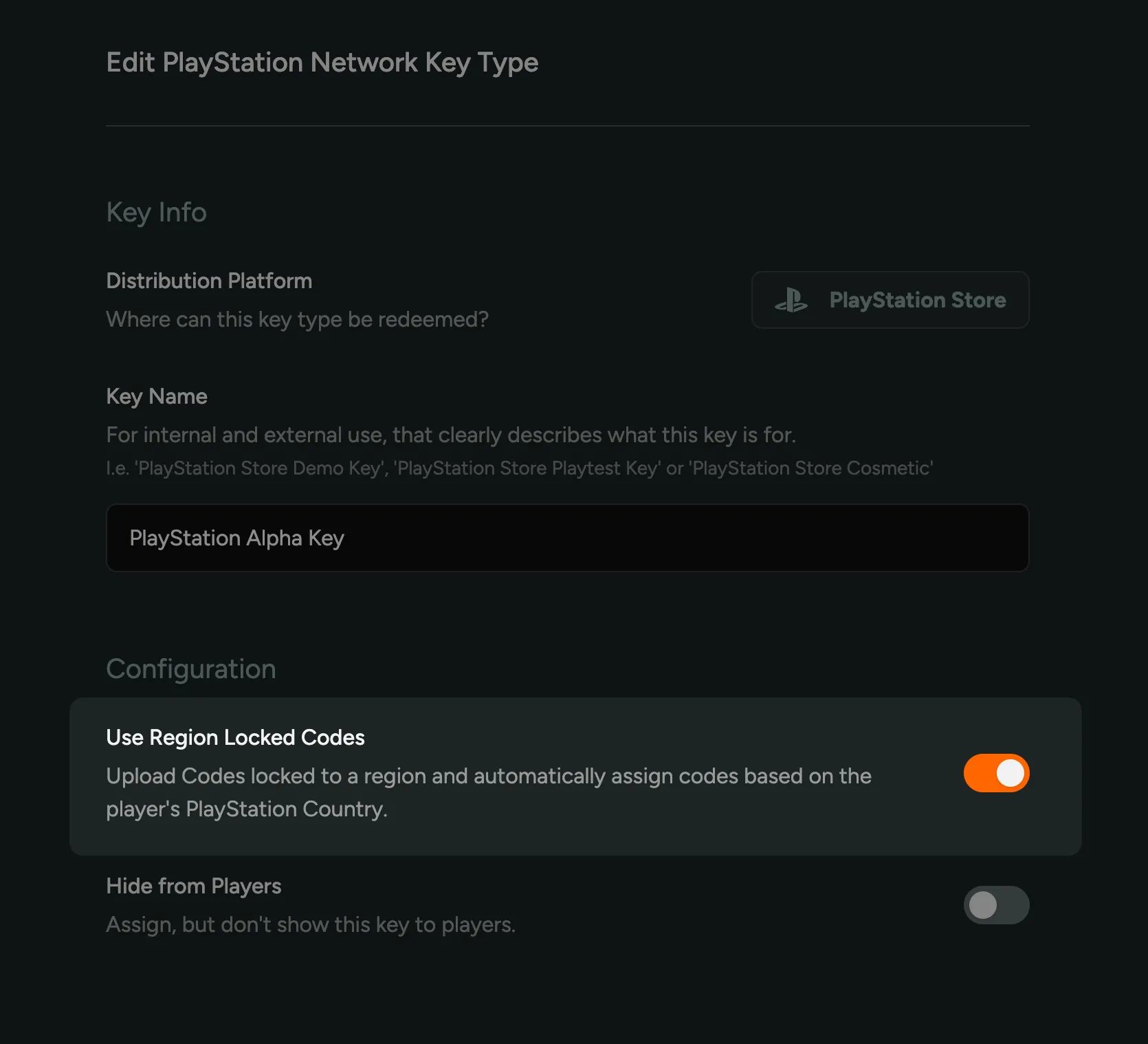
Flow Signup URLs
If you created additional Flows, i.e. for Creators, Press or other purposes, you can now share a direct link to the signup page of that flow.
It’s a great way to host a sign up form for interested content creators, press, or anyone else you’d like to onboard.
The URL for the signup page is available in the Flow Overview page and can be customized on the Flow Settings page by changing the ‘slug’.
The sign up page for a flow can be toggled using the ‘Enable Sign Ups’ switch in the Flow Settings page.
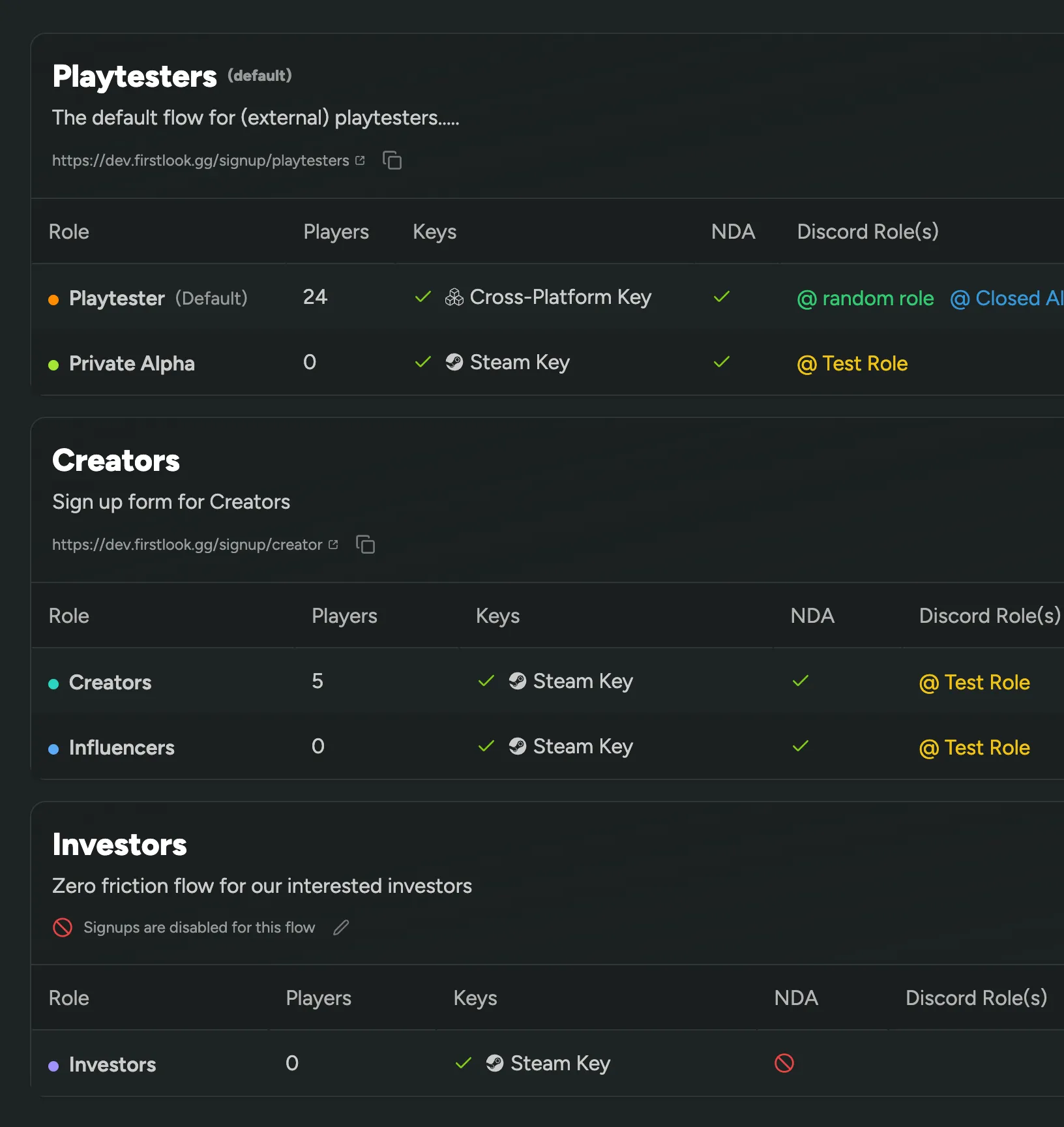
With this release, we’ve also added to option to delete a flow – so feel free to experiment with different flows and delete the ones you don’t need anymore.
Radio Question Type
We’ve added a new question type to FirstLook: Radio Questions.
Radio questions allow you to ask players to select one option from a list. In addition, you can also add a ‘Other’ option, which will allow players to enter their own answer.
Use Radio Questions to ask players to select their gender, their favorite game mode, their preferred platform, or anything else you can think of.
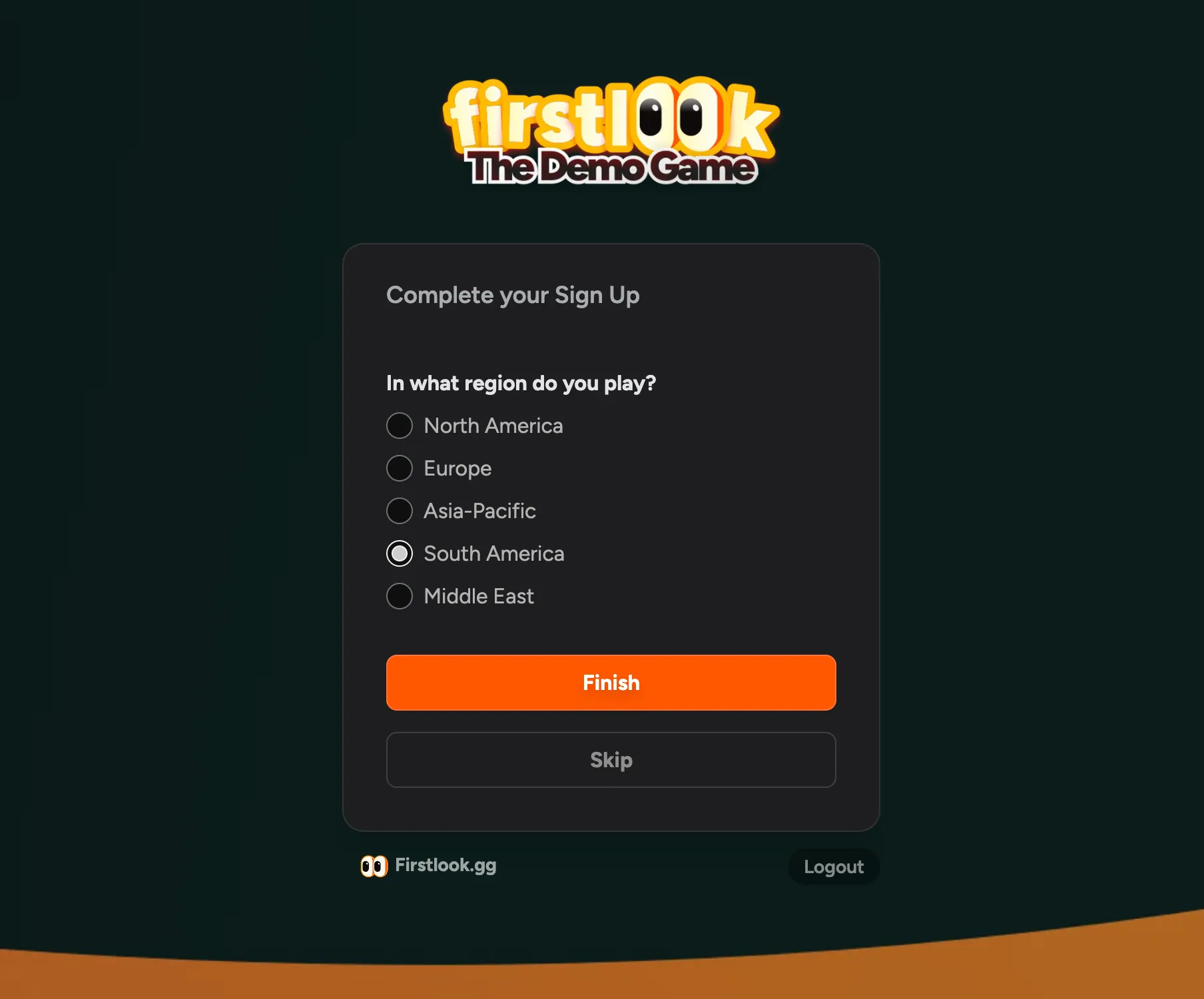
Configure your questions in Question Settings.
Set a Reply-To Email Address
Occasionally, players may wish to respond to your notification emails or announcements. To ensure you receive these replies and any potential support requests, you can set a reply-to email address in General Settings.
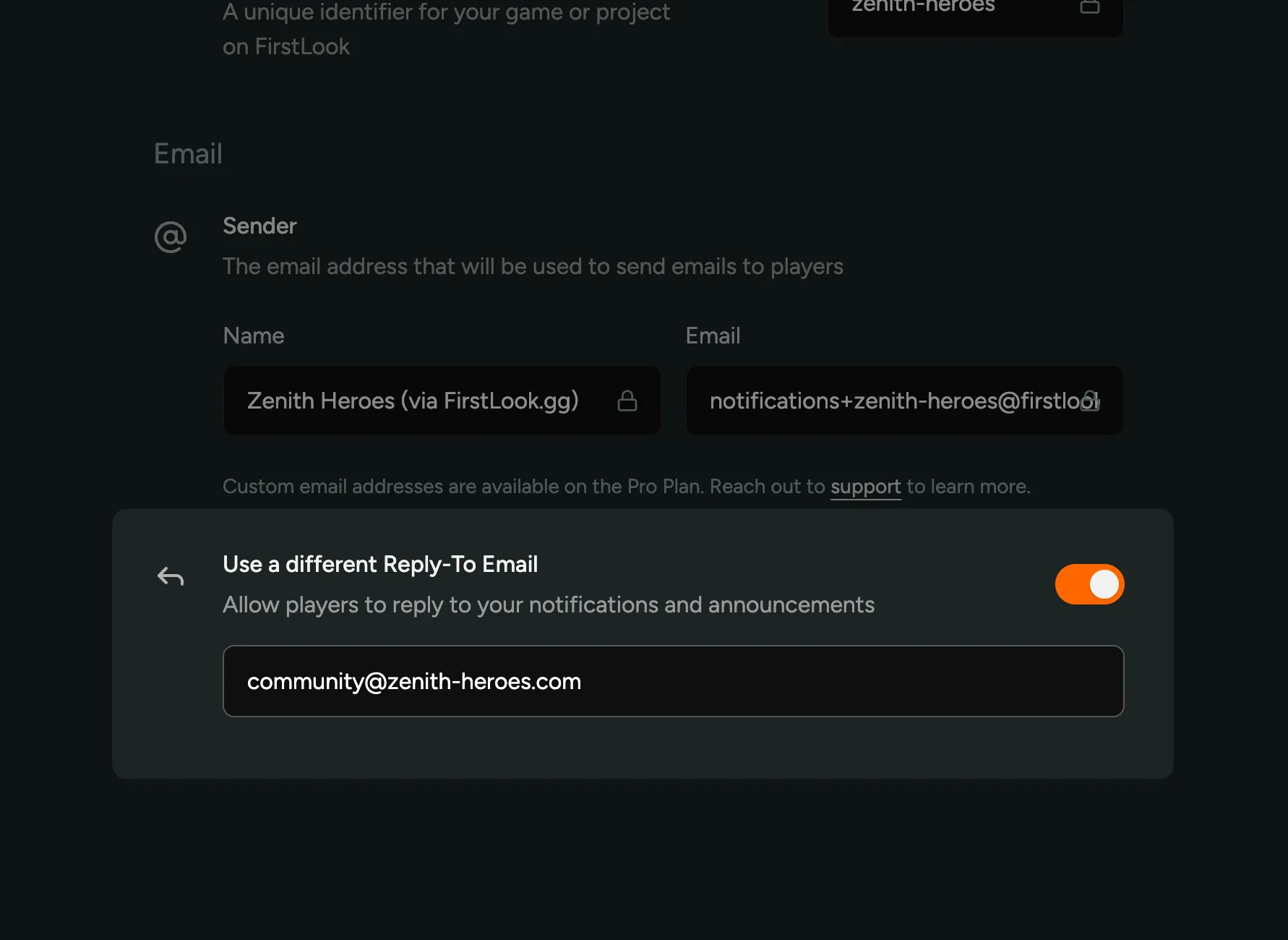
Now, when a player replies to an email, it will be sent to the address you specified in General Settings.
Onboard to Xbox and PlayStation
You can now onboard players to your Xbox or PlayStation playtests using FirstLook!
We’ve added full support for Xbox and PlayStation playtests, including key management and distribution, as well as ‘Sign-in with Xbox’ and ‘Sign-in with PlayStation’ options in the onboarding flow.
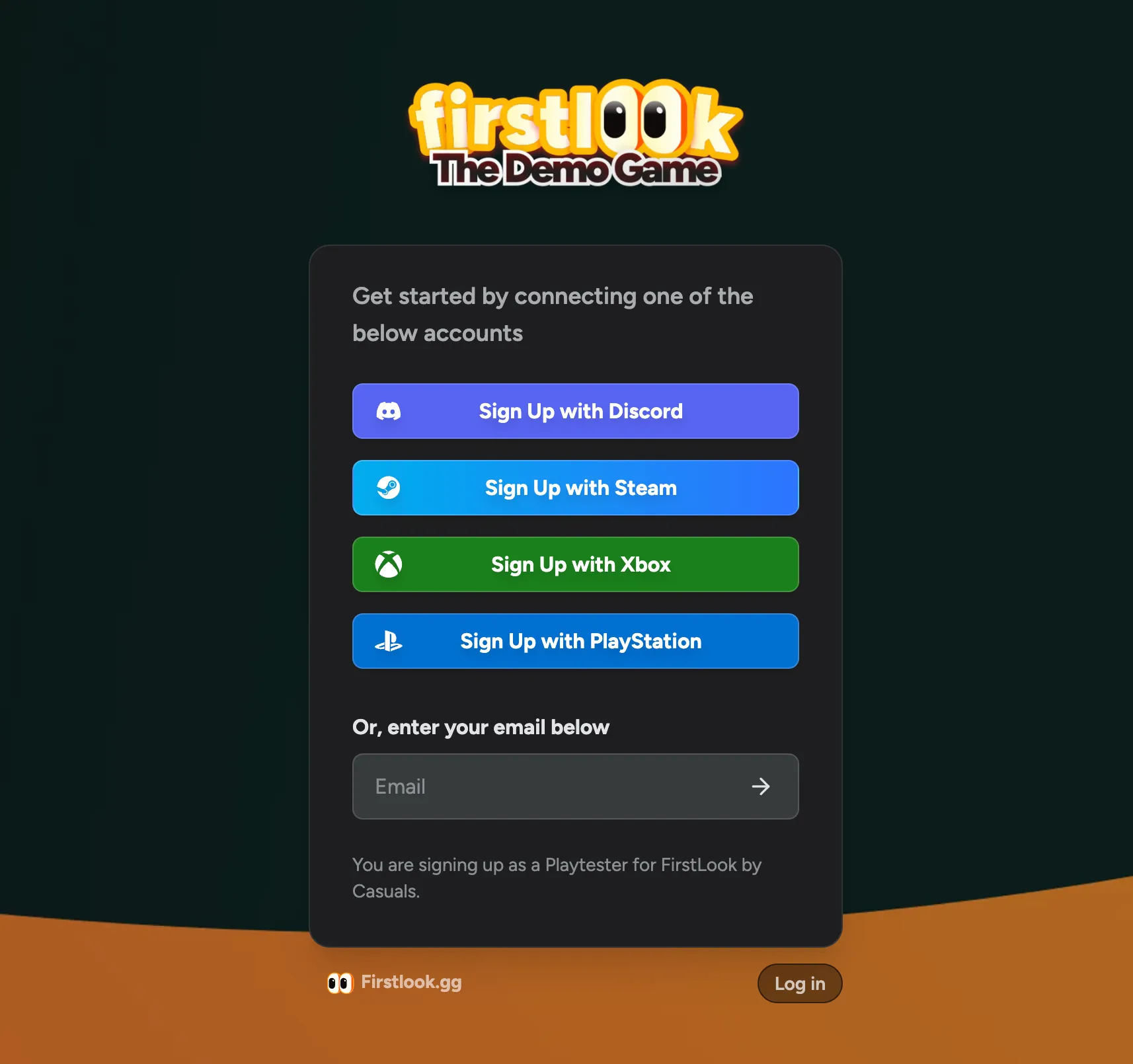
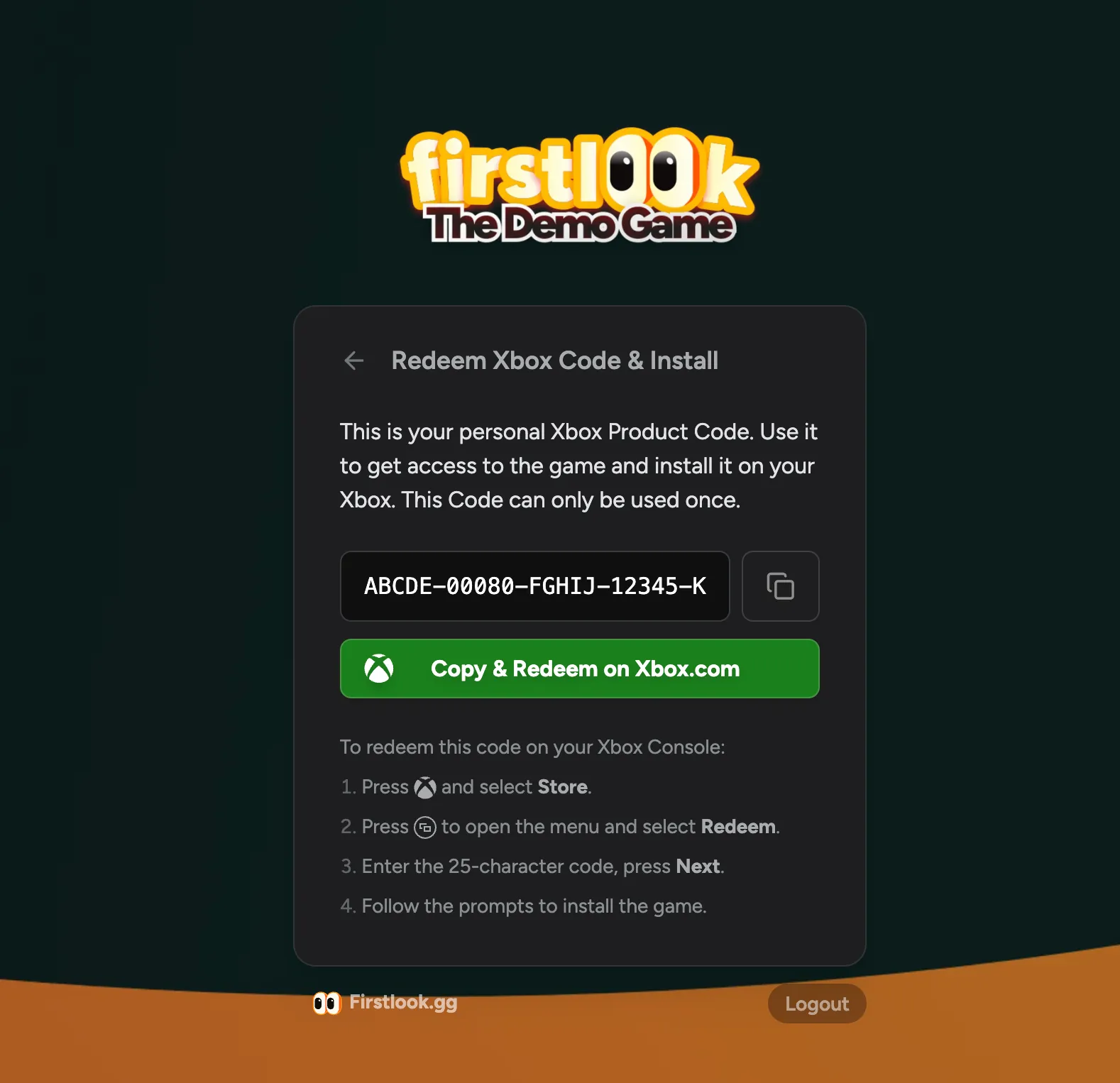
Cross-Platform Keys
With this release, we’re also supporting ‘cross-platform tokens’, which allow players to choose for which platform they want to receive a key. Instead of assigning a key, players will see a list of platforms they can choose from, and you can configure which key they’ll receive based on their choice.
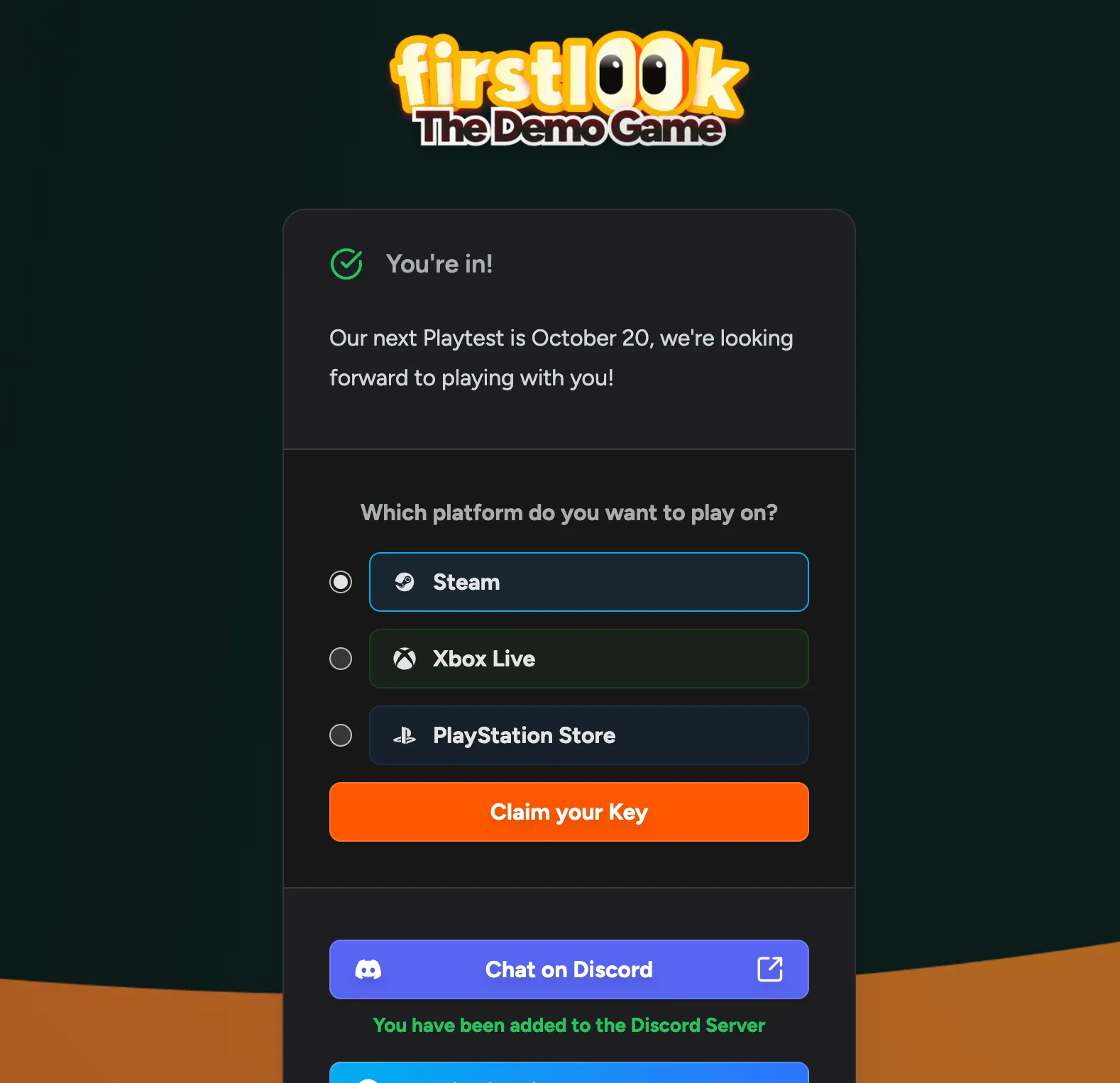
Console support and Cross-Platform Keys are available on the Pro plan and above – reach out if you’d like to use these features for your playtest!
Claim & Sync Discord Roles
On a player’s profile, you can now see the Discord roles they have, as well as a button to Claim and Sync their roles. This will remove or assign any roles they might be missing based on their FirstLook Role, as well as fetch any roles assigned outside of FirstLook.
We’ve reworked our stability and processes of assigning roles to keep them in sync at all times, so in general you should not need to manually claim and sync roles.
It’s also important to note that when many players are onboarding at once, or when you change the FirstLook role of a large number of players, the changes to their Discord roles will be applied in the background over a period of time rather than all at once.
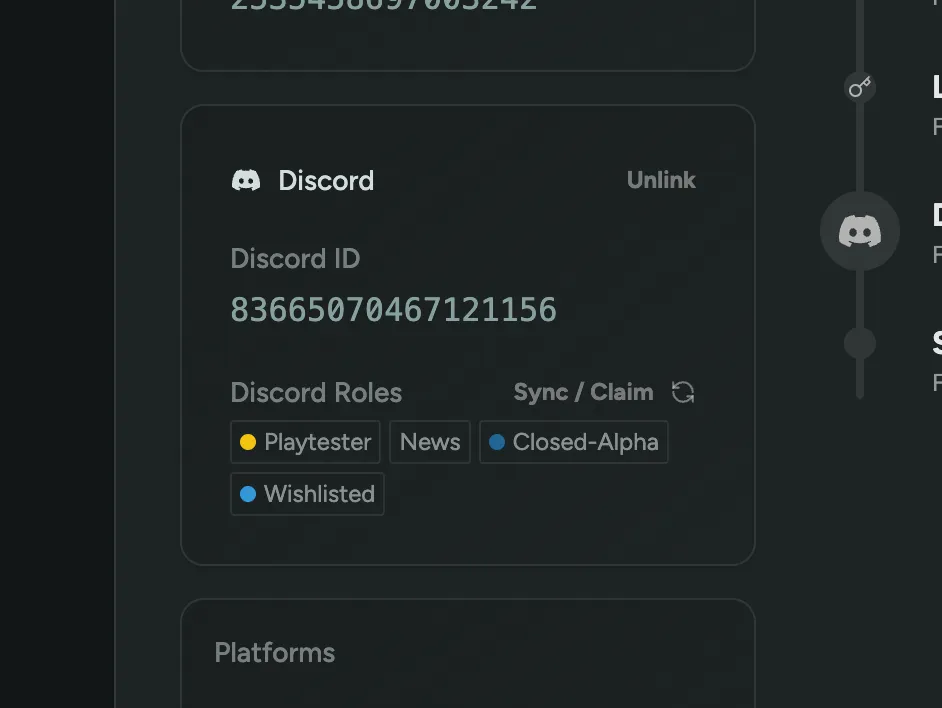
Bulk Invite and Skip Email
When inviting multiple players in bulk, you can now choose to invite them without sending an email. This is very useful if you want to send a highly customized invitation email via your own email marketing provider.
Export the player list to a CSV file and import it into your email marketing provider, you can use the Login URL as a merge field to include a personalized link that will authenticate and take the player to your onboarding flow.
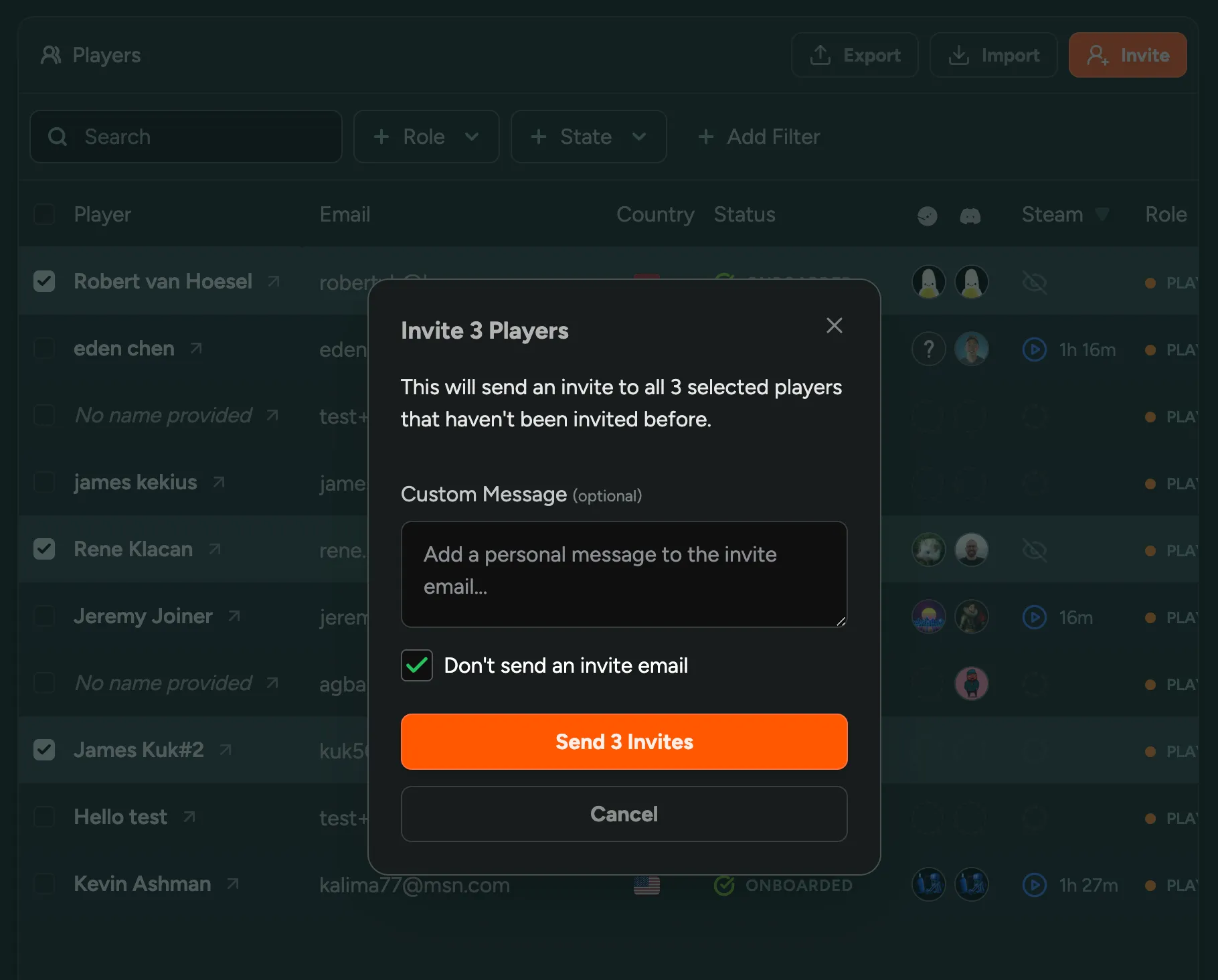
Analytics Filtering
You can now filter down the graphs on the Analytics page to a specific subset of players. For example, if you want to check just the engagement or playtime of Playtesters, you can select the role(s) to be included. You can filter down by any property that is available on the Player overview.
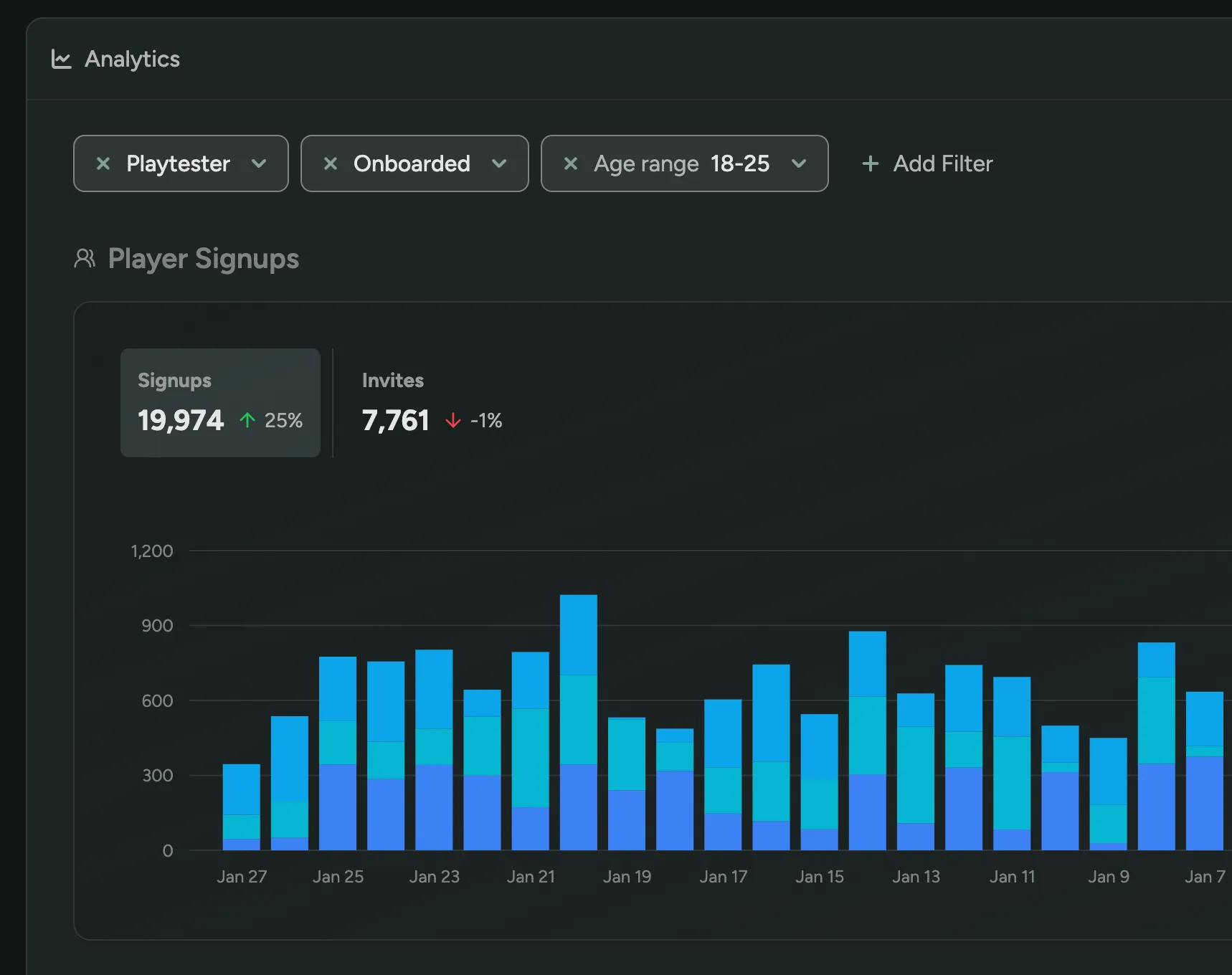
Team settings and billing
We’ve added a new area to the Dashboard where you can manage your team’s billing information and settings. This includes the ability to update your billing information, view your subscription details and invoices, and invite new team members. This section is only available to Team Owners.
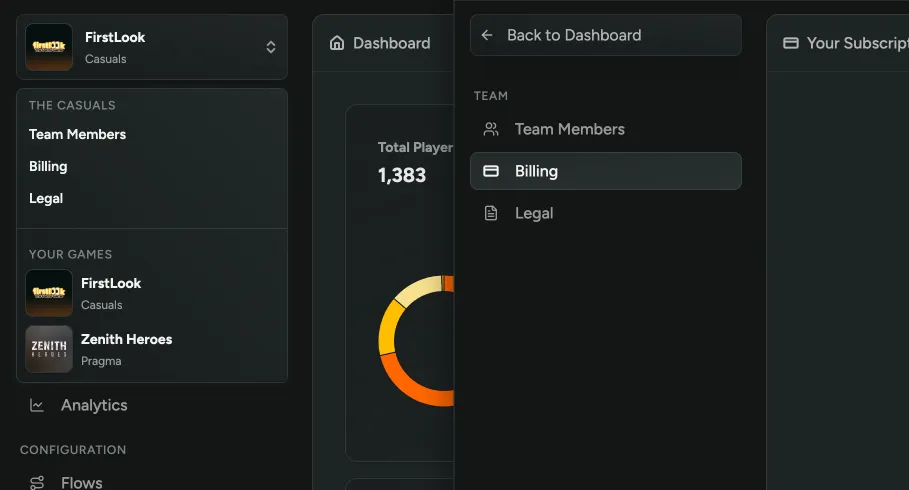
Filter players by multiple values
Previously, you could filter players by only one value, such as a single role or status. Now, you can select multiple values for a filter, and players will be included if they match any of the selected values. This feature also applies to your custom questions where multiple options are available.
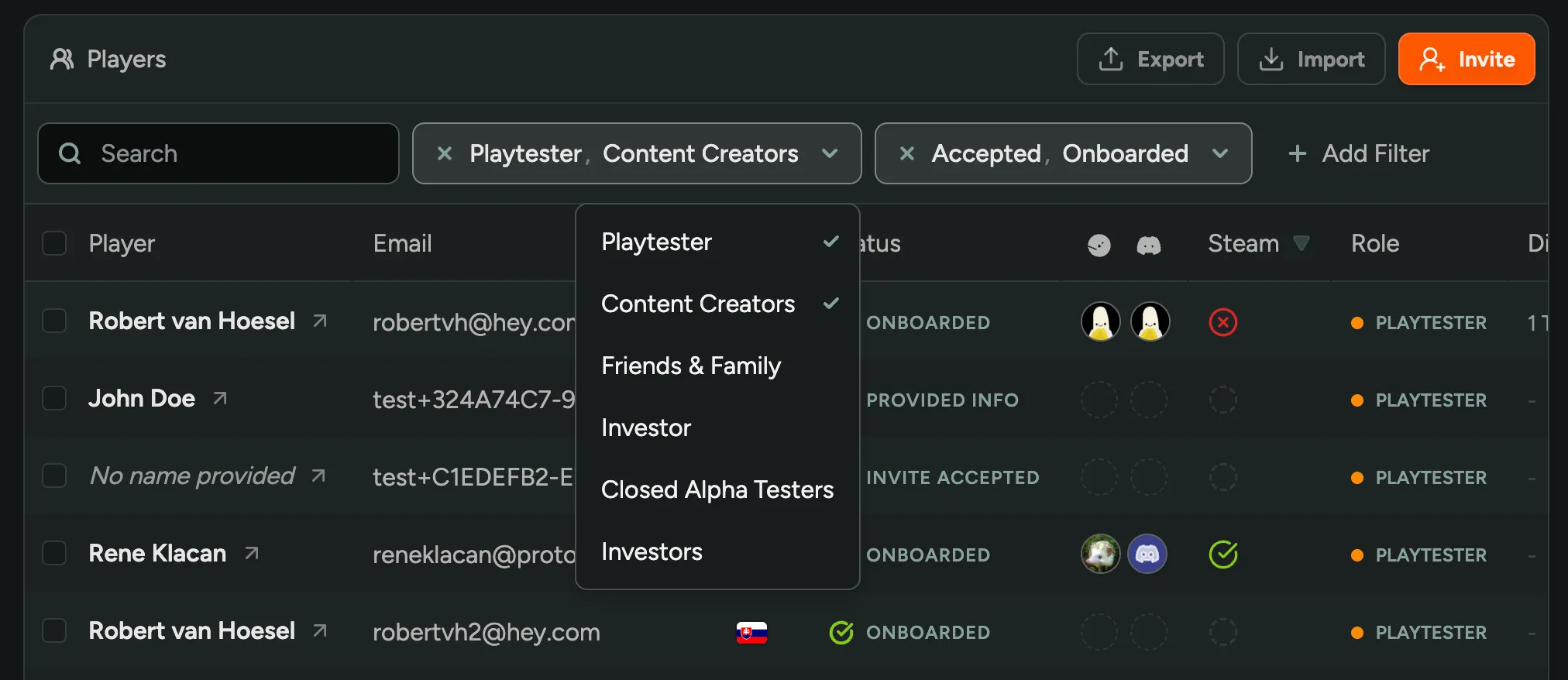
Steamworks Integration
We’re thrilled to announce that our Steamworks integration is now available on all plans. This integration helps you make the most of FirstLook’s Steam features, allowing you to track the playtime and wishlist status of your playtesters using a Steamworks WebAPI Key.
The playtime and wishlist data is available in reports on the Analytics Page, on the Player Overview and profiles, and can be used for automations, filtering and announcements.
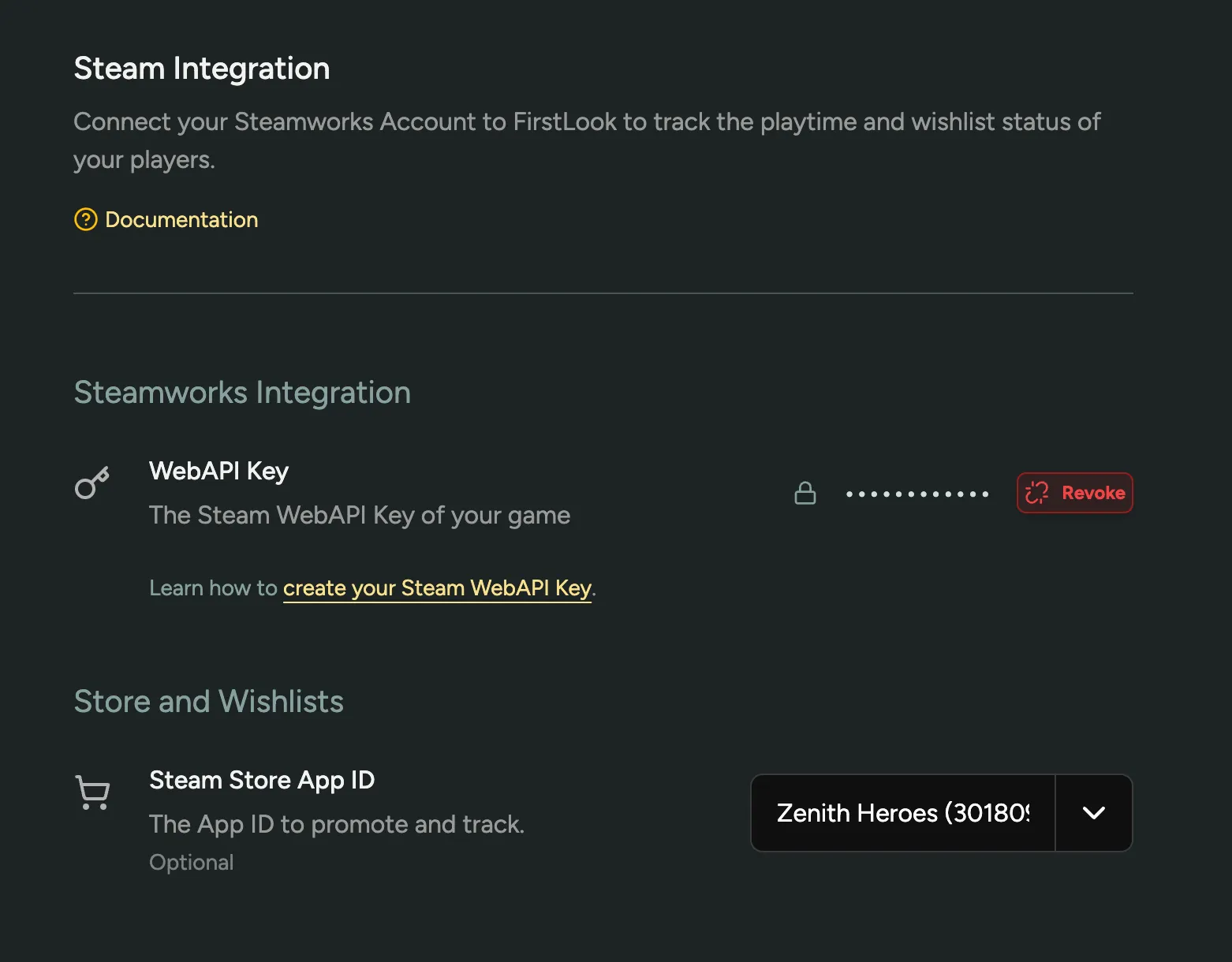
You can add your Steamworks WebAPI Key in the Steam Settings page or learn how to create one in our Steamworks Integration Guide.
Multiple Key Types and Key Configuration
There may be times when you want to distribute keys for a different Steam App ID, or for different purposes. To support this, we’ve added the ability to create multiple key types for your game. You can now create different key types for different purposes, and select which key type a role receives when they onboard.
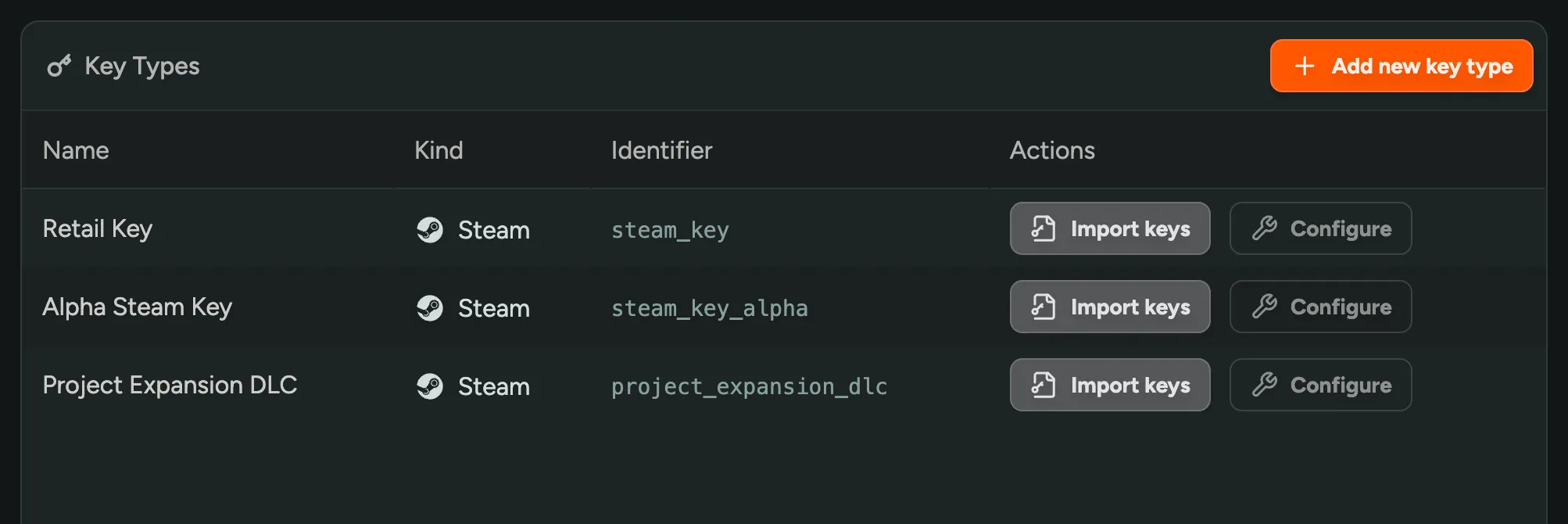
Some use cases for this are:
- Granting Pre-Release Keys (Release Override Keys) to Press or Influencers
- Distributing Retail Keys as a thank you to specific playtesters
- Distributing keys for DLC or other content
- Granting Access to a Demo ahead of releasing the Demo for everyone
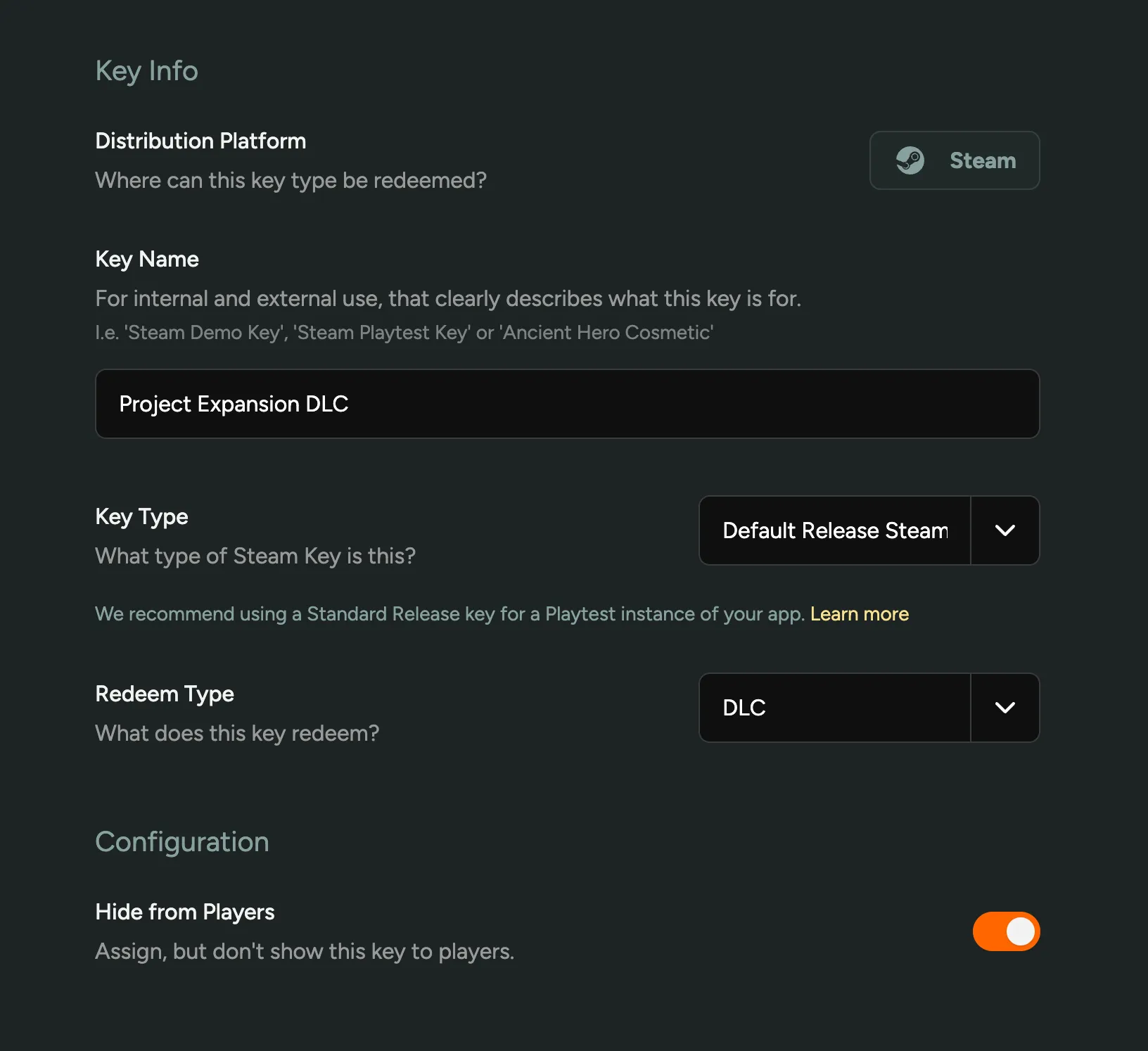
Hiding Keys from Players
When configuring a Key Type, you can choose to (temporarily) hide the key from players. This means a key will be assigned, but players can’t yet view it in their dashboard.
Filtering by Key Type
As part of this update, we’ve renamed the ‘Steam Keys’ tab to ‘Keys’. Here, you can now find all keys for your game, and filter by key type, status (redemeed or not), and search by key. This change also prepares support for other Stores and Platforms we’re working on (Xbox, Epic Games Store, PlayStation).
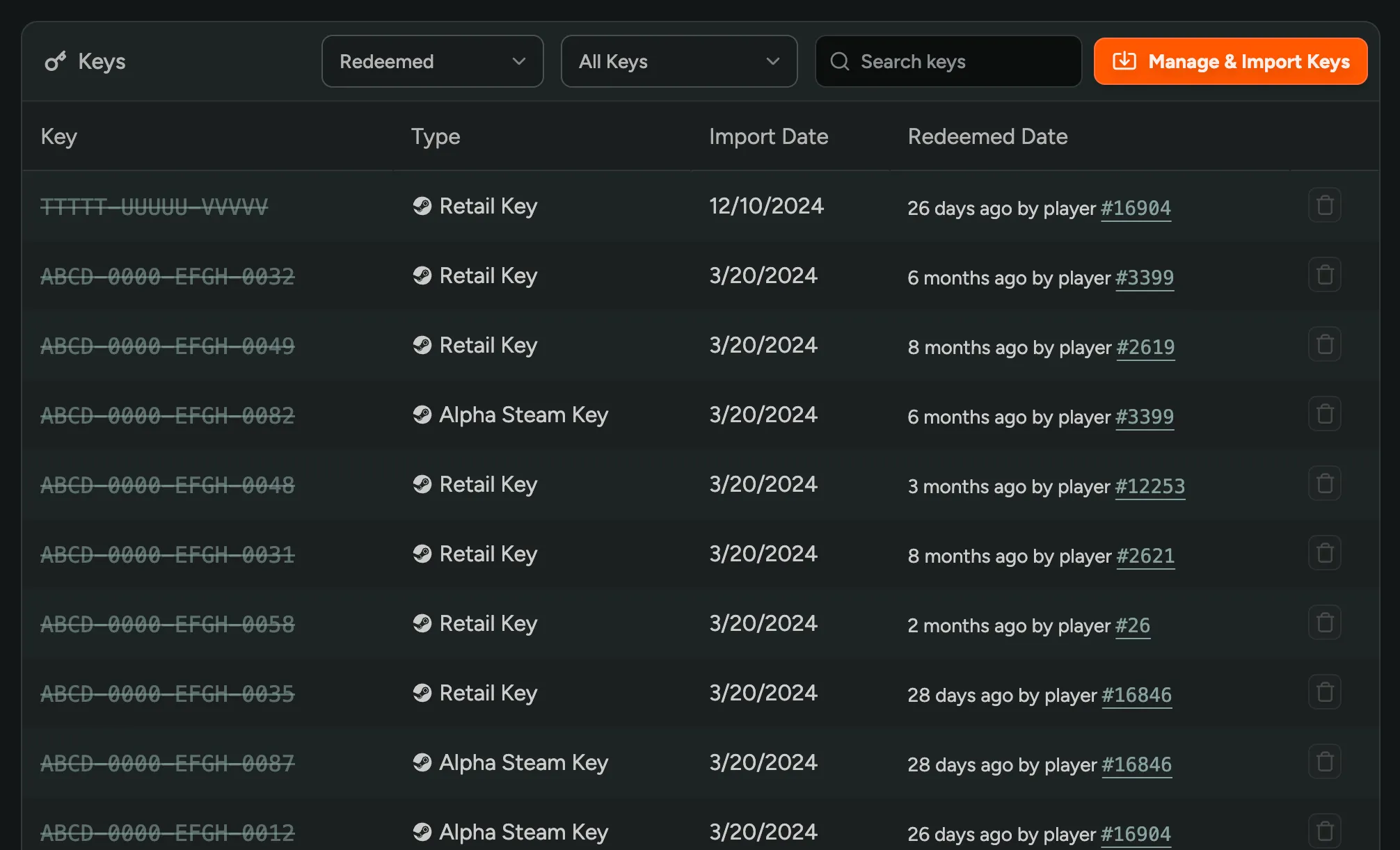
Signup, Steam, and Discord Analytics
We’ve extended the Analytics Page with more data on your Signups, Steam, and Discord.
Player Signups
You can now inspect when players signed up and using what method (invite-code, friend invite, etc). Additionally, you can see which vanity invite codes were used the most.
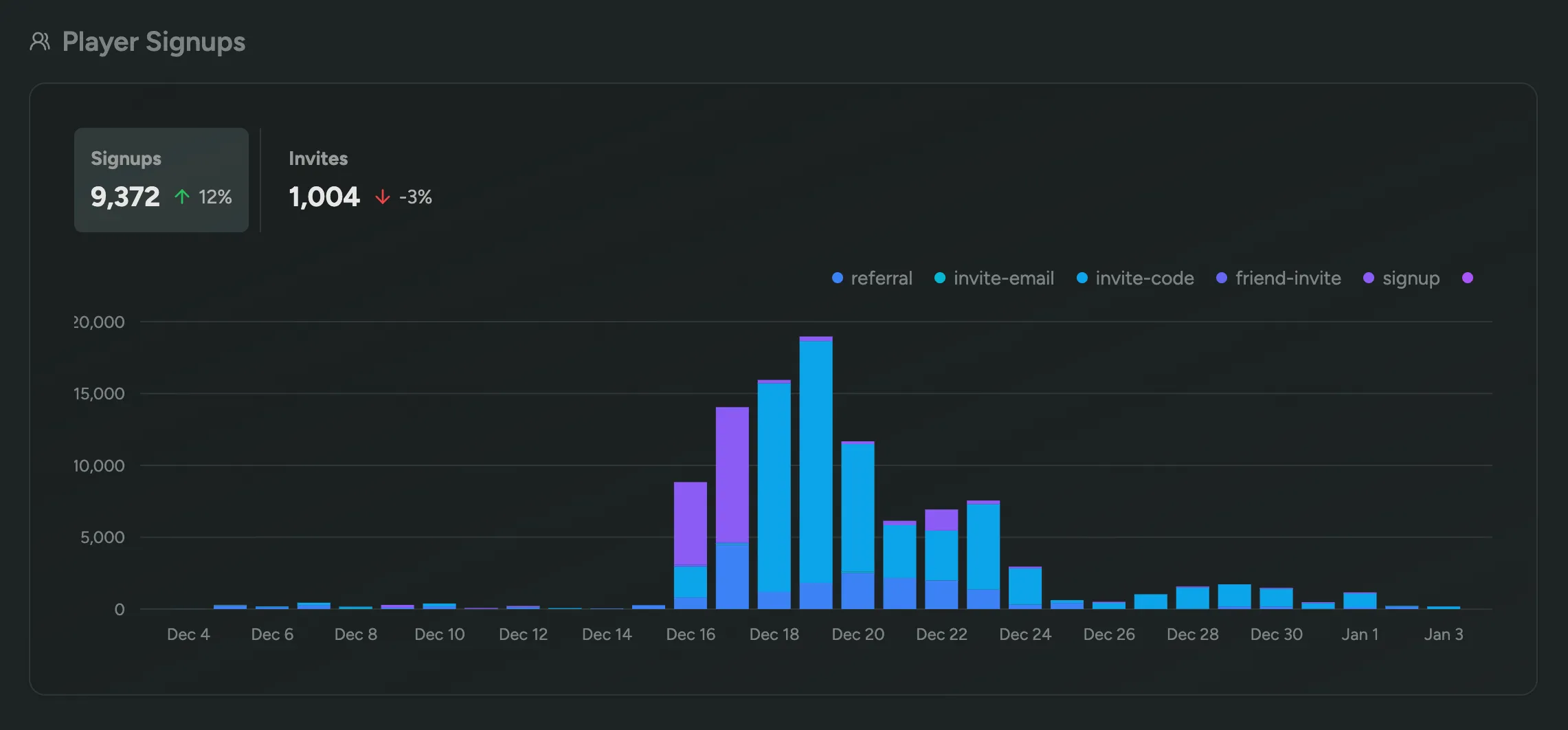
Discord Activity
When you enable Discord Forum Syncing, we will show how many messages were sent across your Discord channels. Also, you’ll be able to see a leaderboard of the most active members, in addition to a graph displaying the amount of unique active members.
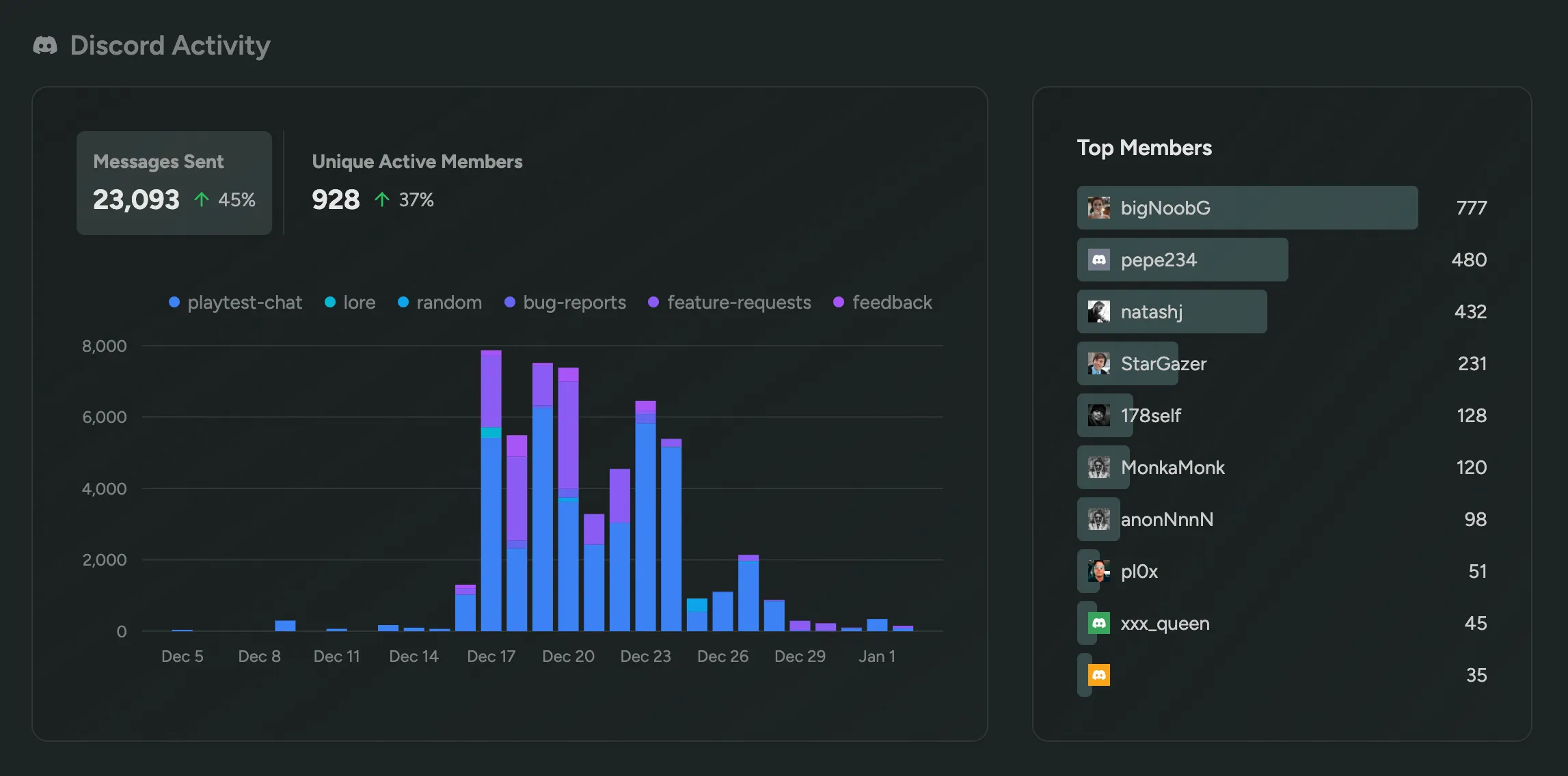
Steam Playtime
See how much time players have spent playing your game on Steam, including the total time played, average time played, and the amount of unique players.
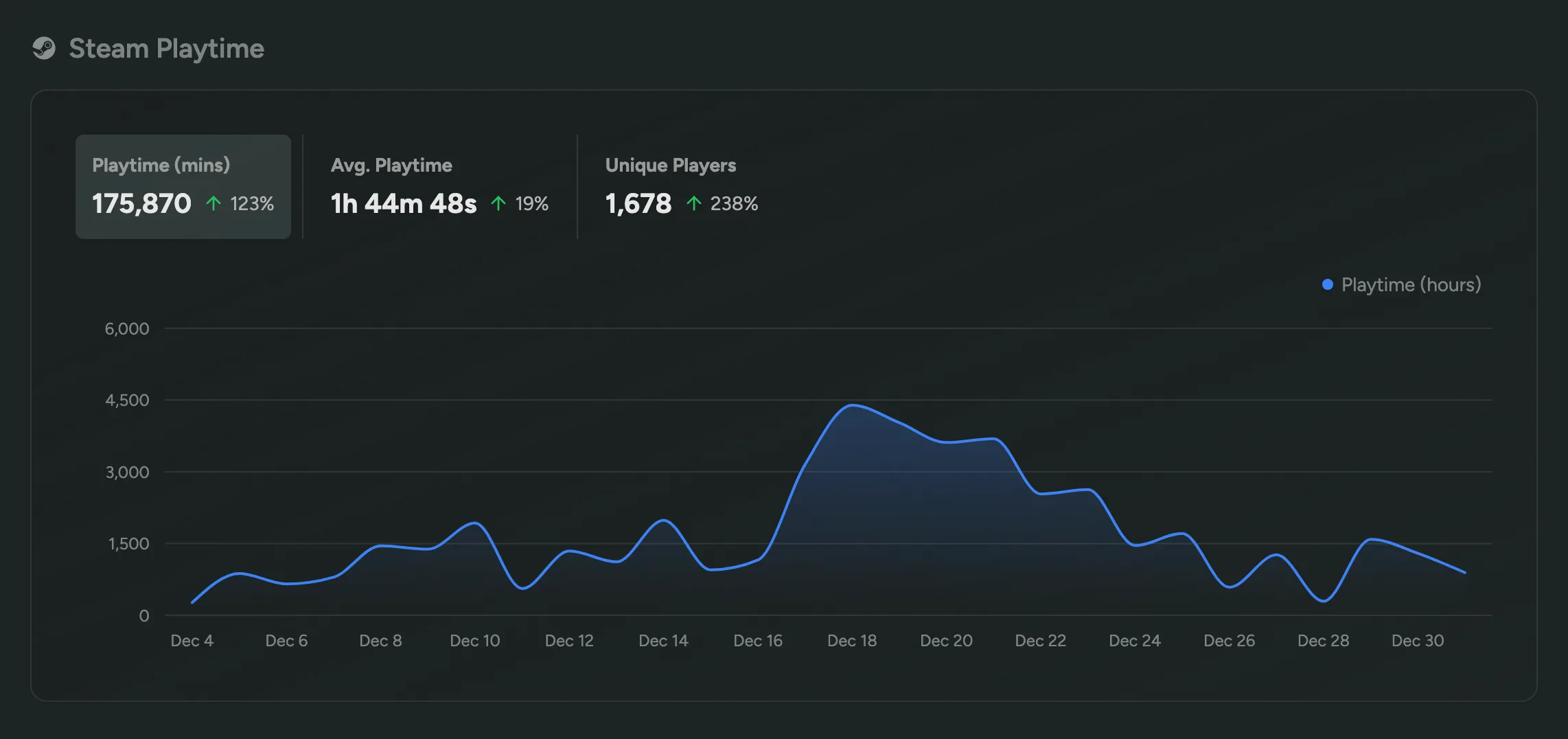
Require Minimum Age
You may be facing regulatory requirements to ensure players are at least a certain age before they share their personal information with you or be allowed to play your game. With our new ‘Eligibility Requirements’ option in the ‘Sign Up’ step of your Flow, you can now require players to enter their age.
You can pick a minimum age, and if a player is under the minimum age, they’ll locked out of signing up and can’t continue until they clear their cookies or use a different browser or device.
Discord Surveys
Introducing Discord Surveys: a new frictionless way to collect feedback from your players! Share mini-surveys with a single click, gather feedback from your players, all within Discord and backed by the data you have in FirstLook.

In our new ‘Feedback’ Section, you can create a survey from 3 available templates, customize the question and share it in any channel – or even send them to specific players via DM using filters to target players by role, playtime, etc.
Players can respond to surveys directly in Discord by clicking on of the buttons and entering more feedback or details in a native Discord modal. Results can be viewed in FirstLook in the Surveys section.
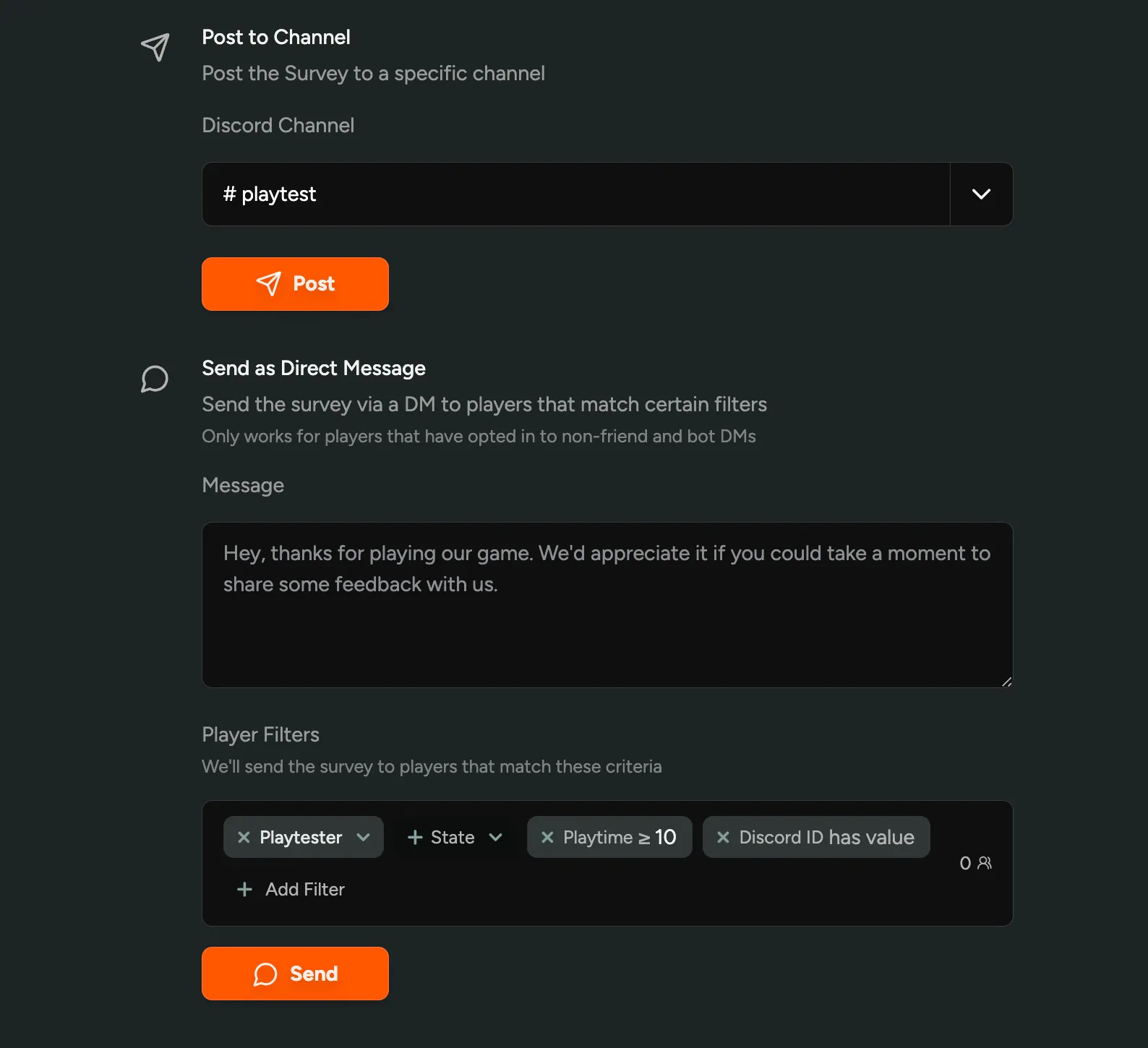
Survey Templates
- Game Review Ask if players would recommend the game to a friend, and get a Steam-like review score.
- Issue Report Receive bugs and suggestions, great for stickied post or read-only channels.
- Open Ended Ask players to give free-form feedback or suggestions on a topic of your choice.
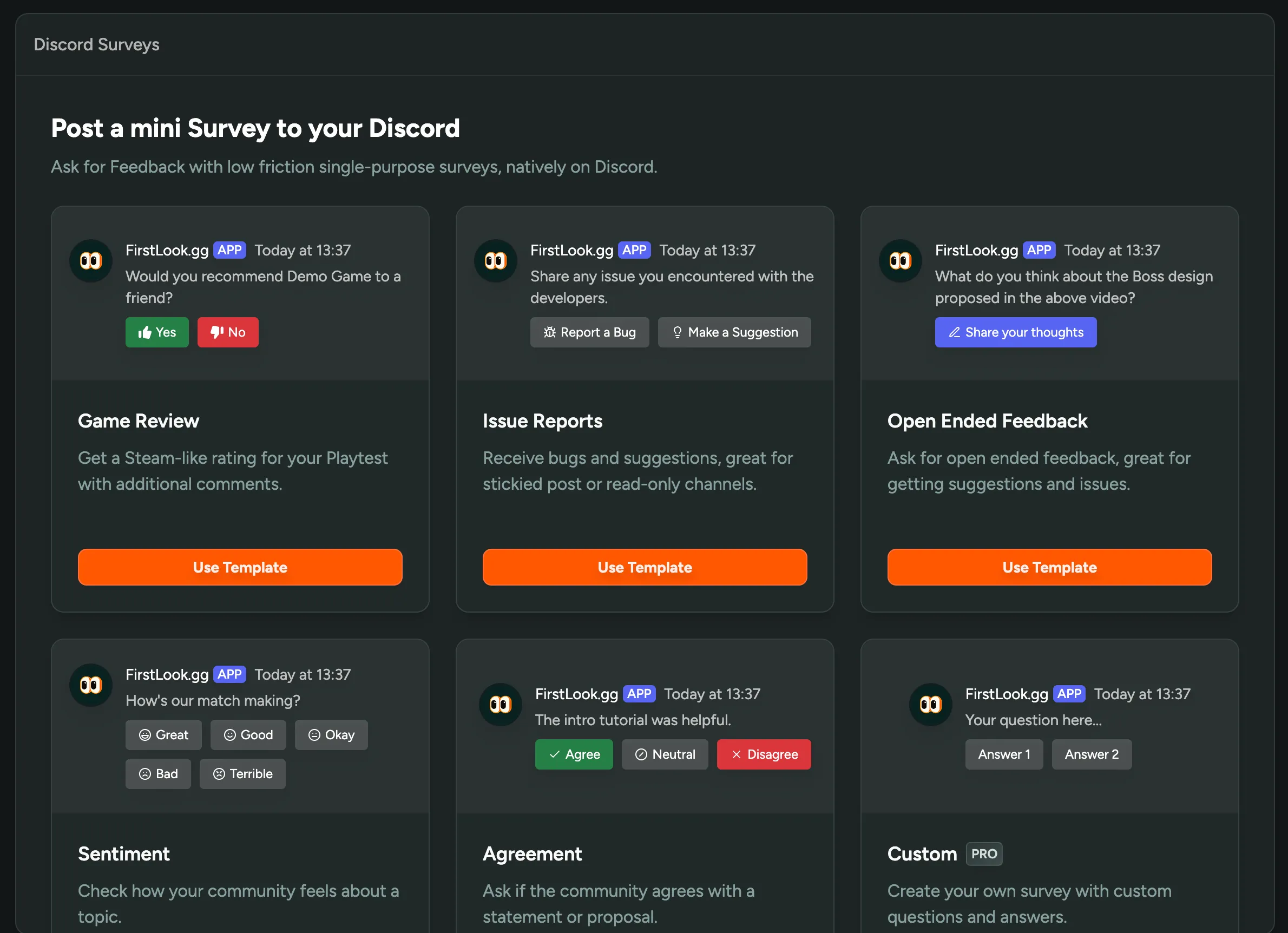
We’re excited to introduce a new way to collect feedback, and are really curious to see how you’ll use this new feature – and are eager to hear your feedback!
Sync Player Role changes with Discord
Whenever you change the role of a player in FirstLook, we will now automatically update their roles in Discord to reflect the configuration you have set up in FirstLook.
And, when you add or remove Discord Roles from a FirstLook role configuration, we will automatically update all Discord Members to reflect the latest role change.
Bulk Role Change
We’re also introducing the ability to change the Role of multiple players at once using the bulk selection feature in the Players Table.
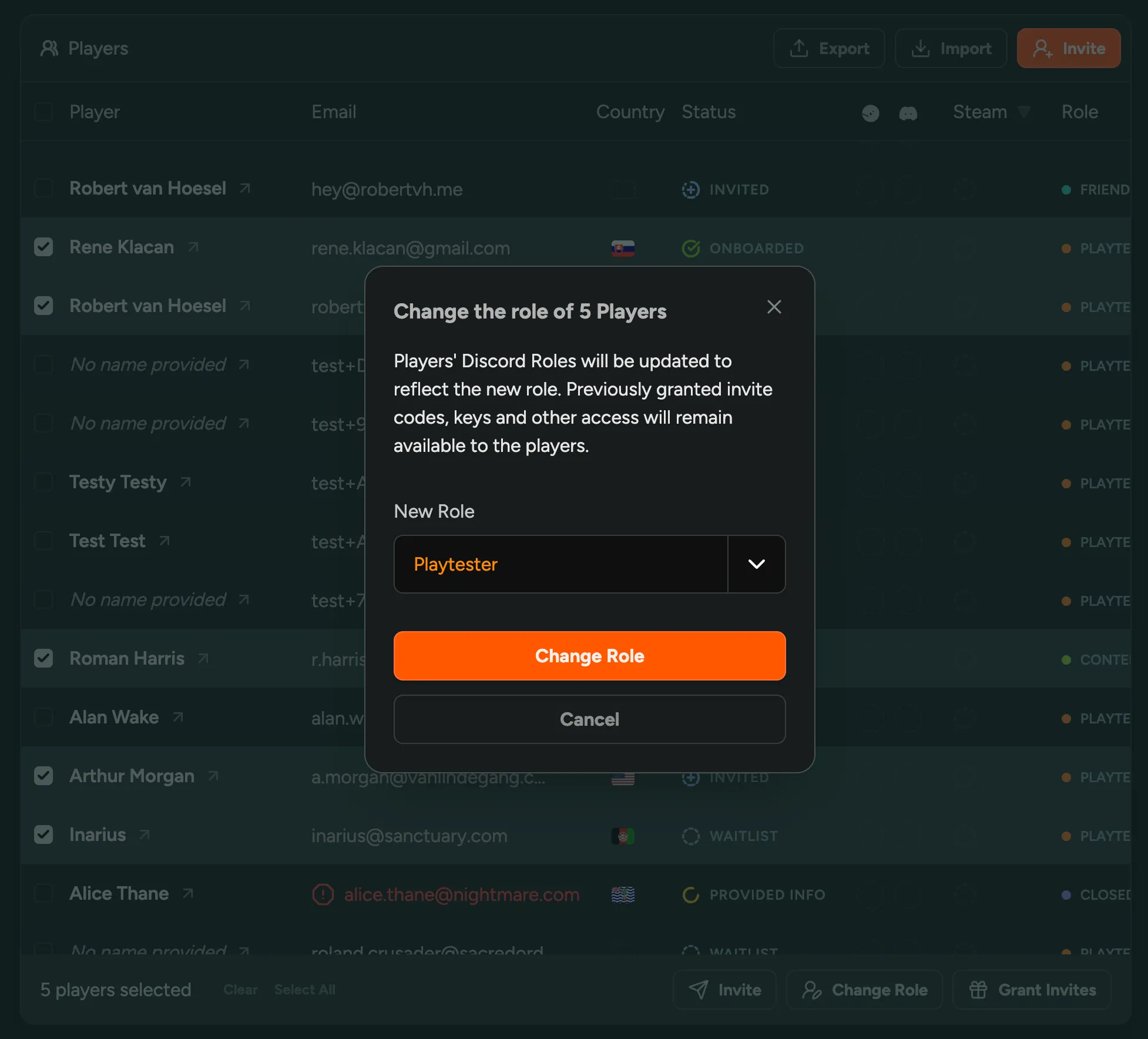
We recommend to let FirstLook manage your Discord Roles exclusively. Using other bots or manual methods to manage Discord Roles is fine for roles that are not configured in FirstLook.
Import Players with Steam Keys
You could always import and migrate players from other sources and mailing lists to FirstLook. Imports are powerful as they also allow you to update player data in bulk, map roles and more.
Today we’re also introducing the ability to import assigned Steam Keys together with players. This way, if you’ve previously distributed keys outside of FirstLook, you can now easily import them in one go while keeping the relationship between the key and the player.
To import players, navigate to the Players section and click on the “Import” button in the top right.
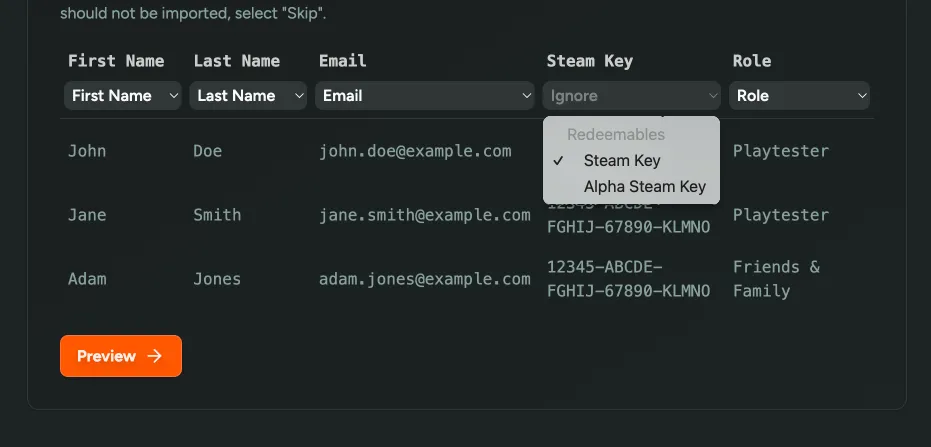
Remove Steam Keys
You can now remove individual Steam keys from your pool of available redeemables. This can be useful if you’ve used or shared this key with someone outside of FirstLook, and don’t want to assign it to a player.
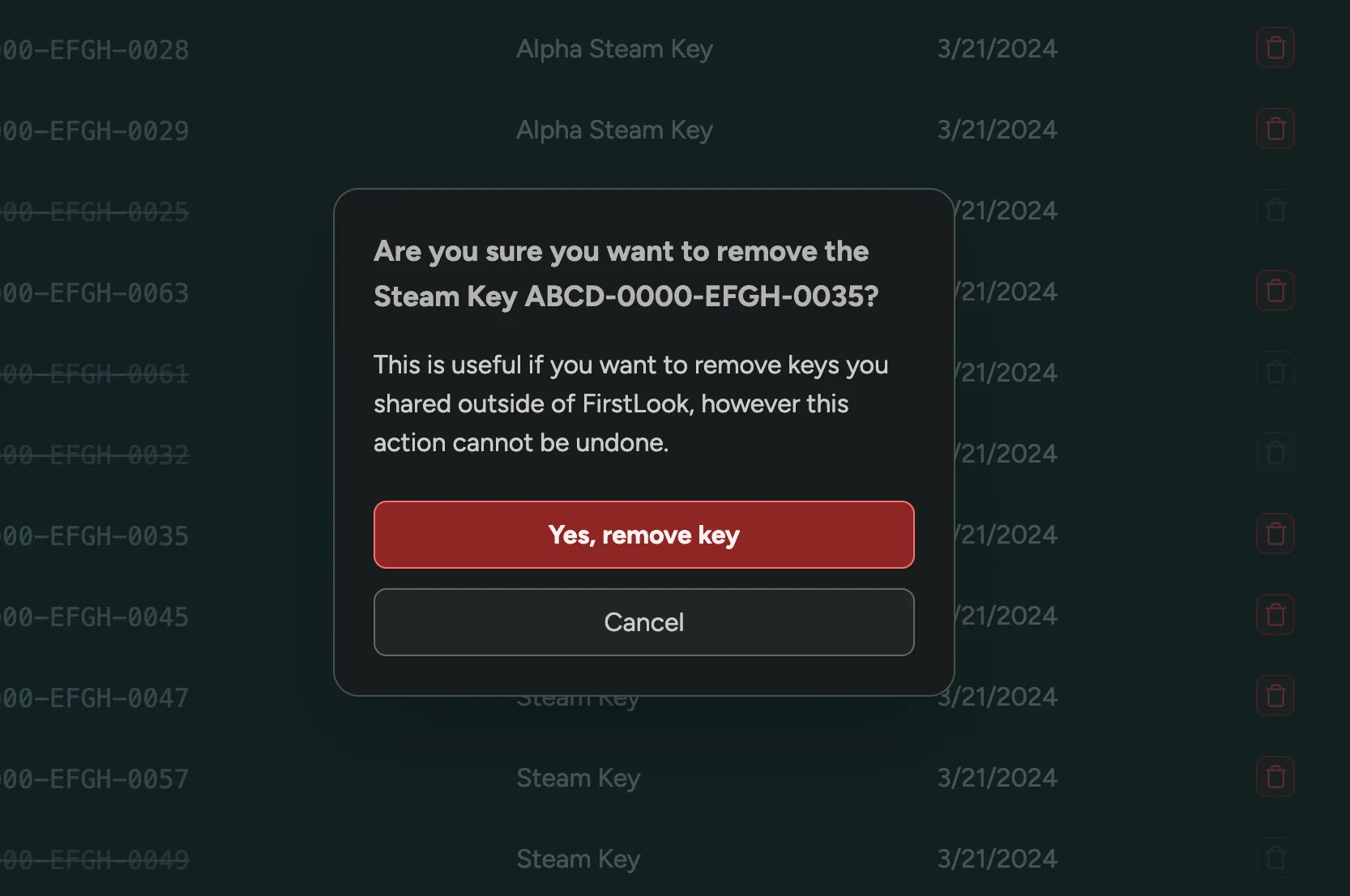
Get Notified when Running out of Keys
We’ve added a new Notifications section in Settings.
The first option lets you enable Discord notifications when you’re running low on redeemables (e.g., Steam keys), so you’ll always know when you’re about to run out.
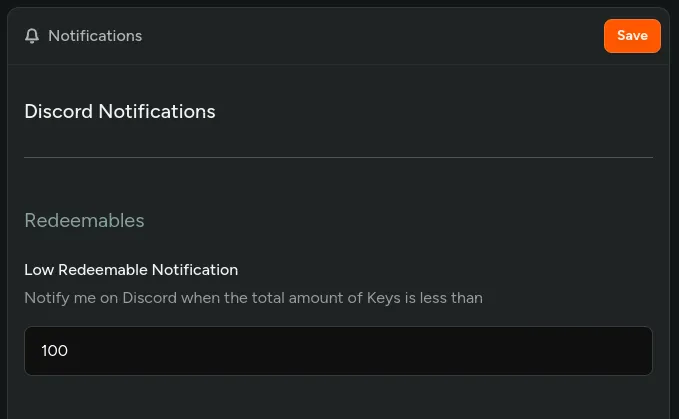
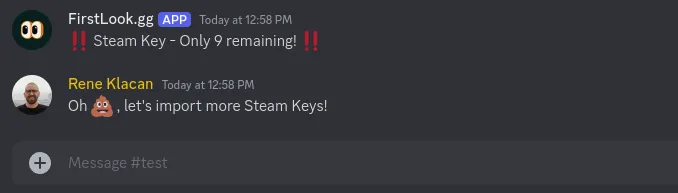
Perform Bulk Actions on Players
Invite multiple players at once, or assign friend invites to a handpicked selection with the new Bulk Player Actions.
On the Players page, you can now select multiple players by checking the checkbox next to their name. Alternatively, you can select all players that match the chosen filters by checking the checkbox in the table header.
You can then perform actions in bulk, starting today with the following actions:
- Invite – Invite the selected players to the playtest
- Grant Invites - Give the selected players invite codes to share with friends
Do let us know if you’d like to see more actions made available in bulk!
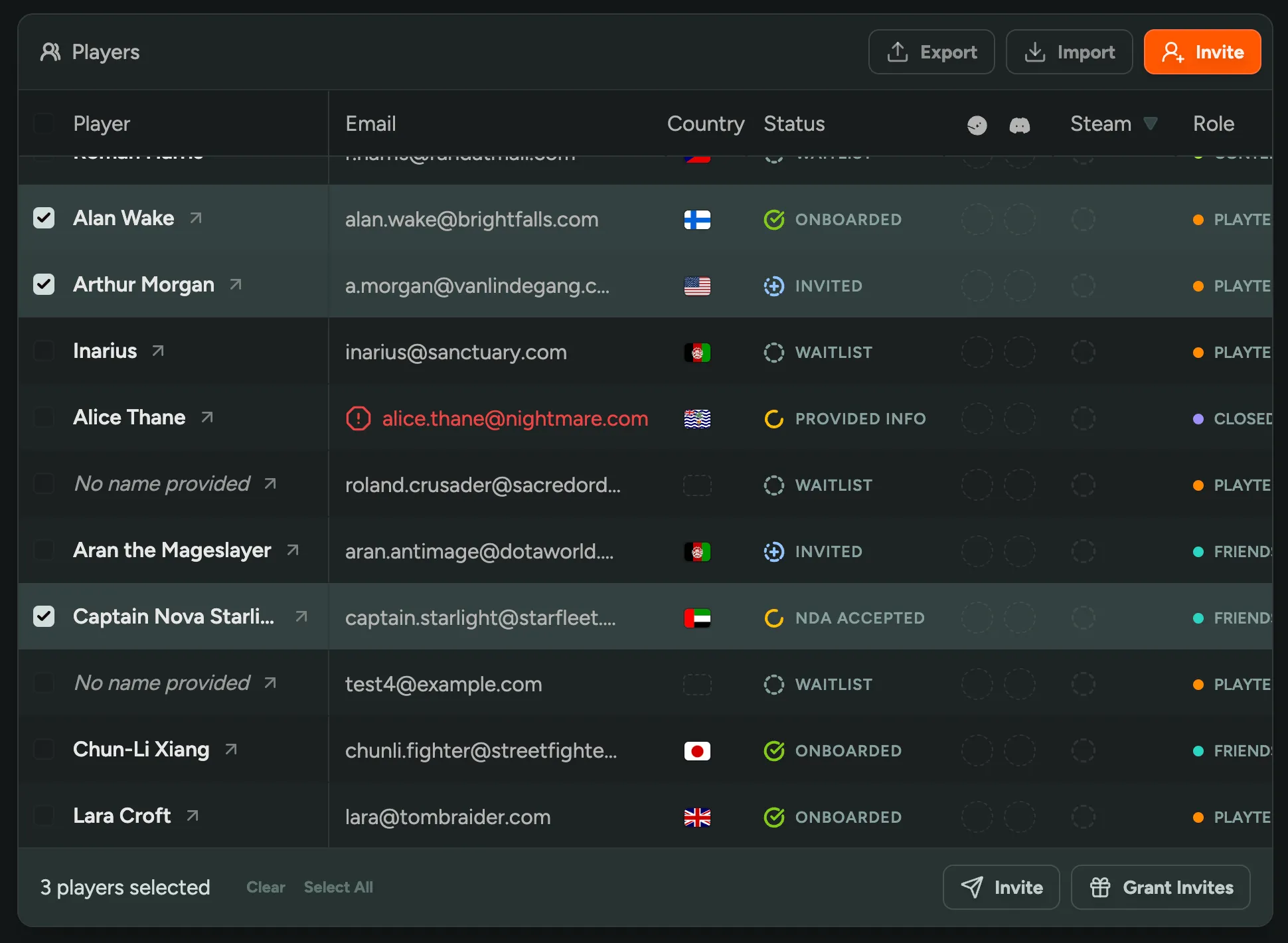
Unlink Player's Discord or Steam
It sometimes happens that player accidentally links wrong Steam or Discord account.
You can now unlink their Steam or Discord by clicking Unlink next to Steam ID or Discord ID on Player profile.
Welcome Email
After a player completed the onboarding Flow, you can now send them a welcome email. Use this to communicate upcoming playtest dates, share more specific instructions.
You can enable this in the Flow → Complete.
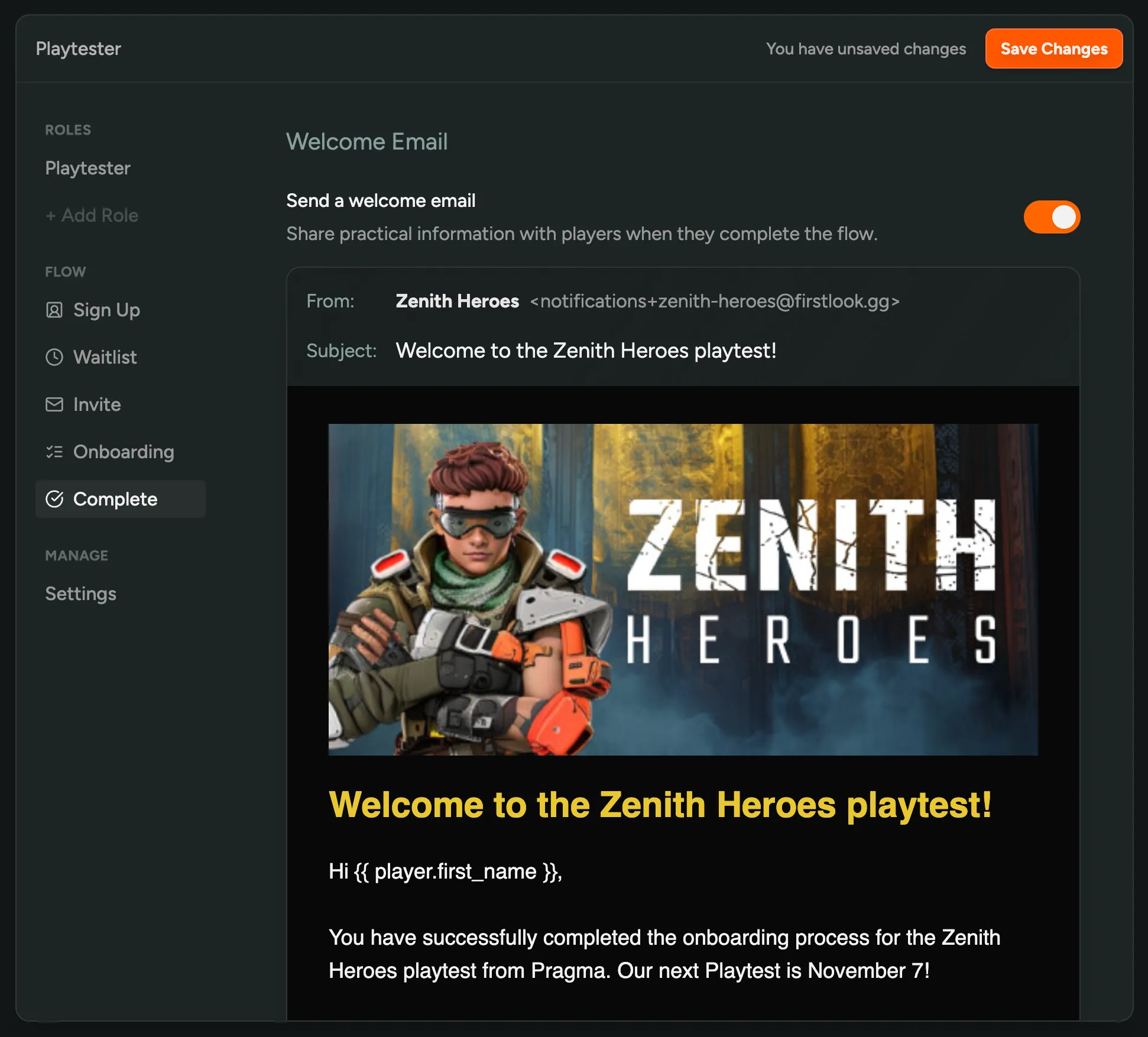
Unsaved Changes
Never lose your unsaved changes again. When edditing Flows or other settings, we’ll now show a warning if you try to leave the page without saving, as well as a small indicator next to the Save button.
Customize Invite Emails
You can now fully customize the email that is sent when you invite playtesters! It’s a great way to build anticipation, set expectations, and share information about your playtest.
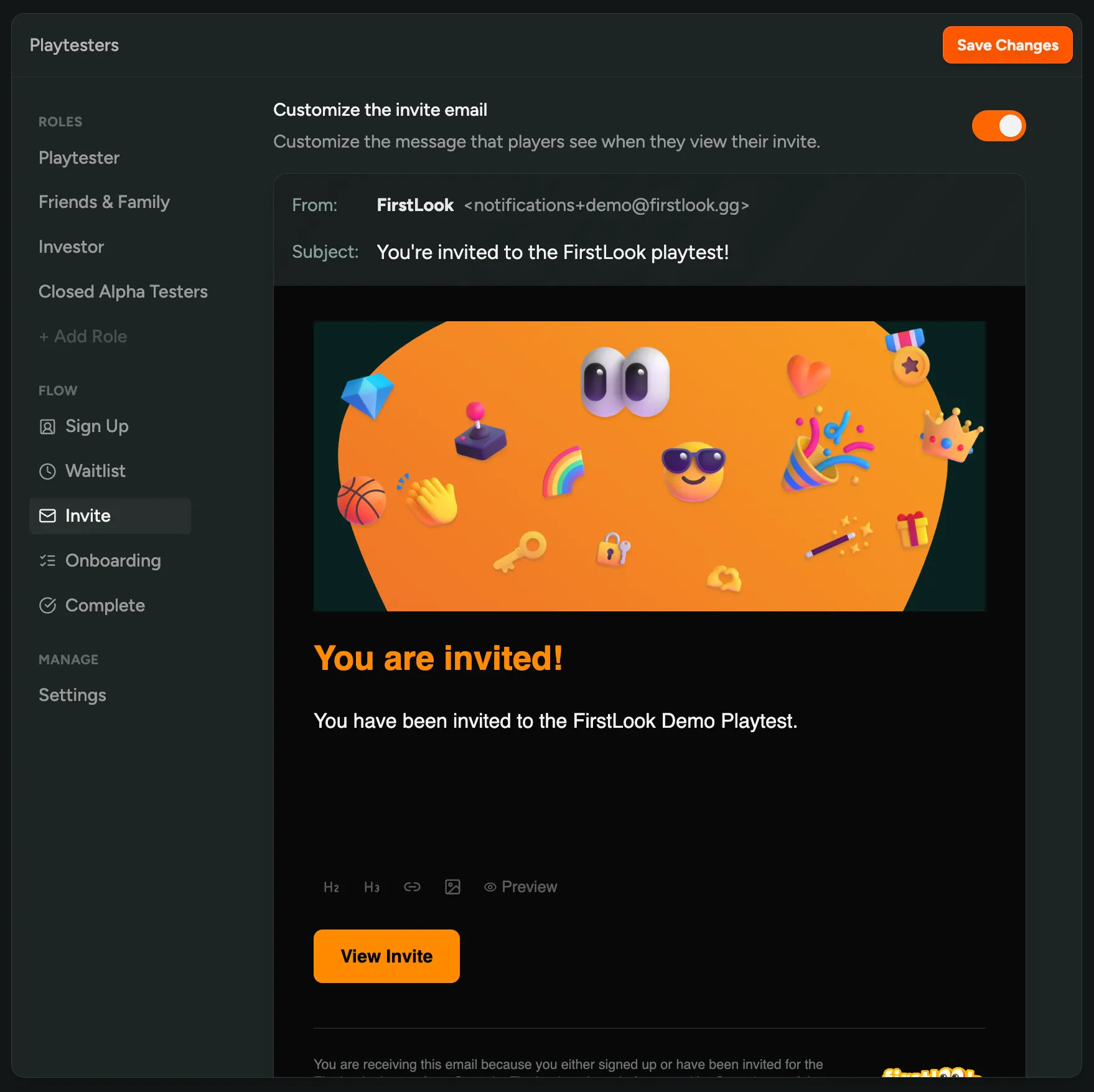
The email can be changed for each flow, under ‘Flows’ > ’… your flow …’ > ‘Invite’ and toggle ‘Customize the invite email’.
- The content can be formatted using Markdown
- You can insert variables like
{{ player.first_name }}to personalize the email - The email branding can be configured under ‘Settings’ > ‘Branding’
Learn more about customizing emails in our Email Announcements documentation.
Detect Bounced Emails
Sometimes emails can’t be delivered, either because the email address doesn’t exist, or because the recipient’s email server rejected the email.
In the Player Overview and on Profiles, you can now see if an email address has bounced, and since when.
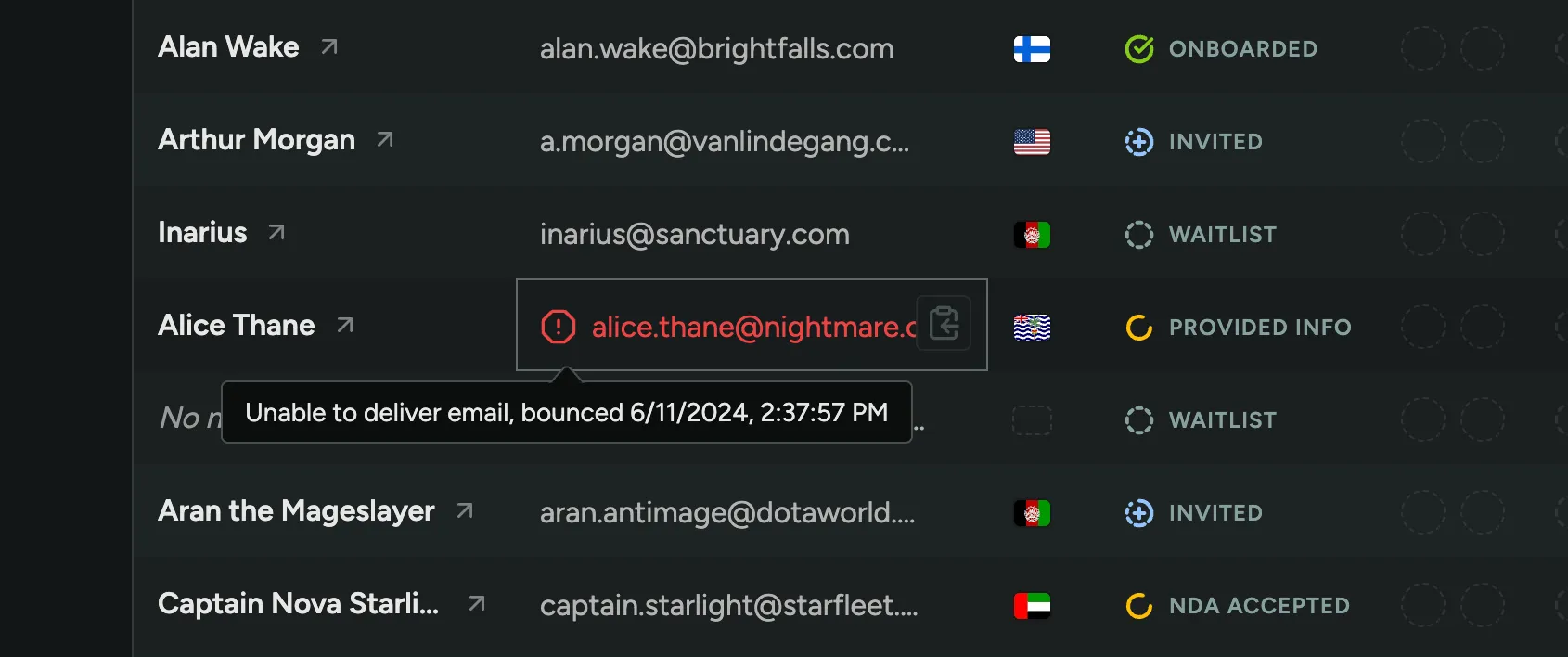
Customize Social Sharing Preview
We’ve added a new way to customize how your Playtest Website will look when shared on social media. In Branding Settings, you can now add a custom Social Preivew Image (OG Image), Title and Description that will be used as a preview on Facebook, Twitter and other social media platforms.
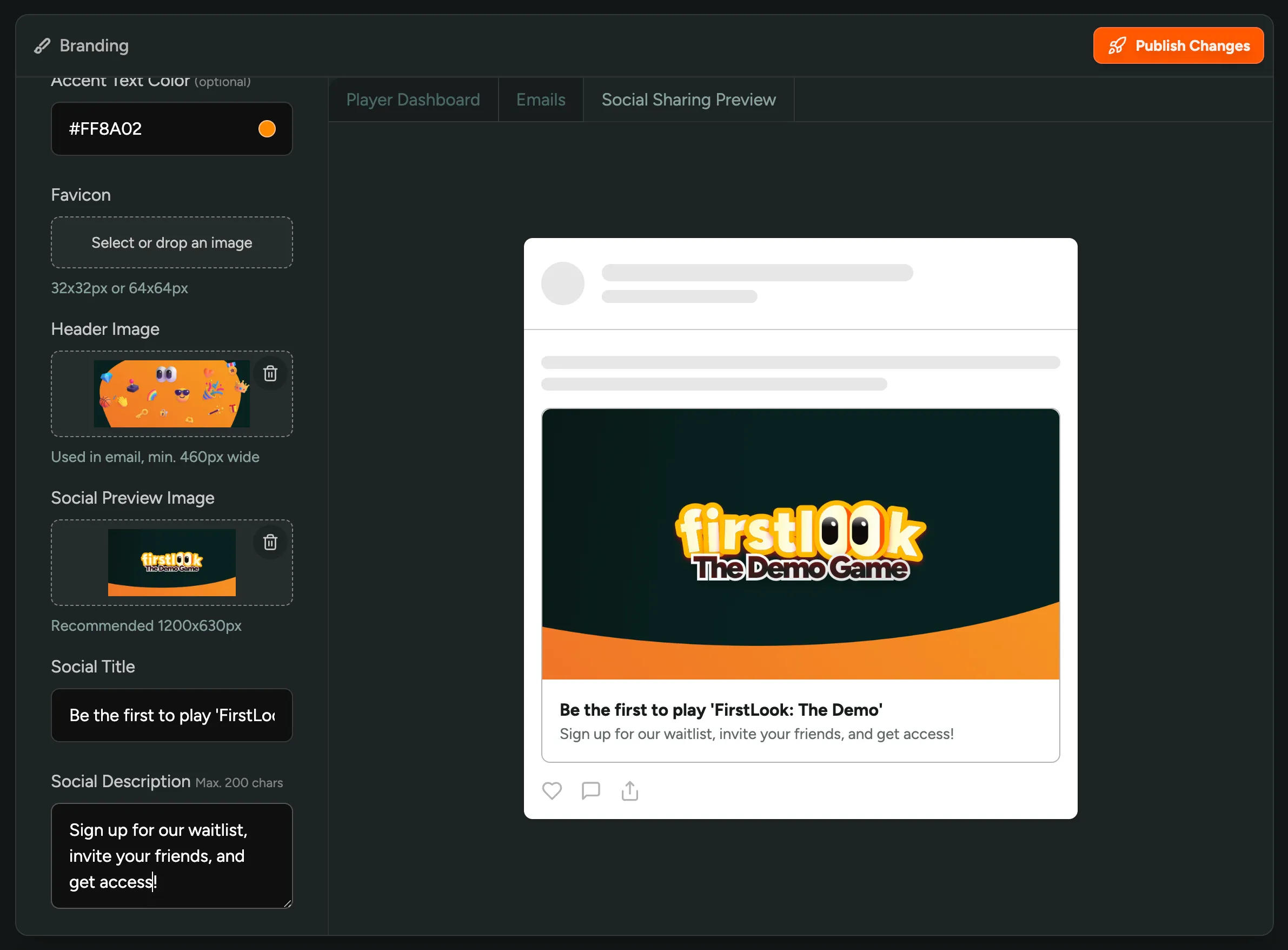
Note that certain specific pages like Invites and Sign Up will override the Title and Description with their own.
Reward Referrals with an Invite
Players on the Waitlist could already refer their friends to the playtest. Now, we’ve added the option to reward players for doing so.
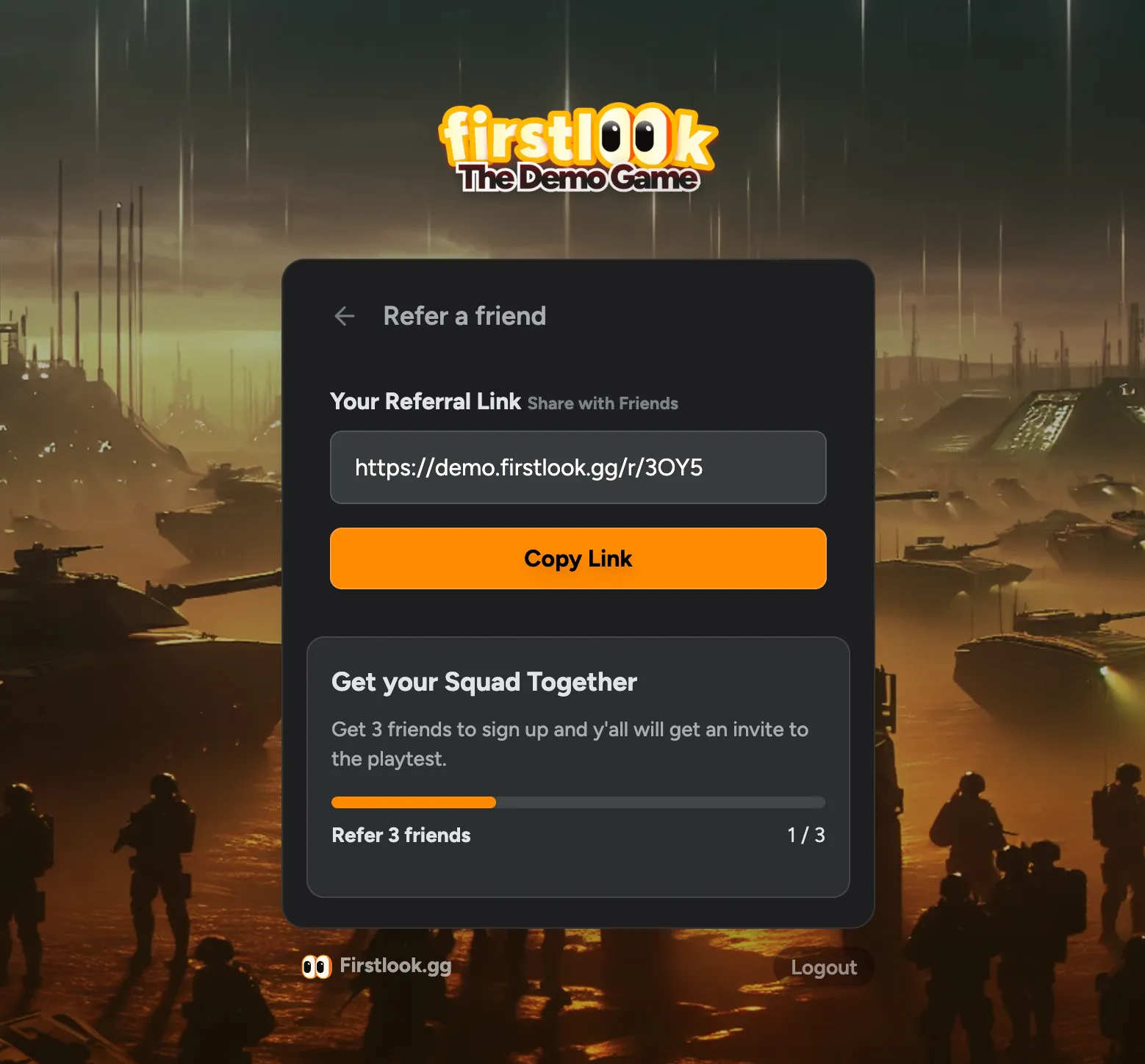
In your Flow → Waitlist, you can now enable ‘Referral Gamification’. When enabled you can set a goal for how many players need to join before the reward is unlocked. As a reward, you can choose to Invite the Player to your playtest, or give them and their referrals an invite. The last option is great for incentivizing players to share the playtest with their friends, and then play together.
Players on the Waitlist will see an active Call to Action, including the progress towards the goal. You can further customize the header and description of this section in the Waitlist Settings.
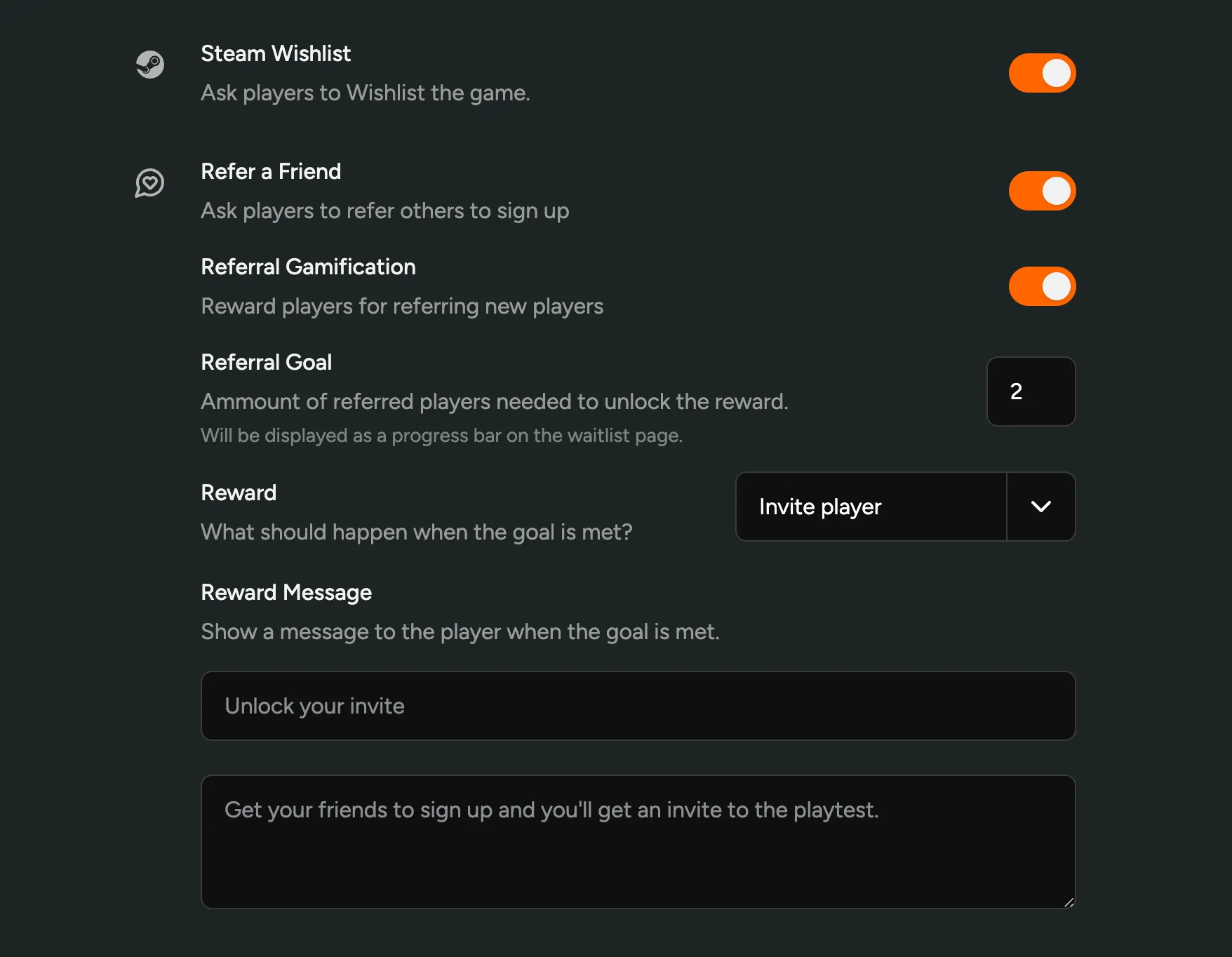
Player Source Attribution + more
In the Player Overview, we’ve improved the ‘Source’ column. It now shows in detail where the player came from, like Invite Codes, Web Pages linking to your playtest, the Player that referred or invited them, or if they were invited by a team member.
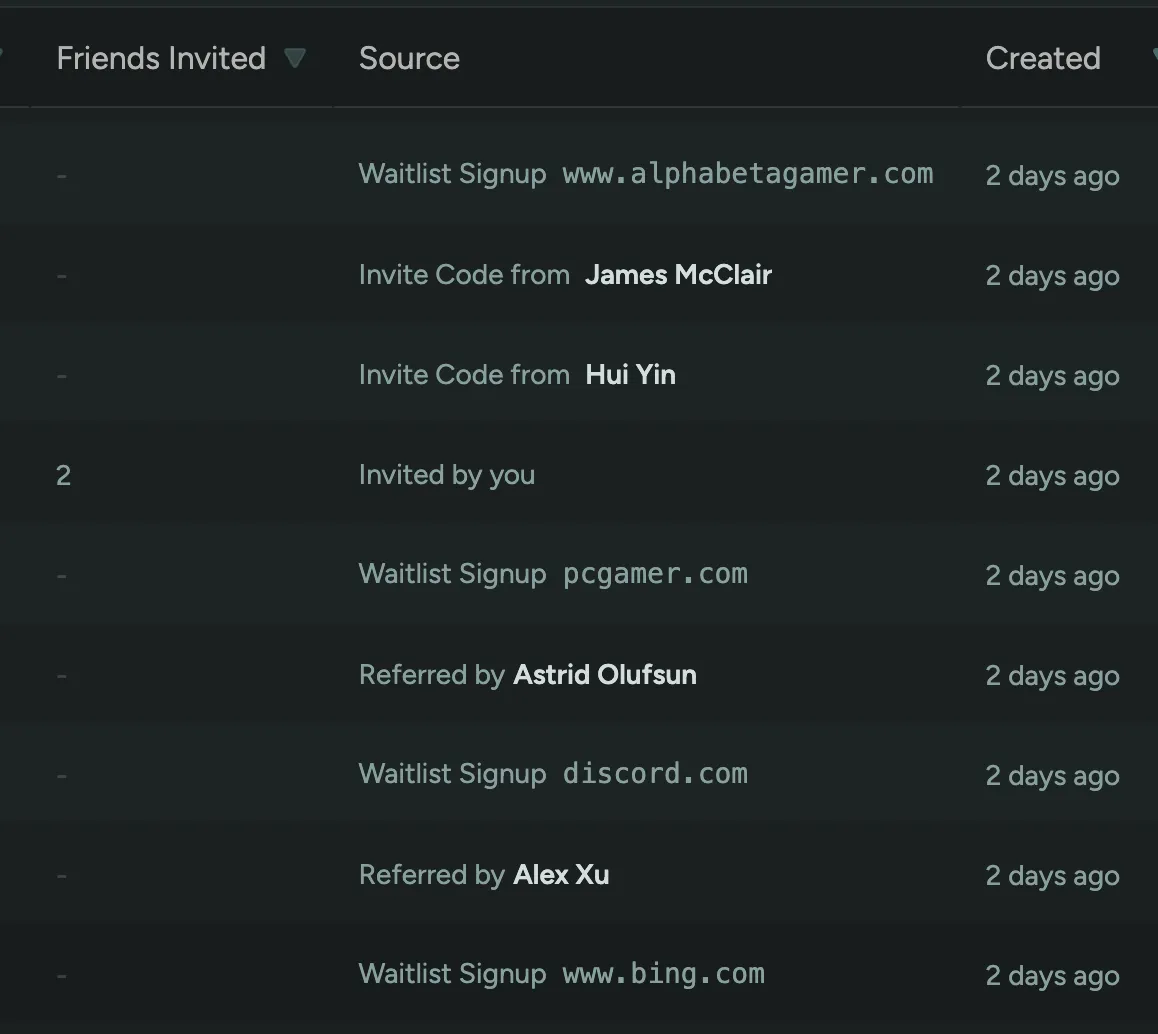
We’ve also made a few smaller improvements:
- You can now filter by people who haven’t wishlisted your game
- The Branding Configuration preview now uses the recent redesign
- On Player profile we no longer truncate longer attributes or questions
- Players can now access their signed NDA via Dashboard > Account Settings.
Bulk Invite Players
We’ve completely reworked the ‘Invite Players’ screen. Now you can invite multiple players at once, add a custom message and copy-paste emails from your Google Sheets or other sources.
Onboarding Flow and Dashboard Redesign
We’ve completely redesigned the onboarding flow and dashboard, making it more user-friendly, less cluttered, and more intuitive.
Some of the changes include:
- The onboarding flow is no longer linear (step through each page)
- Instead, a single screen shows all steps that needs to be completed before finishing
- The Dashboard buttons are now more compact, leaving more space for your own communication
- There’s now an ‘Account Settings’ where players can connect their Steam or Discord Account, if this was optional during onboarding
- We’ve updated the Steam Redeem explanation to be more clear
- The Accept Invite flow, while using an invite code, now uses a similar Account Registration as the Waitlist
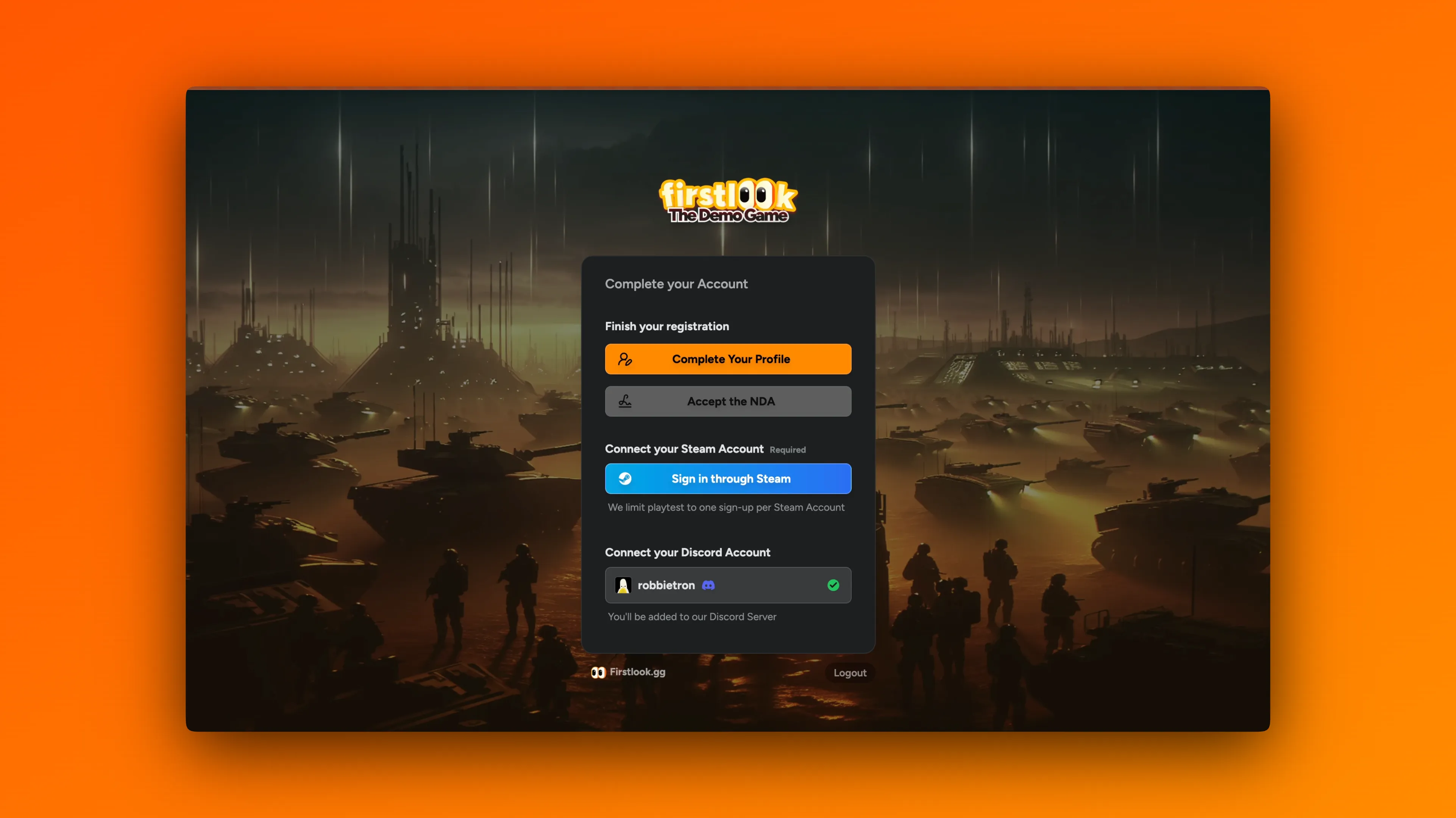
Grant Invites to Individual Players
Invites are a great way to grow your playtester community. You can now easily grant any number of invites to individual players, so they can give their friends instant access to your playtest.
On a player’s profile page, click the “Grant Invites” button at the top and enter the desired number of invites. By default, it will create one-time-use invites that grants access to your default Role. Click on “Advanced…” to change the role the invite grants, the number of times each invite code can be used, and add an optional internal description. The invites will be added on top of any invites the player receives through their Role.

Ban, Kick or Unassign Roles on Discord when removing players from FirstLook
When removing a player from FirstLook, you can now also take action on their associated Discord account in your server. You have the following options:
Keep in Server– Do nothing and keep the player in the server.Remove Assignable Roles– Keep the player in the server but remove all roles that the FirstLook bot can assign.Ban Player– Remove the player from the server and prevent them from rejoining.Kick Player– Remove the player from the server, allowing them to rejoin.
The FirstLook bot cannot remove or kick Admins or Moderators.
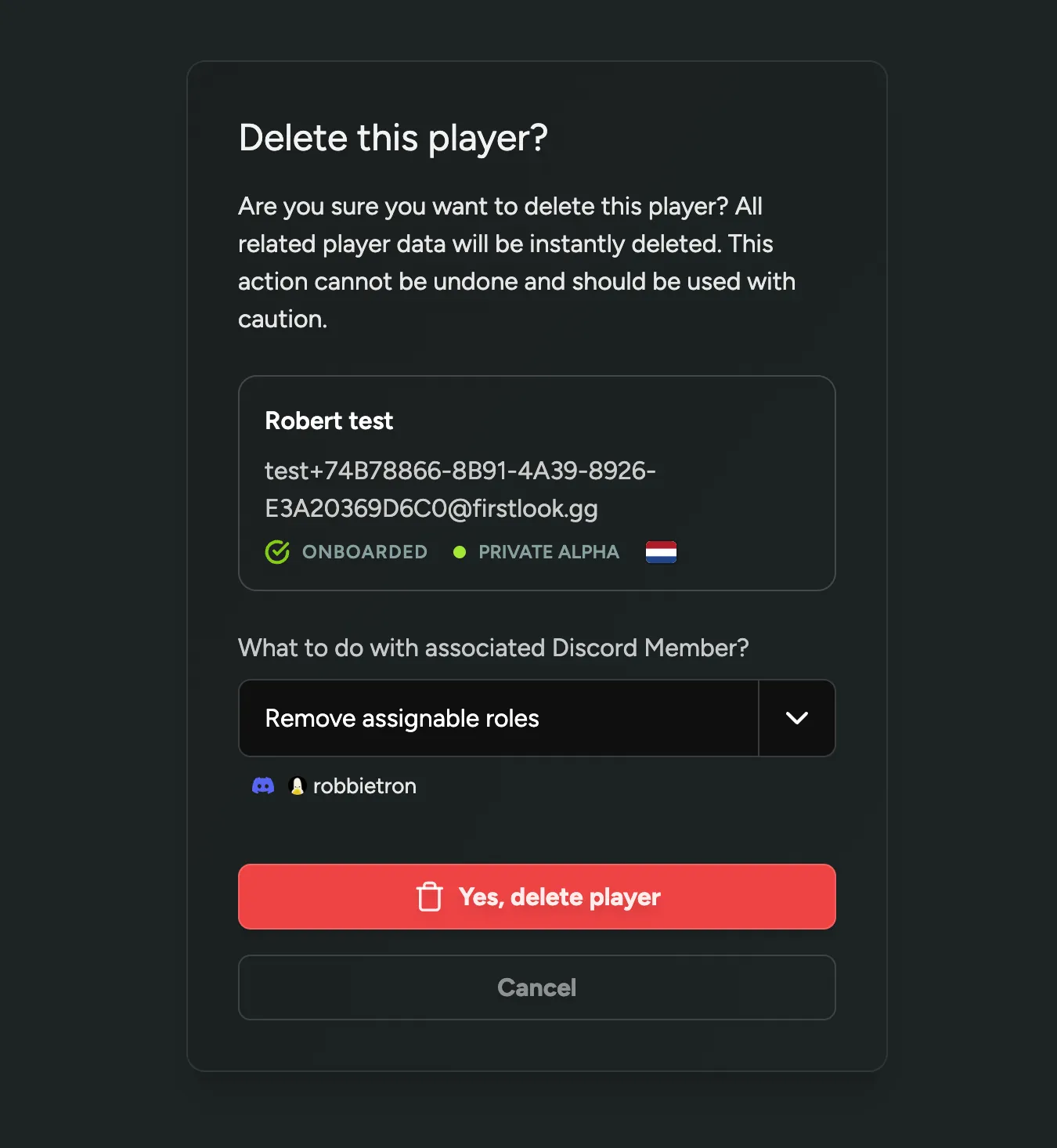
Login as Player
If you need to troubleshoot or quickly check what a player is seeing in their FirstLook Dashboard, you can now log in to their account (impersonate them) with a single click. At the top of the player’s profile, you’ll find a new “Login as Player” button that allows you to do this. Whenever you or a team member impersonates a player, it will be added to the player’s audit log, enabling you to trace who accessed the platform on their behalf.
Discord Forum Sync
We have several exciting ideas and features in the pipeline to enhance our integration with Discord. As a first step, we’re introducing the capability to synchronize Discord Forum posts with FirstLook.
Once enabled, you can choose specific Forum Channels to sync. You’ll then see a new tab ‘Forums’ where you can browse all the synced posts on FirstLook, and filter them by channel.
On Player profiles, a new list of Discord Posts authored by the player will be visible. Additionally, within the Player Overview, you can sort and filter players based on their Discord Activity.
Configure the synced channels in Configuration > Discord and find more information in the Discord Setup Guide.
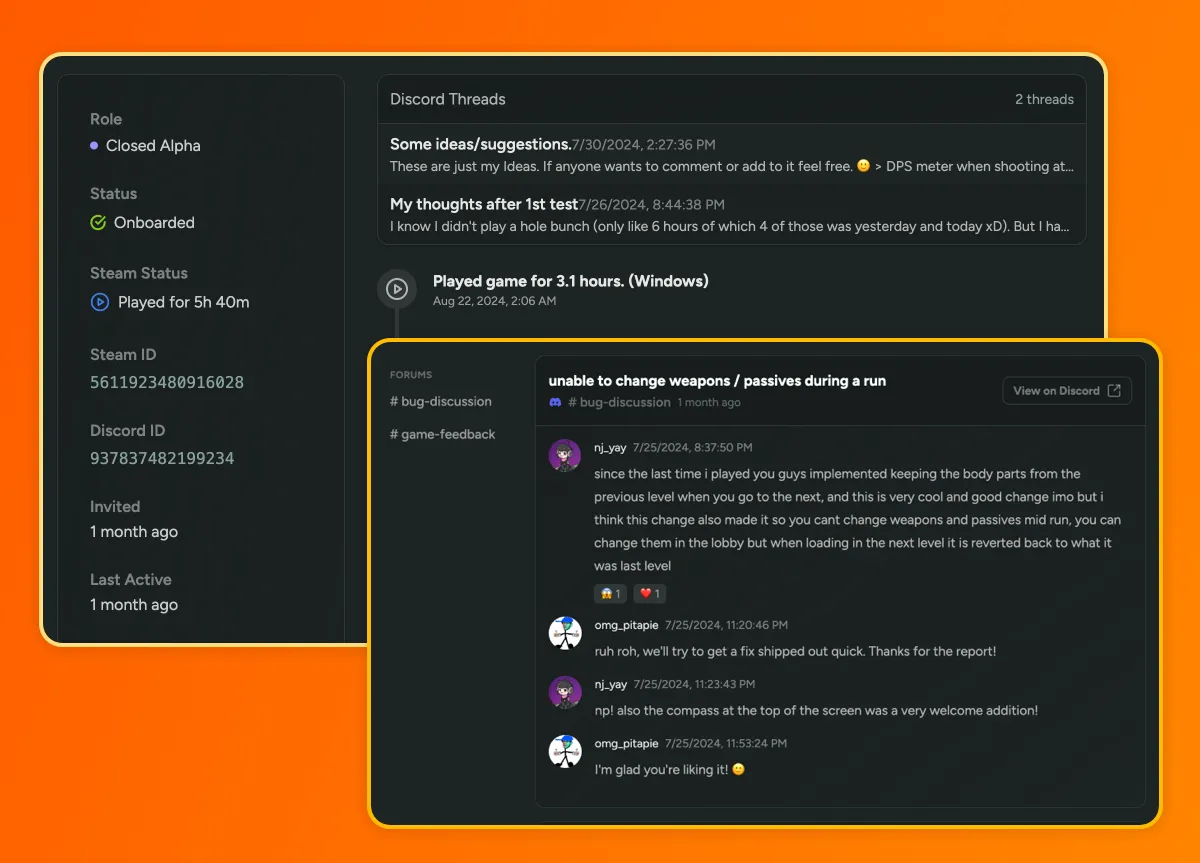
Custom Signup Message
You can now enhance your Flows’ Signup Pages by adding a custom title, message, and video. Use this feature to create unique landing pages for different types of playtesters.
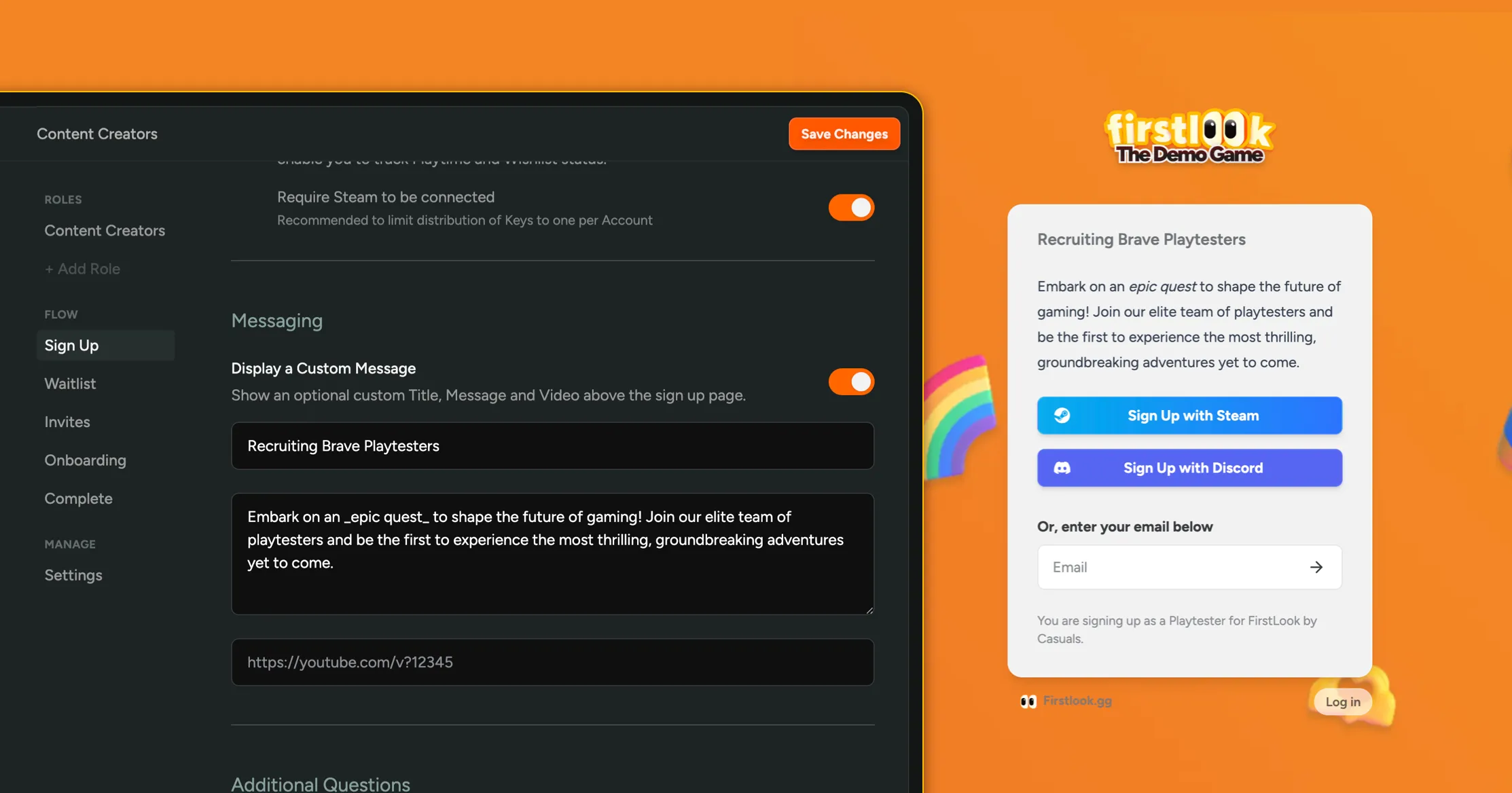
Send Email Announcements to your Playtesters
We’re excited to announce that you can now send Email Announcements to your playtesters! Announcements are a great way to keep your playtesters informed and engaged by sharing updates, upcoming playtests, and other important information.
- Draft your announcements in a simple interface using Markdown
- Select which Playtesters will receive the announcement using filters
- Add a call to action to the bottom of your email
- Track the success of your announcement using opens and clicks
You can learn more about announcements in our Documentation or try it out in Dashboard > Announcements.
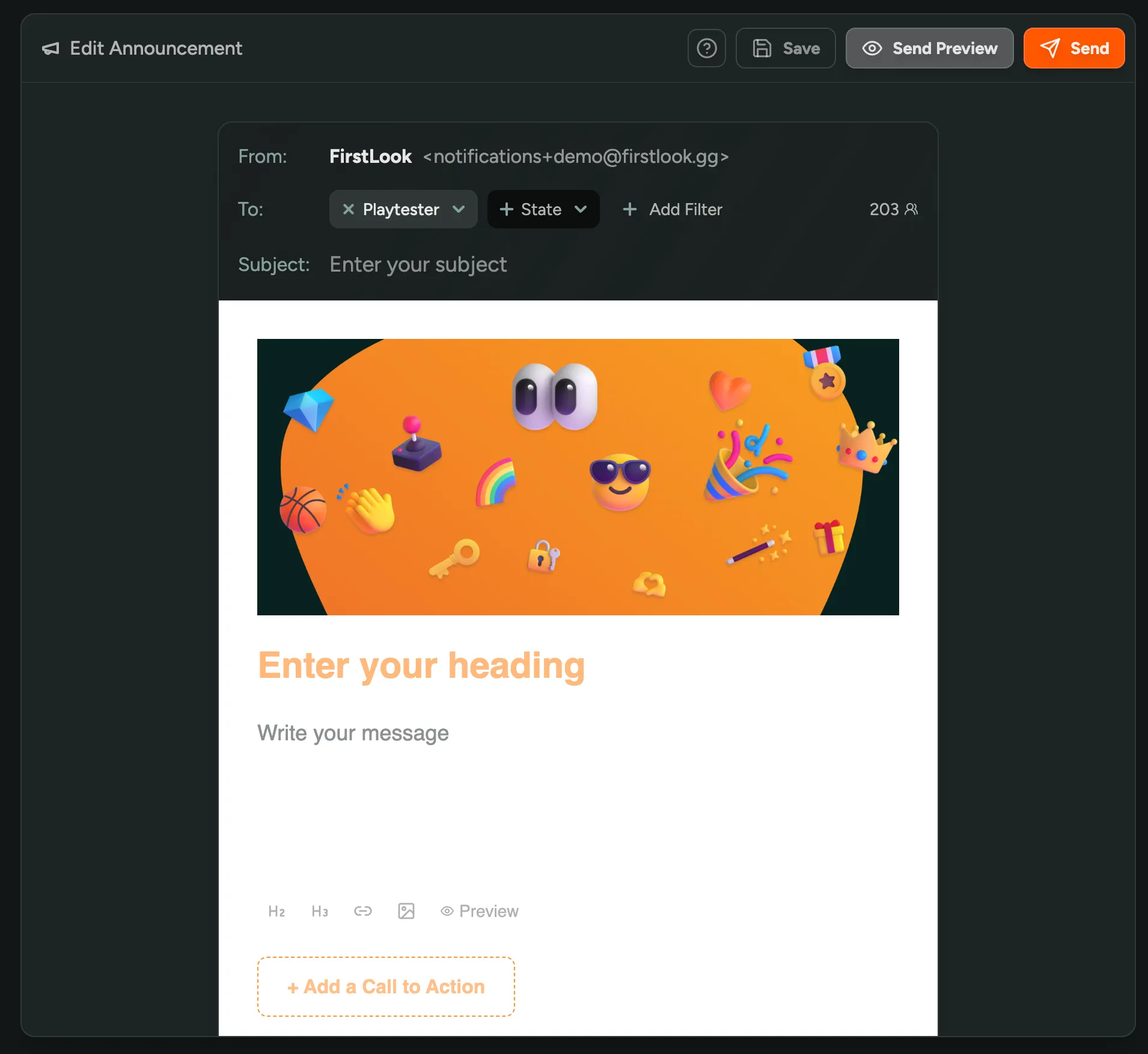
Introducing Flows – Unique Sign-ups for Different Audiences
We’re excited to bring you Flows: A new way to create unique and tailored sign-up and onboarding experiences for different audiences.
Previously, a single ‘Flow’ was used for everyone—every player went through the same onboarding steps, login options, and sign-up questions. While you could differentiate what a player received post-onboarding using Roles, we now allow you to create additional Flows to differentiate how players sign up.
Use Cases
Using Flows, you can now create:
- Additional Sign-Up Forms for Content Creators: Tailor questions to their online presence.
- Simplified Sign-Up for Partners and Vendors: Allow trusted parties to sign up with just an email—no Steam or Discord required.
- Customized Messaging: Personalize invites and welcome messages for various roles.
- And more!
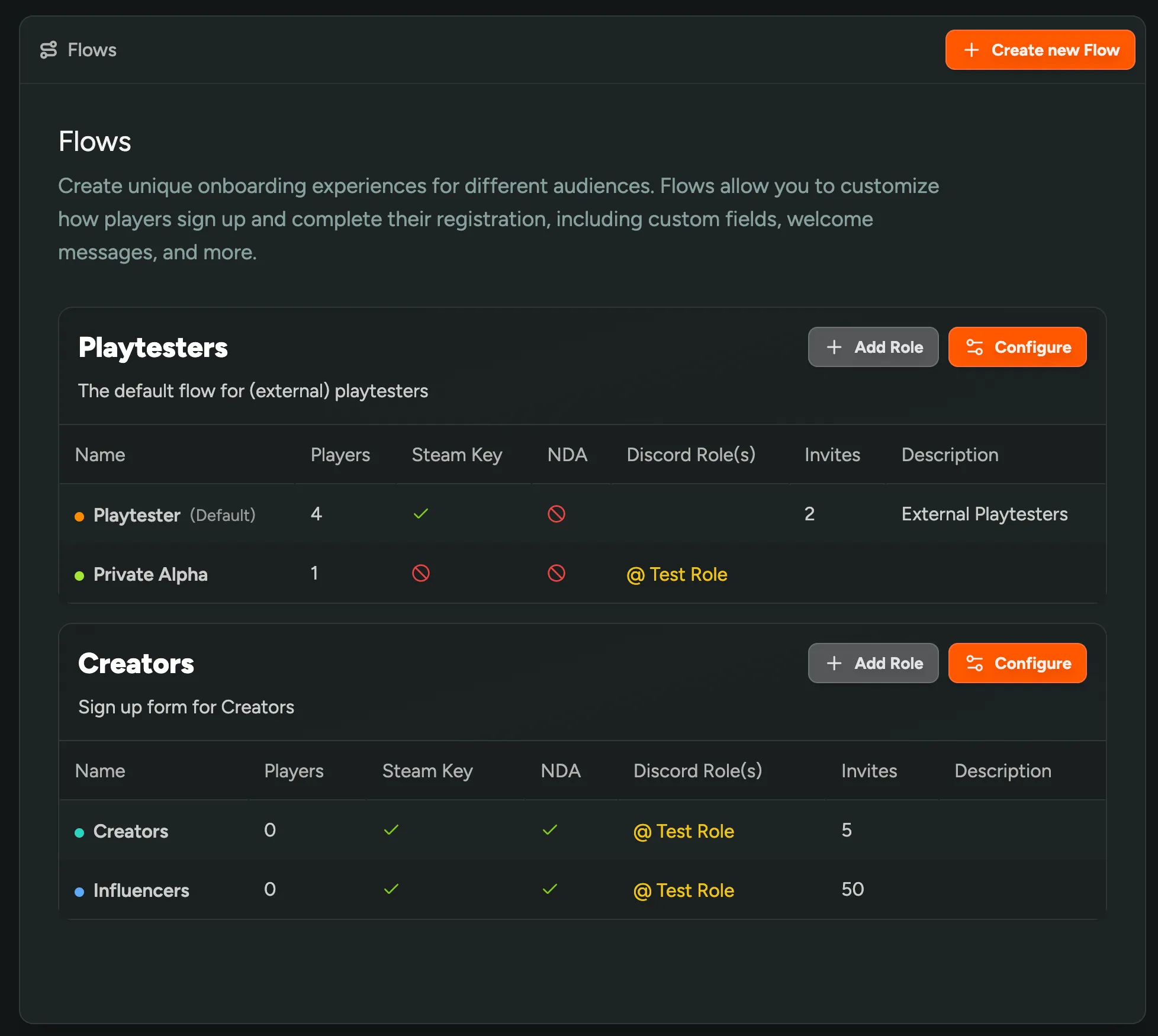
Configure Key Pages for Similar Roles
Flows group similar roles together, and allow you to configure the below pages for all of them at once:
- Sign-Up: Enable or require social accounts for account creation and configure additional questions. You can designate one Role as the default during sign-up.
- Waitlist: Customize messaging for those on the waitlist and configure Calls to Action like ‘Add to Wishlist’ or ‘Join our Discord’ to engage interested players.
- Invites: Personalize invite messaging and (coming soon) email invites.
- Onboarding: Set additional requirements before players are onboarded, such as linking social accounts or answering extra questions.
- Completed: Communicate expectations and upcoming playtests in the player dashboard.
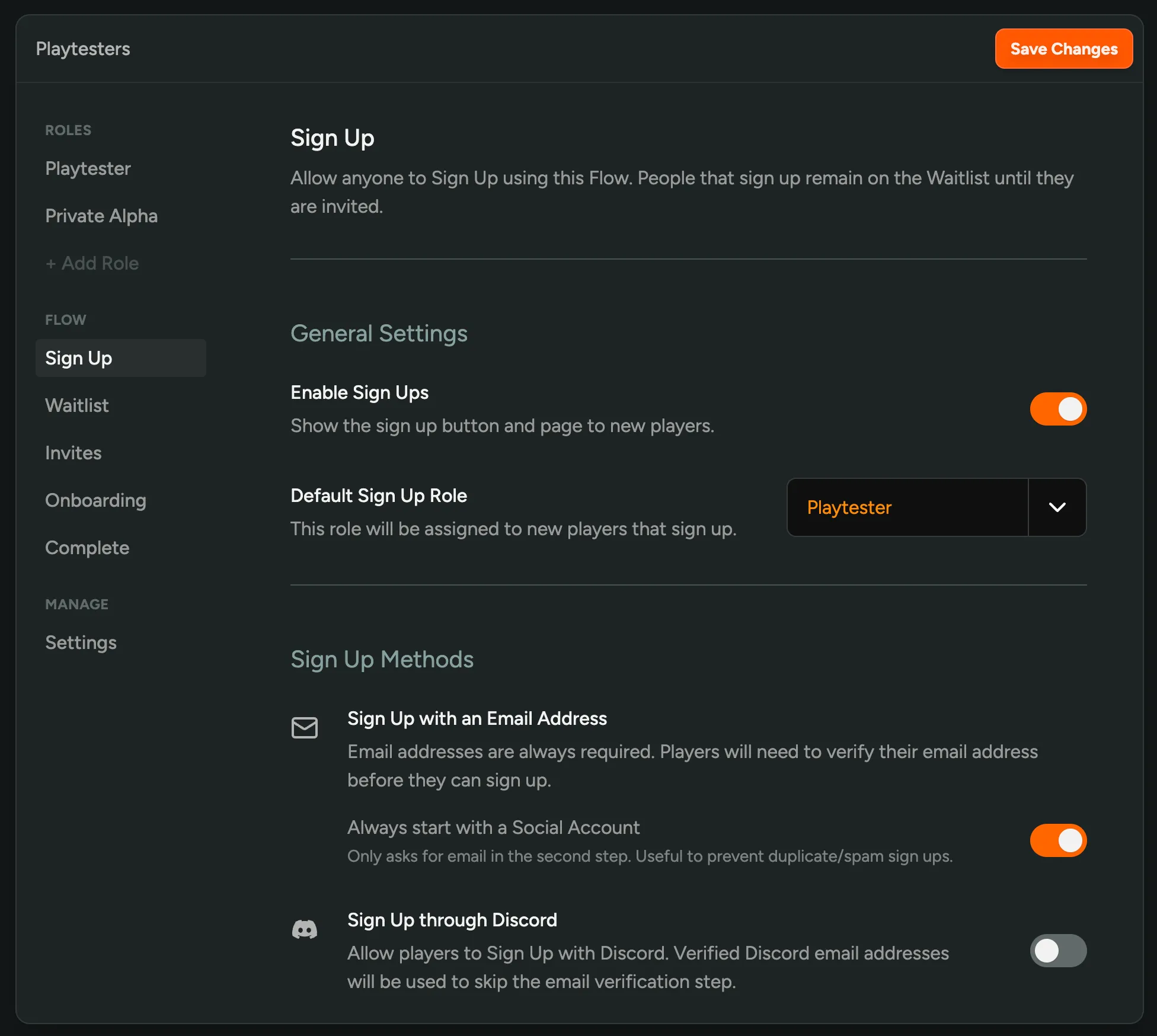
Roles still manage what a player receives after successfully onboarding and remain a great way to differentiate post-onboarding experiences. We’ve migrated all your Roles to use the default ‘Playtester’ Flow.
Try it Out!
Feel free to create new Flows as needed, experiment, and move Roles around. We’re eager to learn from your best practices and offer certain Flows as templates.
Reach out to us on Discord if you need any help designing the right flows for your playtest.
Player Relations
See how your community is connected! You can now view the relationships between your players on their profile. A small table shows the players that they invited or referred, as well as the players that they were invited by or referred by.
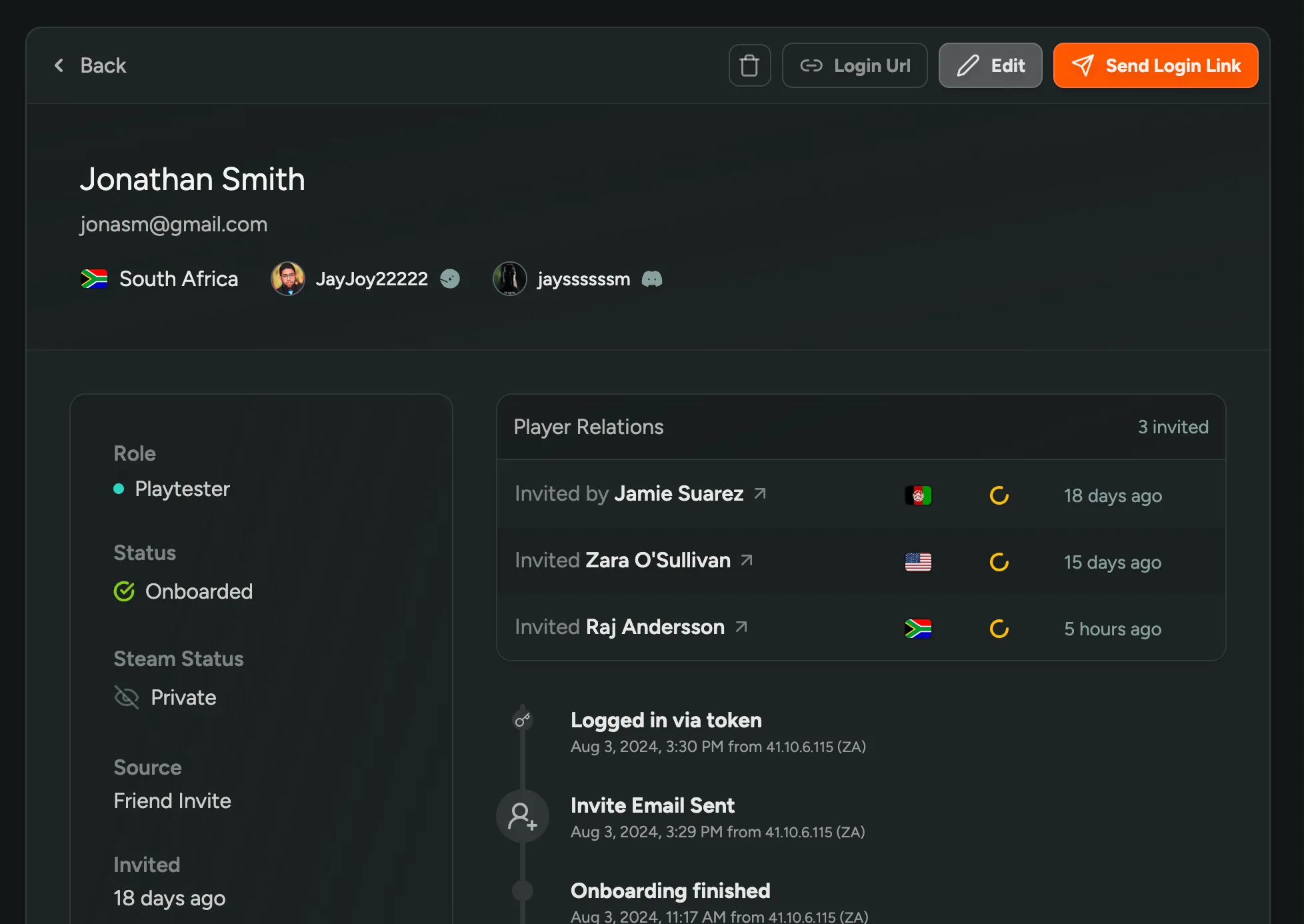
Sign Up with Discord
Players can now sign up for your Waitlist using Discord, in addition to Steam. If they have a verified email on their Discord profile, that email address can be used to sign up without the need for email verification.
Existing players can also sign in to their account using Discord.
Token Based Email Verification
We now verify emails using a Token (One Time Password / code) sent to the email address. This is a more secure and friendly way to verifiy emails, and an improvement over the previous ‘confirm link’ method. We’re now also skipping the email verification if a player has a verified email on their Discord profile and they sign up using Discord.
New Email Design
We’ve revamped all our emails with a new design that’s simpler, cleaner, and more modern. You can preview and customize this template in your Branding settings.
Here’s what changed:
- Light / Dark Theme: The email design now automatically matches your Player Facing Dashboard theme. If you’re using the Light Theme, your emails will be light as well.
- Custom Header Image: Personalize your emails by adding a custom header image that aligns with your game’s style.
- Improved Readability: We’ve enhanced the readability of our emails by increasing the font size and line height.
Upcoming Features
- This new design also sets the stage for our upcoming feature, Email Announcements. Soon, you’ll be able to send updates and news directly to your players from FirstLook.
- Under the hood, this also paves the way for more email customization options, allowing you to tailor your emails’ content. Stay tuned for more updates!
Here’s a what designing your email template looks like, learn more about Branding in our documentation.
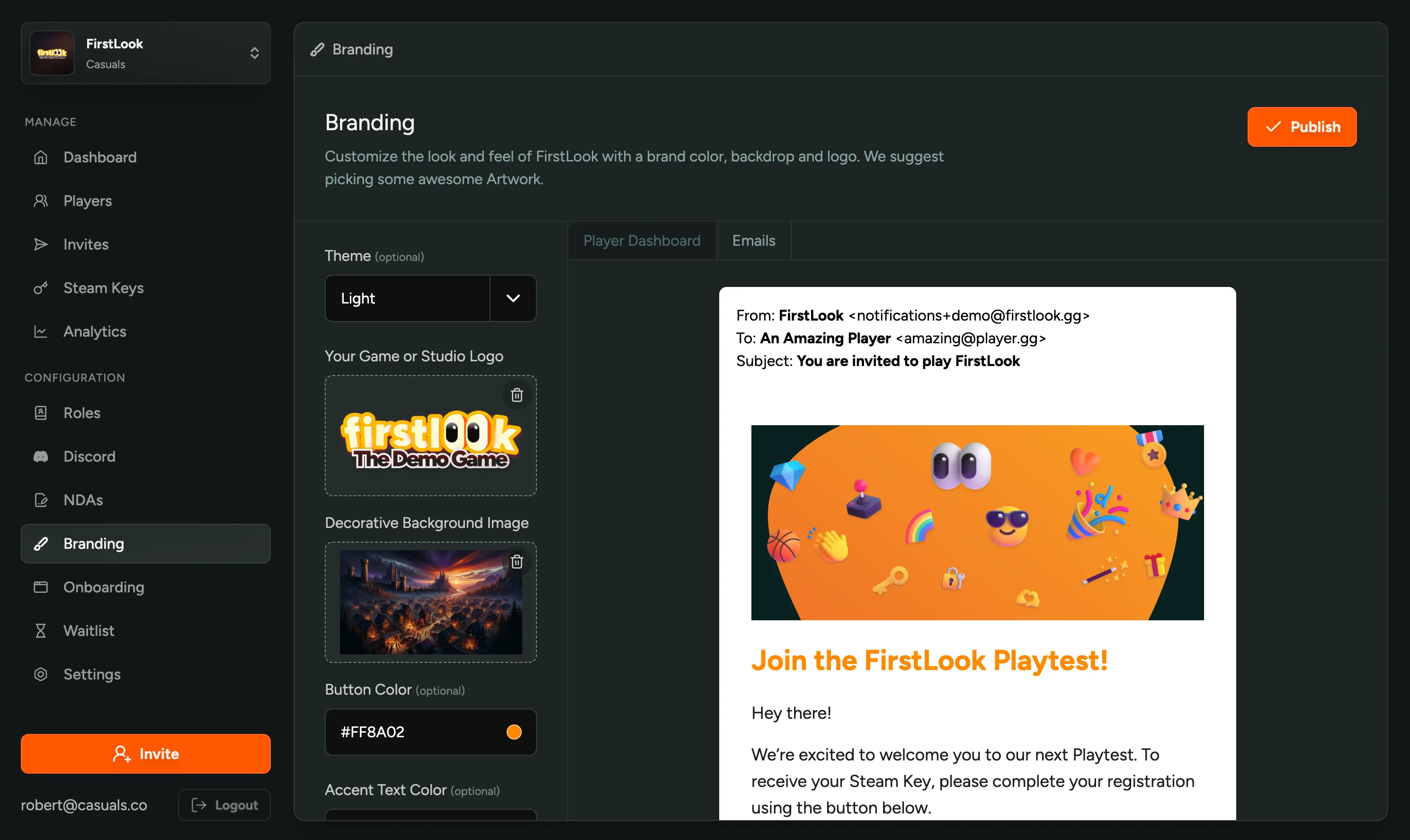
Delete and Migrate Roles
Deleting unused or redundant roles from your configuration is now possible. If any players are assigned to the role you wish to delete, you can select a new role from the dropdown to migrate them.
Introducing the Light Theme and more Branding Customizations
You now have more control over the look and feel of your Player Facing Dashboard. Change your Branding to match your game’s style, including a new Light Theme.
- Light Theme: Love lighter, brighter, and more cheerful vibes? You can now switch to a Light Theme for your Dashboard and Emails.
- Granular Color Options: We’re splitting text and button colors.
- Email Template (preview): We’re preparing for a major update to our Email Template, including the option for a custom header image. You can now preview and customize it in your Branding settings.
- Favicon: Add a Favicon to your Player Facing Website to make it stand out in browser tabs.
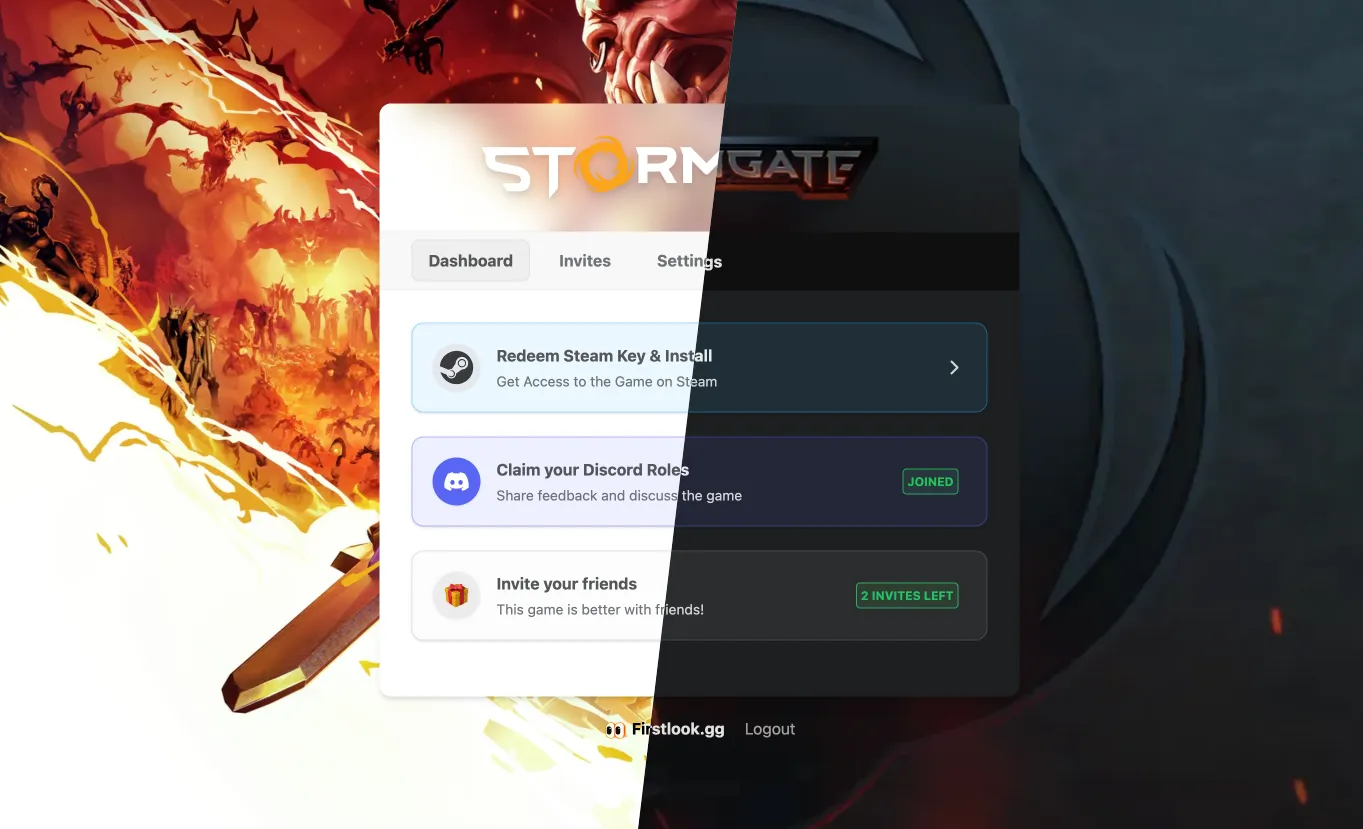
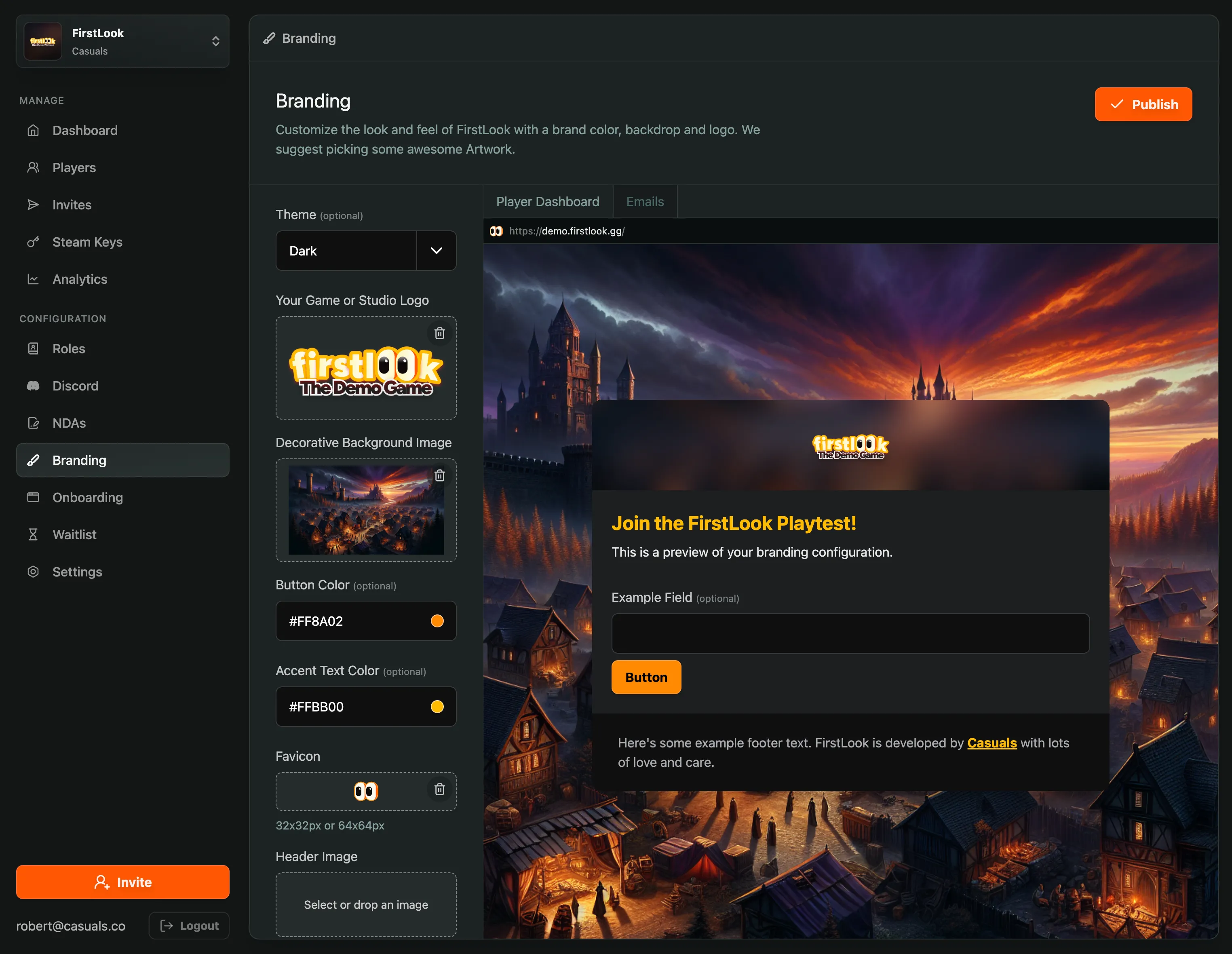
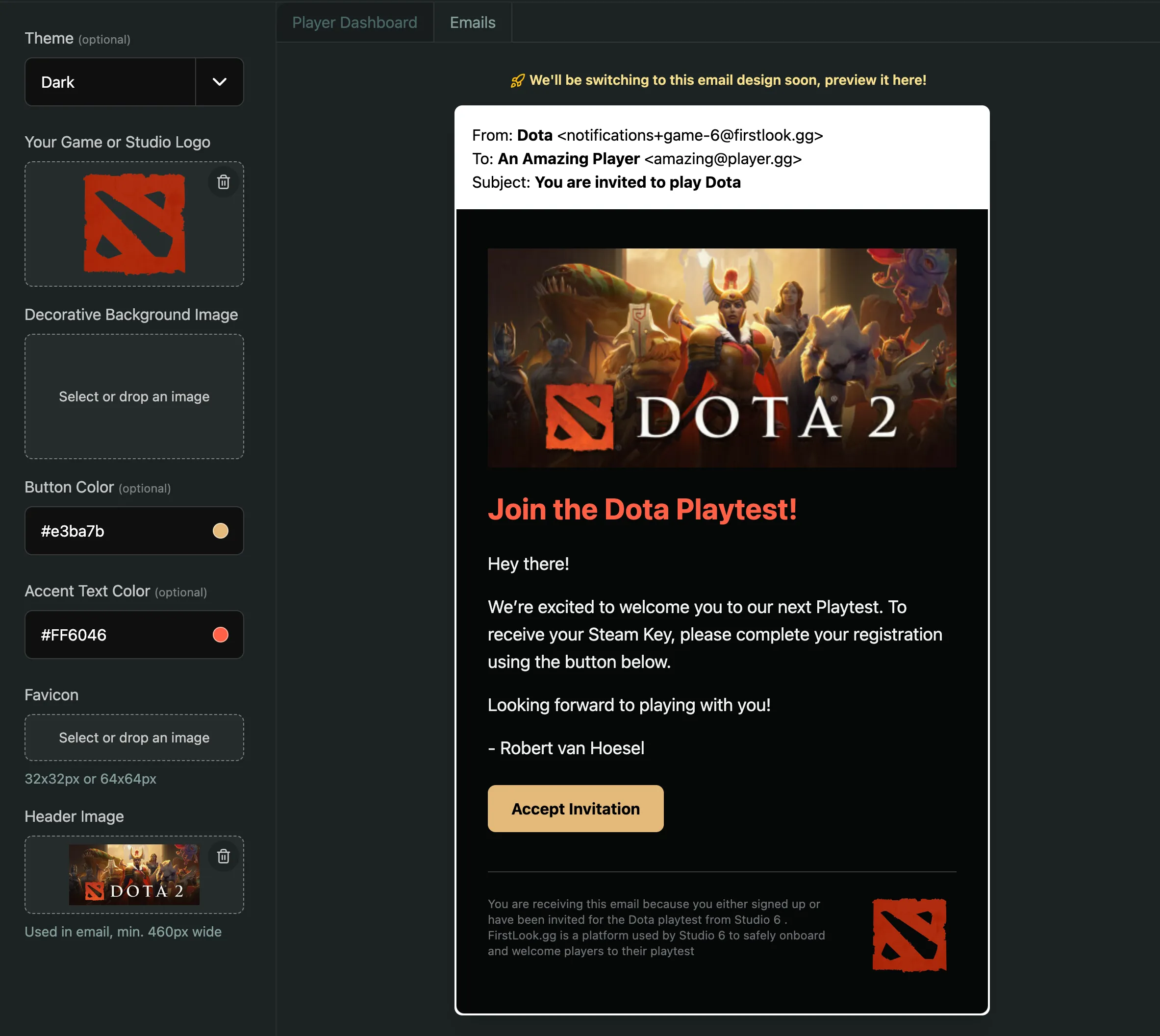
Learn more about Branding in our documentation.
Customize your Waitlist Landing Page
You can now customize your Waitlist Landing Page in your Configuration. Add a trailer, customize the copy and get players excited about signing up for your game.
Additionally, you can also disable the Waitlist completely if you’re not ready to start collecting sign-ups.
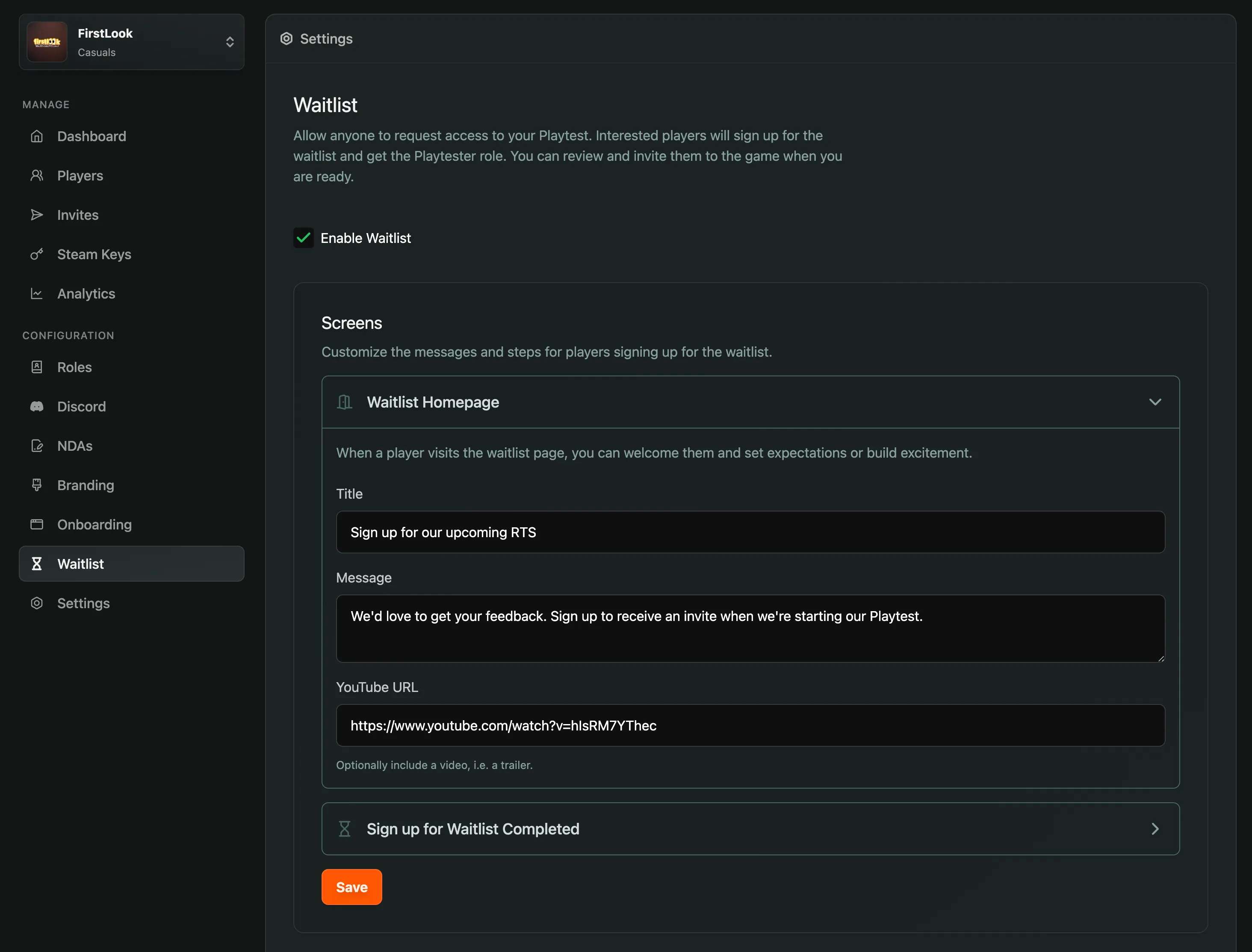
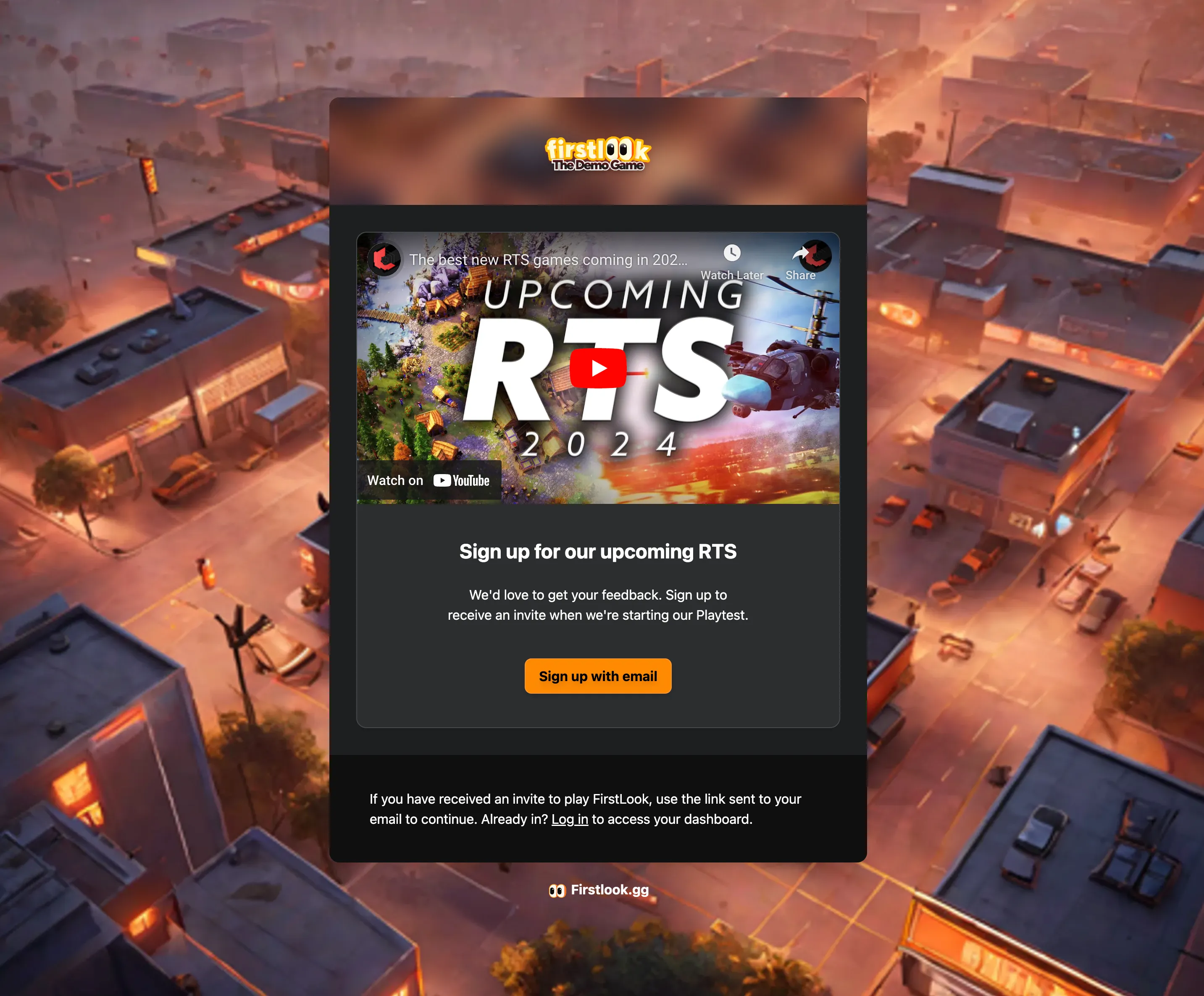
Player and Role Stats
The Dashboard now displays the total number of Players, as well as in detail how many of them are Sign-ups, Invited, Accepted or Onboarded. Additionally, you’ll see a breakdown per Role.
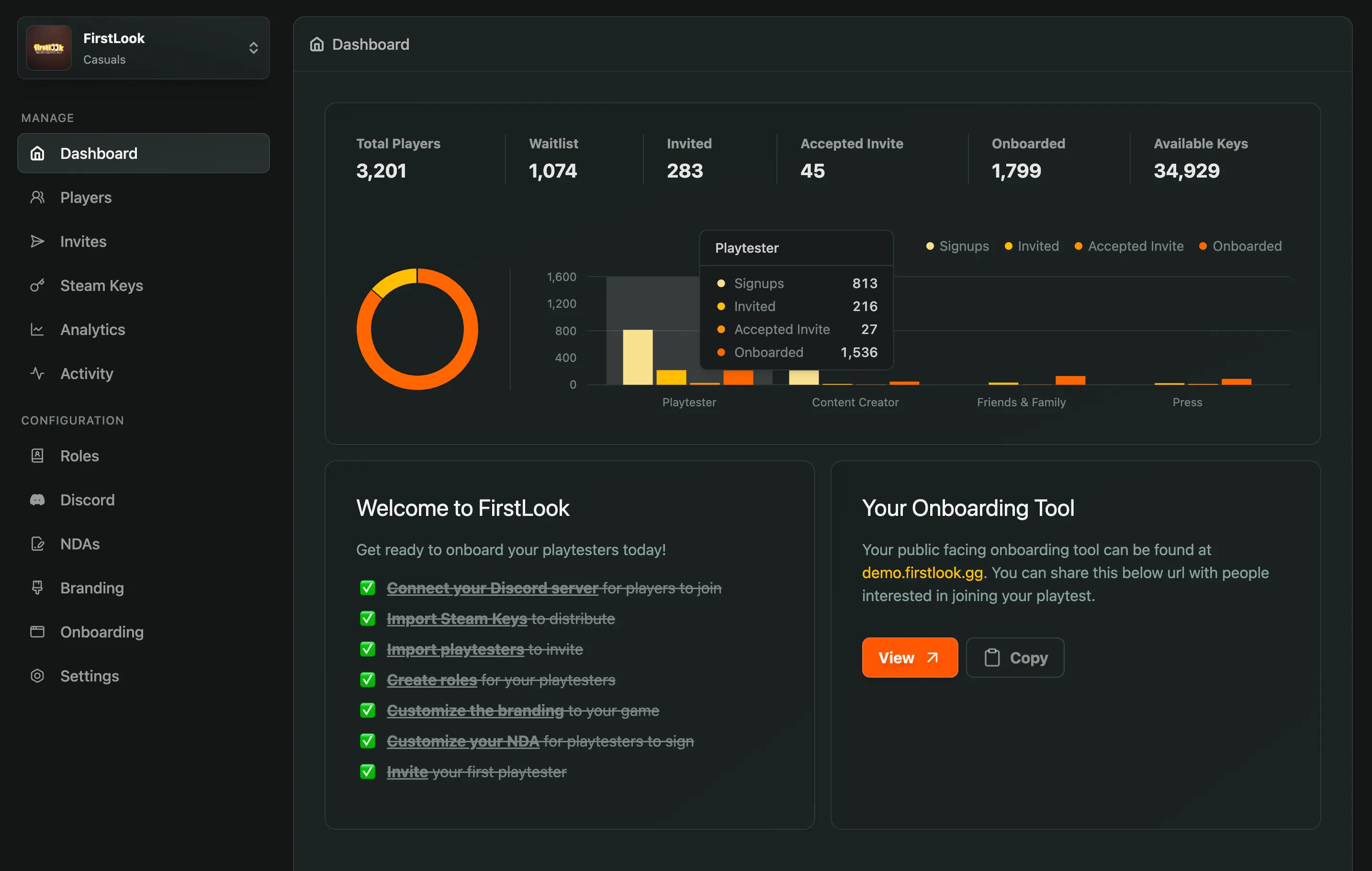
Role-Tailored Welcome Message
Override the default Welcome Message for specific roles to tailor the communication to them.
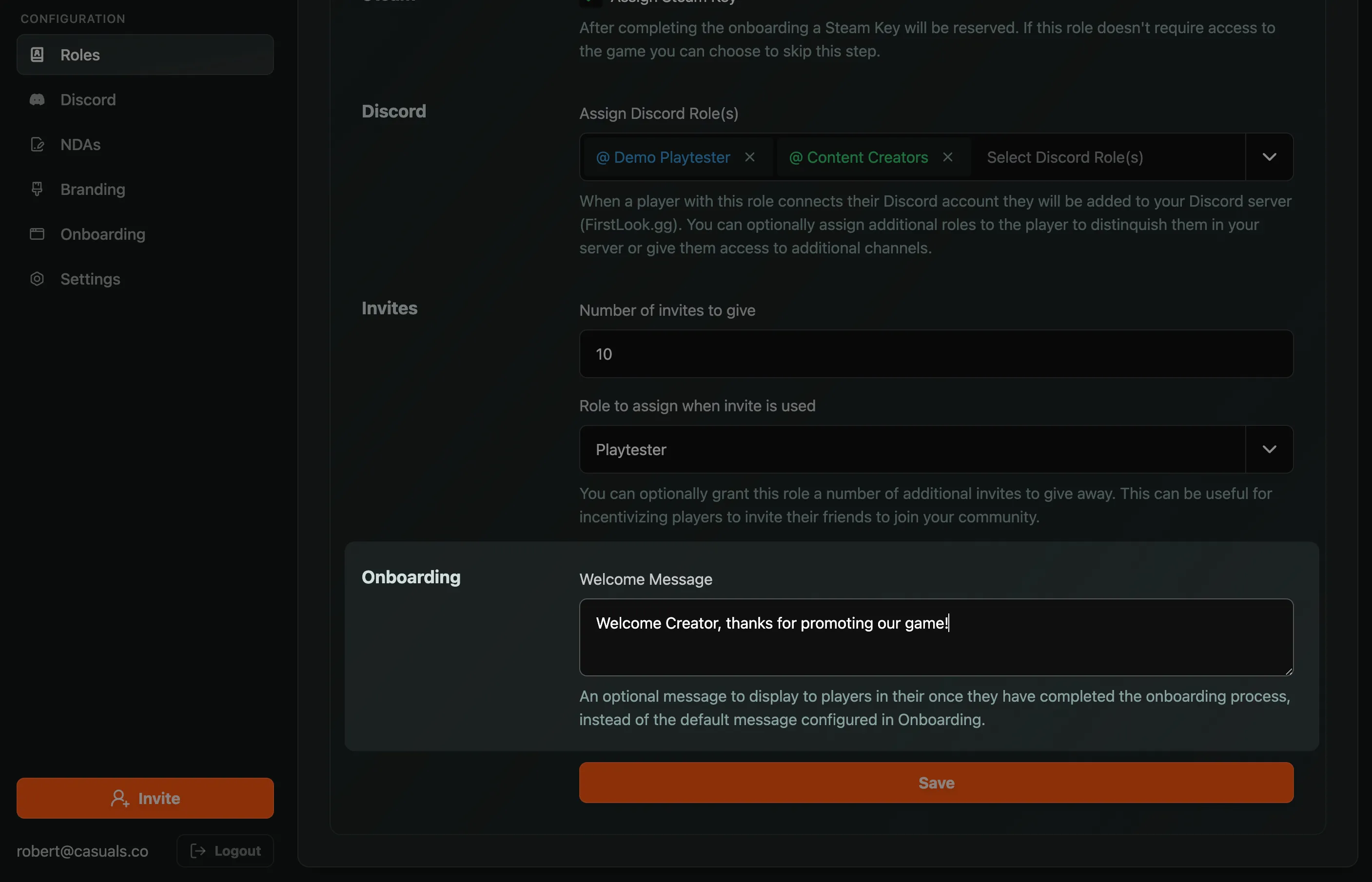
Self-Service Discord Role Claim
We’ve enhanced the Discord tab on player dashboards to display available roles that can be claimed, along with a button to do so. Tip: You can visit a player’s dashboard by clicking the ‘Login Link’ on their page in your management interface, which allows you to claim Discord roles on their behalf.
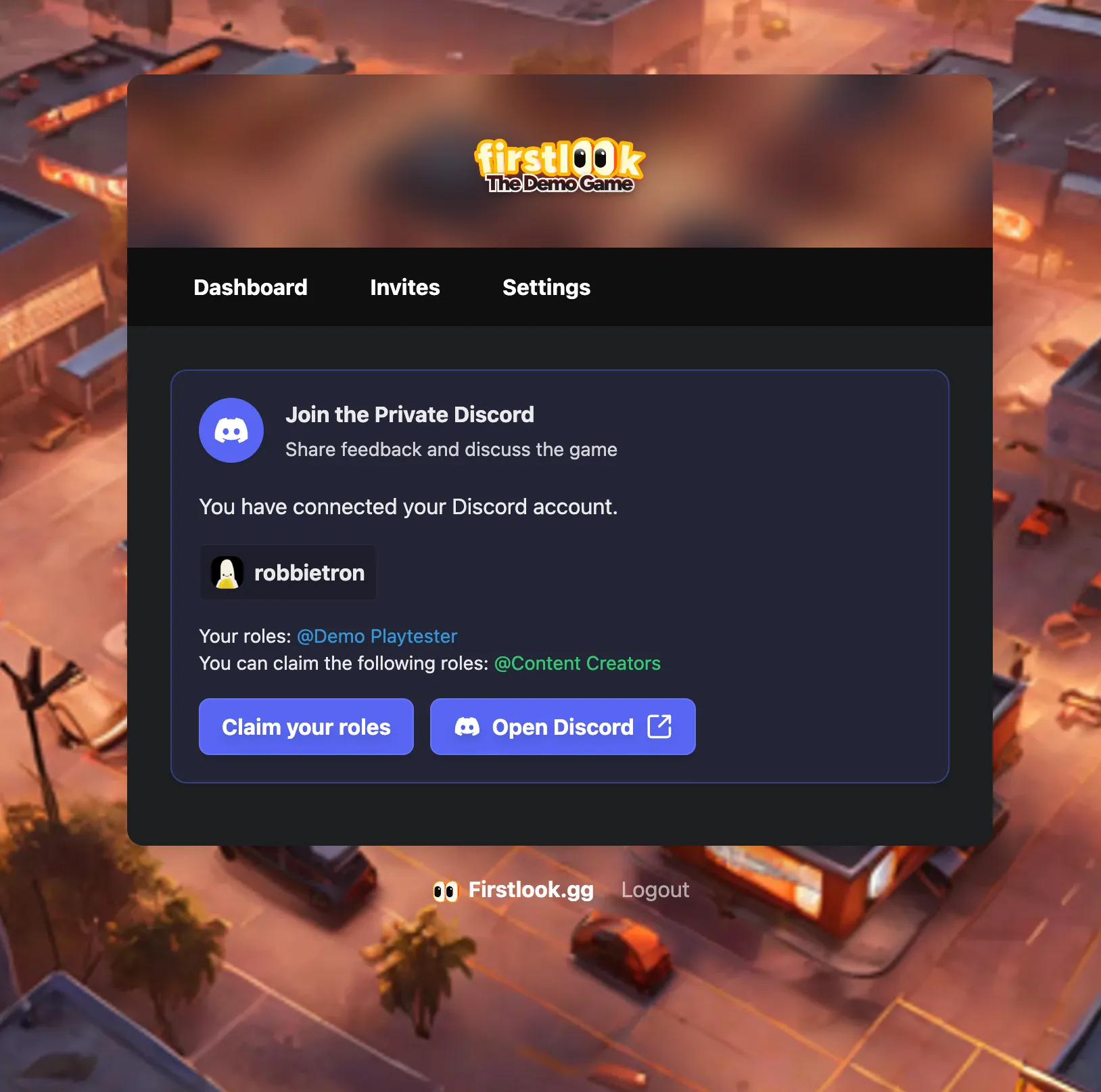
Promote Wishlists
Add your Steam App ID to your Settings to automatically promote your Store page and aks for wishlists in the Dashboard, Onboarding and Waitlist Signup.
View Steam Activity 🥳
View, filter and sort players by their Steam Status and Activity. Add your Steam App ID in Settings to start tracking and promoting your wishlists, as well as playtime.
- See which players have your game on their Steam Wishlist
- Or… for players that are onboarded and have the game installed, view their playtime!
- Respects player’s Steam Privacy Settings.
- Logs when a wishlist or playtime has been detected.
We hope this feature enables you to focus your playtests and research on your most engaged fans!