Sentiment on Steam Demo Reviews
You can now include Steam reviews of your demo in Sentiment! Demo reviews go through the same analysis as your game’s Steam reviews, so you can see what players think about your demo alongside your Discord channels, Steam reviews, and Steam discussions.
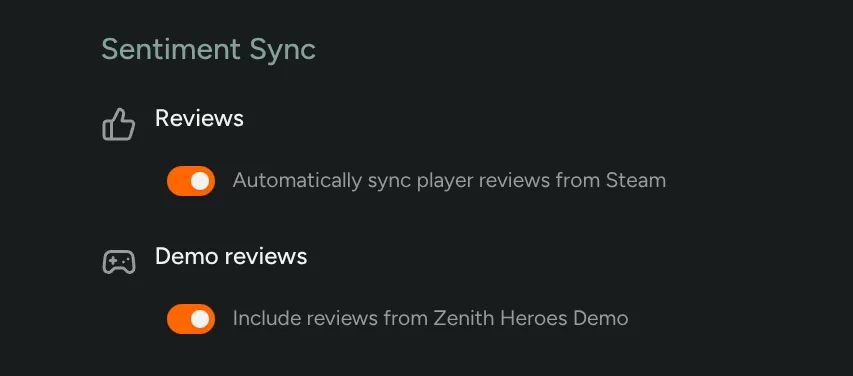
Go to Configuration → Steam and turn on Demo reviews under Sentiment Sync. Your demo needs to be on your Steam Publisher WebAPI Key, which it will be if you selected Include child apps (DLC, demos, tools) when you set up the key.
Interested? Enable Sentiment in FirstLook Labs!