Overview
Your creator tooling lives in a few places in the dashboard. You’ll run day-to-day work under Manage → Creators, set your program up under Configuration → Creators, and manage your presence on FirstLook’s creator network in its own Creators.gg section.
From here you can dive into:
- Onboarding Creators — configure your sign-up flow, waitlist, emails, coverage, and branding.
- Campaigns — activate creators around events and content drops with goals and rewards.
- Battle Pass & Leaderboard — give creators long-term progression that runs across all your campaigns.
- Metrics, Statuses & Payouts — understand statuses, which content counts, how metrics are measured, and how payouts work.
- Creators.gg — list your program and campaigns on FirstLook’s creator network to reach creators beyond your program.
Profiles
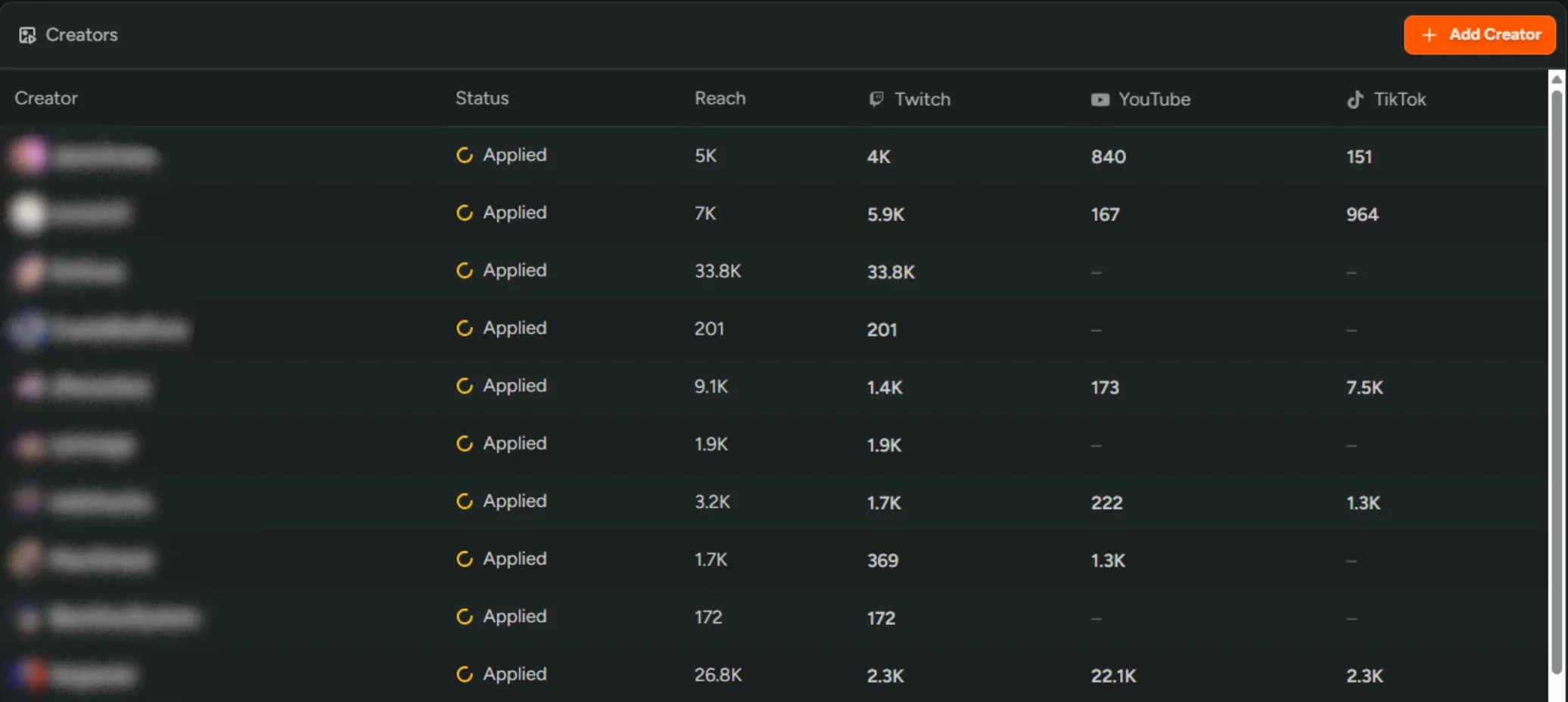
Section titled “Profiles”From Creators → Profiles you can view all of your creators in one place, approve or reject applications, see each creator’s status, and review their reach and individual platform statistics.
Each creator carries a status, from Applied through to Active, Tracking, and more — see Creator statuses for what each one means.
Per-creator view
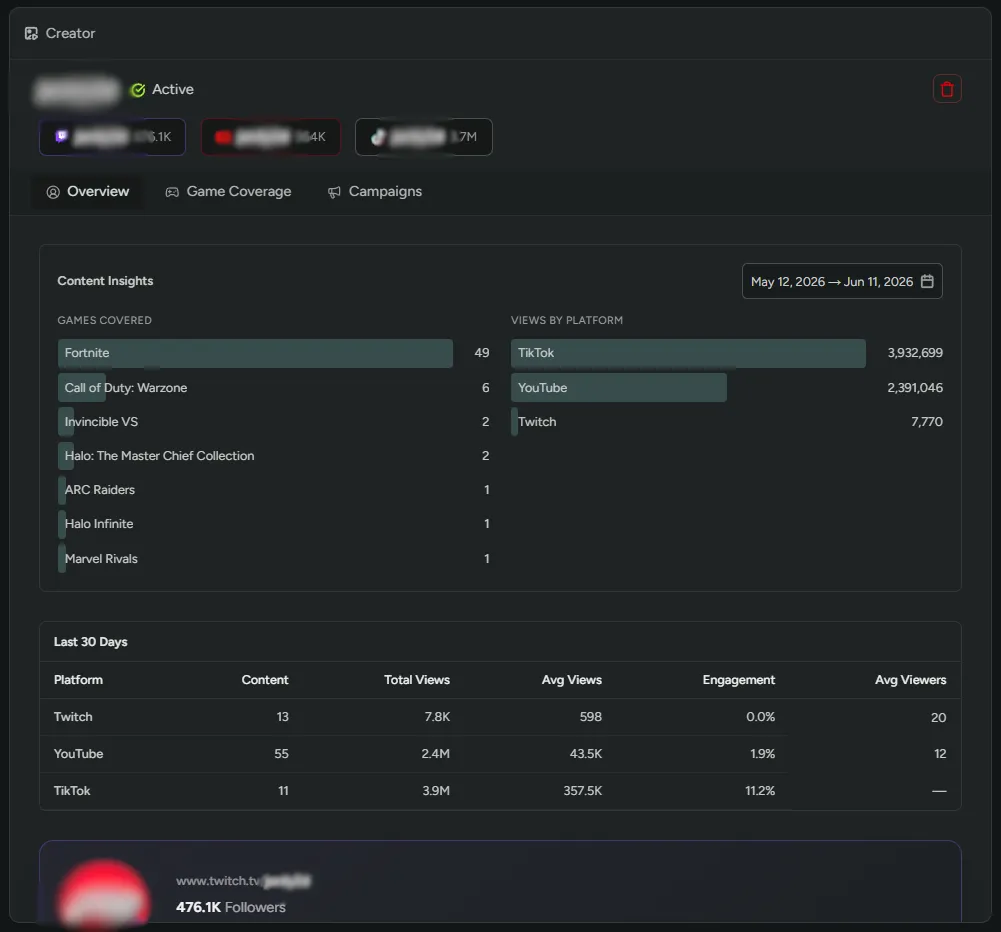
Section titled “Per-creator view”Click any creator to view their individual profile. From here you can decide whether to accept their application, view all of their stats, review the campaigns they are looking to join and which are being actively worked on. You can also see all the content they are producing.
Enroll players as Creators
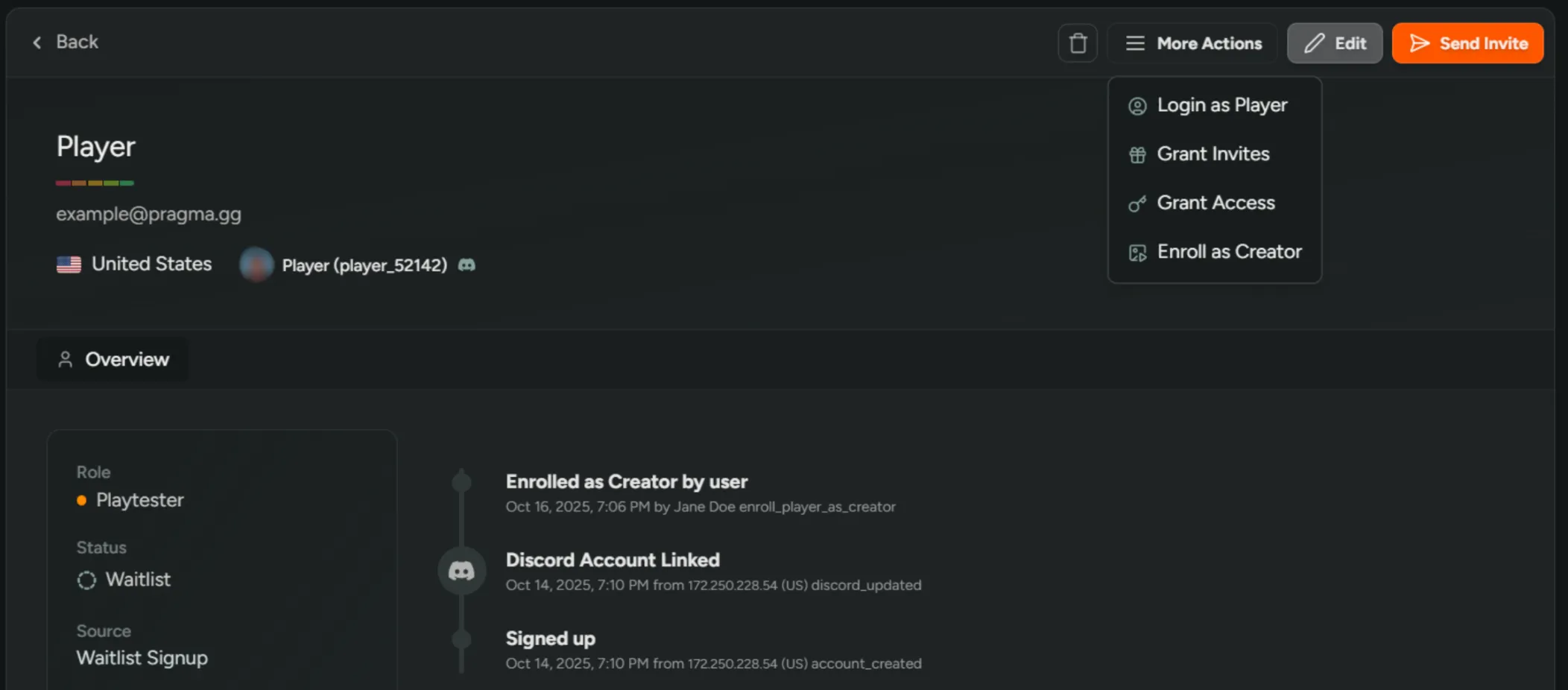
Section titled “Enroll players as Creators”Invite engaged playtesters to your creator program.
- Open the player in Dashboard → Players.
- Click ‘More Actions’ → ‘Enroll as Creator’.
- The player receives an email inviting them to apply to your program, with a link to your creator landing page.
To invite someone directly and accept them into your program in one step, use Invites to the Creator role instead.
Tracking potential Creators
Section titled “Tracking potential Creators”Keep a list of prospects you’d like to work with before they apply.
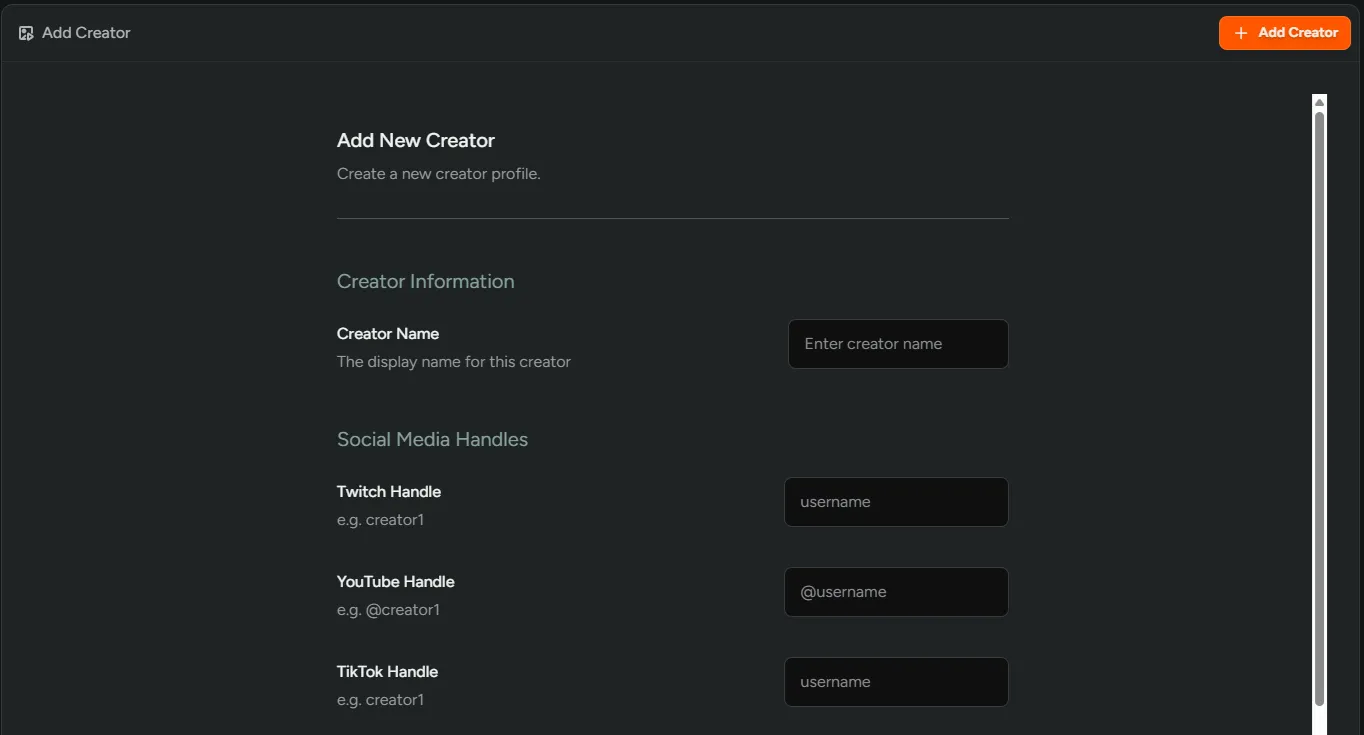
- Go to Dashboard → Creators and click Add Creator.
- Enter their name and social handles.
- Click Add Creator and they will appear as
Trackingin the table. - Their content populates on your program’s next content sync.
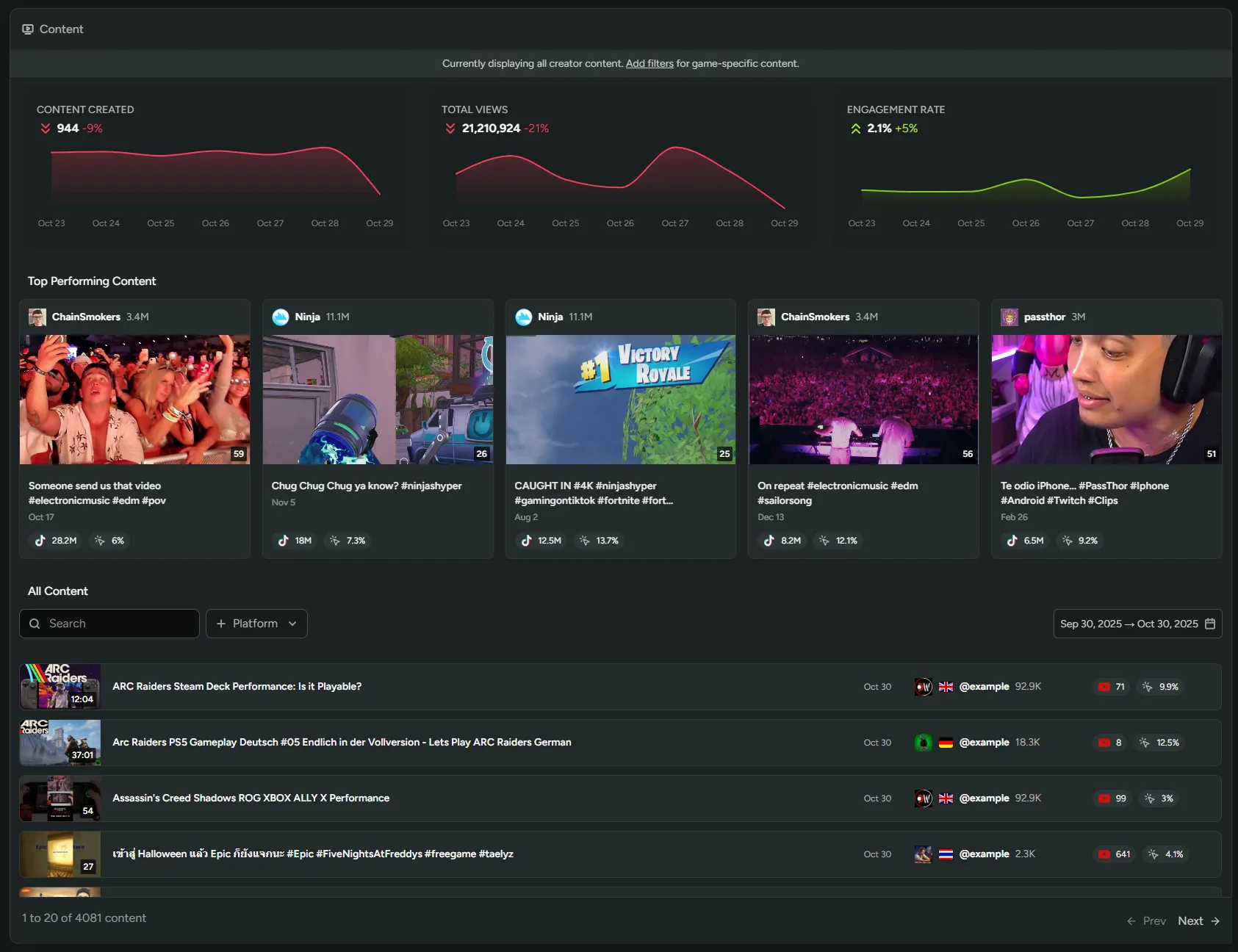
Content
Section titled “Content”Creators → Content shows every video and stream linked to your game across your whole roster, based on your Coverage settings. Filter by creator status, platform, title, or date range to focus in, and use Add Content to link anything that wasn’t picked up automatically.