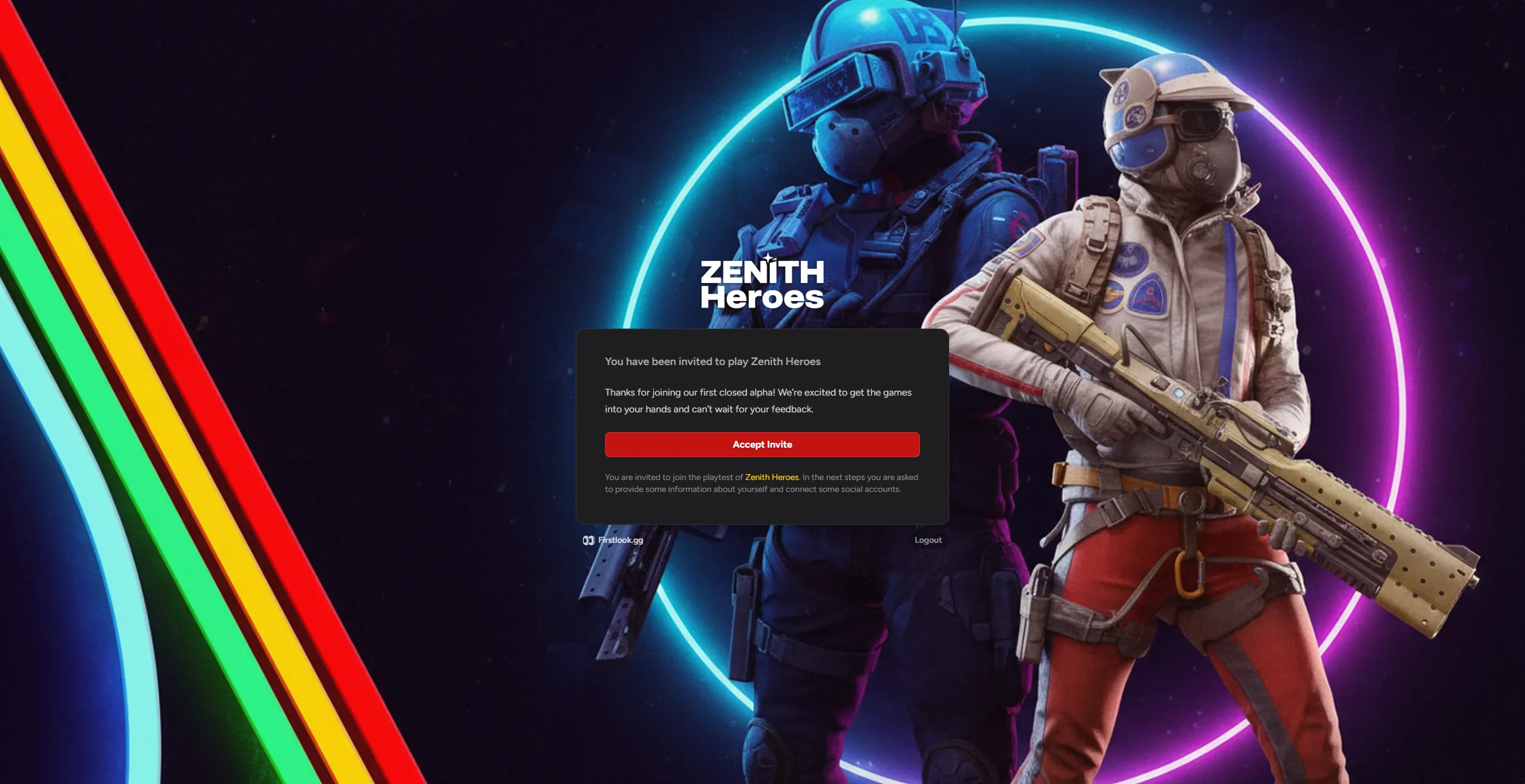
Invite
When you’re ready to invite players, the Invite step controls what they see and receive after being invited to a playtest.
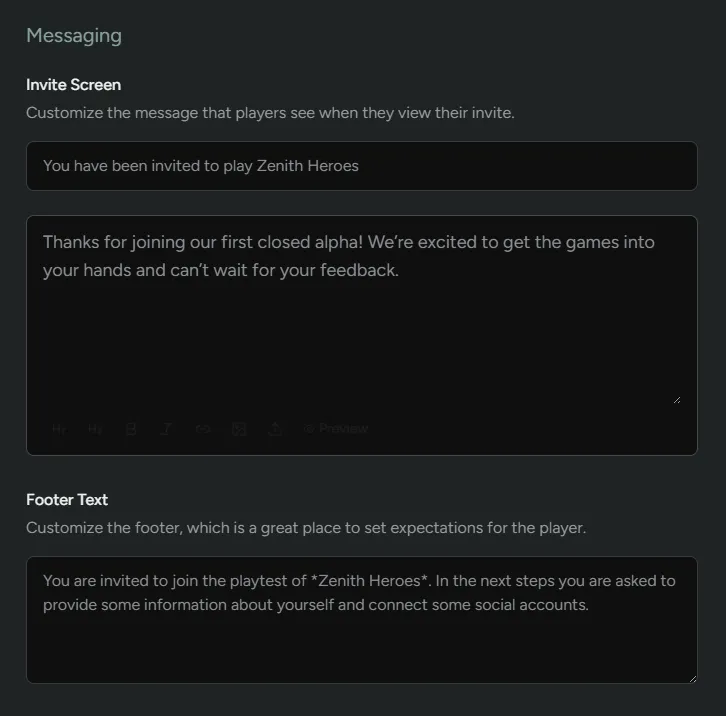
Messaging
Section titled “Messaging”Customize what the player sees in their dashboard when they are extended an invite.
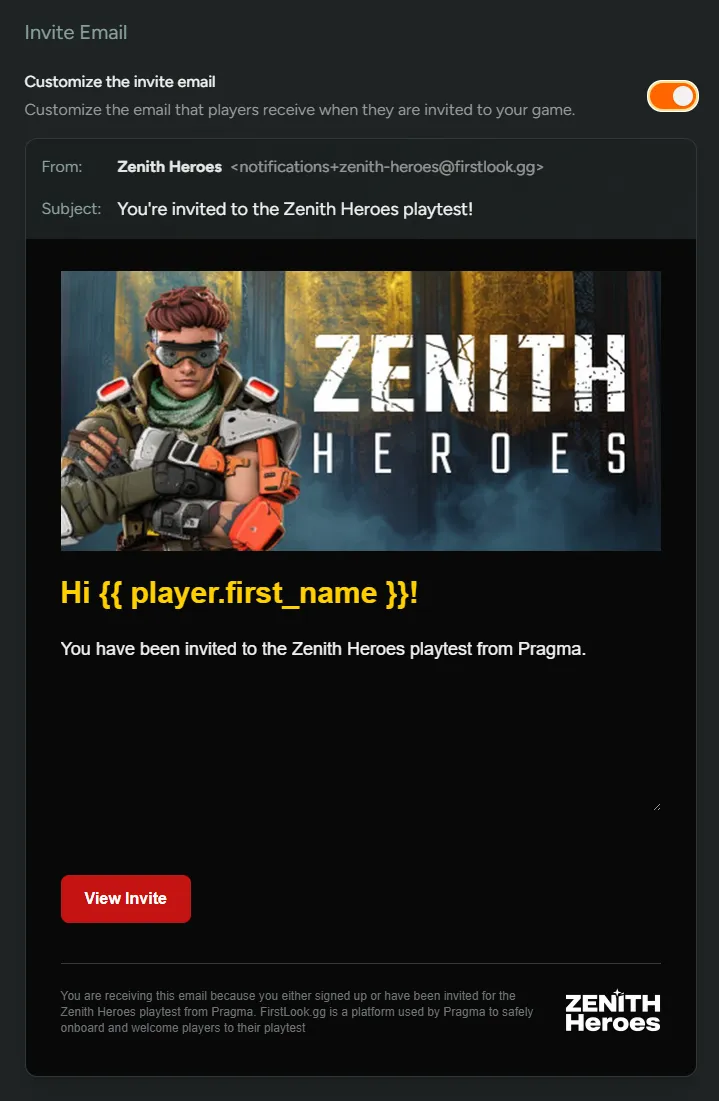
Invite Email
Section titled “Invite Email”Enabling this will let you customize the email that is sent upon invite. If this is turned off, a default email will be sent.
Player Experience
Section titled “Player Experience”Show player journey
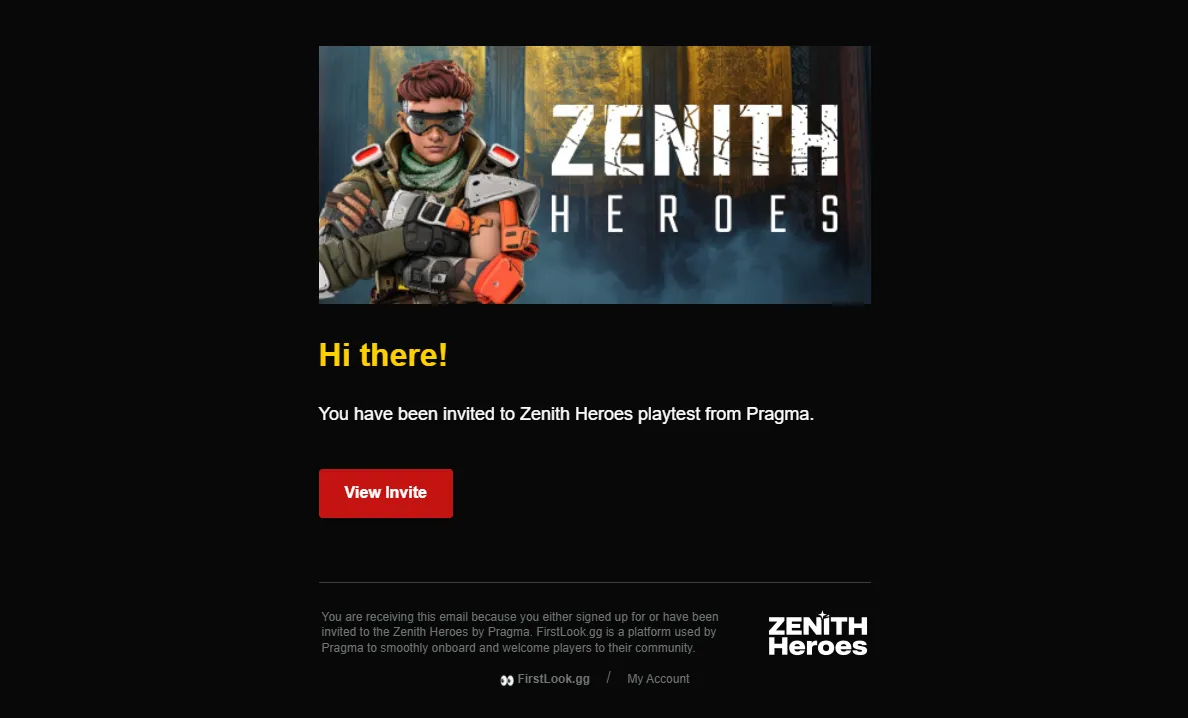
Players will receive an email if you send them an invite.
The email will take the player to a new page which will allow them to proceed by clicking Accept Invite.