Introduction to Flows and Roles
Flows and Roles are the backbone of playtesting in FirstLook. They define how a player signs-up and onboards to your playtest, as well as what access they ultimately receive. This guide walks you through every step of a Flow and how Roles shape that journey.
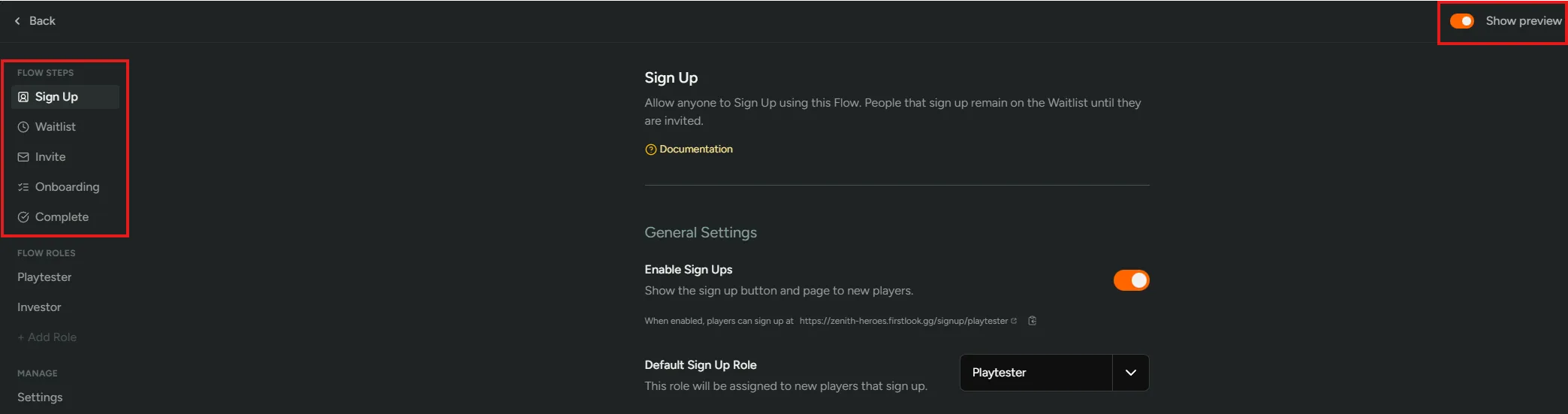
A Flow determines how a player progresses through each stage of the playtest experience - what they see, what they interact with, and when they can advance.
Entry Point
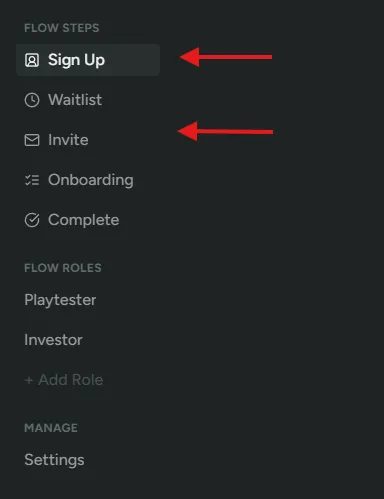
Section titled “Entry Point”As a player enters into a flow they will start at different steps depending on how they join.
Sign-Up- Players will start from this step if they sign-up. They will only be able to progress to the Waitlist stage. Progressing any further will only be possible once an invite is extended to the player.Invite- Players will start from this step if they are invited. Players that are already on the waitlist will be able to proceed and finish their onboarding. Players who aren’t on the waitlist will skip that step altogether and be able to onboard immediately.
Default Flow
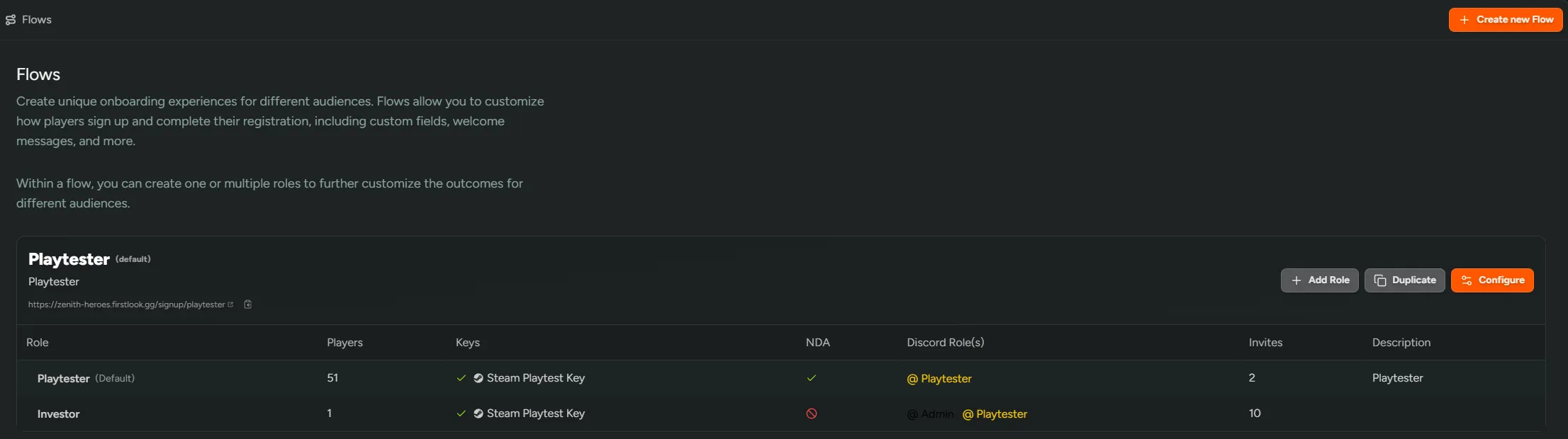
Section titled “Default Flow”Every instance has one default flow - the flow that acts as the front door to your playtest program. Out of the box this is the ‘Playtesters’ flow that’s created with your team, but you can promote any flow to be the default from its flow settings.
The default flow is the one players land on when they reach your playtest without a specific flow URL. Concretely, it’s used for:
- Homepage sign-ups - the sign-up button on your landing page sends players into the default flow.
- player.gg sign-ups - organic sign-ups originating from player.gg are funneled into your waitlist through the default flow.
- Surveys - surveys that require authentication, will send players who haven’t signed up yet, through the default flow.
- Discord recommendations - players arriving from a Discord recommendation enter the same way.
Non-default flows still work exactly the same; they’re just only reachable through their own unique flow URL or via an invite that targets them specifically.
Changing the default
Section titled “Changing the default”Navigate to the Flows → Overview page to promote a new flow as the default. Only one flow can be the default at a time - promoting a new one automatically demotes the previous default.
A few things to know when switching:
- The previous default flow keeps working - its URL, sign-up form, and any in-progress players are unaffected. It just stops being the destination for homepage and player.gg traffic.
- The new default flow’s slug, language, and questions take over for all the entry points listed above, so make sure it’s configured the way you want public traffic to experience it before switching.
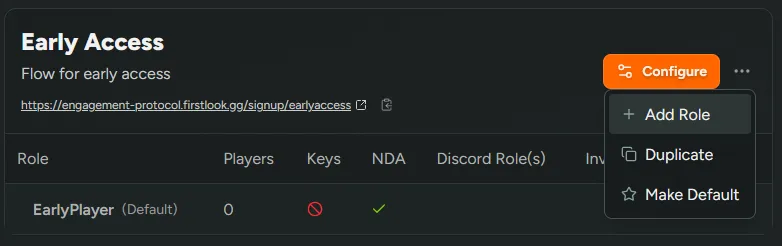
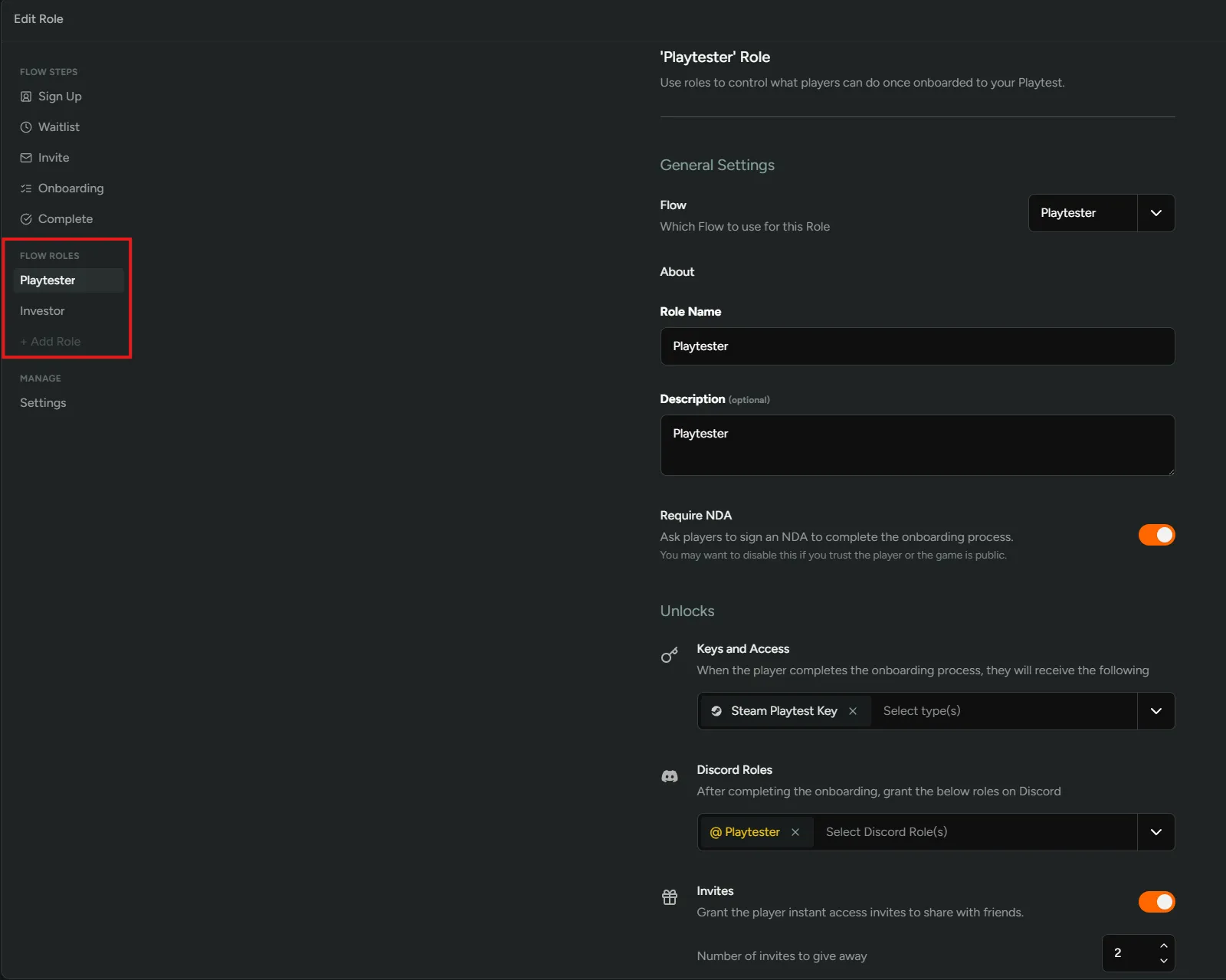
Flow Roles control what the player is given access to once they have been onboarded. Keys, Discord Roles and giving players the ability to invite others is controlled at this level. NDA requirements are also managed here.