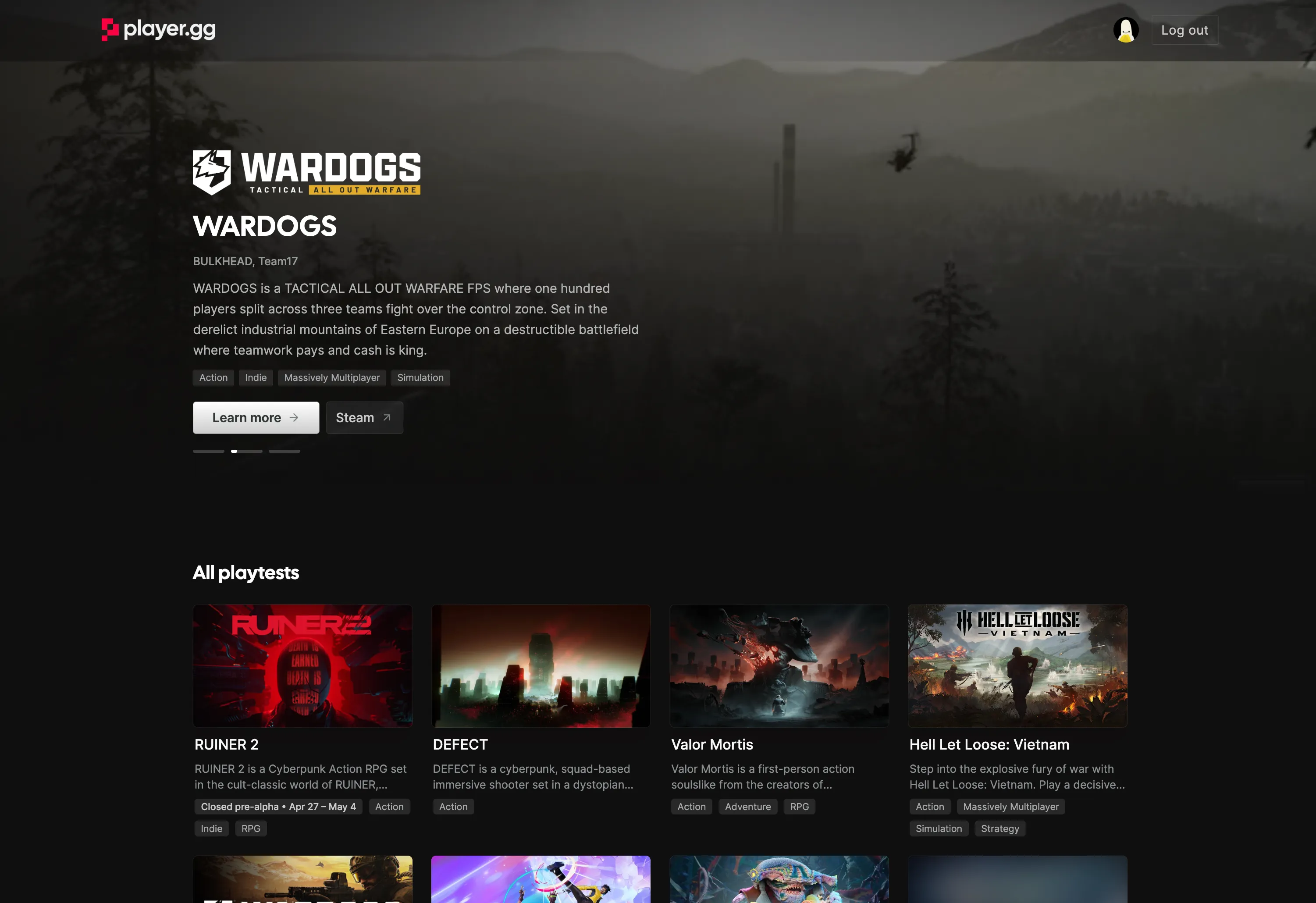
Reach Organic Playtesters with player.gg
Your game can now be listed on player.gg — FirstLook’s public destination where gamers discover and sign up for playtests across the network. Your game page is populated automatically from your Steam or IGDB page, so for most studios there’s no extra content work: flip the toggle on and your listing is live. Players who find your game on player.gg get funnelled into your waitlist with the default flow, and show up clearly attributed in your dashboard. Confidential games are supported too — reach out to FirstLook and only your game name and self-uploaded branding will be shown.
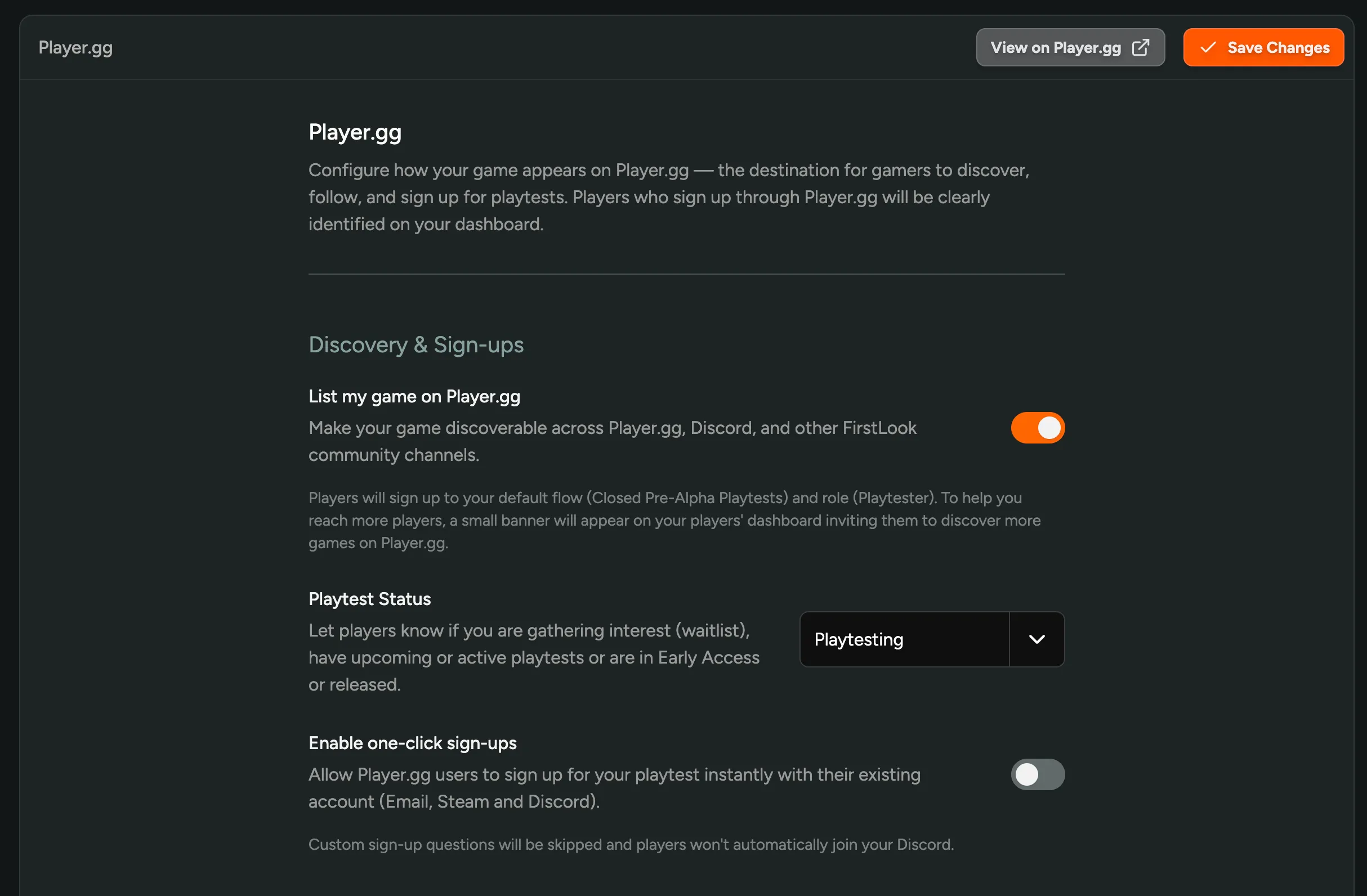
Open Settings → Player.gg in your admin to turn it on. You control:
- Discovery — make your game discoverable across player.gg, Discord, and other FirstLook community channels.
- Playtest Status — tell players whether you’re on a waitlist, playtesting, in early access, released, or cancelled.
- One-click sign-ups — let player.gg users with existing Email, Steam, or Discord accounts join your playtest instantly, skipping custom sign-up questions.
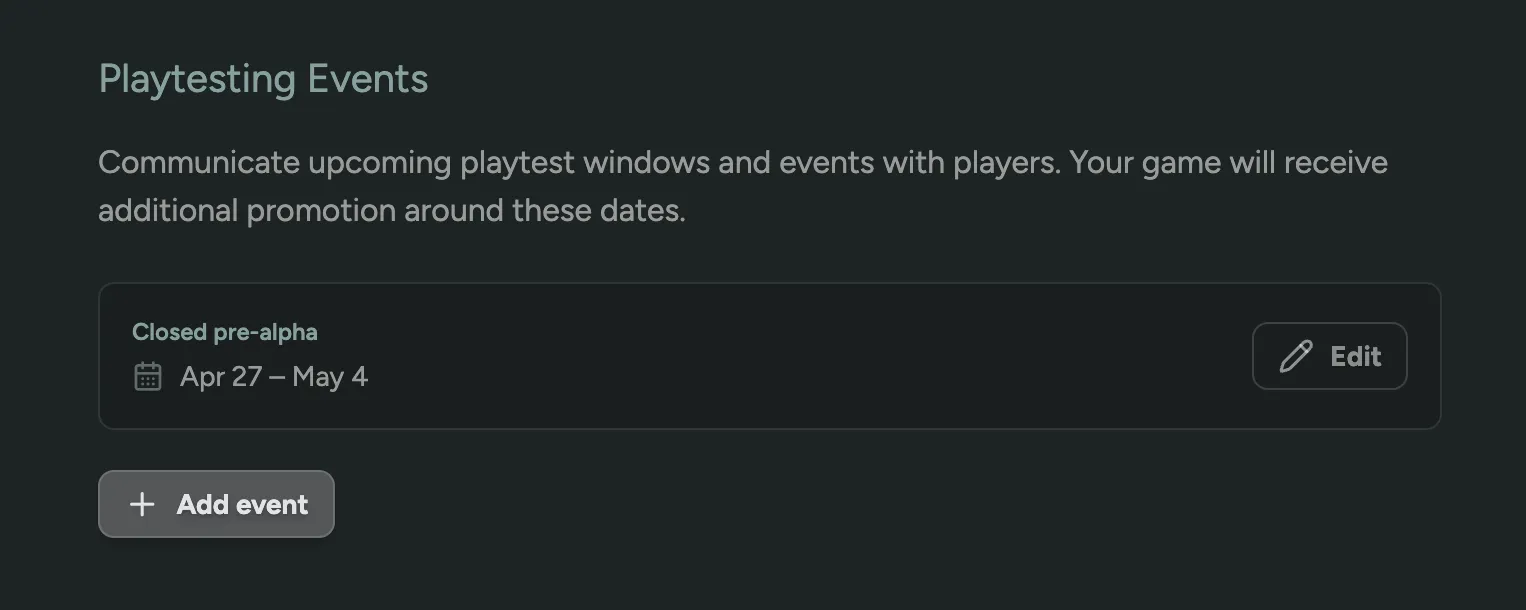
You can also publish Playtesting Events — upcoming playtest windows with specific dates. Events appear on your player.gg listing and get additional promotion across the network around those dates, so your test weekends pull in organic signups instead of just the players you already have.