Create and Upgrade Games Yourself
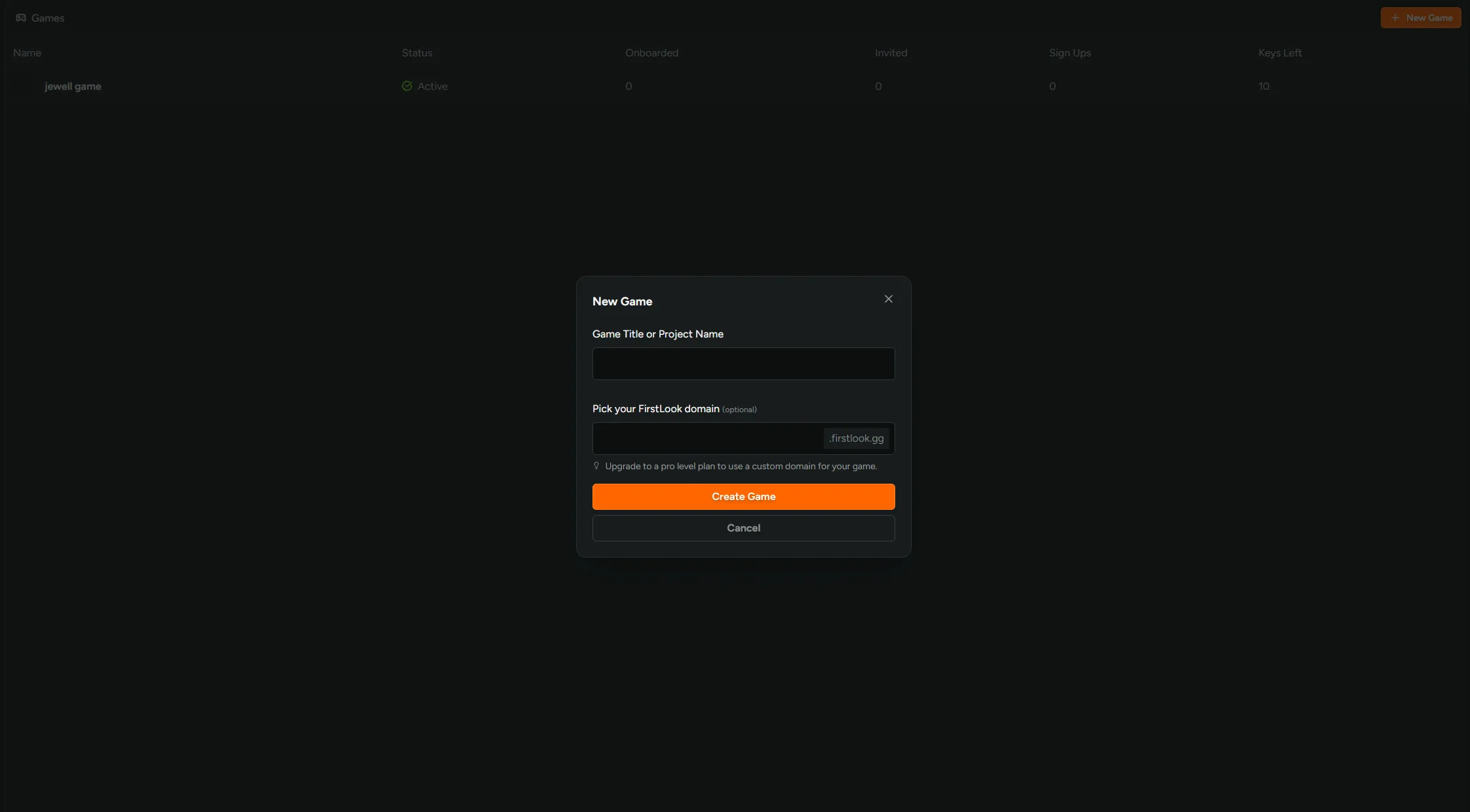
Create new FirstLook Game Instances without needing to talk to support! Open the workspace switcher, go to Games, and hit New Game. Enter a title, pick your yourgame.firstlook.gg address, and the game is created on the Free plan and ready to configure.
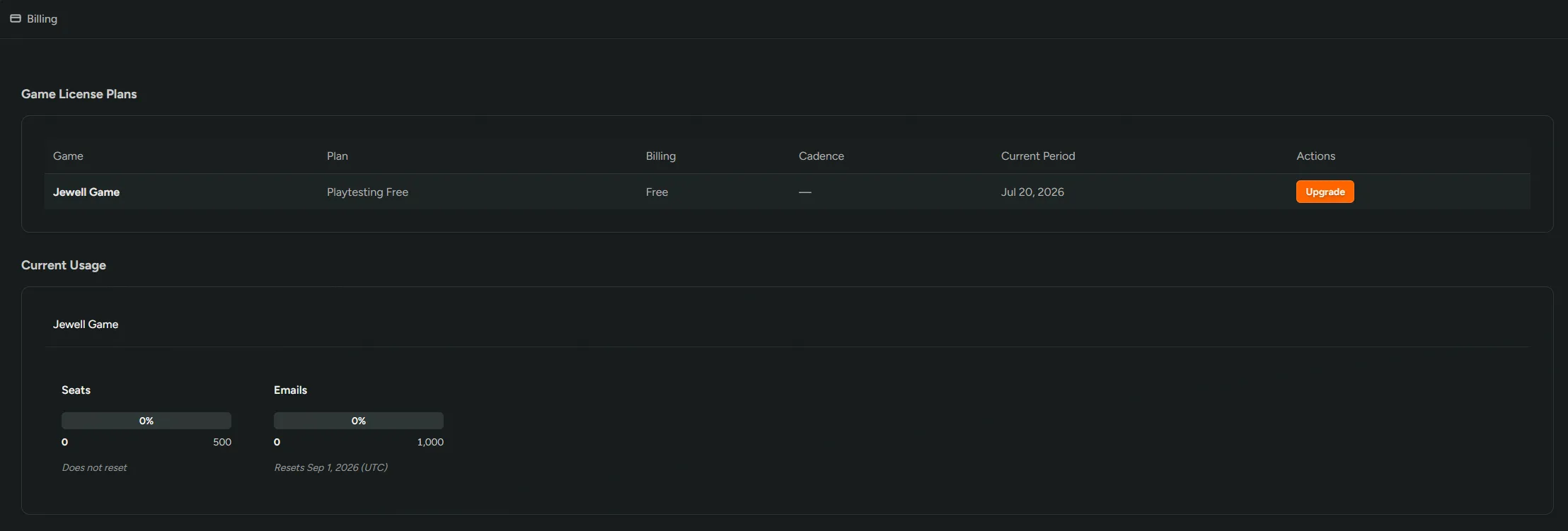
Upgrading is self-serve too. Billing now lists every game alongside its current plan, and anything on Free or a trial gets an Upgrade button. Pick a plan and check out through Stripe. If your studio already has a subscription, the new plan joins it on the existing billing cycle instead of starting a second one. Only Studio Owners can access this functionality.