Skip to content
FirstLook Docs
Search
Ctrl
K
Cancel
Select language
English
한국어
Get Started
Introduction
Getting Started
Basic Setup
Discord Setup
FirstLook SDK Setup
Pro
Customize your Branding
FirstLook Labs
Labs
Playtest Setup Guide
Setting Up a Playtest
Add Keys
Player Segmentation
Flow Setup Guide
Configure Roles and Access
Access and Distribution
Inviting Players
Key Management
Steam Beta Branches
NDAs
Player Insights
Players
Analytics
FirstLook and Platform Activity
Retention and Events
Labs
Cloud Events
Labs
Export Analytics
Surveys
Sentiment
Labs
Steam Insights
Engagement
Creators
Labs
Email Announcements
Rewards
Labs
Configuration
Flows and Roles
Introduction to Flows and Roles
Sign Up
Waitlist
Invite
Onboarding
Complete
Flow Roles
Flow Settings
Settings
General
Firstlook Network
Creator Program
Questions
Tags
Notifications
Developer
Pages
Configure Branding
Integrations
Steam
Xbox
Pro
Apple
Labs
Pragma
MCP
Labs
Google Play
Additional Guides
Understanding Steam Keys, Branches, and Playtests
How to Set Up a Steam Playtest
Identify Most Engaged Players
Running a Stealth Playtest
Creating a Branded Player Journey
How To Use FirstLook At Events
Running Playtests with Pragma Limited Access Mode Guide
GDPR and Privacy Compliance
How to Prototype with FirstLook
Changelog
New
FAQ
Select language
English
한국어
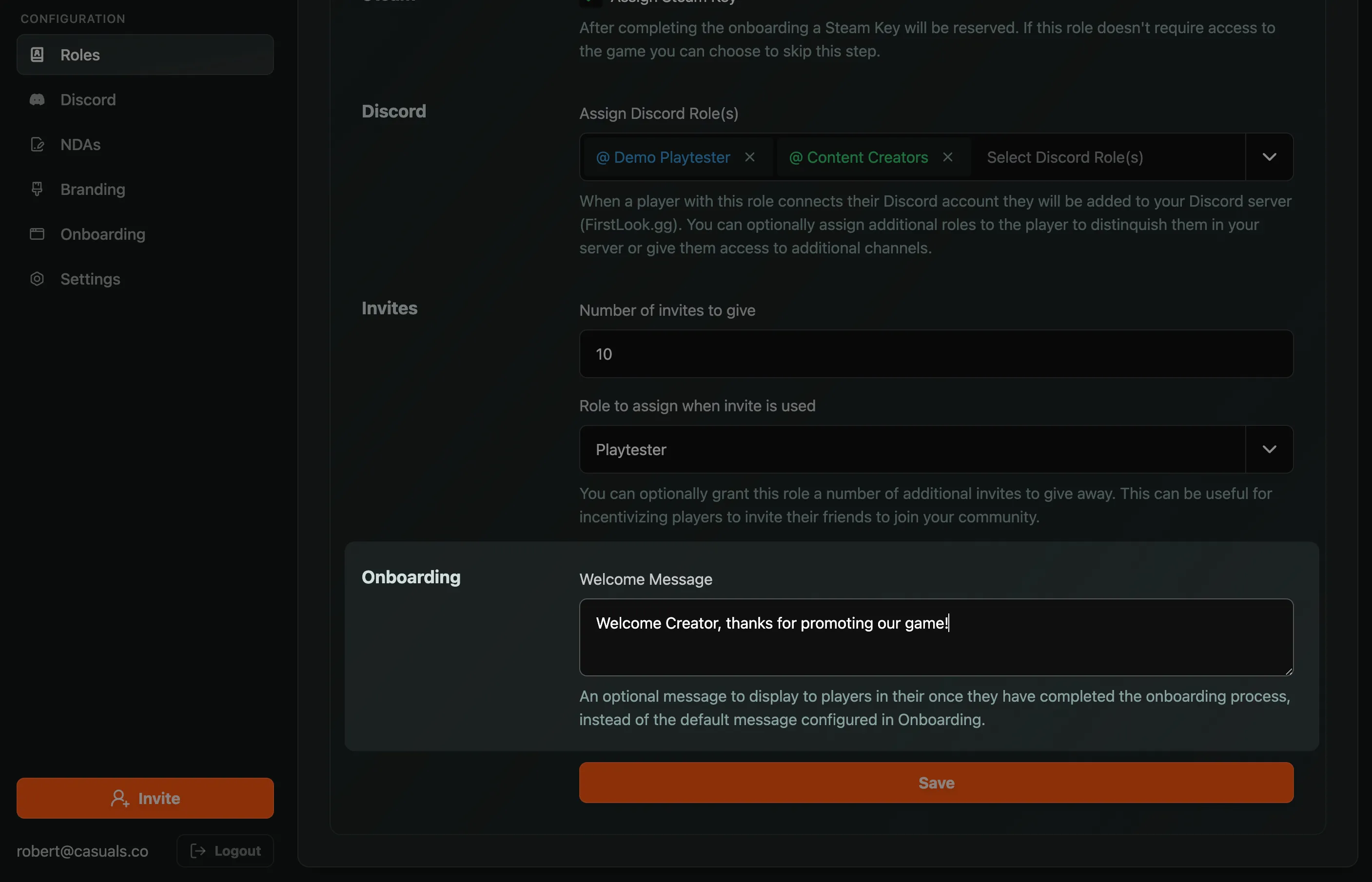
Role-Tailored Welcome Message
Override the default Welcome Message for specific roles to tailor the communication to them.