Agent on every page in the admin dashboard
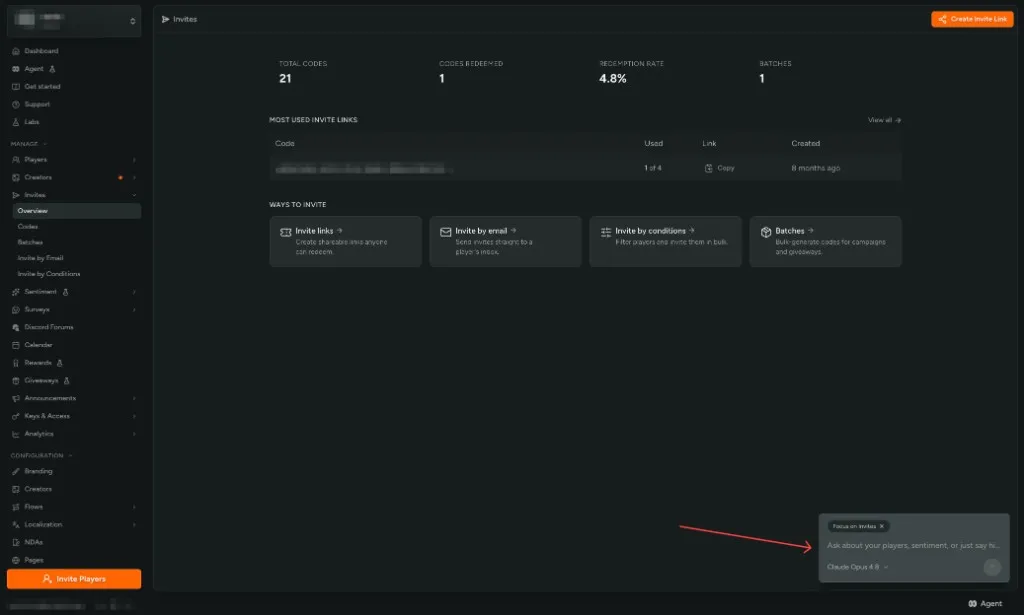
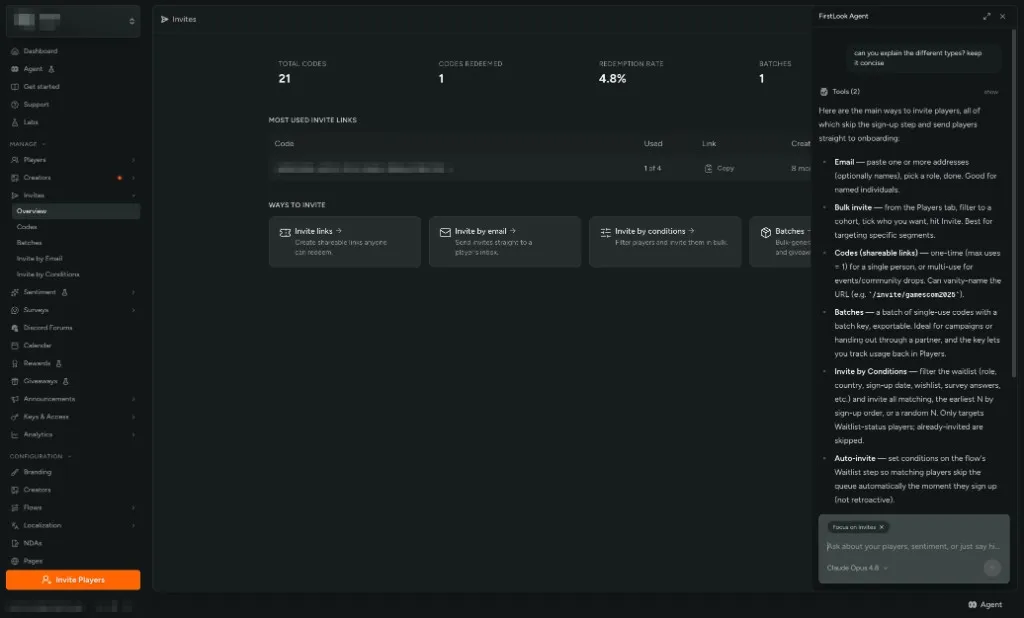
FirstLook Agent is now one click away on most pages in the admin dashboard. Use the Agent control at the bottom of the layout to open a chat panel over the screen you are already on — Players, Sentiment, Invites, flows, and the rest.
The Agent tags the page you came from with Focus on … so you can ask contextual questions: what a column means, how to interpret a spike, or what to do next on that screen.
The panel uses the same player data, confirmations, and actions as the full Agent page in the admin sidebar. Expand it for more room, or open the full page for chat history, skills, and New chat. You can still launch Agent with Cmd + K / Ctrl + K and /ask.
Read about the in-dashboard Agent for entry points and confirmations.