Player.gg Attribution Analytics and Player Filters
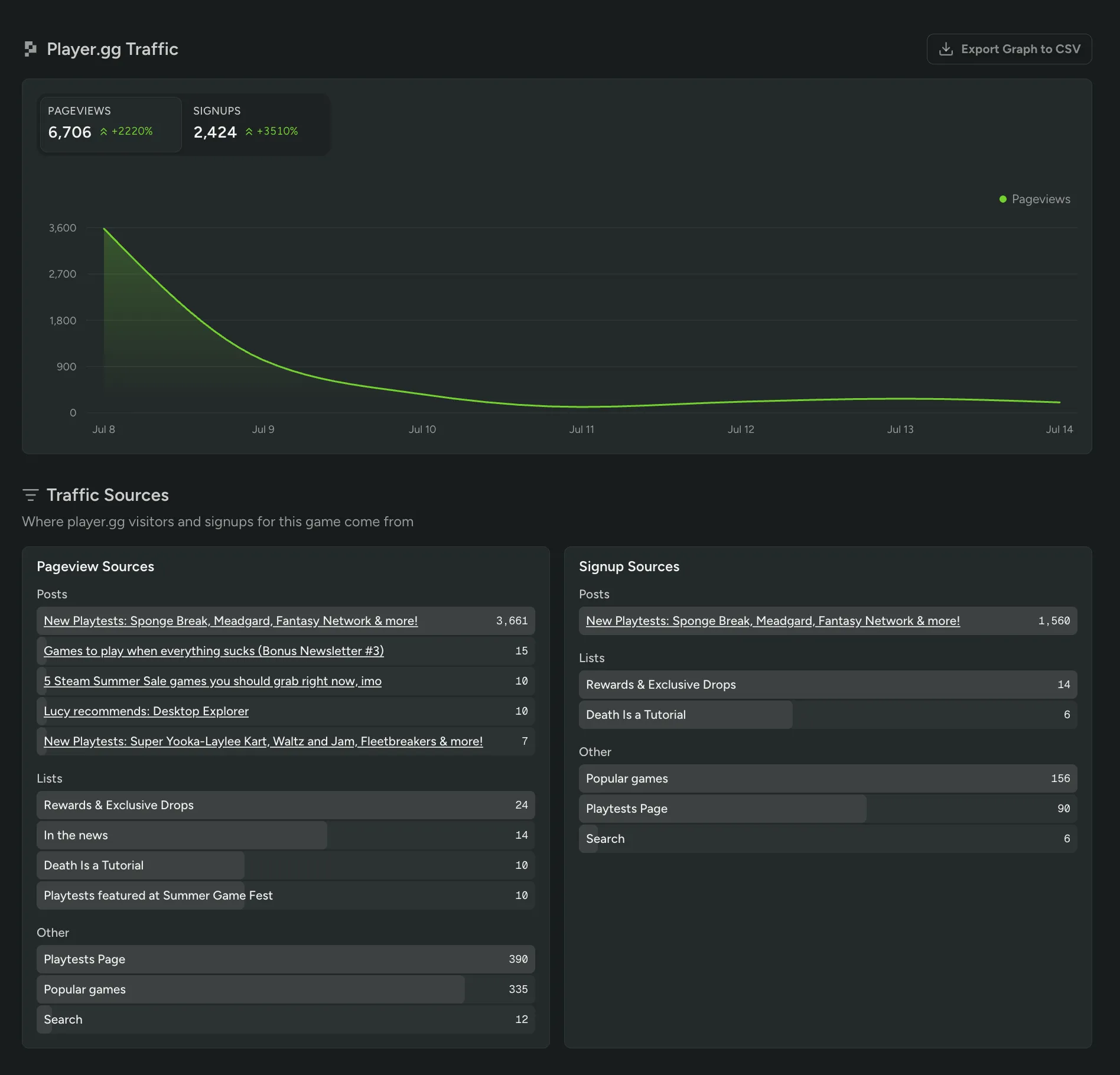
You can now see exactly which player.gg pages and traffic sources drove pageviews and signups for your game. The new Player.gg Traffic view in your Analytics dashboard breaks down your Pageview and Signup Sources across posts, lists, and other placements, so you know precisely what’s sending players your way.
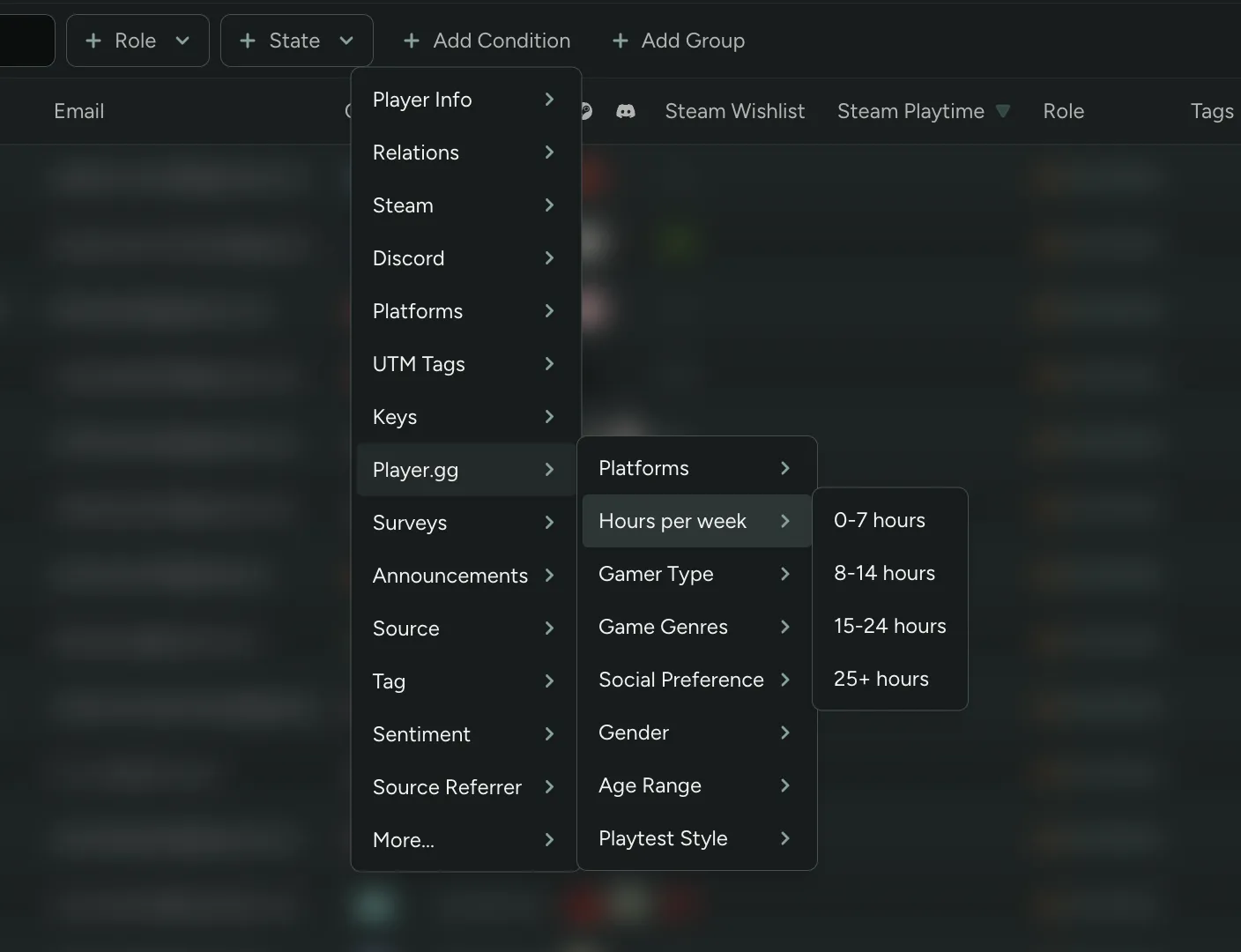
You can also filter your Players table by player.gg profile properties like preferred Game Genres and Hours per week playing (for players who provided them), alongside Gamer Type, Social Preference, Age Range, and more.