Filters Upgrade
Filters across FirstLook have a fresh new look and are a lot quicker to use! Click + Condition to search or browse every filter and its values in one place, then pick a value to apply it right away.
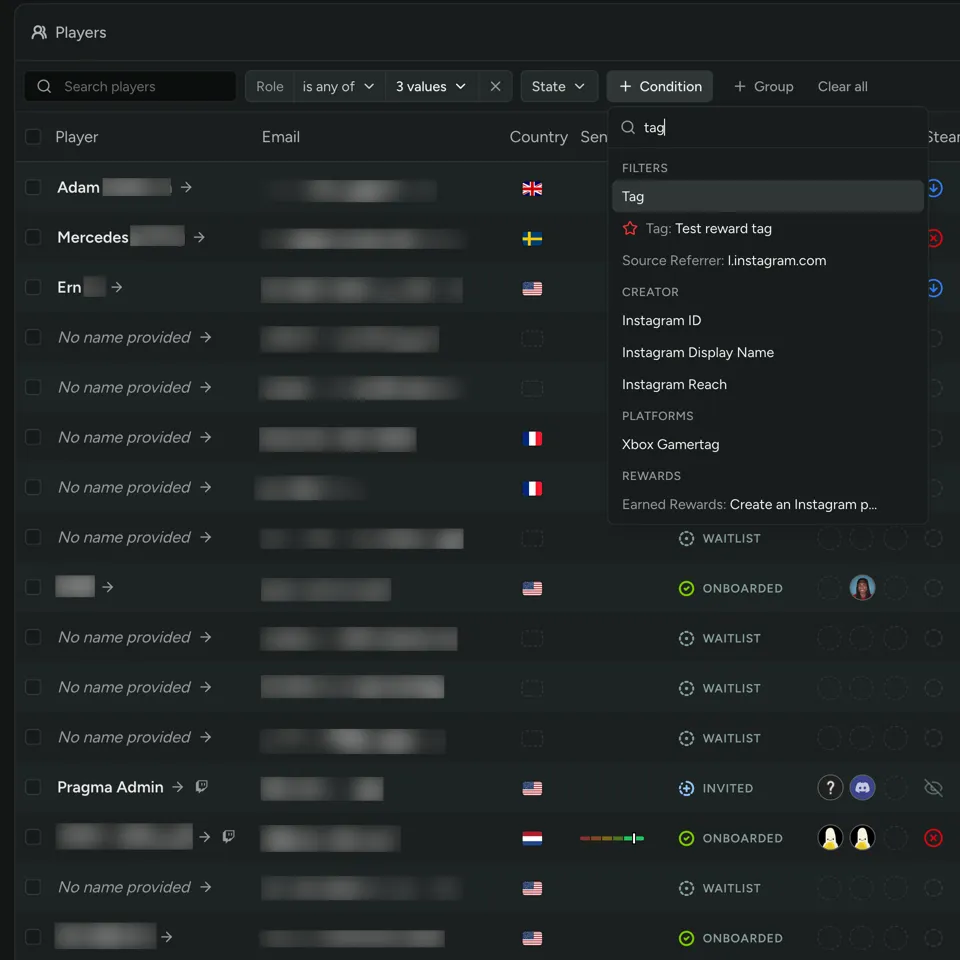
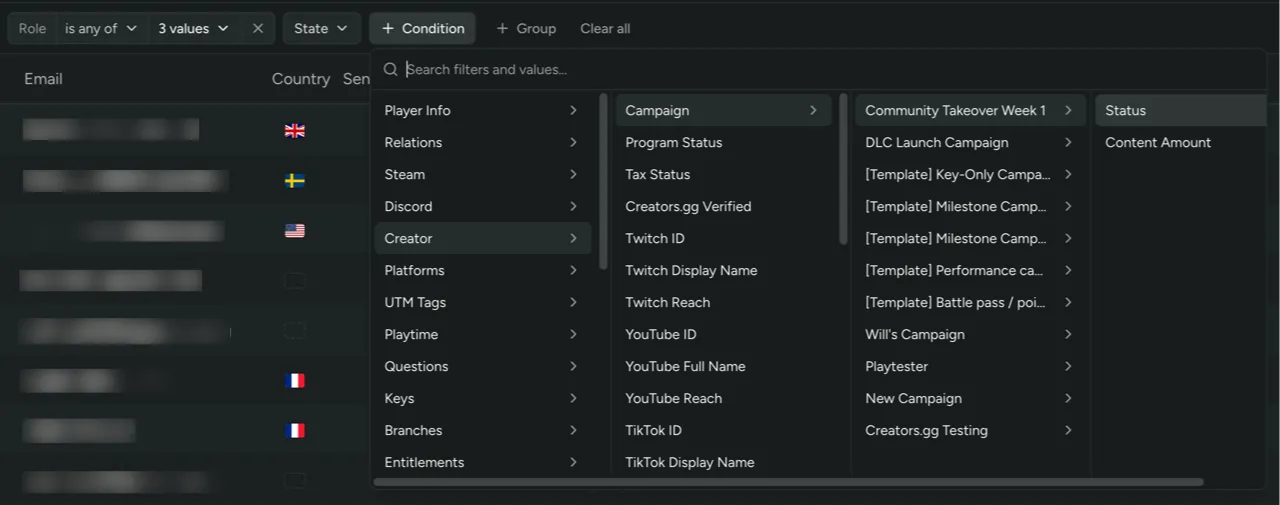
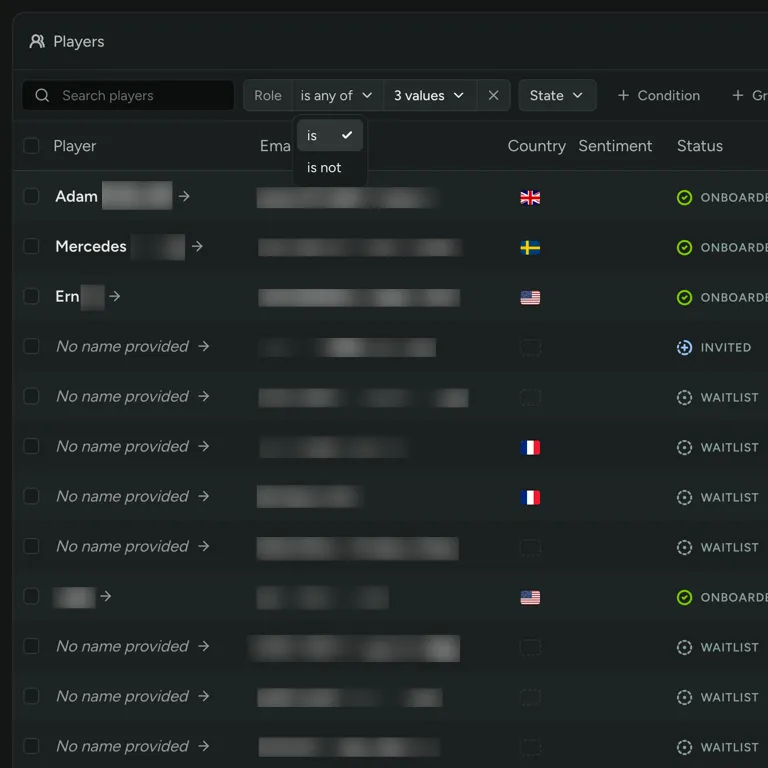
Each filter chip now reads field, operator, then values, so you can switch between is, is not, is any of, has all of, and has a value right from the chip.
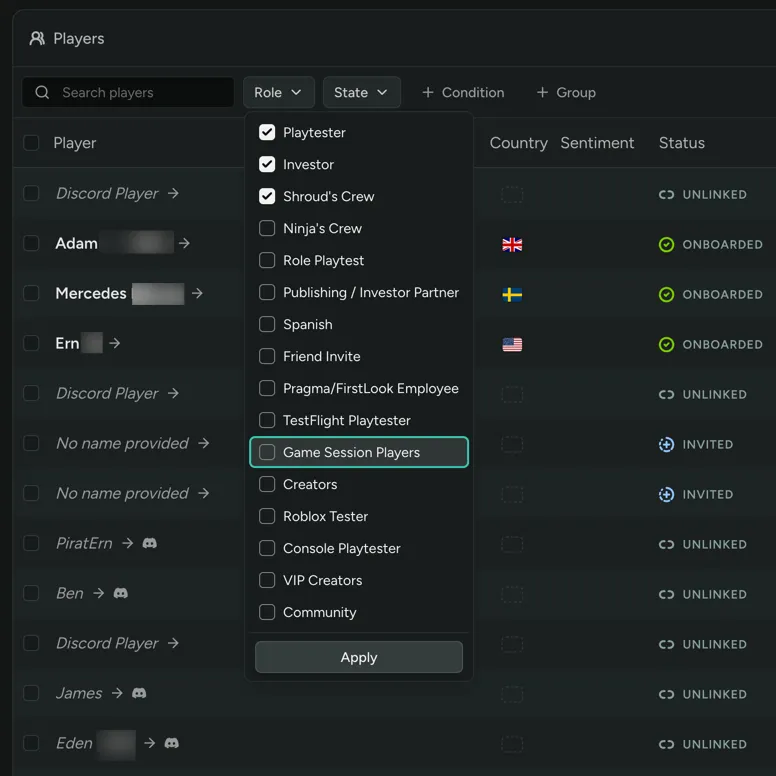
Multi-select filters let you check several values and apply them all at once. The Advanced filters dialog is gone, since everything it did now lives on the chip. Filters also work better with a keyboard and screen readers.
The Players table now updates in place when you change filters, sort, or pages instead of reloading the whole page, so your results show up much faster.