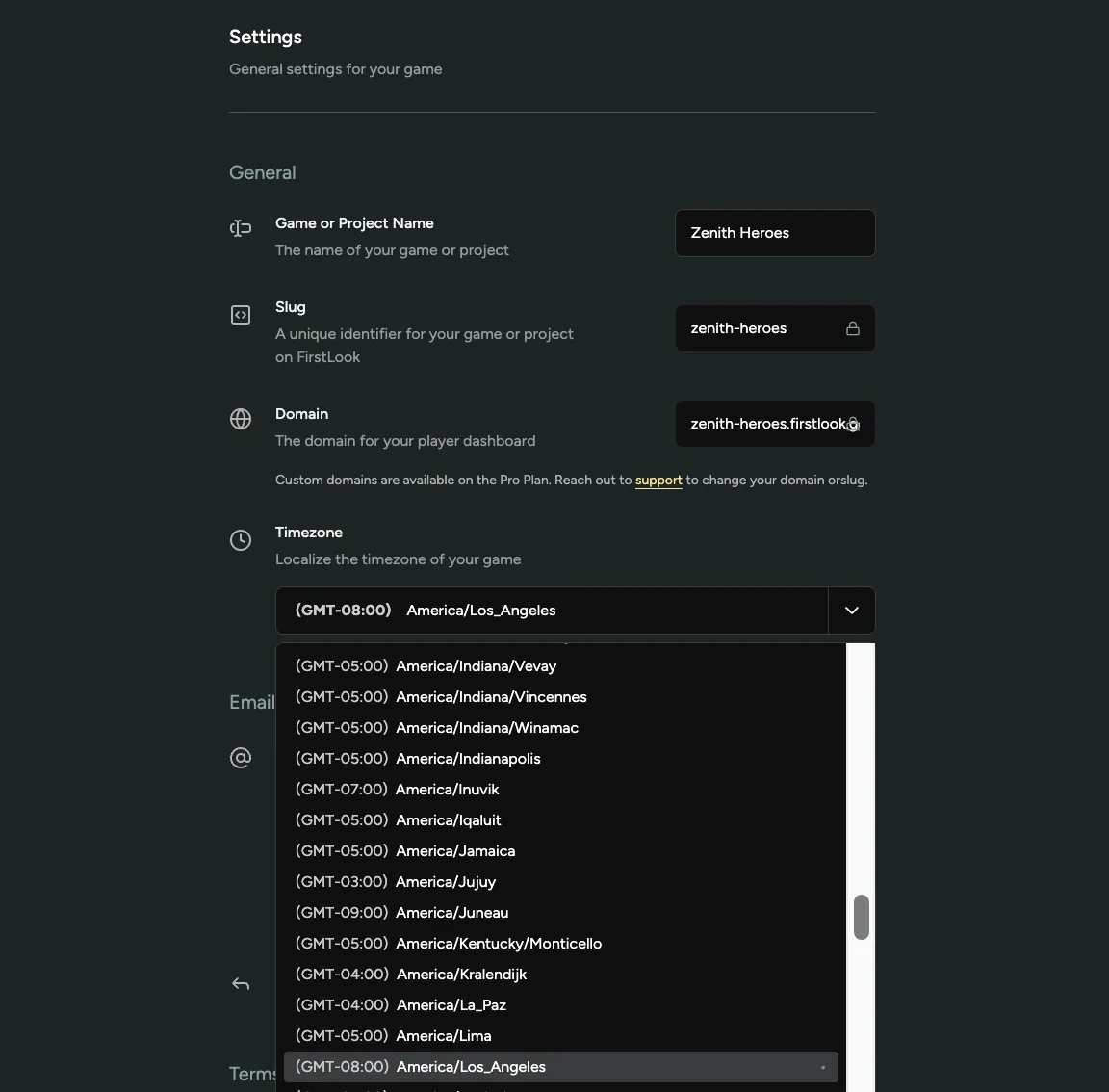
Admin Timestamps Now Follow Your Game's Timezone
Dates and times across game-scoped admin pages now use the timezone configured for that game. Analytics, charts, tables, player profiles, announcements, and other timestamped views now line up with the clock your team works in.
Set your timezone in Configuration → Settings. If no timezone is configured, FirstLook uses UTC.
Relative labels such as “3 minutes ago” still describe elapsed time, while their tooltips show the exact localized timestamp. Date-only values, such as a calendar date or reporting day, stay unchanged.