Pages
Pages give you control over your landing page and also lets you create additional static pages which might be useful for things like FAQs. You can find this on the Sidebar → ‘Pages’.
Homepage
Section titled “Homepage”The homepage is the default page where players land should they visit the domain you have set up in FirstLook. You can customise this by clicking the pencil next to it. From here you can add a few different things:
Header - Main title for your homepage
Content - Main content for your homepage
Welcome video - Show a video or trailer to get players excited about your game
Signup button text - Text for the signup button on your homepage
Branding
Section titled “Branding”Your homepage will automatically pull through the Decorative Background Image to make it unique to your game. This can be customised through Branding.
When players land on your homepage and click the button to sign up, this will route them through the default Flow.
Static Pages
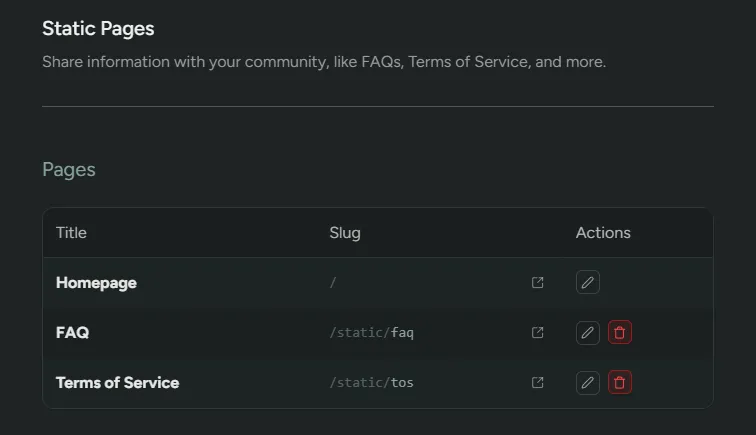
Section titled “Static Pages”If you’ve ever wanted to publish some basic information about your game, like an FAQ, Required Specs, or Terms of Use, you can do that through static pages.
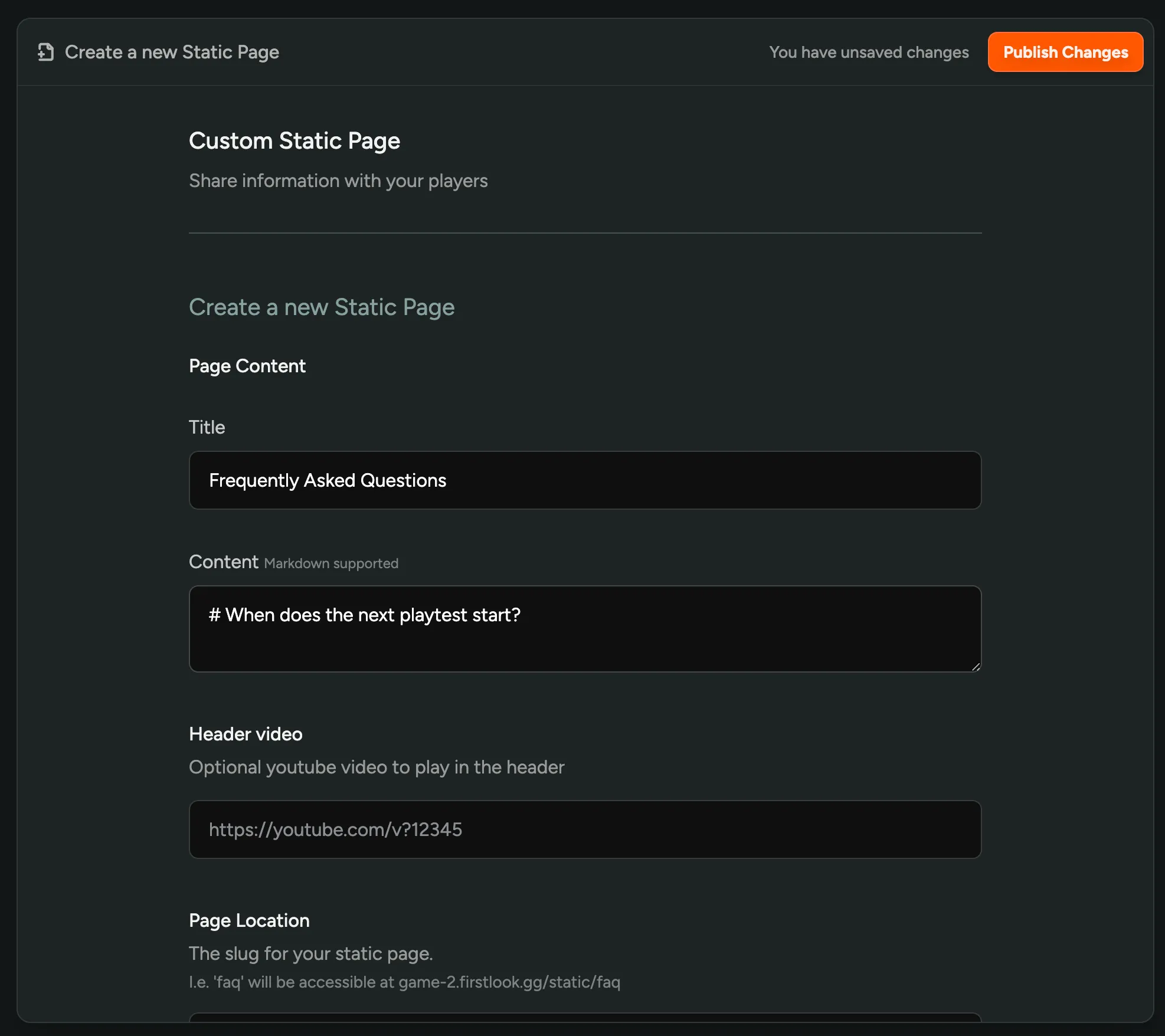
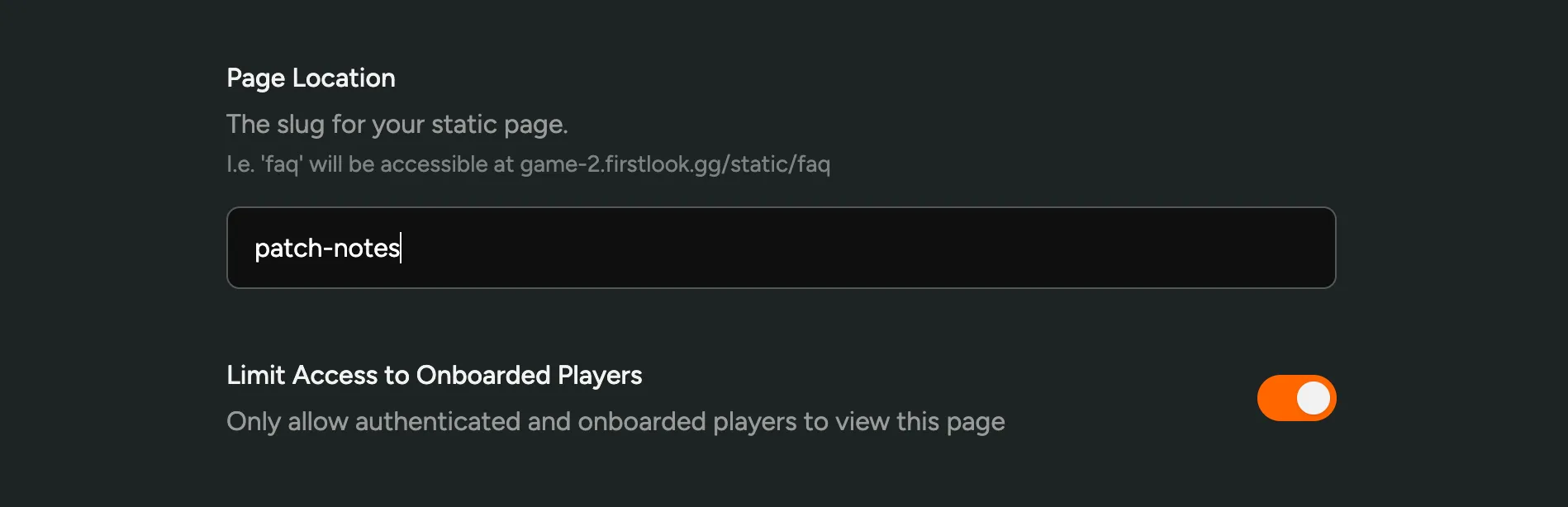
You can create a static page from ‘Create a new Page’. Choose a slug. You can then add your content which can be formatted in markdown and images can be pasted to upload them. A page with the slug faq will be available at https://demo.firstlook.gg/static/faq.
Additionally, you can choose to limit access to the page to only fully onboarded players, making it a great place to list Patch Notes, Guides or other information that should only be available to playtesters.