Sentiment
Sentiment helps you uncover valuable player insights and enhance your game based on community feedback. With FirstLook, you can monitor Discord conversations and Steam reviews and discussions, analyze categorized sentiment data, and discover emerging topics from player discussions.
Configure Sentiment
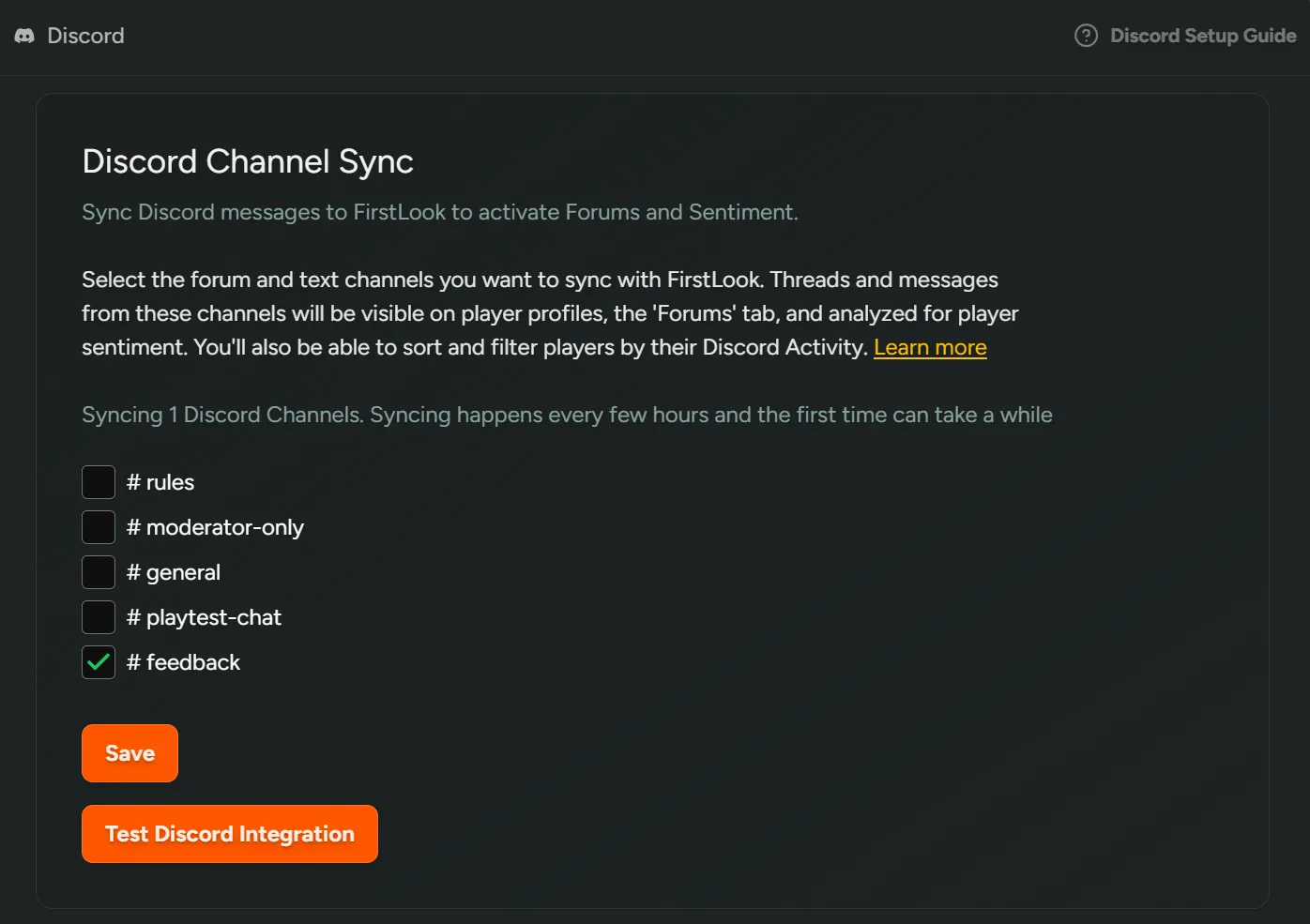
Section titled “Configure Sentiment”To select the Discord forums and text channels to include in Sentiment, see Sync Discord Channels.
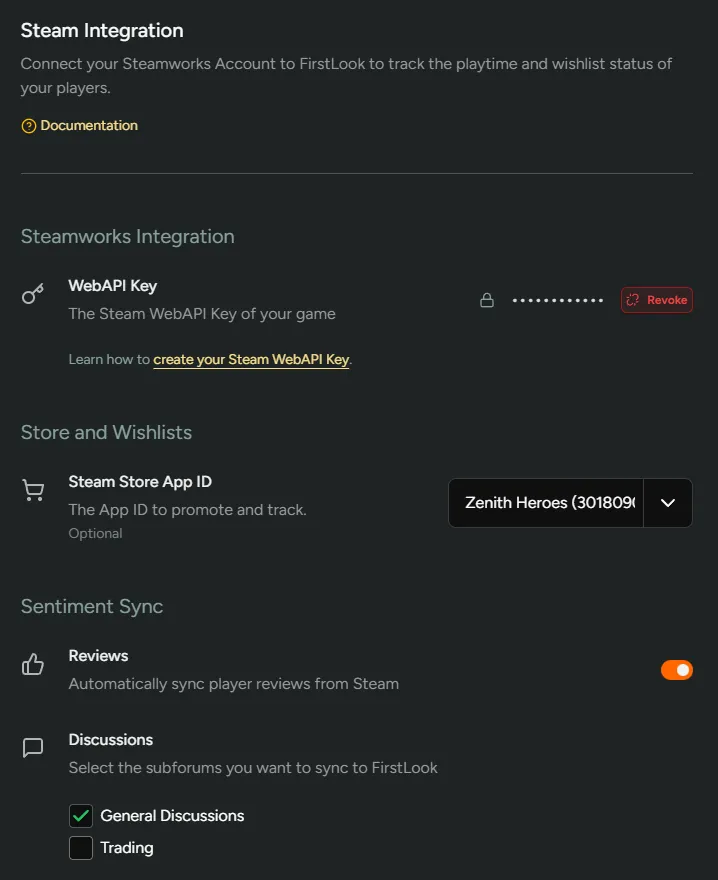
To include Steam Reviews and Discussions, see Integrate Steamworks, then enable ‘Sync Steam Reviews’ and select the ‘Discussions’ subforums under Configuration → Steam.
Sentiment Overview
Section titled “Sentiment Overview”The overview page will surface top trending tags and topics that your community is discussing so you can get quick insights. You can also use the search bar to find more specific conversations you’re interested in seeing.
The event picker can be used to save selected date ranges.
Source (Discord, Steam Reviews, Steam Discussions, Surveys) can be filtered throughout.
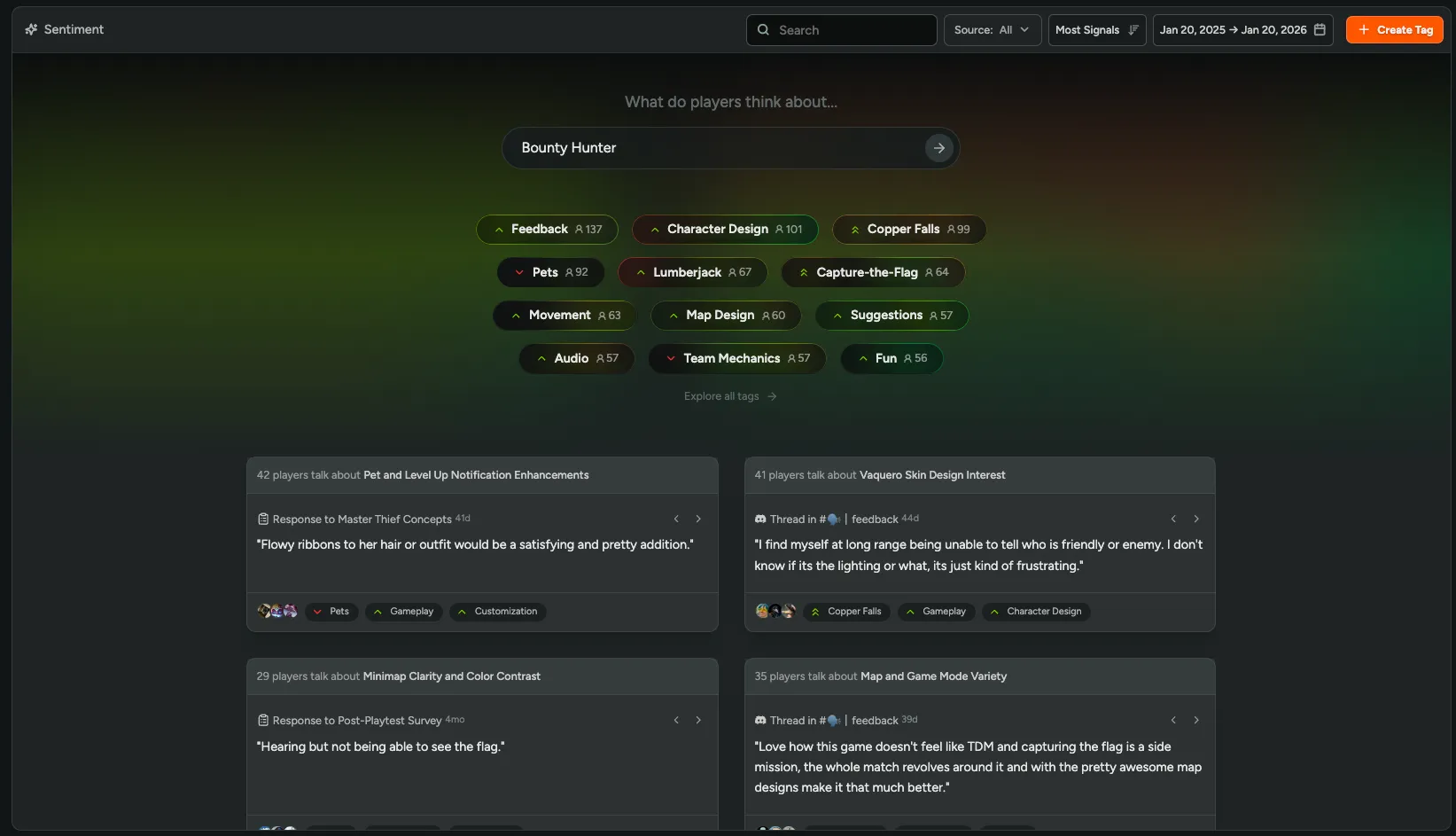
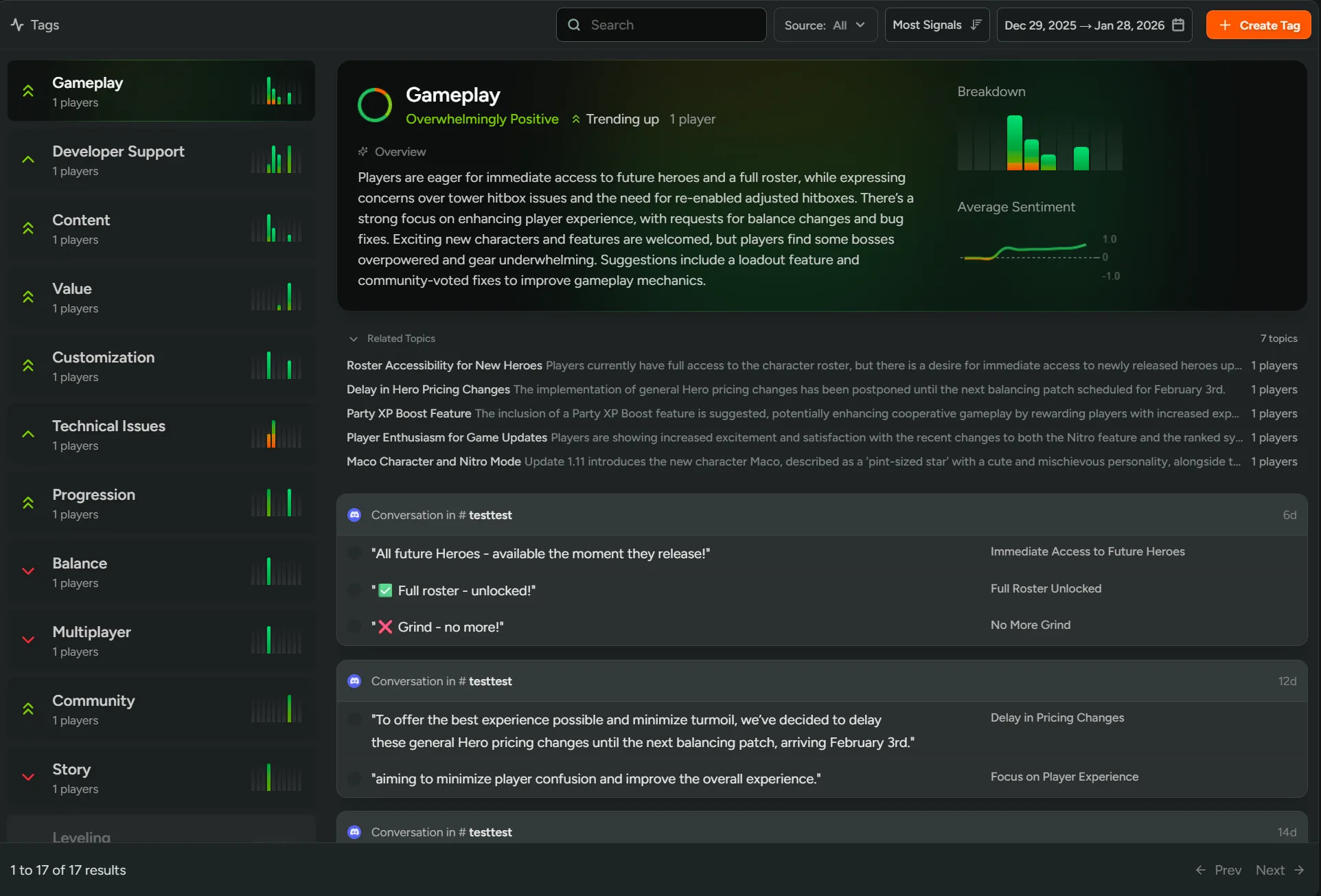
The Tags page groups player signals under organized categories, making it easy to track feedback themes. FirstLook offers default tags like Gameplay, Combat, and Balance, and also creates new tags automatically in response to emerging topics that generate discussion.
Add custom tags
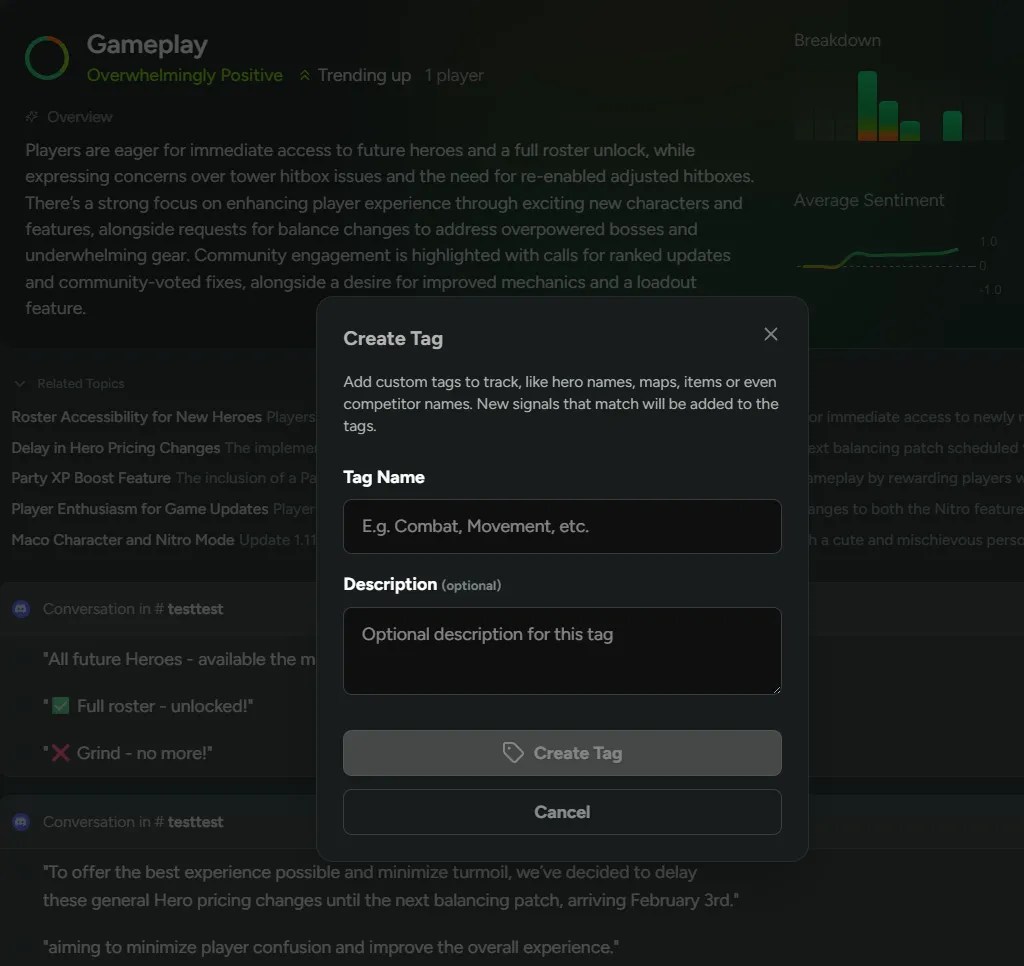
Section titled “Add custom tags”Create custom tags to track specific topics like particular maps, weapons, heroes, or even competitor mentions. Note that custom tags only apply to new signals from the moment they are created.
Topics
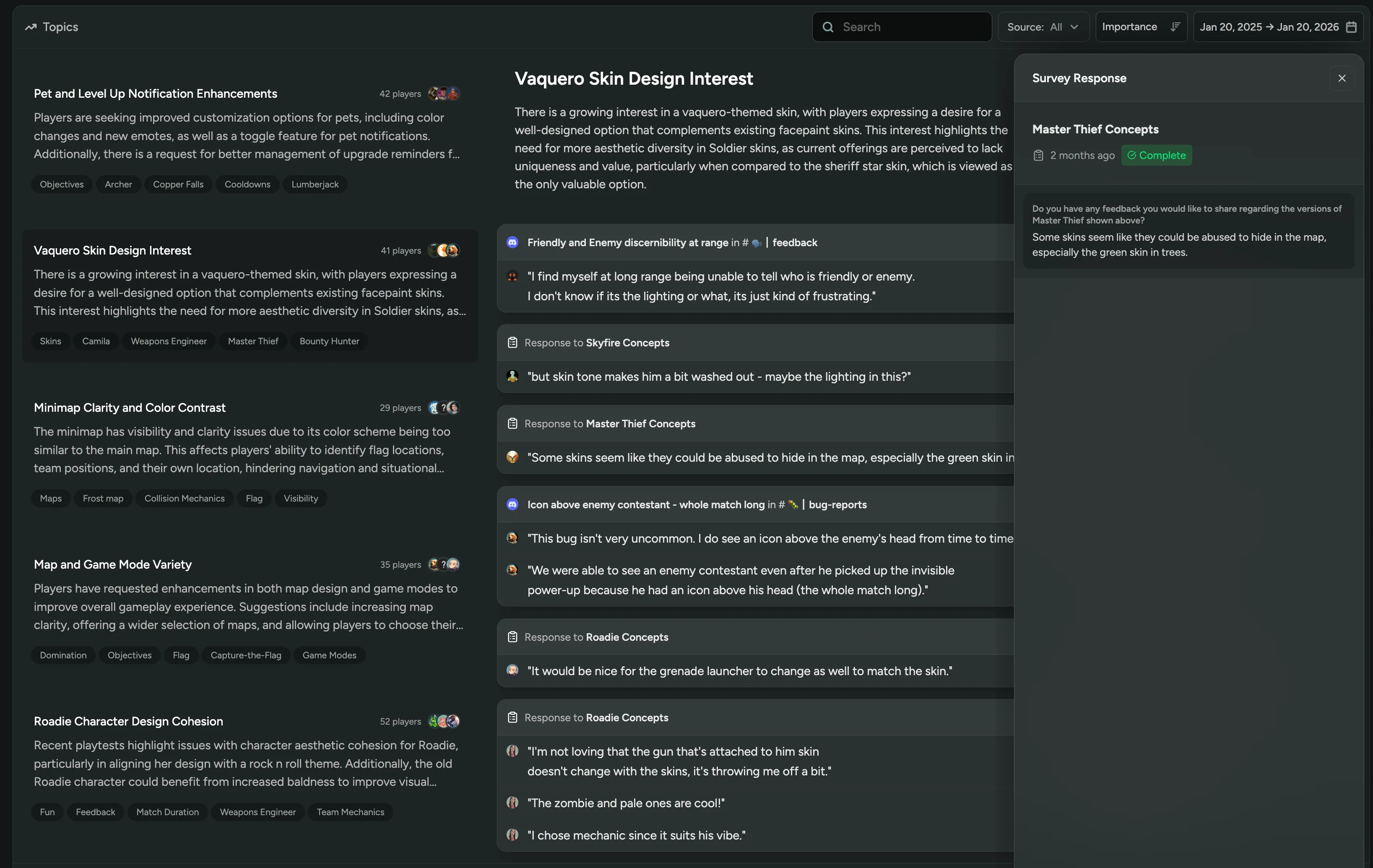
Section titled “Topics”Identify key trends from your Steam reviews or Discord conversations on the Topics page to understand what players are chatting about and to make informed decisions faster.
Reports
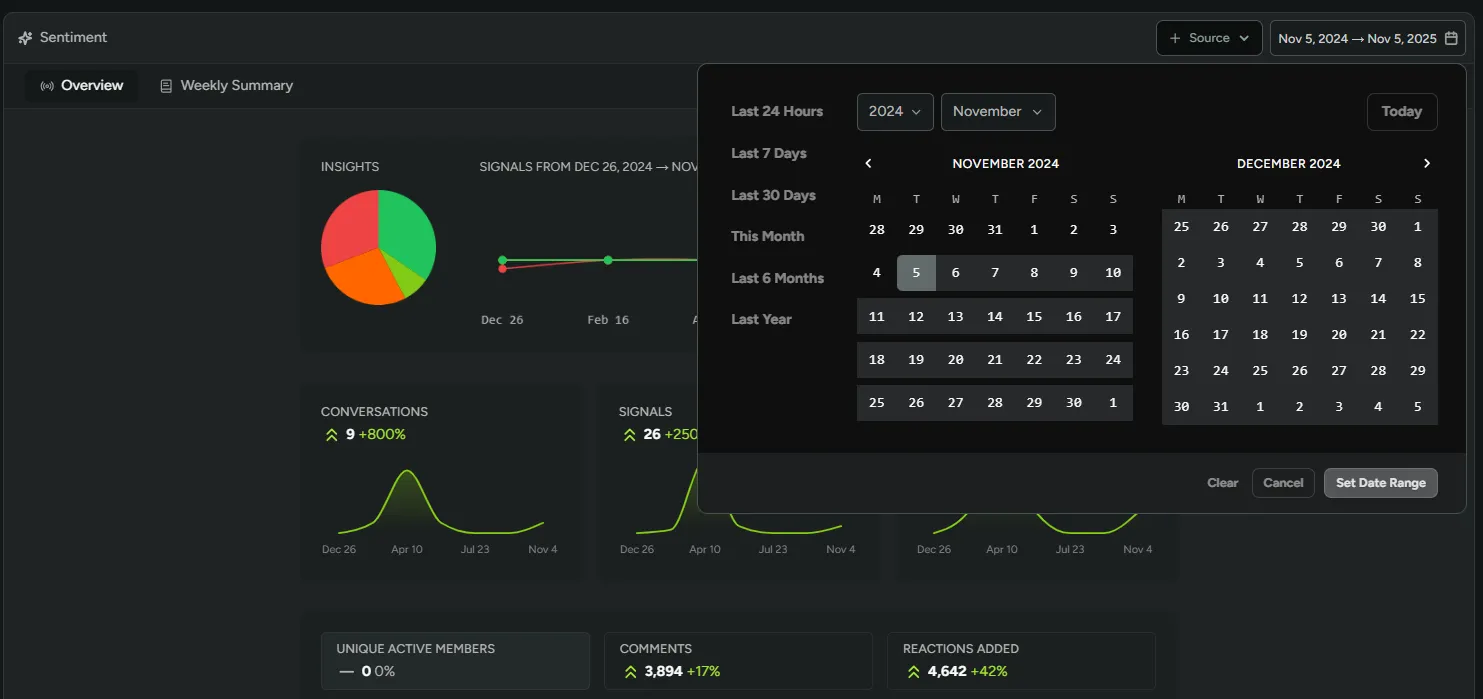
Section titled “Reports”View key metrics like conversations, comments, and engaged players. Identify your most active members and channels, track recent signals, and filter results by data source or a specific date range to focus on particular events.
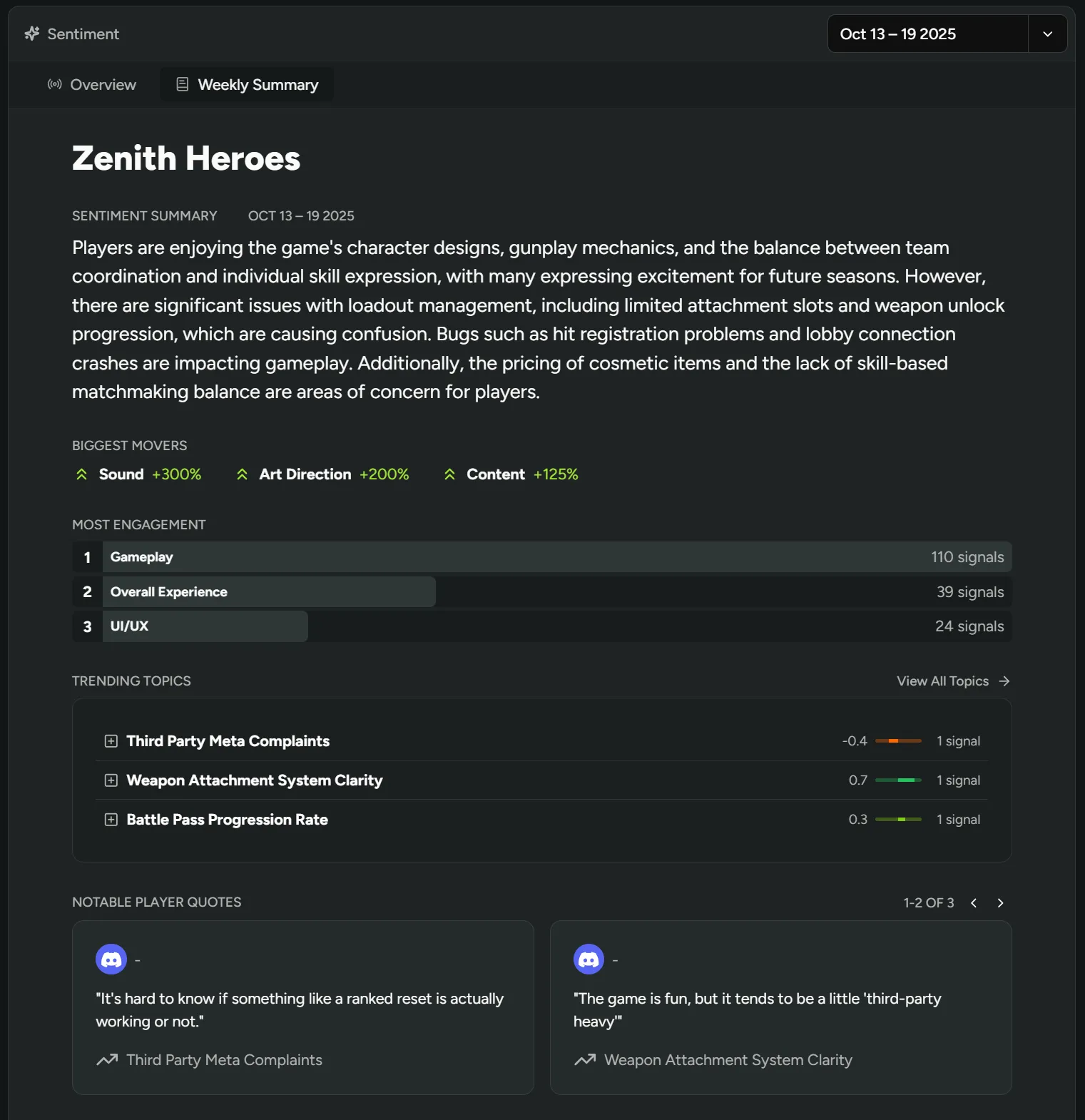
Generate weekly summaries
Section titled “Generate weekly summaries”Navigate to Sentiment → Weekly Summaries to track week-by-week sentiment shifts, trending topics, and engagement levels and quickly understand how recent game changes are being received by your community.