Export Analytics
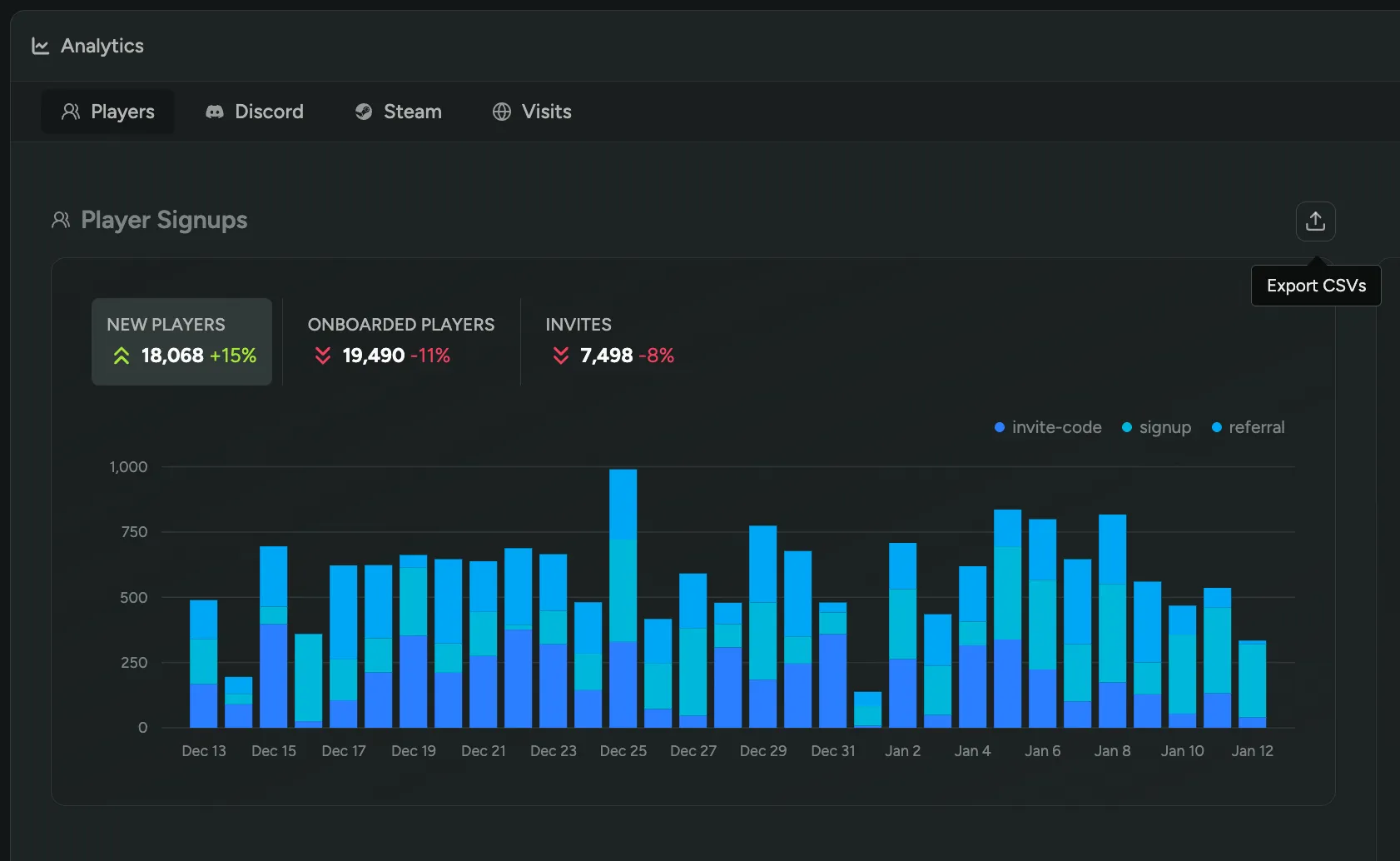
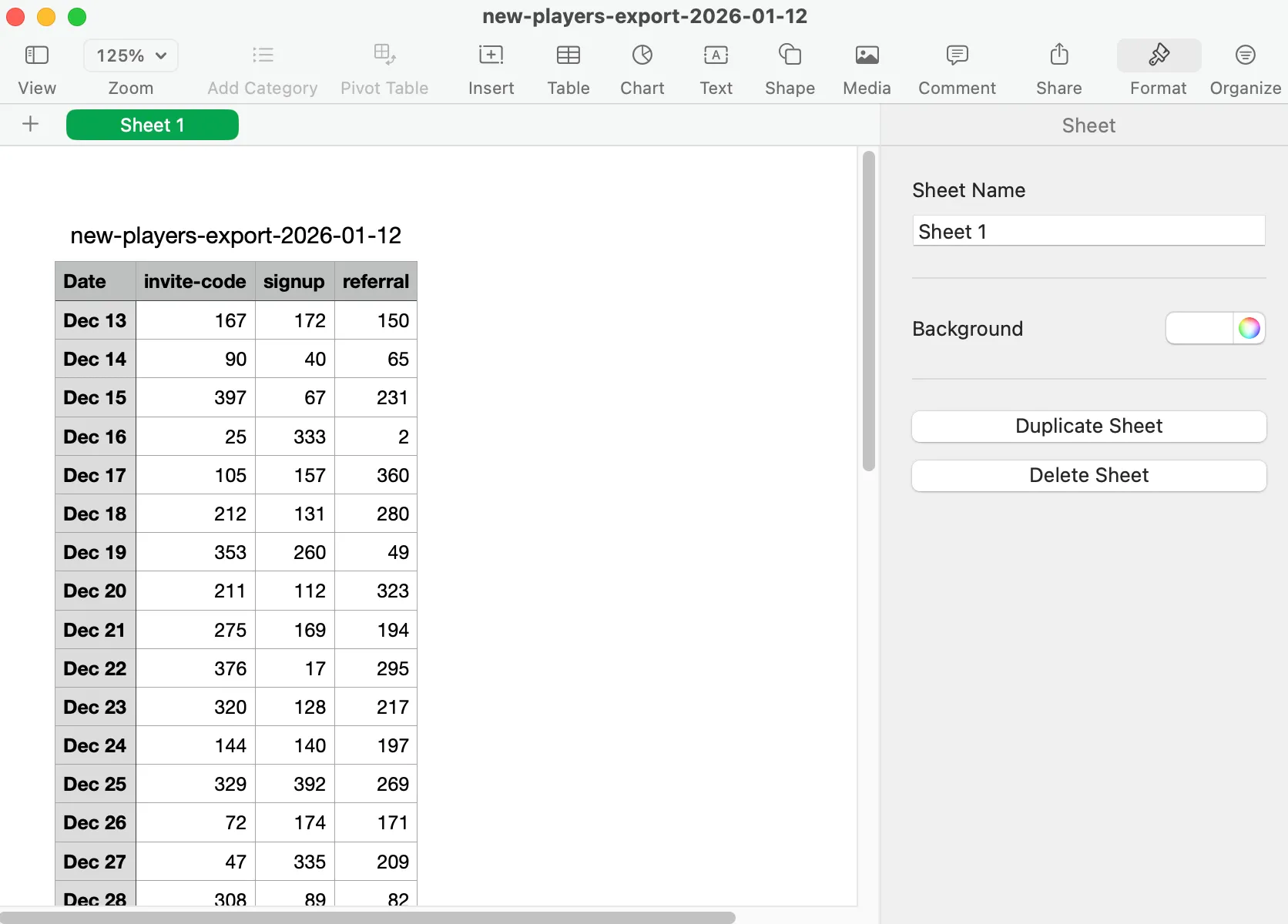
You can export any analytics graph as a CSV. Simply click on a graph’s export button to download the underlying data for player signups, Discord activity, Steam metrics, and web statistics.
UTM Parameters
Section titled “UTM Parameters”You can use UTM parameters to track the effectiveness of your marketing campaigns. UTM parameters are tags that you add to a URL. When someone clicks on a URL with UTM parameters, those tags are stored in our analytics. This way you can see which campaigns are driving traffic to your onboarding page.
Aside from the standard UTM parameters, we also store the ‘Referrer’, which is the URL of the page that linked to your onboarding page.
Both the UTM parameters and the Referrer are also stored on the player profile when they sign up for your playtest.
Example URL with UTM parameters:
https://yourgame.firstlook.gg/?utm_source=twitter&utm_medium=social&utm_campaign=launchPrivacy {#privacy}
Section titled “Privacy {#privacy}”We are using Plausible Analytics to track the usage of the onboarding page and waitlist. Plausible is a privacy-friendly alternative to Google Analytics. It doesn’t use cookies and is fully compliant with GDPR, CCPA and PECR. This way we do not need to show a cookie banner to your visitors so they can focus on signing up for your game.