Creating a Branded Player Journey
When players sign up for your playtest, they are not just interacting with a form - they are experiencing your brand. Adding your own game’s copy, visuals, and videos helps establish trust, convey authenticity, and ensure players understand what to expect when signing up.
This guide outlines best practices for customizing your player experience with clear, branded messaging.
Why Customized Branding Matters
Section titled “Why Customized Branding Matters”Players are more likely to complete signup or onboarding when the content feels authentic to the game they’re testing.
Customizing your FirstLook helps:
- Build trust: Your logo, tone, and visuals create confidence that the playtest is legitimate.
- Tell your story: Explain what the game is, what makes it special, and why this playtest matters.
- Set expectations: Let players know what happens after signing up.
- Reduce confusion: Players understand why they’re being asked to log in or share certain information.
Areas to Customize
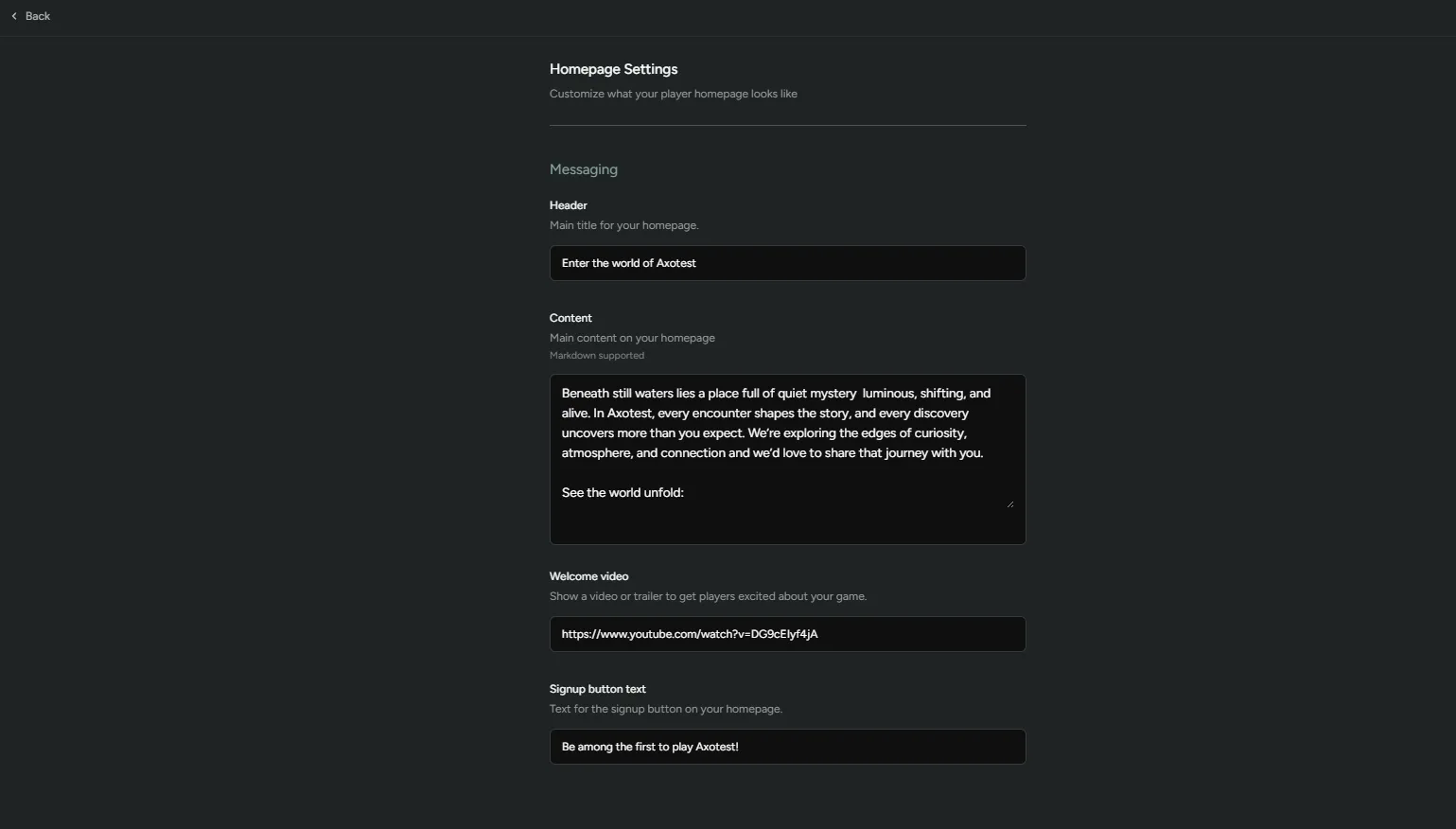
Section titled “Areas to Customize”This is the first page players land on when they visit your FirstLook site and often serves as your introduction. Get players excited to sign up and learn more about your game.
We recommend adding:
- A short, welcoming description that introduces your game.
- A trailer or video embed to set tone and spark interest.
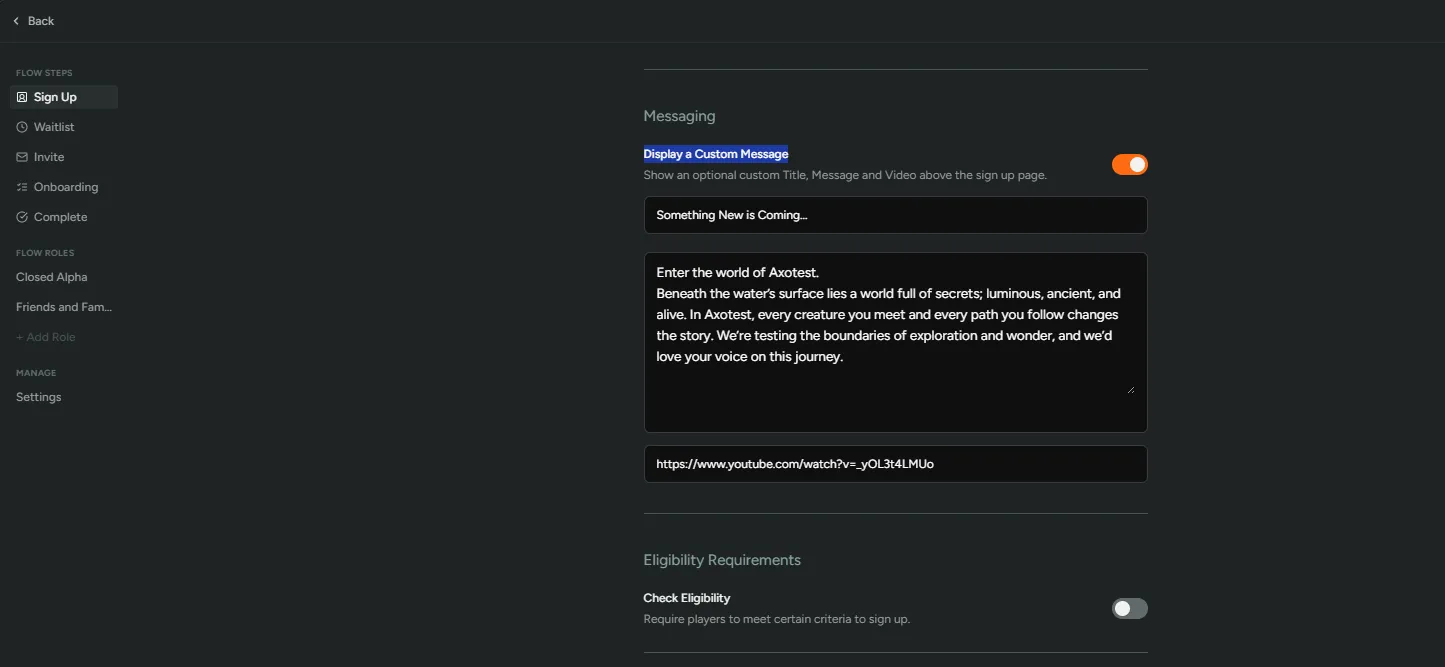
This is the entry point to your FirstLook flows, where players decide whether to share their email or link an account. Players who complete sign up at this stage are added to the waitlist.
We recommend adding:
- A clear explanation of why you’re collecting player account information.
- What players can expect after they join the waitlist.
- A trailer or strong key art image to reinforce your identity.
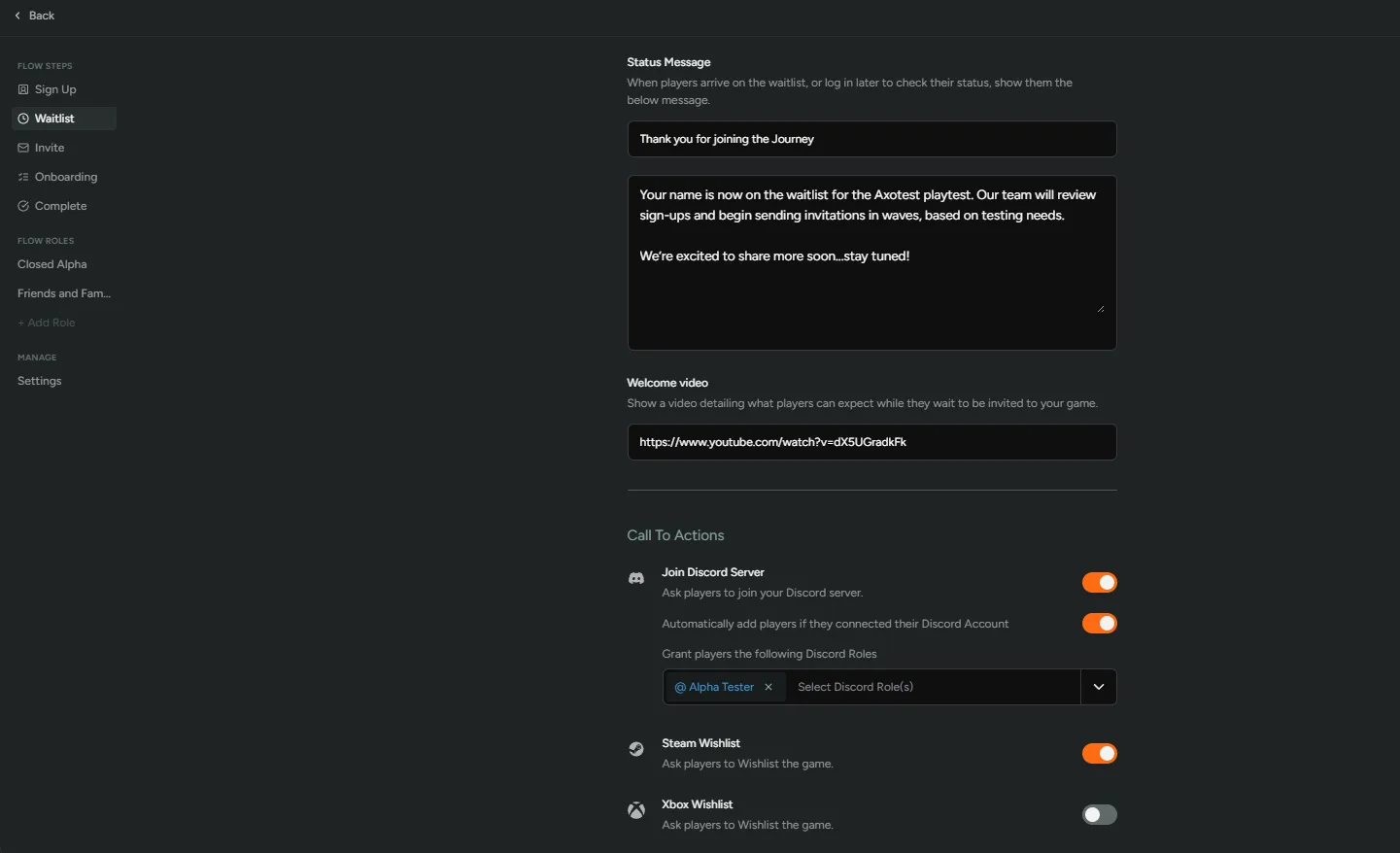
This screen confirms that the player is now on the waitlist.
We recommend adding:
- A note thanking players for signing up.
- A short line about what happens next.
- A call to join your Discord server and/or waitlist the game.
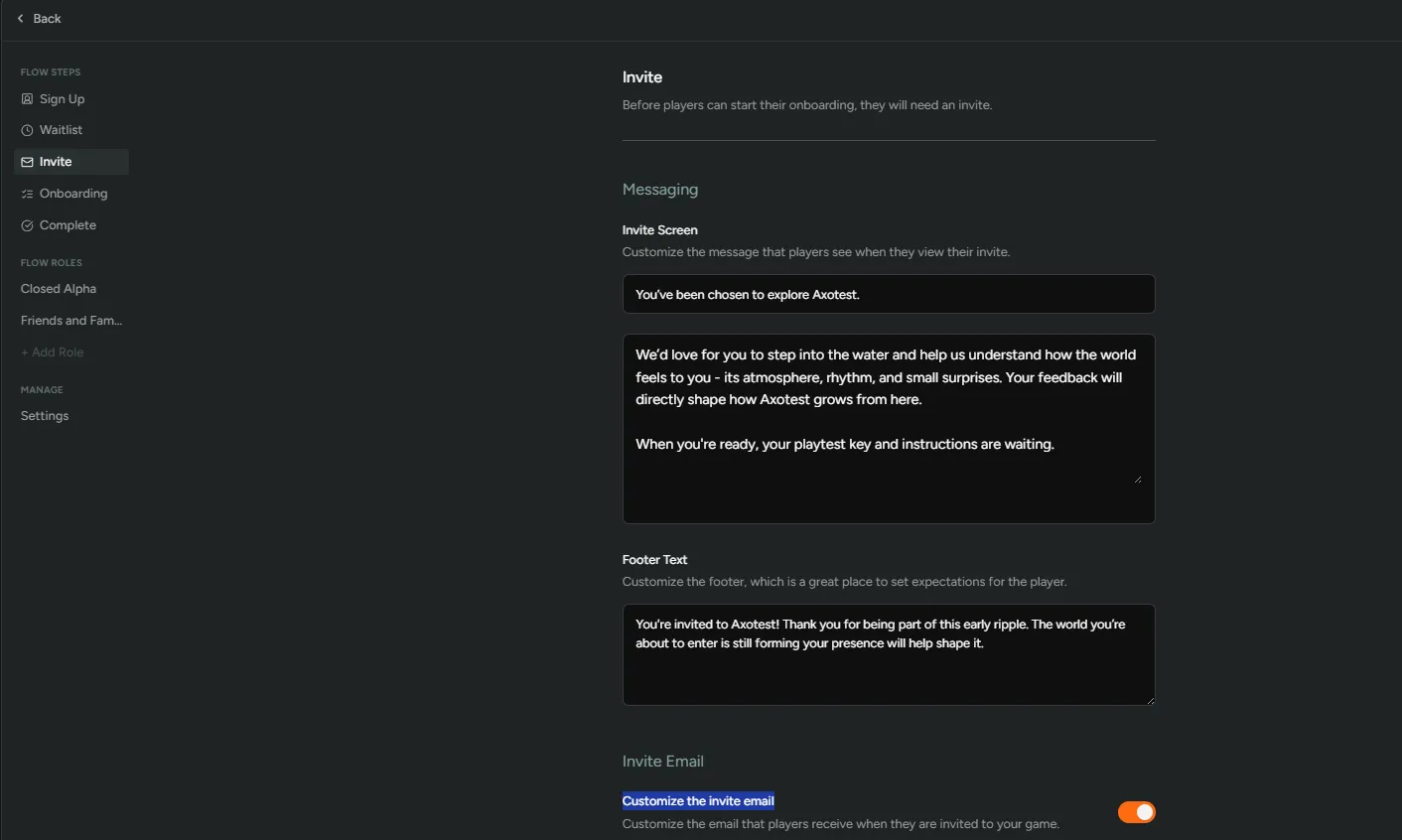
Customize the message that players see when they view their invite inside FirstLook. We also recommend customizing the invite email so that it feels like it comes from your studio and sets the right tone.
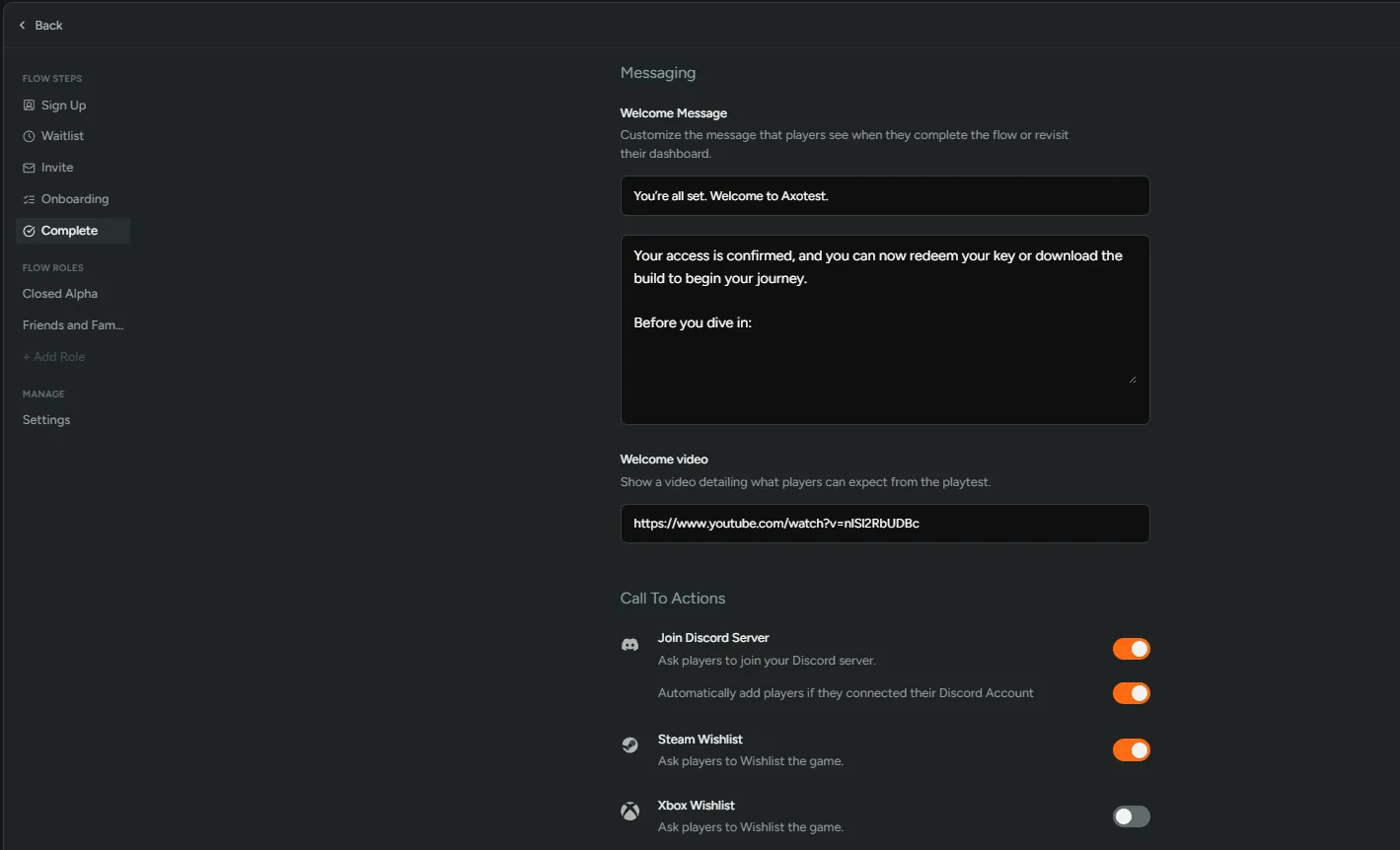
This is where players are shown that they’ve completed all required steps.
We recommend adding:
- Clear instructions for redeeming keys or accessing your build.
- A call to join your Discord server and/or wishlist the game.
- A customized welcome email that confirms test dates, timing, or how to stay connected.
Add a Custom Domain (Pro Plan)
Section titled “Add a Custom Domain (Pro Plan)”If you are on the Pro plan or above, you can use a custom domain such as play.yourstudio.com to host your FirstLook player experience. This helps the flow feel fully branded and instantly recognizable to players.
Benefits of using a custom domain:
- Stronger brand consistency
- Increased trust and professionalism
Setting up a custom domain involves updating DNS records and optionally configuring email authentication. Since every studio’s setup is slightly different, your Customer Success Manager (CSM) will guide you through the process and provide the exact steps based on your domain provider.
If you’re interested in enabling a custom domain, reach out to your CSM.