Rewards
Rewards is a way to keep players engaged and motivated by rewarding them for participating in your community. Create custom quests where players earn points for activities like wishlisting on Steam, being active on Discord, or playing the game. As they accumulate points, they unlock reward tiers with prizes you configure like Discord roles, game keys, or exclusive content.
Preview
Section titled “Preview”When you first open Rewards you’ll be presented with the preview screen. This will showcase what the player sees when interacting with Rewards. They will be able to see each Tier, the rewards they get once they unlock that tier and the number of points required.
Player progression can be tracked directly from the
Pointscolumn in the ‘Players’ tab. This way you can easily identify which players are engaged.

Quests
Section titled “Quests”Quests is where you’ll create activities players can complete and the points they will earn from them. To create a new quest, just select the one you wish to use, add the name and the parameters, and click Create Quest.
Quests can be easily dragged between:
Featured - Quests are highlighted on the player dashboard first.
Hidden - Quests are hidden until the player completes it.
Active - Quests can be actively engaged with.
Paused - Quests are paused so it doesn’t contribute towards progression.

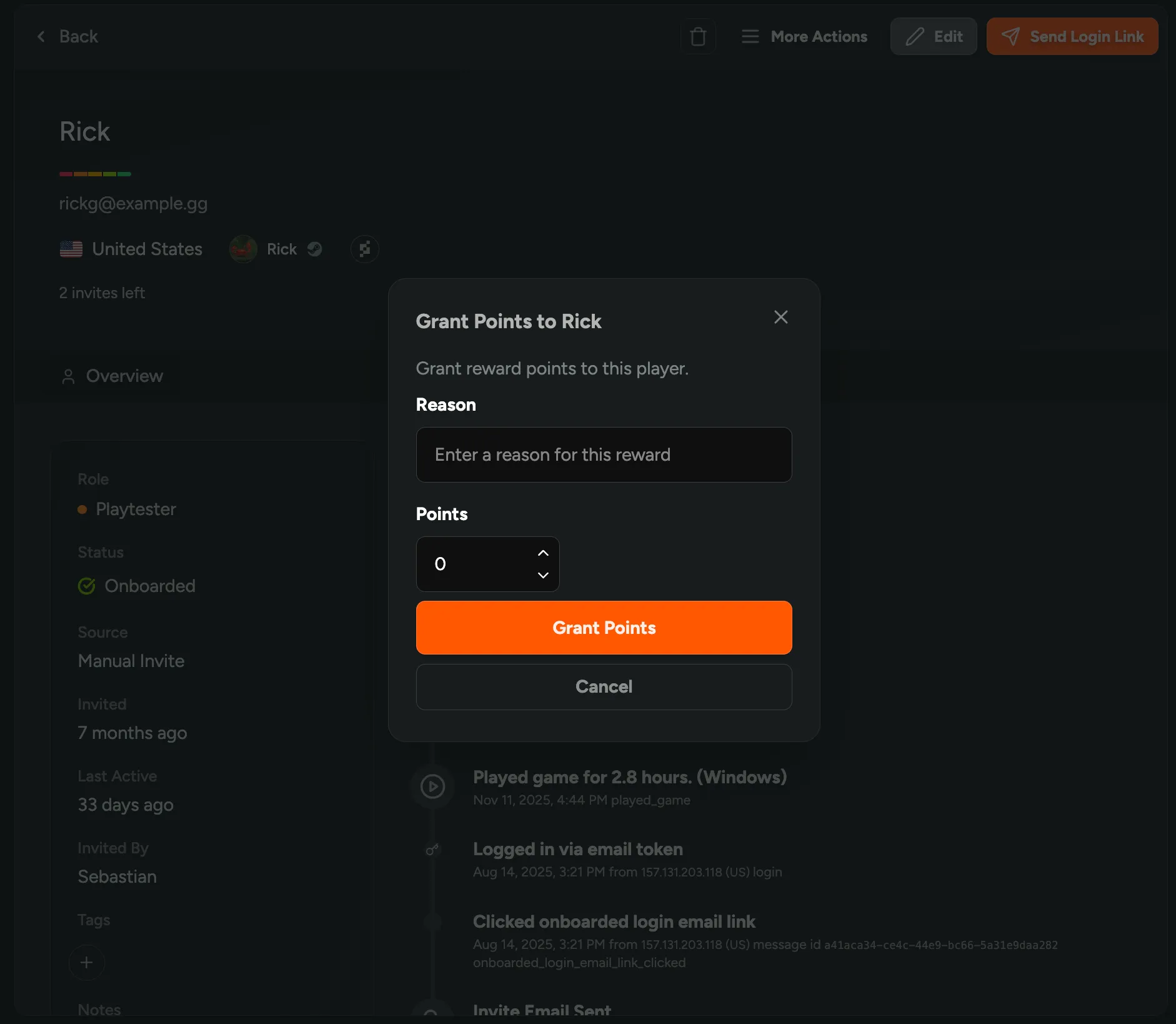
Manually Grant Reward Points
Section titled “Manually Grant Reward Points”If you wish to manually grant points to players you can do this directly from the Players tab either in bulk, or through the player profile.
From the Tiers tab you’ll be able to create various tiers that players can unlock as they progress through each quest. You can set the number of points needed to unlock each tier and the reward they are given once unlocking them.
When adding a new Tier, you’ll be able to configure various options:
Tier Name - The name of each Tier.
Description - The description of each Tier.
Required Points - The number of points required to unlock each Tier.
Tier Image - Upload an image for each Tier.
Rewards - The rewards that are granted when unlocking each Tier.

Settings
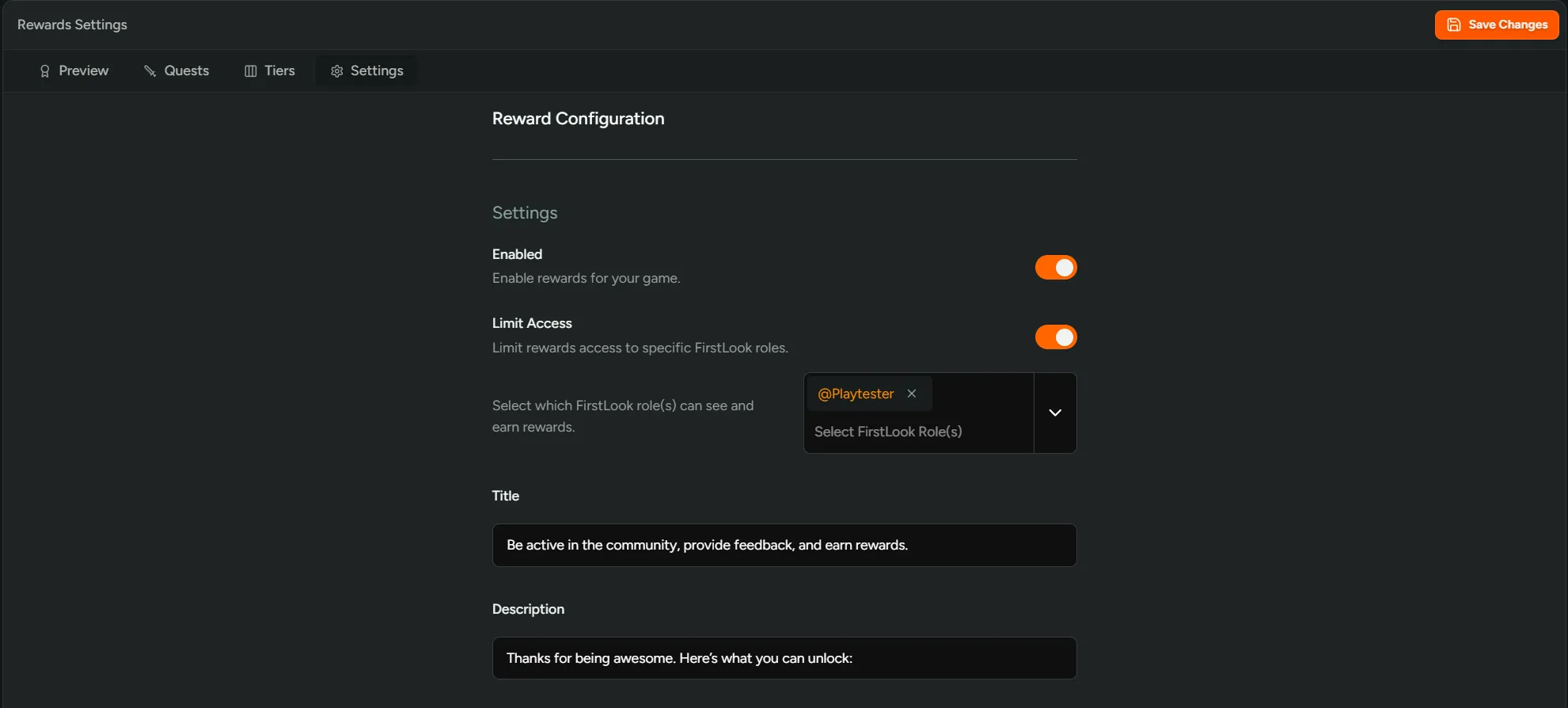
Section titled “Settings”Configure the general settings for Rewards.
Enabled - Toggle to enable Rewards in your players dashboard.
Limit Access - Toggle to limit rewards access to specific FirstLook roles.
Title - Add the title for your Rewards campaign.
Description - Add the description for your Rewards campaign.