General
There are a number of common settings in FirstLook that you can customise. These can be found by heading to the Settings tab and selecting General.
General
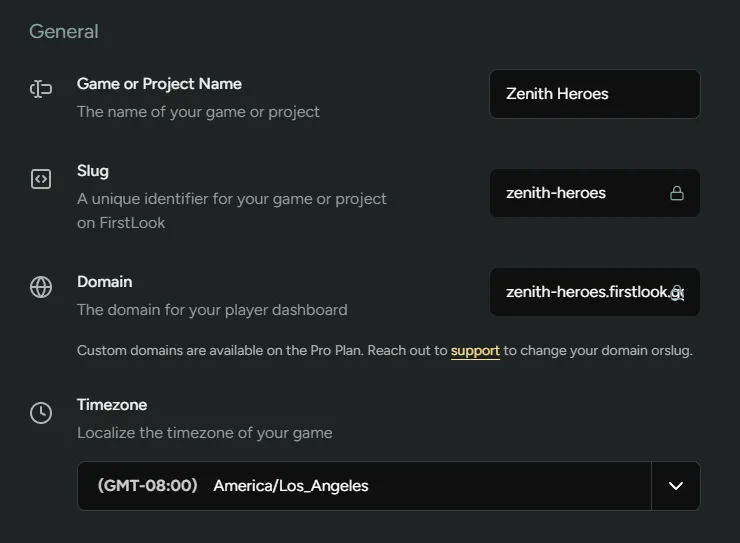
Section titled “General”Game or Project Name - The name of your game/project
Slug - The unique identifier for your game/project.
Domain - The domain for your player dashboard. Custom domains are available to Pro customers
Timezone - Set the timezone you’re working in for FirstLook. All dates, times, and analytics across FirstLook will display in your game’s timezone, ensuring accurate data reporting. This makes it easier to coordinate playtests, track daily metrics, and schedule announcements with your team.
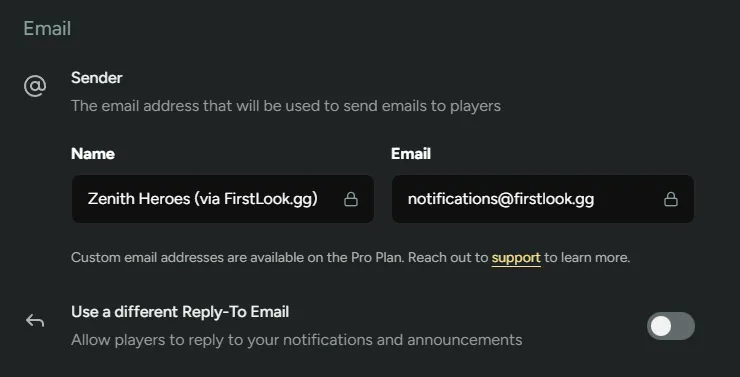
Sender - The email address and name that will be used when sending emails through FirstLook. You can use a custom email address if you don’t want to use firstlook.gg which is available to Pro customers.
Use a different Reply-To Email - This will allow players to respond to emails sent through FirstLook. You can set the specific email address used.
Terms and Privacy
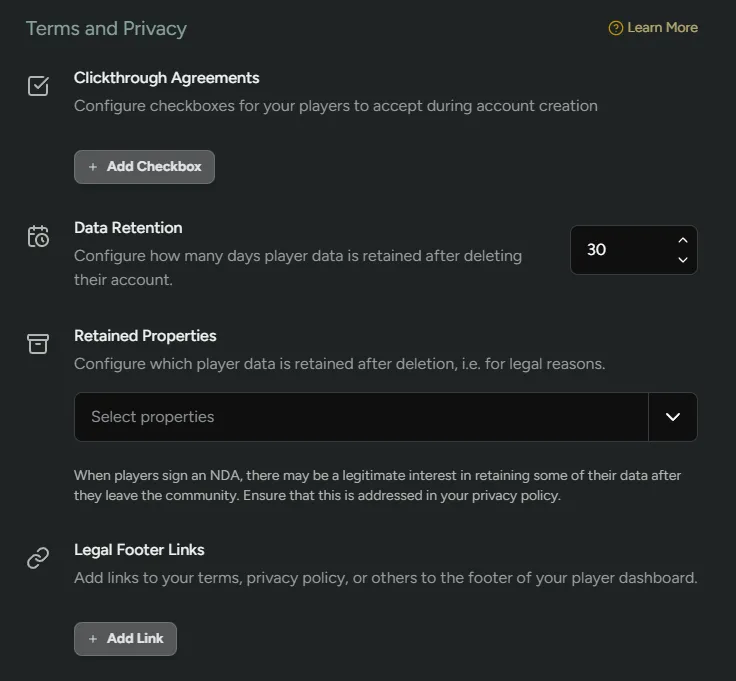
Section titled “Terms and Privacy”Clickthrough Agreements - Configure checkboxes for players to accept during the Sign-Up phase. This will be visible to players once they have connected the required social platforms and just before they click sign-up.
Data Retention - Configure how long data is retained after they are deleted from FirstLook.
Retained Properties - Select which details are retained after deletion (name and email). This could be for legal reasons and is worth addressing in your privacy policy.
Legal Footer Links - Add links to terms, privacy policies and anything else which will be visible in the footer of the player dashboard.
Publishing
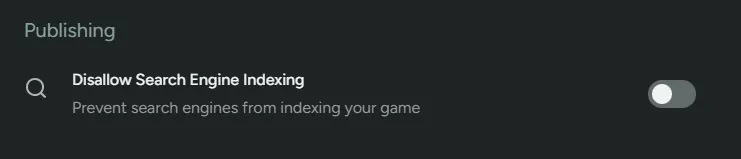
Section titled “Publishing”Disallow Search Engine Indexing - Stop search engines from being able to index your game. This is especially useful if you want to keep your project in stealth mode.