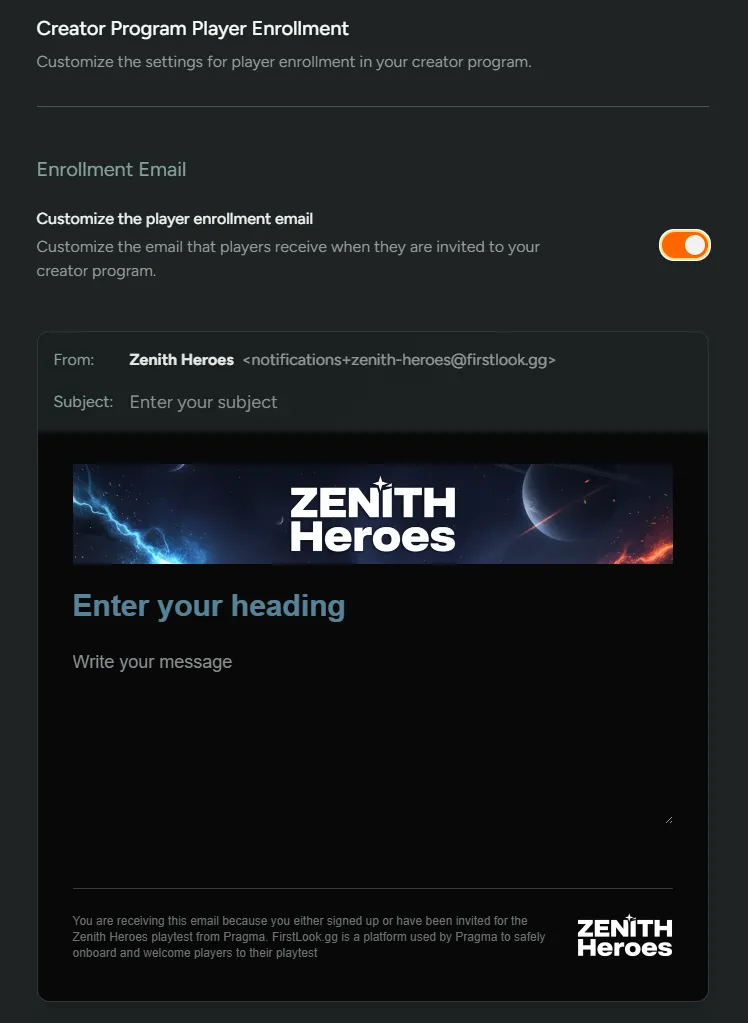
Creator Program
The Creator Program is a way for you to start onboarding new players who are interested in creating content for your game. From the Settings → Creator Program tab, you’ll be able to customise the messaging and configure the onboarding experience for new creators.
For more info on the Creator feature take a look at our overview - https://docs.firstlook.gg/engagement/creators/
Messaging
Section titled “Messaging”Control the messaging creators receive when they join up to your Creator Program. This is configured from the Messaging tab.
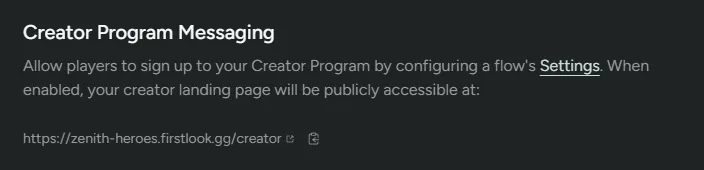
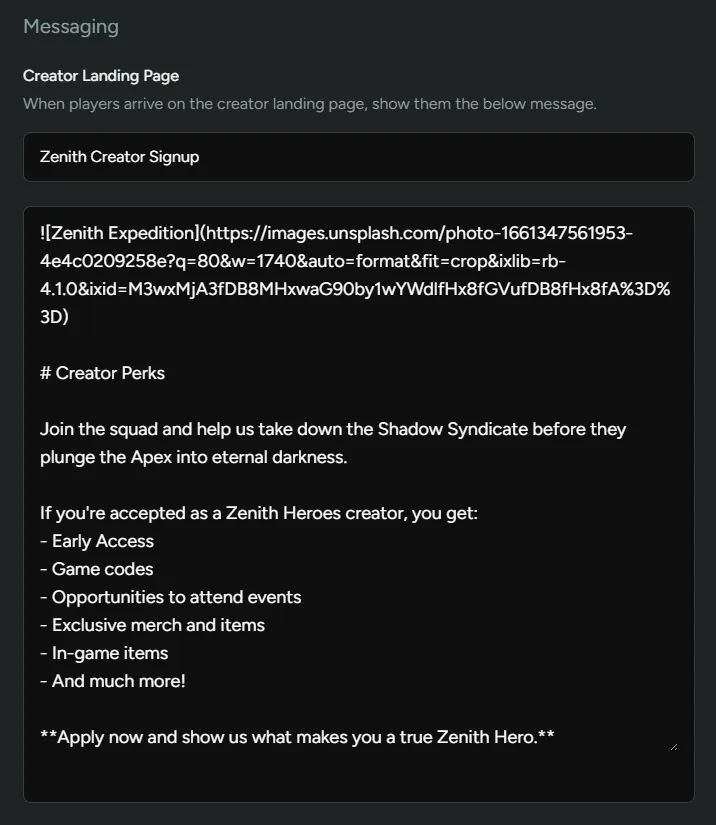
Creator Landing Page
Section titled “Creator Landing Page”The creator landing page is where players typically start their journey in becoming a creator for your game. You can customise the messaging they receive as they access the dashboard and sign-up.
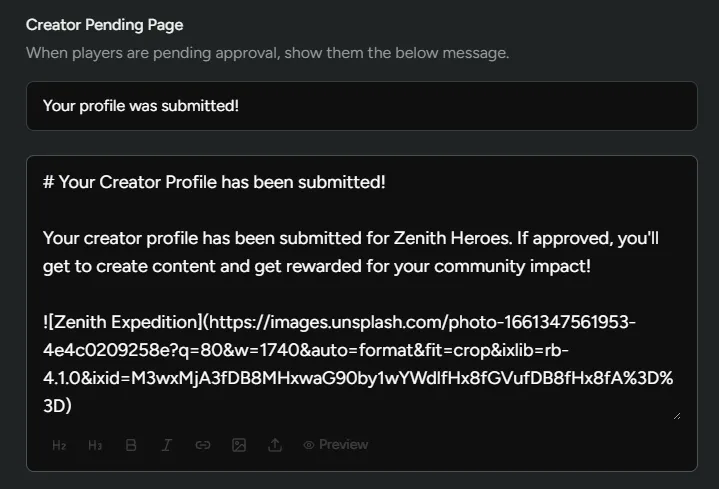
Creator Pending Page
Section titled “Creator Pending Page”Once a player has signed up for your creator program they’ll be directed to the Pending Page. They will sit here until you approve their application.
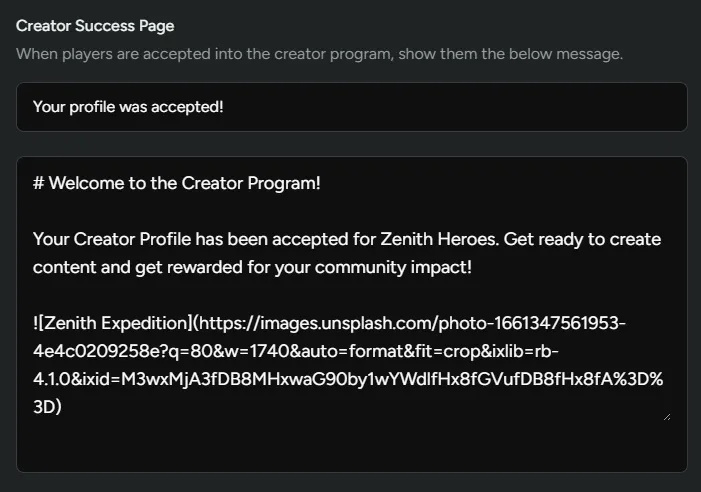
Creator Success Page
Section titled “Creator Success Page”Lastly, once the creator has been approved, they will have access to the success page and be greeted with any of the personalised messaging you have added here.
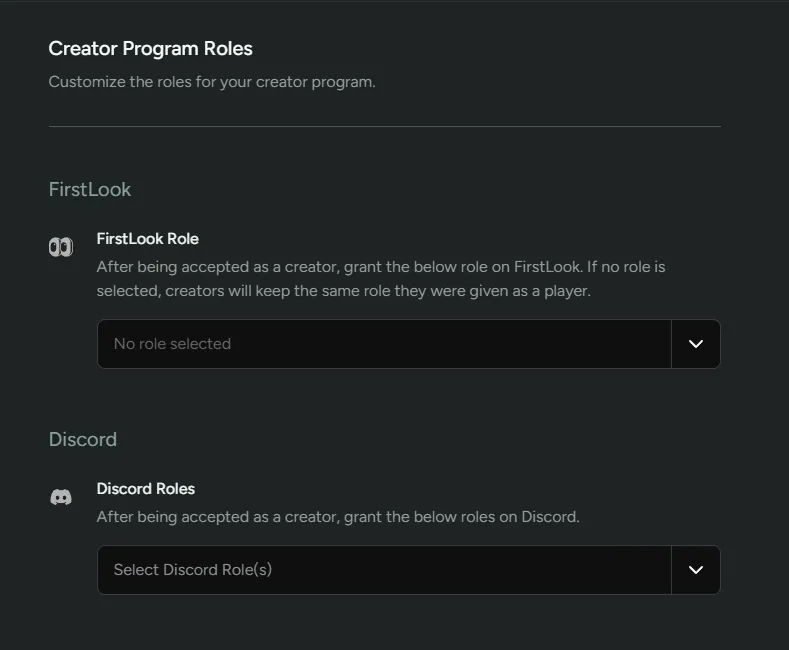
When a player is accepted as a creator, you’ll have the ability to automatically assign FirstLook and Discord Roles. This is configured from the Roles tab.
FirstLook Role - Configure the FirstLook Role that will be assigned once a creator has been approved. If no role is selected, they’ll keep the same role they were given upon signing up to FirstLook.
Discord Role - Configure the Discord role that’s assigned once a creator is approved. This is helpful if you have a dedicated channel in your Discord server you want to give creators access to.
Coverage
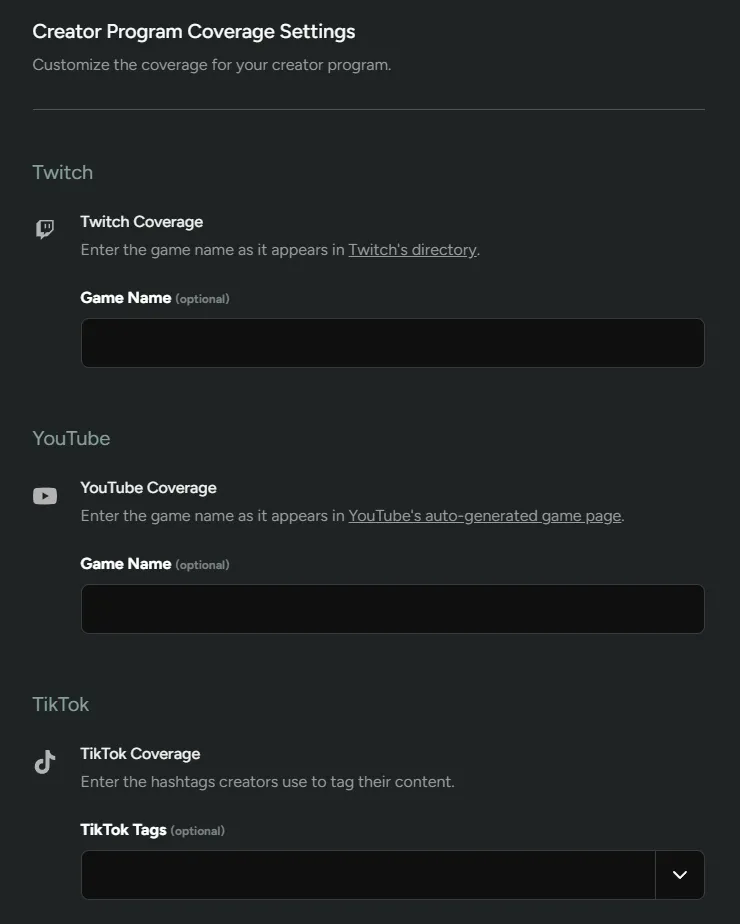
Section titled “Coverage”This section lets you customise the coverage for your creator program and allows you to only show the content that is useful for you. This is configured from the Coverage tab.
Twitch Coverage - Enter the game name as it appears in Twitch’s directory.
YouTube Coverage - Enter the game name as it appears in YouTube’s auto-generated game page.
TikTok Coverage - Enter the hashtags creators use to tag their content.
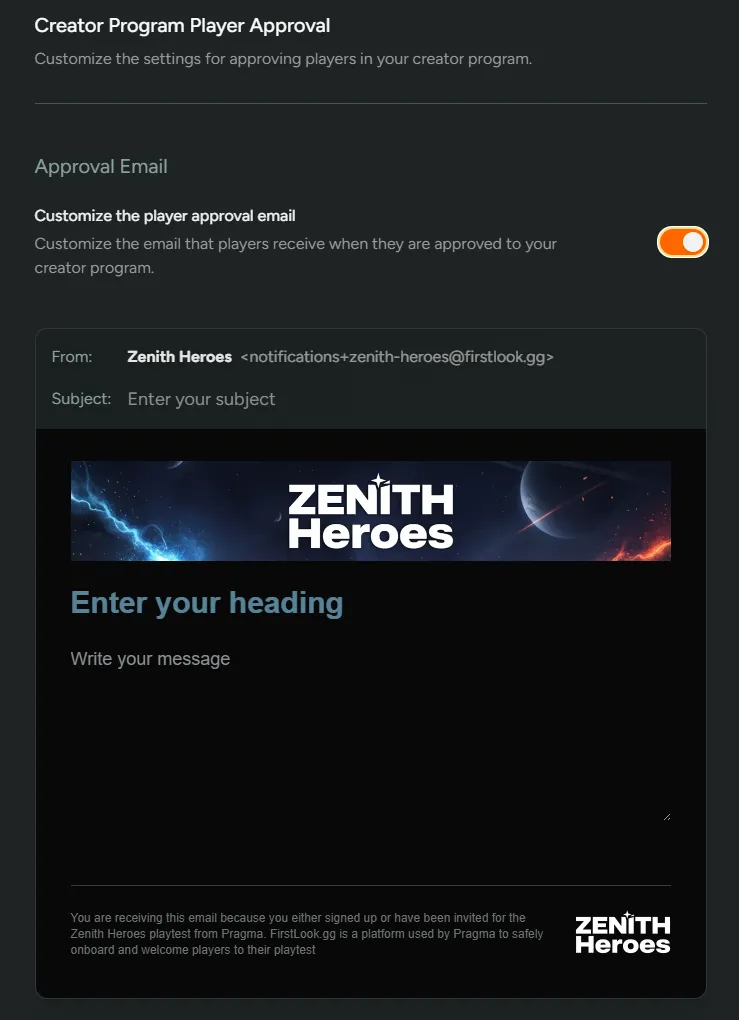
Configure the automatic emails that will be sent when a creator is approved and enrolled onto your Creator Program. This is configured from the Email tab.
Approval
Section titled “Approval”Customise the email that players receive when they are approved to your creator program. Approvals can be either manual or automatic depending on your set up. See here for more info - https://docs.firstlook.gg/engagement/creators/#enable-sign-ups
Enrollment
Section titled “Enrollment”Customize the email that players receive when they are invited to your creator program. This is sent when you Enroll a player as a creator.