Sign Up
The Sign Up step is where players first enter your playtest. It’s accessed via the unique Flow URL e.g. https://demo.firstlook.gg/signup/playtester. If the Flow is marked as your Default Flow, players can also access it directly from your landing page.
General Settings
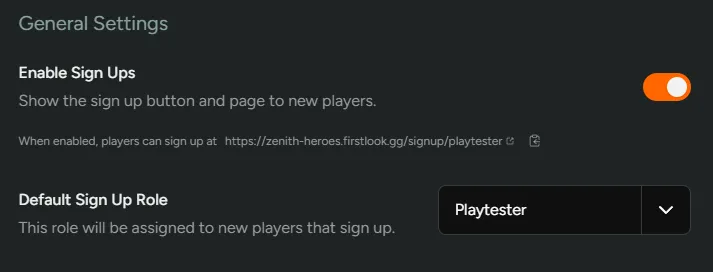
Section titled “General Settings”Enable Sign Ups- Toggling this option will immediately turn on/off the ability for players to sign-up.Default Sign Up Role- Choose which Role players will get when signing up.
Account Linking
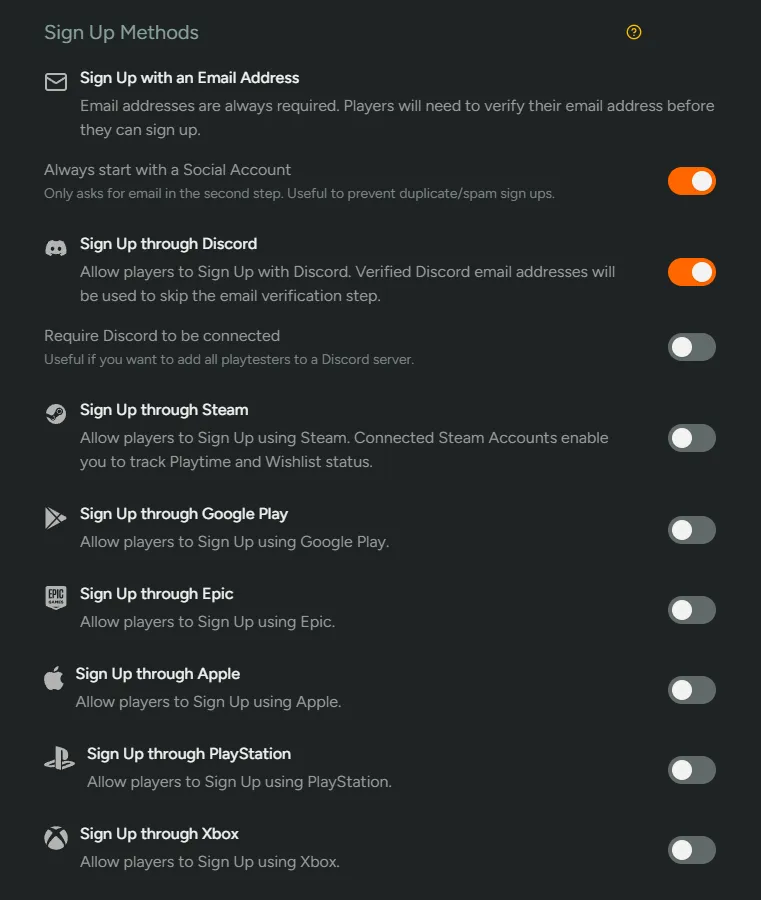
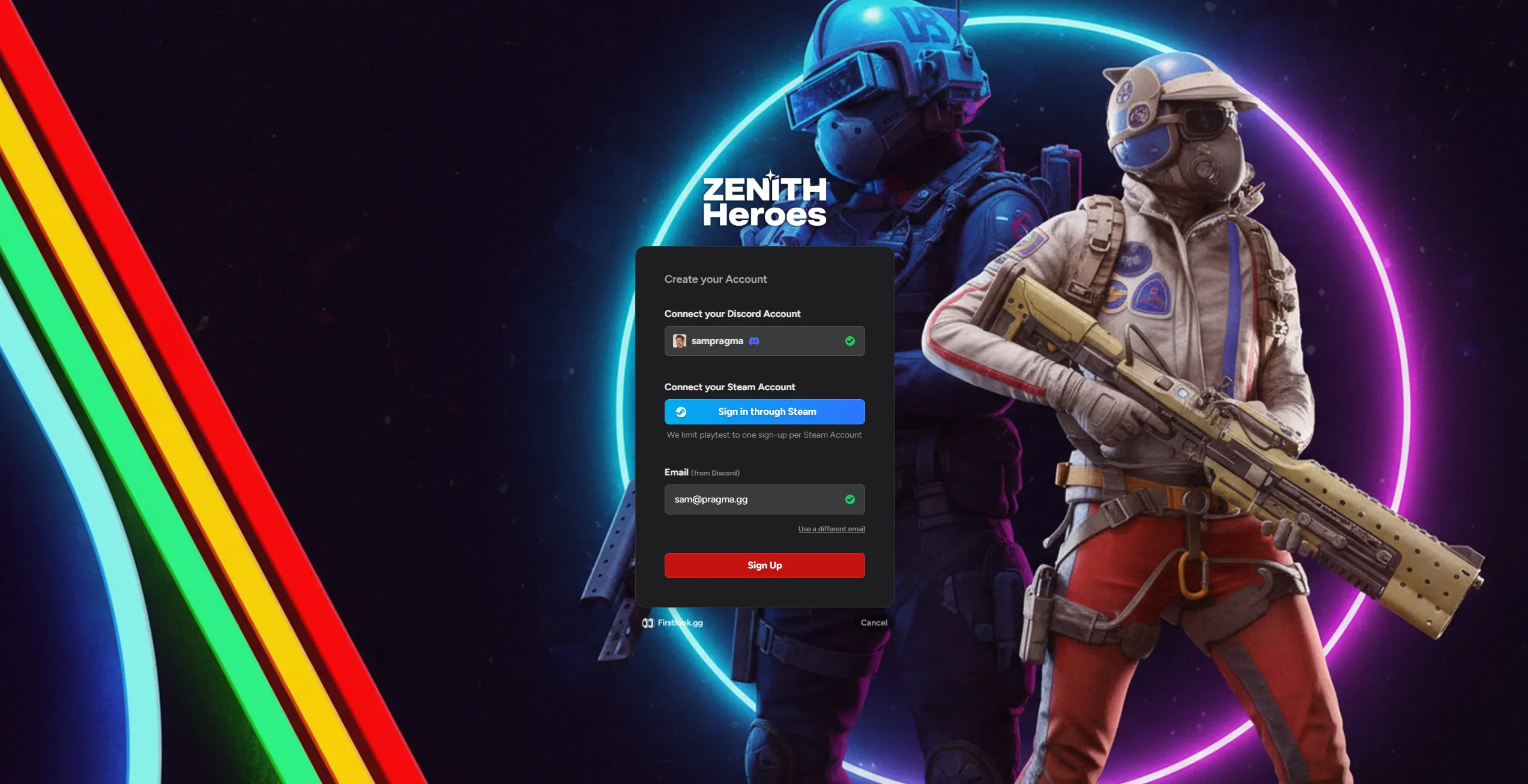
Section titled “Account Linking”Players can sign-up using email, Discord, Steam, Google Play, Epic, Apple, PlayStation & Xbox. It is best to enable at least one provider beyond email (such as Discord) to help reduce spam. You have the ability to require any of these providers as part of the signup process. Additional account linking opportunities are available later in onboarding, but minimizing early friction often helps improve conversion.
Custom Messaging
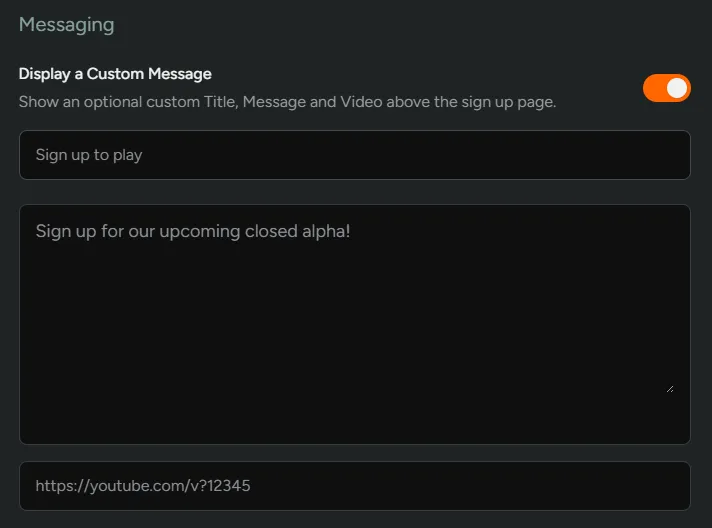
Section titled “Custom Messaging”Toggle on custom messages or videos to excite potential testers about your game. We strongly recommend adding some customisation to make the experience for players unique. Basic markdown formatting is supported.
Eligibility Requirements {#eligibility-requirements}
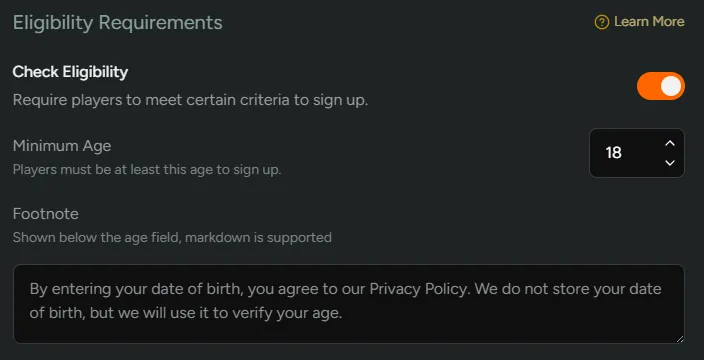
Section titled “Eligibility Requirements {#eligibility-requirements}”This can be toggled to make players verify their age. If enabled, this will need to be filled out first before progressing to account linking.
Sign Up Form
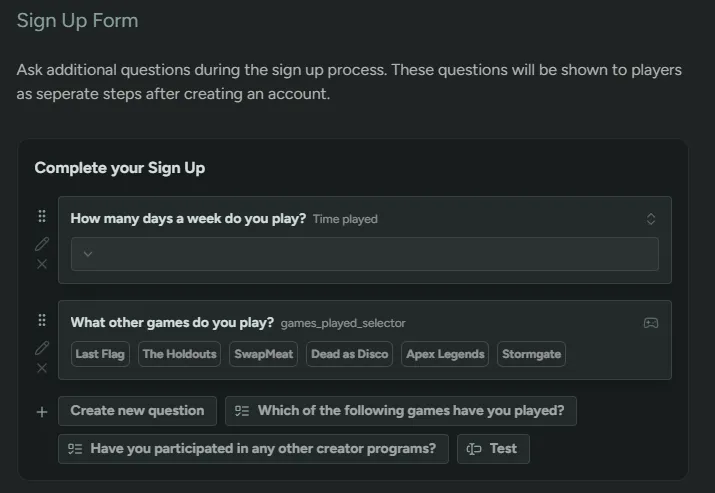
Section titled “Sign Up Form”Add pre-screening questions to gather player info e.g. playtime, games played, system specs. There are a number of different question types that you can use. You can choose between a lightweight form for easy sign-up or a detailed one for deeper segmentation - both approaches work depending on your goals.
Once a player has submitted their responses, they can be updated from the Account screen. This is to help players keep information up to date.
These answers can later be filtered in the Players tab by using
+Add Condition→Questions.
Player Experience
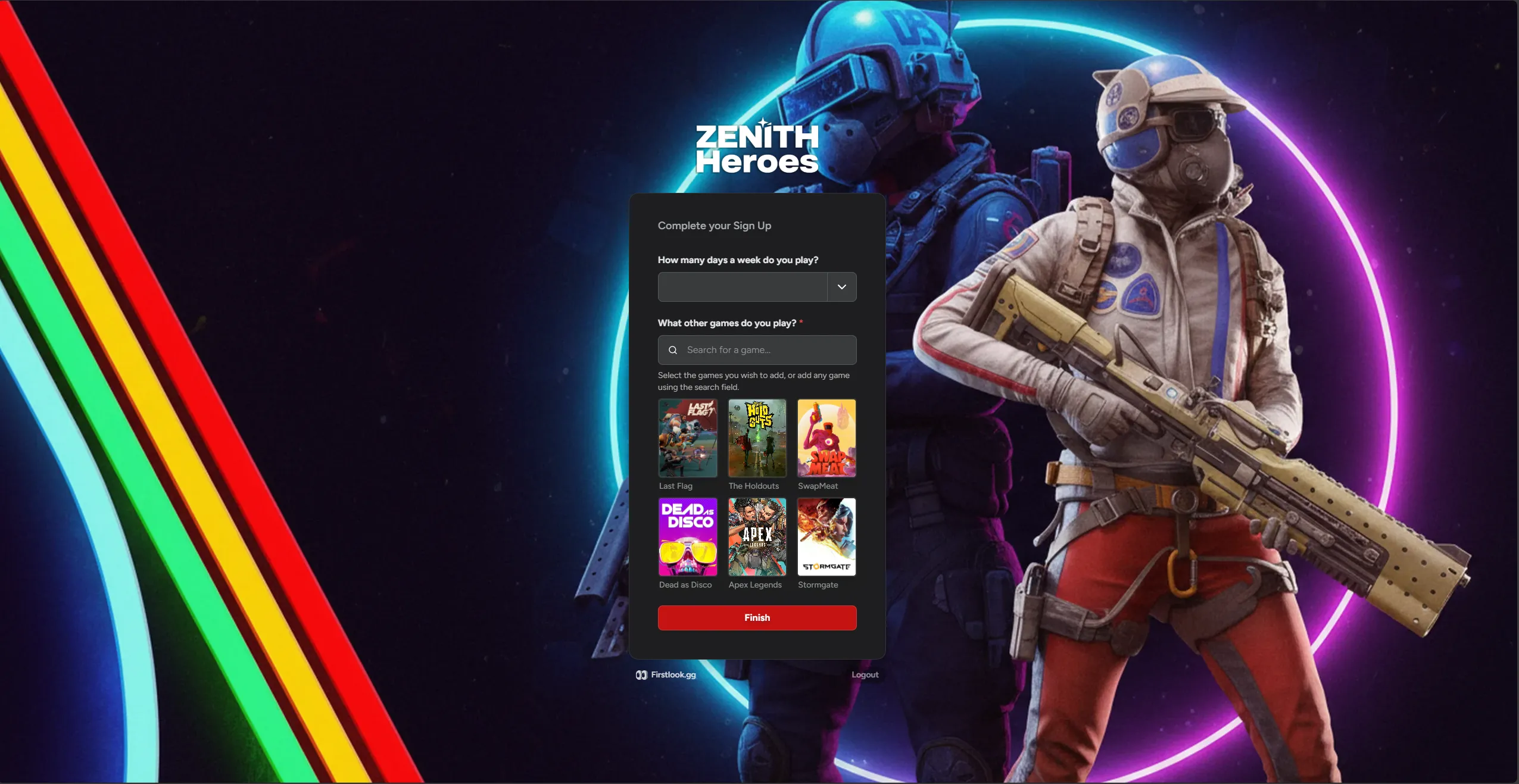
Section titled “Player Experience”Here is what the player experiences as they go through the sign-up process:
Eligibility Requirements
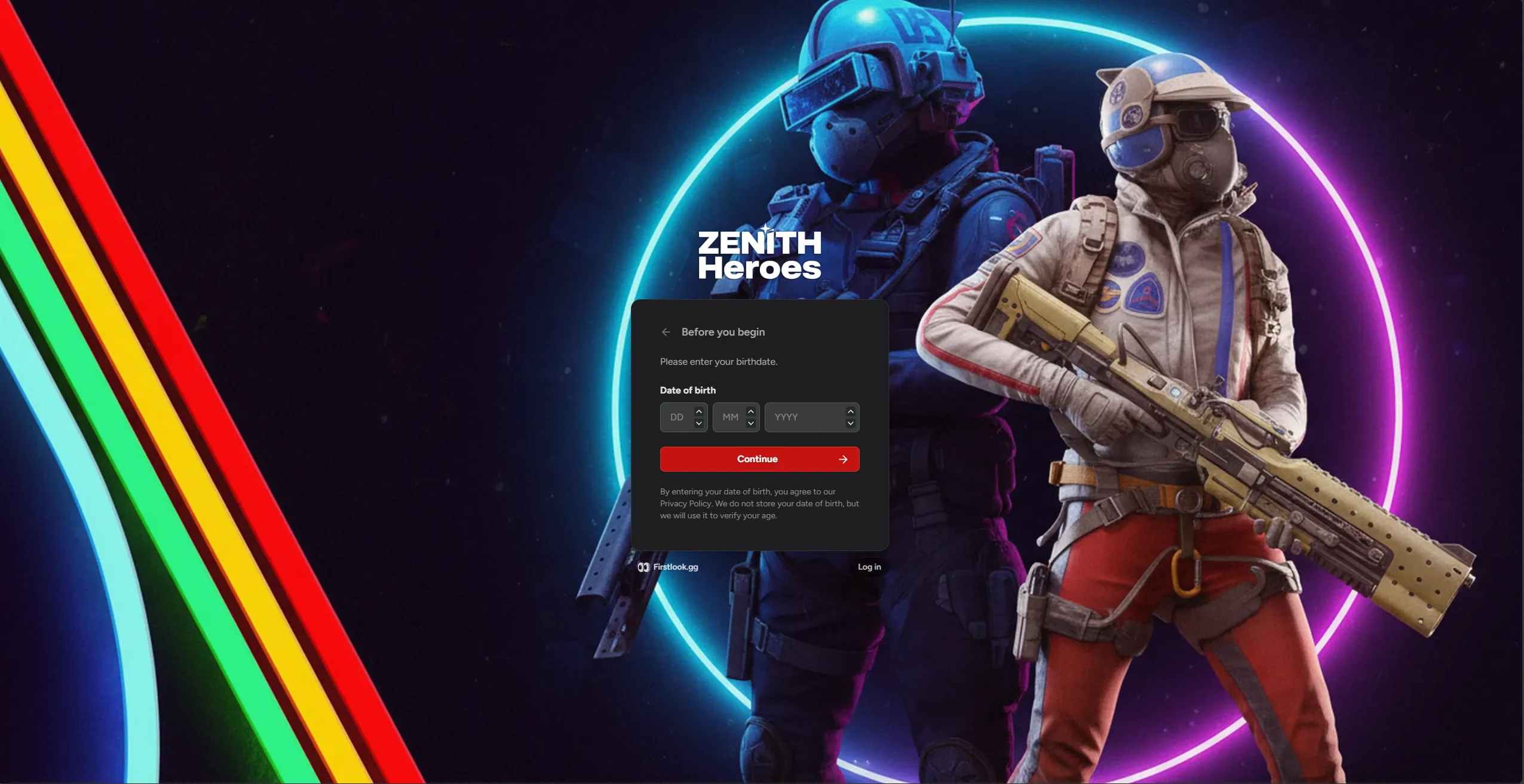
Section titled “Eligibility Requirements”If Eligibility Requirements are enabled, players will be required to enter their date of birth first.
Social Accounts
Section titled “Social Accounts”Then it’s connecting social accounts. Depending on what you have chosen above, different platform connections will be available for the player to connect.
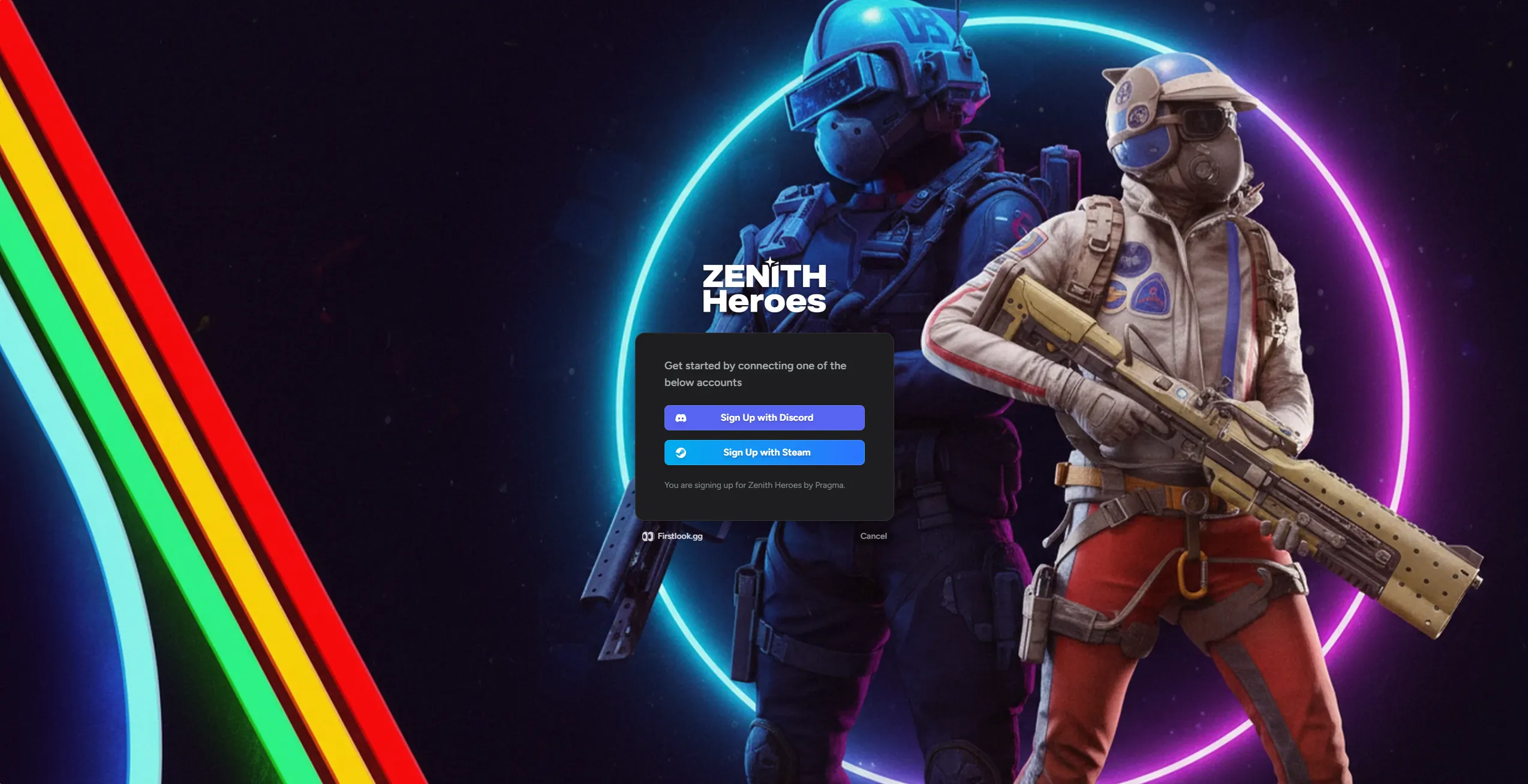
Once a player has connected their social accounts, they are given the option to connect more (if you have toggled them above).
Player Questions
Section titled “Player Questions”Next players will need to answer any sign up questions you’ve asked before finishing signing up.