Flow Roles
Flow Roles (or simply “Roles”) determine what a player can do once they have onboarded. Each Flow can include multiple Roles to handle different access levels or requirements.
General Settings
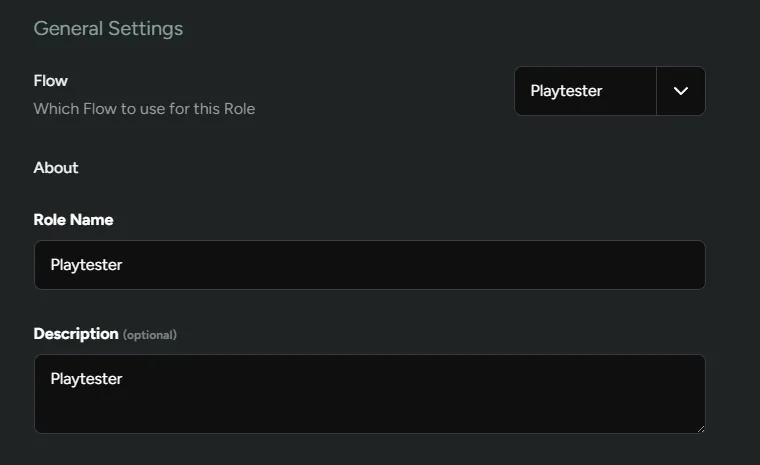
Section titled “General Settings”Flow - Decide which flow players with this role should go through.
Role Name - Add a name for your role.
Description - Add information useful for your internal teams on what this role is used for.
Require NDA
Section titled “Require NDA”You can toggle whether players will need to sign an NDA during onboarding. As an example, you may have investors playtesting your game and do not need to require an NDA. In that case, you can create a new Role by clicking +Add Role and toggling this setting off. Now when you invite a player with that particular role, they’ll go through the flow like everyone else, but they won’t have to sign an NDA.

Unlocks {#unlocks}
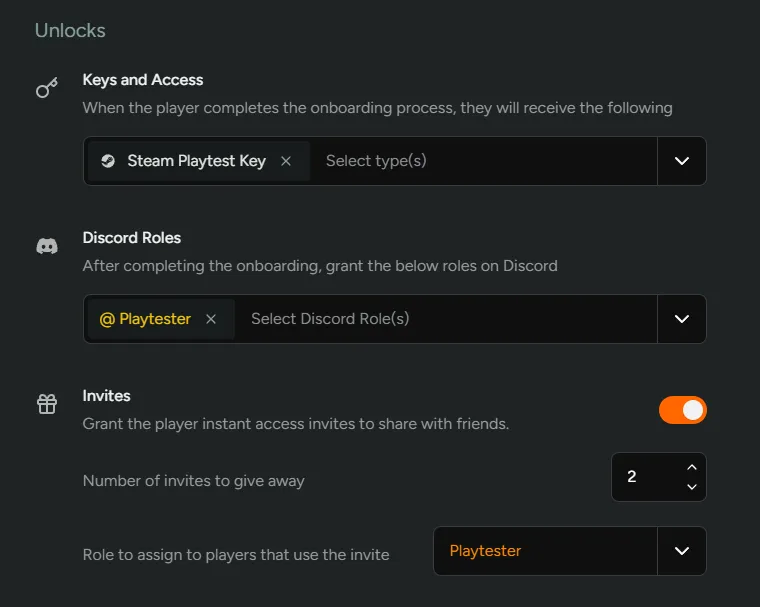
Section titled “Unlocks {#unlocks}”Keys - Select the keys you wish to grant once a player onboards.
Discord Roles - Grant Discord roles once a player onboards.
Invites - Allow Players to invite friends directly. This can be capped to limit the number of invites they can grant. Additionally, you can also assign a specific role to those who have been invited. Invitees will also be able to invite the same number of players.
Danger Zone
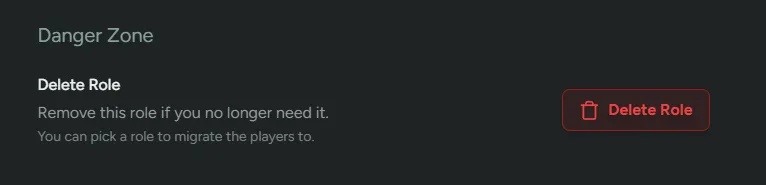
Section titled “Danger Zone”If you need to delete a role you can do this from the Danger Zone. If players are associated with this role, you’ll be given the opportunity to migrate them to another role of your choosing.