Onboarding
Once a player accepts their invite they move onto the onboarding phase. Here, you are able to request other account providers or request additional information.
Account Requirements
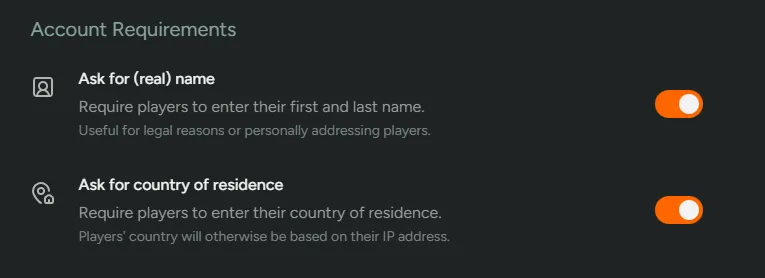
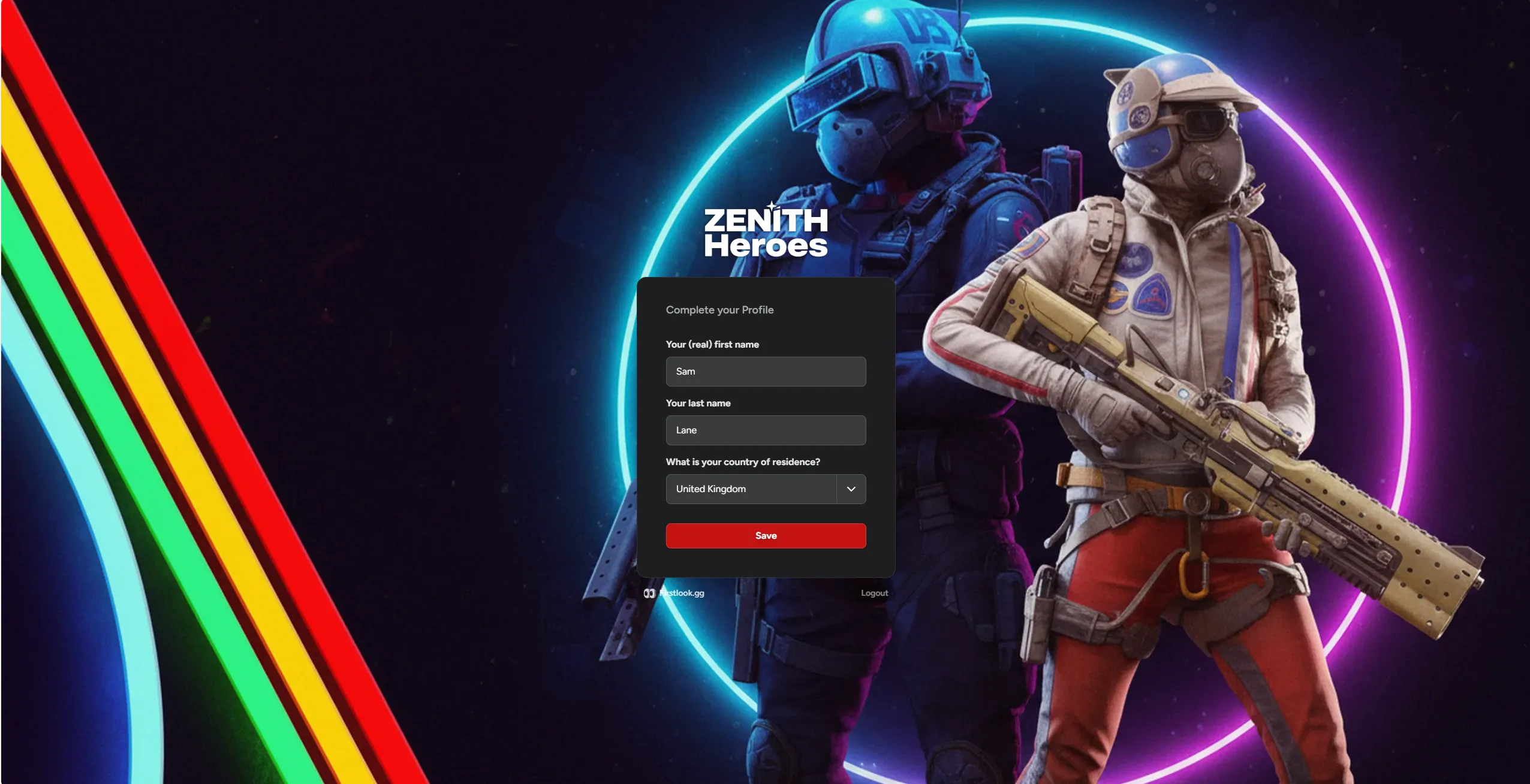
Section titled “Account Requirements”Ask for (real) name - You can turn this on or off to control whether players are required to add their first and last name. We recommend keeping this on so you’re able to personally address players in the future.
Ask for country of residence - We automatically populate a player’s country of residence however, if you’d like to ask for this to be entered manually, please toggle off.
Connected Accounts
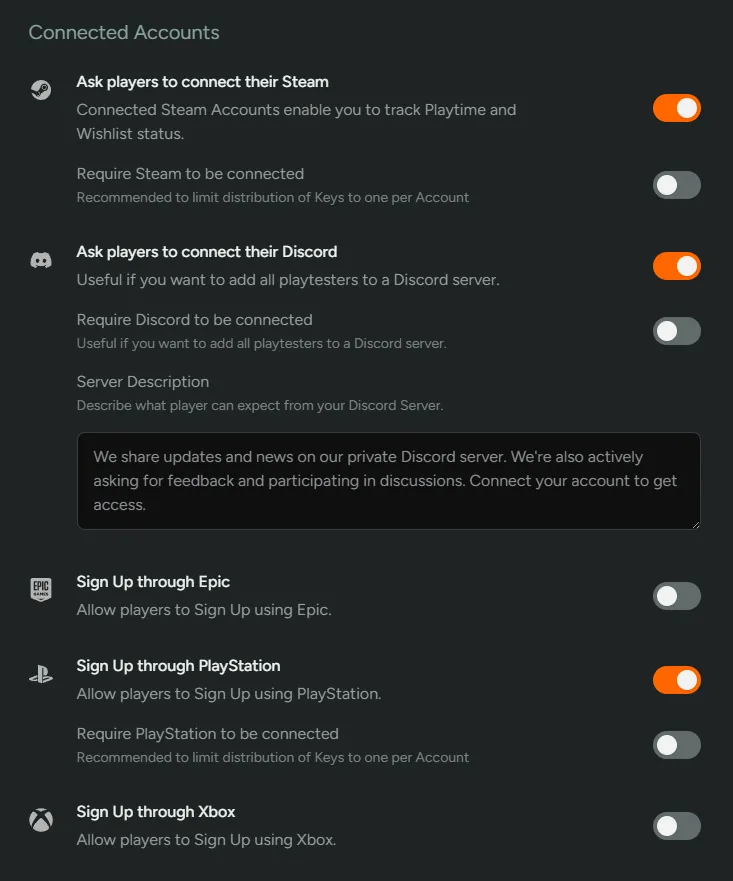
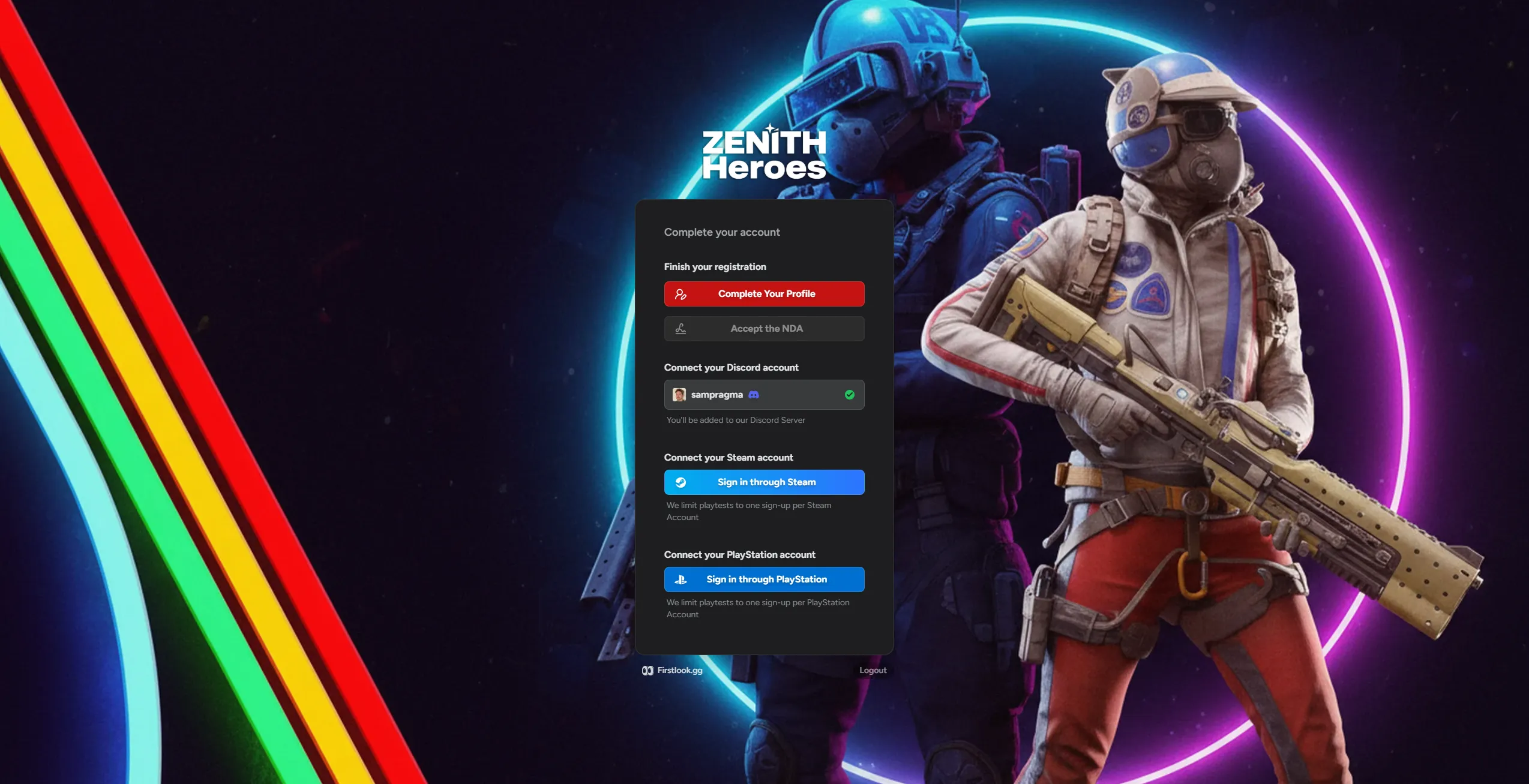
Section titled “Connected Accounts”Like during the sign-up stage, you’ll be able to ask players to connect further social accounts and toggle whether they are required or not.
Onboarding Form
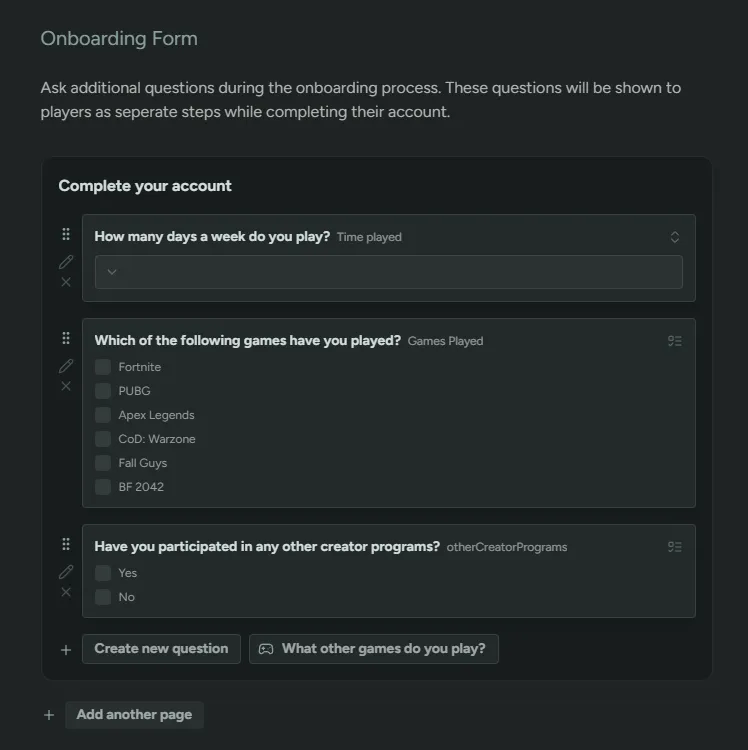
Section titled “Onboarding Form”Using the onboarding form gives you an opportunity to ask further questions before a player is able to finish their onboarding. You can either create new questions or re-use questions from the Sign-Up form. Previous answers will pre-fill automatically.
Once a player has submitted their responses, they can be updated from the Profile screen. This is to help players keep information up to date.
Player Experience
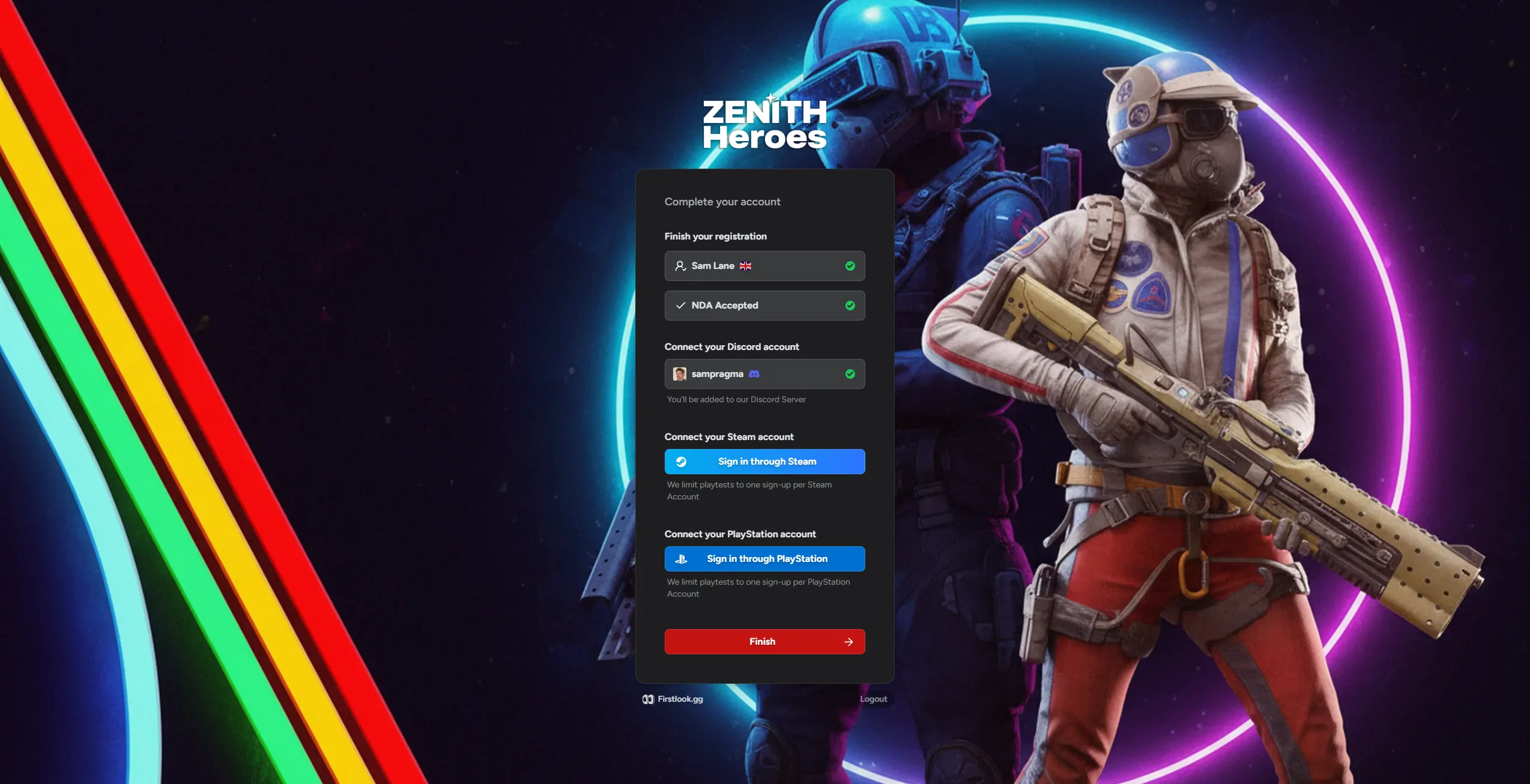
Section titled “Player Experience”Once the player has accepted the invite, they will be able to complete the rest of their onboarding.
Details
Section titled “Details”They’ll be able to add their full name and location.
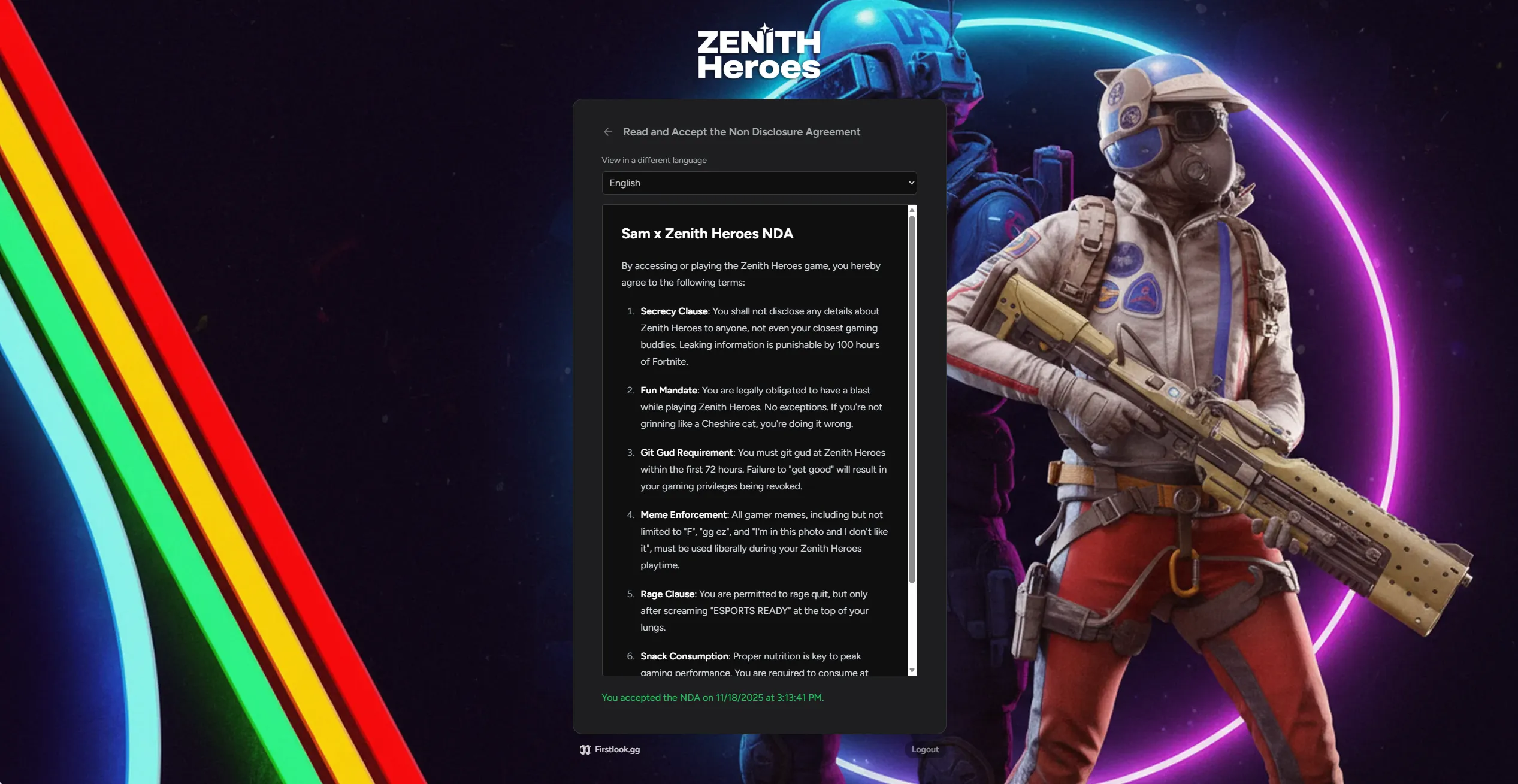
Then accept any NDAs you’ve added.
Finish
Section titled “Finish”Lastly they’ll be able to connect any other social accounts you’ve toggled and finish onboarding.