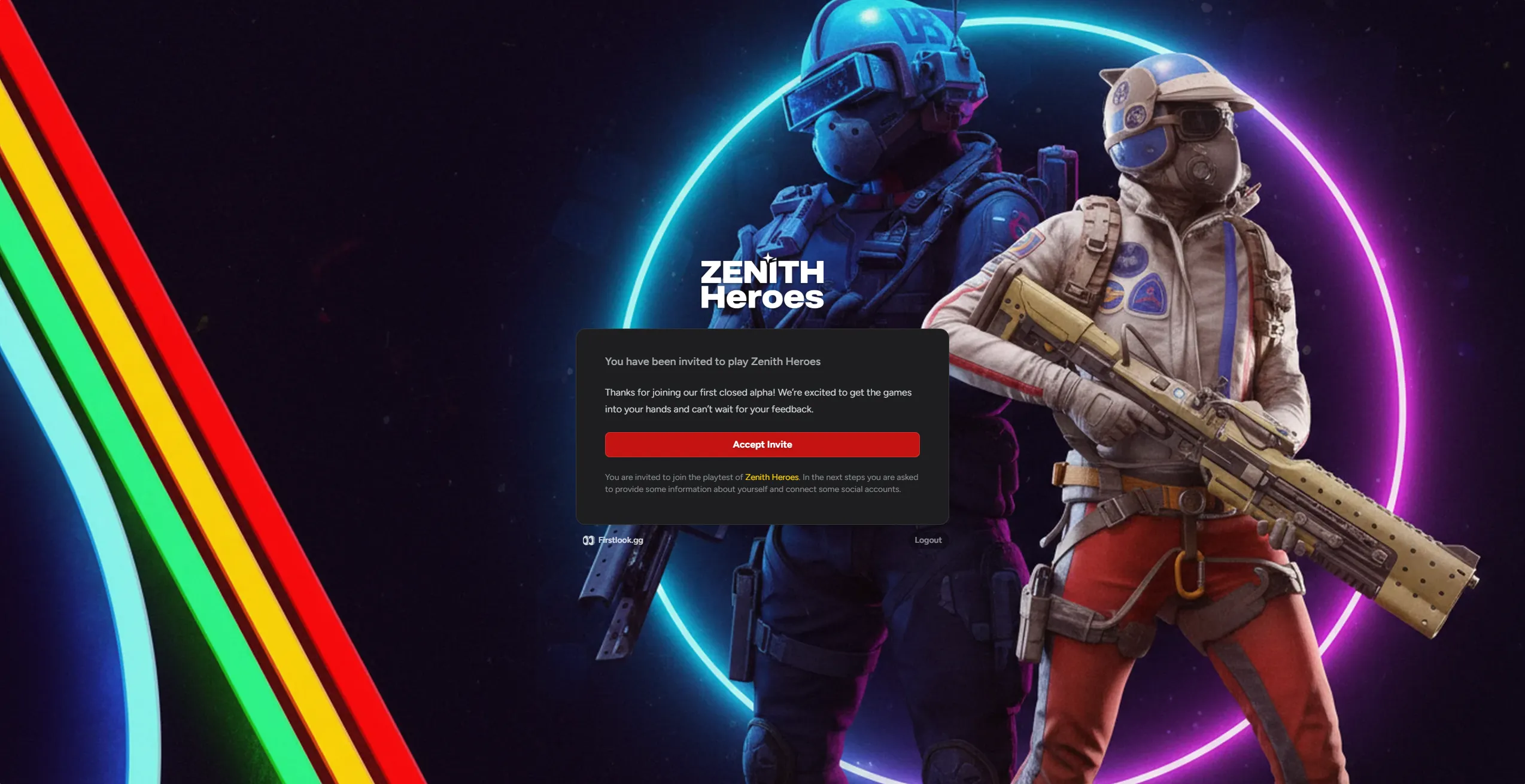
Invite
When you’re ready to invite players, the Invite step controls what they see and receive after being invited to a playtest.
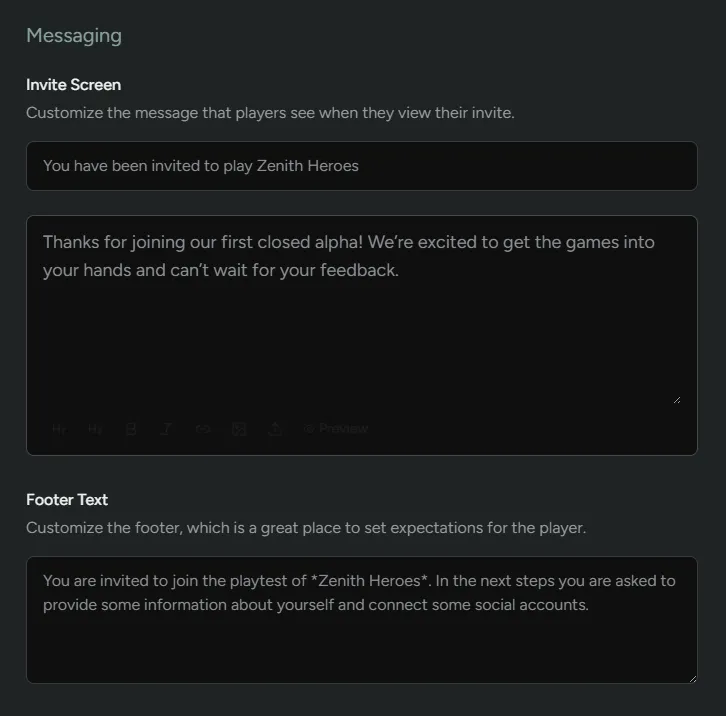
Messaging
Section titled “Messaging”Customize what the player sees in their dashboard when they are extended an invite.
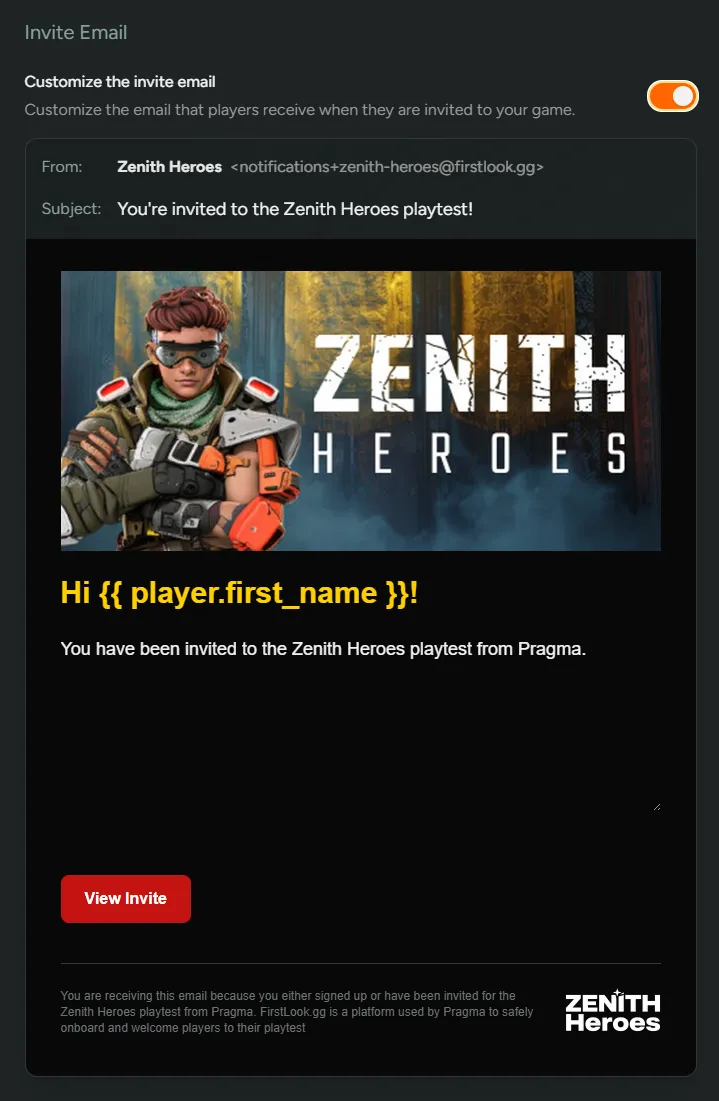
Invite Email {#invite-email}
Section titled “Invite Email {#invite-email}”Enabling this will let you customize the email that is sent upon invite. If this is turned off, a default email will be sent.
Player Experience
Section titled “Player Experience”Players will receive an email if you send them an invite.
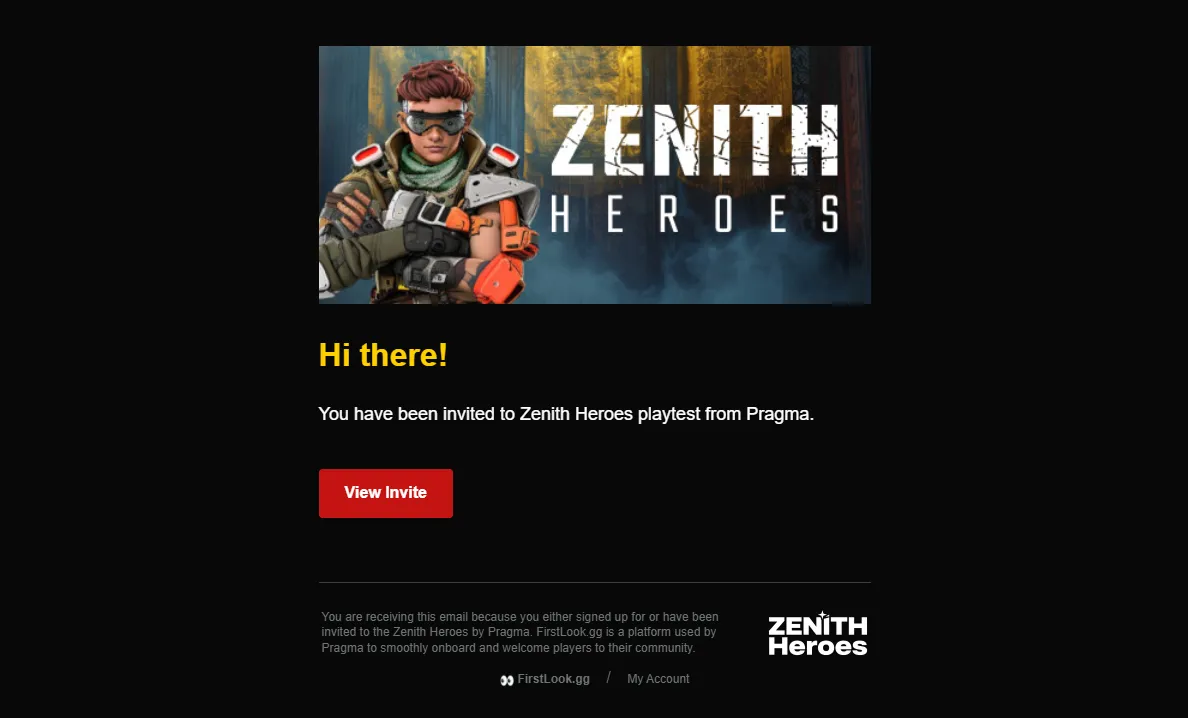
The email will take the player to a new page which will allow them to proceed by clicking Accept Invite.