Complete
Players have now been onboarded to your playtest. Congrats! During this stage you’ll be able to configure further messaging and add more call to actions.
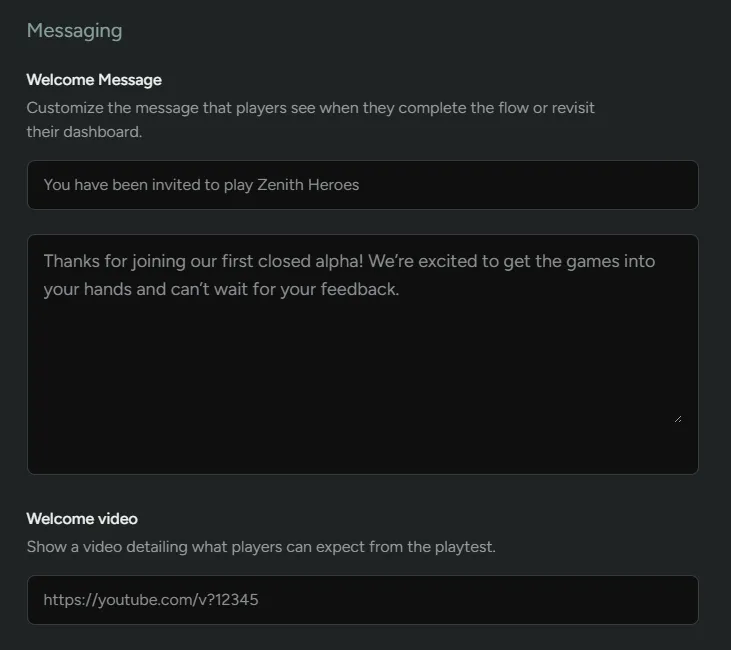
Messaging
Section titled “Messaging”Similar to the other steps, you can customize what the player will see in their FirstLook dashboard once they’ve completed onboarding.
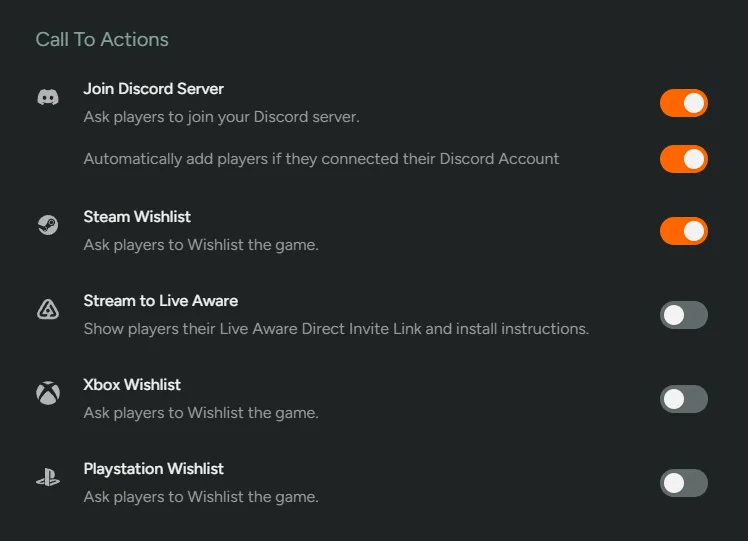
Call to Actions
Section titled “Call to Actions”This is your last opportunity to ask players to join your Discord server (if you haven’t already) and wishlist your game on various platforms.
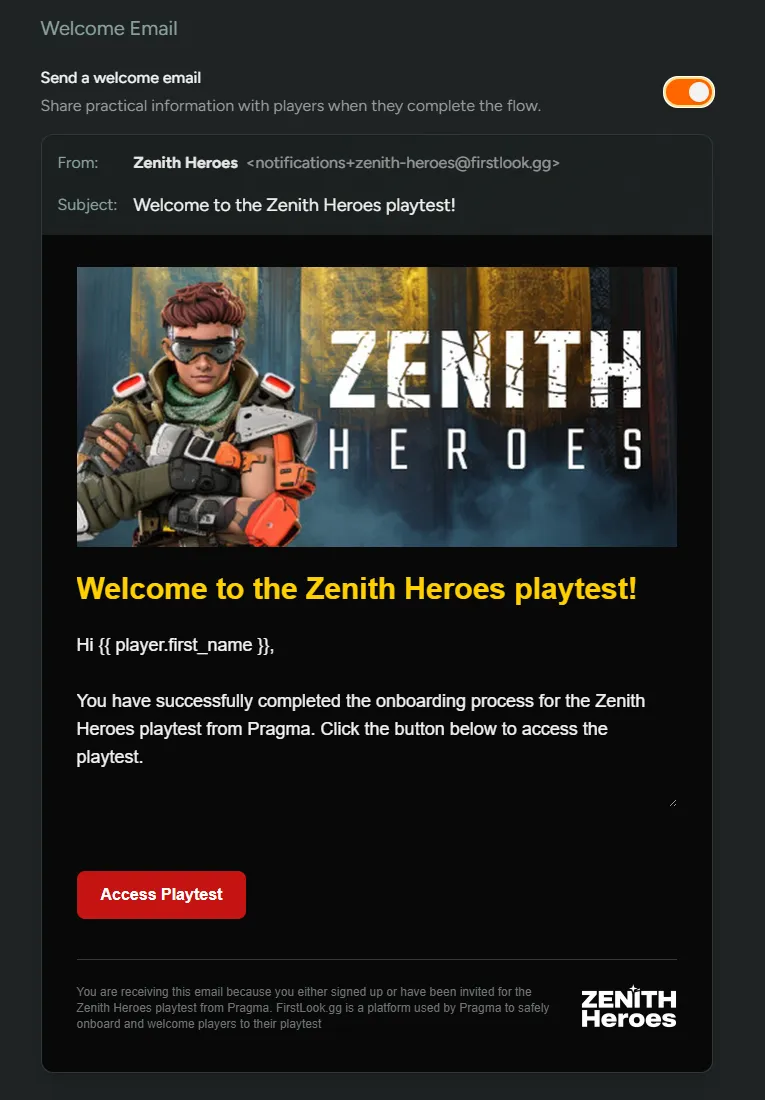
Welcome Email
Section titled “Welcome Email”Lastly, you have the opportunity to create a custom email which will be sent upon completing onboarding. This is your opportunity to send any further details and get them hyped about any upcoming events!
Player Dashboard
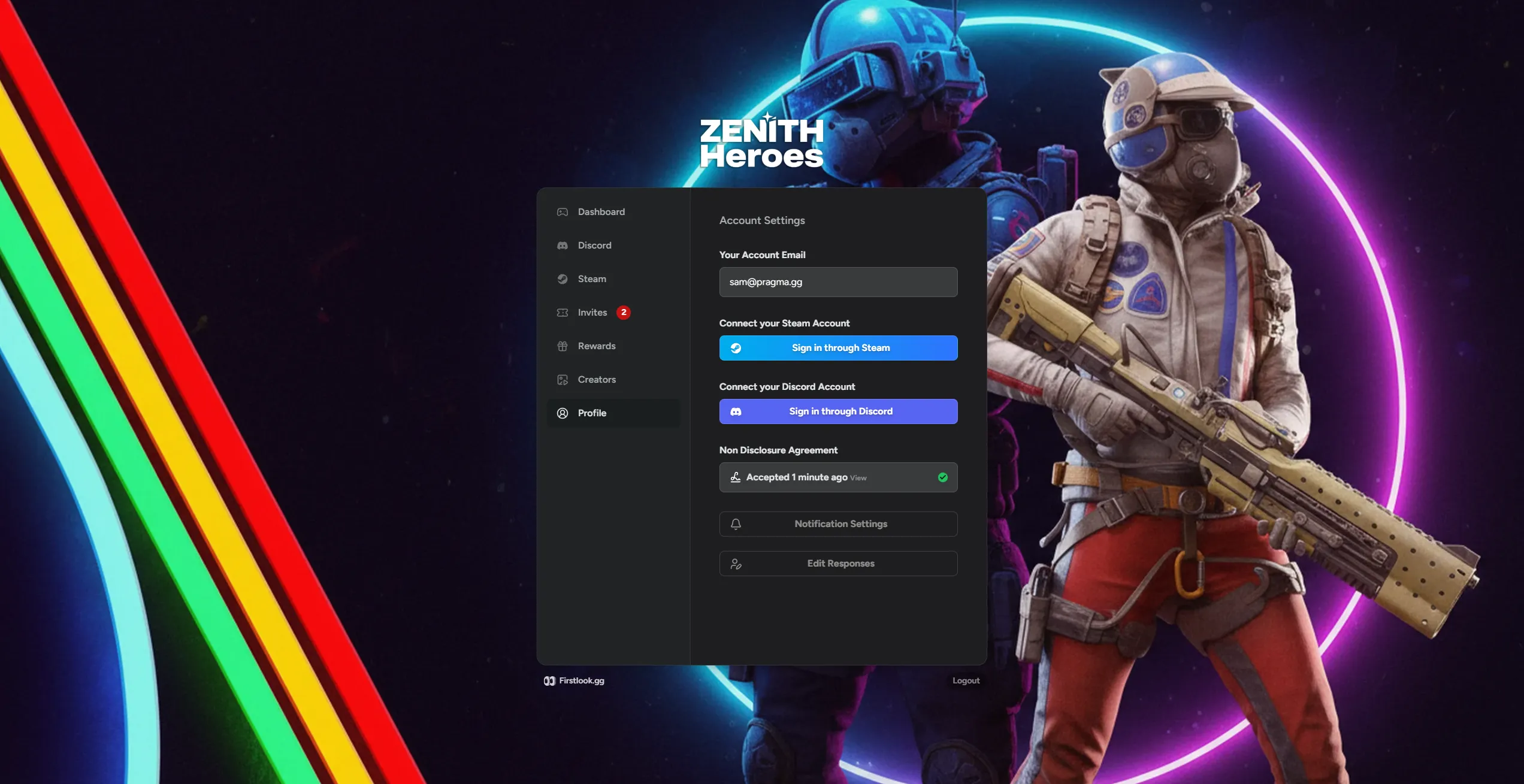
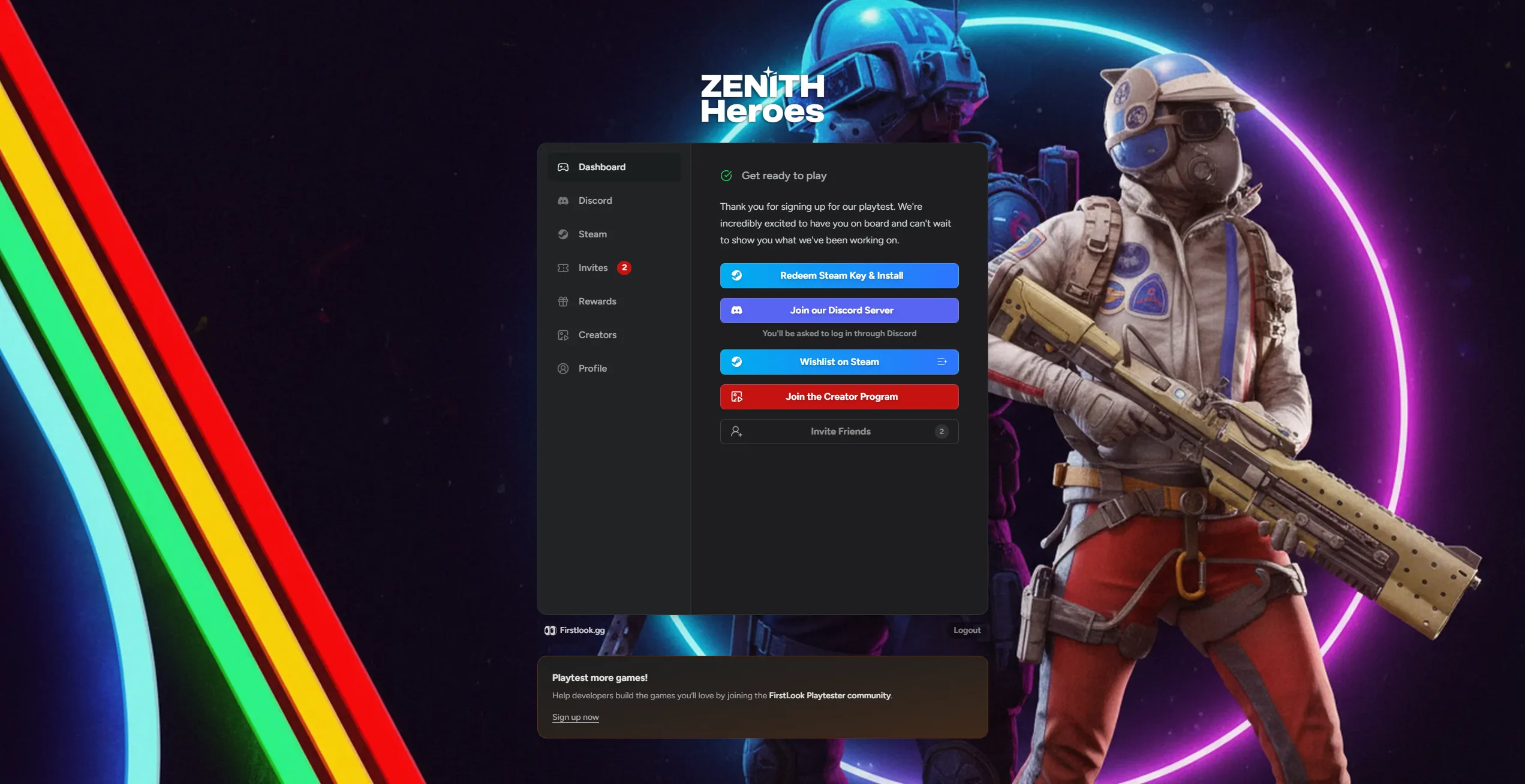
Section titled “Player Dashboard”Similar to the waitlist, players will once again have access to the Player Dashboard. There are a few differences once a player has fully onboarded.
Dashboard
Section titled “Dashboard”From the dashboard tab, players will be able to redeem any keys you’ve assigned, join your Discord server, wishlist your game on various platforms, join your creator program and invite friends.
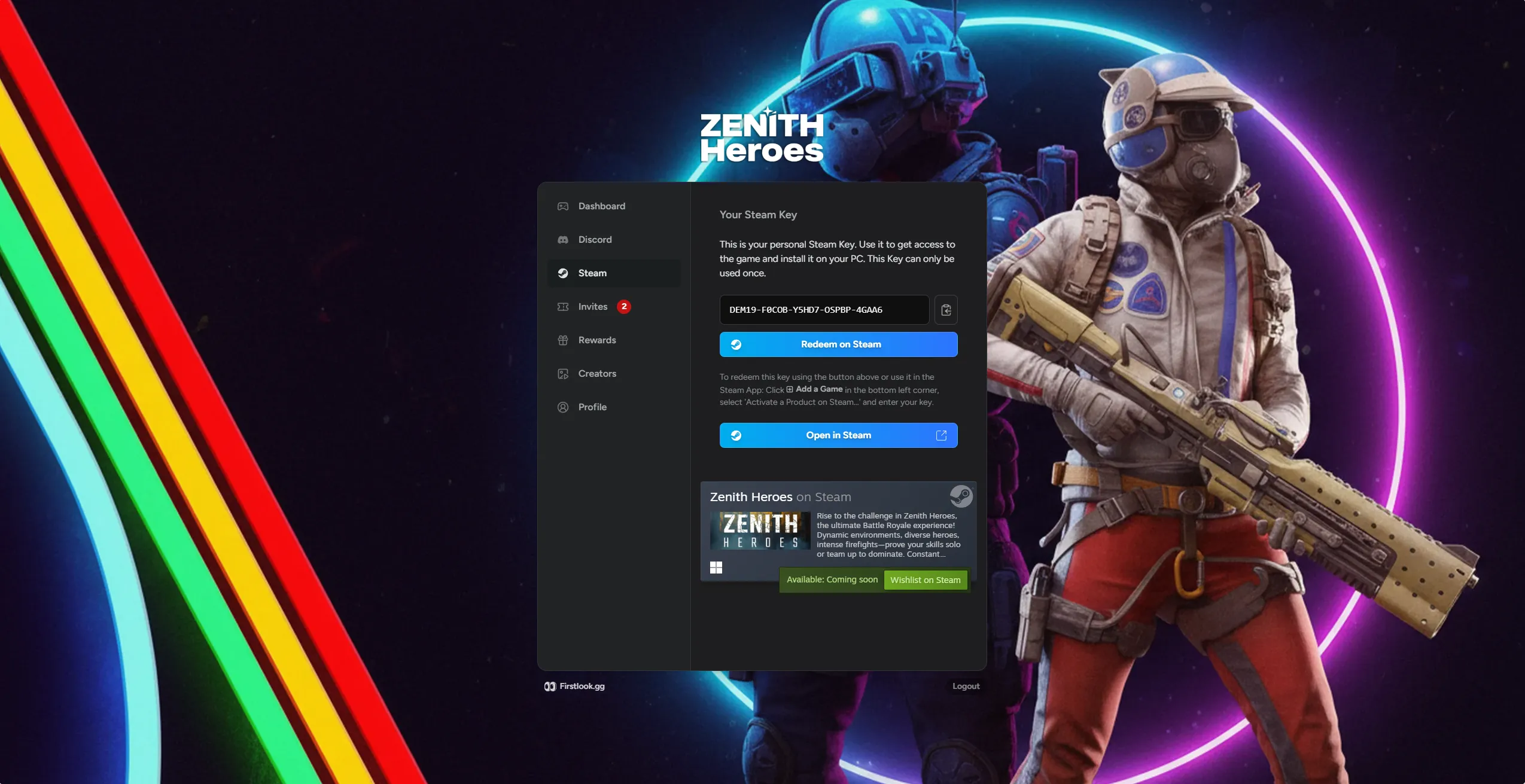
The Steam tab will hold any Steam Keys that have been assigned and more information on wishlisting your game.
Invites
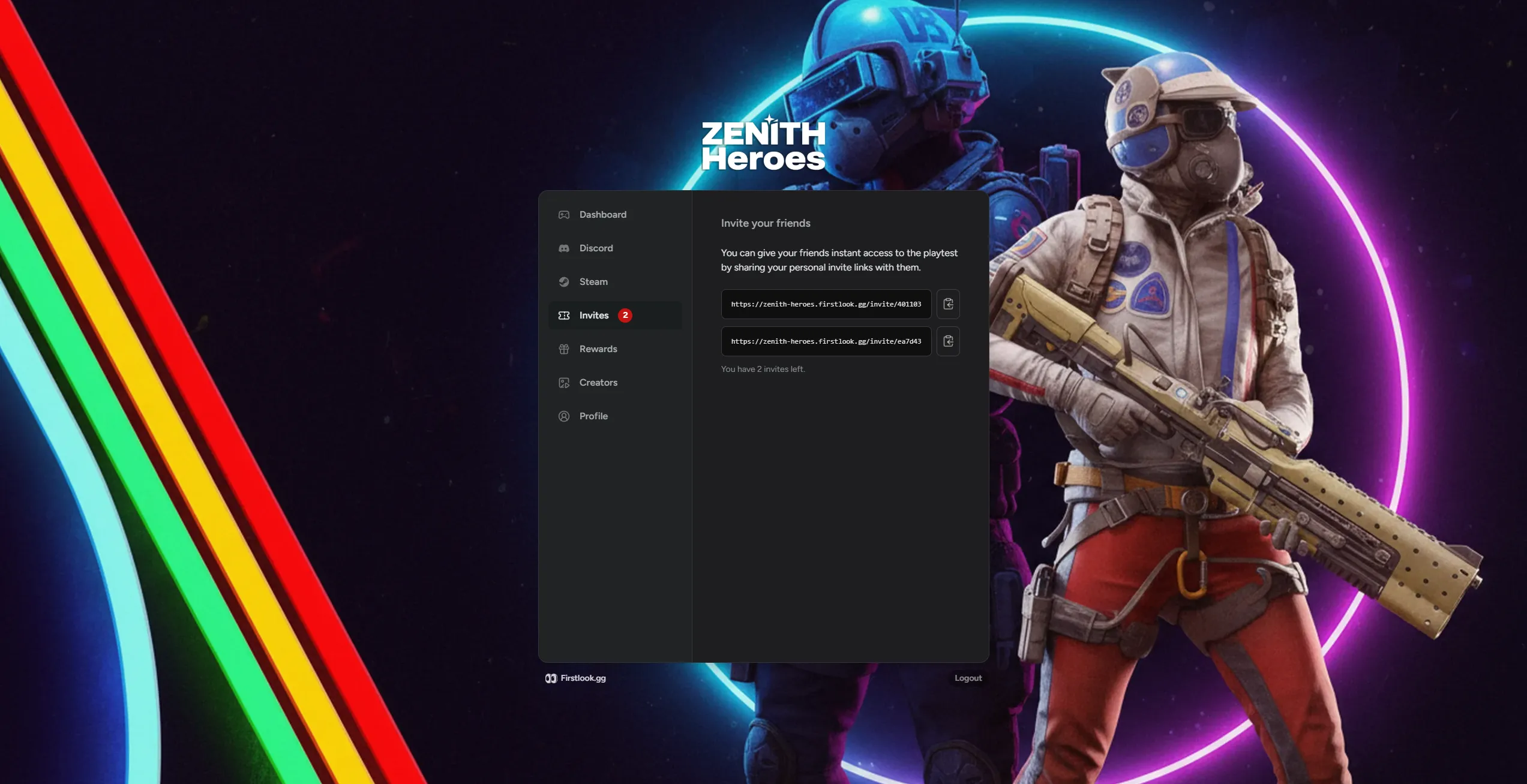
Section titled “Invites”If you’ve enabled Invites, players will be able to extend invite URLs to their friends. This will direct invitees to the invite stage.
Profile
Section titled “Profile”From the profile section, players can connect further accounts if you’ve toggled them on, review NDAs, edit notification settings and edit responses to onboarding questions.