NDAs
Protect your game’s confidential information with streamlined NDA collection and management. With FirstLook, you can upload your NDA, require it during player signup, and track signing status to ensure compliance across your entire player base.
Configure your NDA
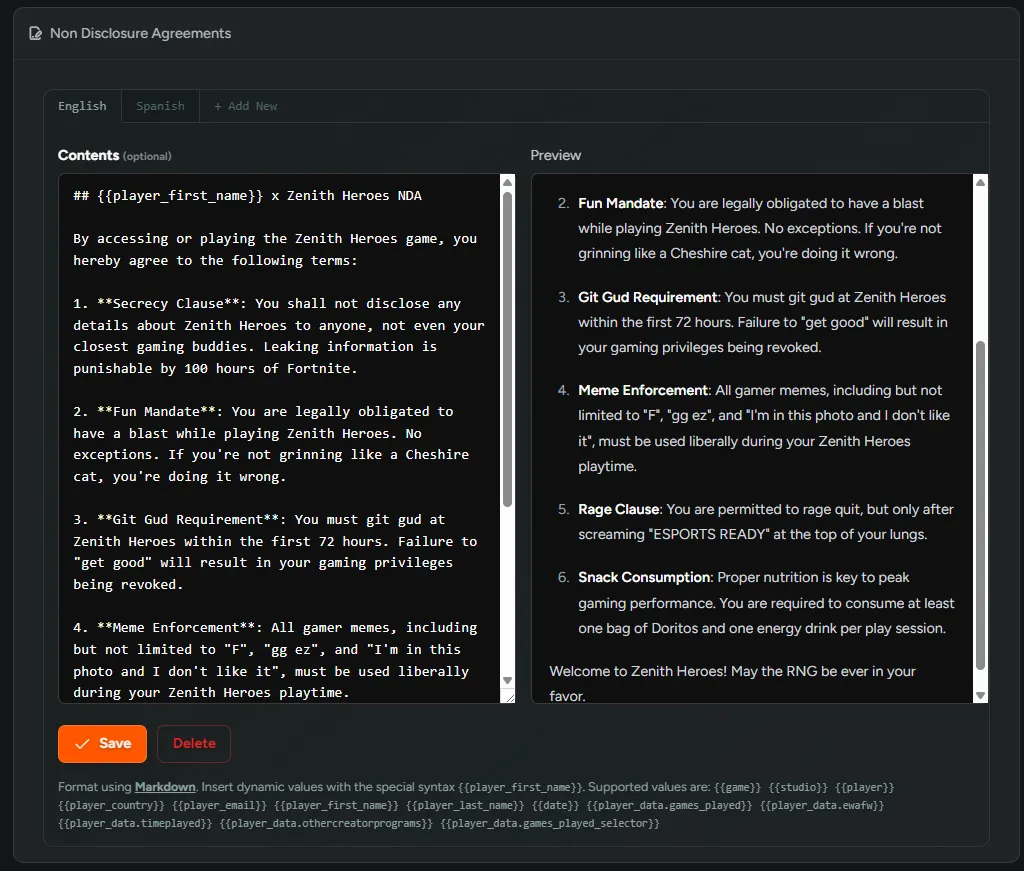
Section titled “Configure your NDA”Navigate to Configuration → NDAs to upload your NDA. You can upload NDAs in multiple languages, allowing players to select their preferred language when reviewing the document.
Require NDAs for Onboarding
Section titled “Require NDAs for Onboarding”To require players to sign an NDA during onboarding, go to Configuration → Flows, select the specific Flow and Flow Role, then toggle on ‘Require NDA.’
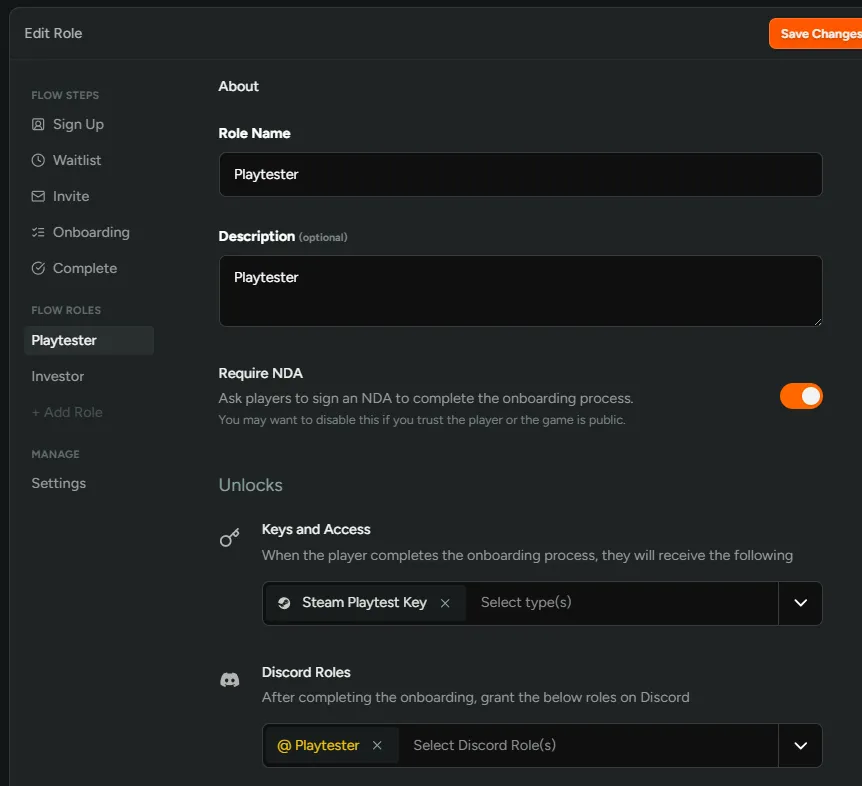
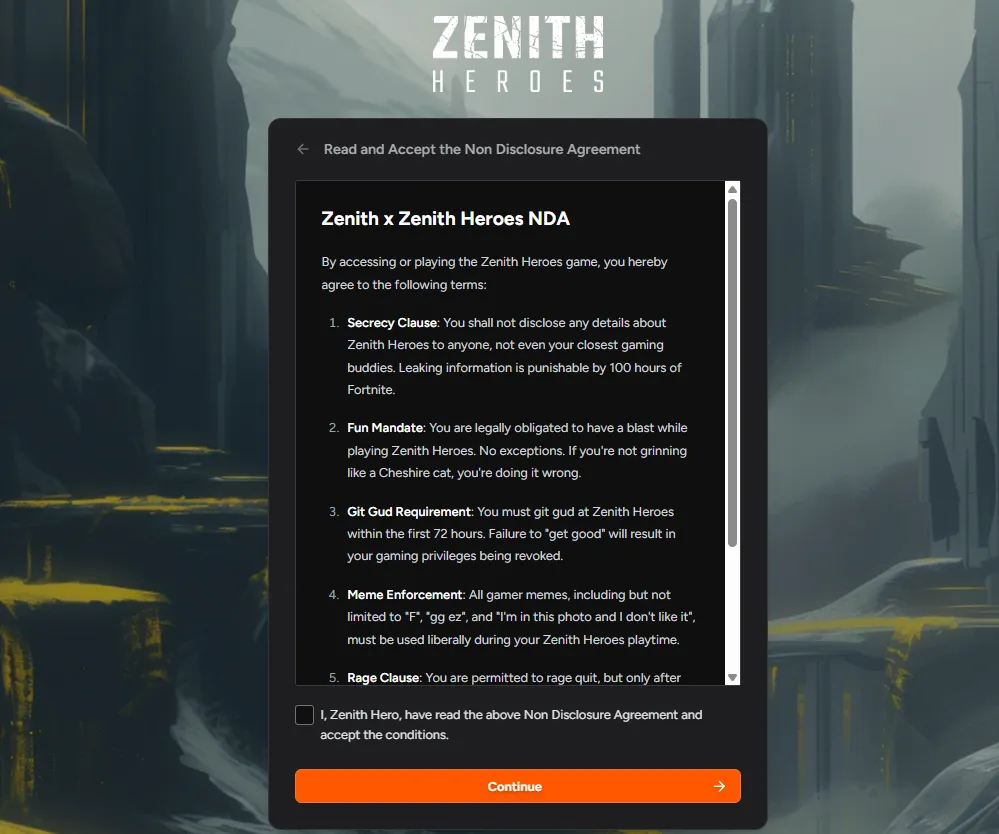
This ensures players must accept the NDA before completing the onboarding process.
Track Signing Status
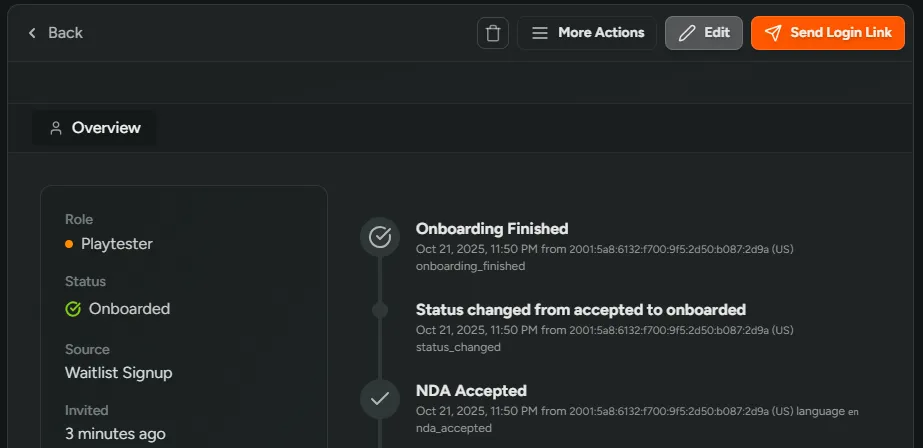
Section titled “Track Signing Status”View any player’s profile to check their NDA signing status and see whether they’ve accepted the agreement.
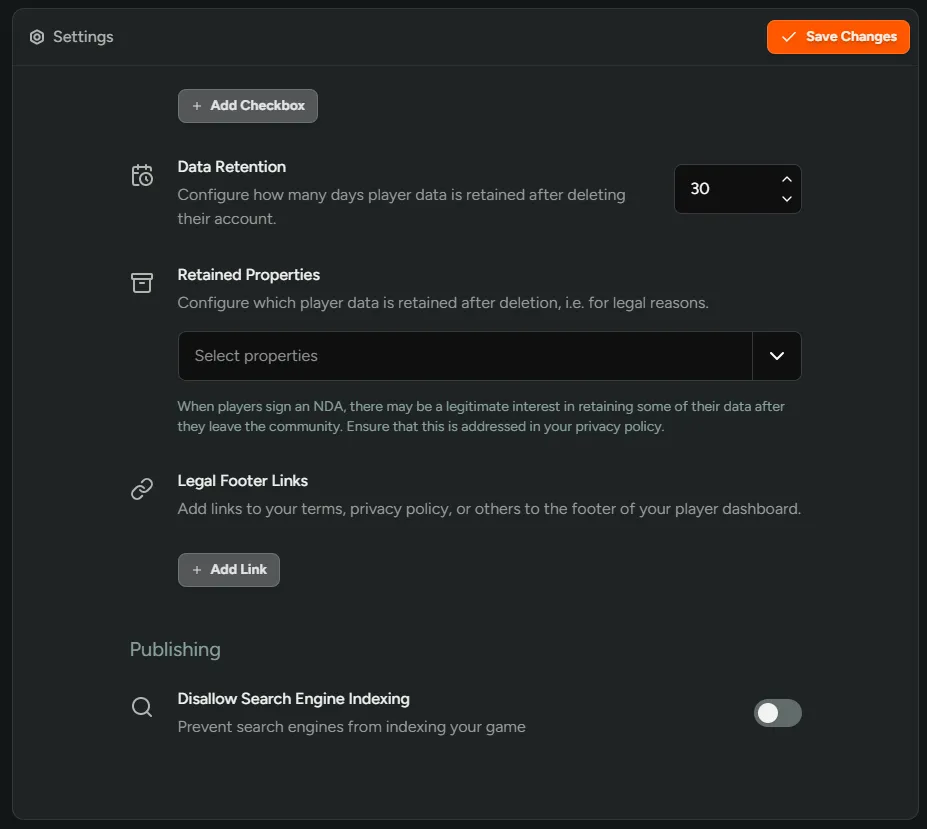
Legal Footer Links
Section titled “Legal Footer Links”To add links to your terms, privacy policy, or other legal documents to the footer of your player dashboard, navigate to Settings → General.